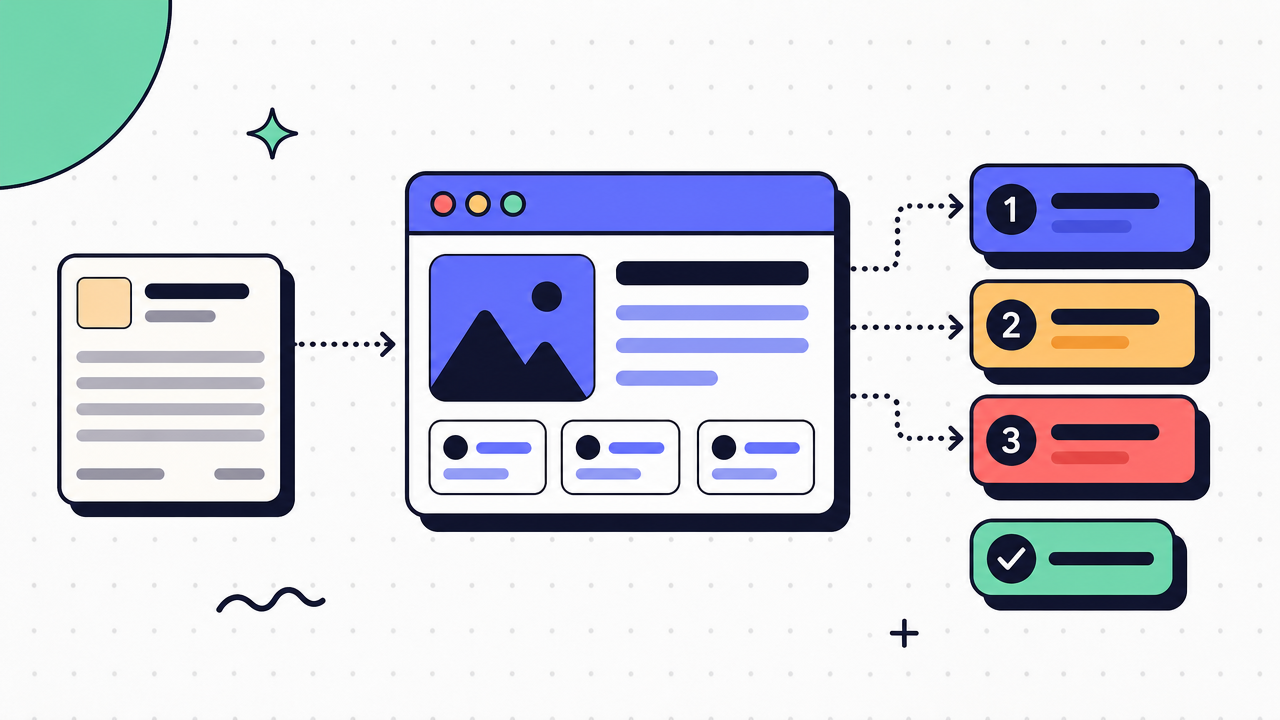
Training videos are easy to record. Useful training is harder.
Most teams learn this the slow way. Someone captures a screen, talks through a process, sends the file around, and calls it done. A week later, the product changes. A month later, nobody remembers where the recording lives. A new hire asks the same question again.
That is the real gap. Recording content is simple. Keeping training clear, current, and reusable at scale is the hard part.
This guide breaks down what training videos are, when they work, where they fail, and how to choose the right format for the job.
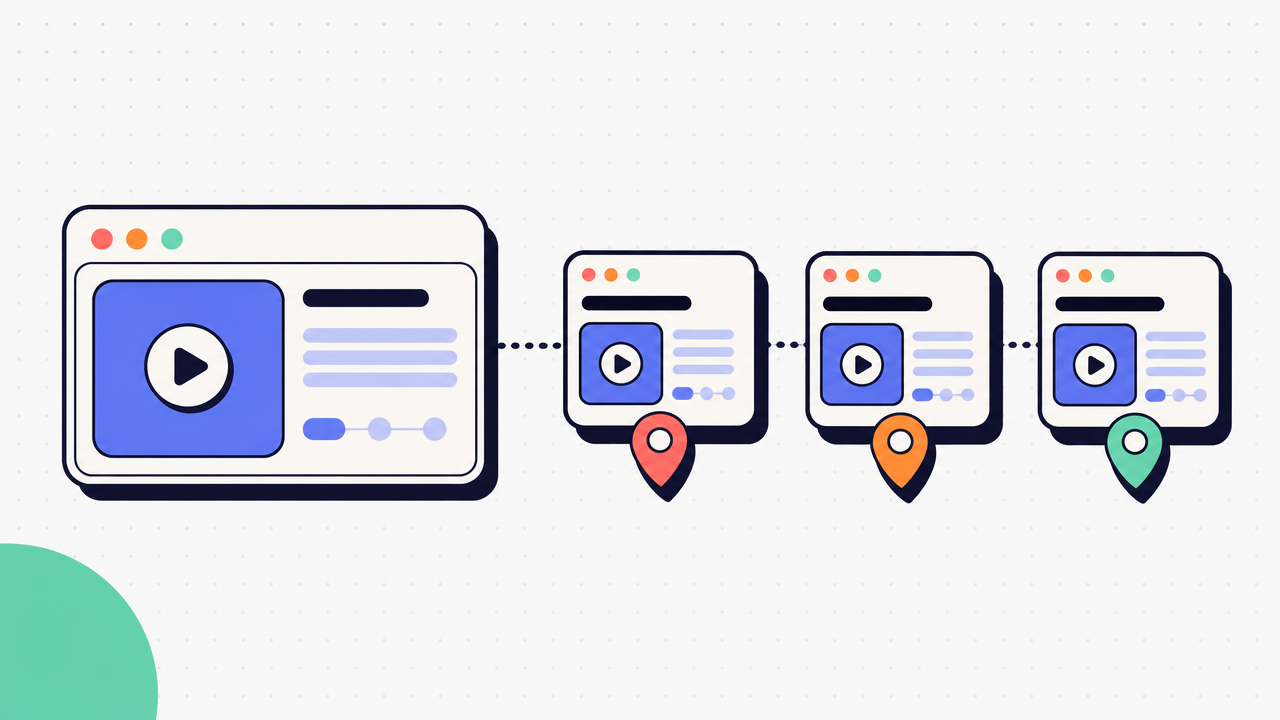
What training videos are and where they work best.
Training videos are recorded lessons that show people how to do something, understand something, or follow a process. In practice, that covers a wide range of formats.
Some are employee training videos for onboarding, internal systems, or role-specific tasks. Some are software walkthroughs that show a workflow step by step. Some are compliance explainers that cover policy changes, required procedures, or safety topics. Some are teacher training videos designed to help instructors learn methods, tools, or classroom systems.
The common thread is consistency. A training video gives every viewer the same explanation in the same order.
That matters for teams with repeated questions, distributed hiring, or processes that need to be taught the same way every time. Instead of relying on one person to explain the workflow live, over and over, the team can share one asset across locations, shifts, or time zones.
Training videos are often used to:
- standardize knowledge across teams
- reduce repeat explanations from managers or subject matter experts
- support remote and distributed onboarding
- introduce new products, tools, or workflows
- reinforce training after a live session ends
They are one format, not the whole answer.
Video training shows movement, timing, tone, and sequence. Written guides are faster to scan and easier to revisit during the work itself. Live instruction gives people a chance to ask questions in real time. The right choice depends on the task.
If the job is "show me how this looks," video is strong. If the job is "help me do this again in 30 seconds," a written guide is often better.
When training videos make the biggest impact.
Training videos usually work best when the task is repeatable and the audience needs the same explanation more than once.
Common use cases include:
- Repeatable workflows. Show how a recurring task happens from start to finish.
- New hire onboarding. Give new employees a clear introduction to tools, systems, and team processes.
- Product training. Walk through product features, internal tools, or customer-facing workflows.
- Customer support education. Teach users how to complete common tasks before they open a ticket.
- Process change communication. Show what changed, why it changed, and what the new path looks like.
In each case, the value comes from consistency. The same process. The same explanation. Fewer gaps.

Why training videos often fail.
The first failure is assuming the recording is the training.
A screen capture alone does not create understanding. It only captures motion. Real training needs structure, context, and a reason to pay attention.
That is why so many training videos fall flat after launch. The production cycle takes too long. By the time the video is approved, the process has already changed. The final file is longer than it needs to be. People stop halfway through. Later, when someone needs one detail from minute 8, they cannot search the video fast enough to find it.
Common problems show up fast:
- long production cycles
- outdated recordings after tool or process changes
- low completion rates on long videos
- poor searchability later
- too much information packed into one asset
There is also a hidden cost most teams underestimate. When training depends on one person explaining the same process every time, that person becomes the system. Their calendar fills up. Their explanation changes slightly from one session to the next. When they are out, the knowledge stalls.
Video can reduce that burden, but only if the content stays current and usable.
This is where many teams hit the wall. Recording a video is easy. Maintaining useful training at scale is not.
The gap between recording and real training.
Real training content does 3 things well.
It shows the task clearly. It explains why the task matters. It stays current when the workflow changes.
That is the difference between a raw recording and something people can actually learn from. Effective training needs a clear beginning, a defined outcome, and fast updates when screens, steps, or rules shift.
If updating one small step means redoing a 12-minute video, the format starts working against you.

How to create training videos that people actually finish.
If you are wondering how to create training videos that people will watch and reuse, start by making them smaller.
The best training videos are short, single-purpose, and tied to one learning goal. One task. One answer. One outcome.
A simple workflow looks like this:
- Define the task. Decide exactly what the viewer should be able to do after watching.
- Script the key steps. Write the core sequence and the few points that need explanation.
- Capture the process. Show the workflow in the order people will follow it.
- Edit for clarity. Cut dead time, remove mistakes, and tighten the pacing.
- Publish where the team already works. Put it in the tools people already open during the day.
This is usually enough for most internal training.
For simple use cases, free training videos may be enough. If you need a quick walkthrough for one small workflow, a basic capture tool can work. The limit shows up later, when you need updates, searchability, reuse, or a written reference people can scan during the task.
That is why short videos tend to perform better. They ask less of the viewer. They are easier to revise. They are also easier to pair with a guide for reference.
Accessibility matters too. Training only works if people can actually follow it.
Cover the basics:
- add captions
- use readable text and clear zoom levels
- keep visuals uncluttered
- use plain language
- avoid jargon unless the audience already uses it
- pace narration so people can follow without replaying every section
Clear beats clever. Short beats sprawling.
A practical production checklist.
Before you publish, check these points:
- Audience: Who is this for, and what do they already know?
- Outcome: What should they be able to do after watching?
- Recording quality: Is the screen readable? Is the audio clear?
- Editing needs: Can you cut pauses, errors, and repeated explanations?
- Review process: Who needs to confirm the process is correct?
- Version control: How will you update the content when the workflow changes?
- Distribution: Where will people find it when they need it?
If you cannot answer the version-control question, stop there. That is where useful training starts to decay.
How to choose the right format for training.
Most teams do not need to choose between training videos and written assets forever. They need to choose the right format for the right moment.
Training videos are strong when the viewer needs to see movement, hear tone, or watch a sequence happen in real time. That makes them useful for demonstrations, walkthroughs, and orientation.
Step-by-step guides are better for reference. People can scan them faster, jump to the relevant step, and return to them during the task. They are also faster to update when one screen or action changes.
Traditional SOPs are useful when a process needs formal approval, policy language, or audit history. They are often the source record, but not always the best daily teaching asset.
Hybrid training usually works best. A short video shows the task. A written guide supports the task later.
That matters most for employee training videos tied to repeatable software workflows. People may watch the video once. They will revisit the guide many times.
For software-heavy work, that split is practical. Video introduces. A guide supports execution.
When a written guide beats a video.
Written guides beat video when speed and reference matter more than motion.
That includes cases like:
- Policy steps. People need exact wording and a clear sequence.
- System configuration. One changed field should not force a full rerecord.
- Ticket deflection. Users want the answer now, not at minute 6.
- Process documentation. Teams need something easy to update and share.
This is where capture-based guide creation stands out. Instead of writing from scratch, you capture the workflow once and let the tool create a polished step-by-step guide from the clicks. Haiku does that in 3 clicks, then lets you edit, blur, and share one link. It is genuinely free, with browser and desktop capture plus SOC 2 Type II and GDPR compliance included.
Most teams need both formats. The mistake is forcing video to do the whole job.
What to expect from training videos and how to measure results.
Training videos can improve consistency. They can reduce repeat explanations. They can help new hires ramp faster.
They do not fix a broken process. They do not replace hands-on practice. They do not turn unclear policy into clear instruction on their own.
Set expectations at the right level.
A good training video helps people understand the path. It does not remove the need for feedback, coaching, or real work in the system itself.
To measure results, focus on what changes after rollout:
- Completion rate: Do people finish the asset?
- Time to proficiency: How long until someone can do the task correctly?
- Repeat questions: Are the same questions still showing up?
- Support volume: Do related tickets drop after the training is published?
- Rework or error rate: Are people making fewer avoidable mistakes?
Use those signals to decide where to invest.
Choose video when the task depends on motion, tone, or demonstration. Choose a written guide when people need fast reference and frequent updates. Combine both when the process is important, repeatable, and tied to software work people will revisit often.
The goal is not more training content. It is fewer repeated explanations, faster ramp time, and clearer work.
Start creating. Genuinely free. No credit card required. The outcome is training people can actually use.