A user manual usually gets written after the questions start.
How do I set this up. Which button do I click. Why did this step fail. Where is the latest version. The work already exists. The manual just does not.
That is why so many manuals underperform. They are written late, packed with filler, saved as a PDF, then forgotten until the next support spike. The result is familiar. More repeat questions. Slower onboarding. More rework.
A good user manual does the opposite. It helps someone complete a task without guessing. It gives support teams fewer tickets to answer. It gives ops, HR, IT, and training teams one version people can actually follow.
What is a user manual, and why does it matter?
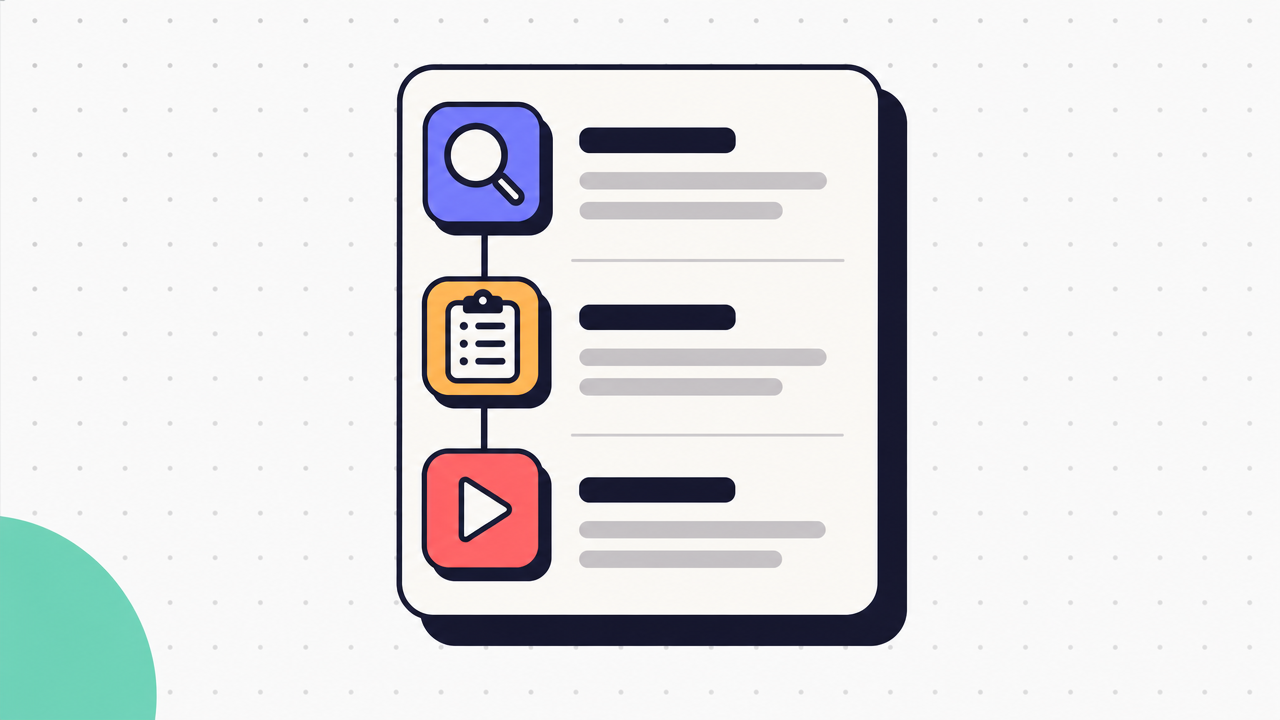
A user manual is a structured guide that helps someone use, maintain, or troubleshoot a product, system, or process.
In practice, that can mean a software setup guide, an equipment instruction manual, an internal process guide, or customer help content. The format changes. The job stays the same. Help someone do the task correctly.
Teams need a user manual because repeated explanation does not scale. When the same task lives in one person's head, work slows down fast. A clear manual reduces repeat questions, speeds up onboarding, lowers support volume, improves compliance, and makes execution more consistent.
It also helps people work without waiting. That matters more than length. Most readers do not want a long document. They want the next right step.
A user manual is not the same thing as every other guide format:
- User manual: structured instructions for using, maintaining, or fixing something.
- SOP: a formal internal process document that defines the required way to perform a repeatable task.
- Knowledge base article: a focused answer to one question or issue.
- Quick start guide: the shortest path to first use.
- Training document: broader learning material that explains concepts, context, and practice.
What readers expect from a user manual.
Readers expect a user manual to answer 3 questions fast.
What is this for. What do I need before I start. What do I do next.
That means a useful manual usually includes a short purpose statement, intended audience, prerequisites, step-by-step instructions, troubleshooting help, and a way to confirm they are using the current version. Whether the subject is software, equipment, or an internal workflow, the reader expects clear sequencing and plain language.
Where most user manuals fail.
Most user manuals fail for boring reasons.
The steps are vague. Screenshots are missing or added everywhere, which creates noise instead of clarity. The sequence reflects how an expert thinks, not how a new user works. The file is outdated. The PDF sits in a shared drive no one can search, edit, or trust.
The problem is rarely effort. It is usually format and maintenance. A manual that cannot be updated quickly becomes a record of how the task used to work.
What to include in a complete user manual.
A complete user manual should contain enough context to help the reader act, not every fact the writer knows.
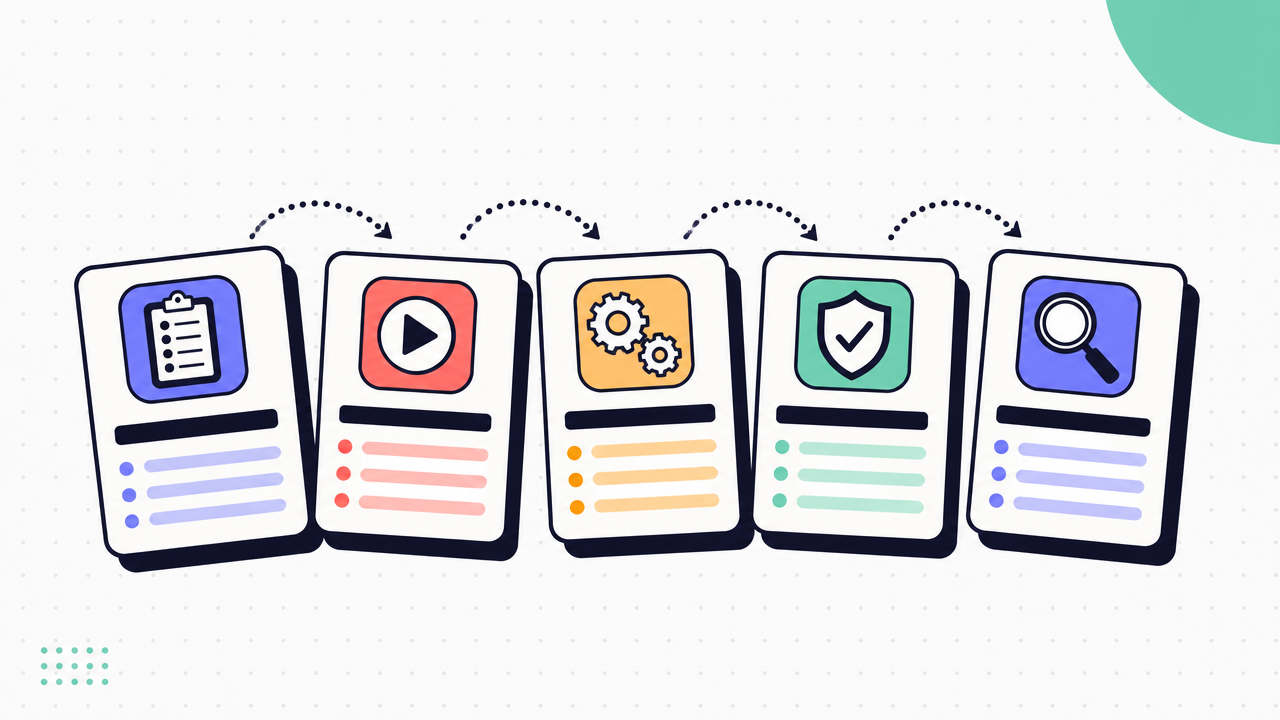
The standard structure looks like this:
- Title page
- Purpose
- Audience
- Prerequisites
- Safety or access notes
- Step-by-step instructions
- Troubleshooting
- FAQs
- Revision history
That structure changes by context.
A software manual may need login requirements, screenshots, and common error states. An equipment manual may need safety warnings, maintenance intervals, and part references. An internal process guide may need approval rules, systems used, and escalation paths. Customer-facing help content usually needs shorter sections and faster navigation.
The rule is simple. One task per section. Number the steps. Use plain language. Add screenshots only when they remove ambiguity.
Core sections every user manual should have.
Here are the must-have sections and what each one should do:
- Title and purpose Name the task and explain what the manual helps the reader do.
- Audience Clarify who this is for. New hires, admins, customers, field technicians, or support agents.
- Prerequisites List required access, tools, permissions, or materials.
- Safety or access notes Call out risks, restricted actions, or policy requirements before the task starts.
- Step-by-step instructions Present the workflow in order. Each step should describe one action.
- Expected result Show what success looks like so the reader knows they are still on track.
- Troubleshooting Cover the common failure points, likely causes, and what to do next.
- FAQs Answer the recurring questions that do not fit cleanly inside the steps.
- Revision history Show what changed, when, and who owns the manual.
User manual example: simple structures that work.
The best user manual example is usually smaller than people expect.
Short internal user manual
- Purpose
- Who this is for
- Required access
- 5 to 10 numbered steps
- Common errors
- Owner and last updated date
Product onboarding manual
- What the product does
- Account setup
- First-use workflow
- Basic settings
- FAQs
- Support contact or help link
Technical user manual example
- Scope and system context
- Roles and permissions
- Dependencies
- Main workflow
- Alternate paths
- Error handling
- Validation checks
- Revision log
The structure gets deeper as the workflow gets riskier. Not longer by default.
When to use a user manual template.
A user manual template saves time when your team creates the same kind of guide again and again. It helps with consistency, review, and governance.
It creates clutter when people treat the template as a form to fill in. Empty sections, repeated boilerplate, and irrelevant headings make manuals harder to use.
Use a template when the work benefits from standard fields like audience, prerequisites, warnings, and ownership. Cut any section the reader does not need. The task decides the structure. The template does not.
How to write a user manual people will actually use.
Start with the real workflow. Not the polished version people describe in a meeting.
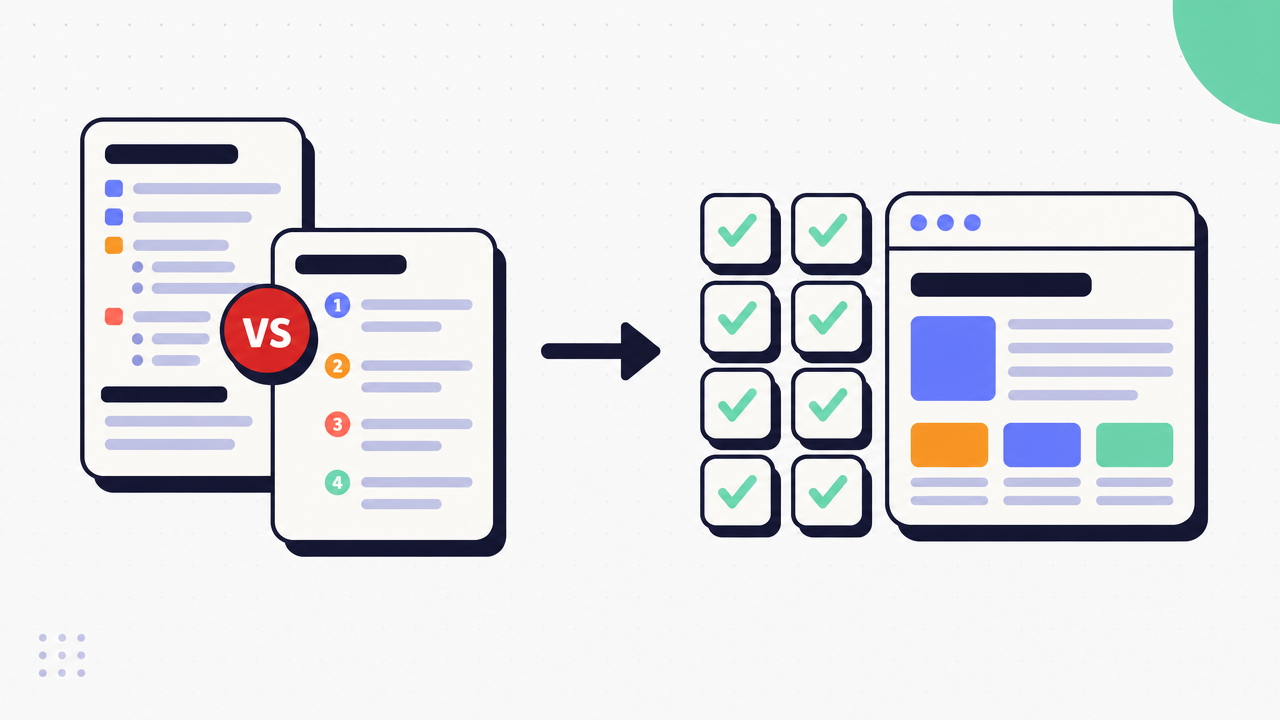
A strong user manual comes from observing the task as it happens, drafting from that source, reviewing it with the right people, testing it with a new user, then publishing it where people already work. That process is faster than writing from memory because it reduces rework.
This is also where visual guides help. For software and system tasks, capturing the workflow as it happens gives you the order, screens, and UI details in one pass. That improves speed and accuracy, especially when tools change often.
Good manuals also have measurable value. They reduce repeated training, cut support dependency, and lower the time spent fixing preventable mistakes.
Start with the task, not the document.
Before you write anything, define the job the reader needs to complete.
What are they trying to do. What do they already know. What access do they have. Where do they usually get stuck. Which decisions change the path.
Those questions shape the manual more than any template will. A task with 1 clear path needs different instructions than a task with approvals, exceptions, or multiple systems. If you start with the file instead of the task, the manual turns into a storage problem instead of a guide.
Write steps that survive real use.
Good steps are specific, observable, and short.
Use numbered steps for actions. Start each step with a verb. Keep one action per step where possible. Name fields, buttons, or menu items exactly as they appear. Add warnings before the risky action, not after it. State the expected outcome when the reader needs a checkpoint.
Use screenshots only when the screen is the instruction. If the text is enough, skip the image. If the screen has 12 similar options, add the image.
For alternate paths, avoid dumping every exception into the main flow. Keep the core path clean. Add branches only where the choice matters.
Review, test, and publish the user manual.
A draft is not done when the writer understands it. It is done when someone else can use it.
Review with a subject matter expert to check accuracy. Test it with someone who has not done the task before. Watch where they pause, misread, or open another tab for help. Those moments show you what the manual still misses.
Then publish with ownership. Every user manual needs a named owner, version control, and a home people can find. Distribution format matters because adoption depends on access. A perfect manual buried in a folder still fails.
What format should a user manual use?
The right format depends on how often the task changes, where people use it, and whether they need it during the workflow or before it.
Common formats include:
- Web pages
- Knowledge base articles
- Embedded guides
- Downloadable files such as PDF
Web pages and help articles are strong when searchability and updates matter. Embedded guides work well when users need help inside the product or workflow. Downloadable files help when offline access or formal recordkeeping matters.
When a user manual PDF makes sense.
A user manual PDF still makes sense in a few cases.
Offline access. Regulated environments. Field work. Audits. Customer expectations where a downloadable file is part of the handoff.
If someone needs to print it, store it as a controlled document, or carry it into a low-connectivity setting, a user manual PDF is still a useful output.
The limits of static manuals.
Static manuals create maintenance problems fast.
Screenshots go stale. Multiple versions circulate. Search is weak. People cannot use the guide in the flow of work. Even when the content is good, the format adds friction.
That is why long PDF manuals often become reference archives instead of active guides.
A practical publishing mix for modern teams.
Most teams need more than one format. They do not need more than one source.
A practical model is this: create the guide once, publish it as a live web guide, embed it where users need help, and export a user manual PDF download when offline or audit needs require it. That approach reduces duplicate writing and keeps updates closer to the source.
Haiku fits that model well. Capture the workflow once. The AI writes the guide, highlights the key UI element, and numbers the sequence into a polished draft. Then share one link, embed it where the team works, or export to PDF, Markdown, or HTML. 3 clicks to capture. 2 minutes to publish. 1 link to share.
Limitations, maintenance, and how to keep a user manual current.
No user manual stays useful on its own.
Even a strong manual needs ownership, review cycles, and updates when the workflow changes. Manuals also have limits. They help with repeatable tasks. They do less well with judgment-heavy work, edge cases, or situations where people need live support.
The goal is not to document everything. It is to reduce friction on the tasks that should not require another meeting or ticket.
Why good manuals still go stale.
Software changes. Policies change. Teams invent workarounds. Access rules shift. New tools get added around the original workflow.
That is how good manuals go stale. Not because the writer failed, but because the work moved. If updates are slow, people stop trusting the manual and return to asking around.
What to measure after publishing.
Track whether the manual changes behavior.
Useful metrics include:
- Support ticket volume for the documented task
- Guide views and completion rates
- Onboarding speed
- Search success
- Repeat requests for help on the same workflow
- Time spent answering known questions
If usage is low, the issue may be discoverability. If usage is high but questions remain, the issue is probably clarity.
How modern teams create manuals faster.
Modern teams create manuals by capturing work as it happens instead of rebuilding it later from notes and screenshots.
That matters because manual formatting is where time disappears. Haiku reduces that work. Capture any web app through the Chrome extension or capture desktop apps on Mac and Windows. The AI writes the steps, you edit anything you want, then share or export the result. Haiku is genuinely free, with browser and desktop capture, AI descriptions, and SOC 2 Type II plus GDPR compliance included.
Start creating. Genuinely free. No credit card required. The outcome is a manual people can follow.