1
Click Insert
Open the Insert menu.
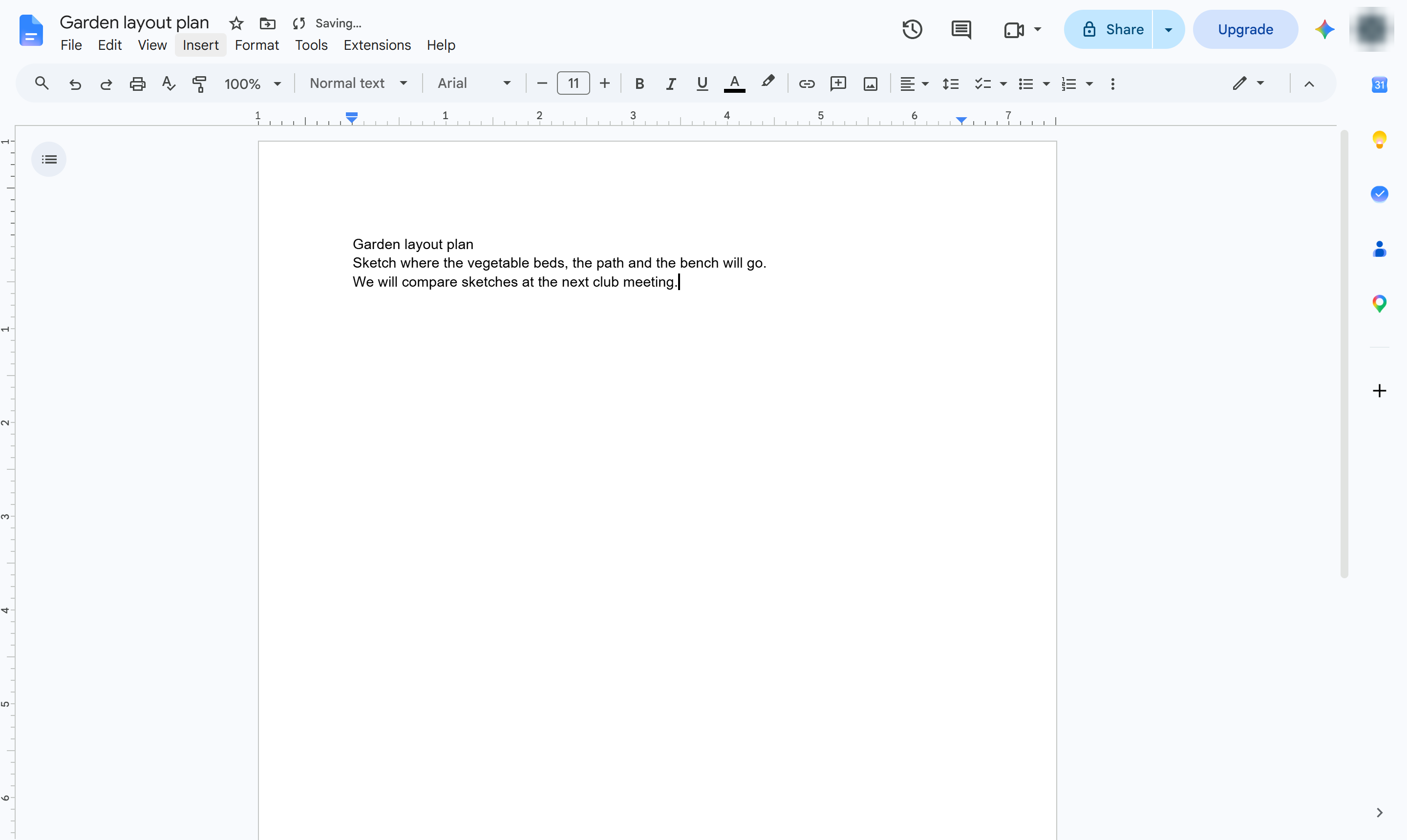

Sketch freehand in your document with the Scribble tool in Insert > Drawing.
Open the Insert menu.
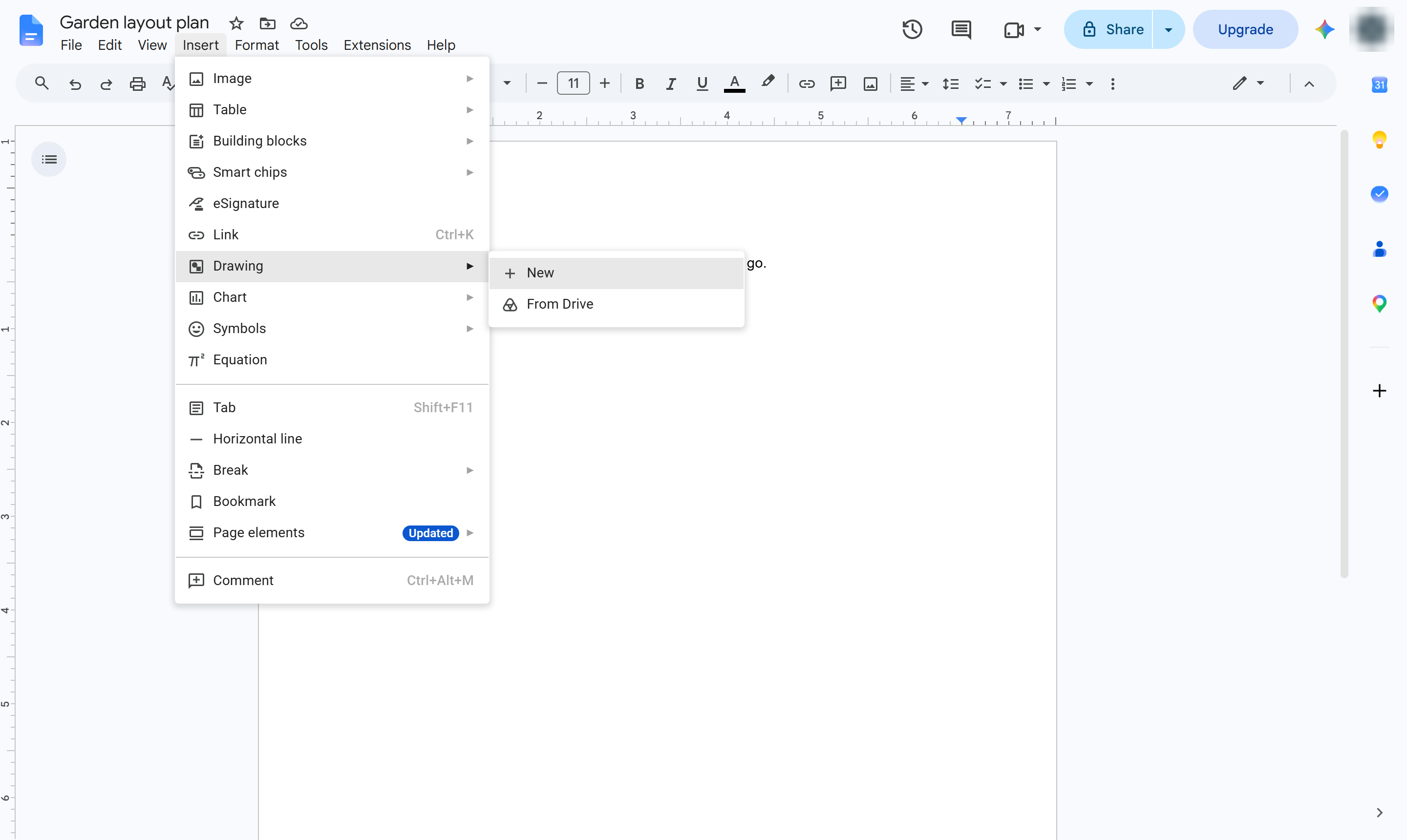
Hover over Drawing.
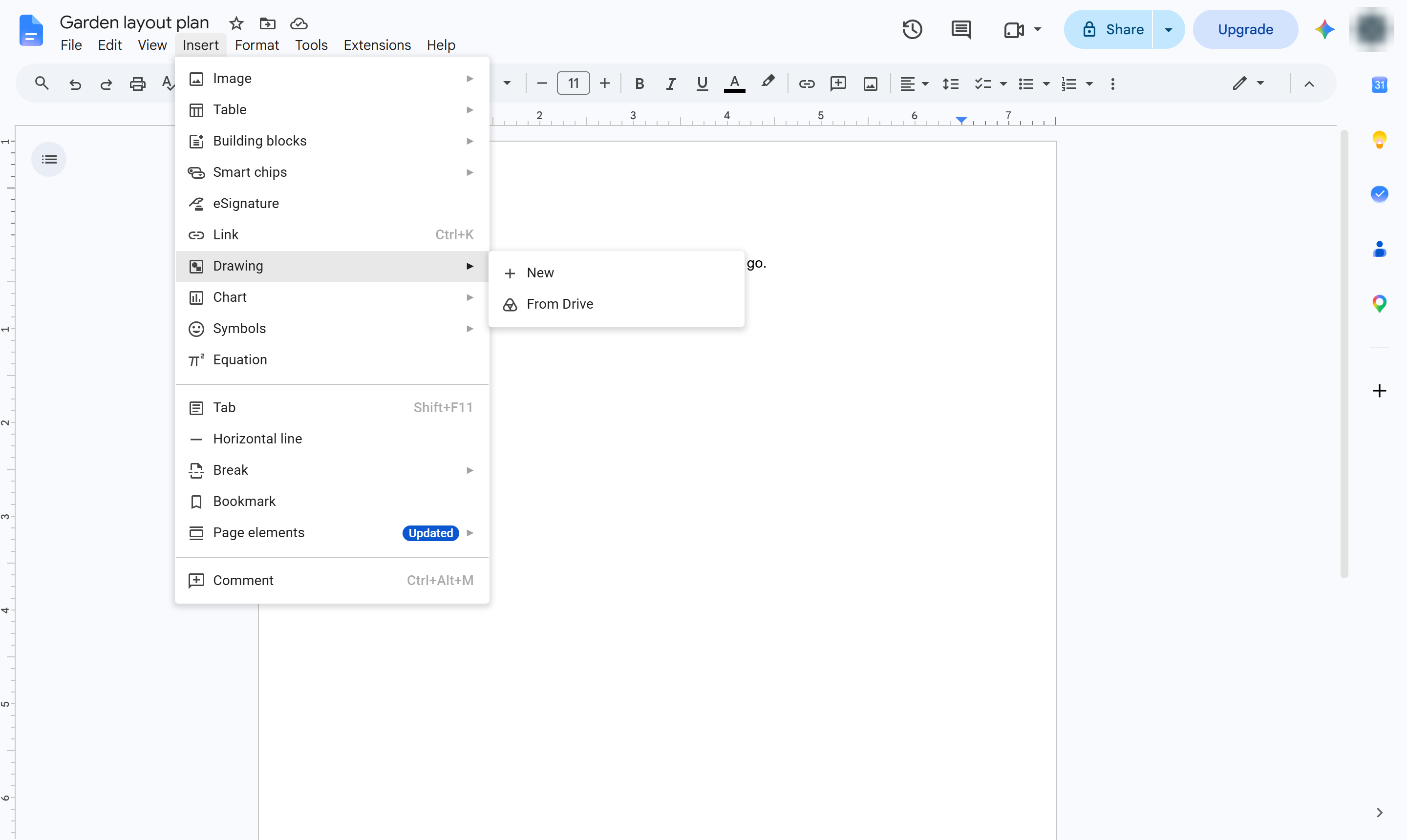
Choose New. A drawing canvas opens over your document.
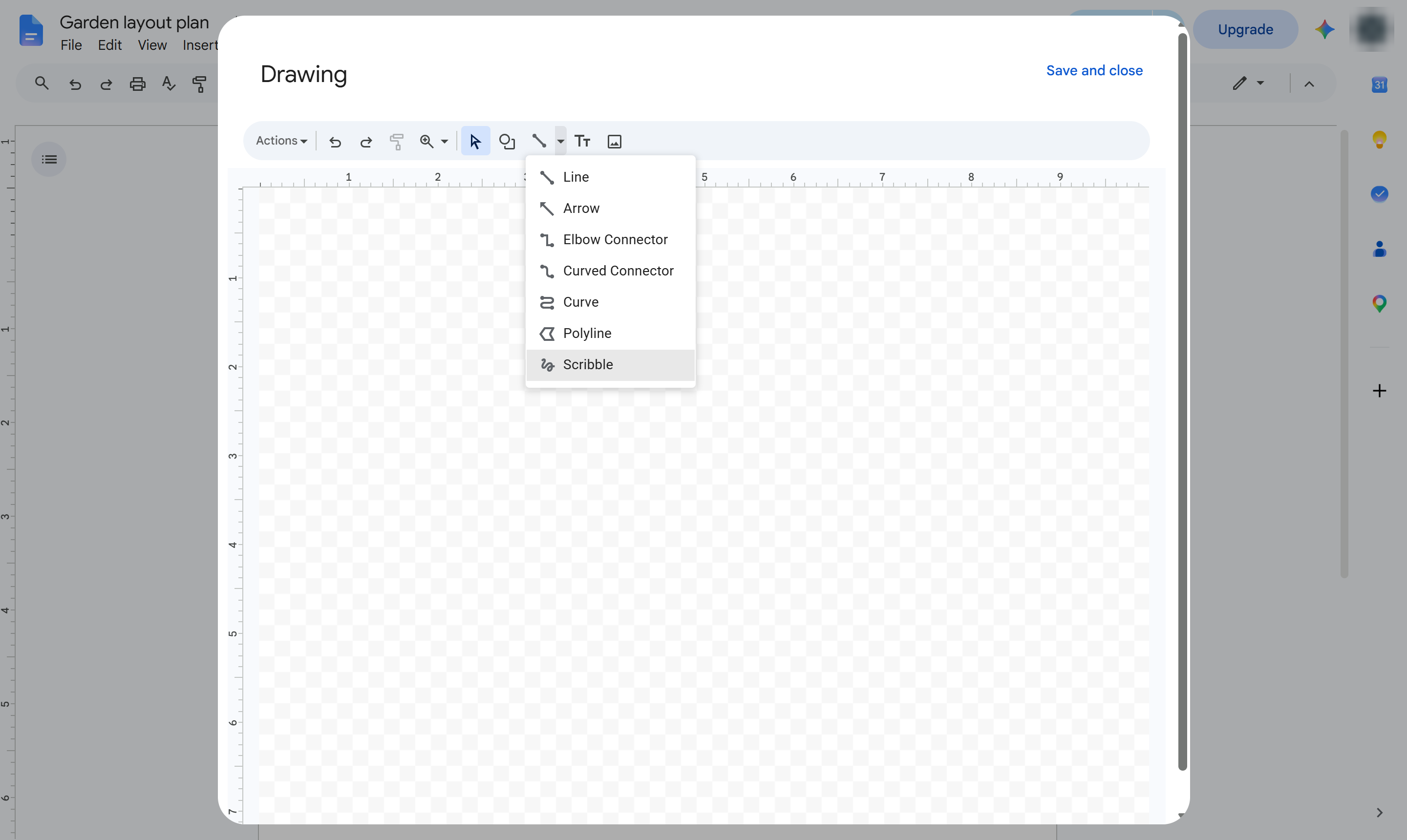
In the drawing toolbar, click the small arrow next to the Line tool.
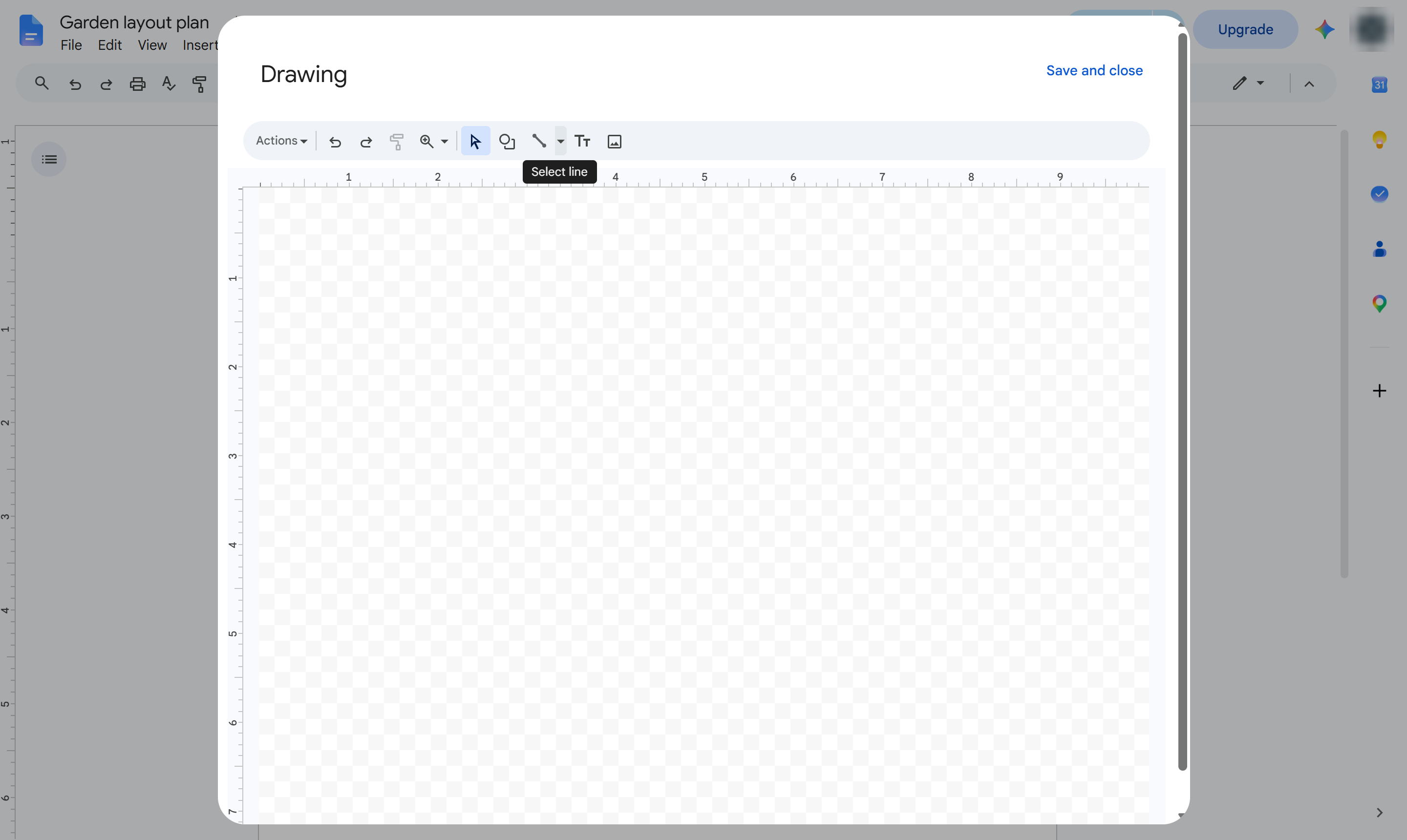
Choose Scribble to draw freehand.
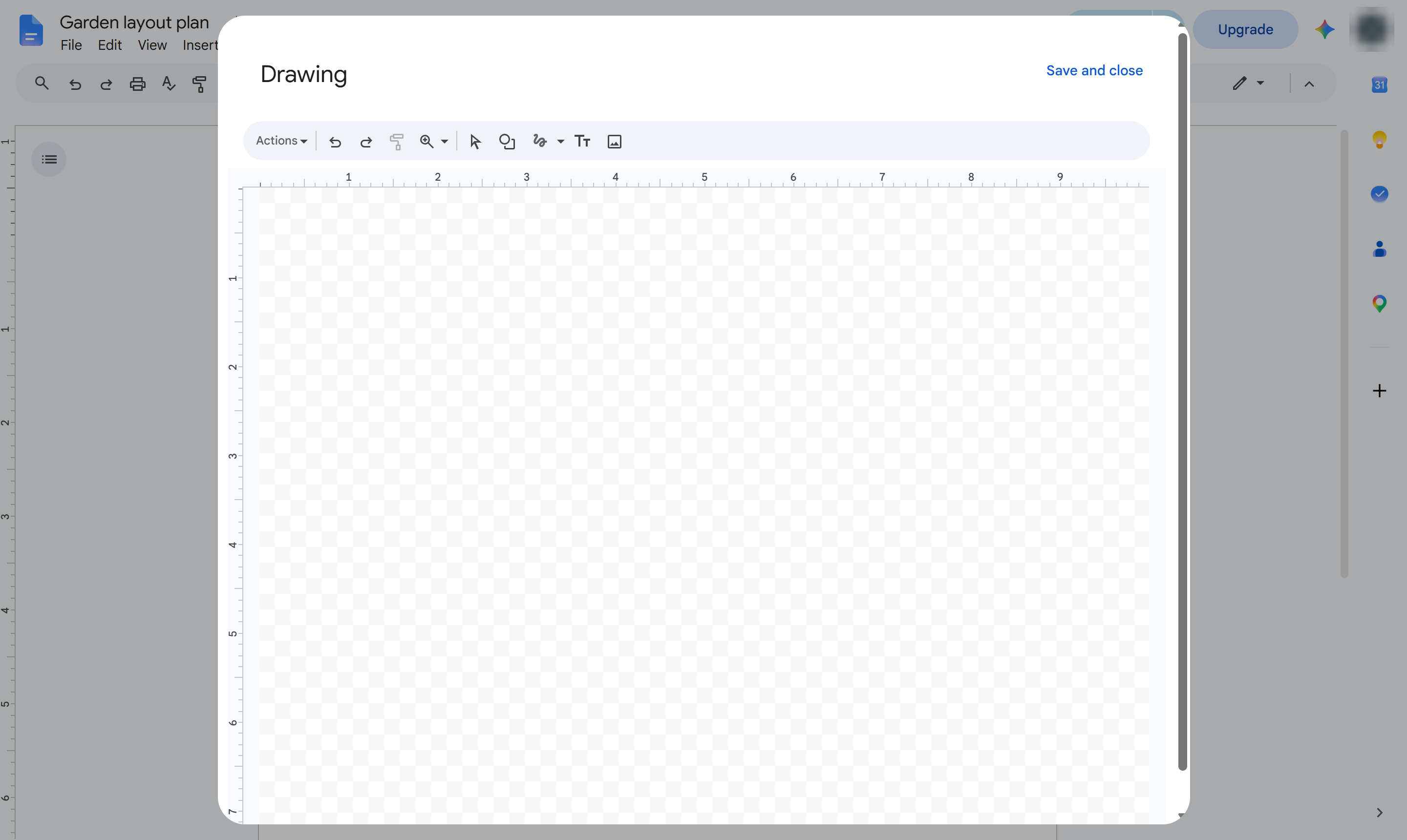
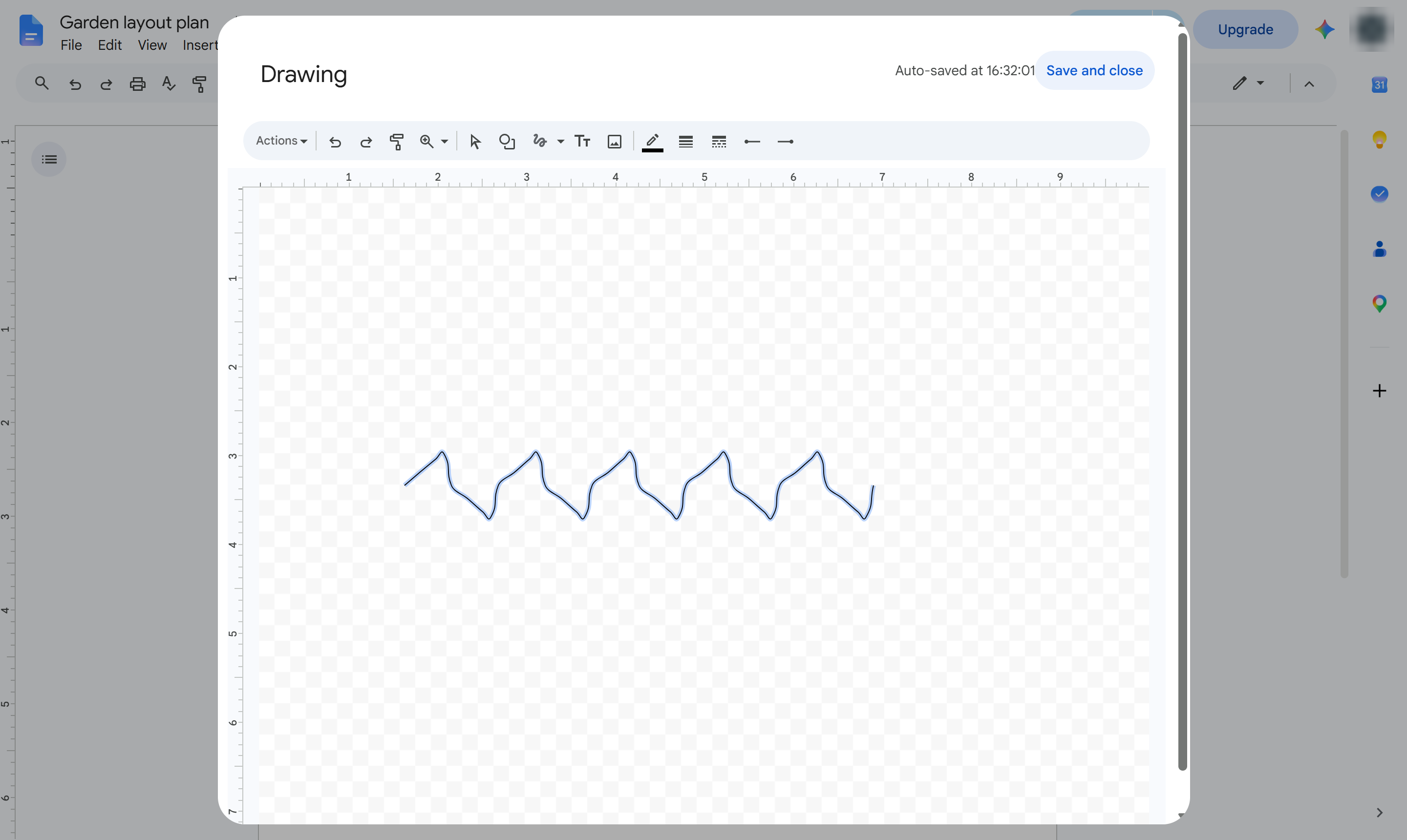
Hold down the mouse button and drag to draw. Let go to finish the line.
Click Save and close. Your drawing is added to the document.
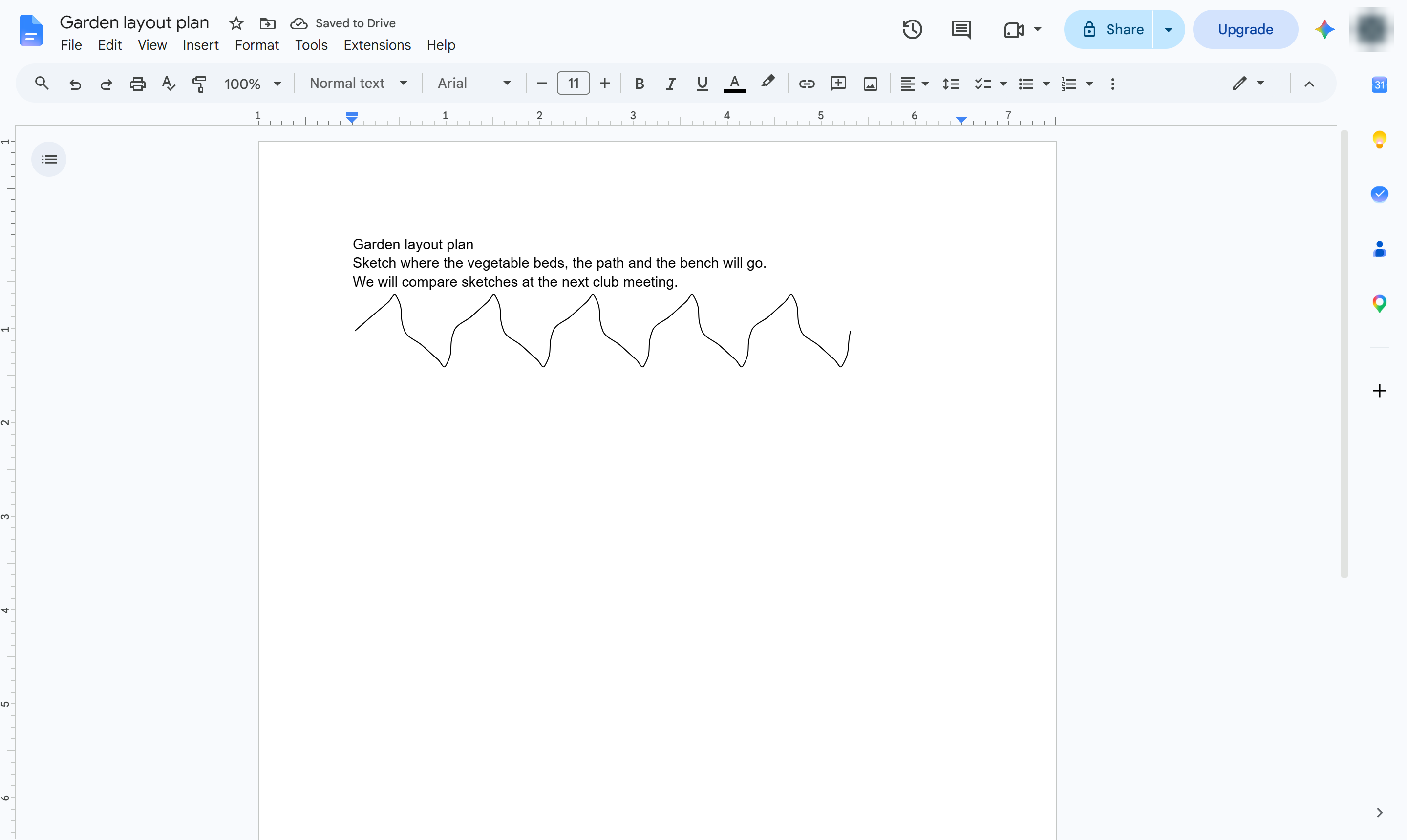
The sketch sits in your document. Double-click it to open the drawing again and change it.
Duplicate this template, swap in your own screens, and share it with your team. Free to start — no credit card.
Fill out the form and we'll get back to you as soon as possible.
Tell us about your team and we'll find the right plan together.