1
Click File
Open the File menu.
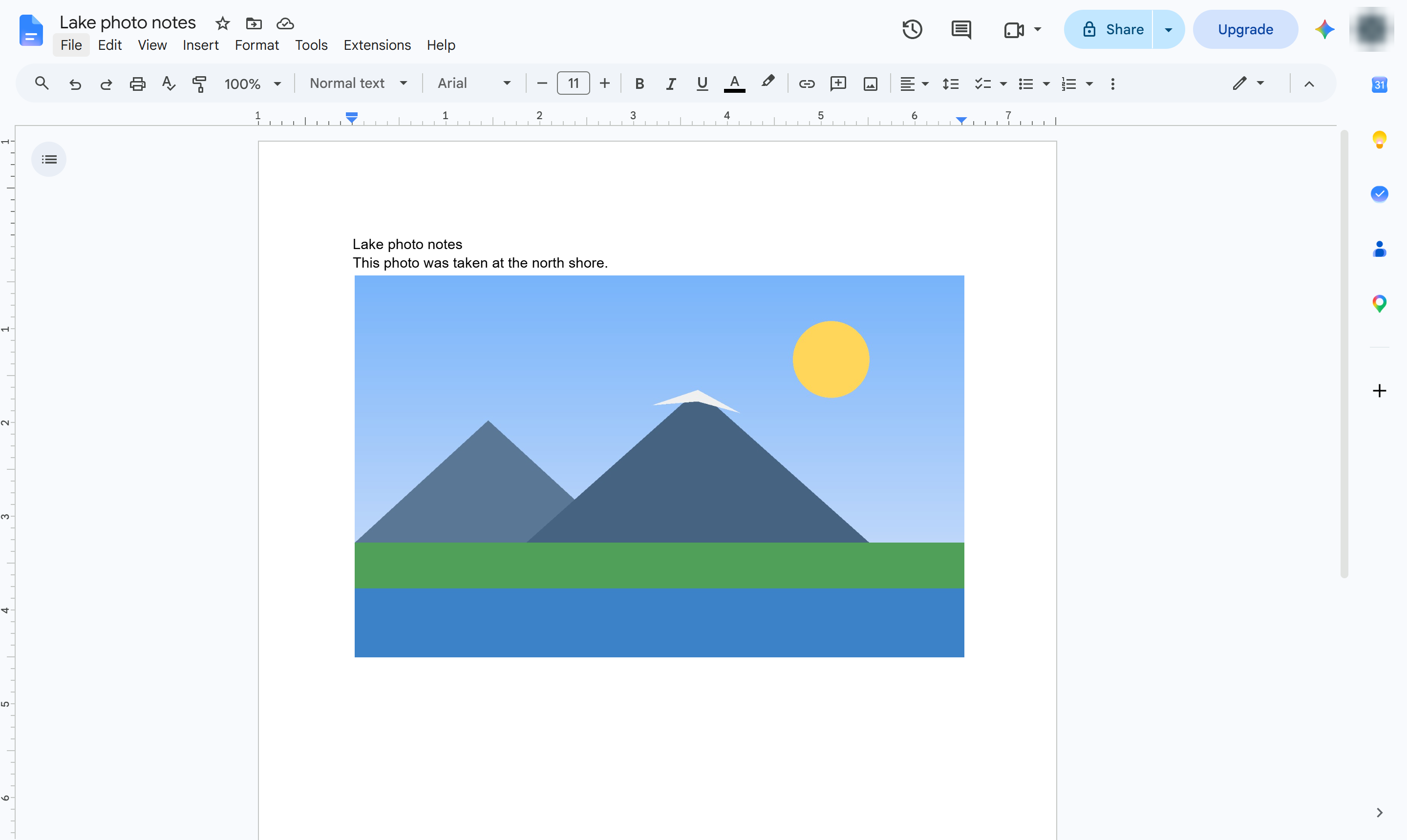

Save the pictures in a document to your computer by downloading it as a web page.
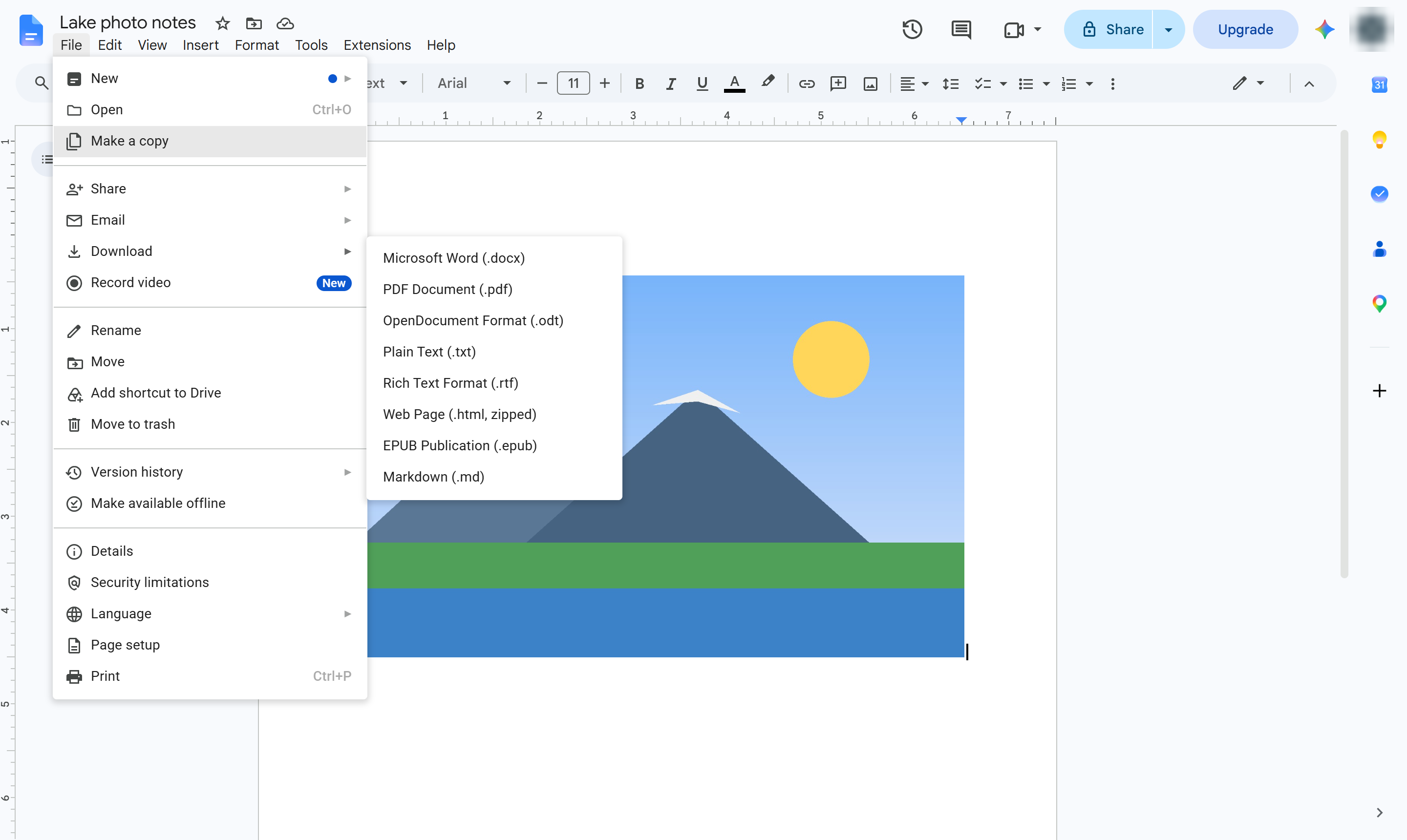
Open the File menu.
Hover over Download to see the formats.
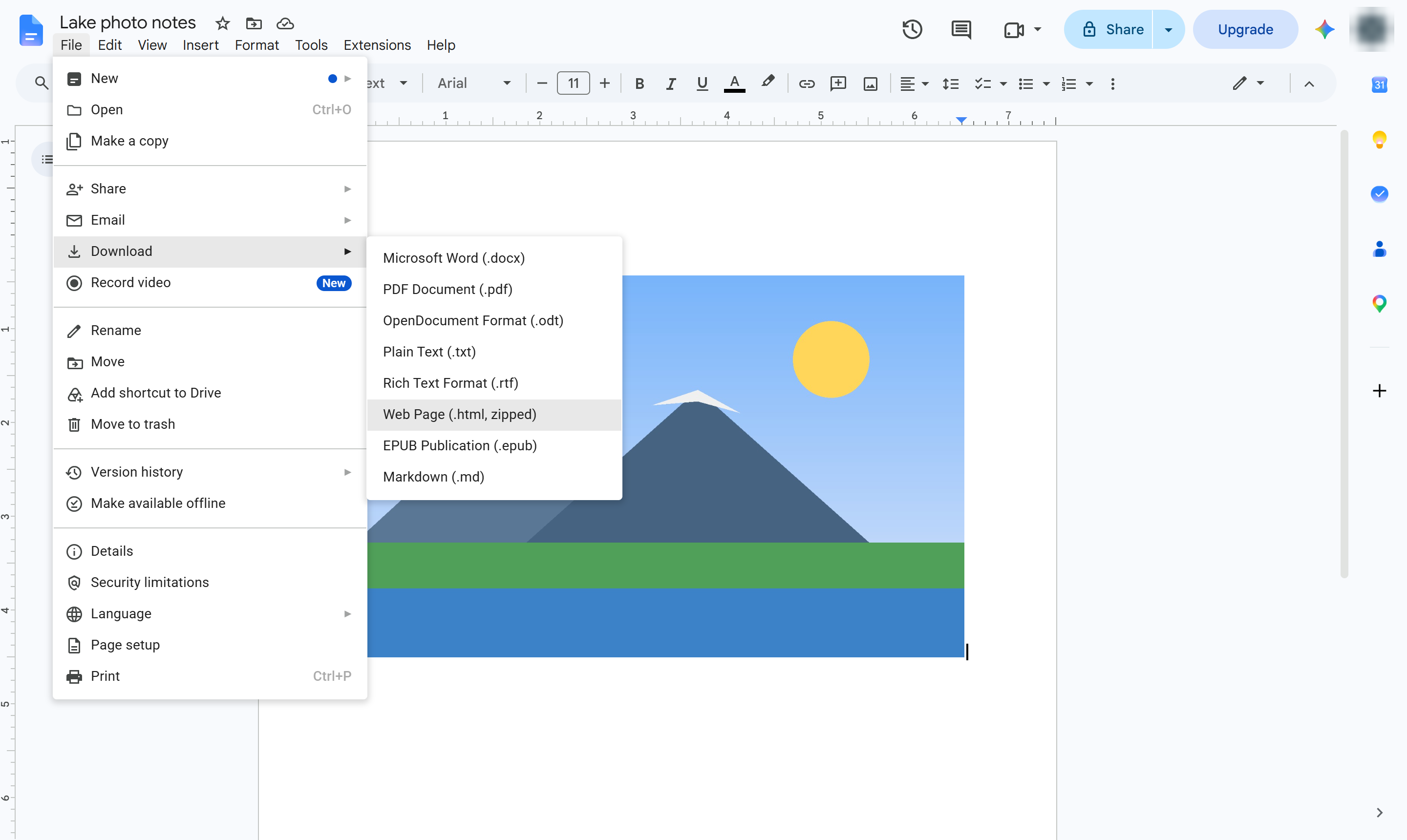
Choose Web Page (.html, zipped). Open the downloaded ZIP file - its images folder holds every picture from the document at full size.
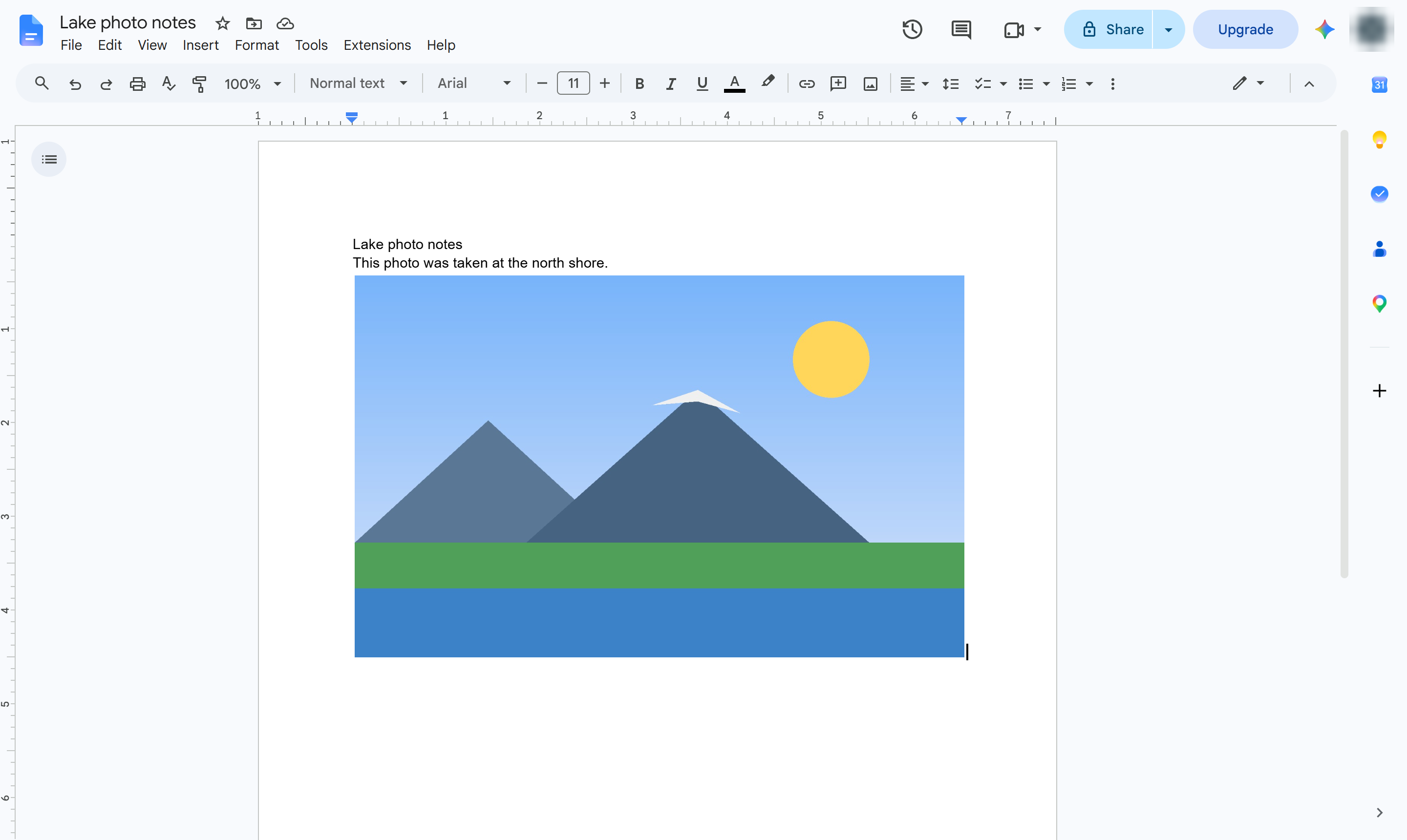
After unzipping, copy the pictures you need from the images folder. For a single picture, you can also take a screenshot of it.
Duplicate this template, swap in your own screens, and share it with your team. Free to start — no credit card.
Fill out the form and we'll get back to you as soon as possible.
Tell us about your team and we'll find the right plan together.