1
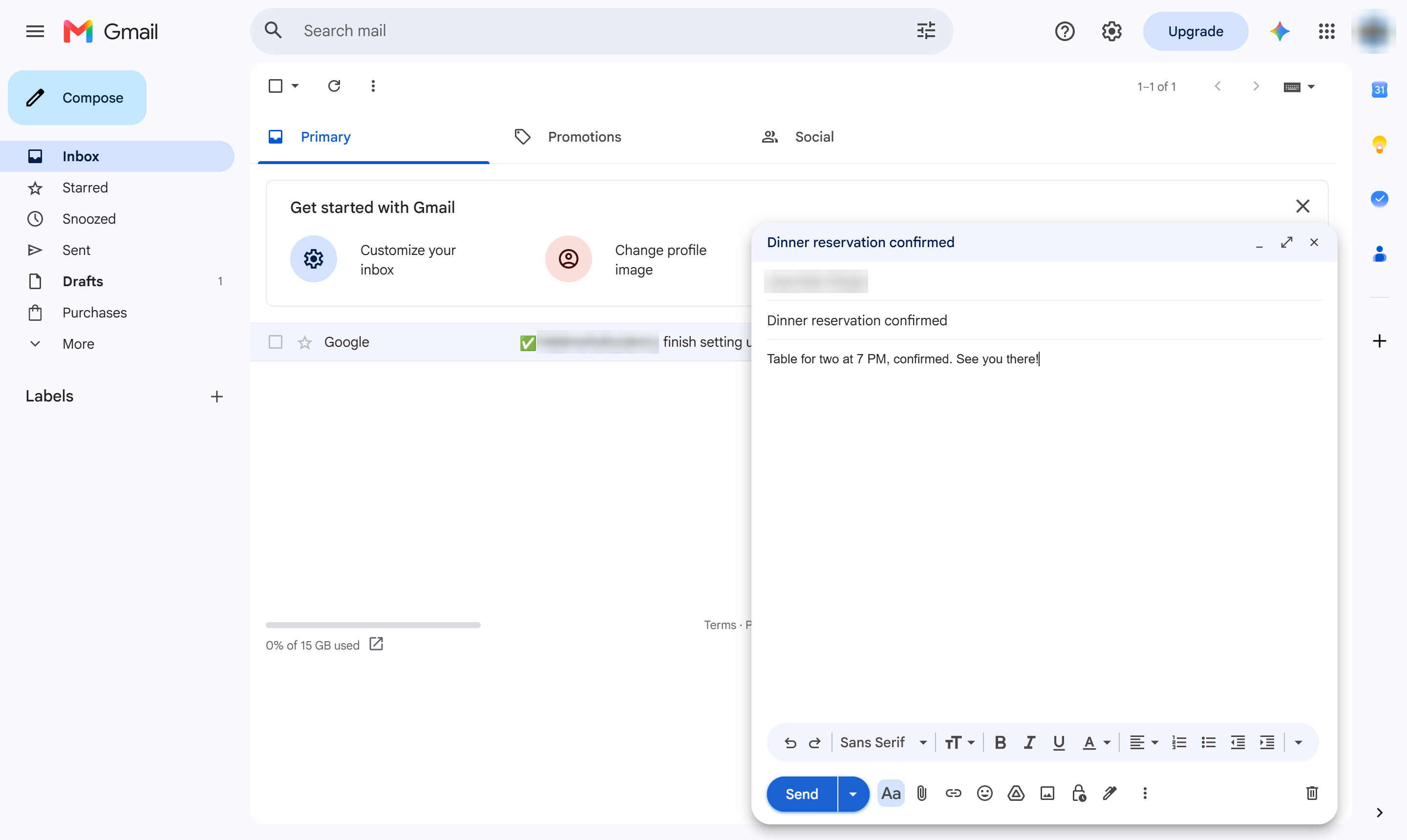
Click Compose
At the top left, click Compose.
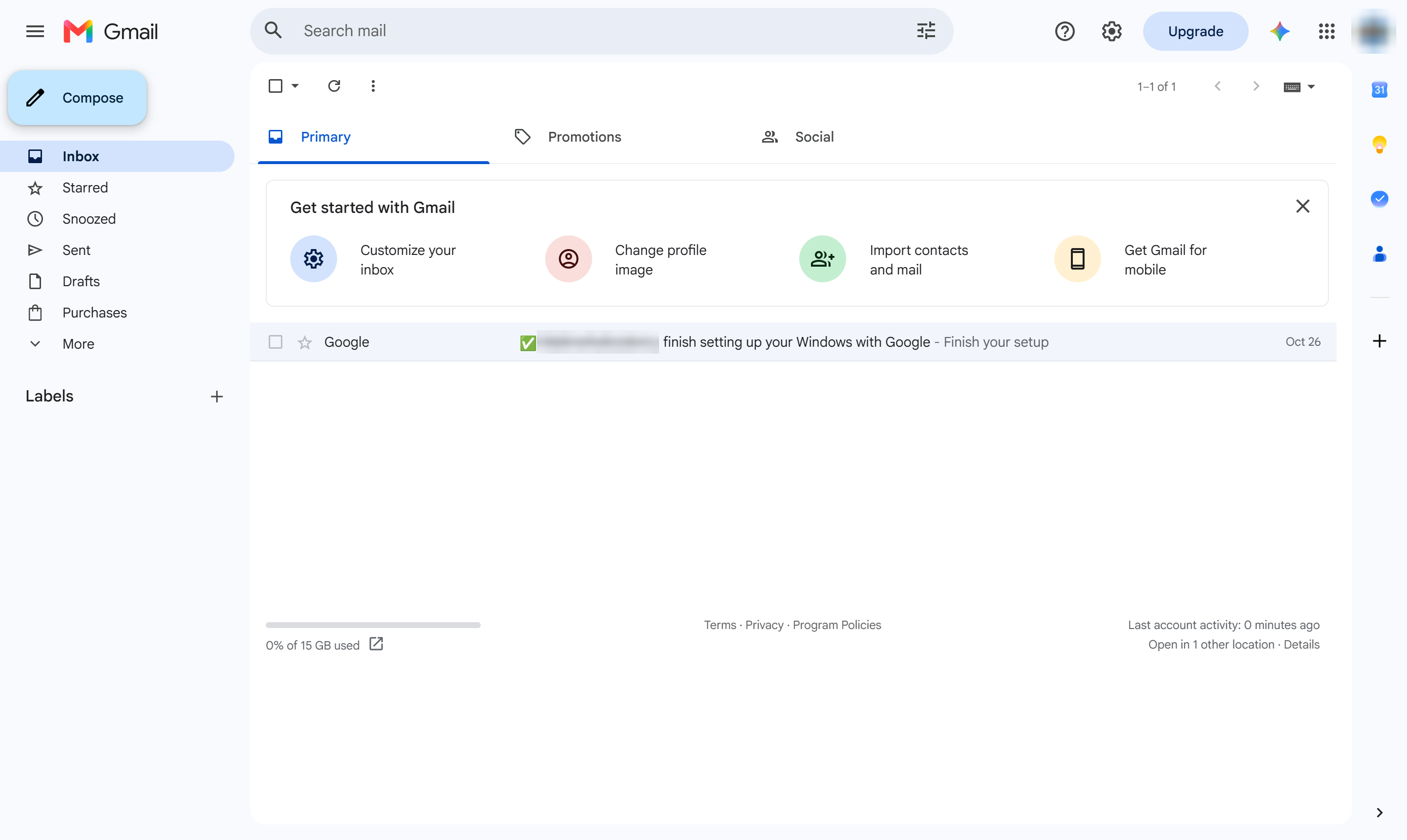

This guide walks you through how to compose and send an email using Gmail. You will learn how to open the compose window, fill out key fields such as the recipient's address, subject line, and message body, and successfully send your message.
At the top left, click Compose.
Click the To box.
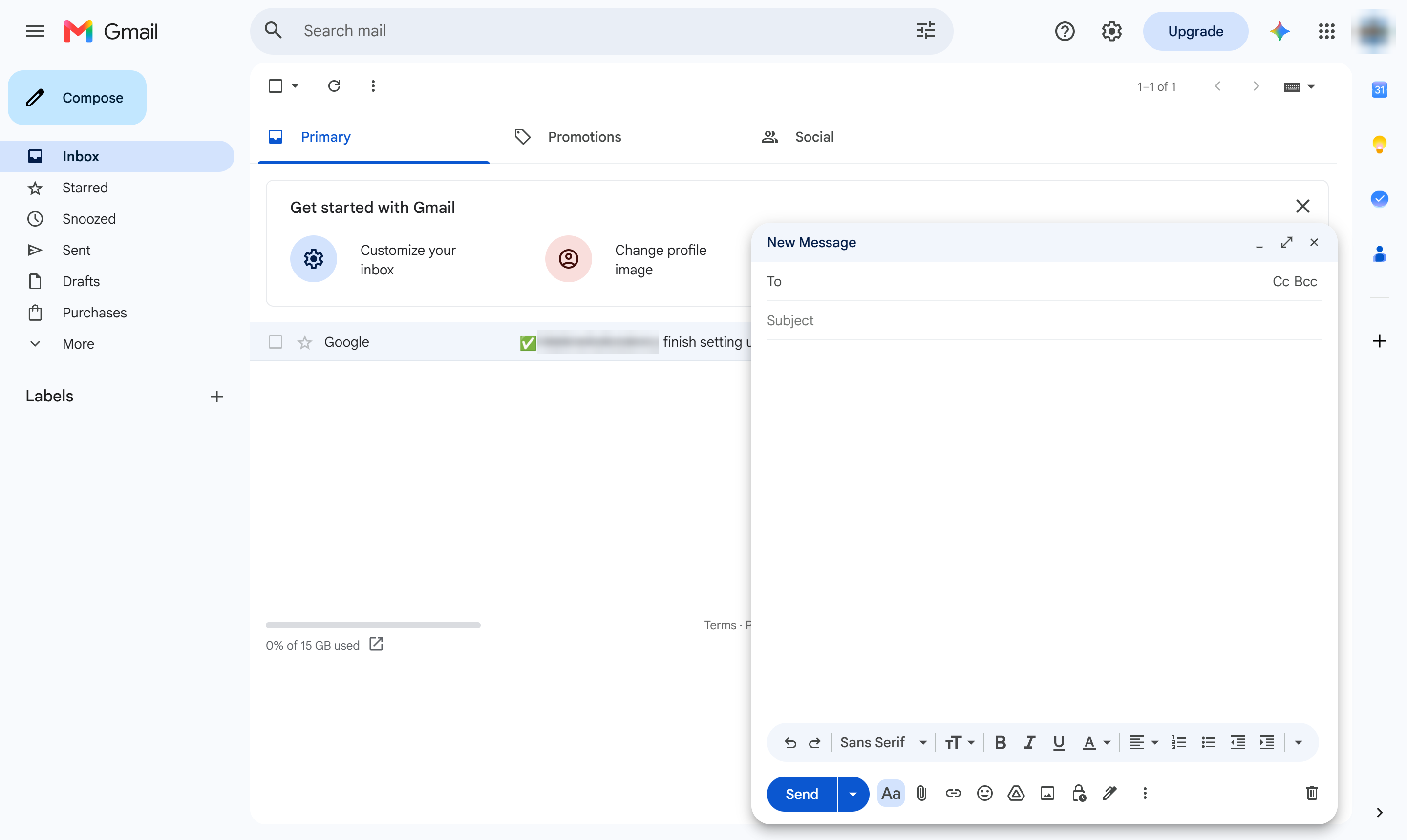
Type the recipient's email address.
Click the Subject line.
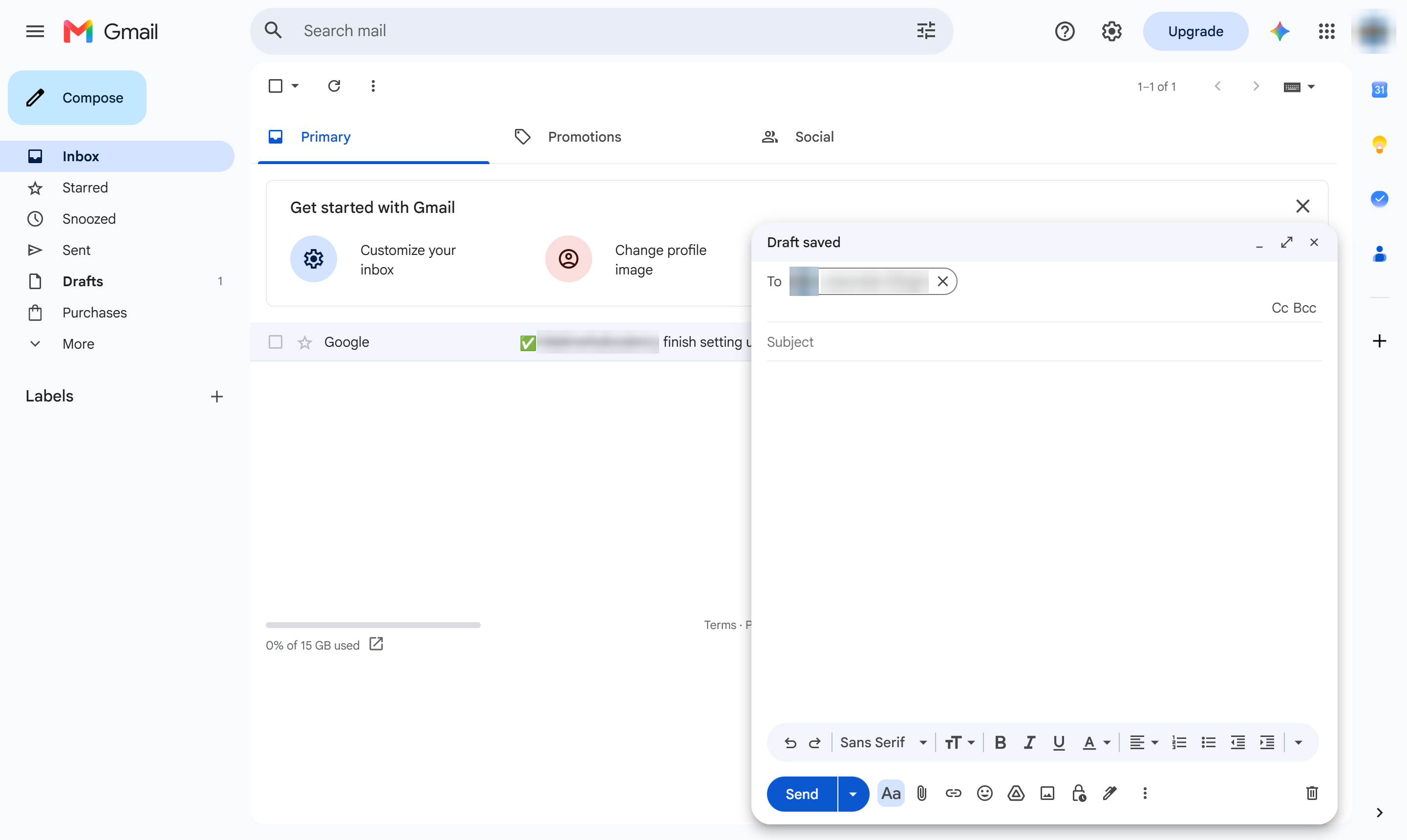
Type a subject line.
Click in the message body.
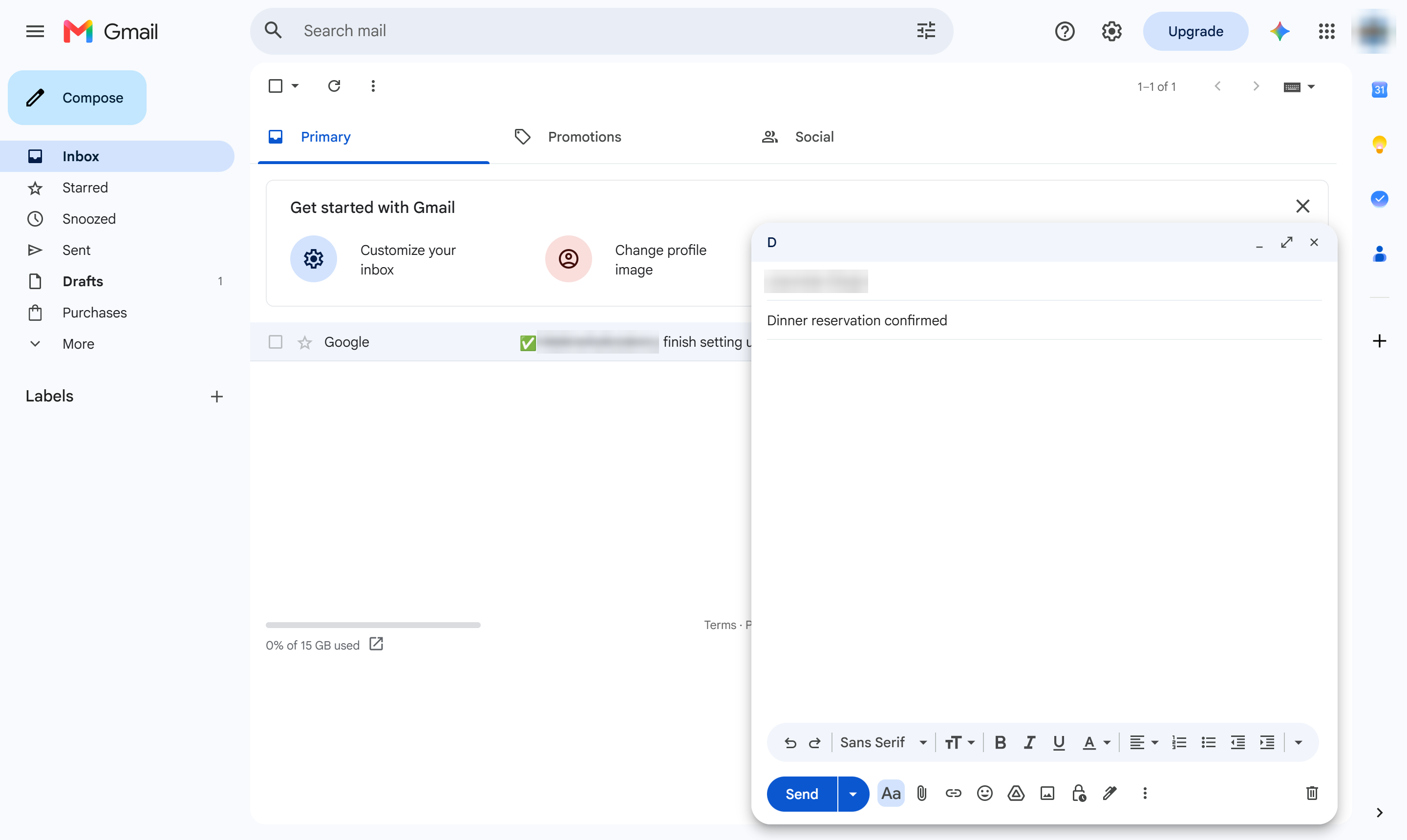
Type your message.
Click Send.
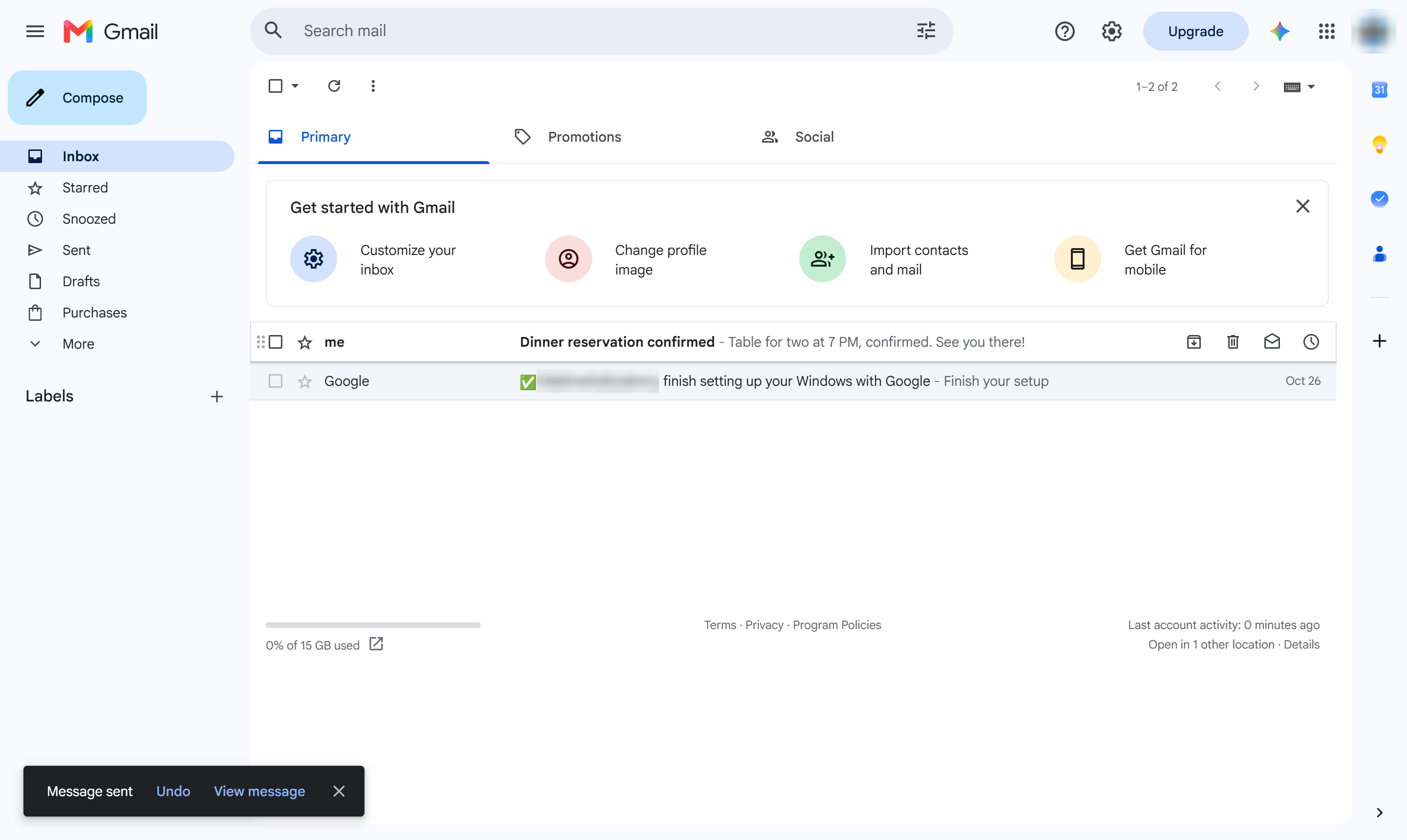
The email leaves for your Sent folder right away. Click it there to see a copy of what you sent.
Duplicate this template, swap in your own screens, and share it with your team. Free to start — no credit card.
Fill out the form and we'll get back to you as soon as possible.
Tell us about your team and we'll find the right plan together.