1
Click at the end of the last line
Click right after the last word before the empty page.
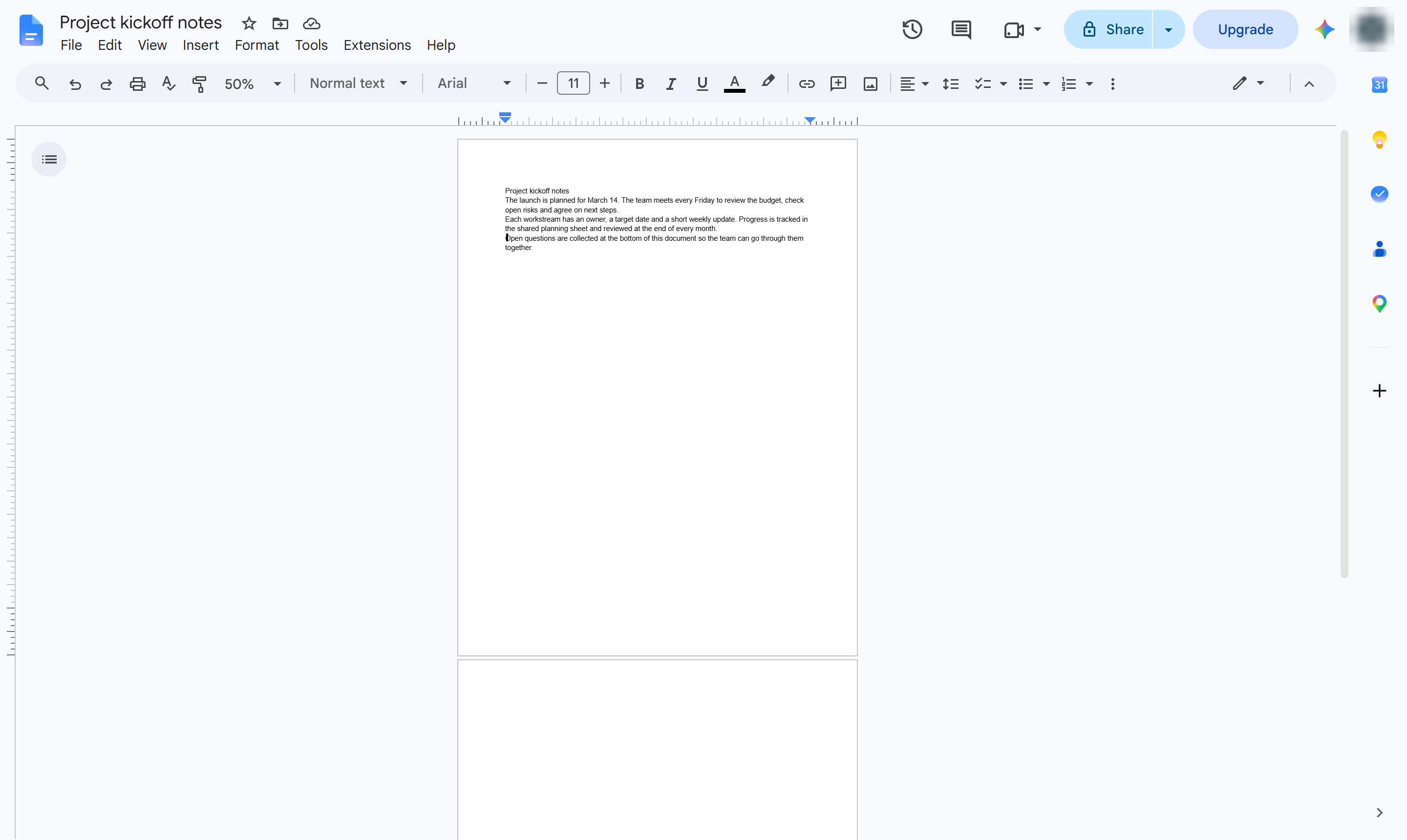

Remove an empty page from your document by deleting the page break or blank lines that push text onto it.
Click right after the last word before the empty page.
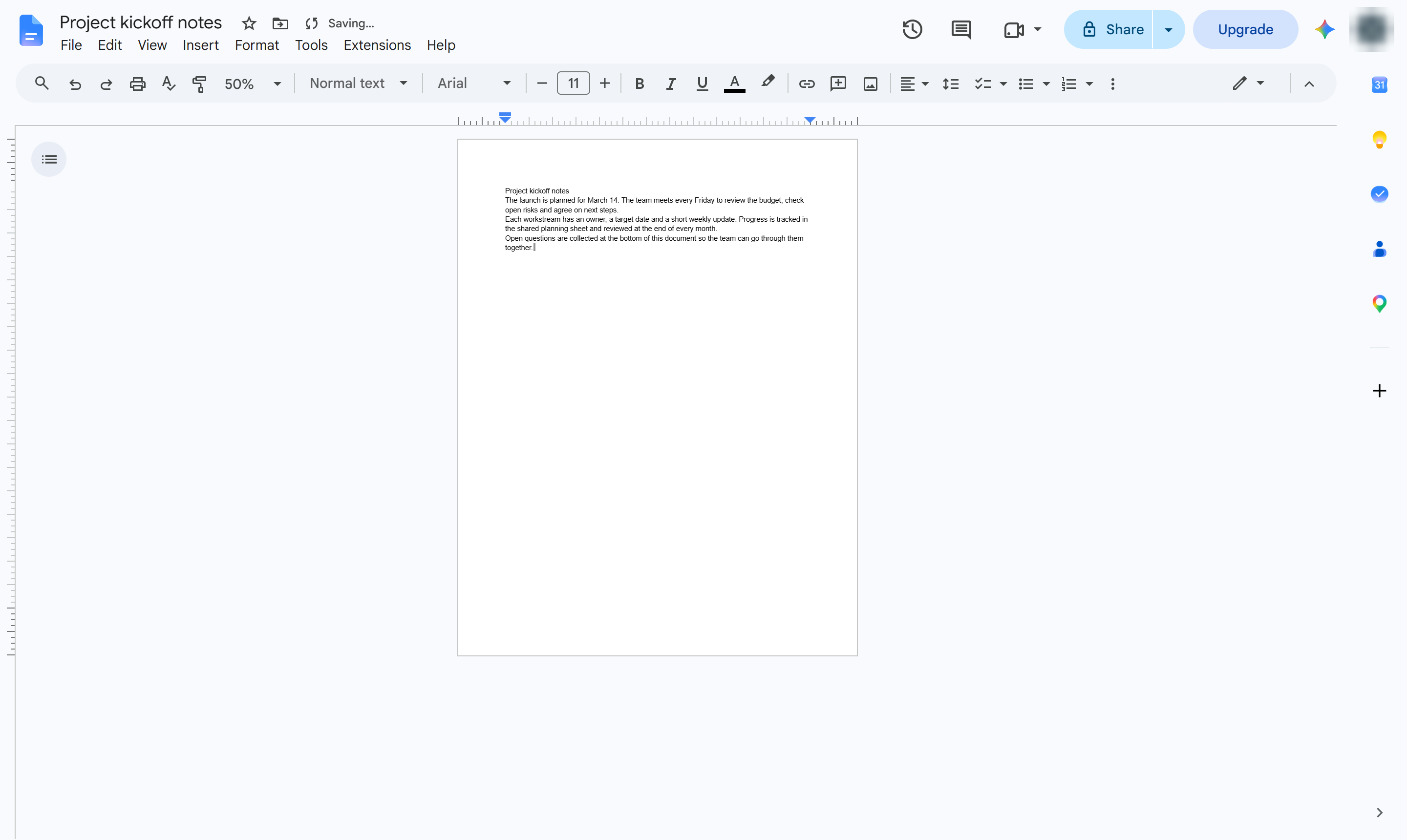
Press Delete (Fn + Delete on a Mac) until the empty page disappears. It removes the page break or blank lines after the text.
The document ends on the last page with text. Turn on View > Show non-printing characters to spot leftover breaks.
Duplicate this template, swap in your own screens, and share it with your team. Free to start — no credit card.
Fill out the form and we'll get back to you as soon as possible.
Tell us about your team and we'll find the right plan together.