1
Navigate to ChatGPT
Go to the ChatGPT website in your browser to start the process of finding your archived conversations.
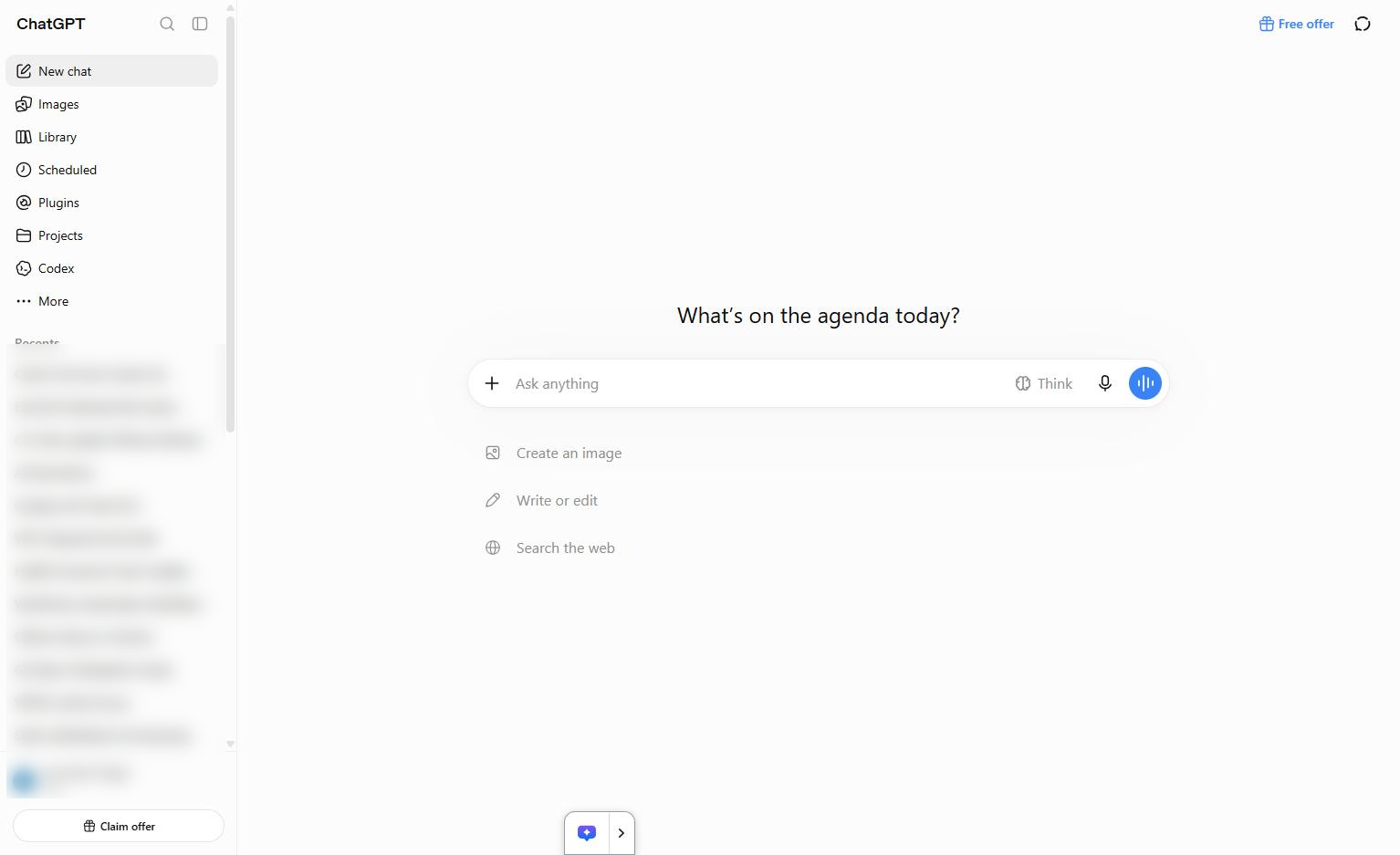
In this guide, you’ll learn how to find and view your archived chats in ChatGPT. Follow these simple steps to access your settings, open your archived conversations, and manage your chat history.
Go to the ChatGPT website in your browser to start the process of finding your archived conversations.
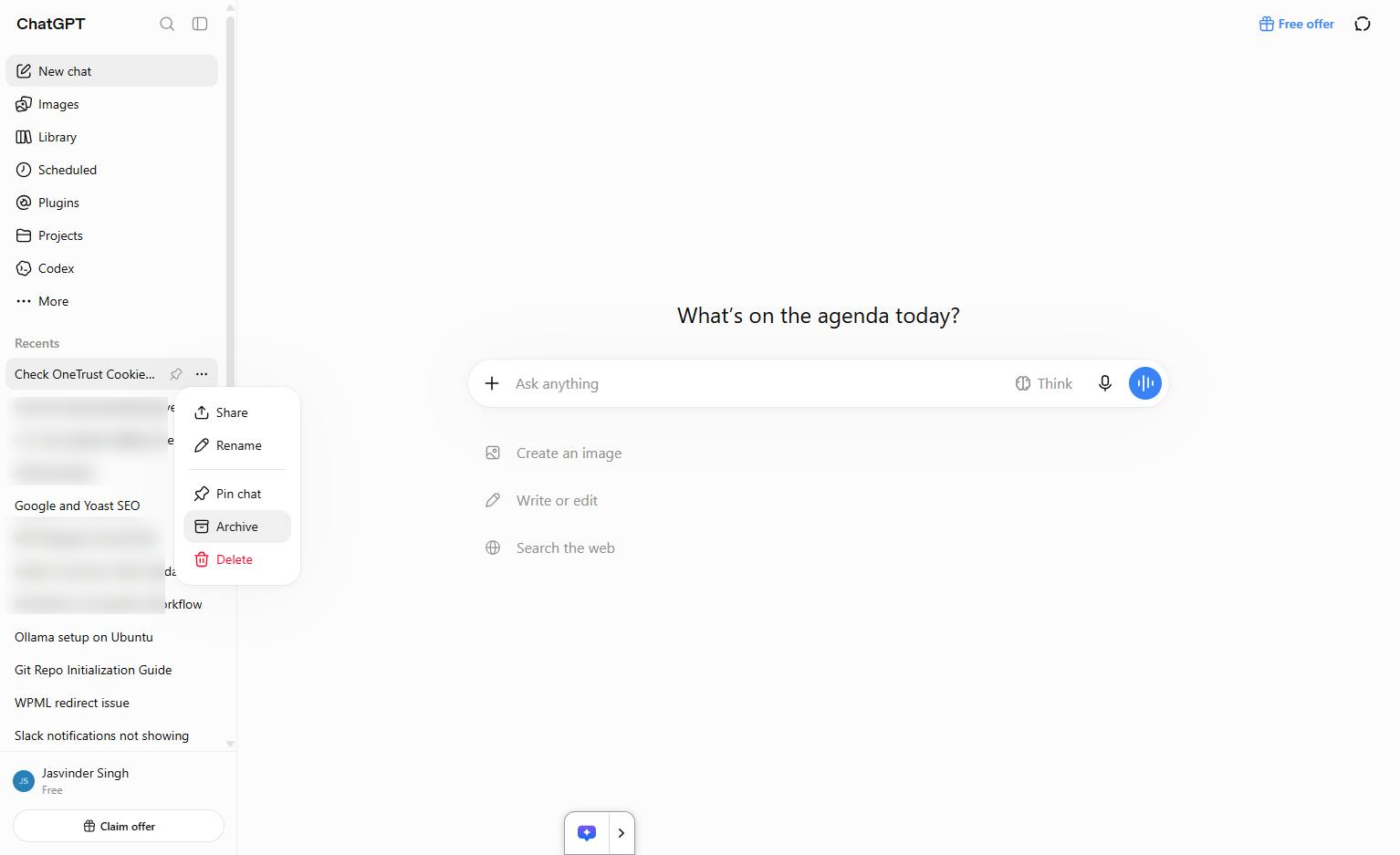
Click the Archive option in the context menu to archive the selected chat.
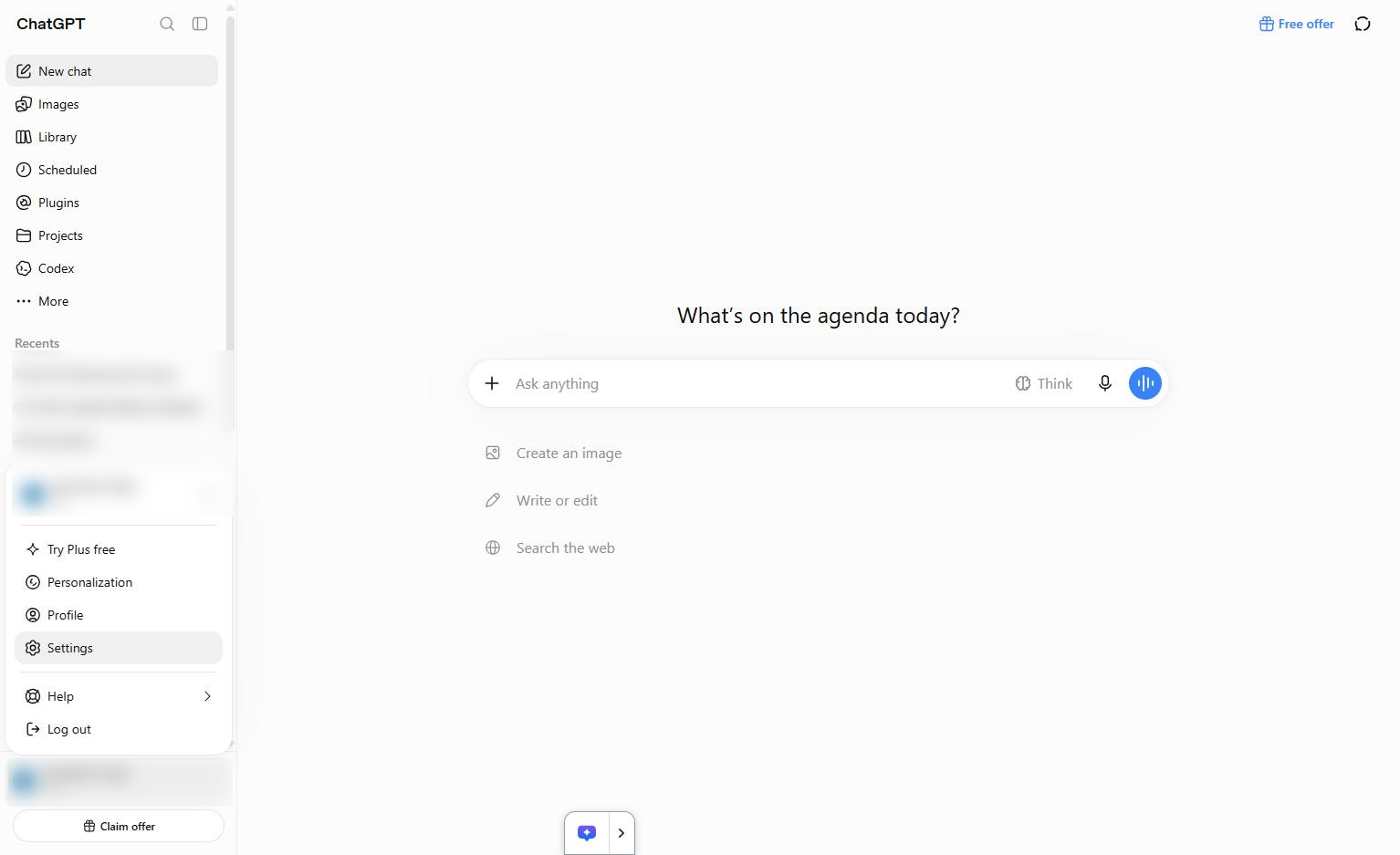
Click the Settings option in the bottom-left menu to access your account preferences.
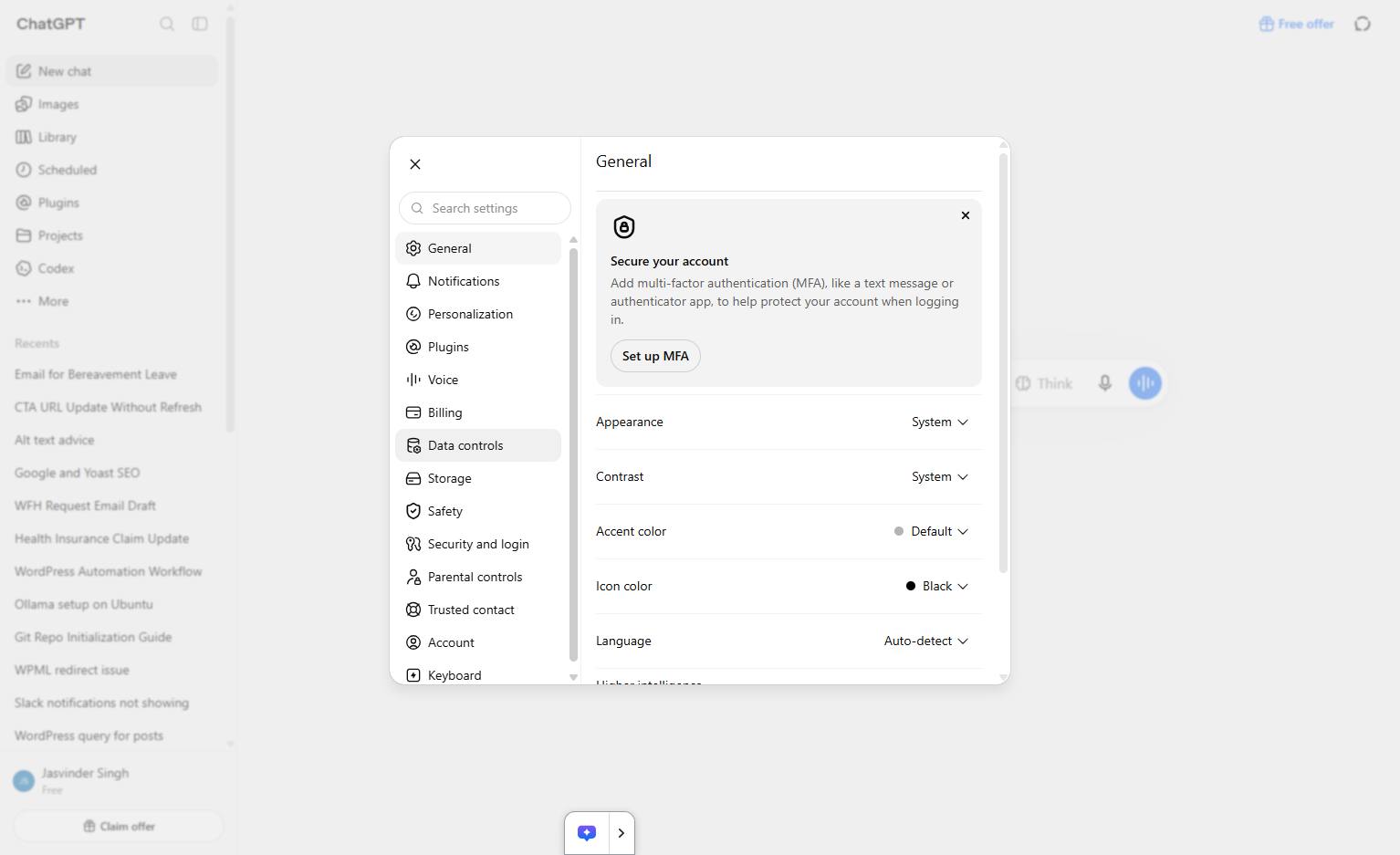
Click the Data controls tab in the left sidebar of the settings menu.
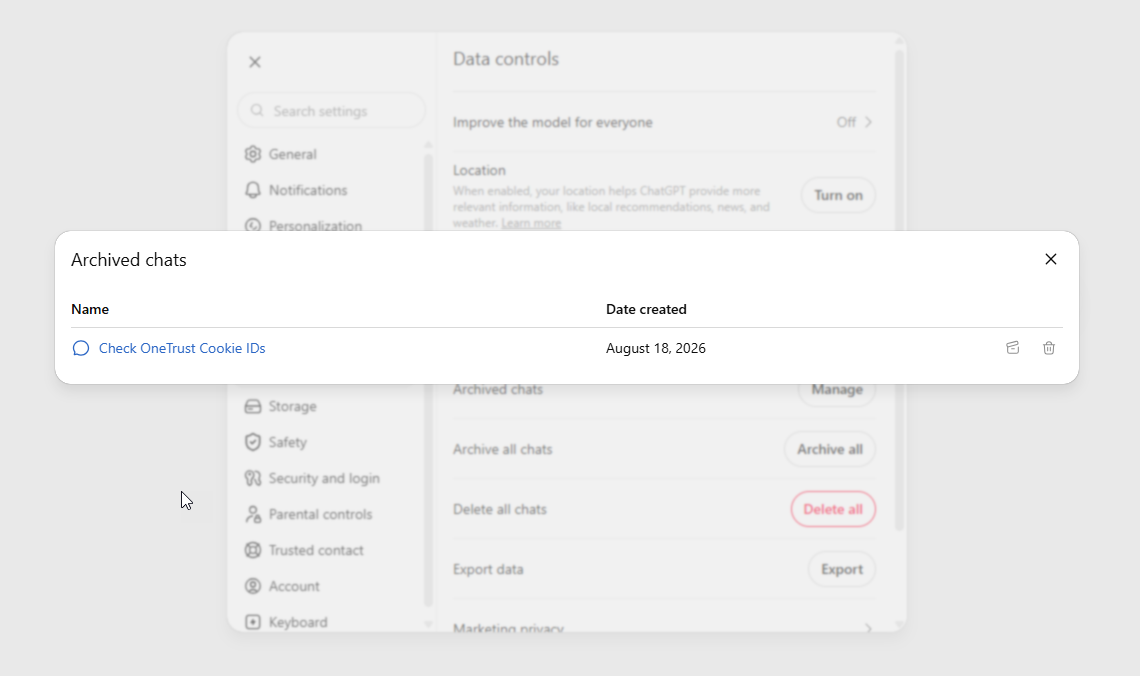
Click the Manage button next to Archived chats in the Data controls settings panel.
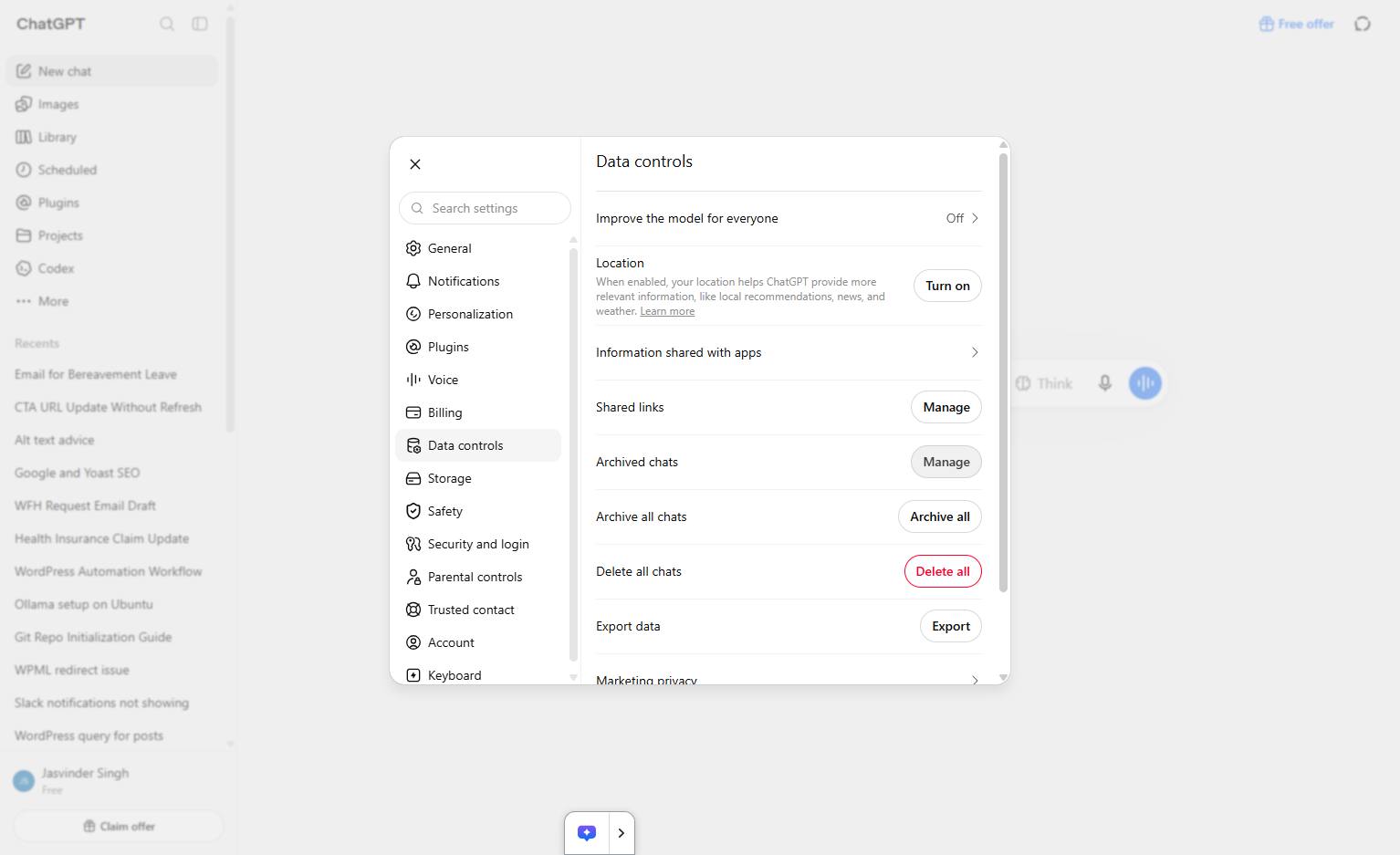
All the archived chats will be displayed here.
Duplicate this template, swap in your own screens, and share it with your team. Free to start — no credit card.
Fill out the form and we'll get back to you as soon as possible.
Tell us about your team and we'll find the right plan together.