1
Navigate to your google sheets.
Navigate to your google sheets.

This Scribe guide helps you merge and center rows in Google Sheets
Navigate to your google sheets.
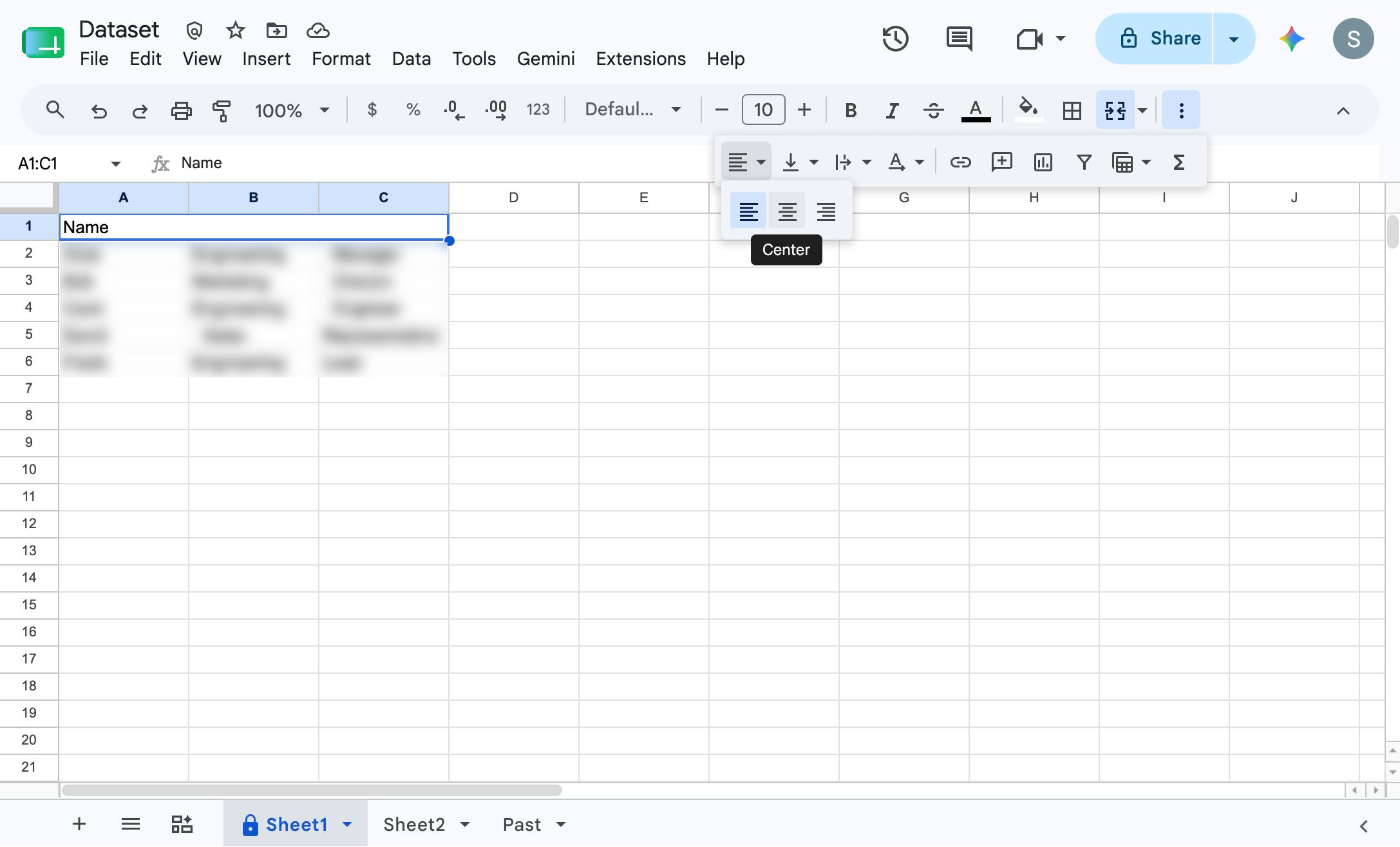
Click on cell A1, containing the text "Name", in the upper-left corner of the spreadsheet grid.
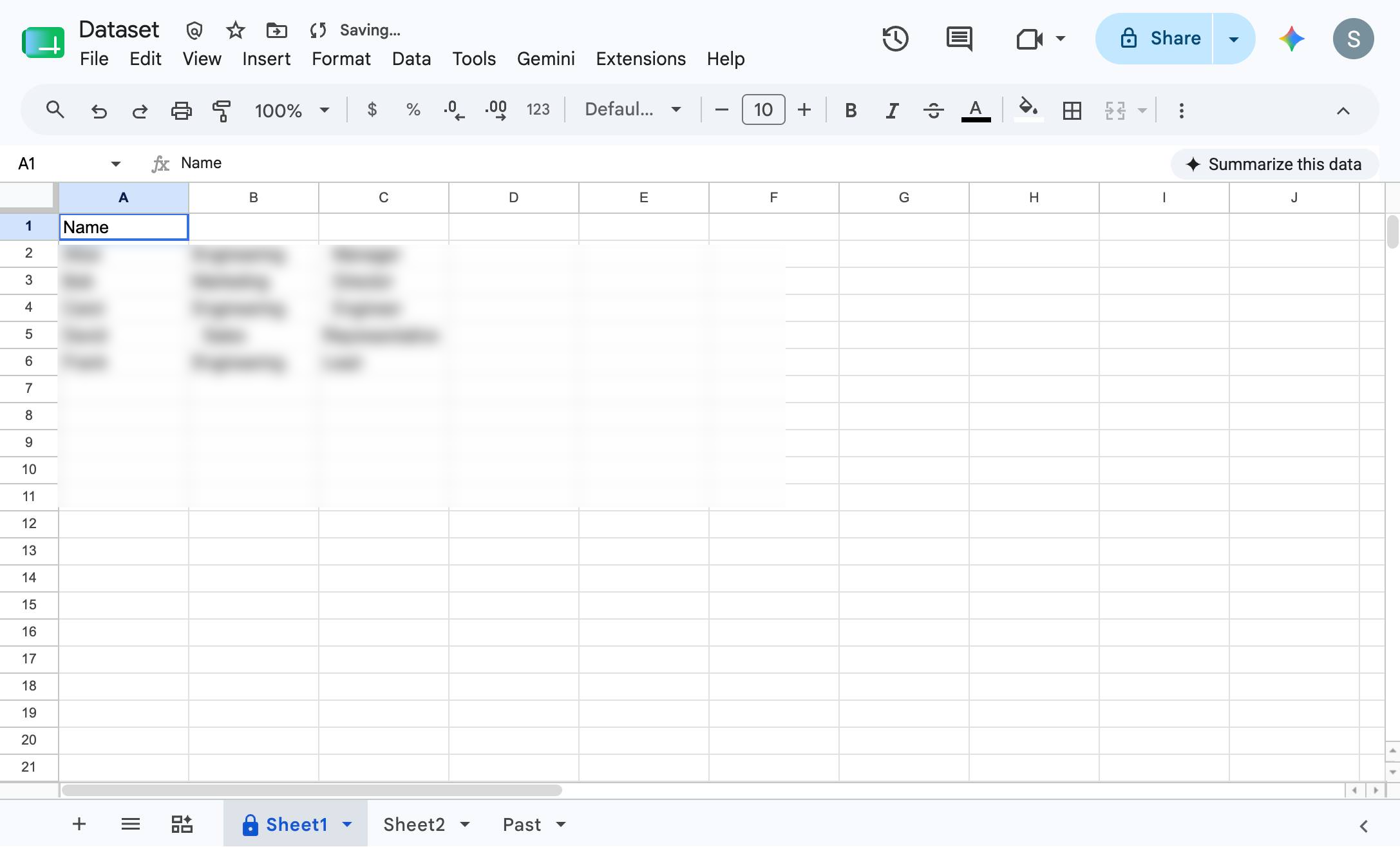
Click the Merge cells button in the top toolbar to combine the selected cells.
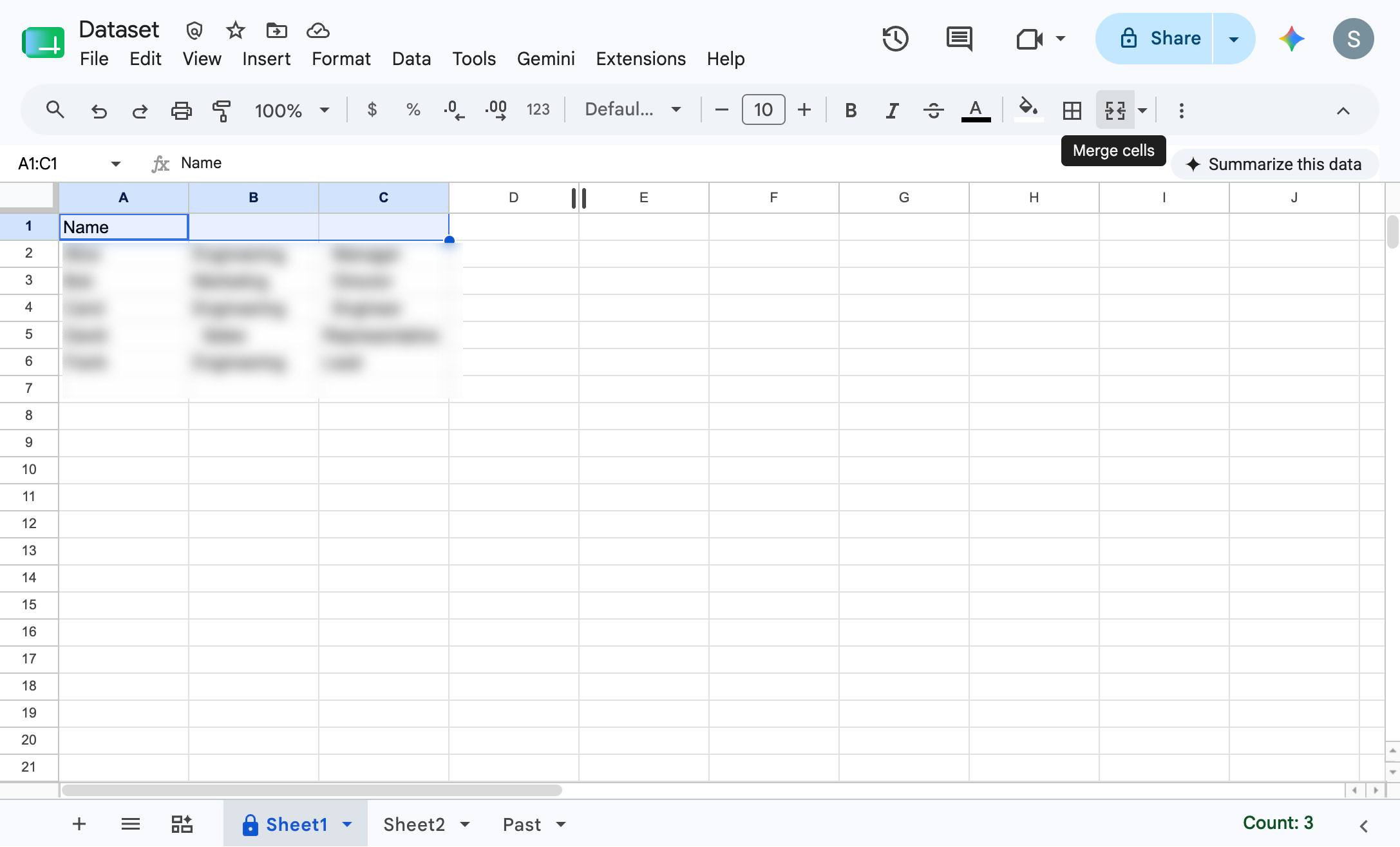
Click the three vertical dots in the top toolbar to reveal additional formatting options.
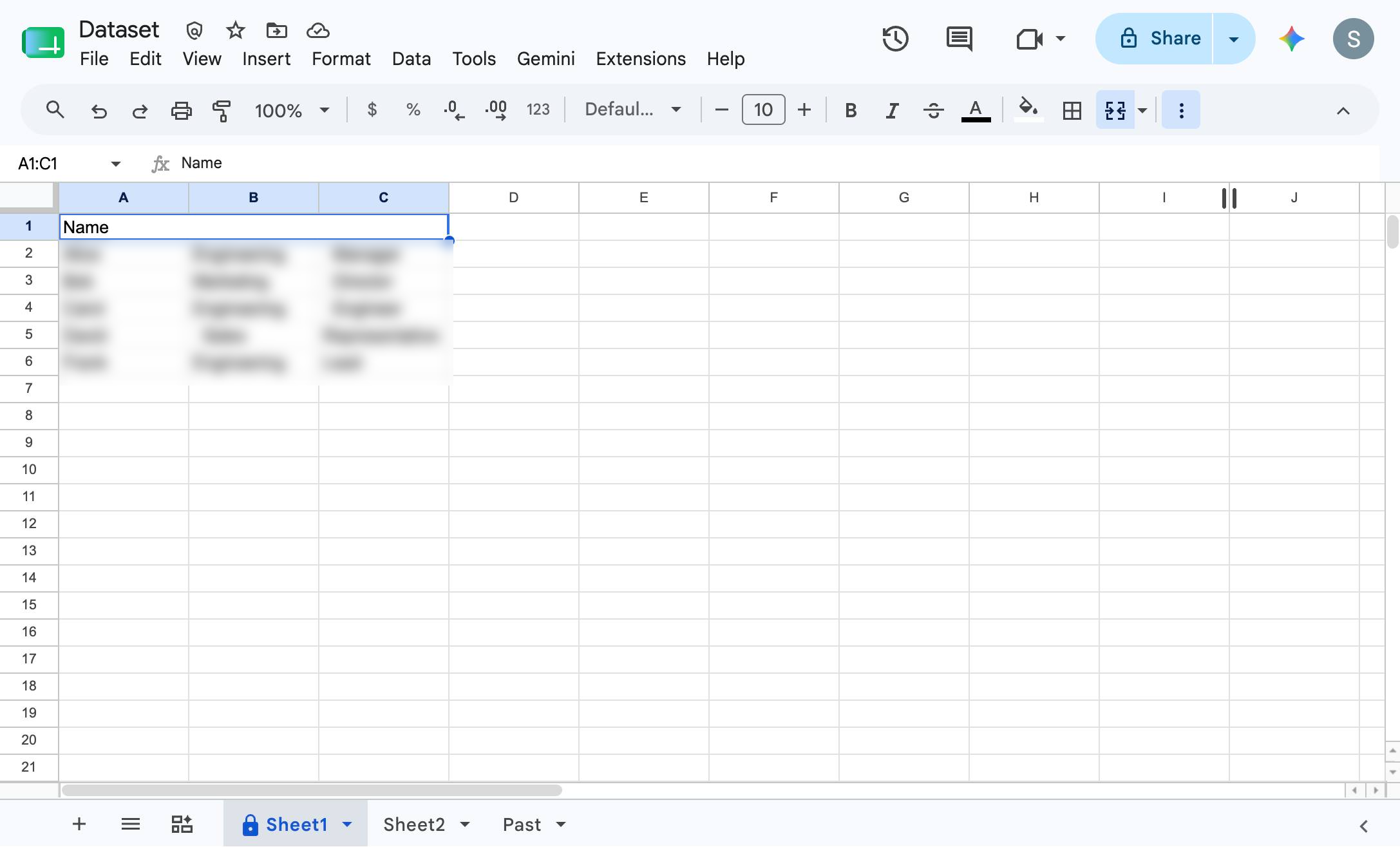
Click the Horizontal align button in the top toolbar to open the alignment options.
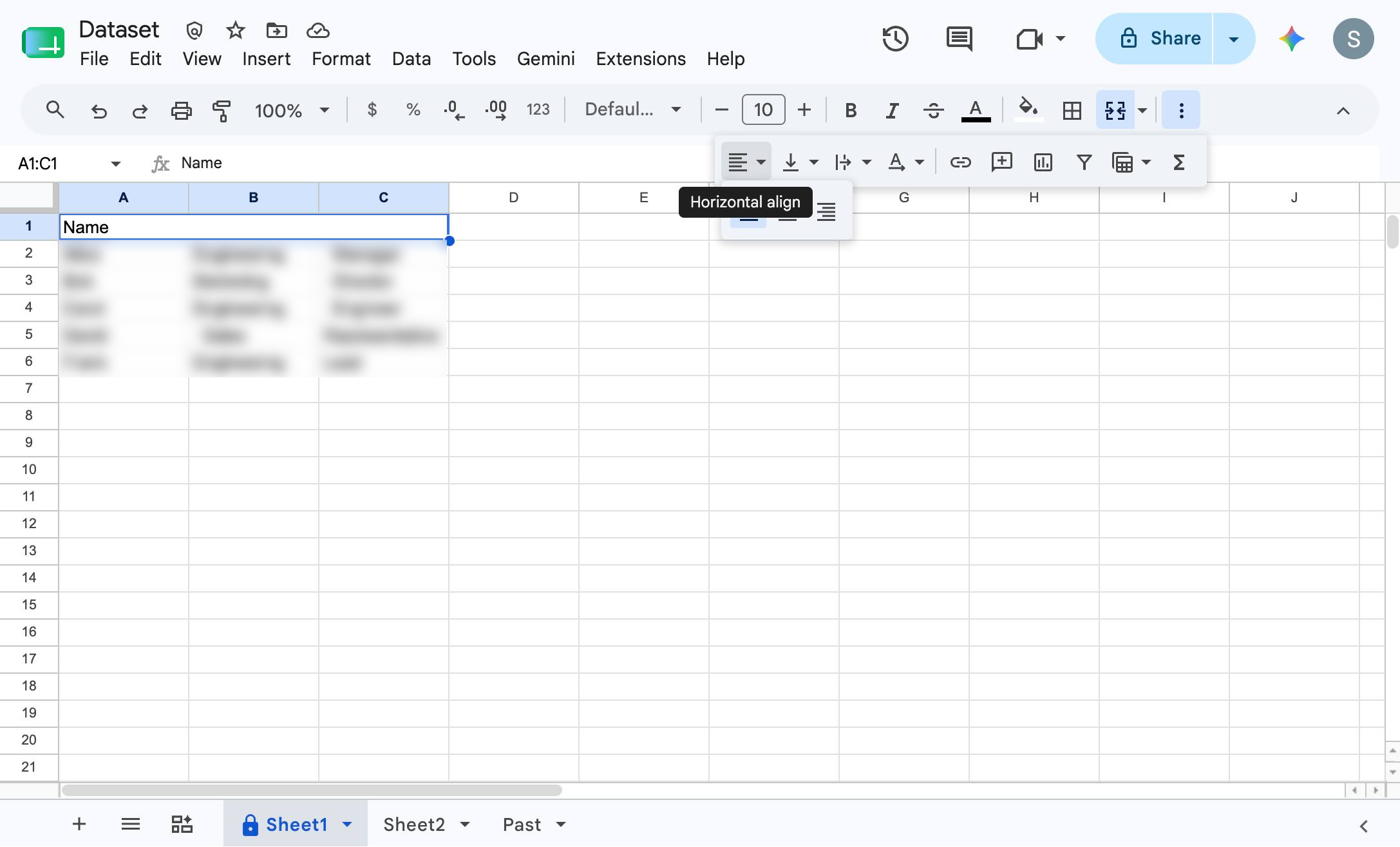
Click the Center alignment option in the dropdown menu to center the text within the merged cell.
Duplicate this template, swap in your own screens, and share it with your team. Free to start — no credit card.
Fill out the form and we'll get back to you as soon as possible.
Tell us about your team and we'll find the right plan together.