1
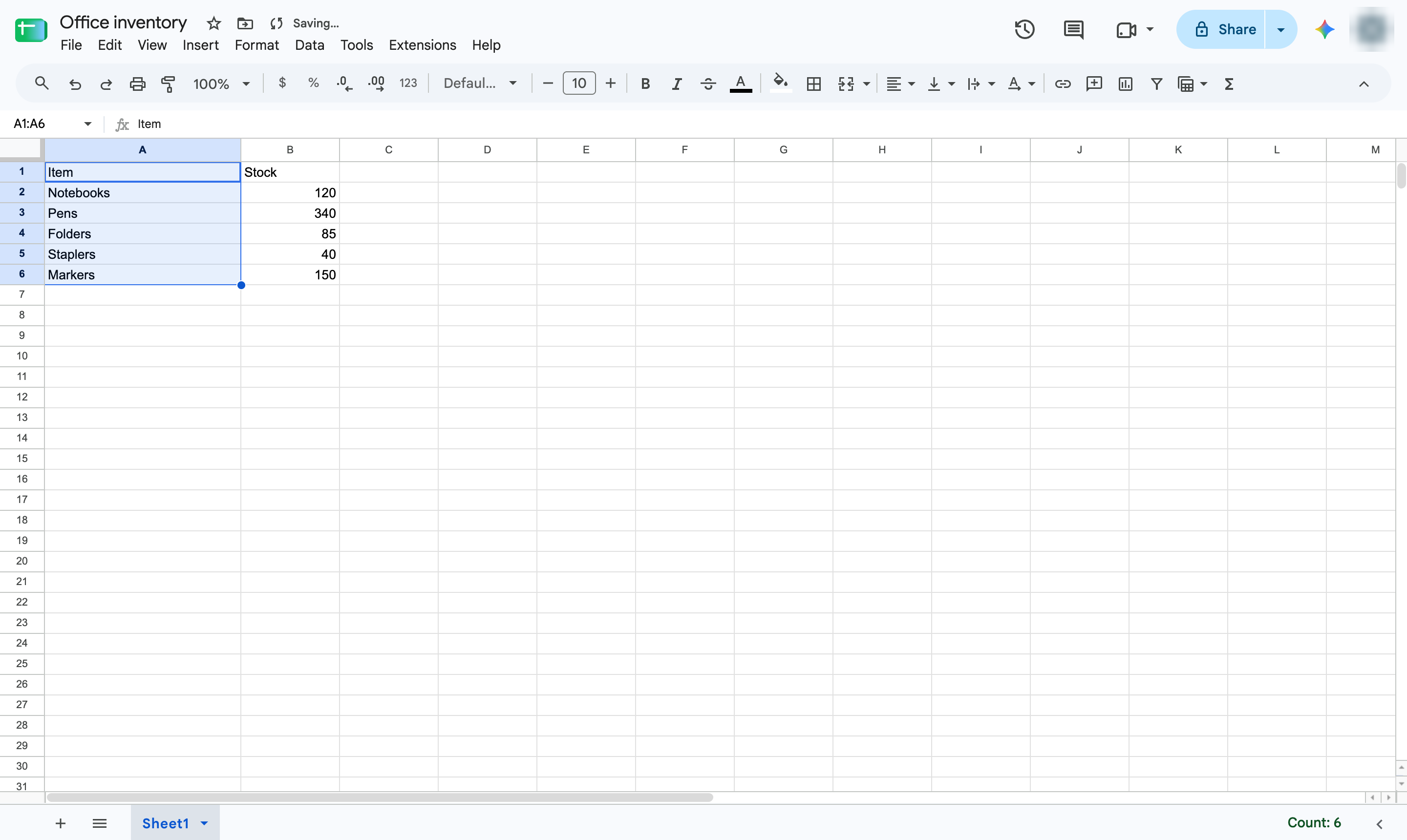
Right-click the column letter
Right-click the letter at the top of the column to widen.
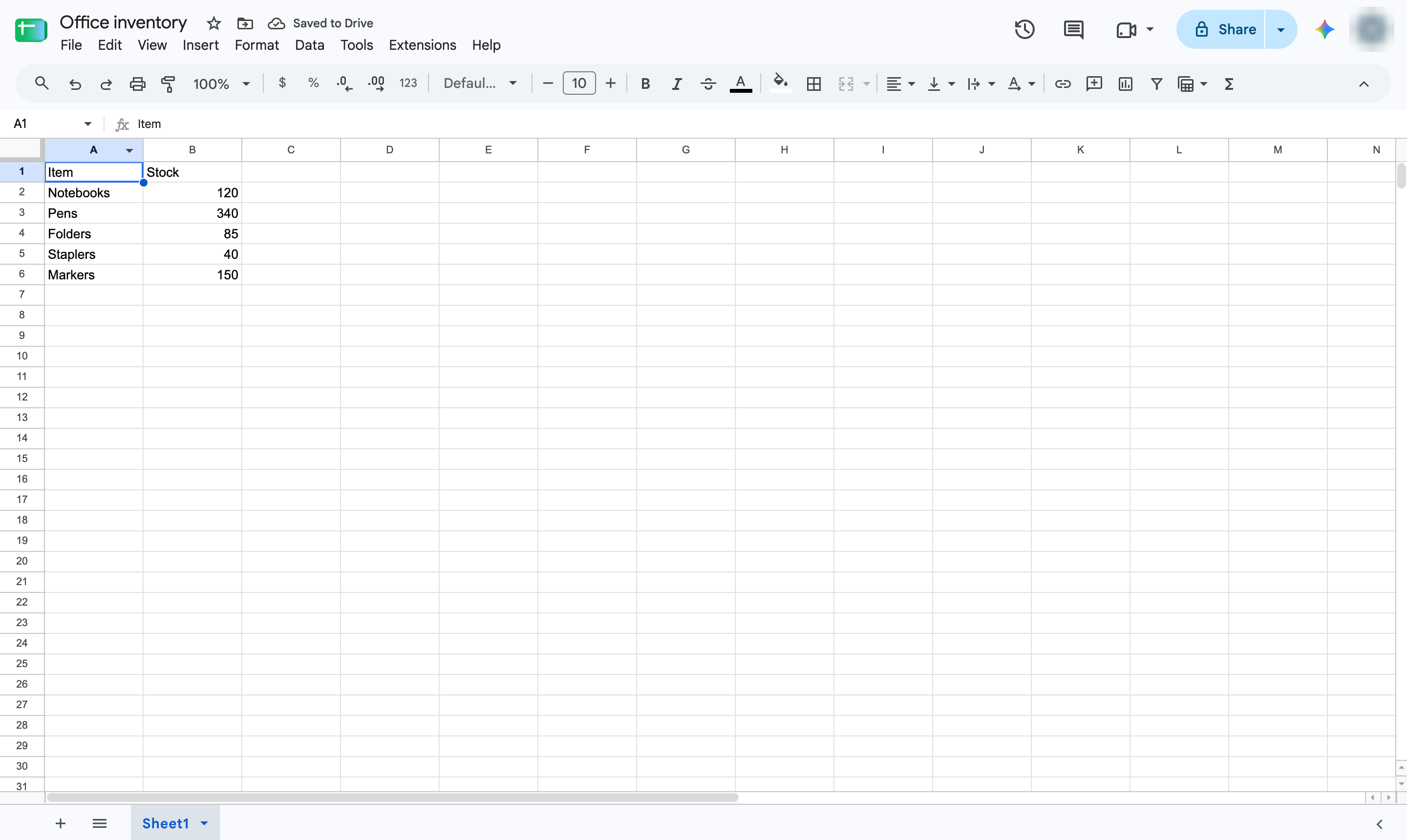

Make cells wider by resizing their column - or taller by resizing the row - to an exact size.
Right-click the letter at the top of the column to widen.
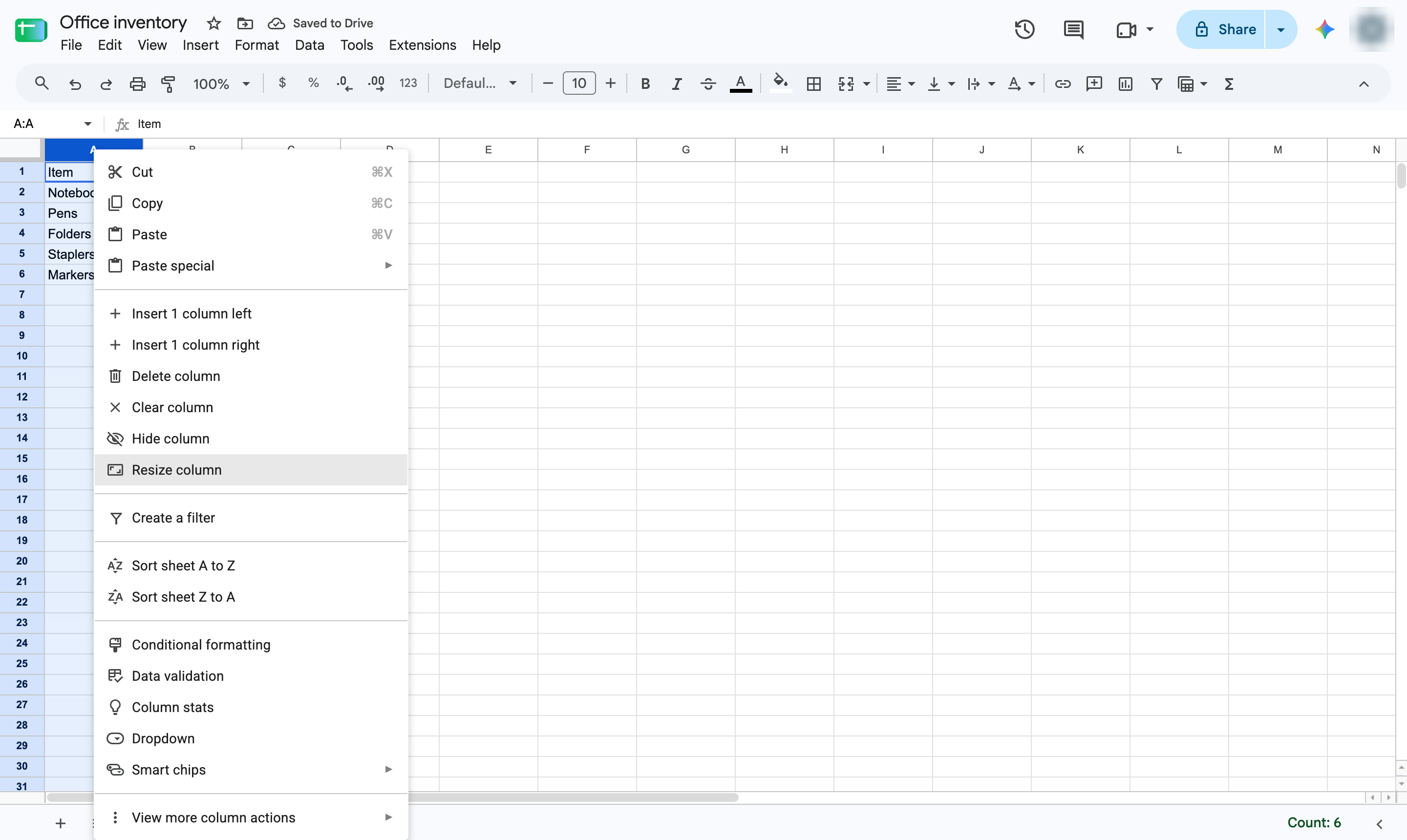
Choose Resize column.
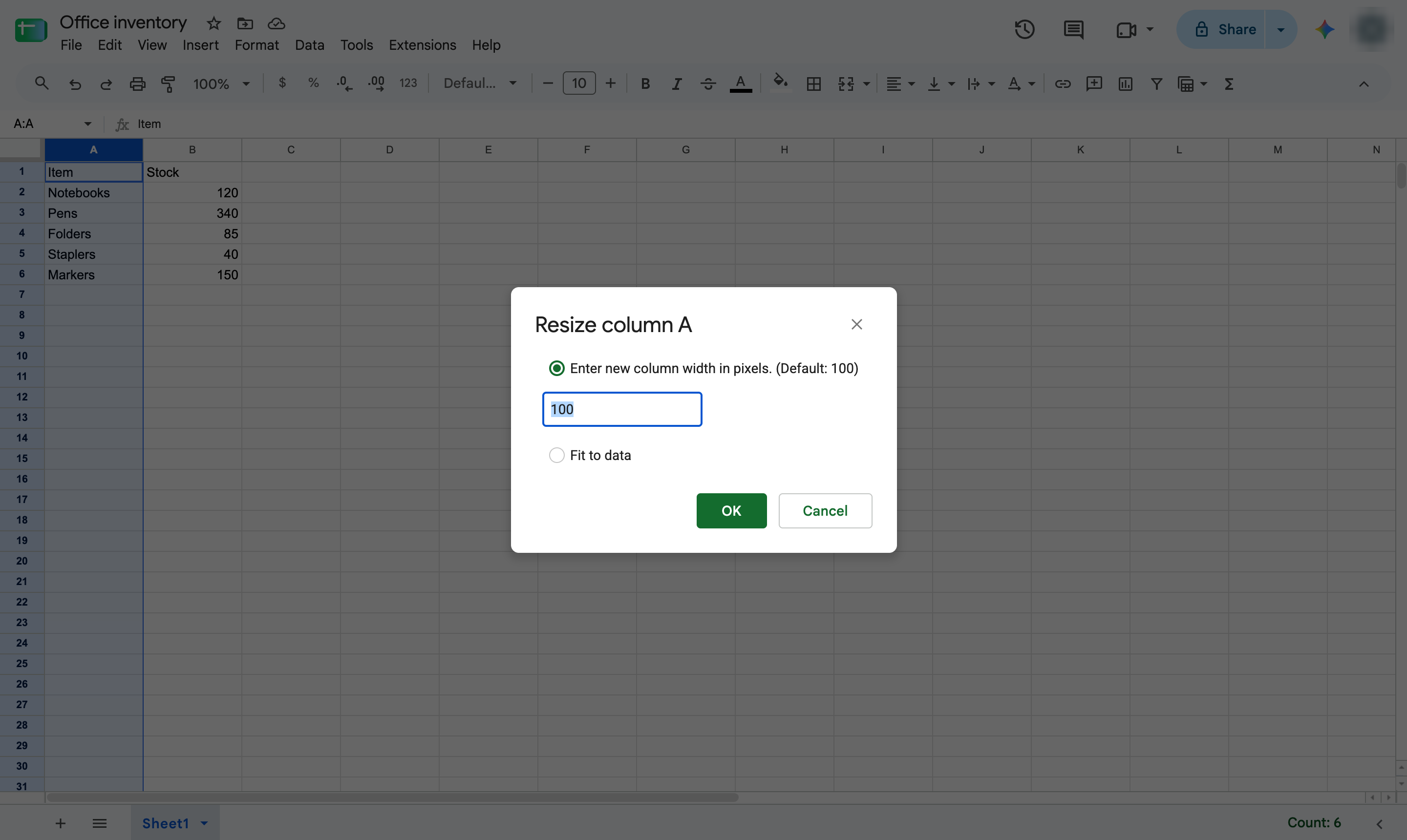
Click the box with the width in pixels.
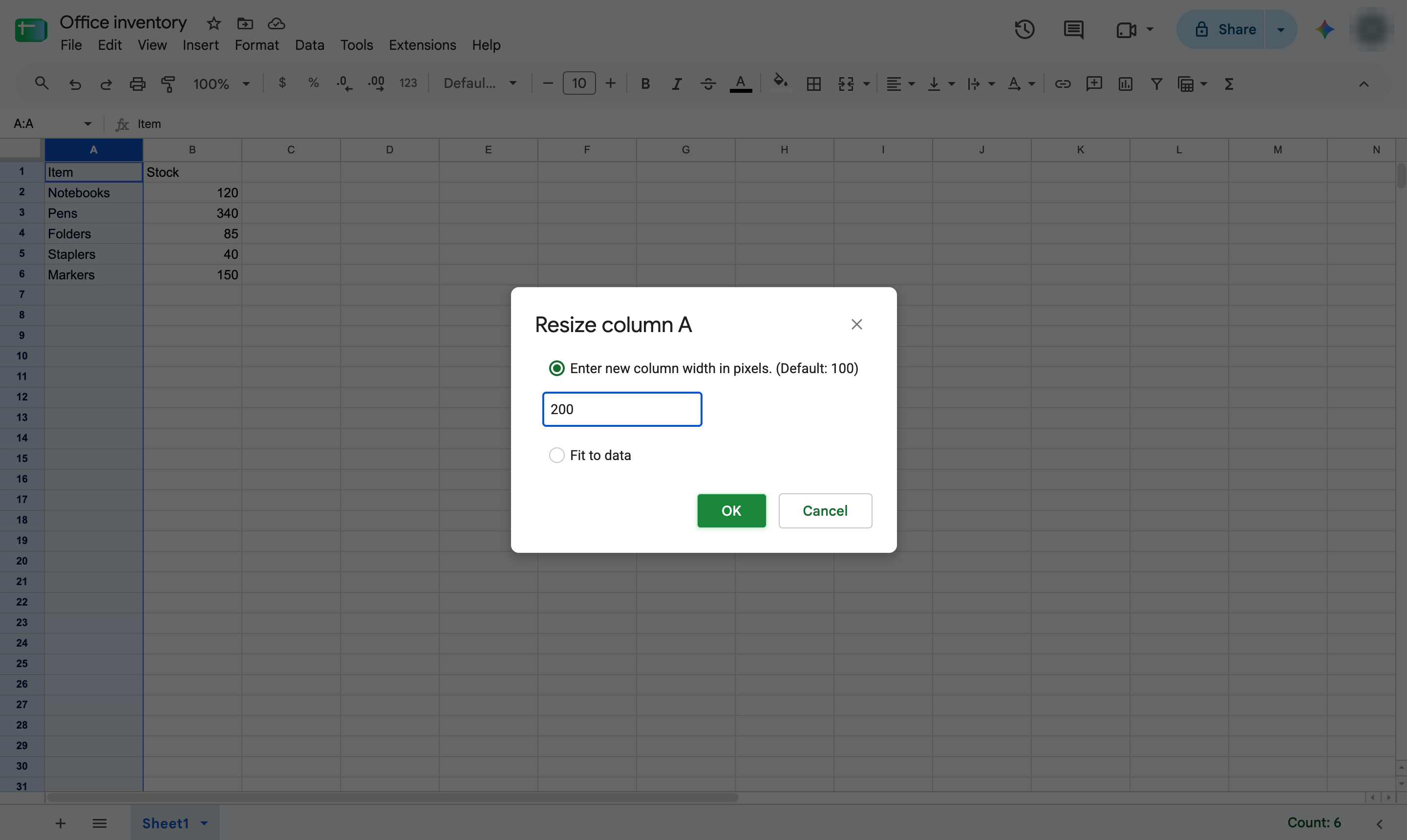
Type the new width - here, 200 pixels (the default is 100).
Click OK.
The column is now twice as wide. Right-click a row number and choose Resize row to make cells taller.
Duplicate this template, swap in your own screens, and share it with your team. Free to start — no credit card.
Fill out the form and we'll get back to you as soon as possible.
Tell us about your team and we'll find the right plan together.