1
Select the picture
Click the picture.
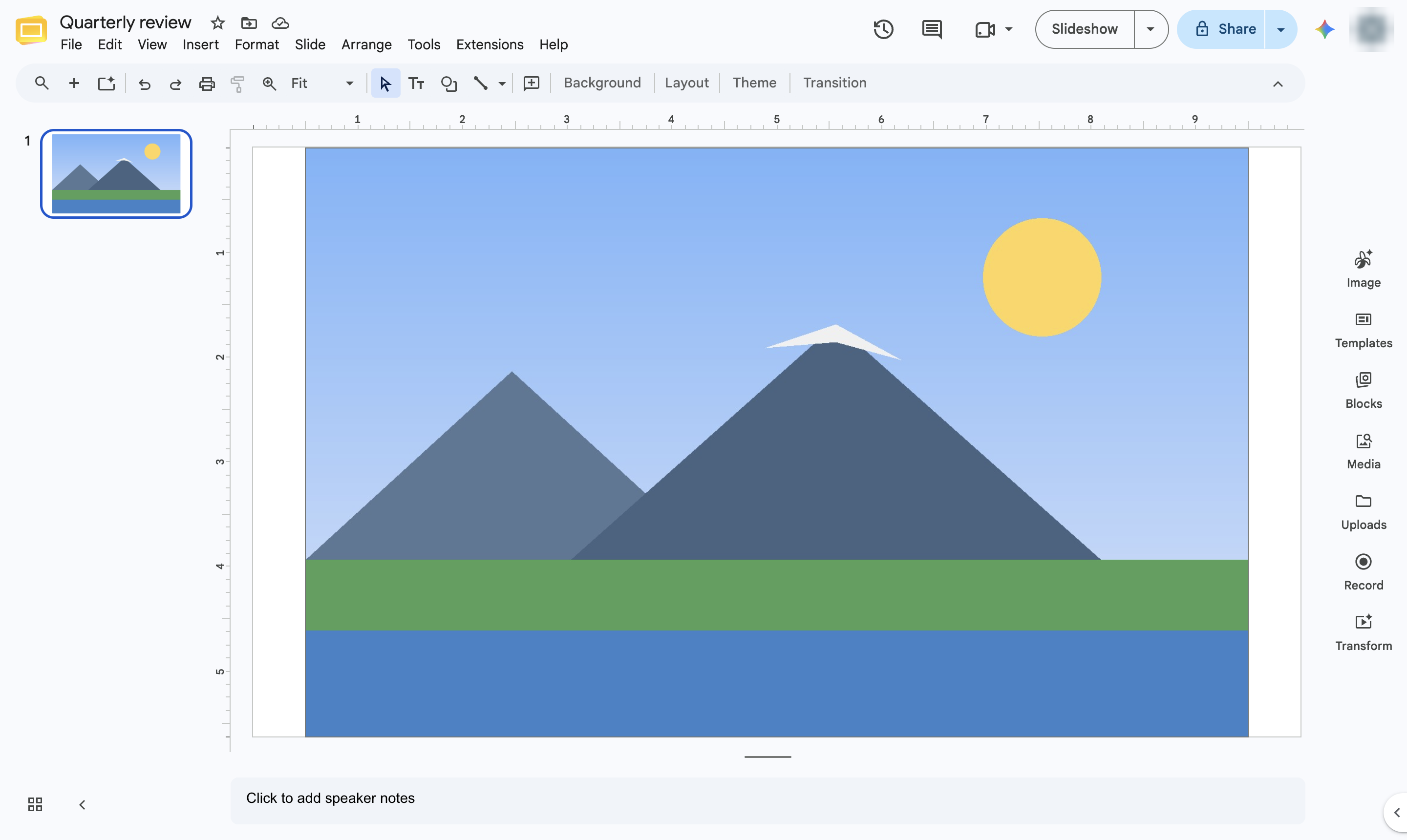

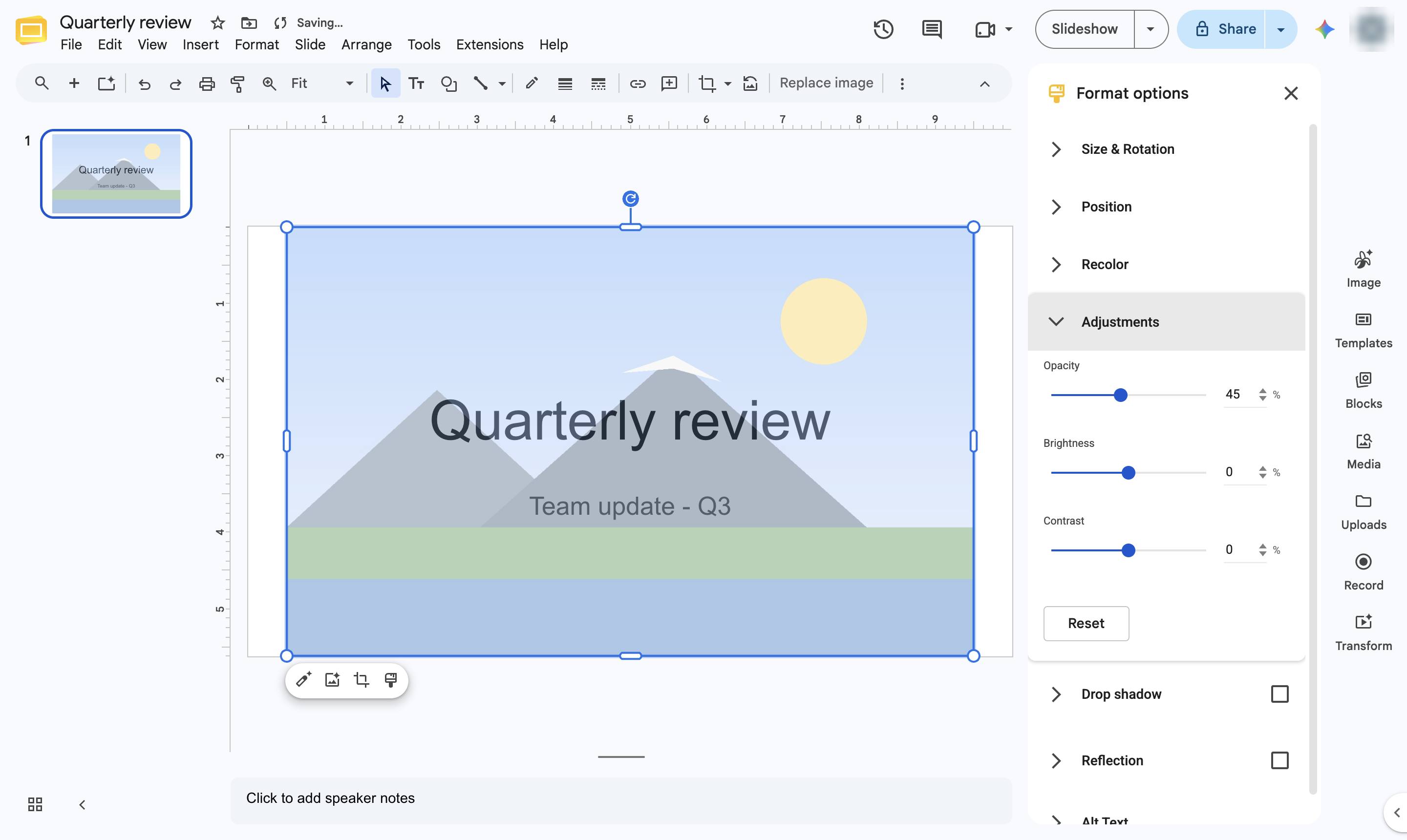
Fade a picture with the Opacity slider in Format options.
Click the picture.
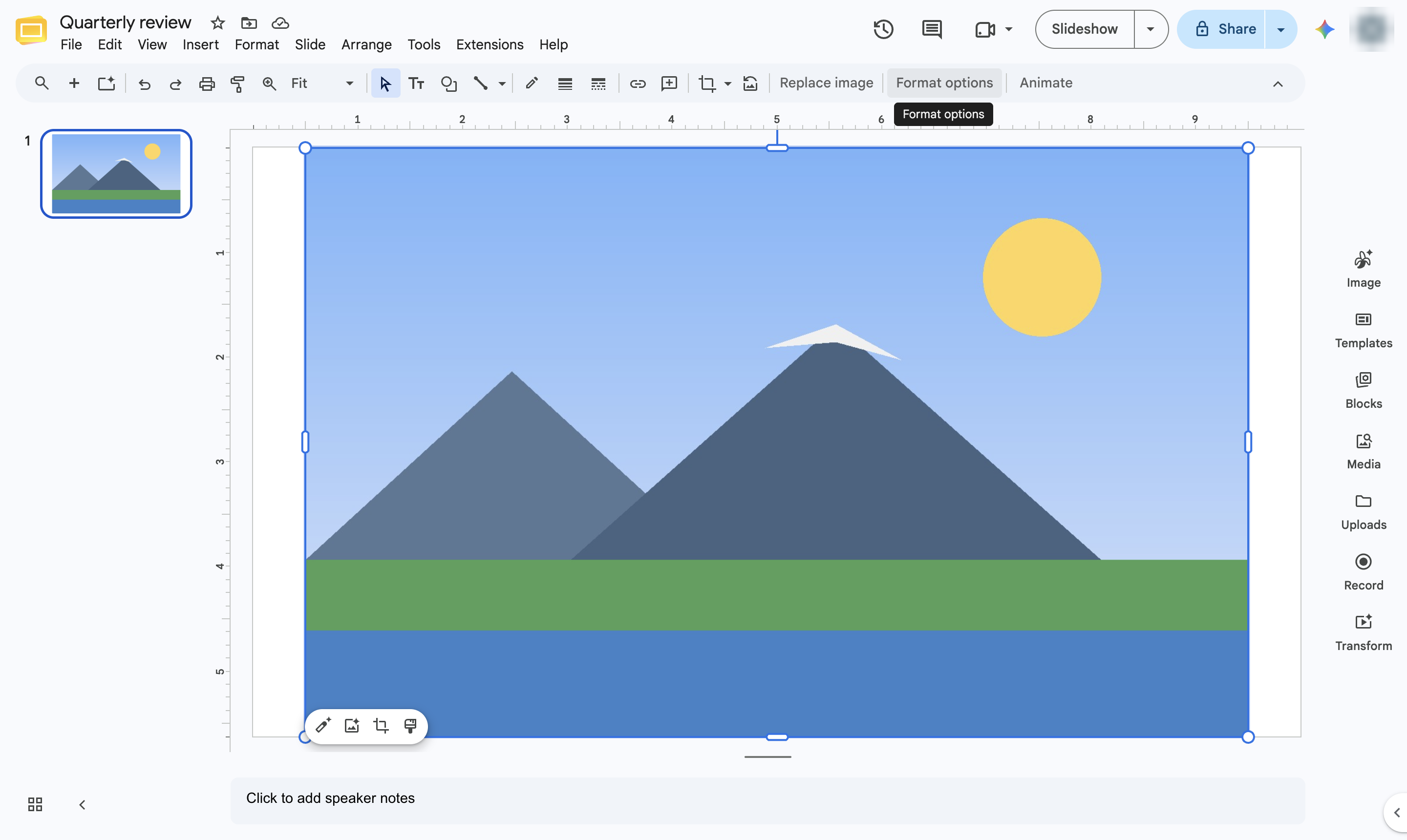
Click Format options in the toolbar (or right-click the picture and choose Format options).
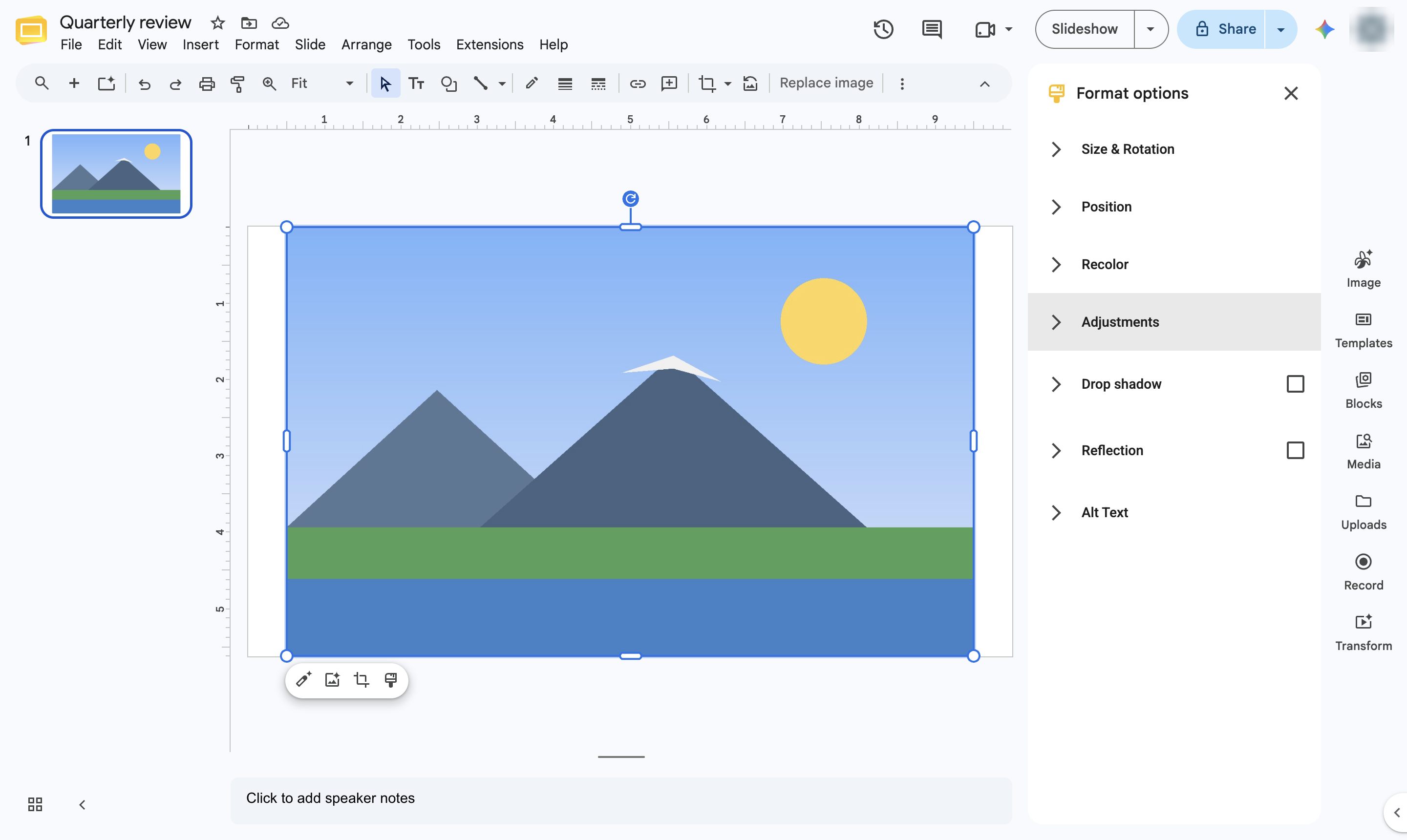
In the Format options panel, open Adjustments.
Drag the Opacity slider to the left. The lower the opacity, the more see-through the picture becomes. You can also type a percentage in the box.
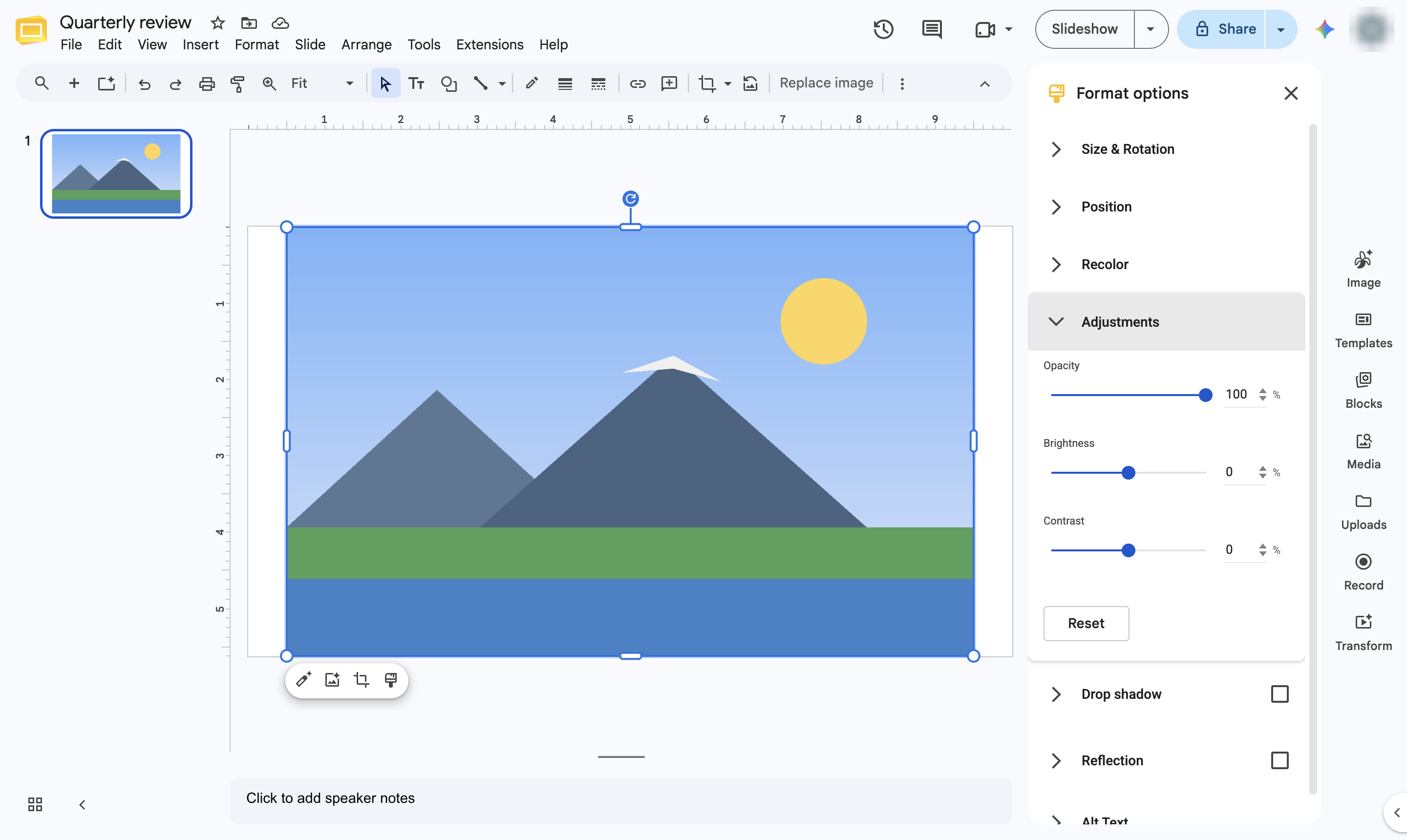
The picture is faded. Drag the slider back to 100% or click Reset to undo.
Duplicate this template, swap in your own screens, and share it with your team. Free to start — no credit card.
Fill out the form and we'll get back to you as soon as possible.
Tell us about your team and we'll find the right plan together.