1
Select the image
Click the picture you want to make round.
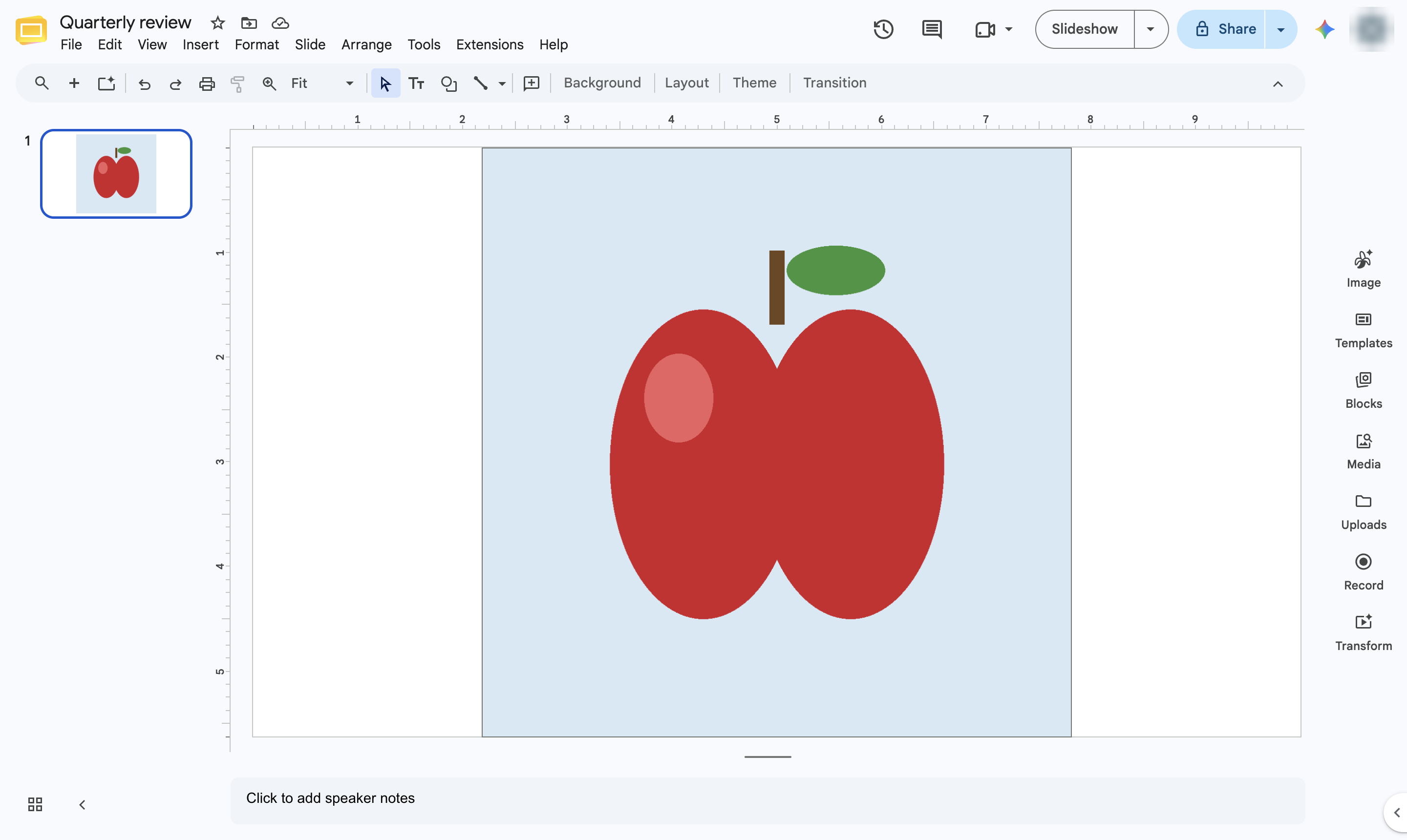

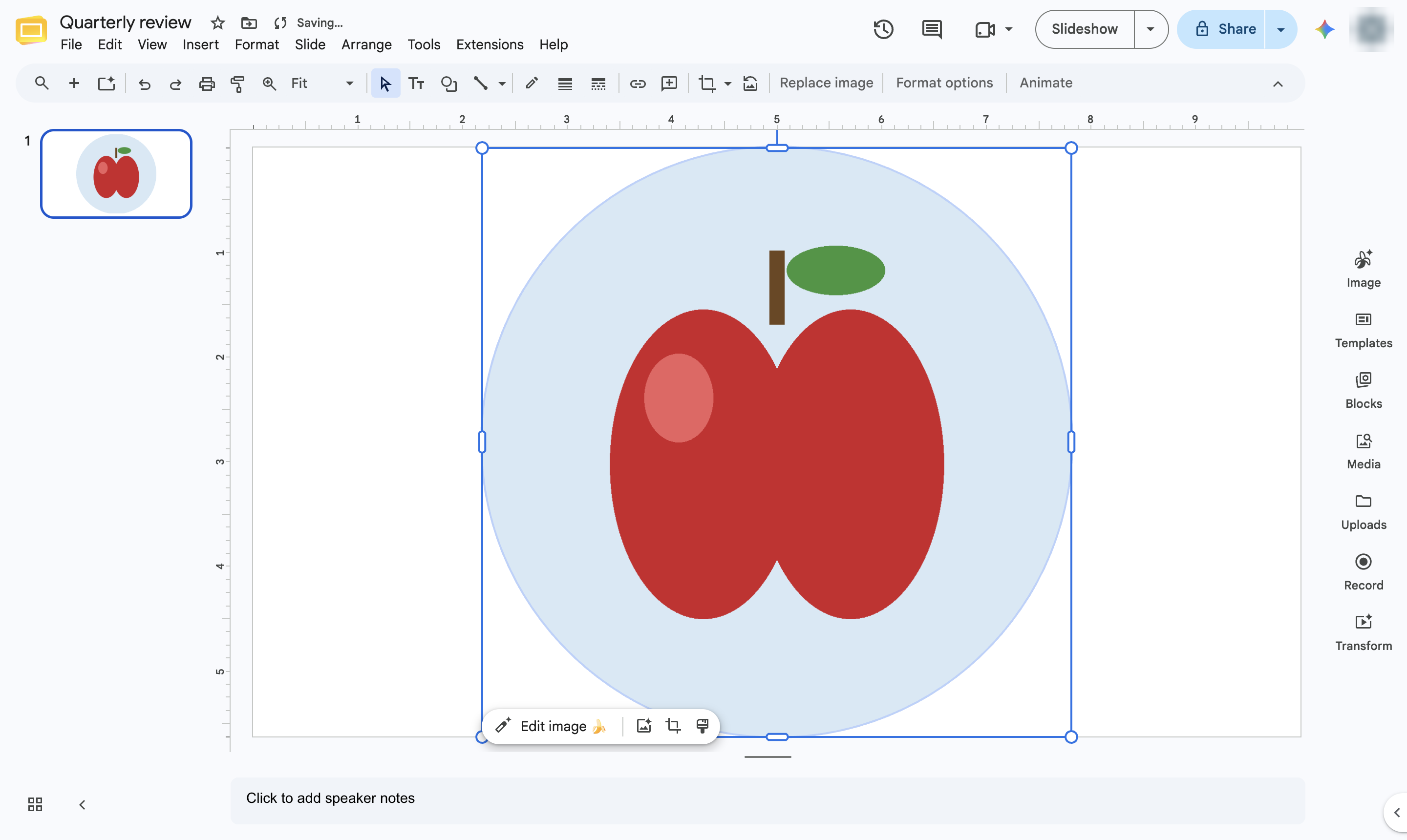
Crop a picture into a circle by masking it with the Oval shape.
Click the picture you want to make round.
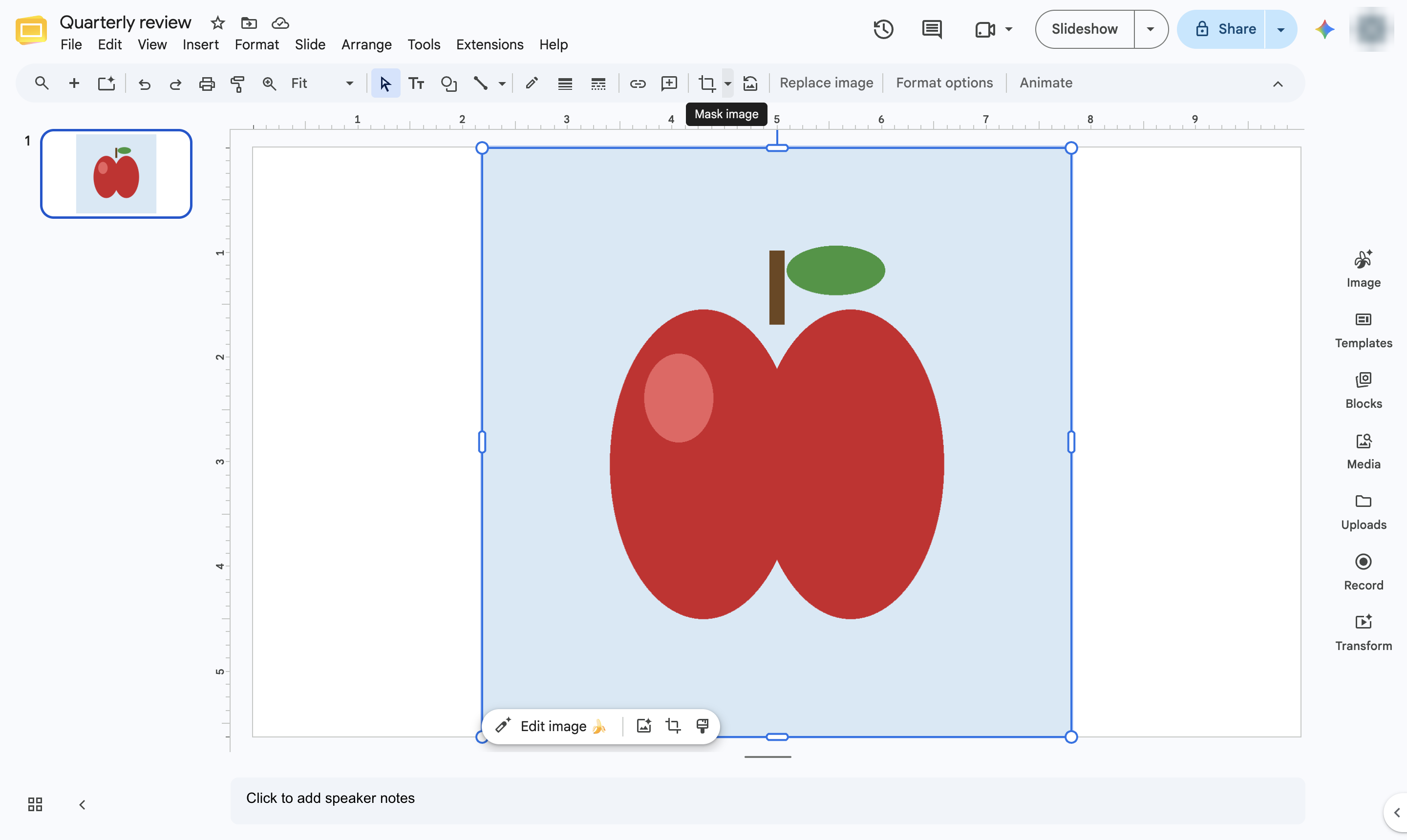
Click the small arrow next to the Crop button in the toolbar.
Hover over Shapes.
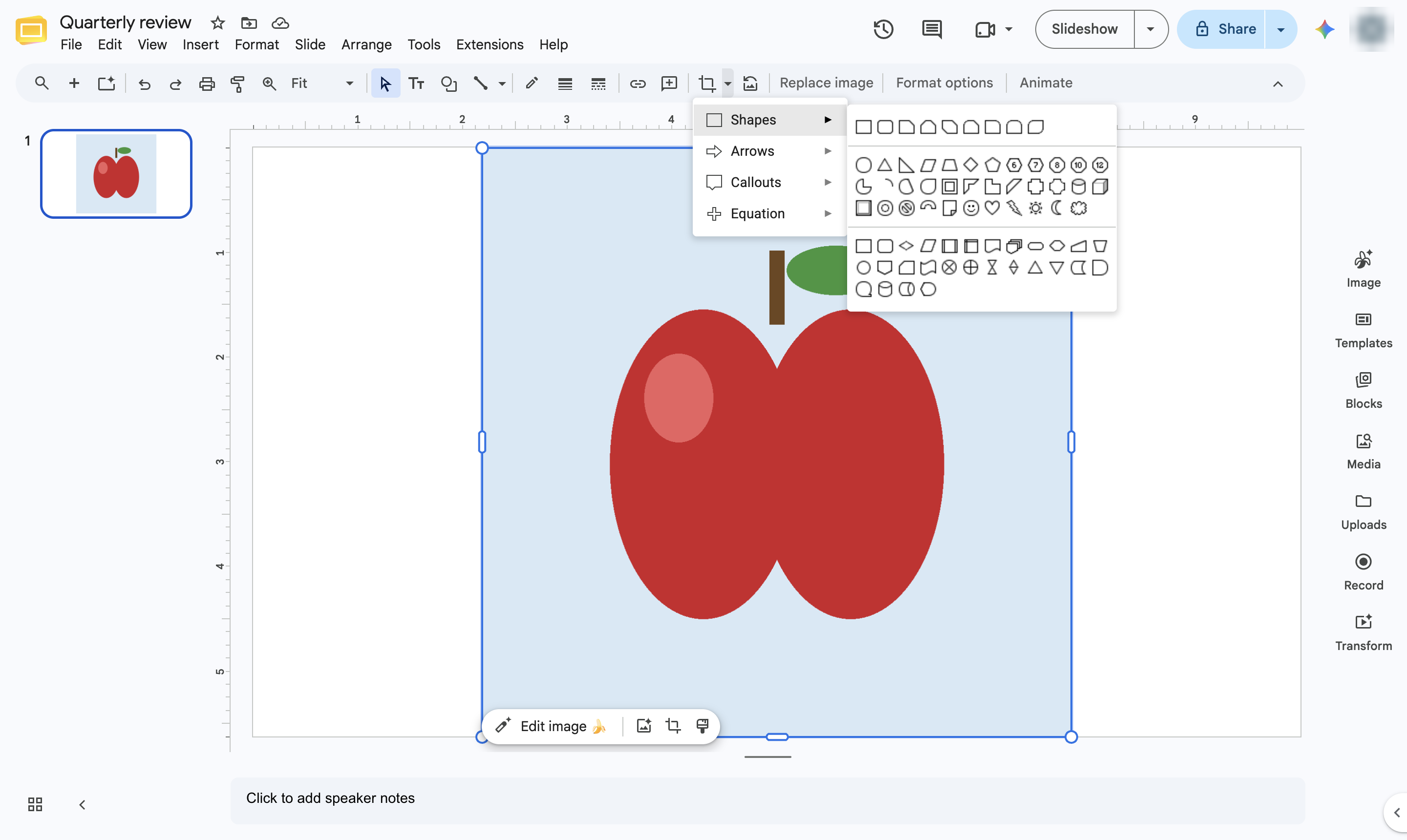
Choose Oval. A square picture becomes a perfect circle; for other pictures, drag the side handles until it is round.
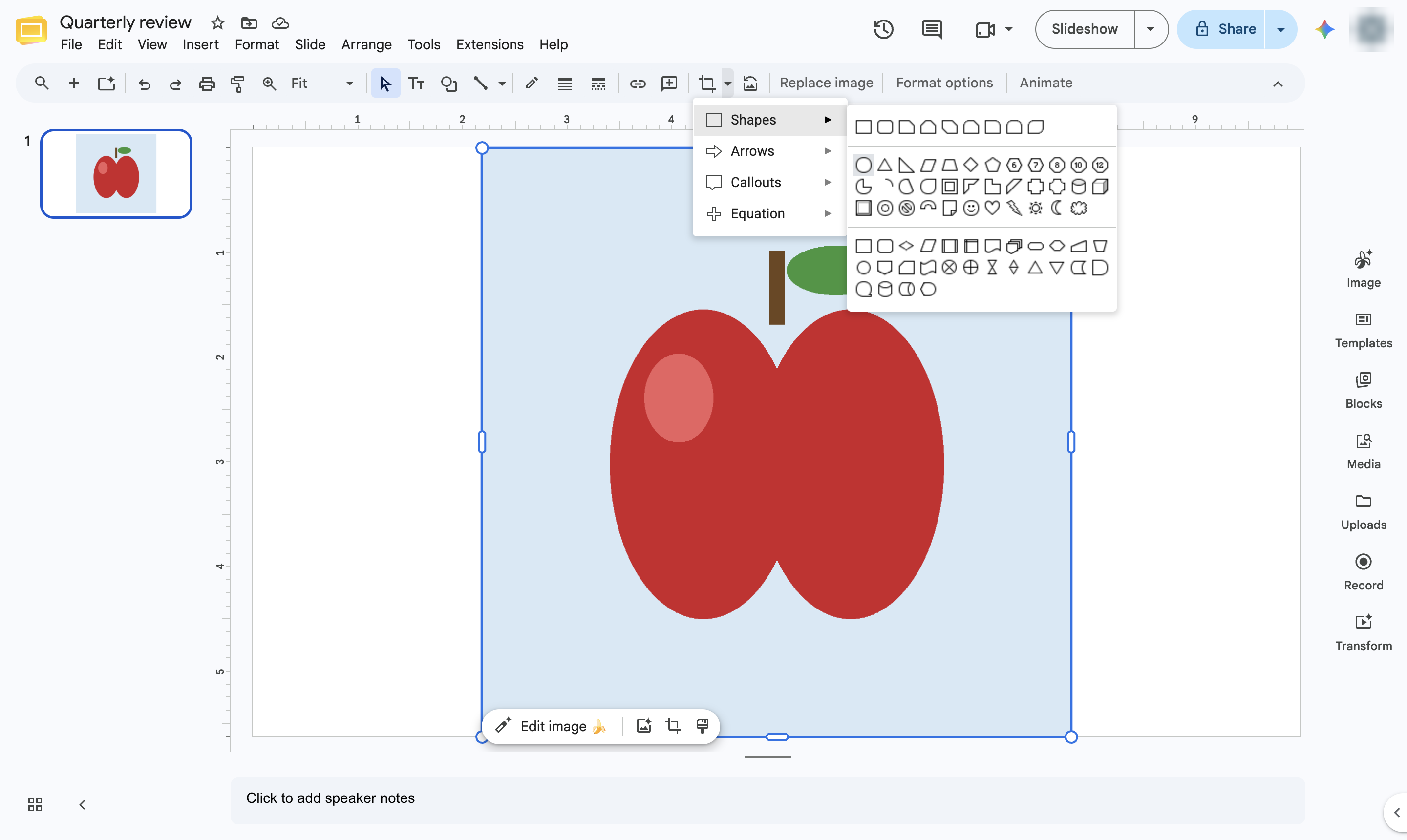
The picture is masked to a circle. Press Enter to adjust what shows inside it, or Reset image to undo.
Duplicate this template, swap in your own screens, and share it with your team. Free to start — no credit card.
Fill out the form and we'll get back to you as soon as possible.
Tell us about your team and we'll find the right plan together.