1
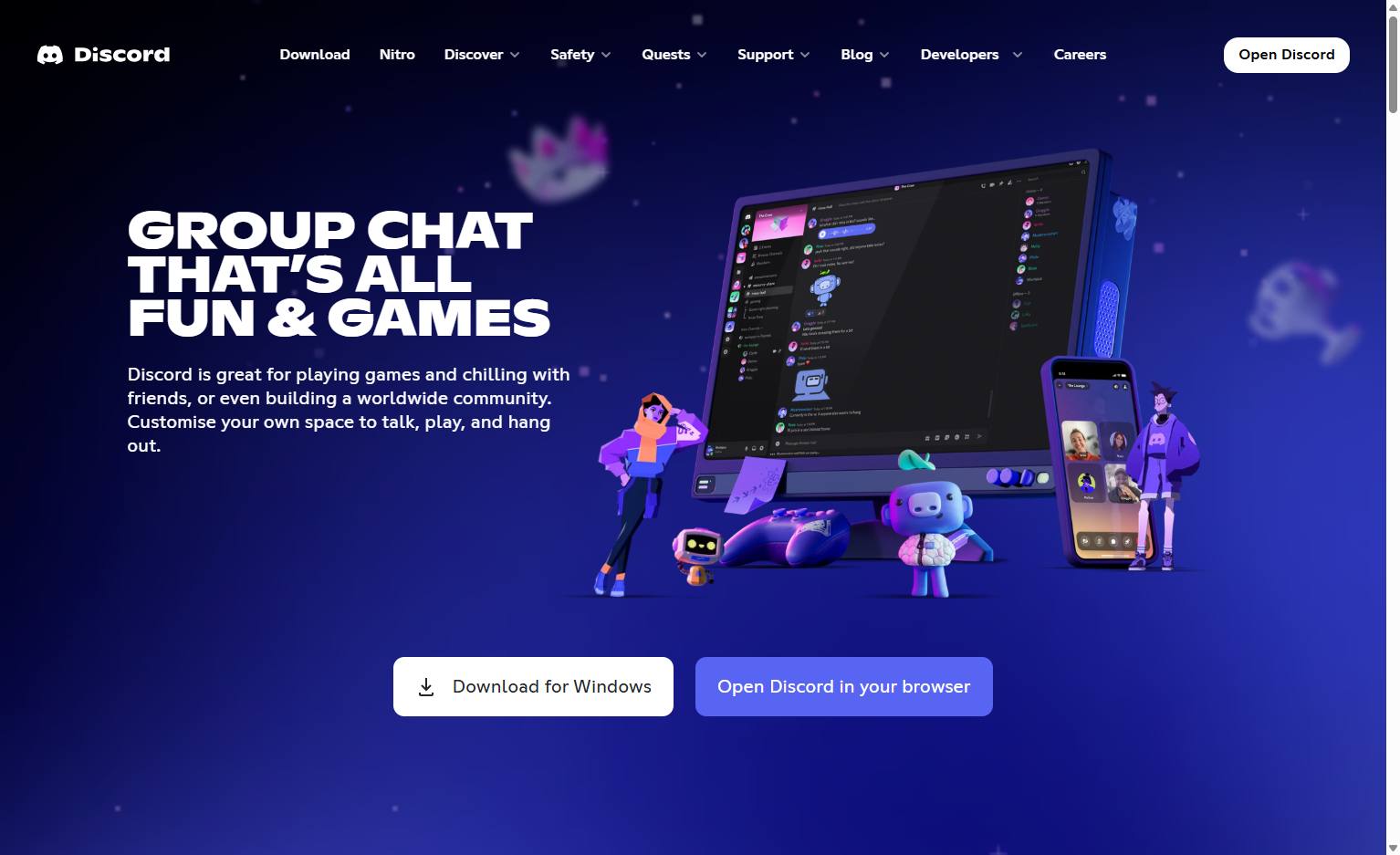
Navigate to the Discord homepage
Open the Discord website in your browser to begin the process of creating a new poll.

In this guide, you will learn how to create a poll in Discord.
Open the Discord website in your browser to begin the process of creating a new poll.
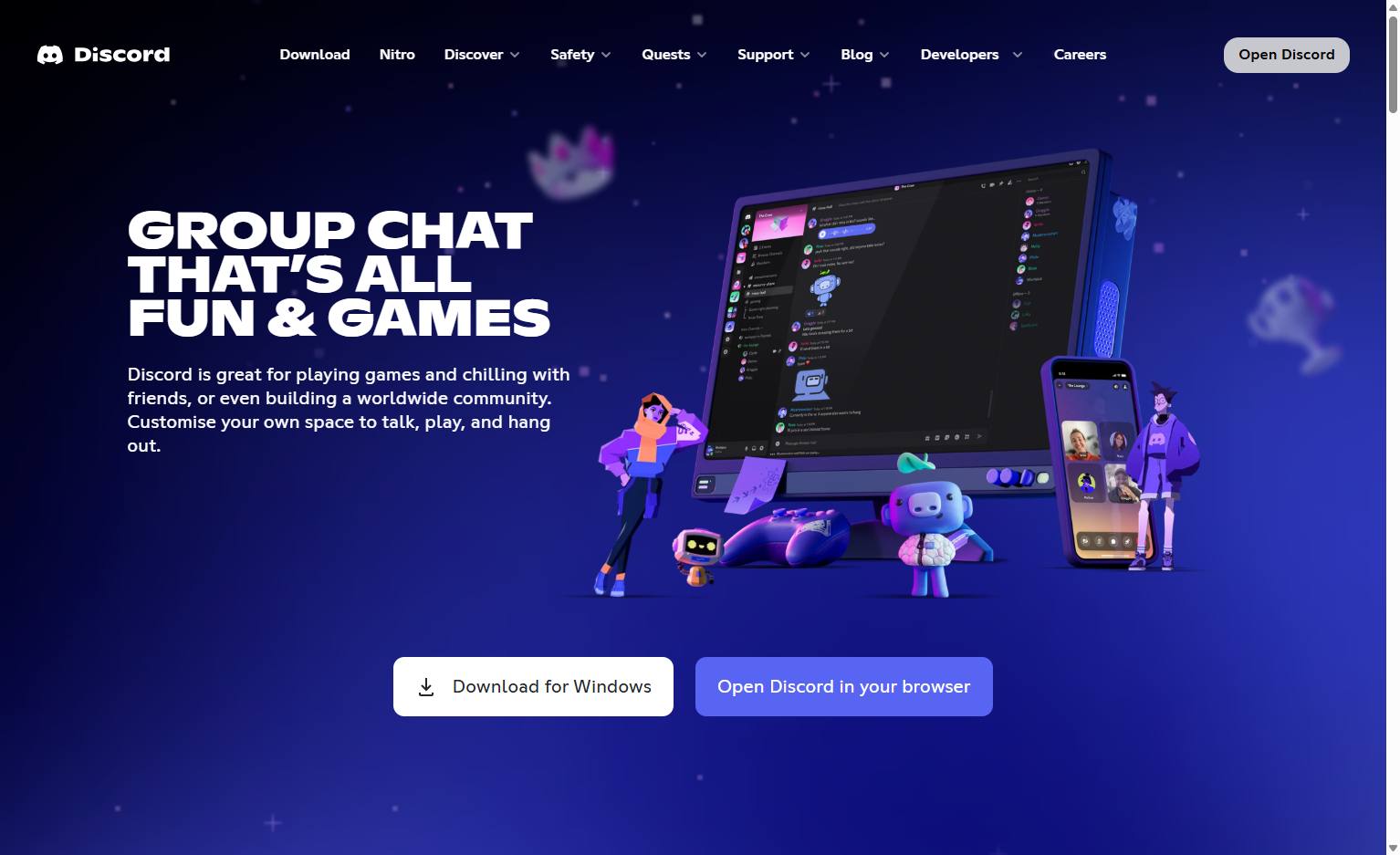
Click the Open Discord button in the top right corner of the page to launch the application.
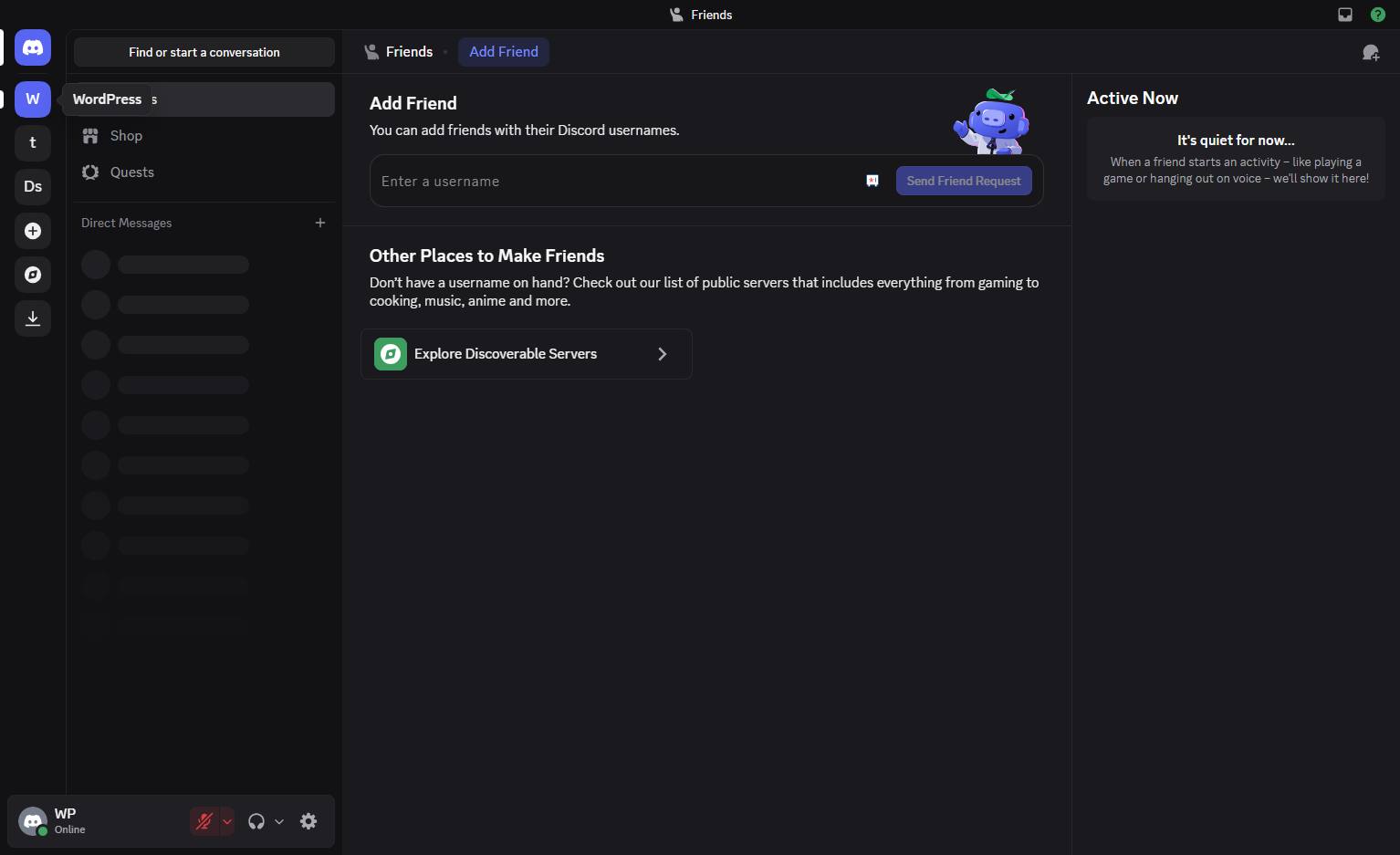
Click the server icon in the left sidebar to open the server.
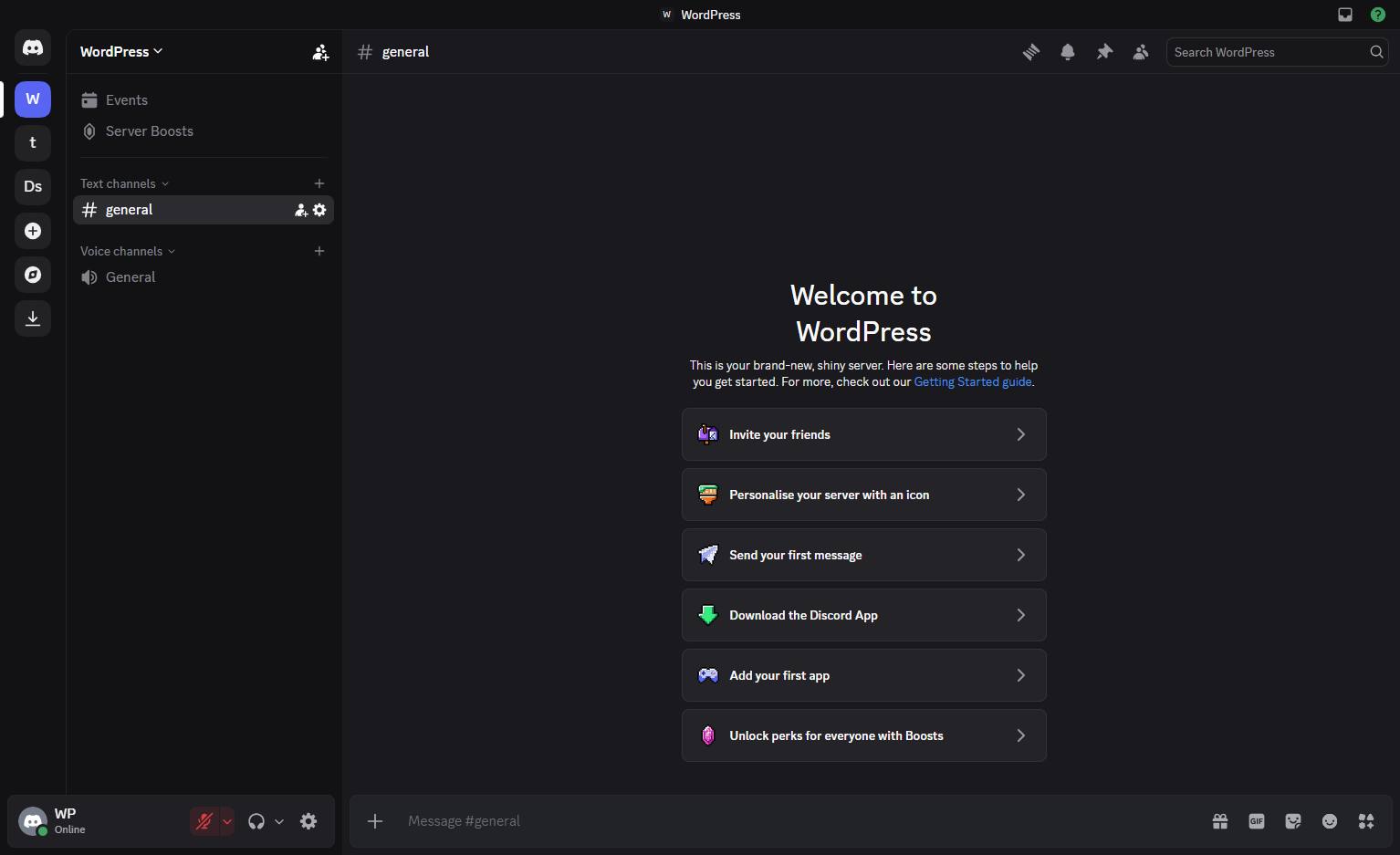
Click the "# general" text channel in the left sidebar to open it.
Click the plus icon next to the message input field to open the menu.
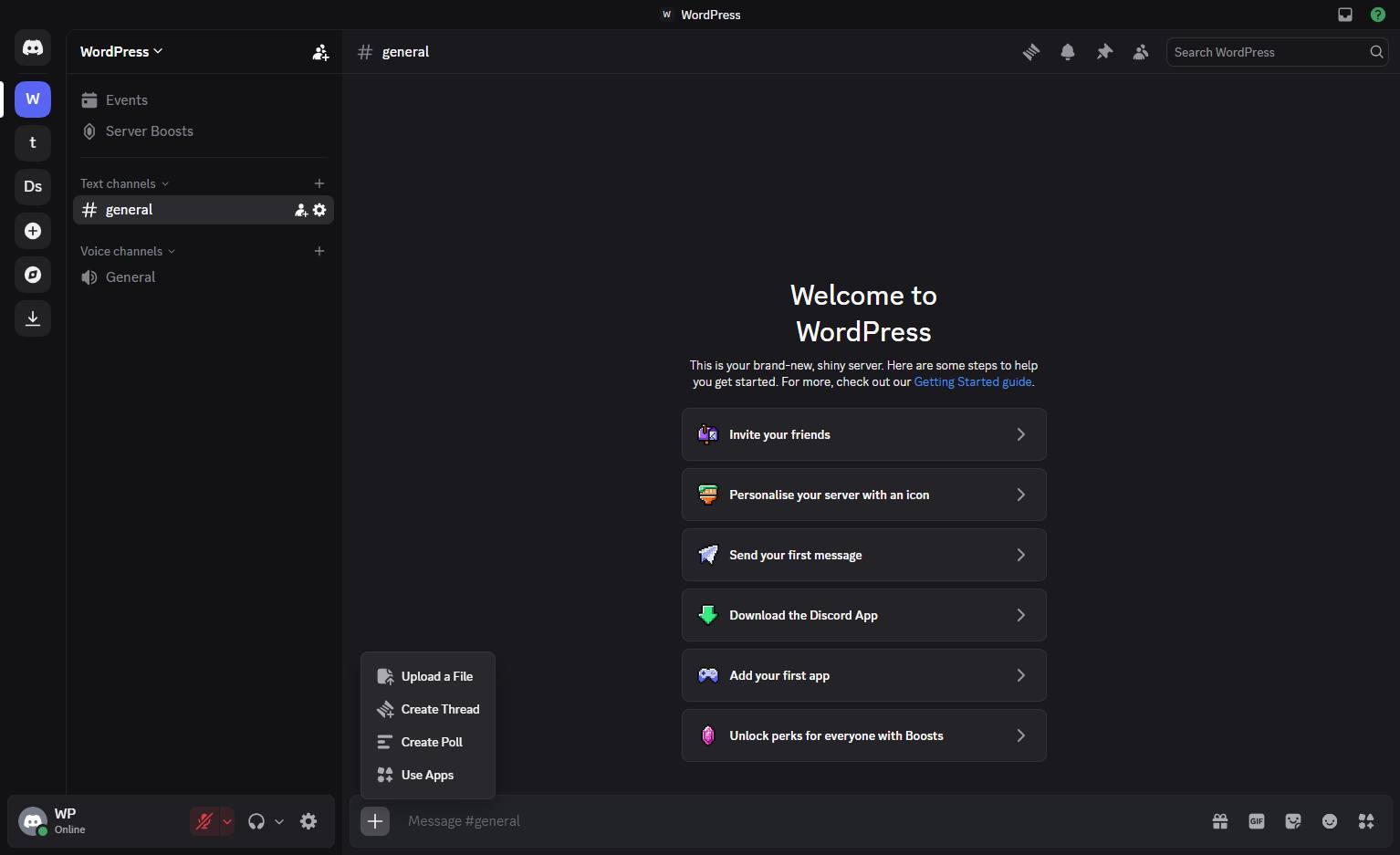
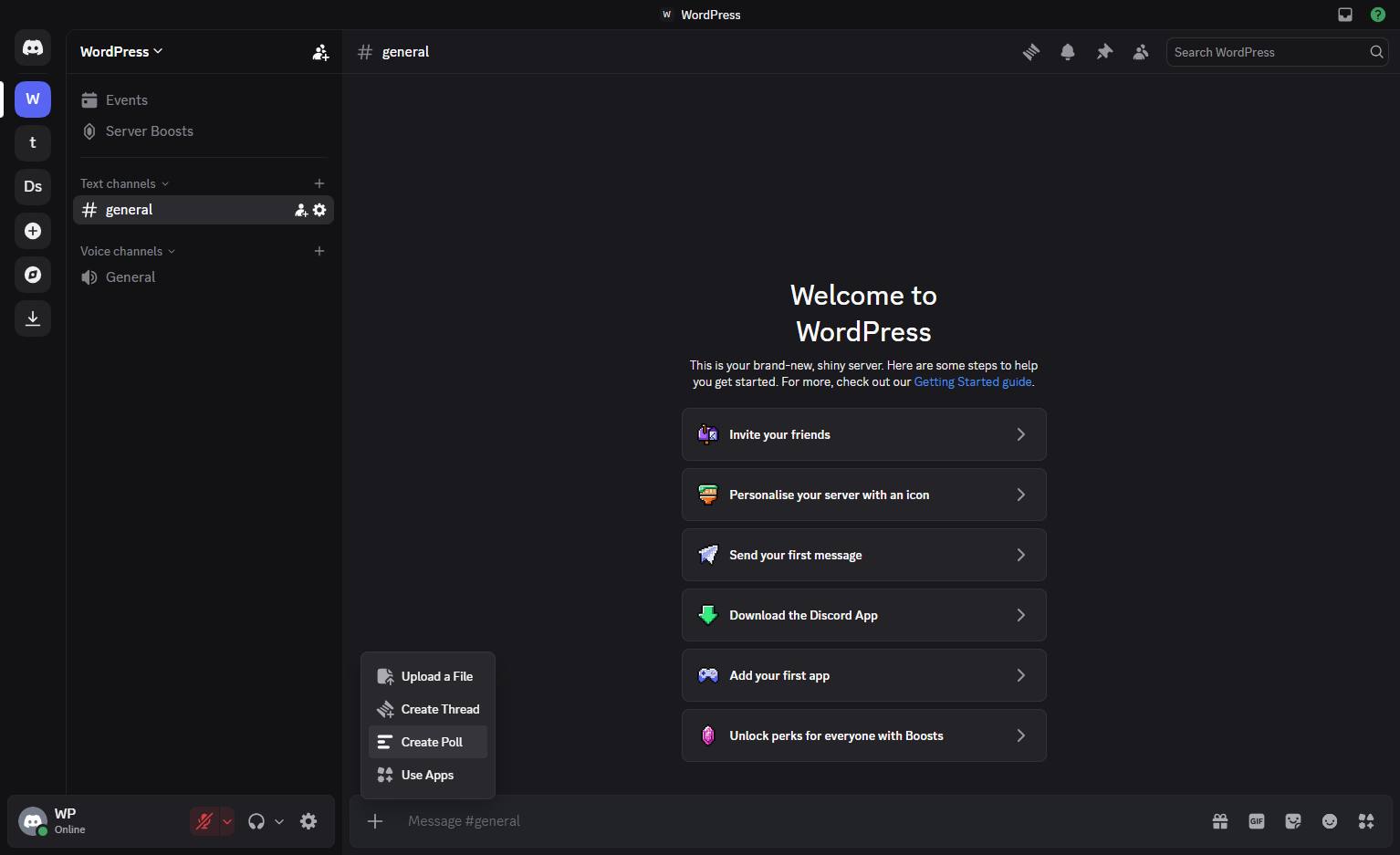
Click the "Create Poll" option in the popup menu above the message input field.
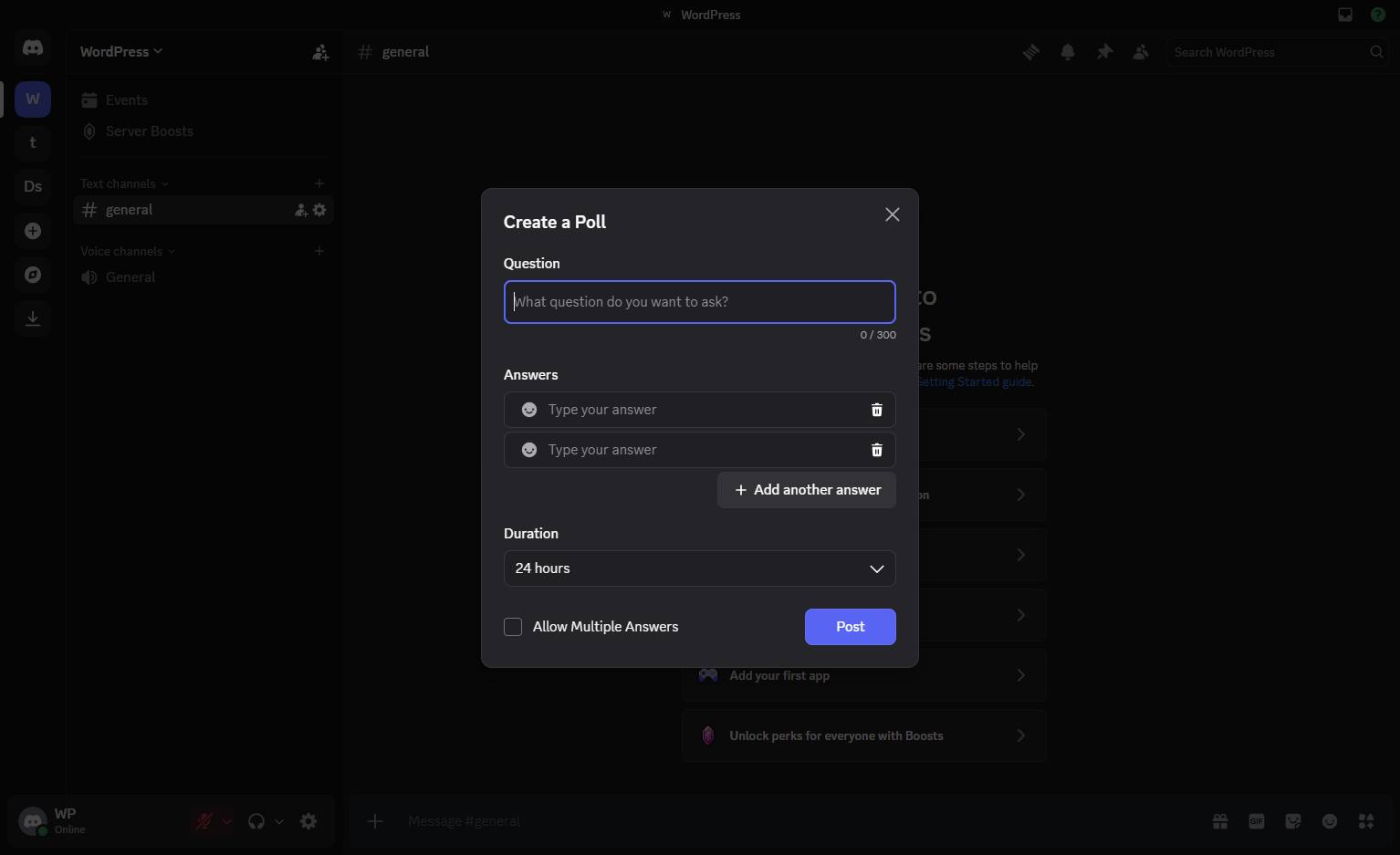
Click the "What question do you want to ask?" input field in the Create a Poll modal to enter your poll's main question.
Click the first "Type your answer" input field under the Answers section to enter a poll option.
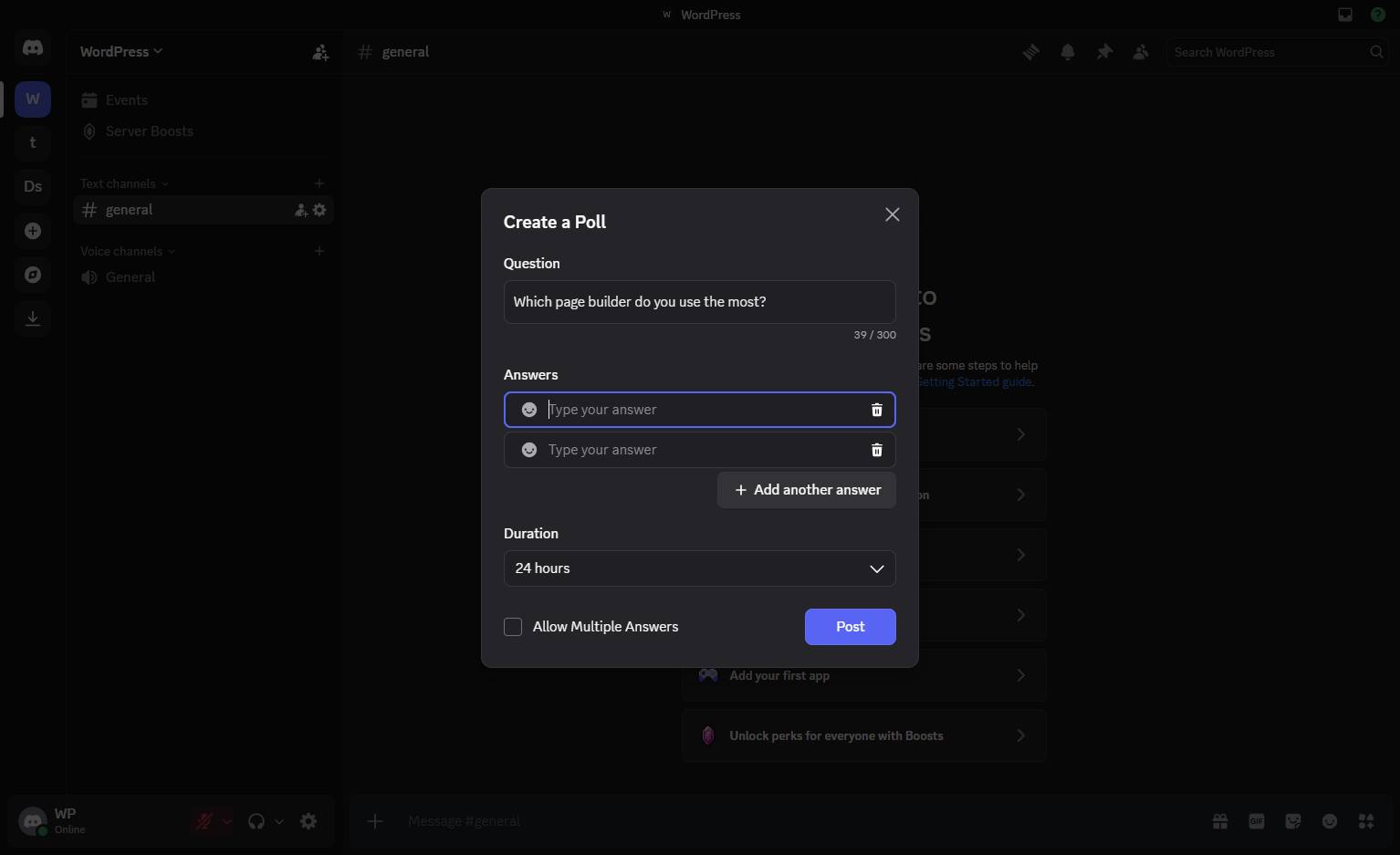
Click the second answer input field in the "Create a Poll" modal to type your next poll option.
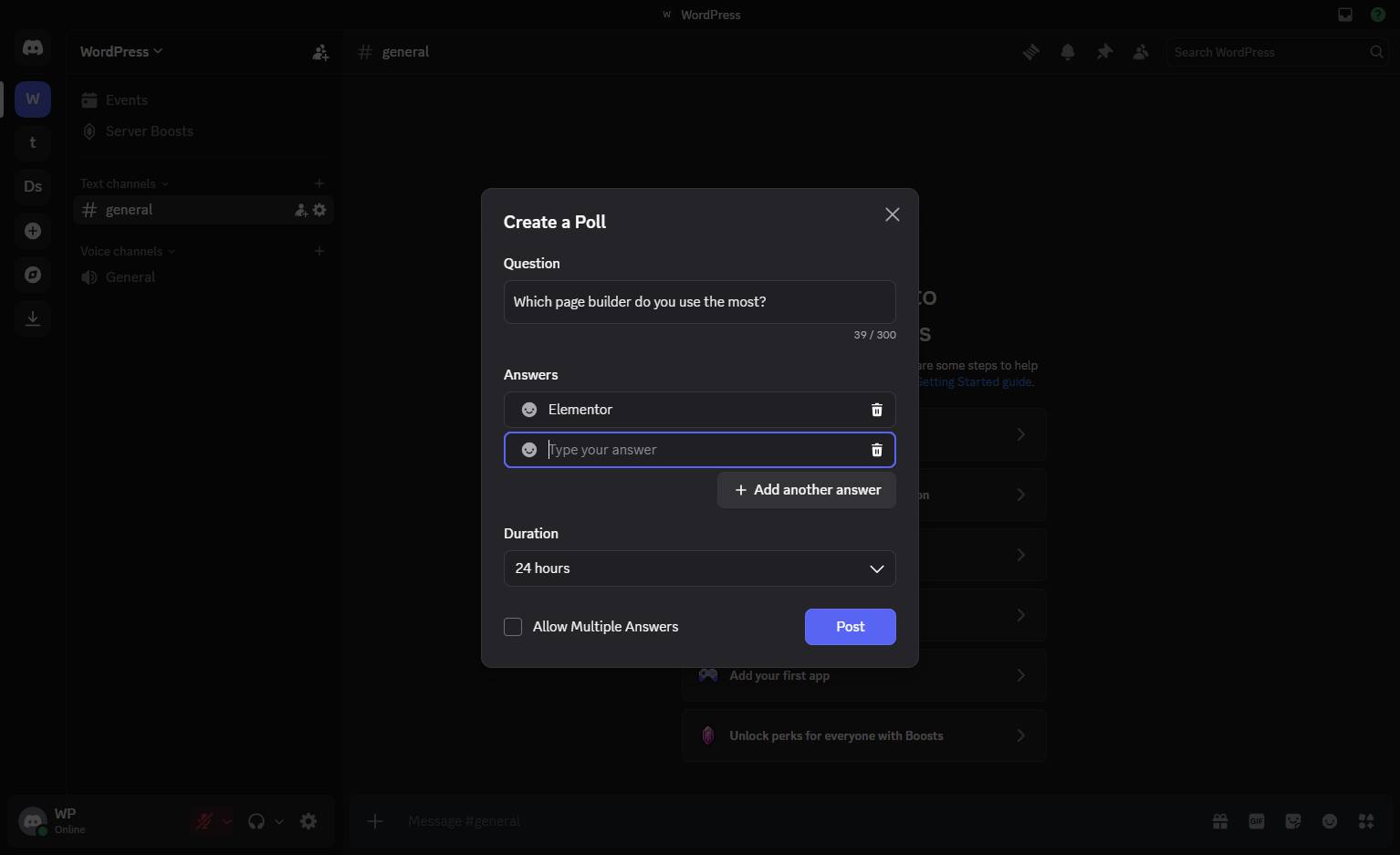
Click the "+ Add another answer" button in the poll creation modal to include an additional option.
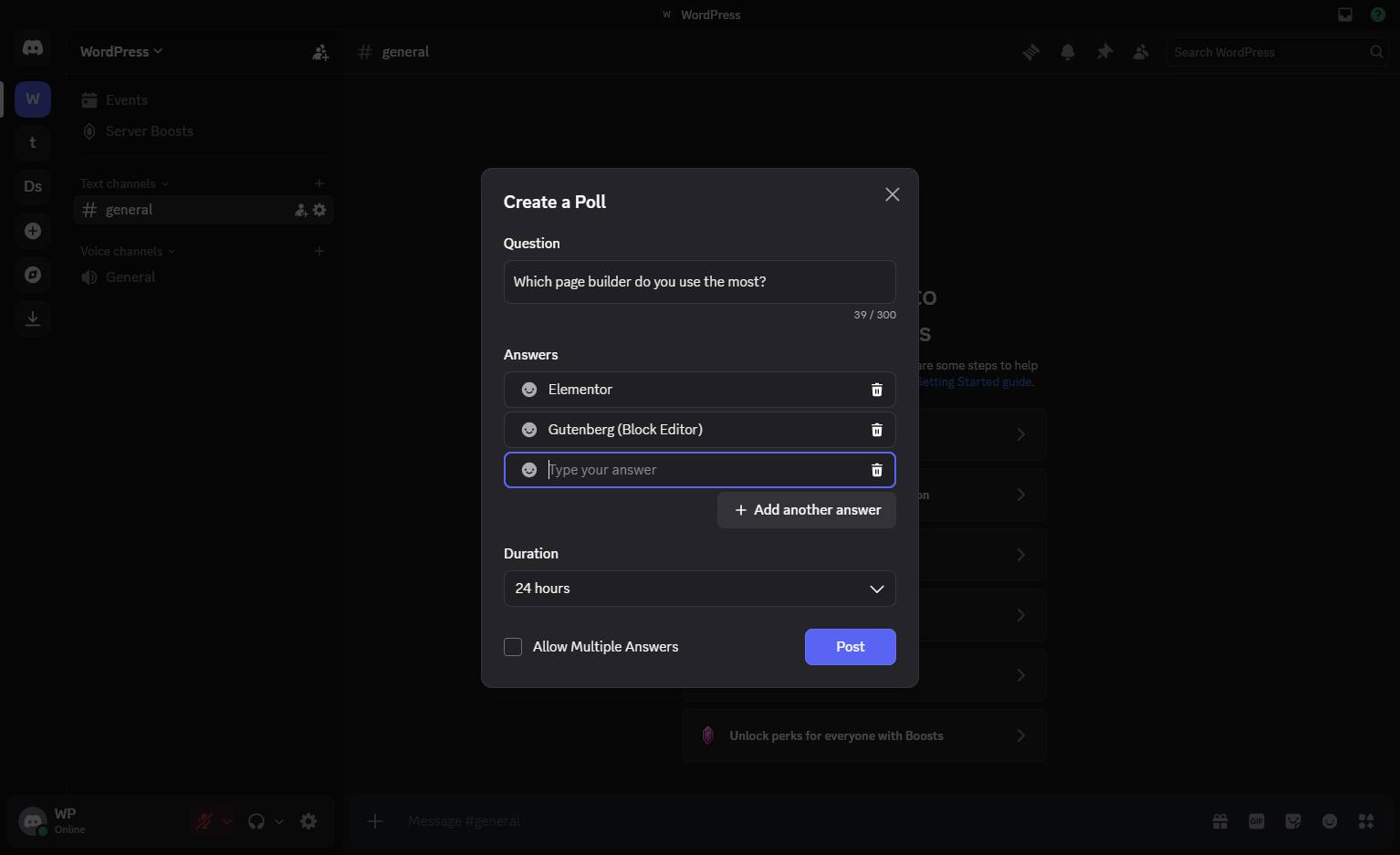
Click the "+ Add another answer" button below the answer fields to add more options to your poll.
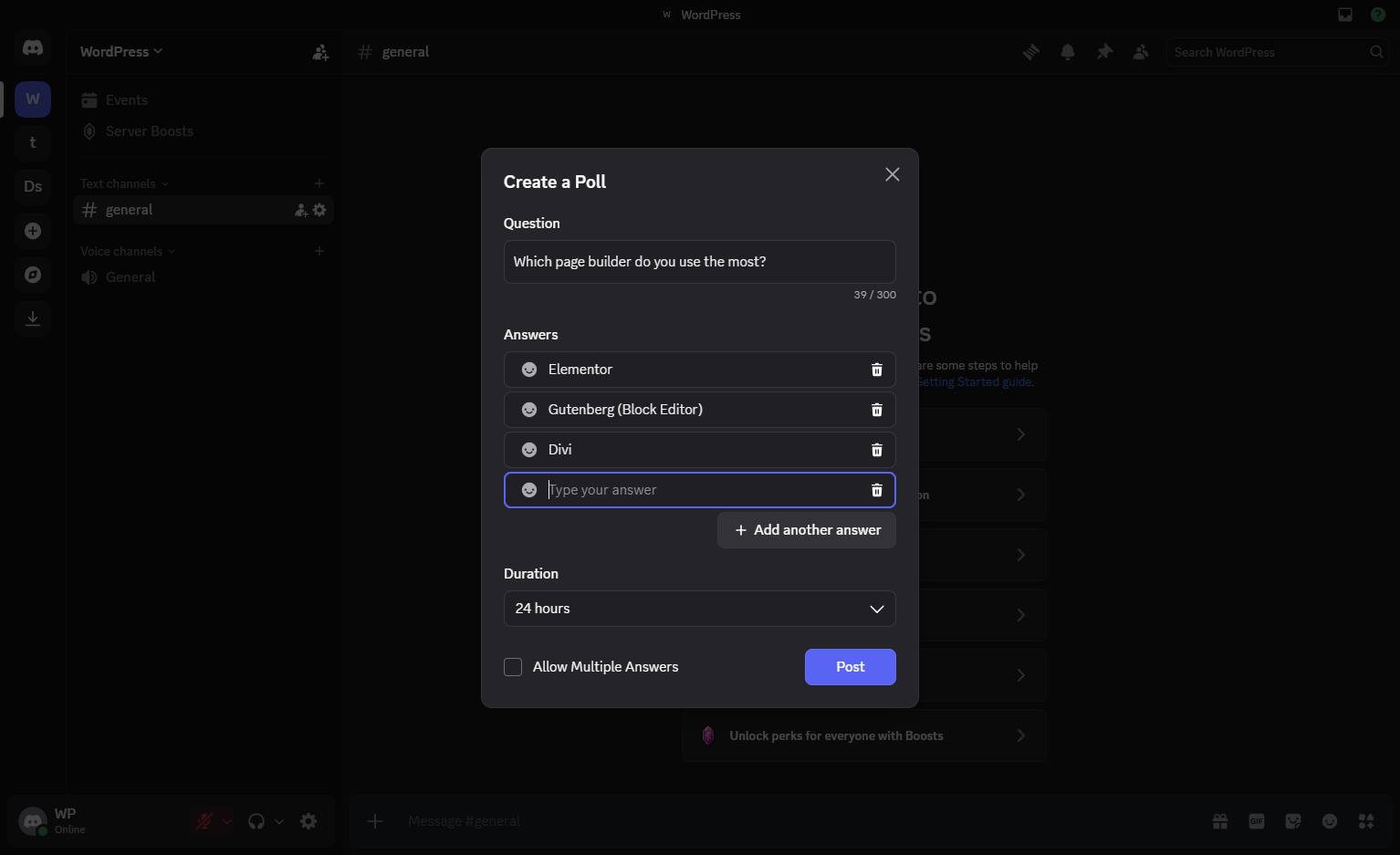
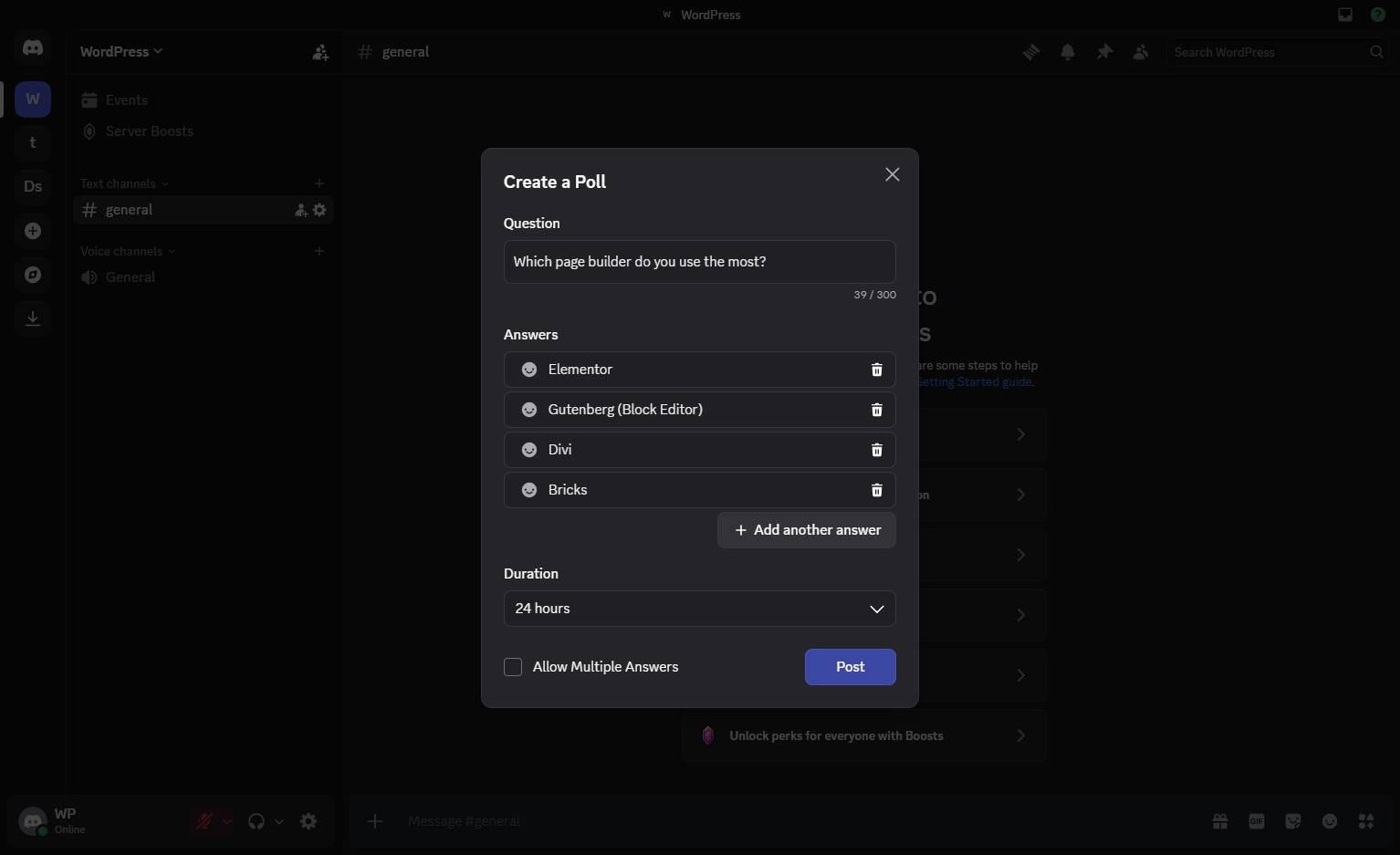
Click the Post button at the bottom right of the modal to publish your poll.
Duplicate this template, swap in your own screens, and share it with your team. Free to start — no credit card.
Fill out the form and we'll get back to you as soon as possible.
Tell us about your team and we'll find the right plan together.