1
Click where the equation goes
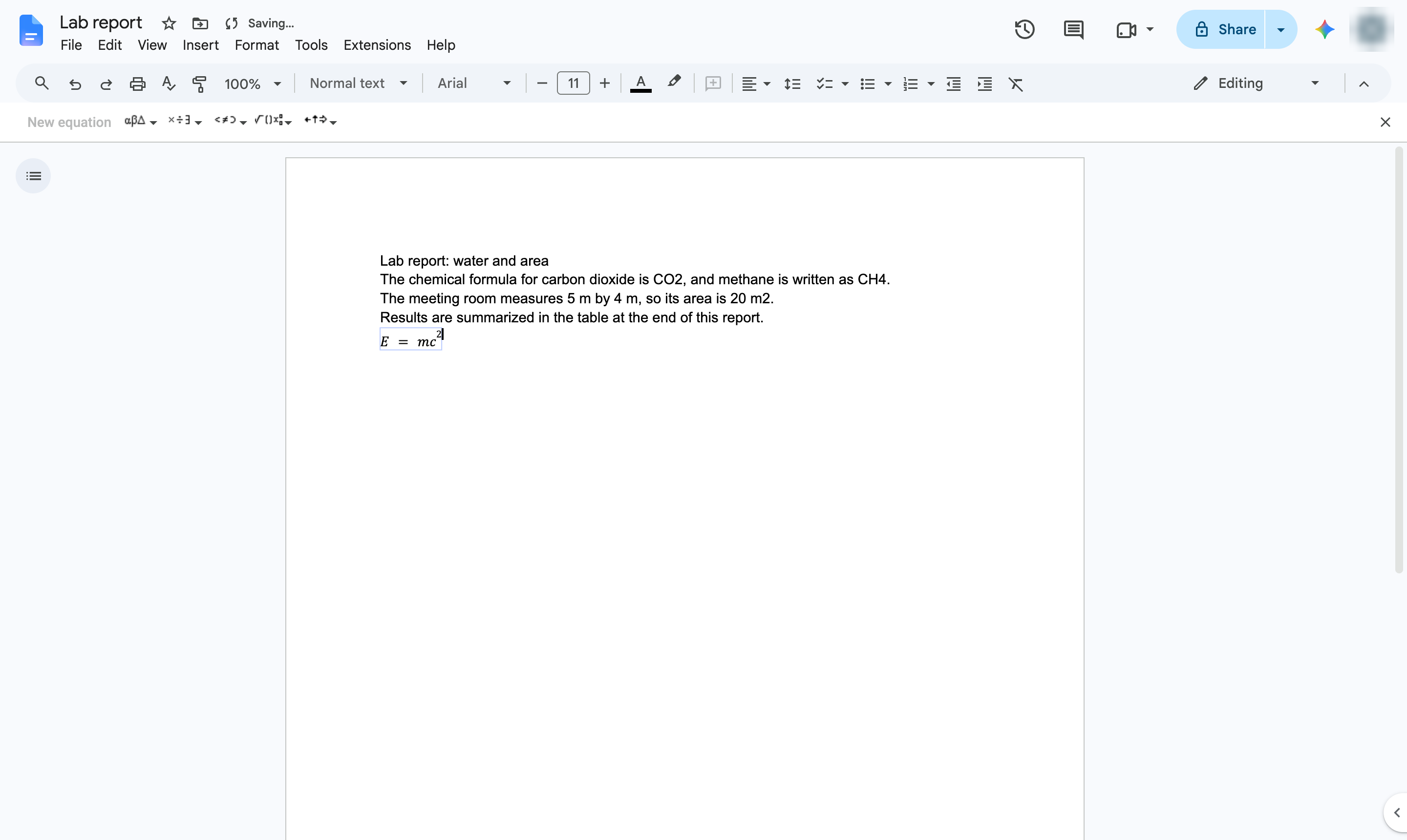
Click where you want the equation. Press enter to start a new line for the equation.
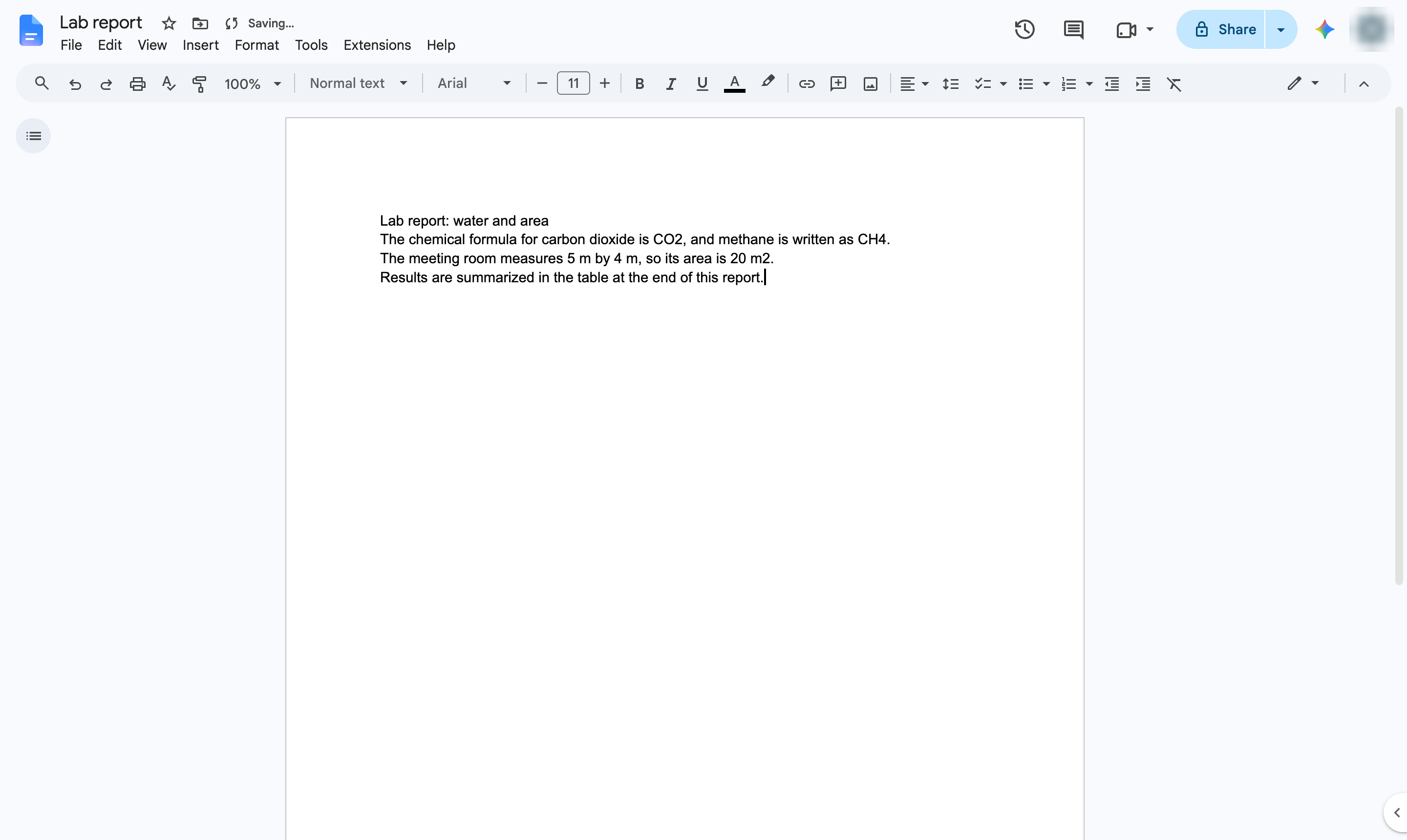

Write math with the equation editor - exponents, fractions, Greek letters and more.
Click where you want the equation. Press enter to start a new line for the equation.
Open the Insert menu.
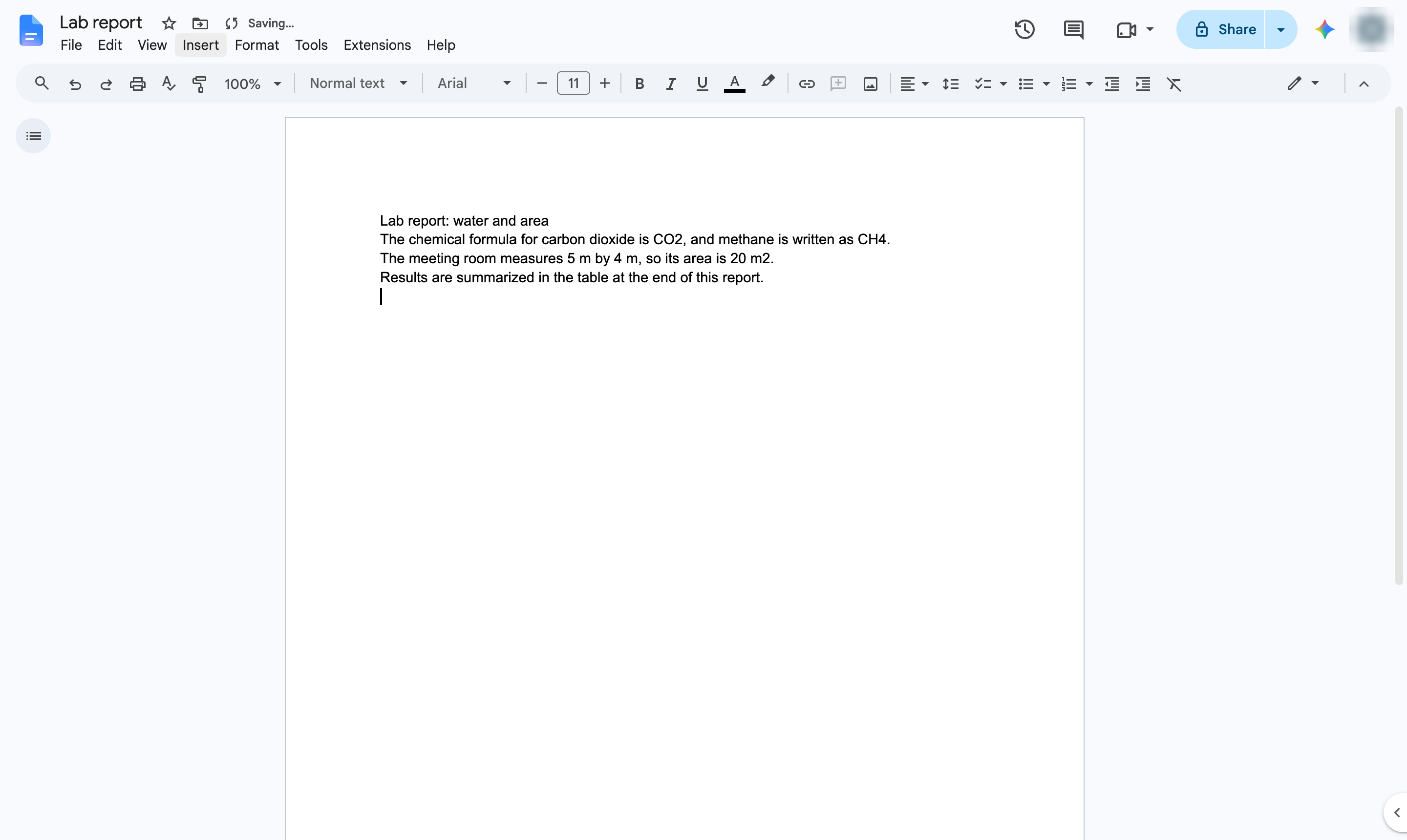
Hover over Symbols.
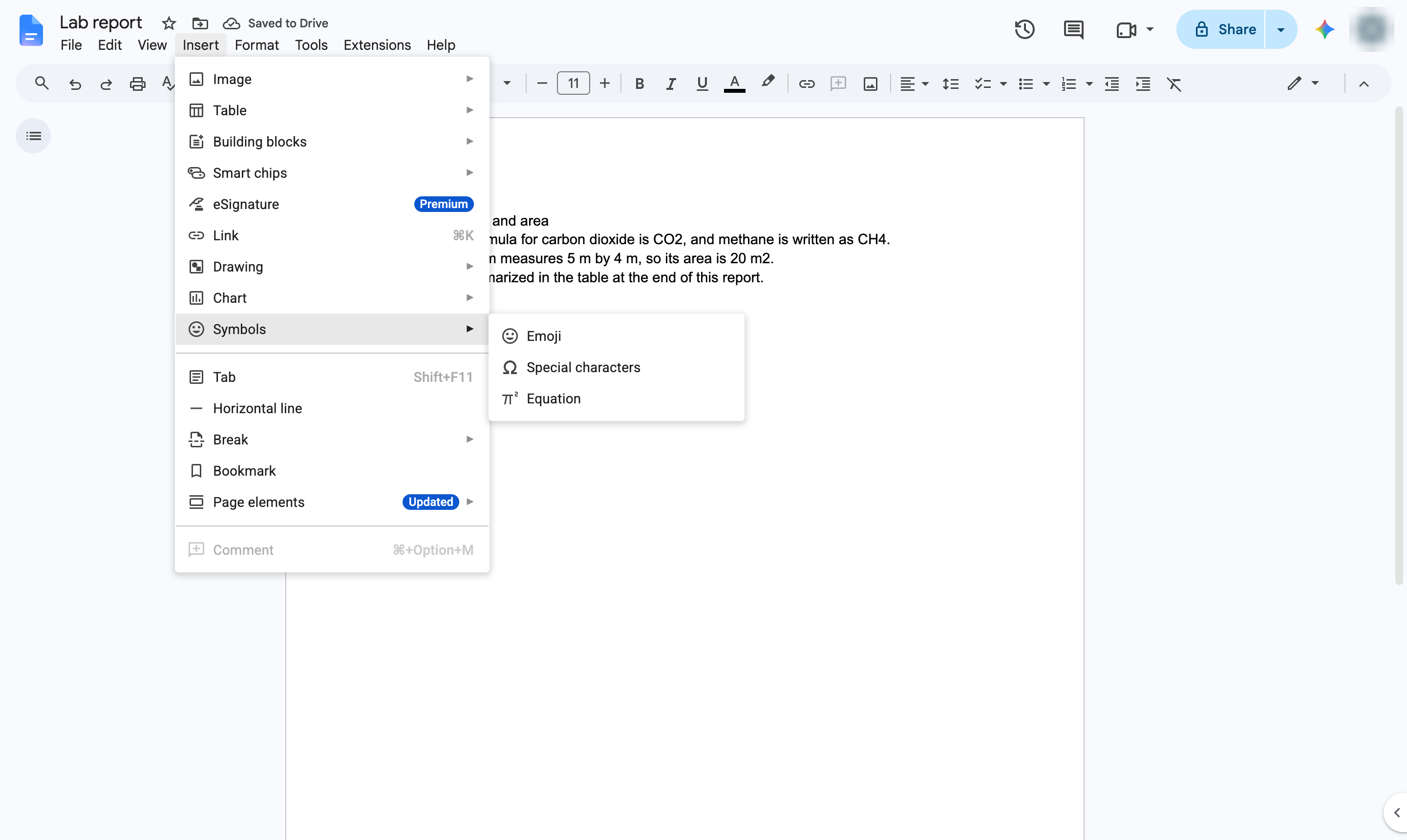
Choose Equation. An equation box opens, with an equation toolbar above the page.Type the equation. Type ^ for an exponent and with a name (like pi or frac) for symbols, or pick them from the equation toolbar.
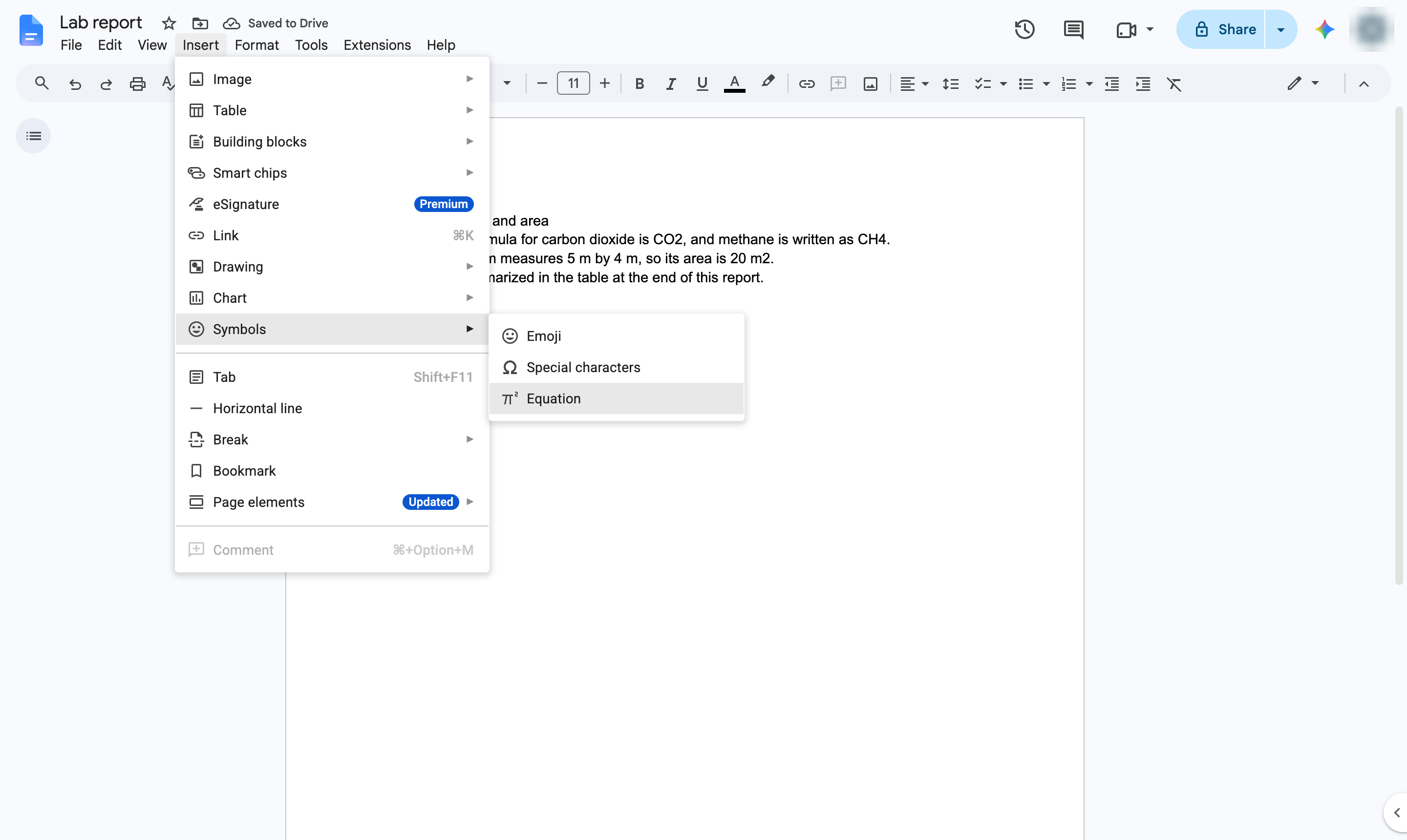
The equation is formatted as math. Press the right arrow key to leave the exponent, or click outside the box when you are done.
Duplicate this template, swap in your own screens, and share it with your team. Free to start — no credit card.
Fill out the form and we'll get back to you as soon as possible.
Tell us about your team and we'll find the right plan together.