1
Navigate to your spreadsheet
Navigate to your spreadsheet

A ready-made, step-by-step walkthrough. Preview every step below — then make it your own in seconds.
Navigate to your spreadsheet
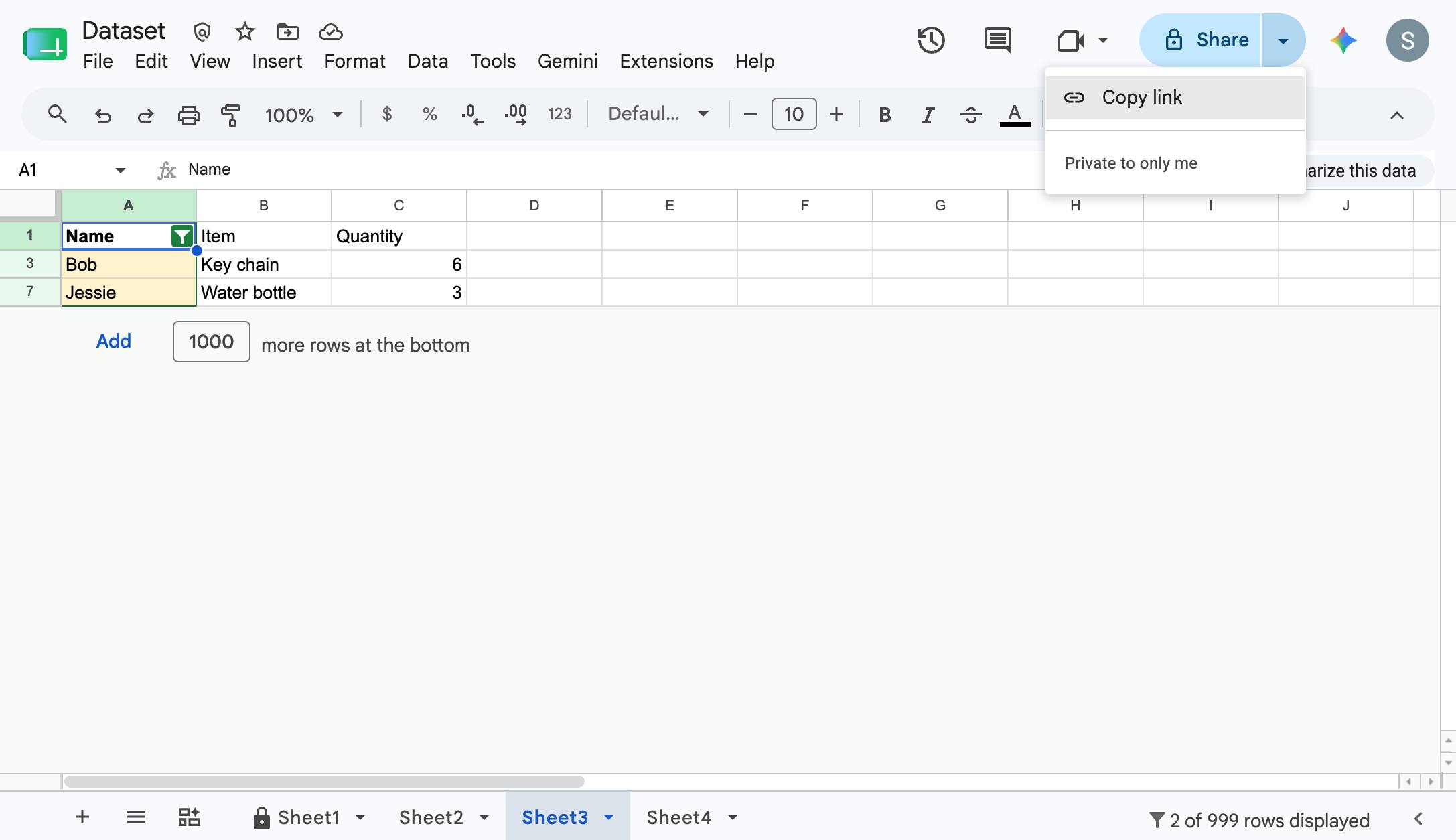
Click "Share"
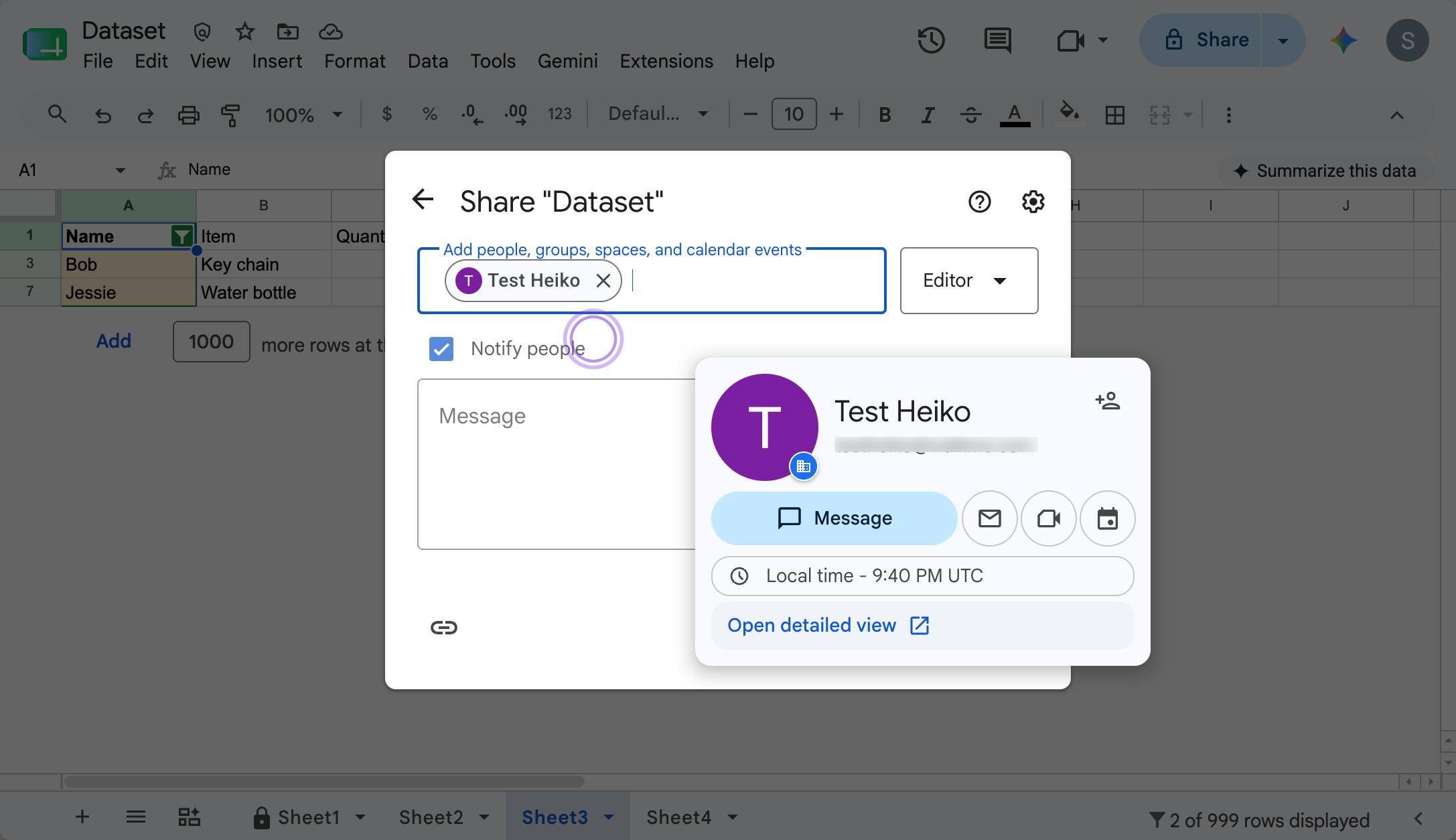
Type in the email of the person you'd like to share your Sheet with
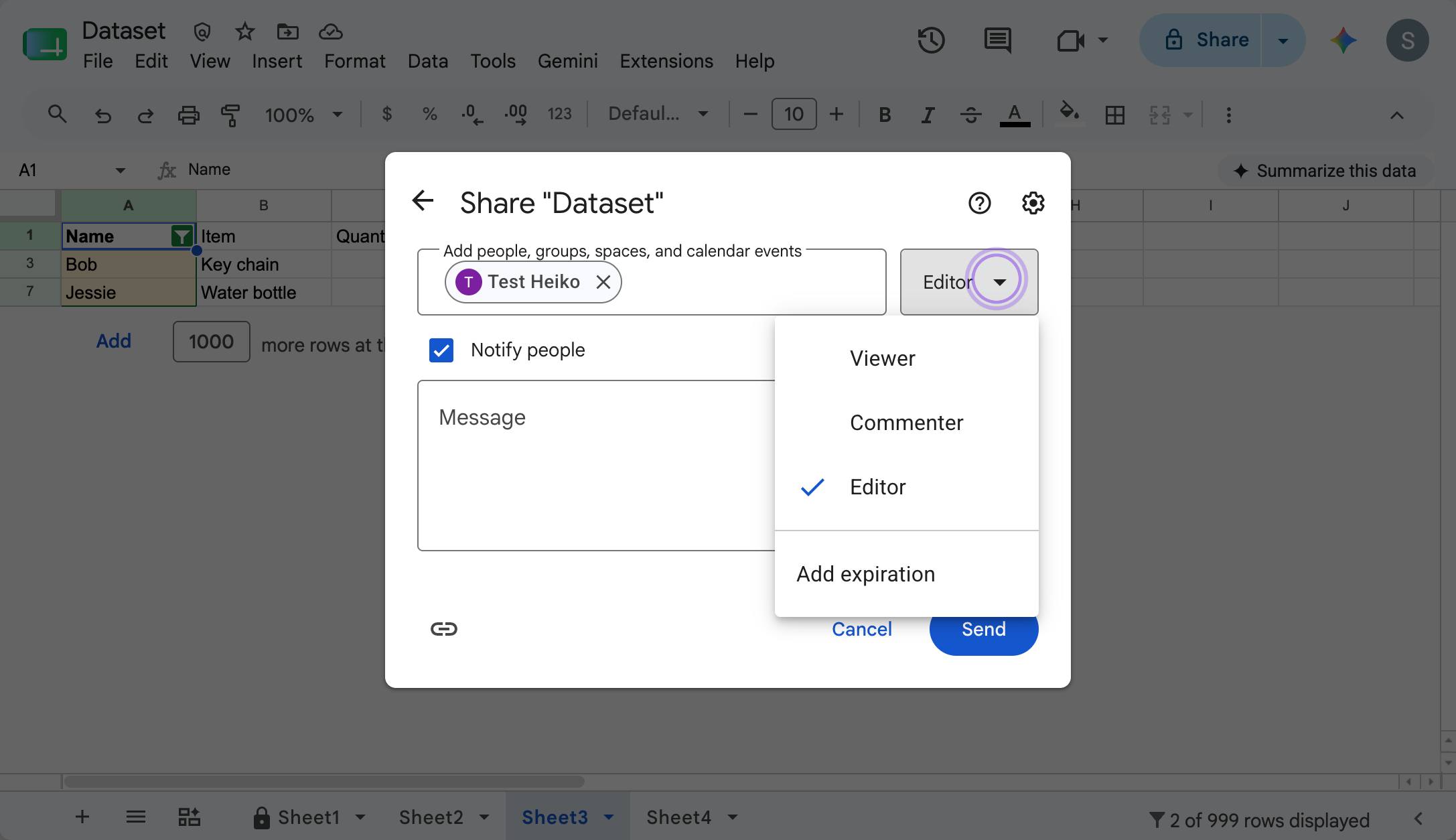
Click this icon to toggle between editor permissions. By default, these sharing permissions are set to "Editor"
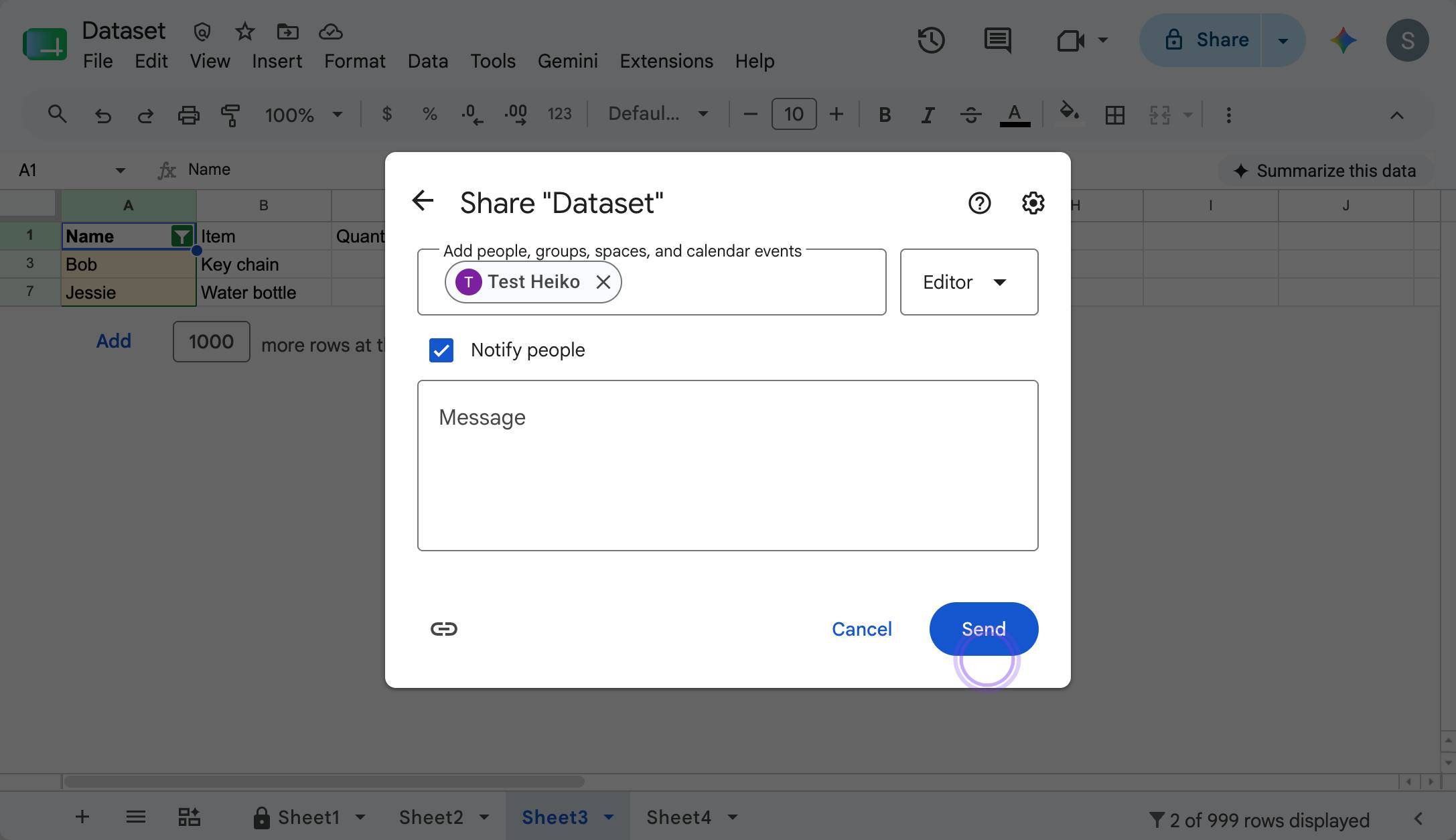
Click "Send" when you're ready to share!
Duplicate this template, swap in your own screens, and share it with your team. Free to start — no credit card.
Fill out the form and we'll get back to you as soon as possible.
Tell us about your team and we'll find the right plan together.