1
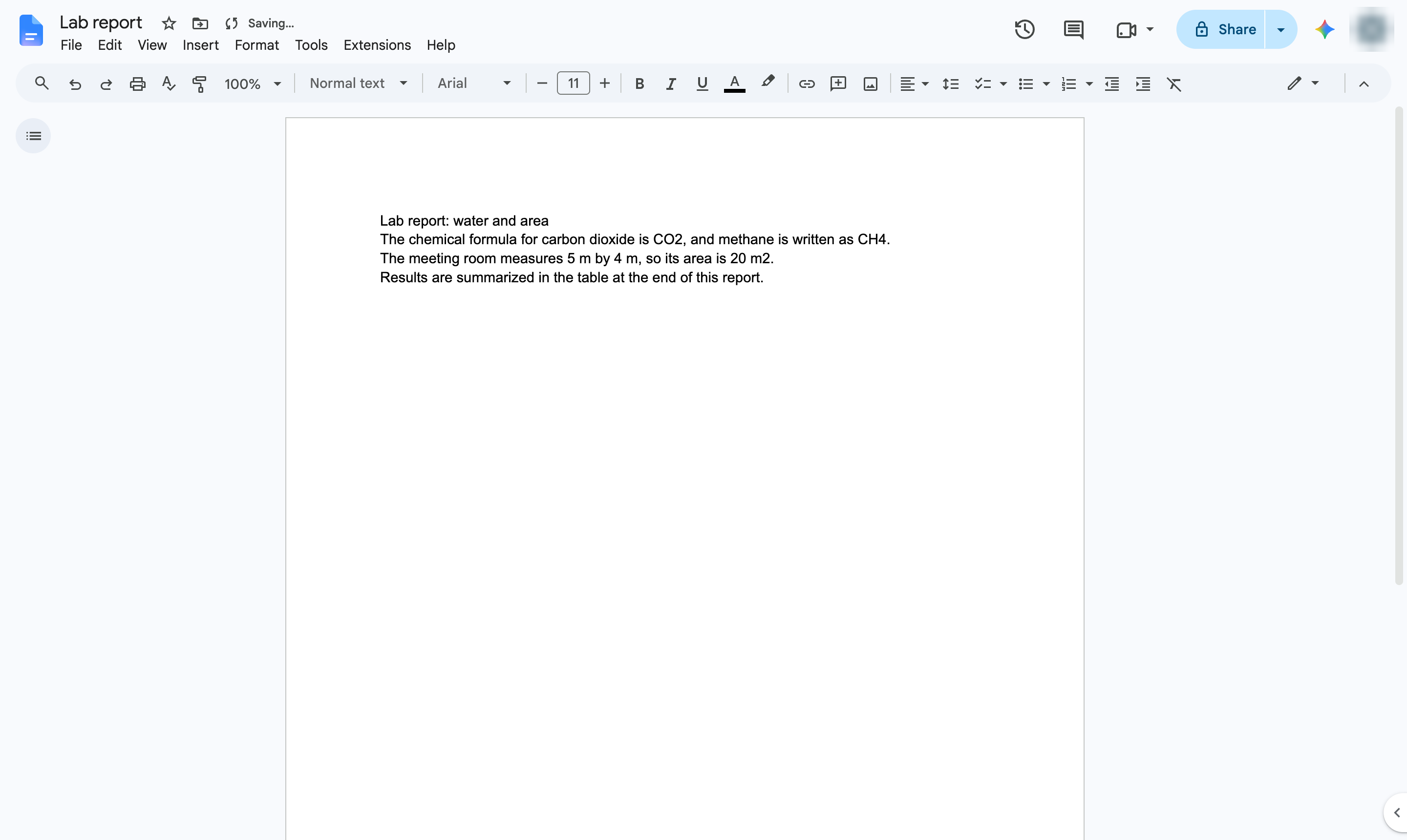
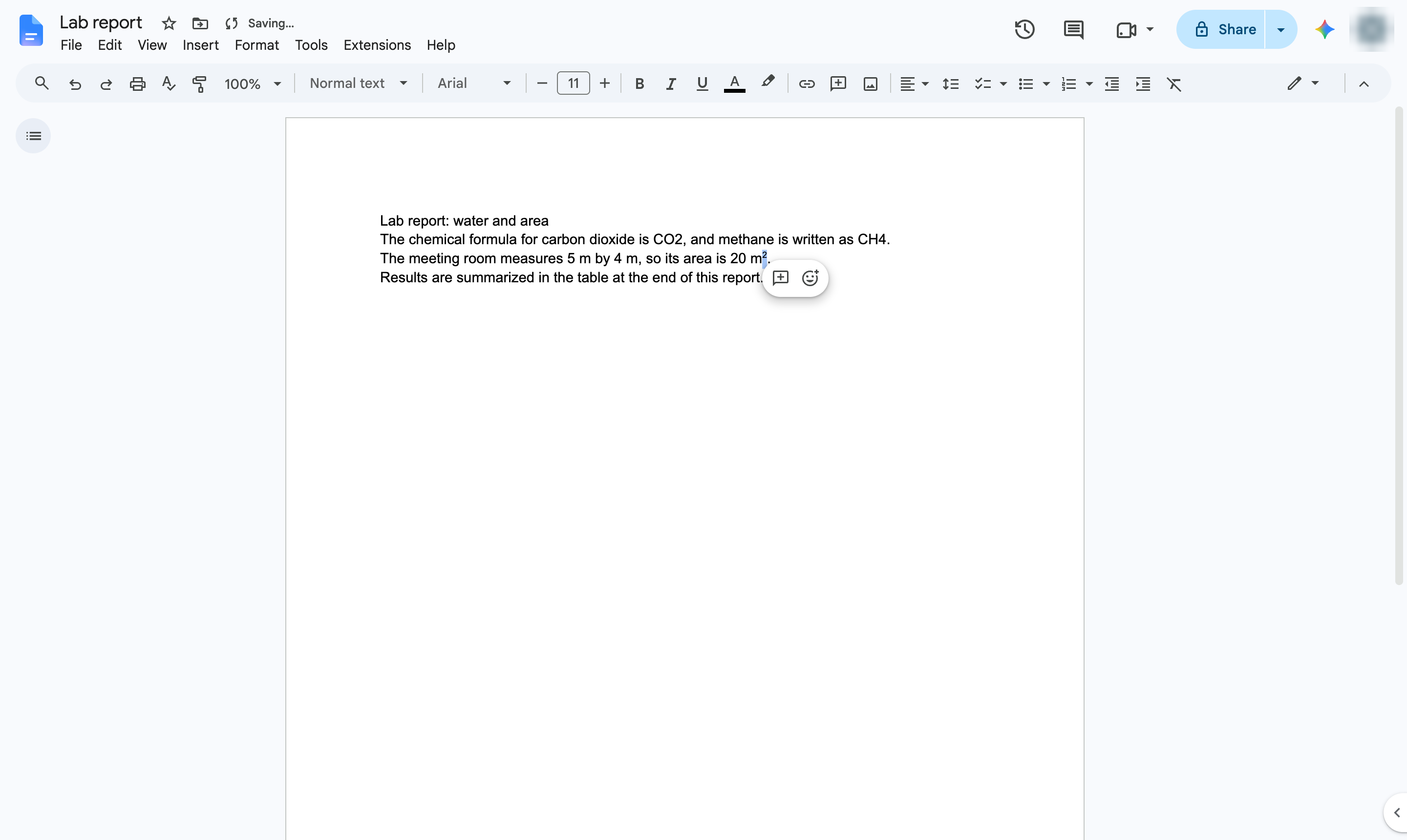
Select the text to superscript
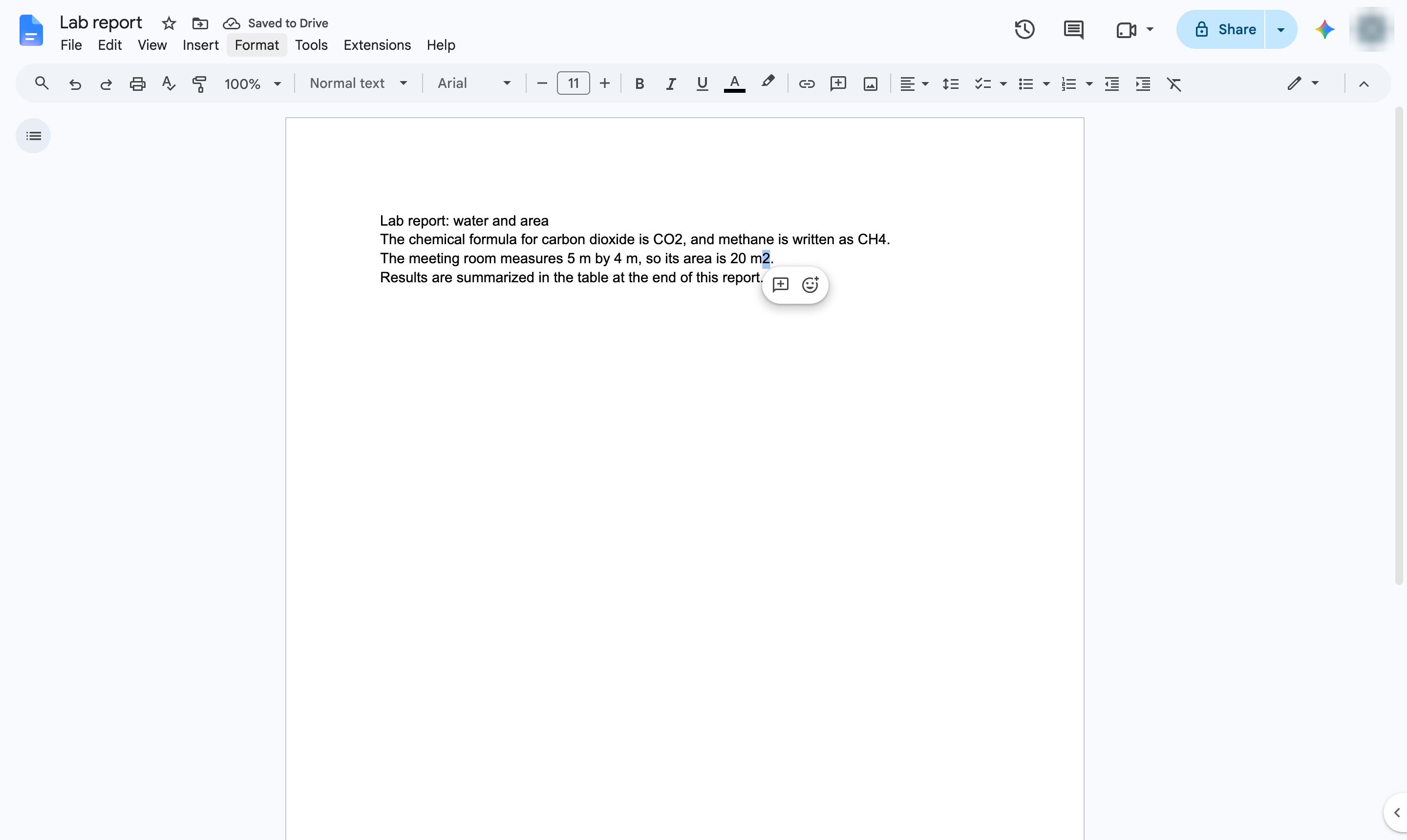
Highlight the characters that should sit above the line - here, the 2 in m2.

Raise characters above the line - for exponents, units like m2 or ordinal numbers - from the Format menu or with a shortcut.
Highlight the characters that should sit above the line - here, the 2 in m2.
Open the Format menu.
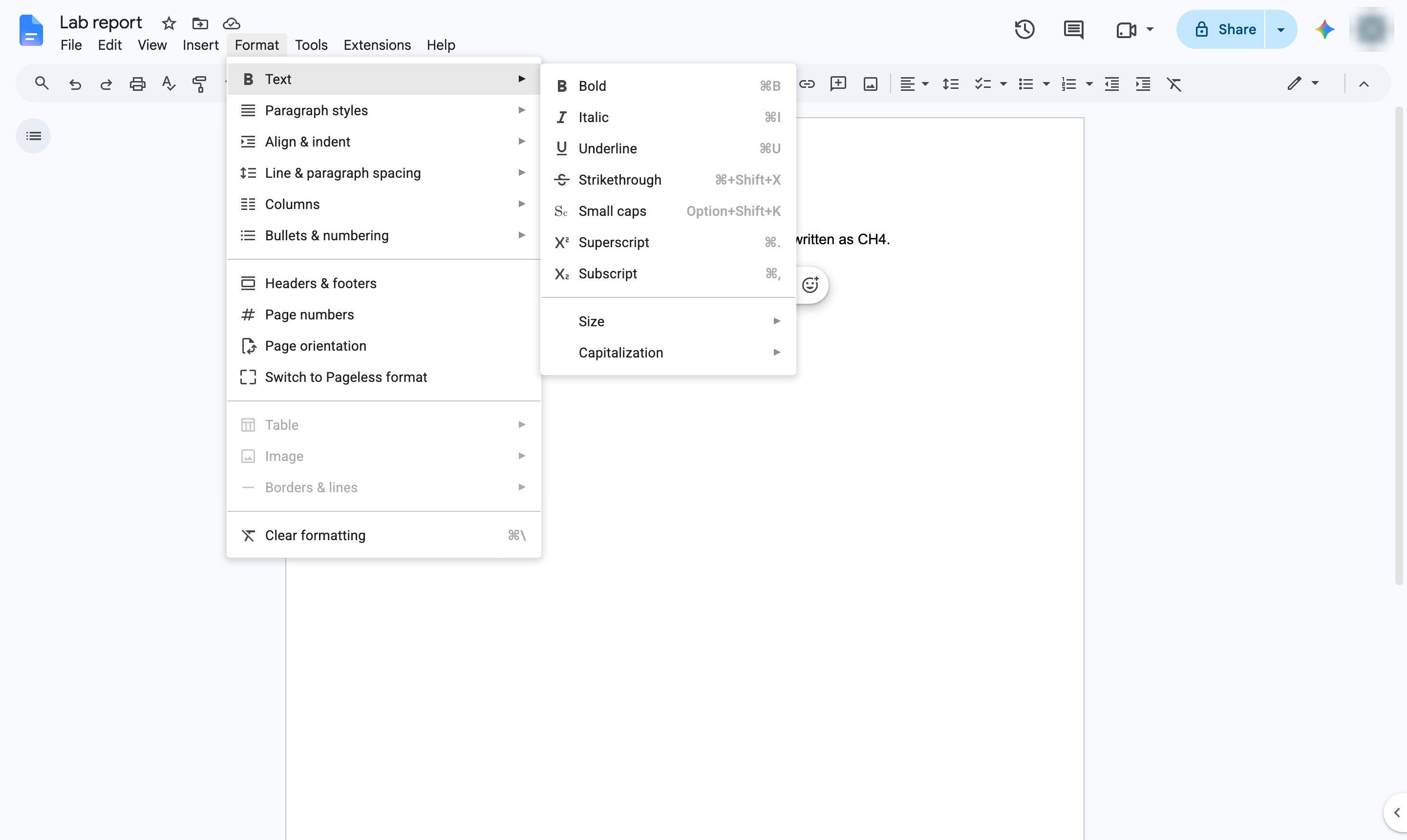
Hover over Text to open its submenu.
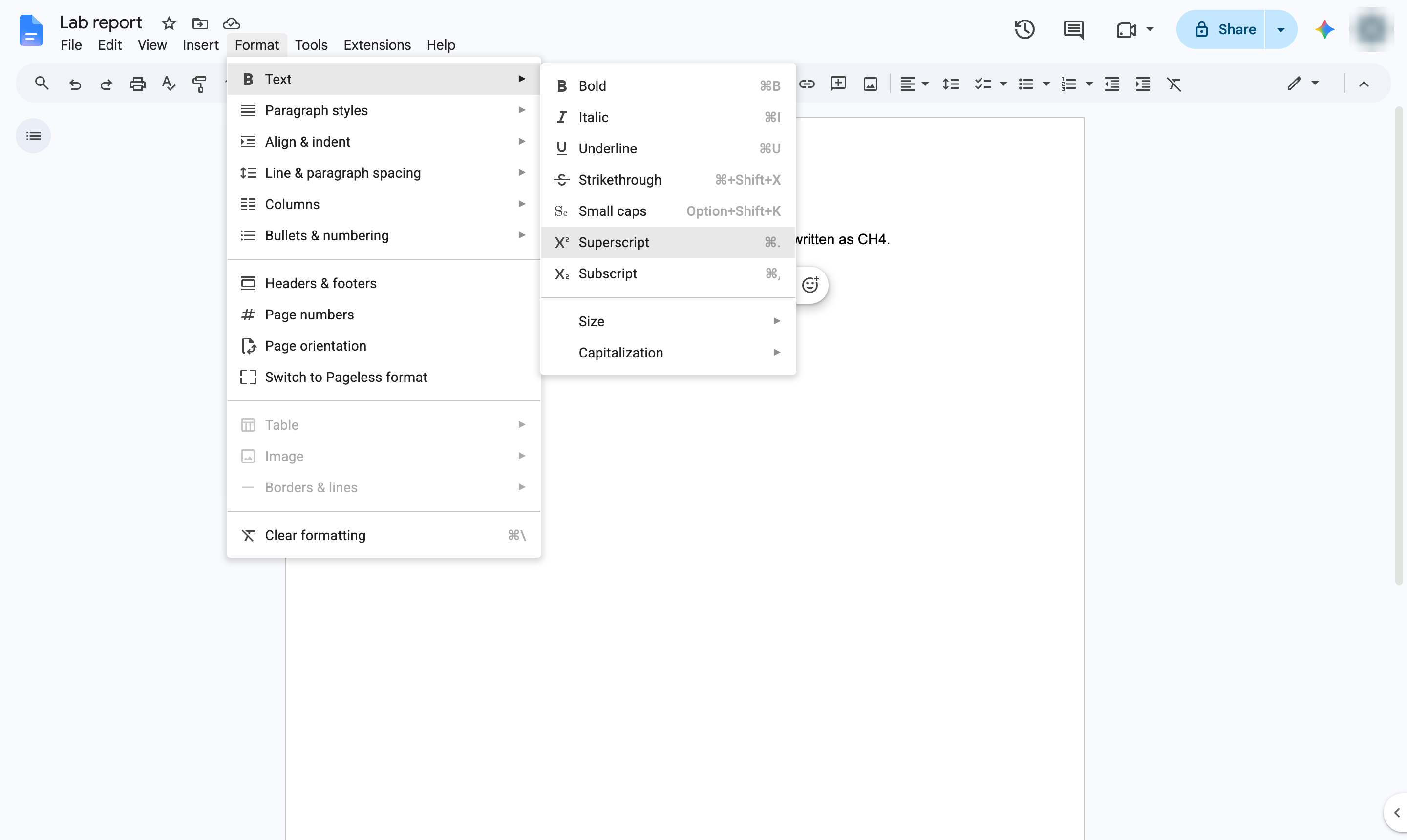
Choose Superscript. Shortcut: Ctrl + . (Cmd + . on Mac).
The selected characters are now raised above the line, like an exponent.
Duplicate this template, swap in your own screens, and share it with your team. Free to start — no credit card.
Fill out the form and we'll get back to you as soon as possible.
Tell us about your team and we'll find the right plan together.