1
Click File
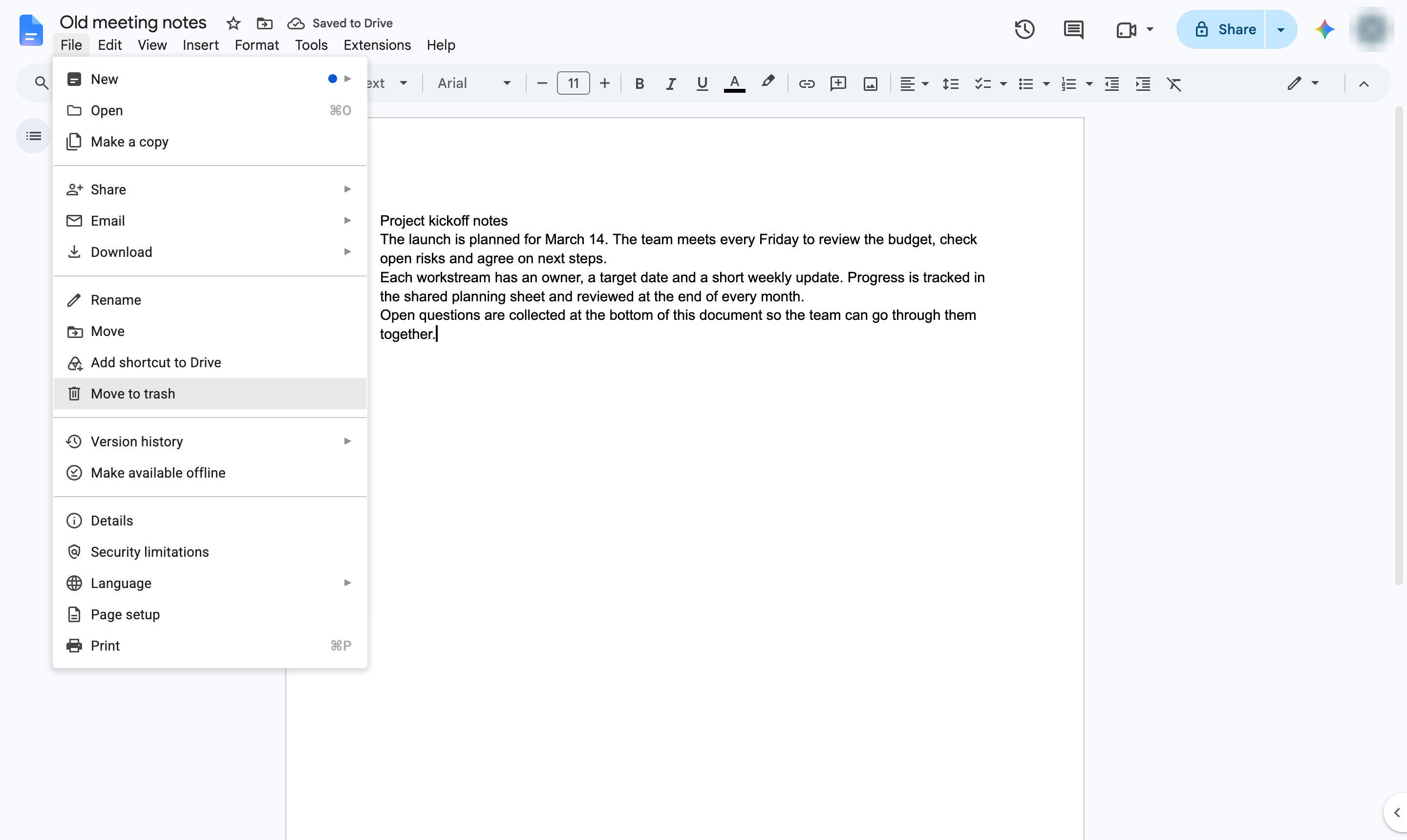
Open the File menu.
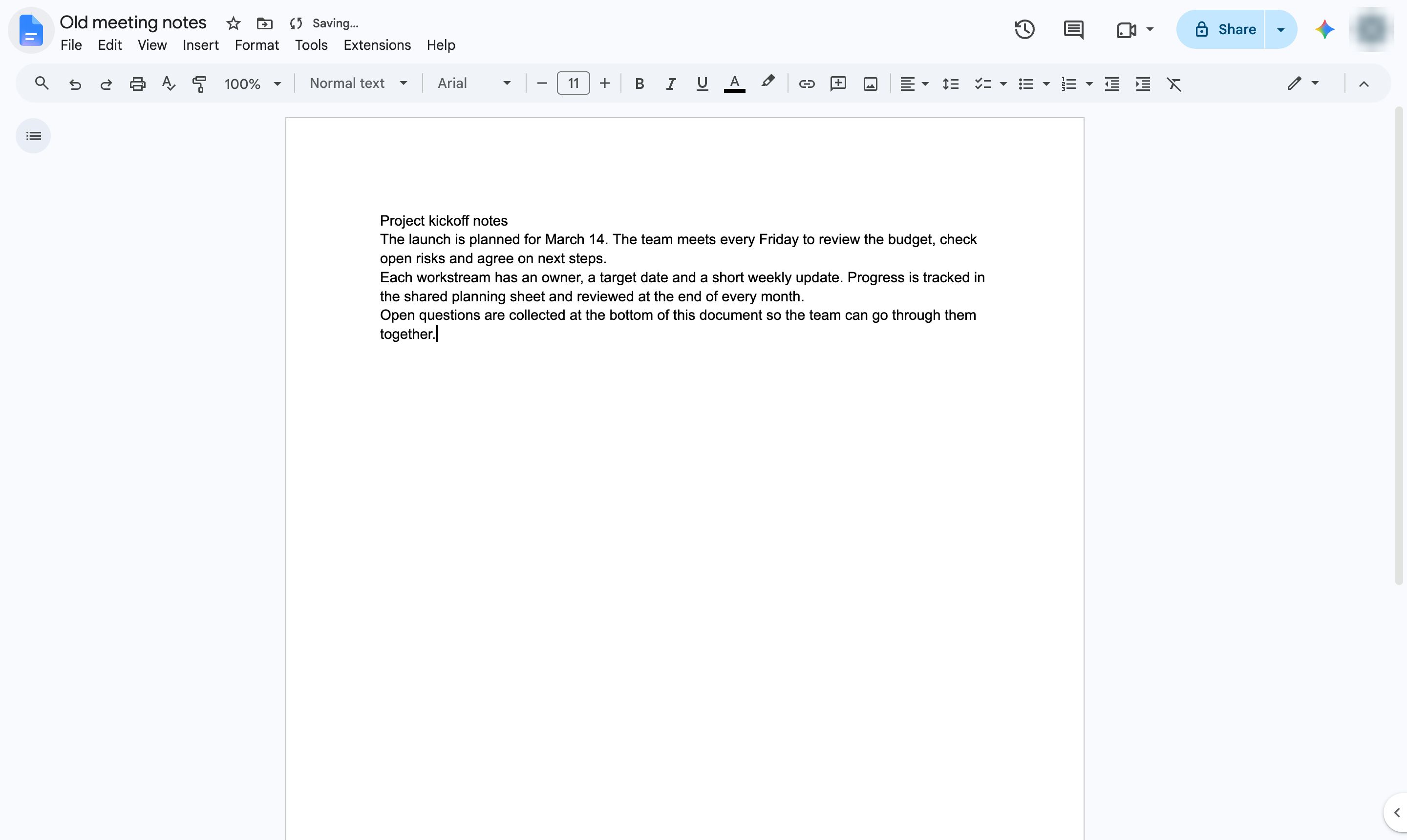

Move a document to the trash from inside the editor. Trashed files can be restored from Drive for 30 days.
Open the File menu.
Choose Move to trash.
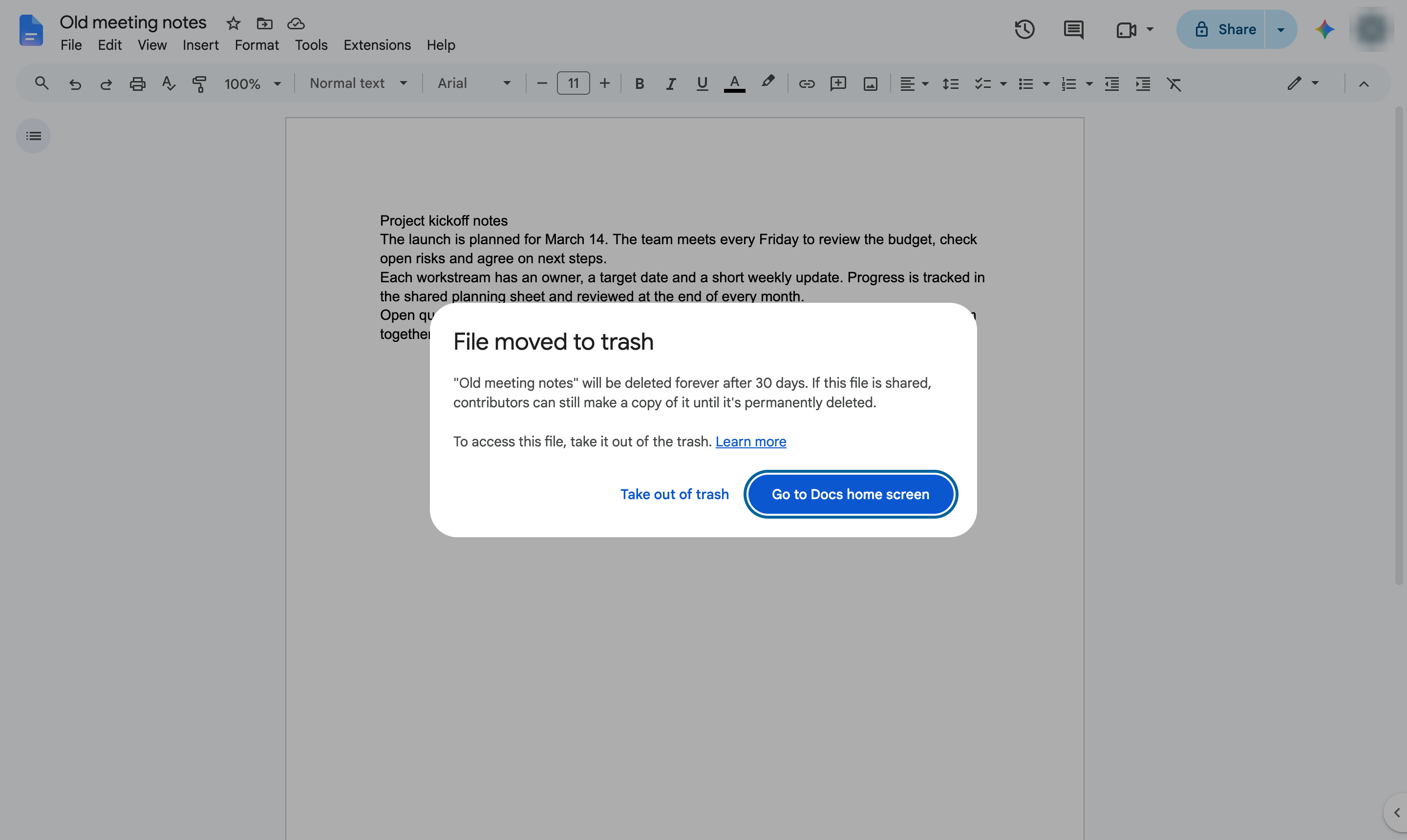
The document is now in the trash. Open Drive and go to Trash to restore it or delete it forever.
Duplicate this template, swap in your own screens, and share it with your team. Free to start — no credit card.
Fill out the form and we'll get back to you as soon as possible.
Tell us about your team and we'll find the right plan together.