1
Open the Canva homepage
Open the Canva homepage in your browser to start a new design and learn how to curve text.
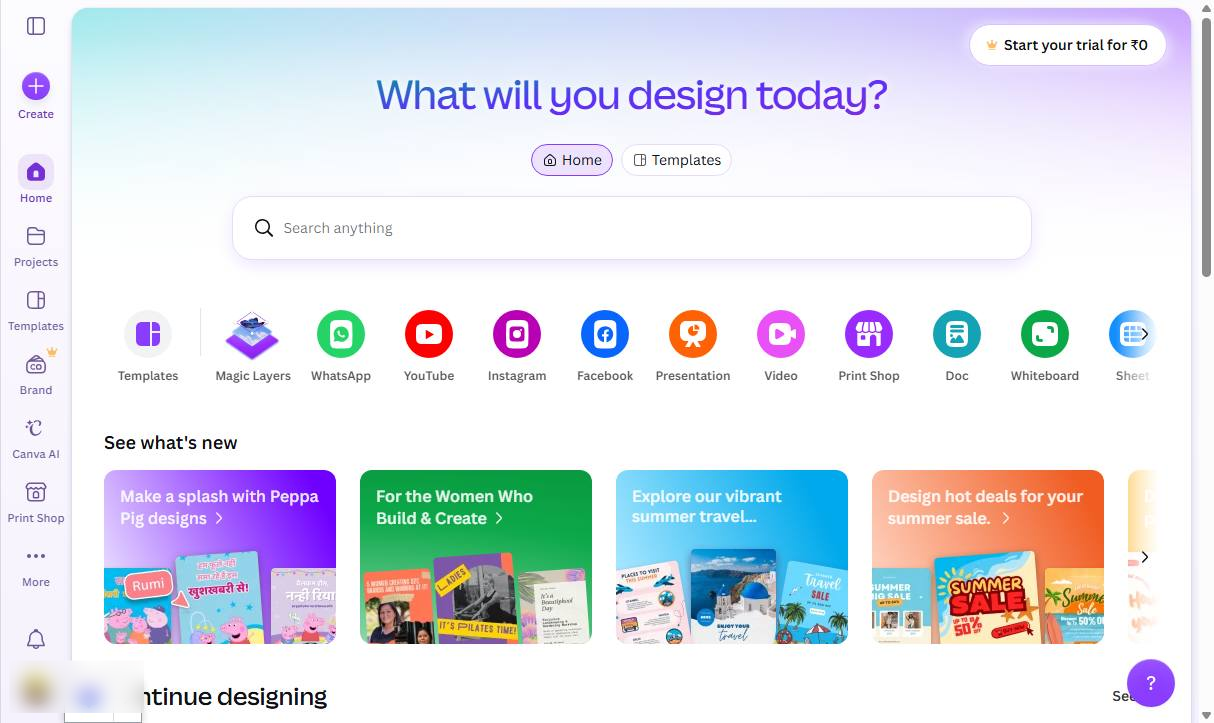

In this quick guide, you will learn how to curve text in Canva using the Effects panel to customize your designs.
Open the Canva homepage in your browser to start a new design and learn how to curve text.
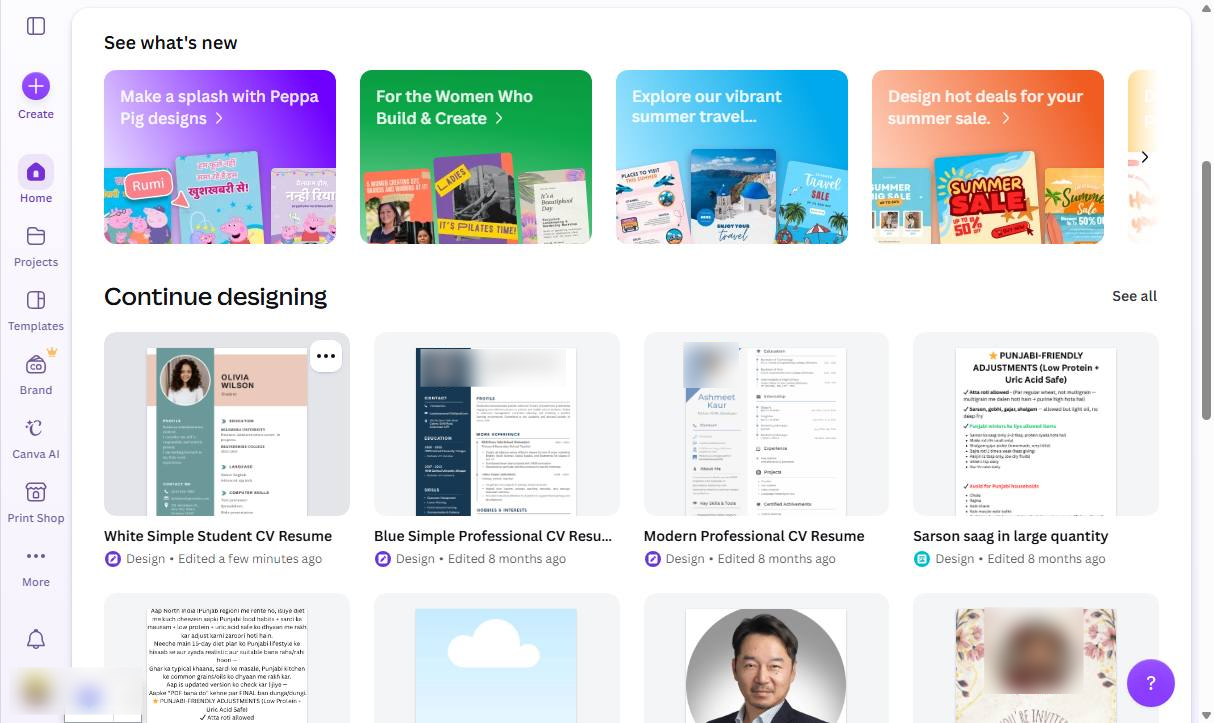
Click the White Simple Student CV Resume thumbnail in the Continue designing section to open it.
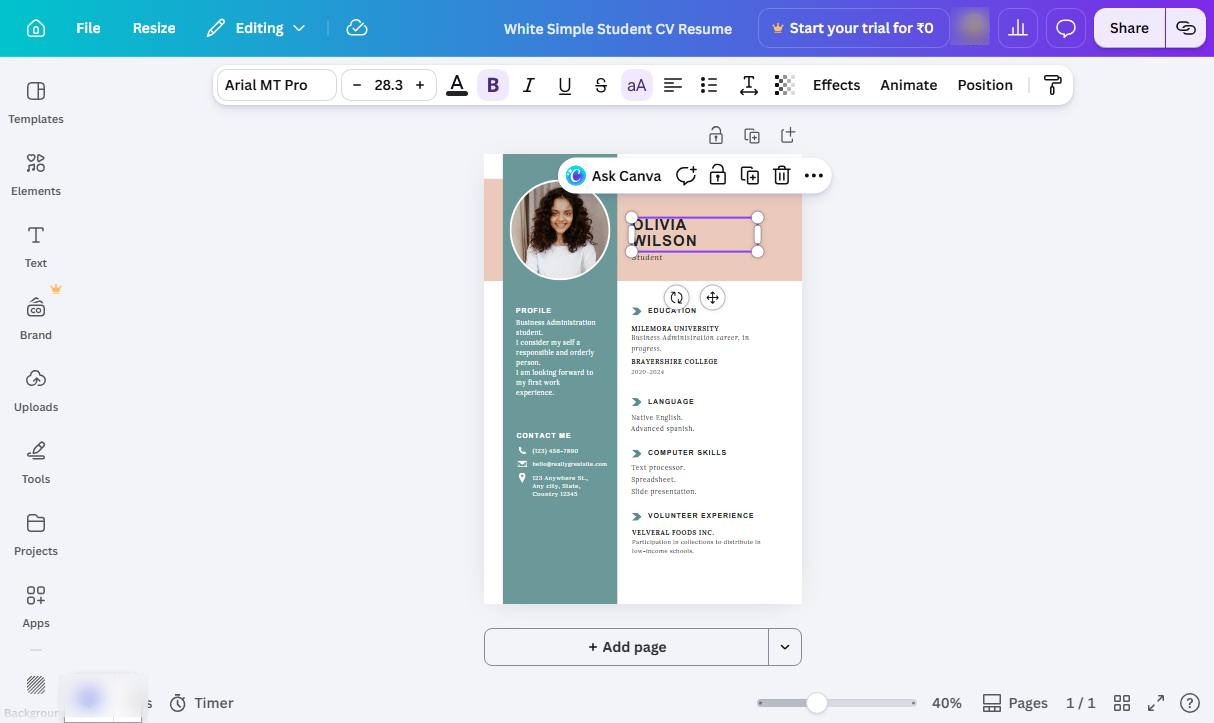
Click the text box containing "OLIVIA WILSON" on the canvas to select it for editing.
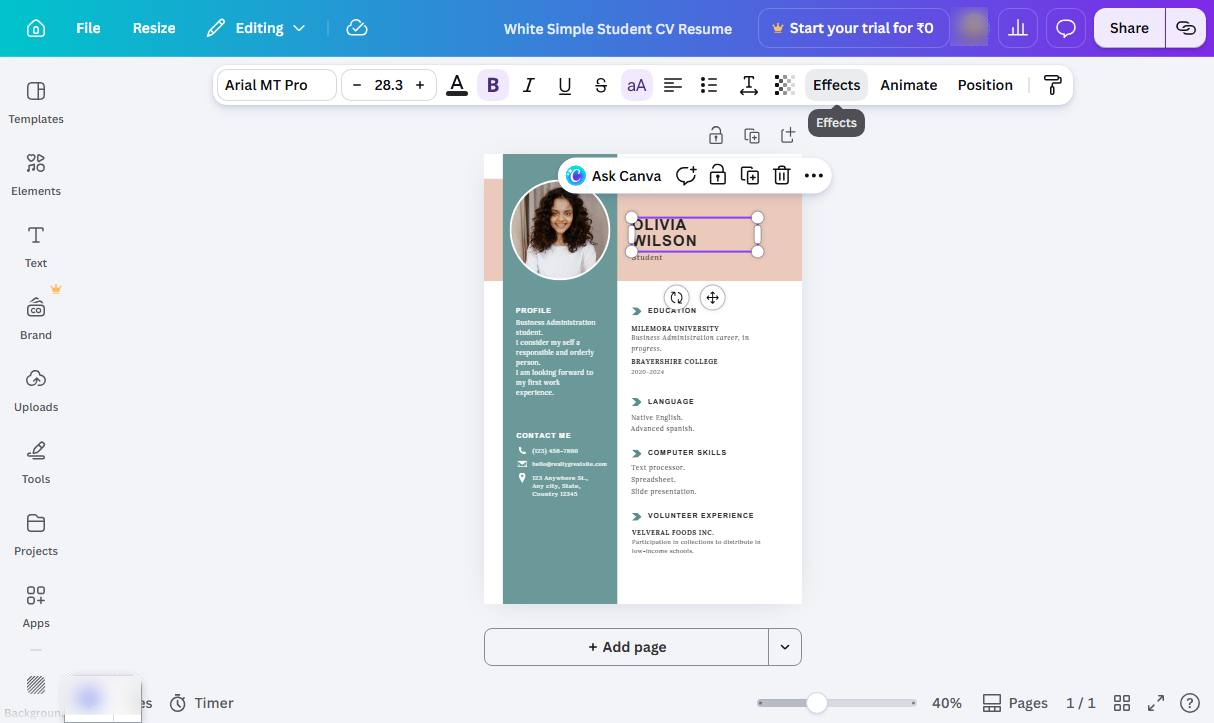
Click the Effects button in the top toolbar to open the text effects panel.
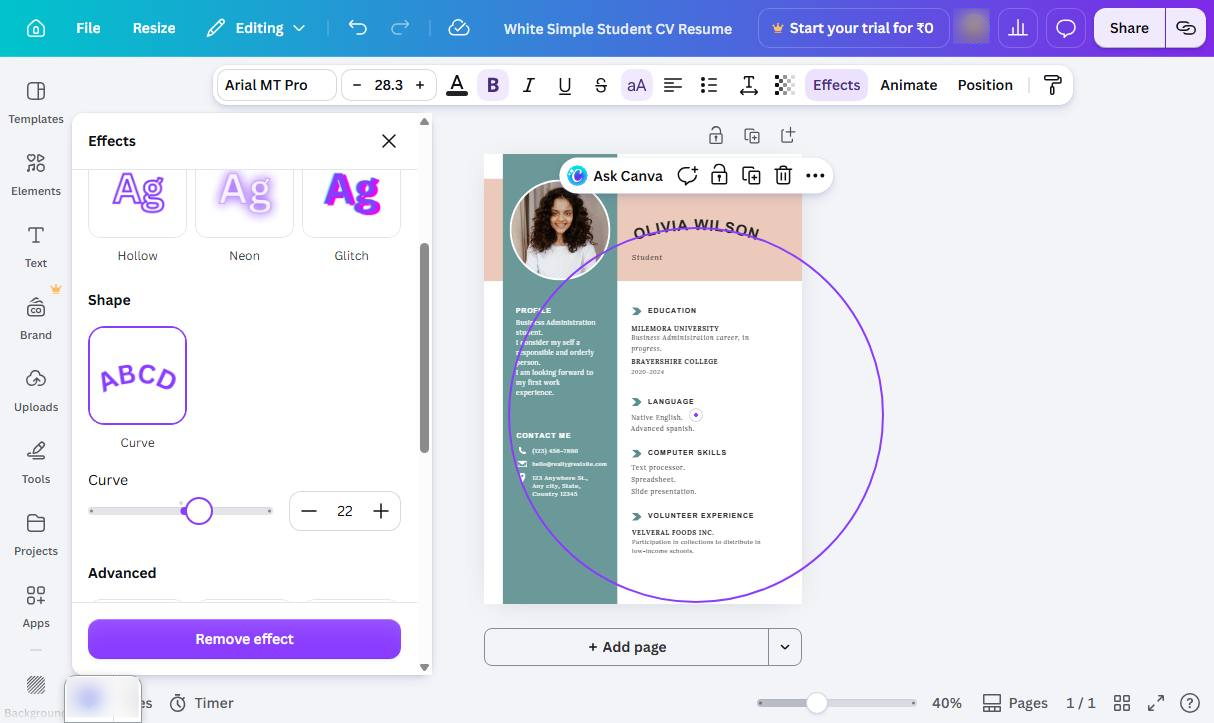
Click the Curve option under the Shape section in the Effects panel to apply a curved shape to your text.
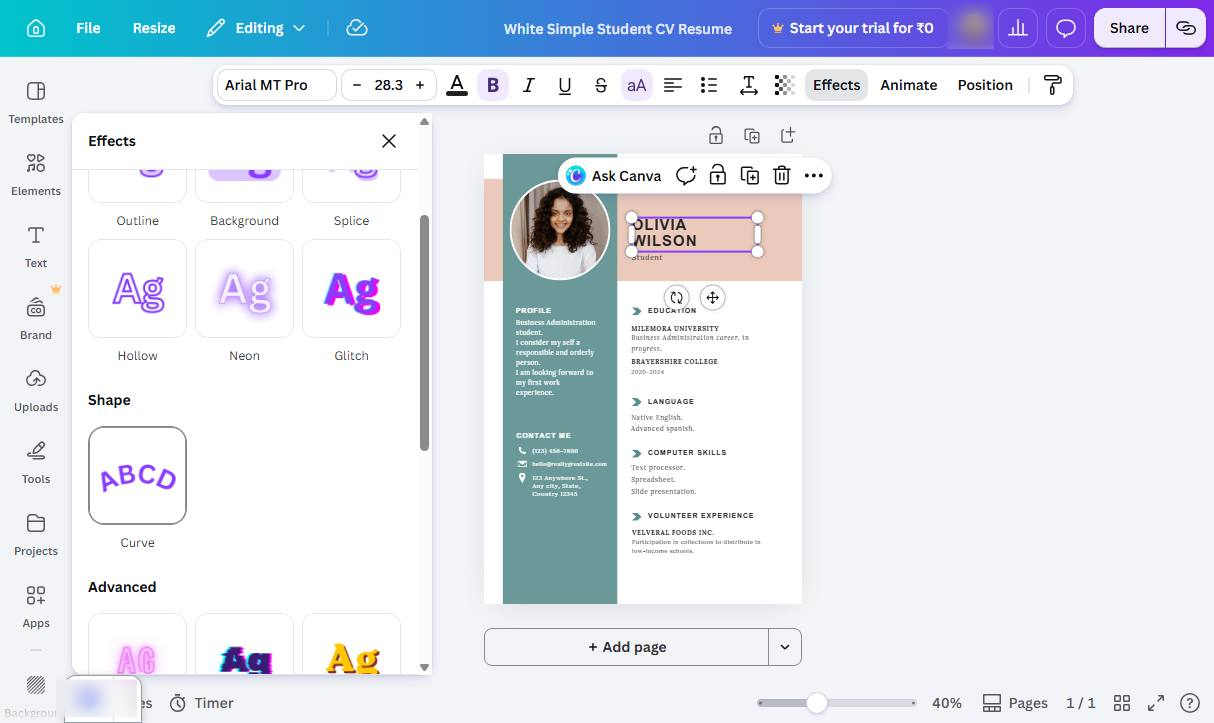
Click and drag the Curve slider in the Effects panel to adjust the curvature of the text.
Duplicate this template, swap in your own screens, and share it with your team. Free to start — no credit card.
Fill out the form and we'll get back to you as soon as possible.
Tell us about your team and we'll find the right plan together.