1
Click cell A1
Click cell A1 in an empty sheet.
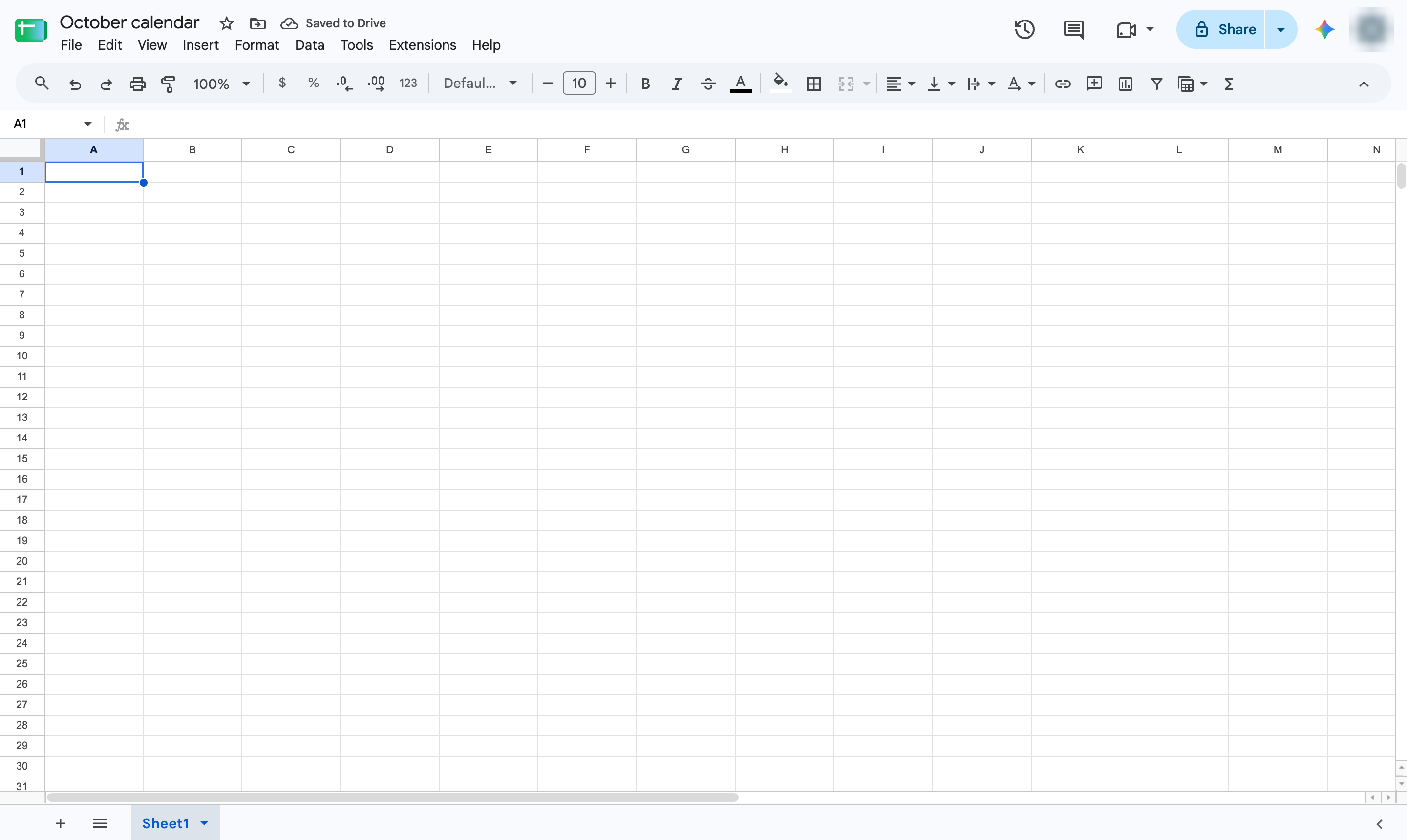

Build a monthly calendar: a row of weekdays, one SEQUENCE formula for the dates, and a number format that shows just the day.
Click cell A1 in an empty sheet.
Type the month and year as a title.
Press Enter to confirm.
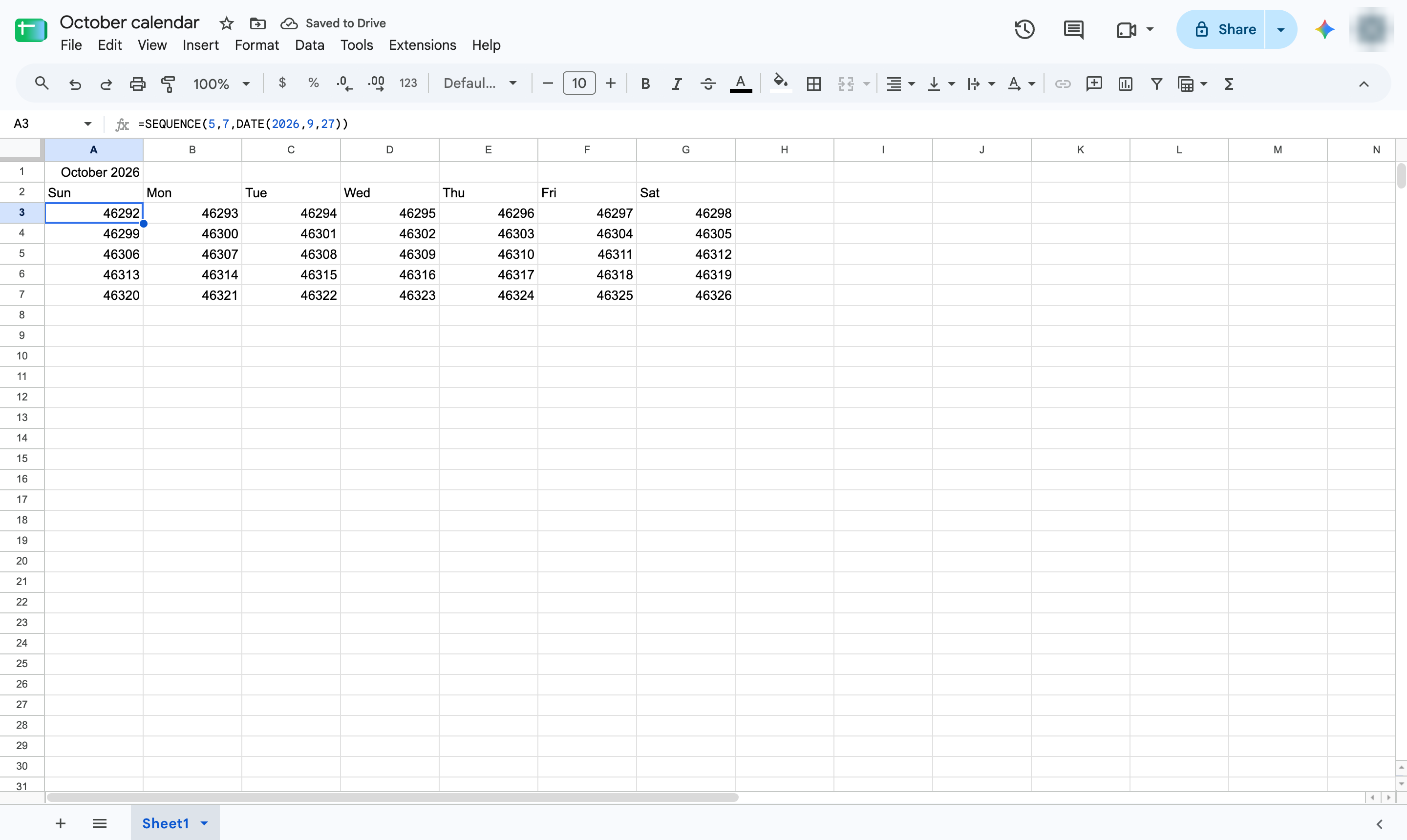
In row 2, type the days of the week, pressing Tab after each one and Enter after the last.
In A3, type =SEQUENCE(5,7,DATE(2026,9,27)). It fills 5 weeks of 7 days, starting with the Sunday before the 1st.
Press Enter to confirm.
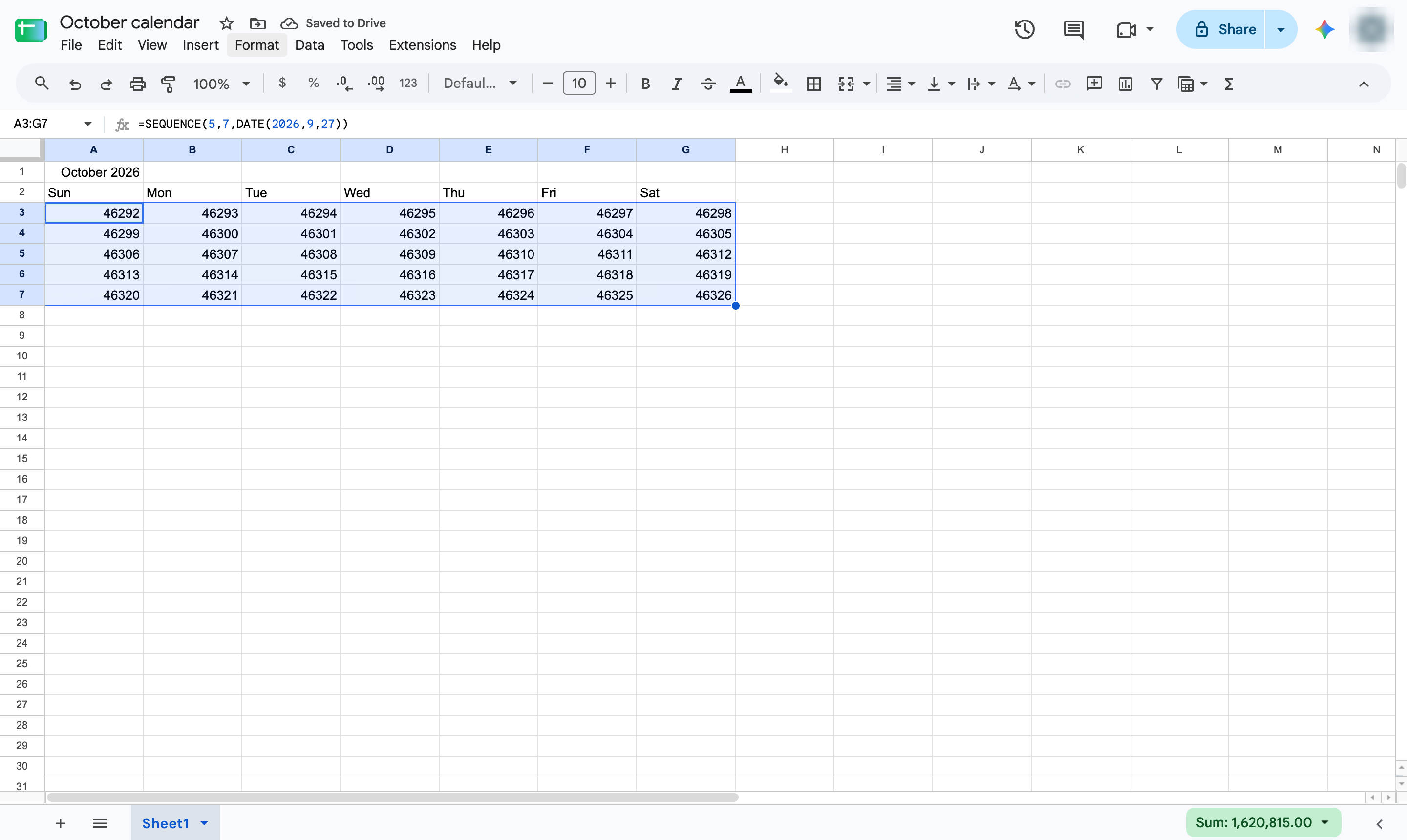
Highlight the cells the formula filled.
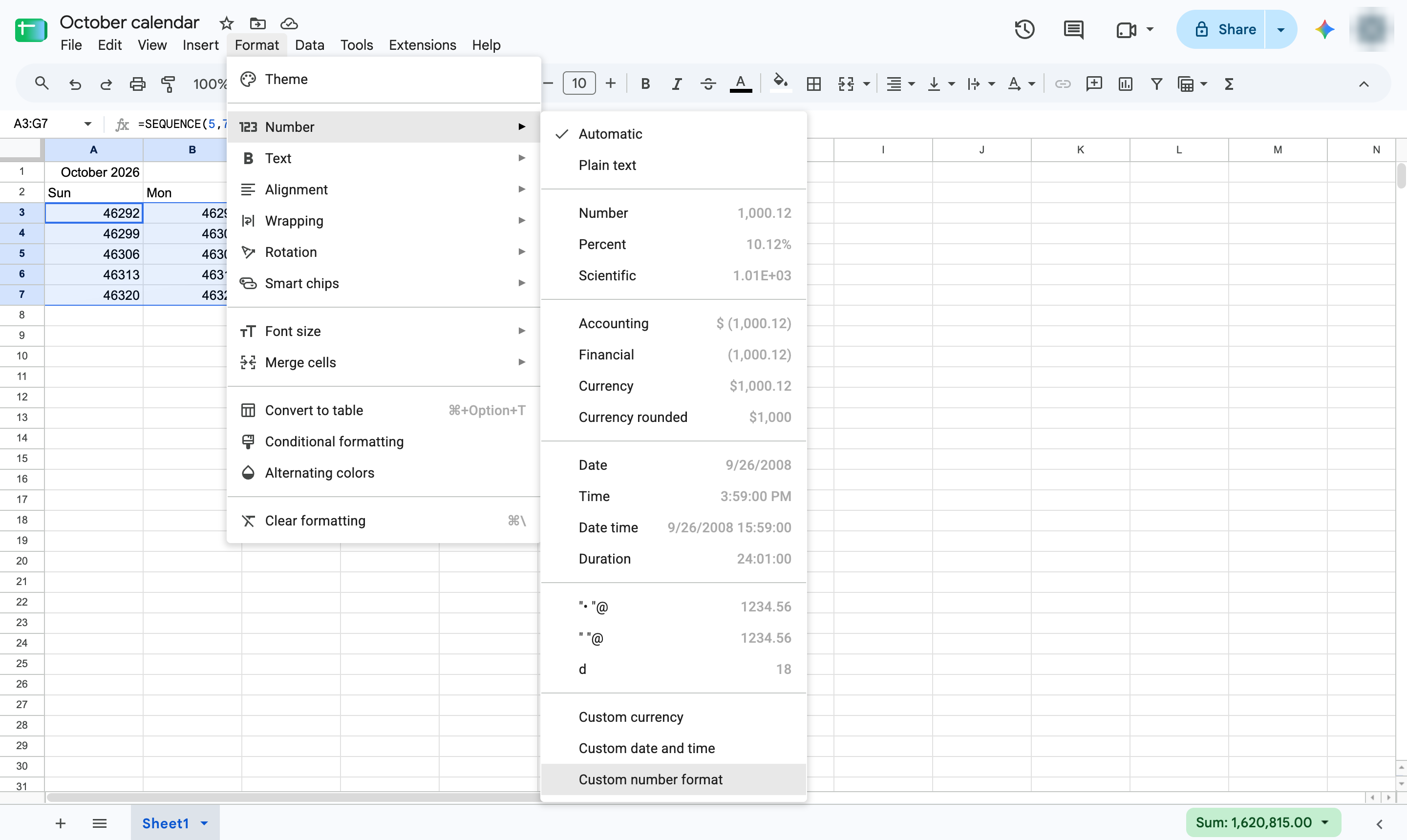
Open the Format menu.
Hover over Number to open its submenu.
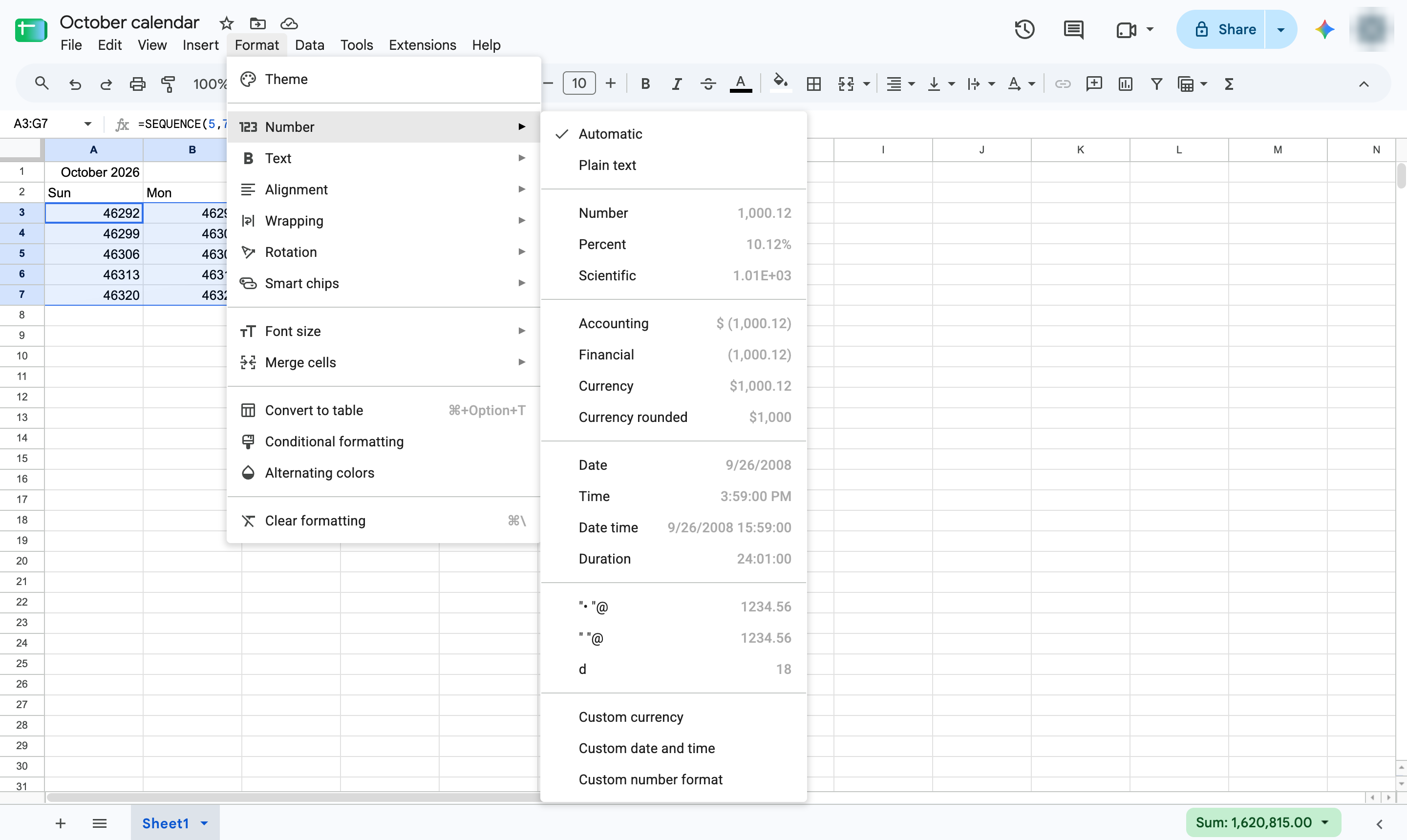
Choose Custom number format at the bottom of the list.
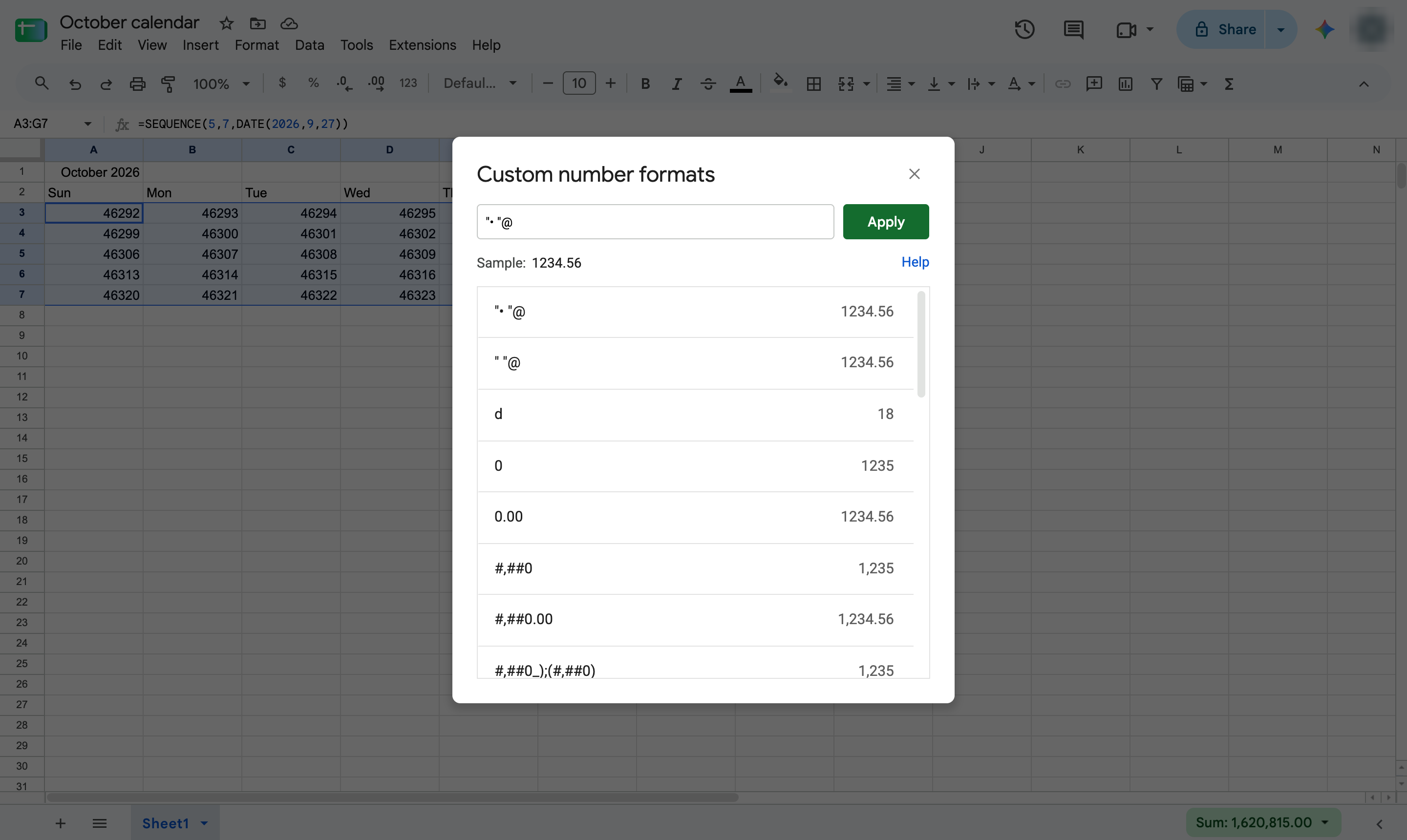
Click the box at the top of the window.
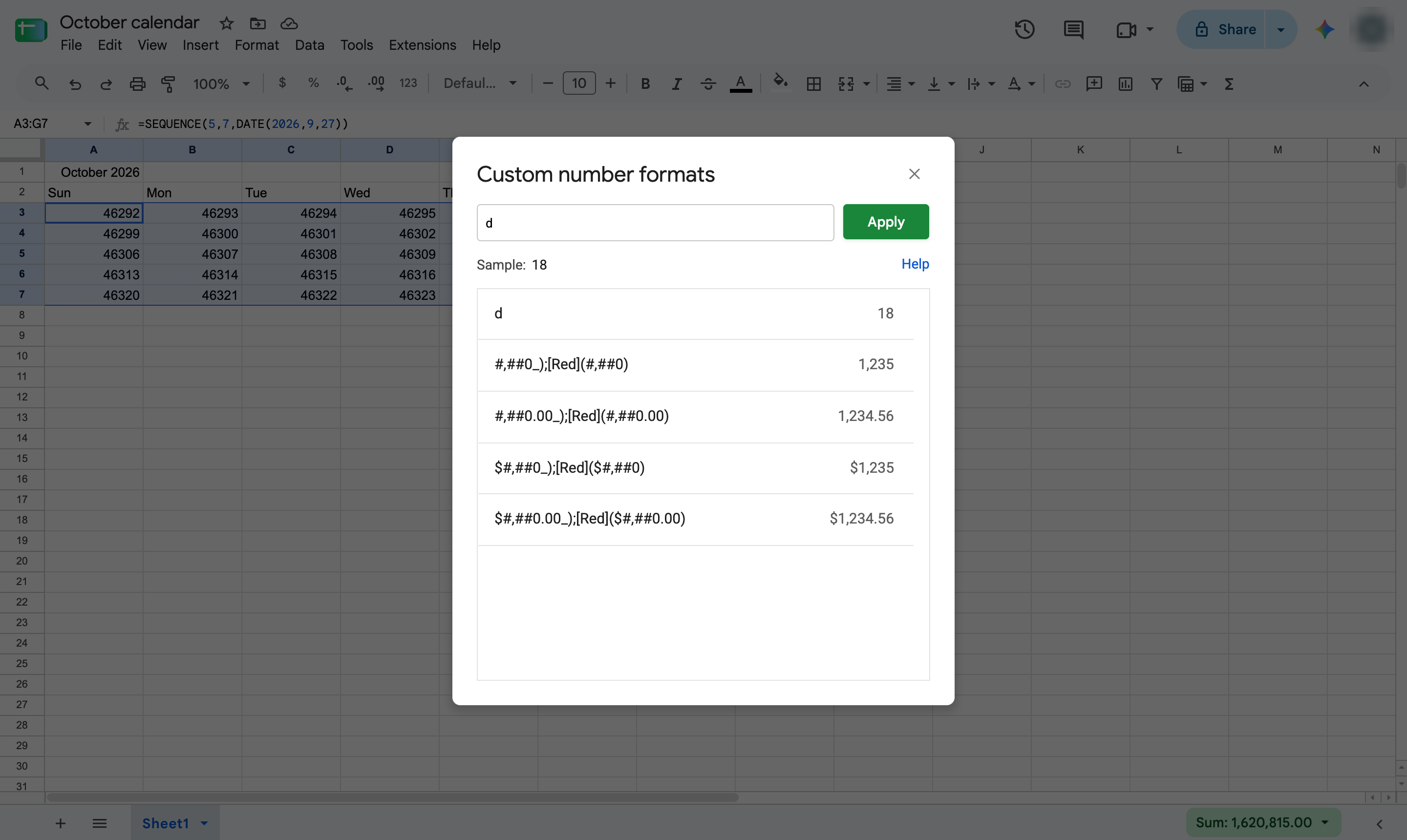
Type d so each cell shows only the day of the month.
Click Apply to format the selected cells.
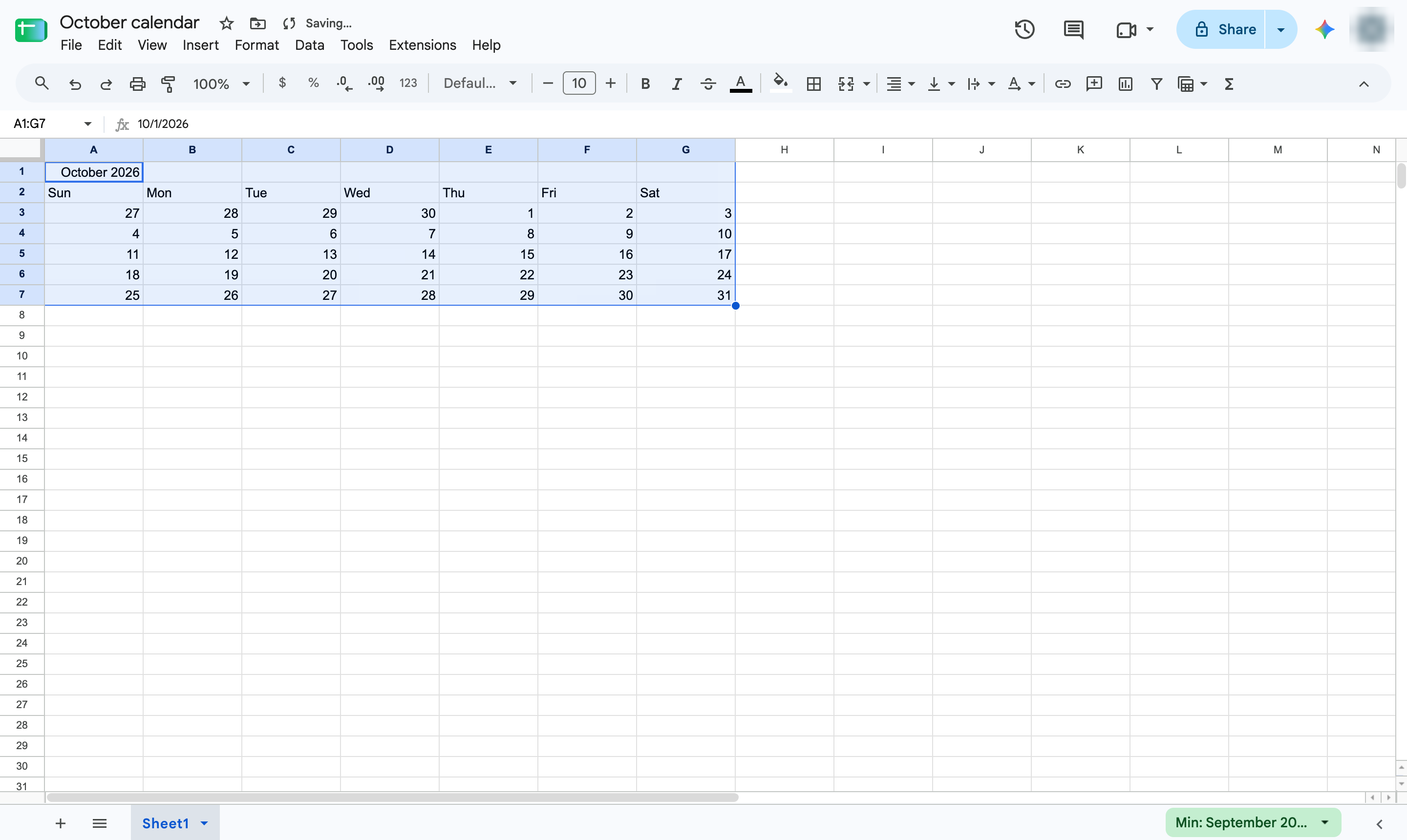
Each week is a row, with the weekdays as headers. Bold the title or add colors to finish it.
Duplicate this template, swap in your own screens, and share it with your team. Free to start — no credit card.
Fill out the form and we'll get back to you as soon as possible.
Tell us about your team and we'll find the right plan together.