1
Open the spreadsheet
Navigate to the document in Google Sheets to begin copying and pasting your data.
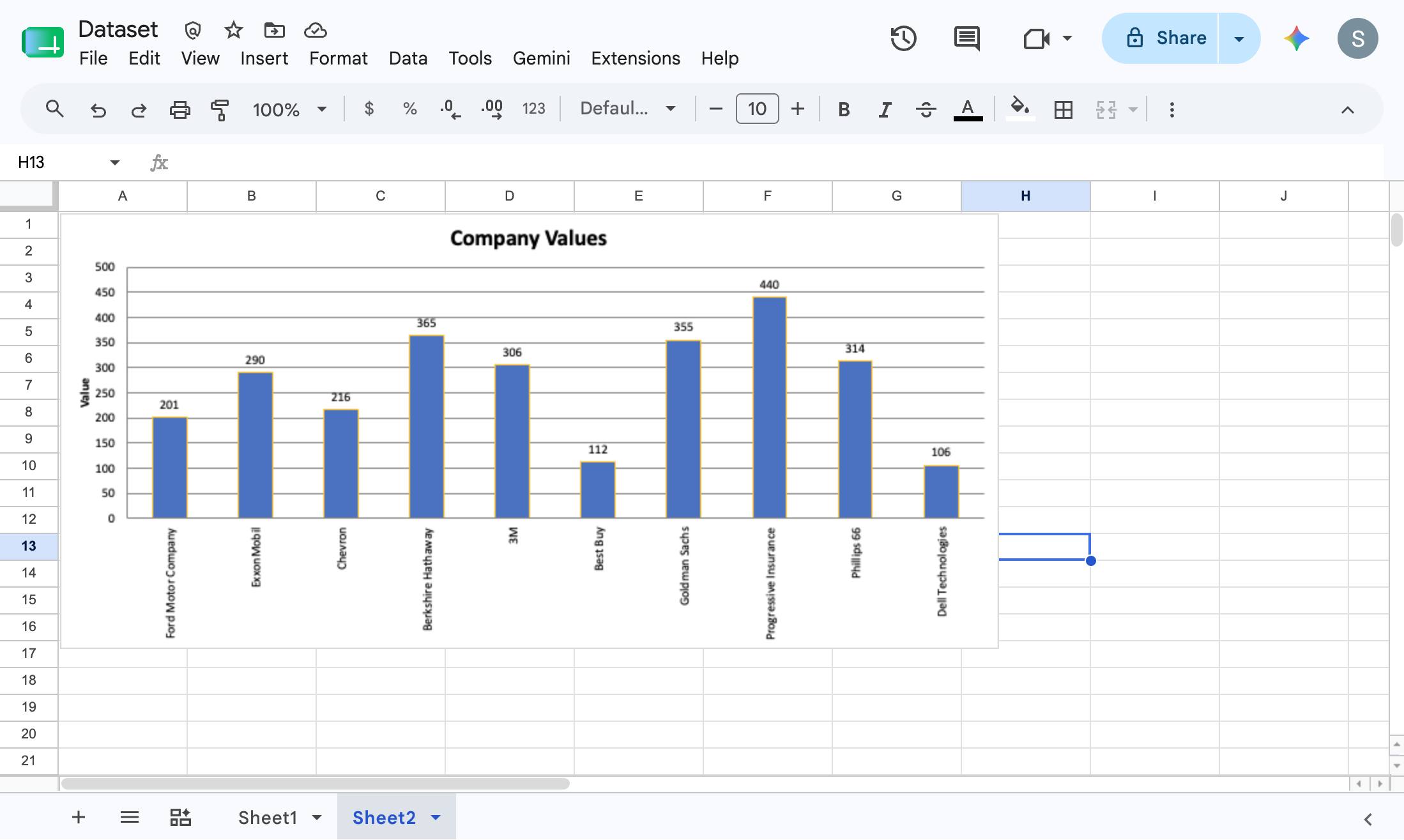

In this guide, you will learn how to copy and paste data within a Google Sheets spreadsheet. By following these steps, you will navigate to the specified sheet, copy a selected cell's content, and paste it into a new destination cell using the application's edit menu.
Navigate to the document in Google Sheets to begin copying and pasting your data.
Click anywhere on the "Company Values" chart in the spreadsheet to select it.
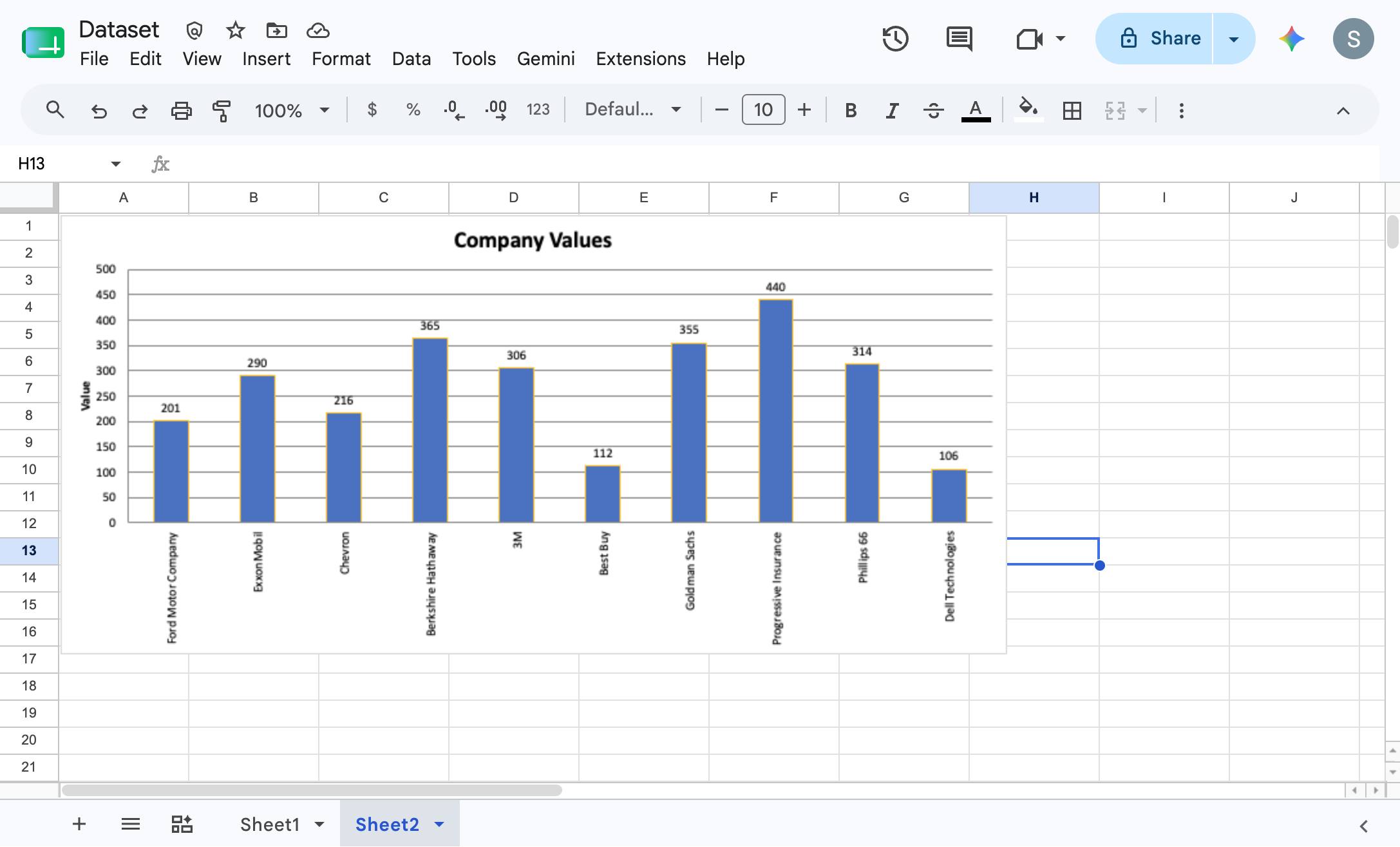
Click the Edit menu in the top menu bar to open the dropdown with editing options.
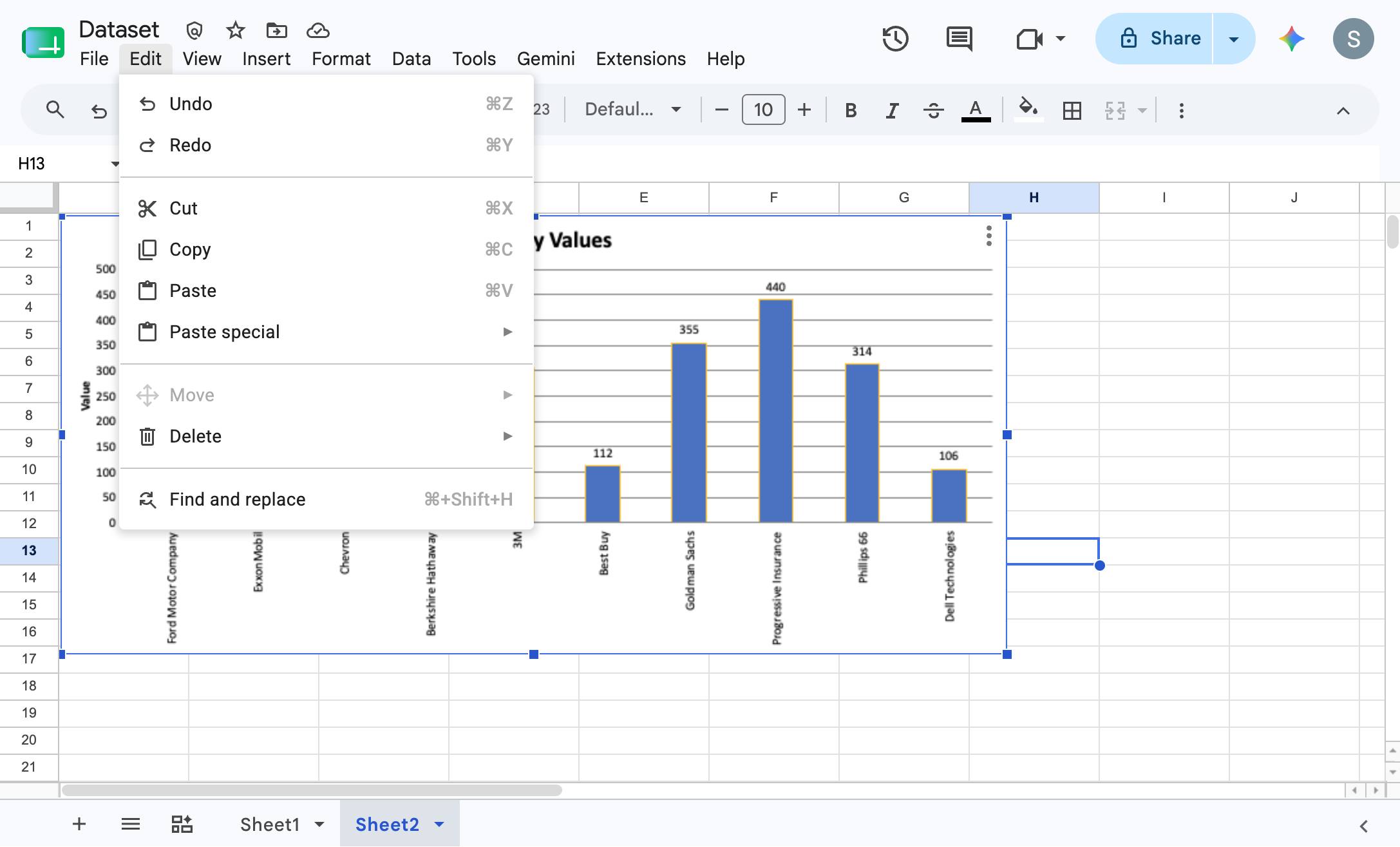
Click the "Copy" option in the dropdown menu to copy the selected data to your clipboard.
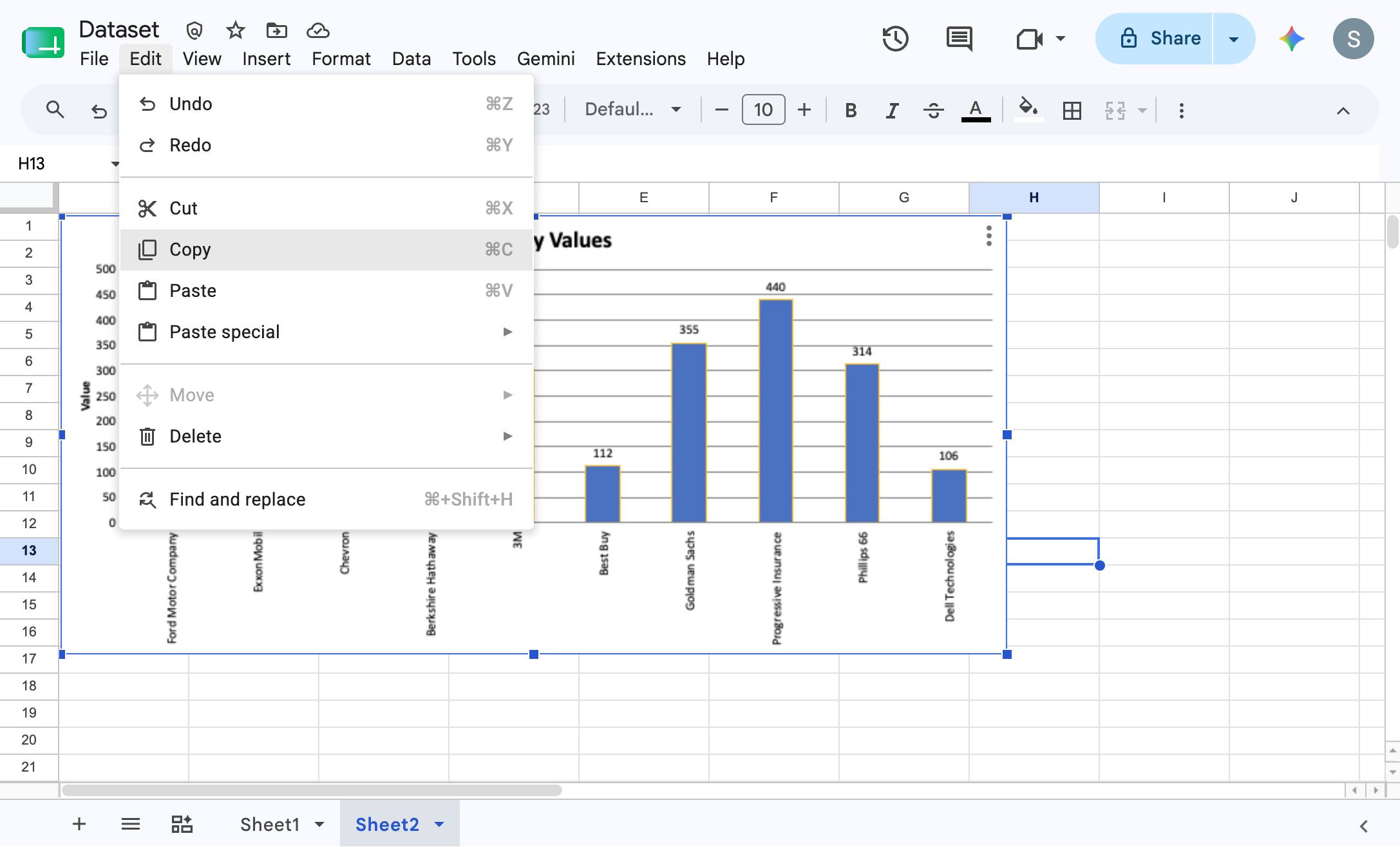
Click the Past tab
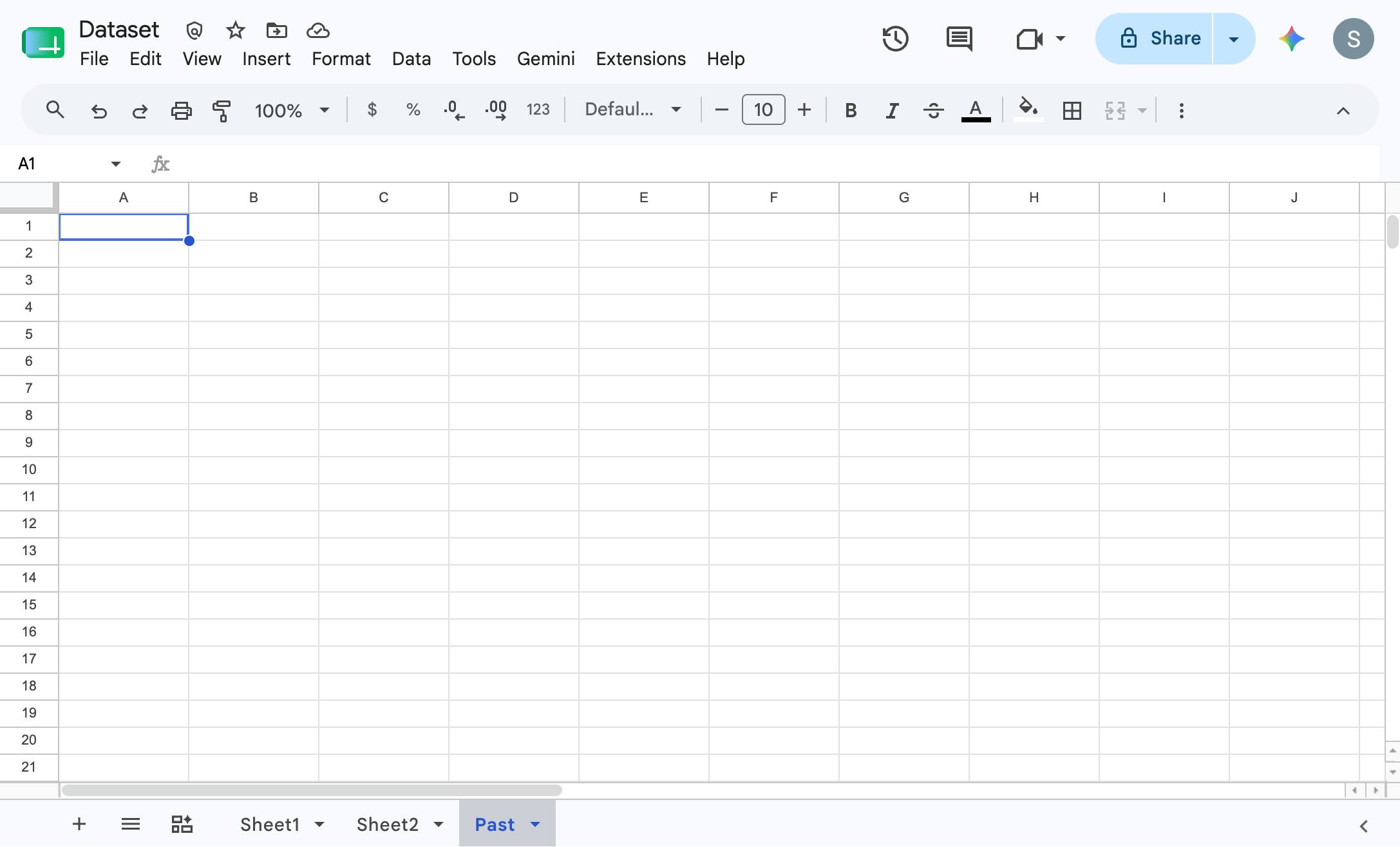
Click the Edit menu in the top menu bar to open the dropdown options.
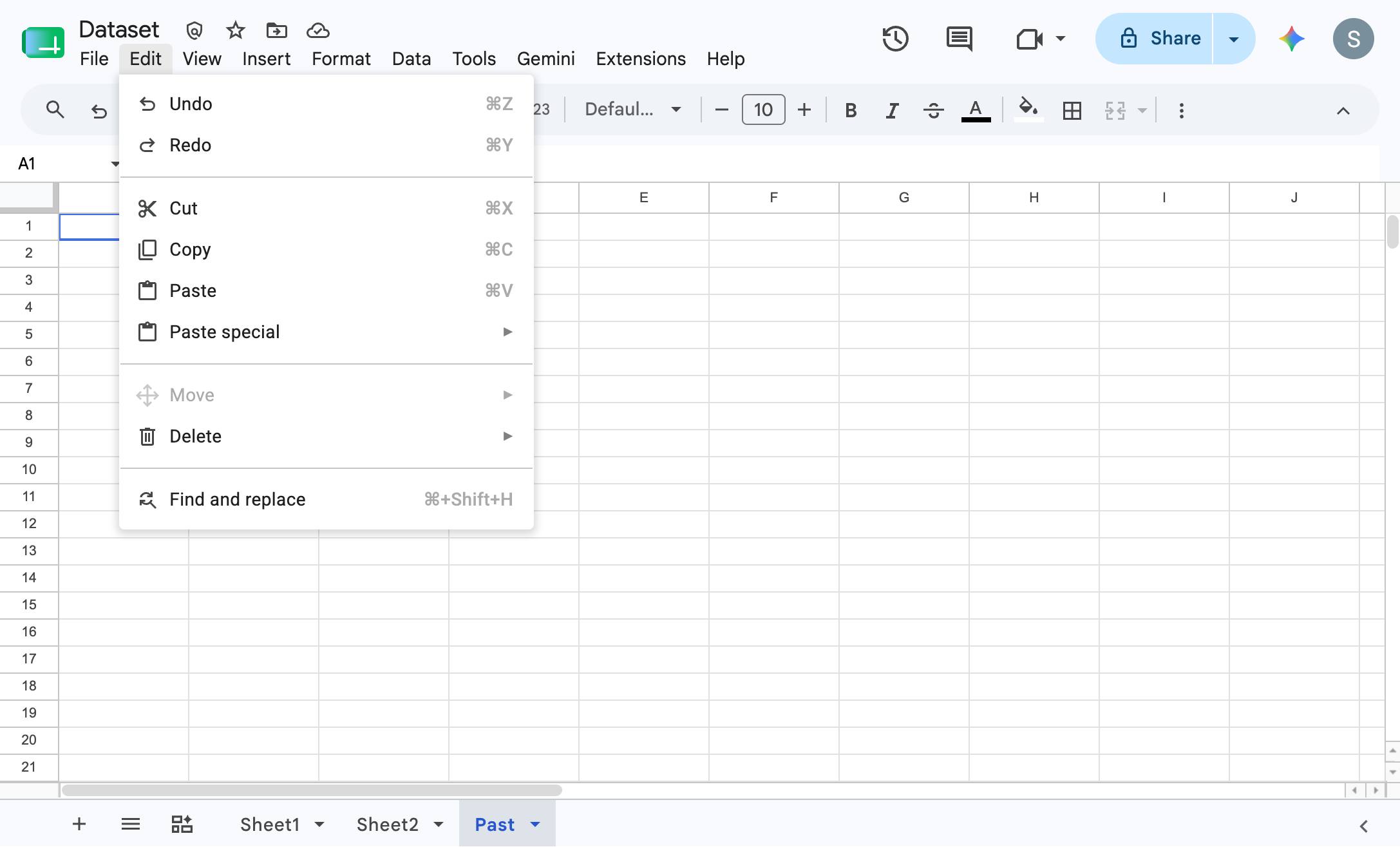
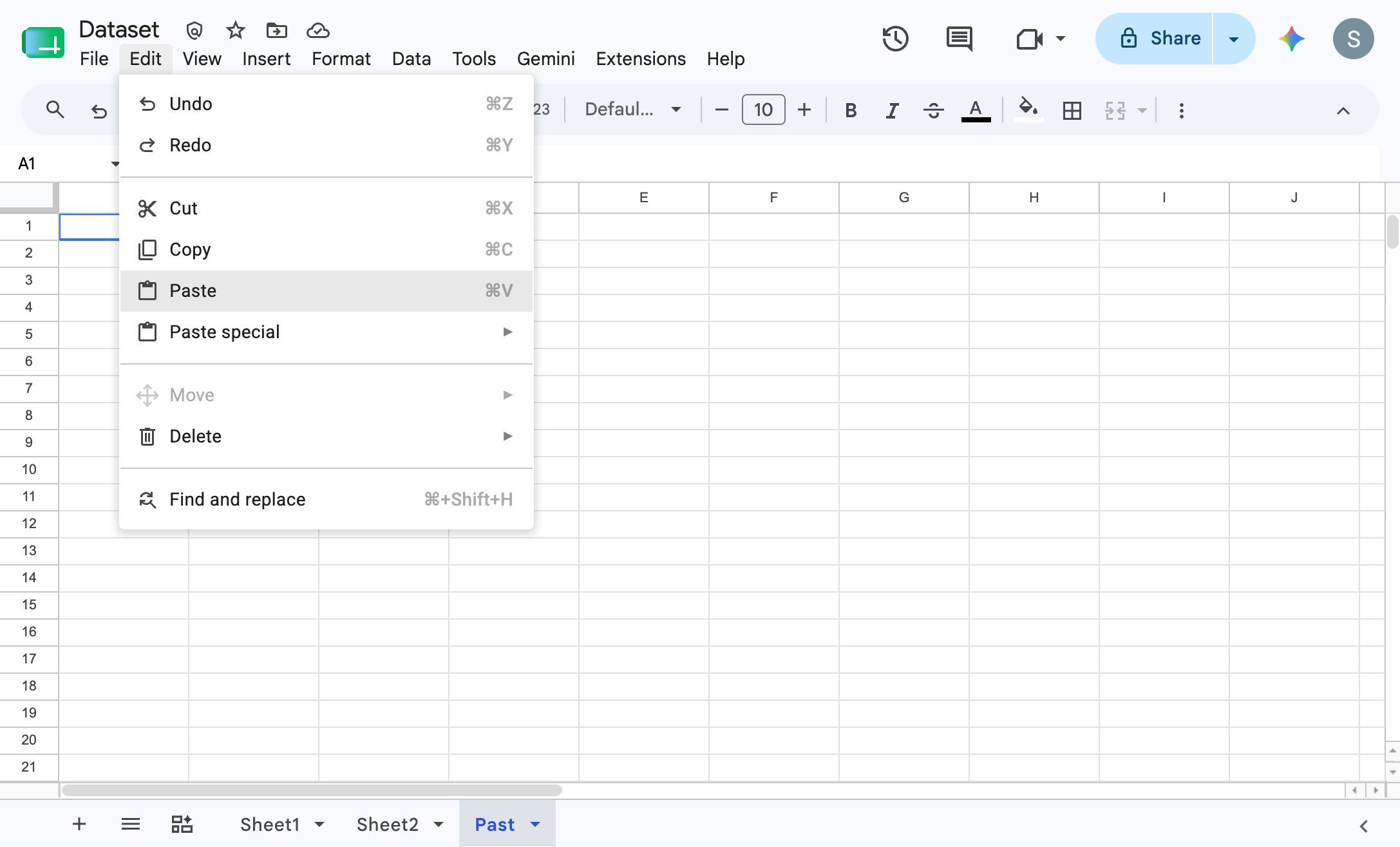
Click the Paste option in the Edit menu to insert the copied data into the selected cell.
Duplicate this template, swap in your own screens, and share it with your team. Free to start — no credit card.
Fill out the form and we'll get back to you as soon as possible.
Tell us about your team and we'll find the right plan together.