1
Upload the excel or csv manually, or simply click and drag it into your Google Drive folder if you have it handy
Upload the excel or csv manually, or simply click and drag it into your Google Drive folder if you have it handy
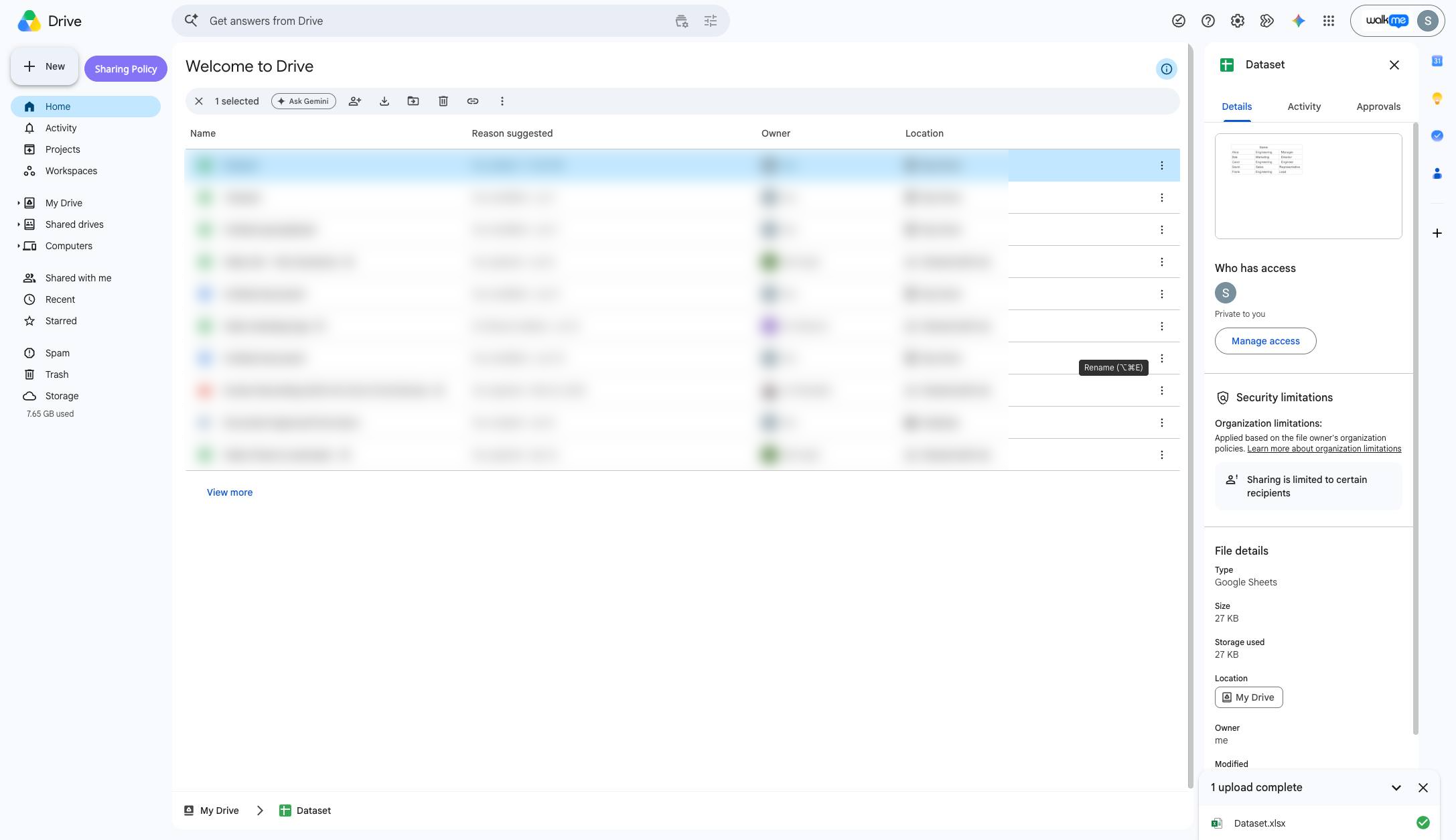

This Haiku shows you how to copy an excel file OR a csv file into Google Drive and convert it into Google sheets
Upload the excel or csv manually, or simply click and drag it into your Google Drive folder if you have it handy
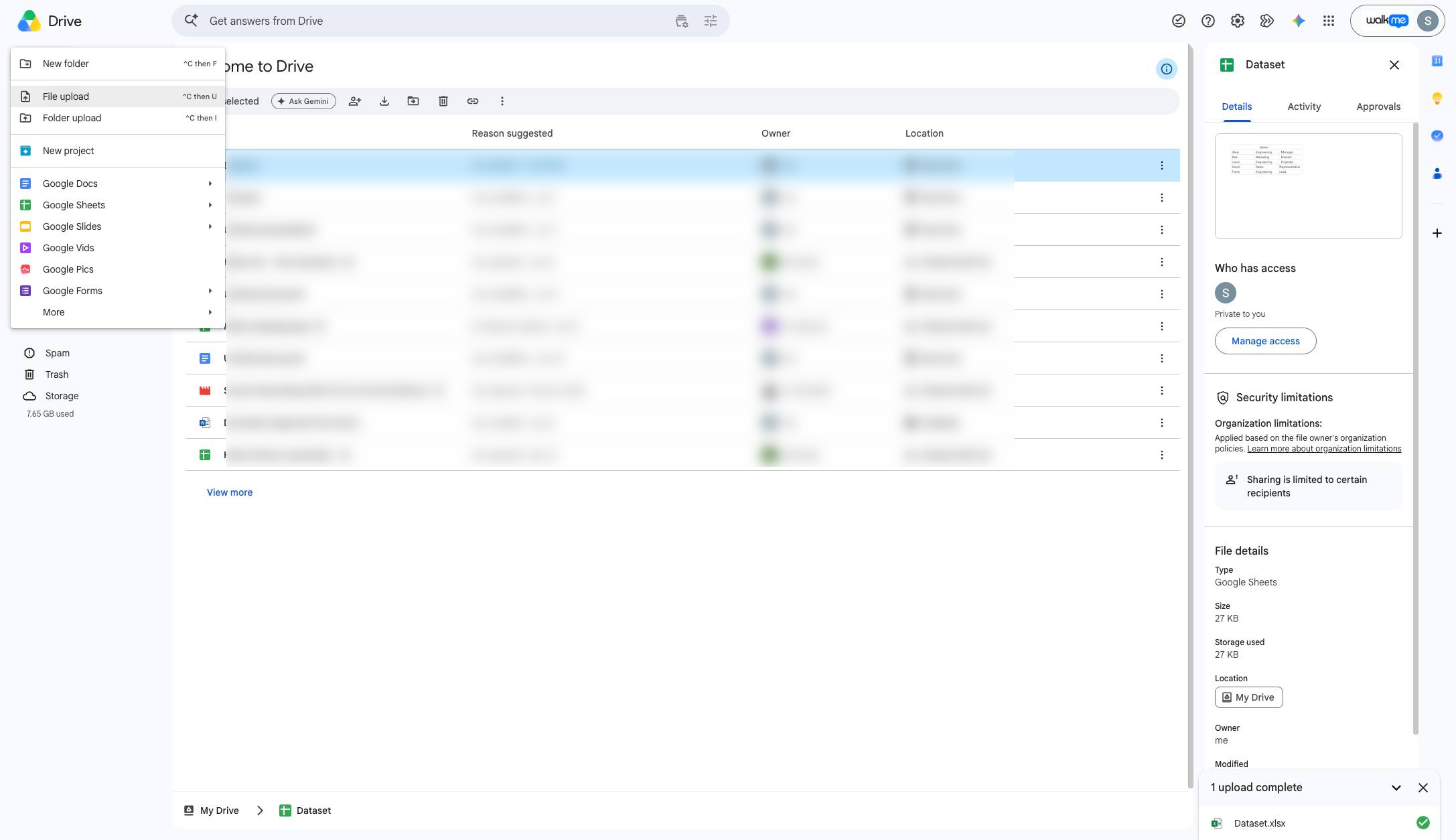
Click "File upload^C then U" list item
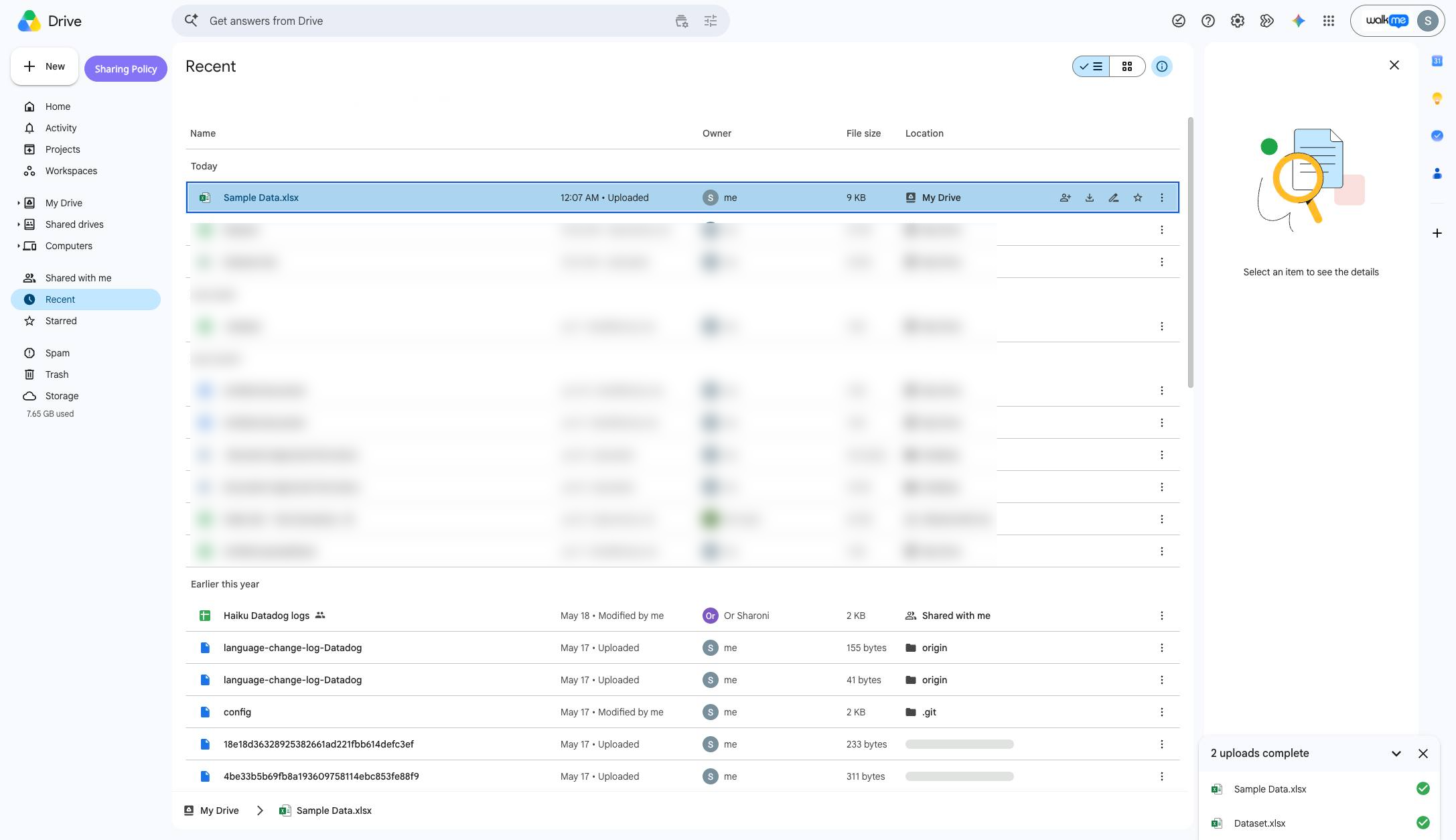
Once it's in your Drive folder, open up the file by double clicking it
Click "File"
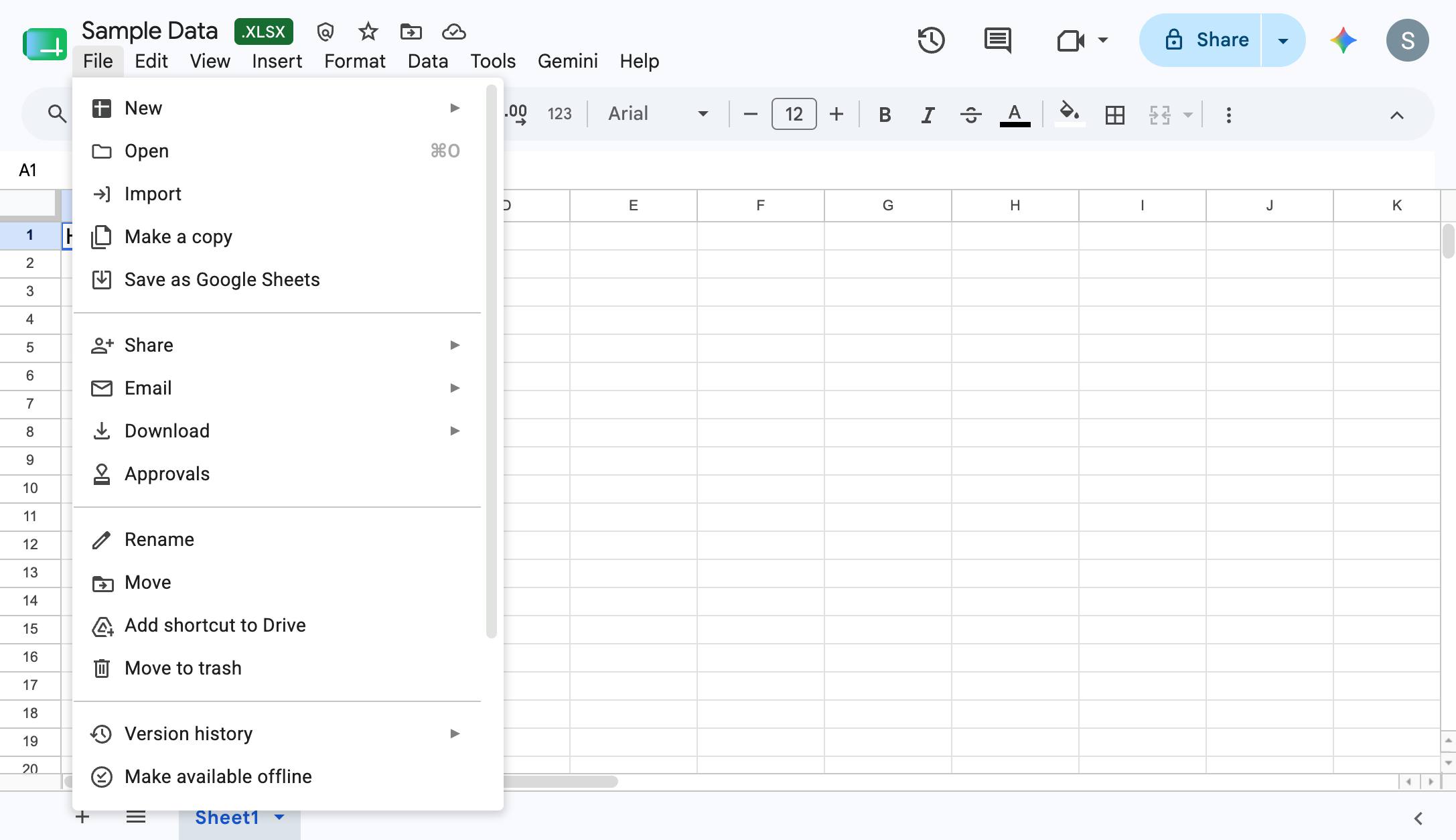
Click "Save as Google Sheets"
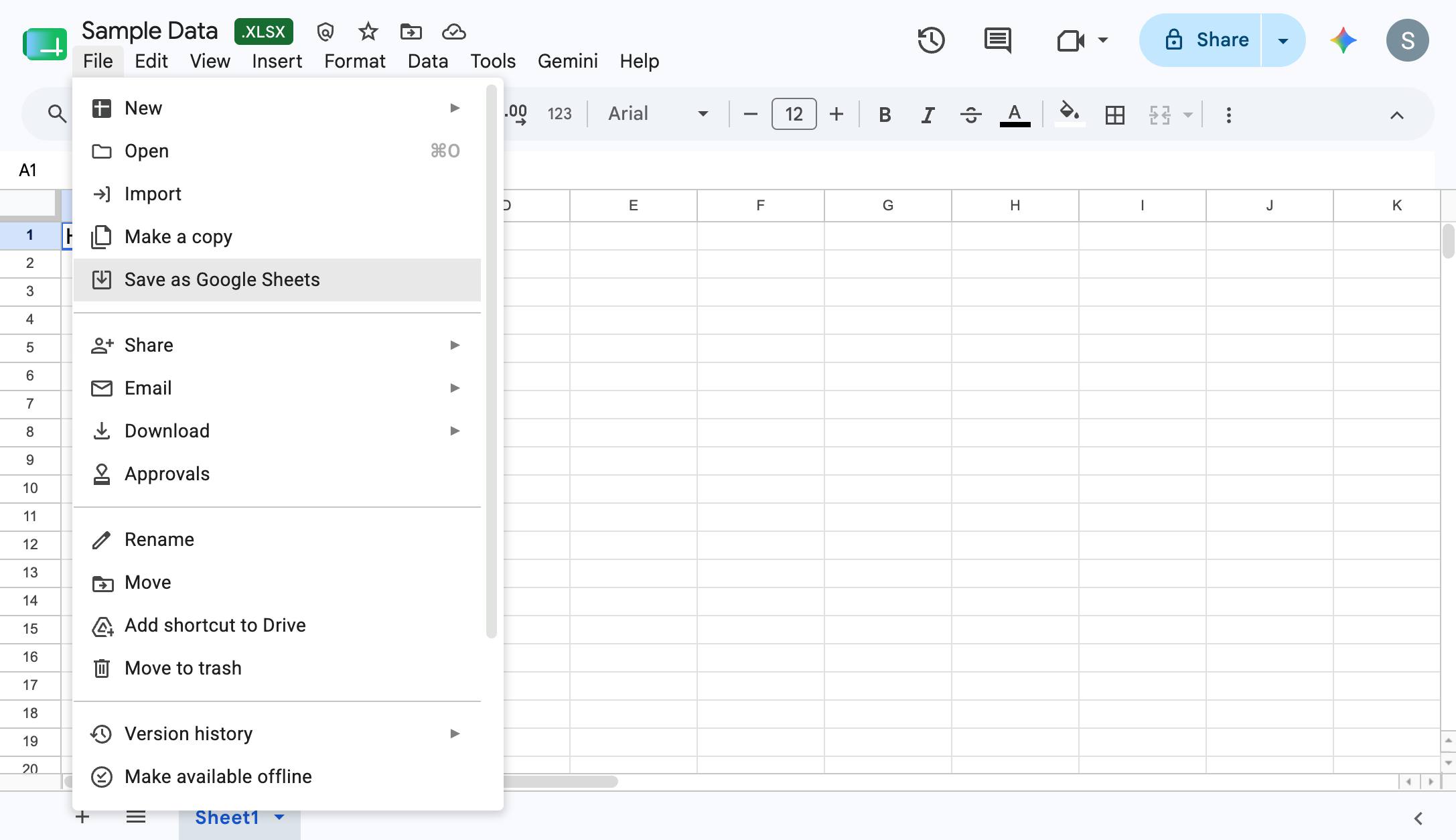
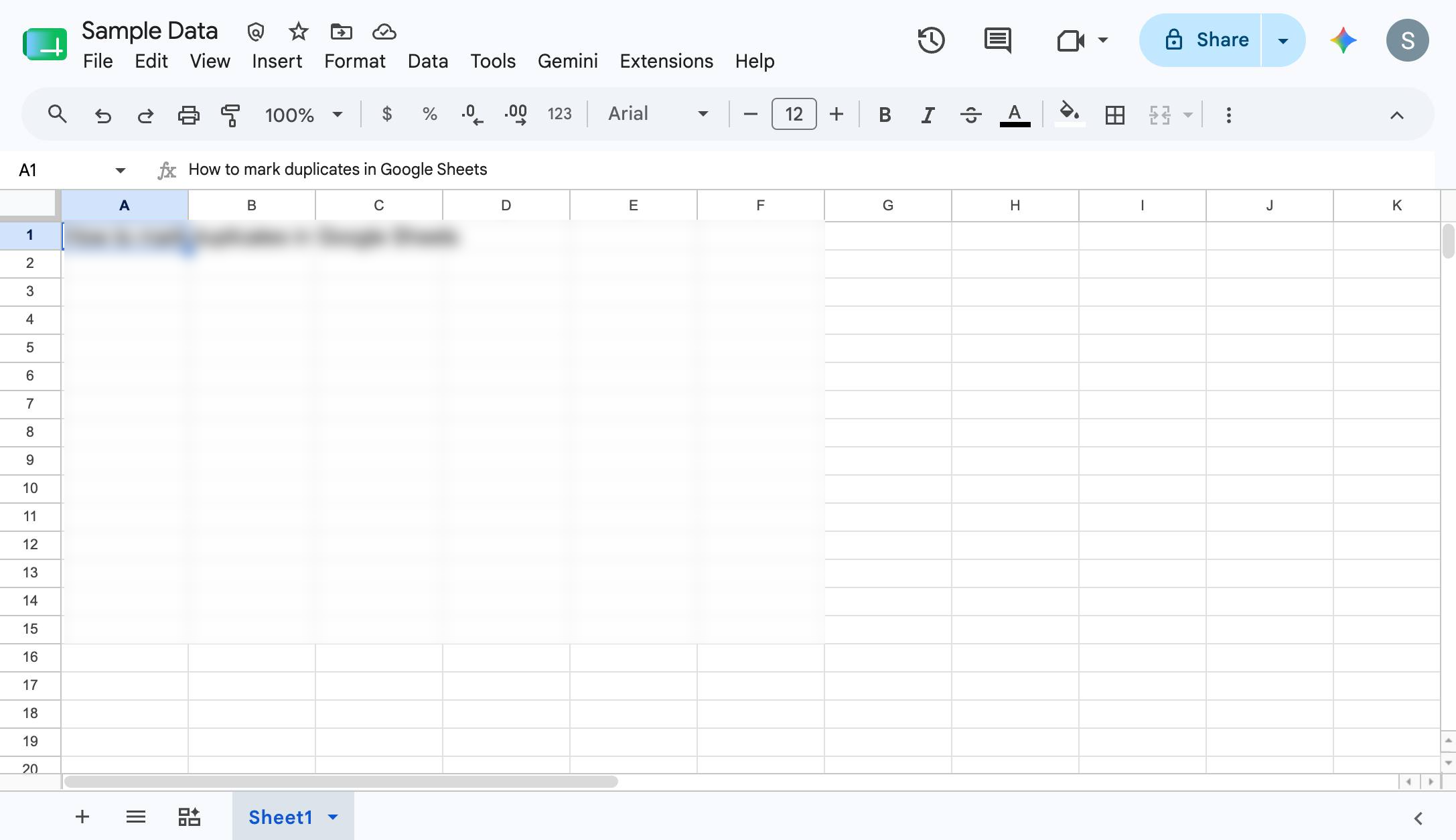
There you go! Your Google sheet will open up a new tab with the data saved as a Google Sheet.
Duplicate this template, swap in your own screens, and share it with your team. Free to start — no credit card.
Fill out the form and we'll get back to you as soon as possible.
Tell us about your team and we'll find the right plan together.