1
Open Google Meet
Open Google and sign in to the account you use for Google Meet.
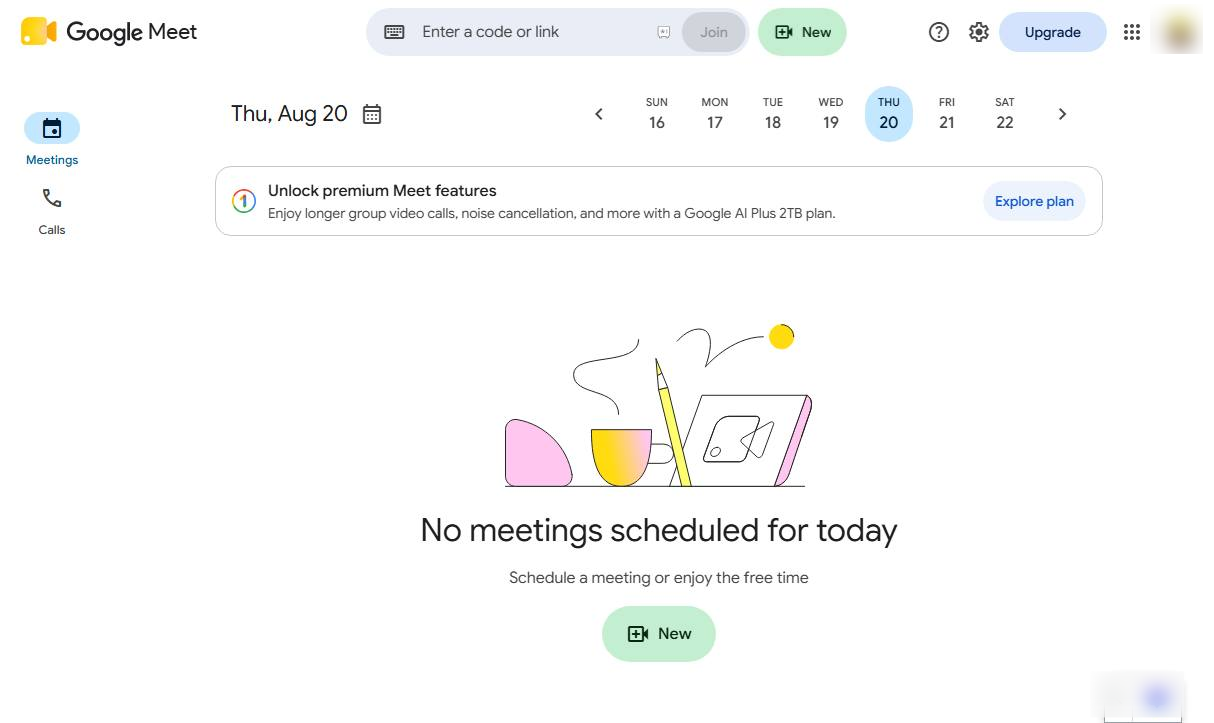

Learn how to update your name in Google Meet by changing your name in your Google Account settings.
Open Google and sign in to the account you use for Google Meet.
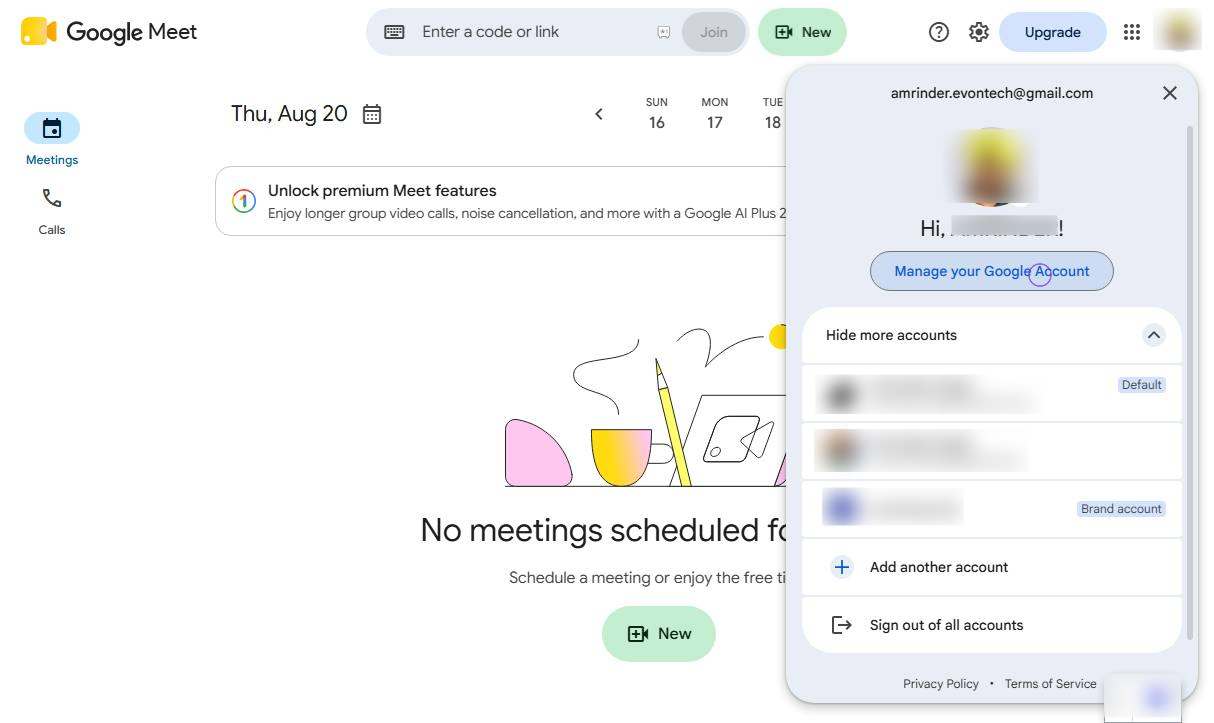
Click your profile picture in the top-right corner and select Manage your Google Account.
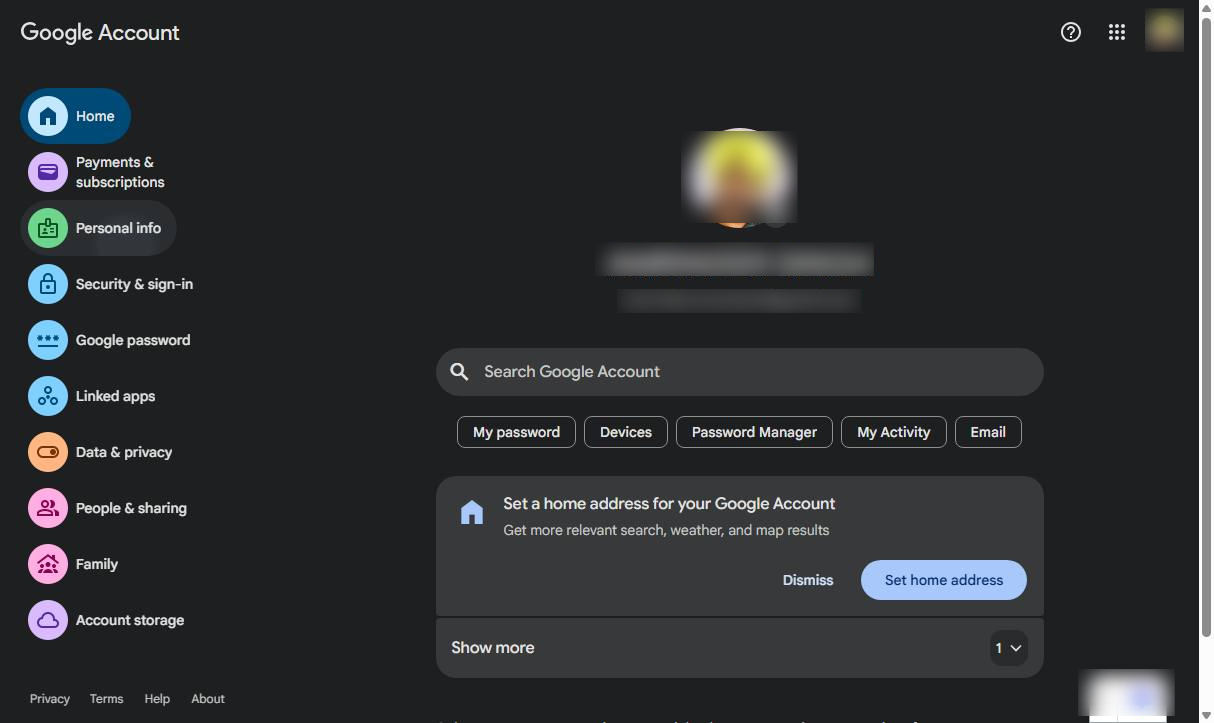
Select Personal info from the left-side menu.
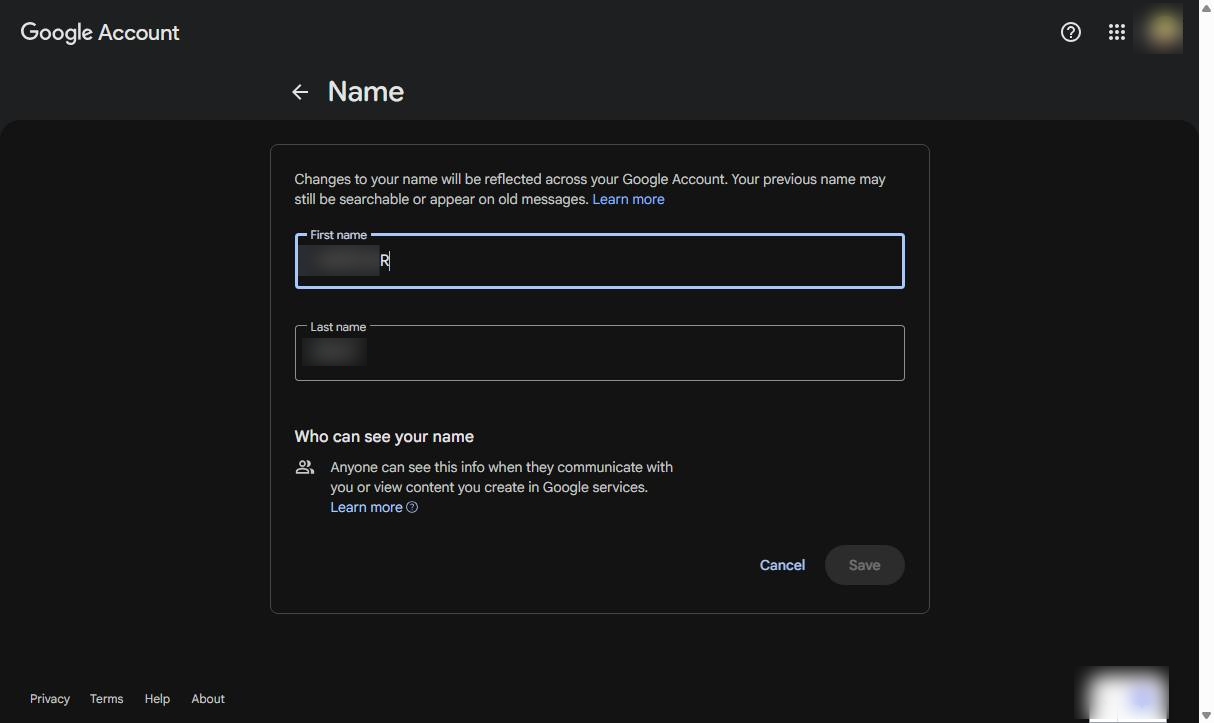
Click the Name section in the Personal info list to proceed with changing your account name.
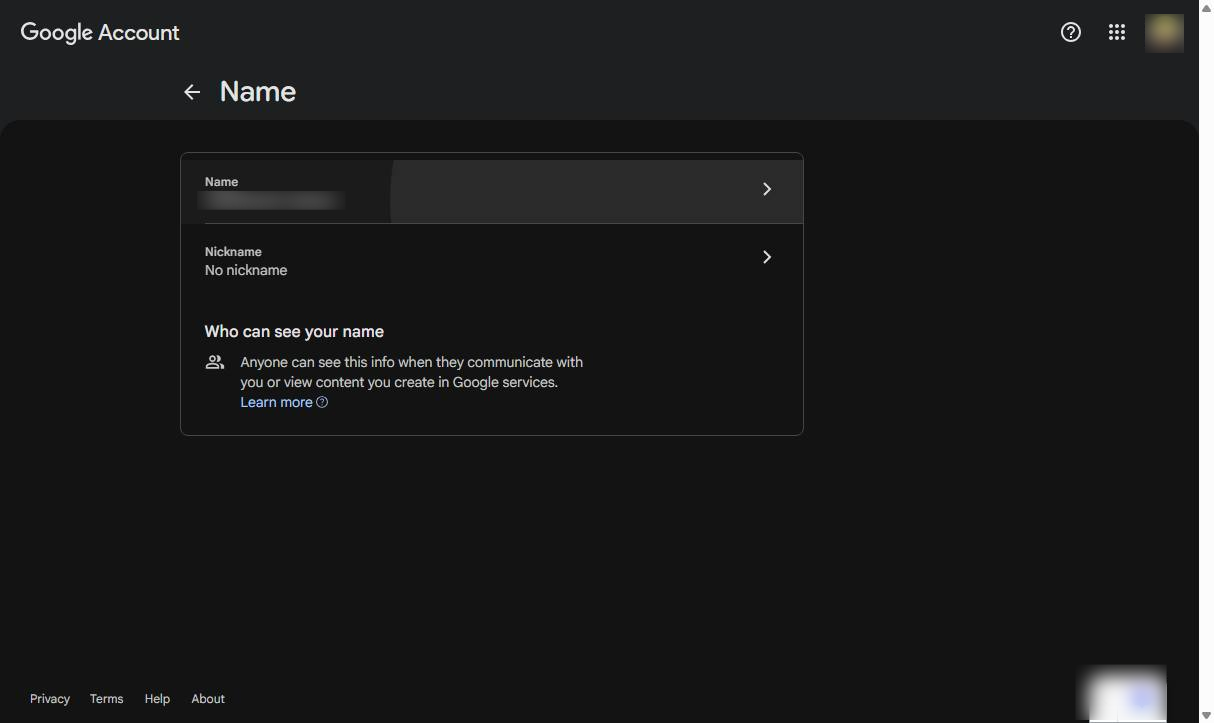
Enter your preferred First name and Last name.
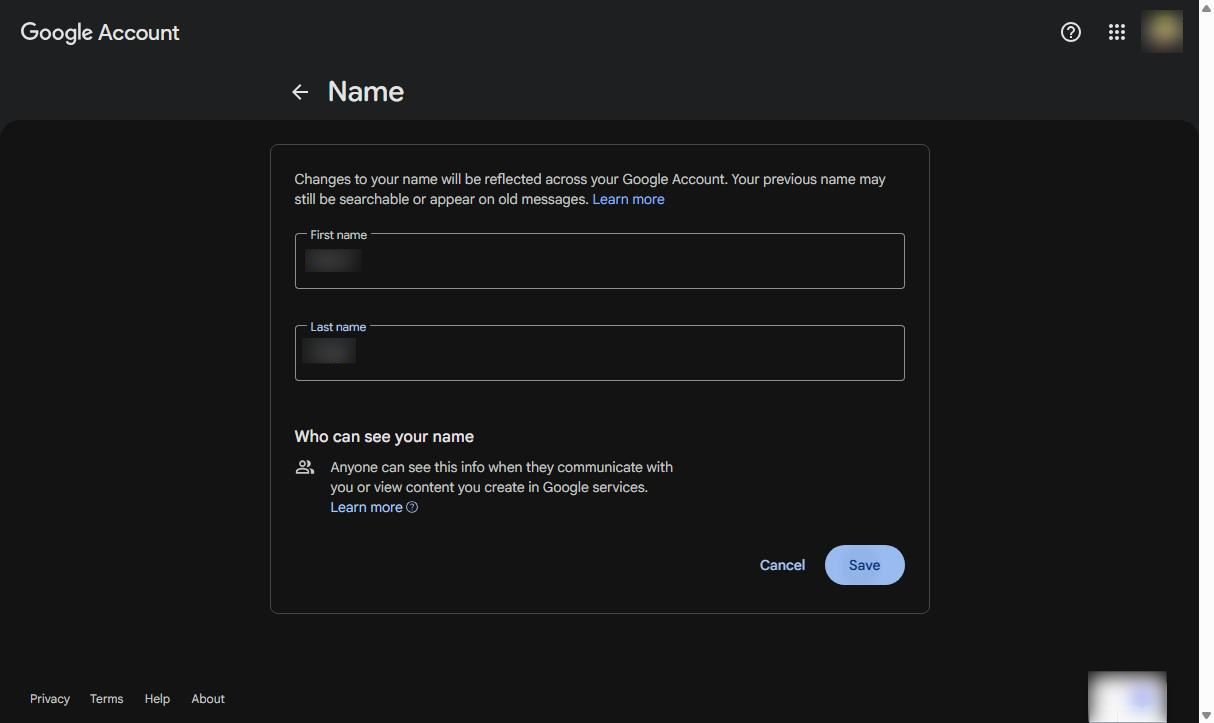
Click the Save button at the bottom right of the form to apply your changes.
Duplicate this template, swap in your own screens, and share it with your team. Free to start — no credit card.
Fill out the form and we'll get back to you as soon as possible.
Tell us about your team and we'll find the right plan together.