1
Select the list
Highlight the cells that should get bullets.
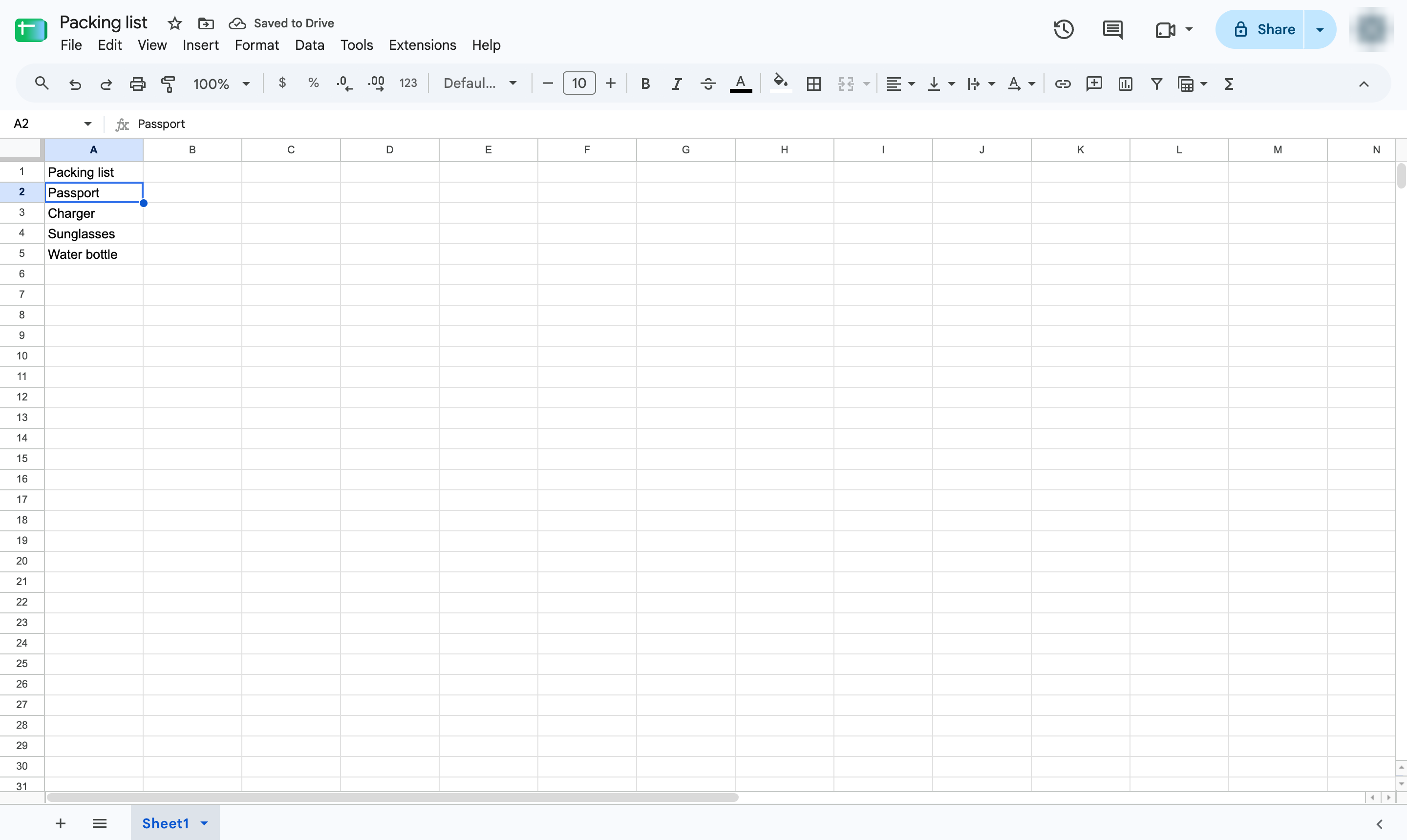

Put a bullet in front of every item with a custom number format, without retyping it.
Highlight the cells that should get bullets.
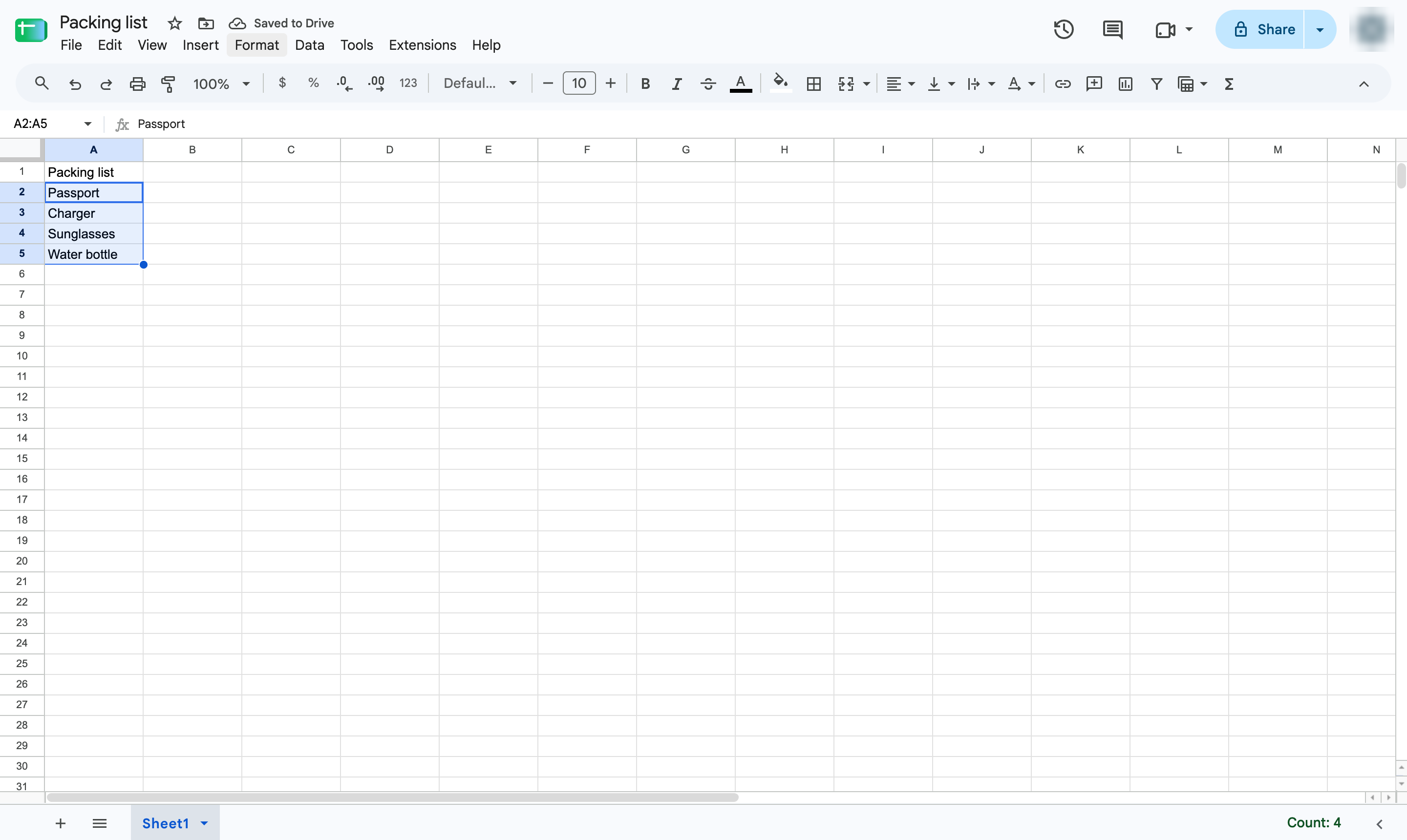
Open the Format menu.
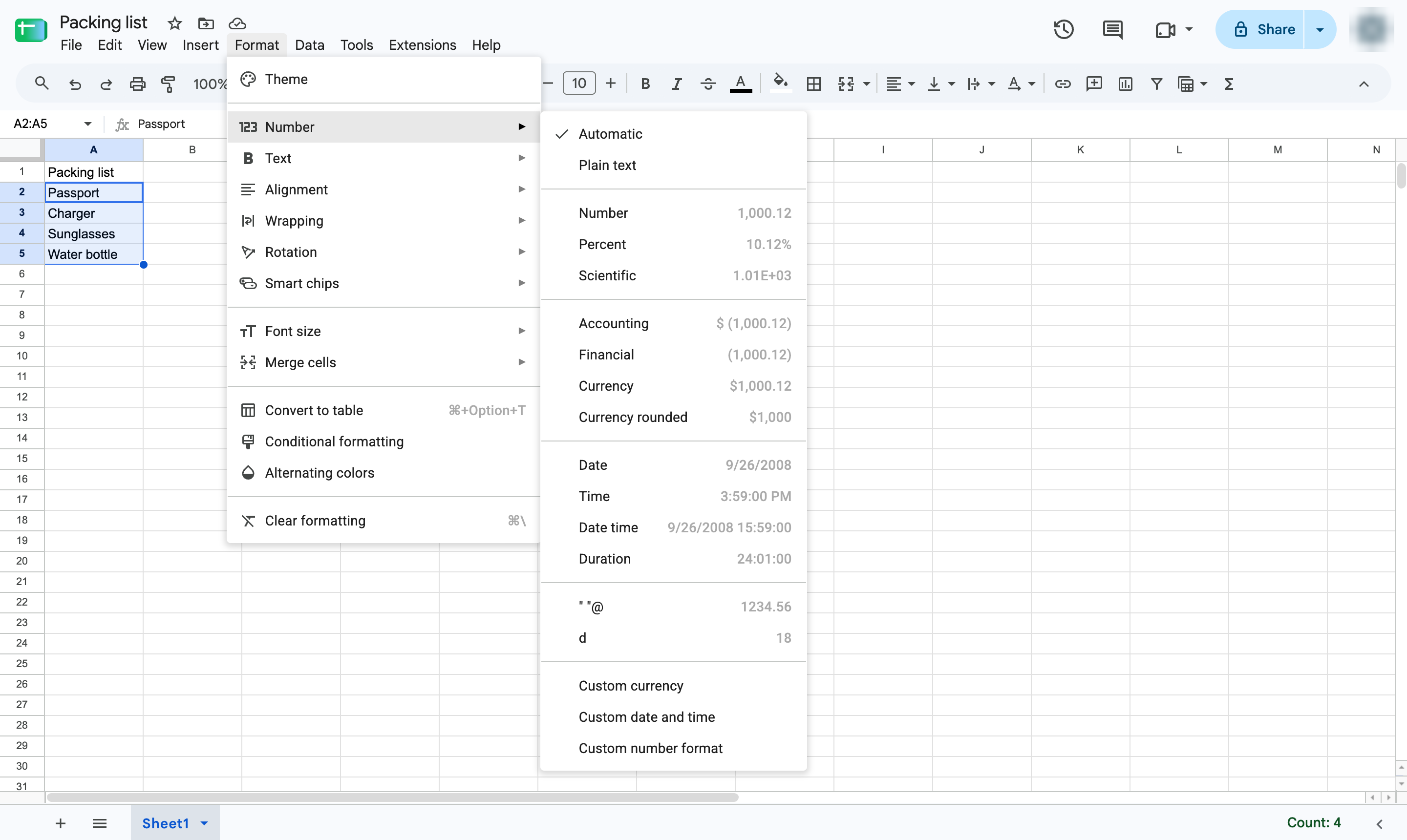
Hover over Number to open its submenu.
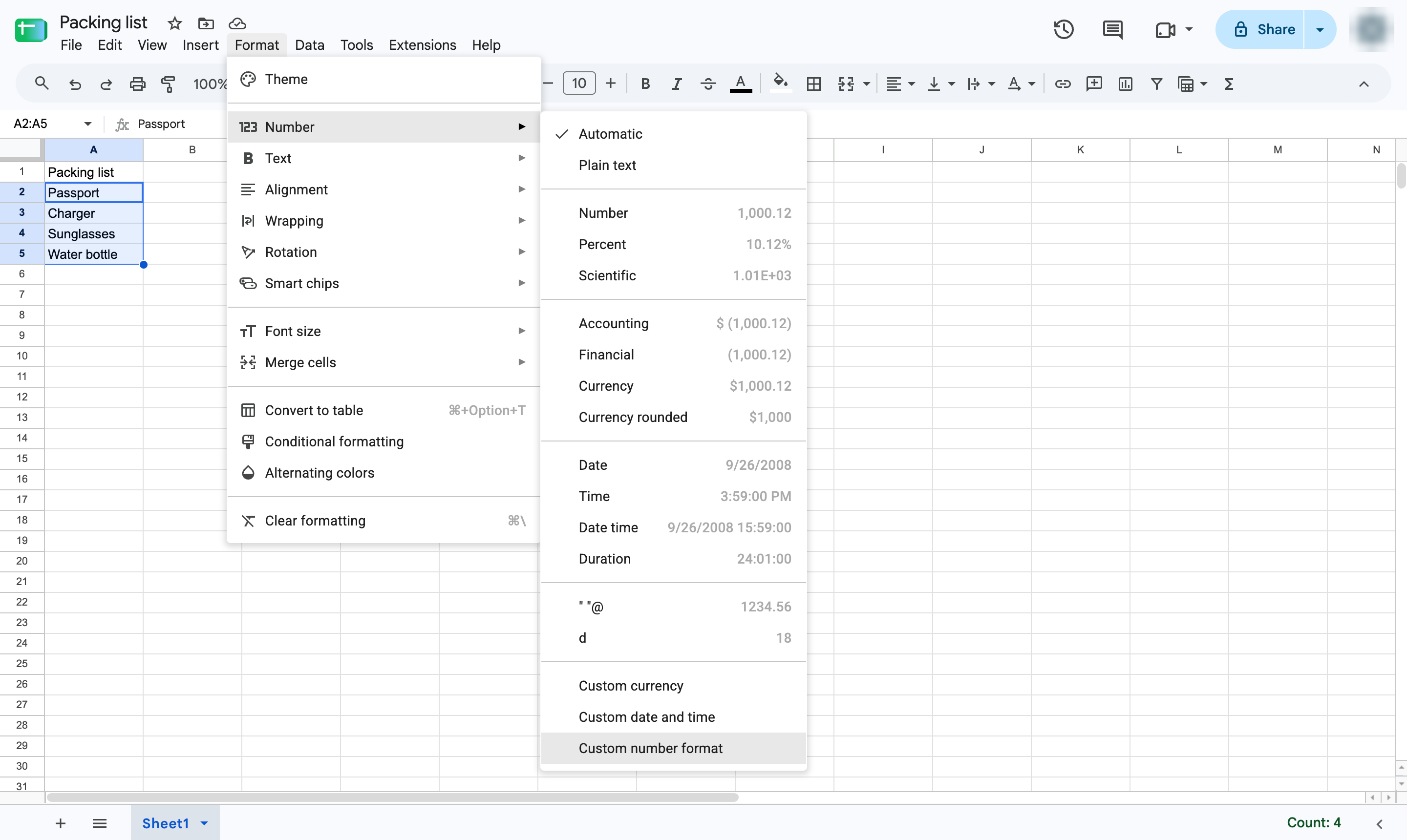
Choose Custom number format at the bottom of the list.
Click the box at the top of the window.
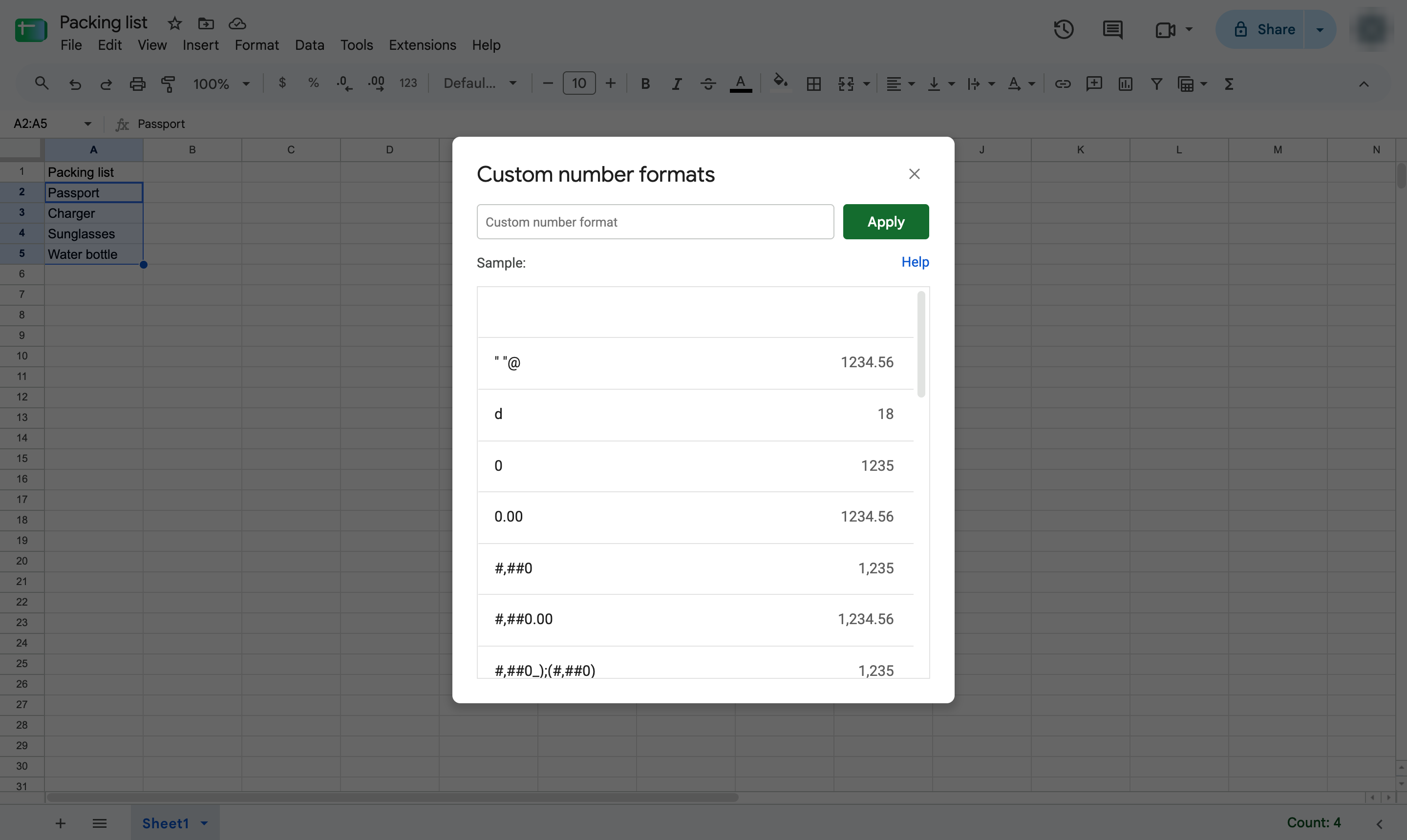
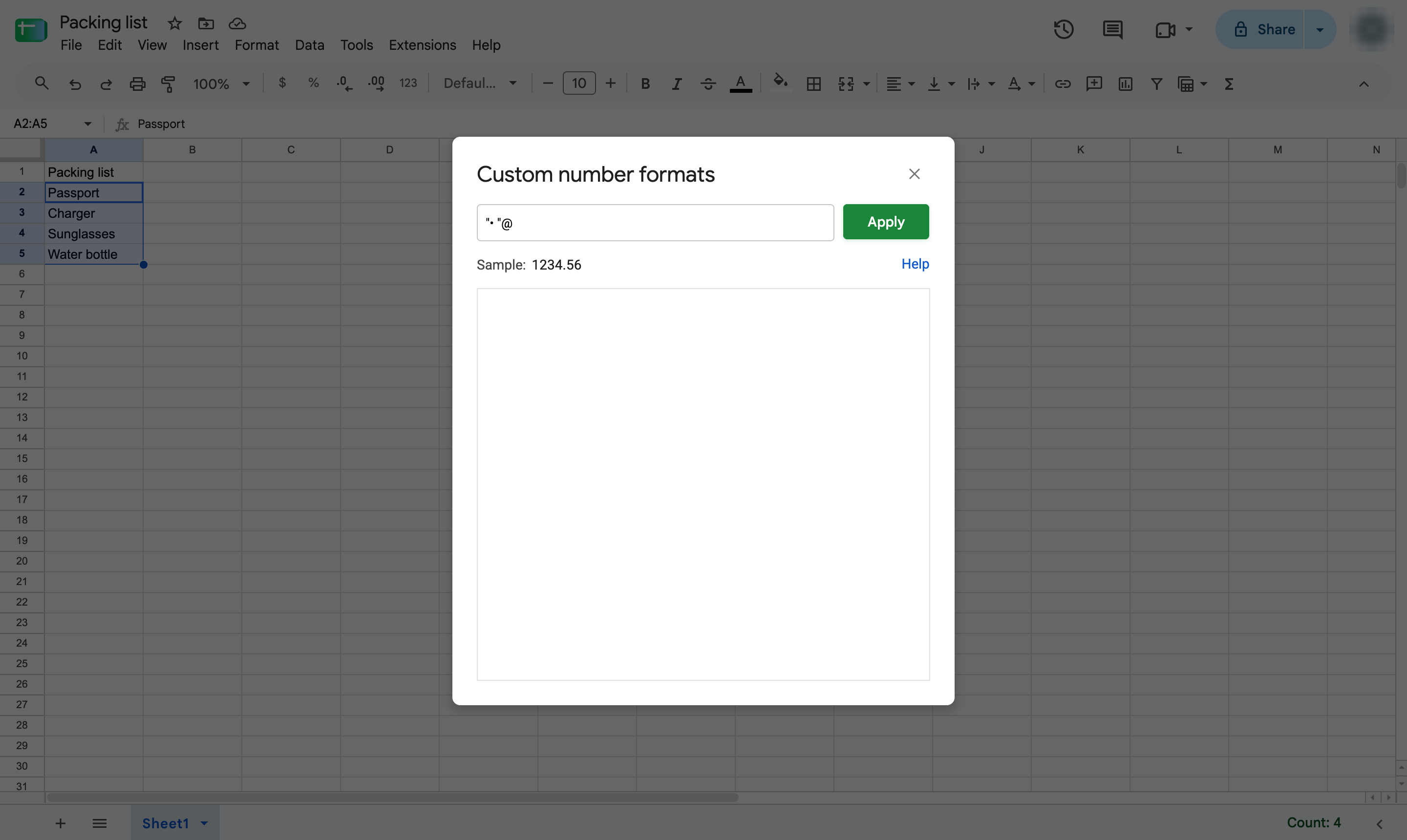
Type "• "@ - a bullet and a space in quote marks, then @. Type the bullet with Alt + 7 on Windows or Option + 8 on Mac.
Click Apply to format the selected cells.
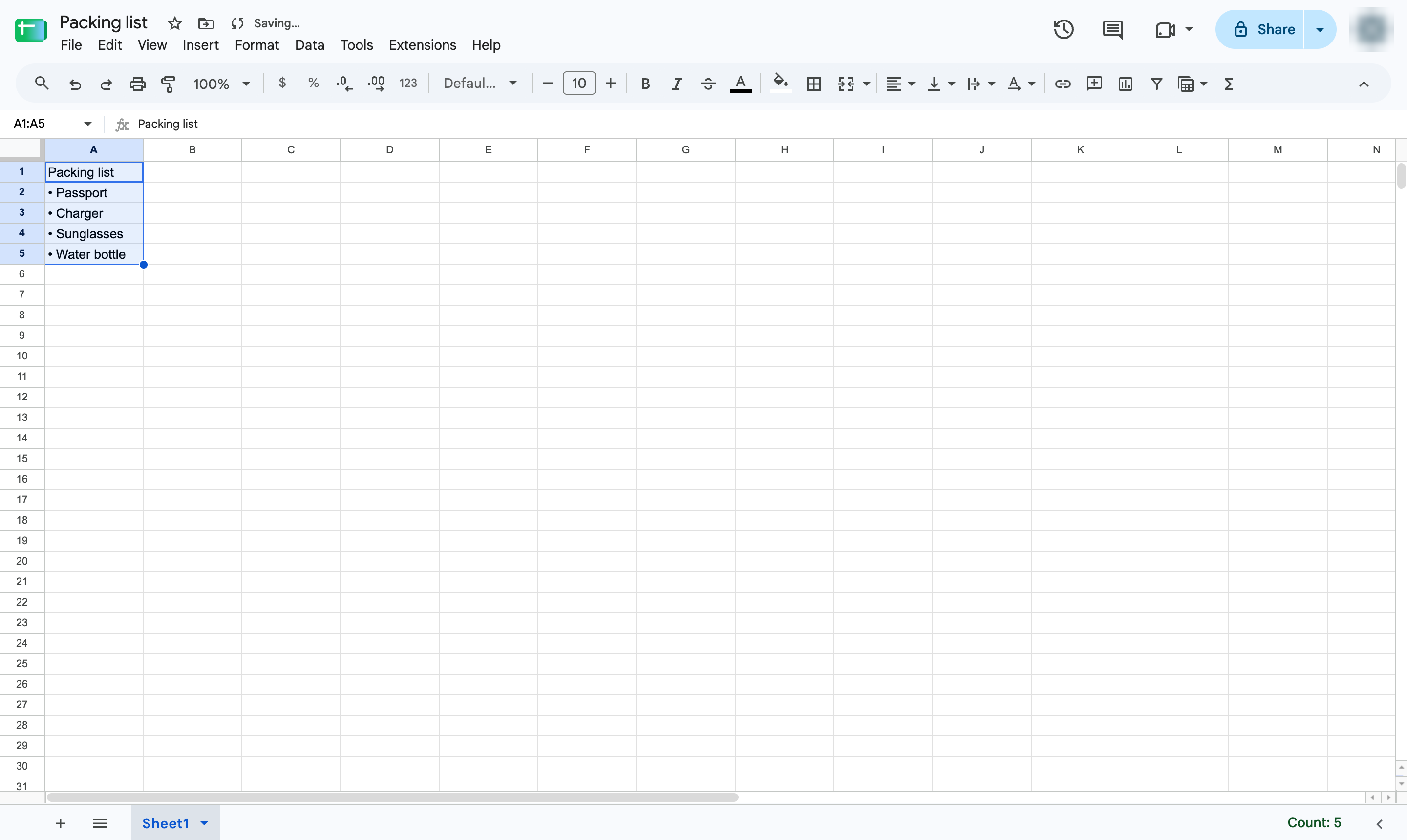
Every selected cell now starts with a bullet, and new text you type there gets one too.
Duplicate this template, swap in your own screens, and share it with your team. Free to start — no credit card.
Fill out the form and we'll get back to you as soon as possible.
Tell us about your team and we'll find the right plan together.