1
Select the object
Click the image or text box to animate.
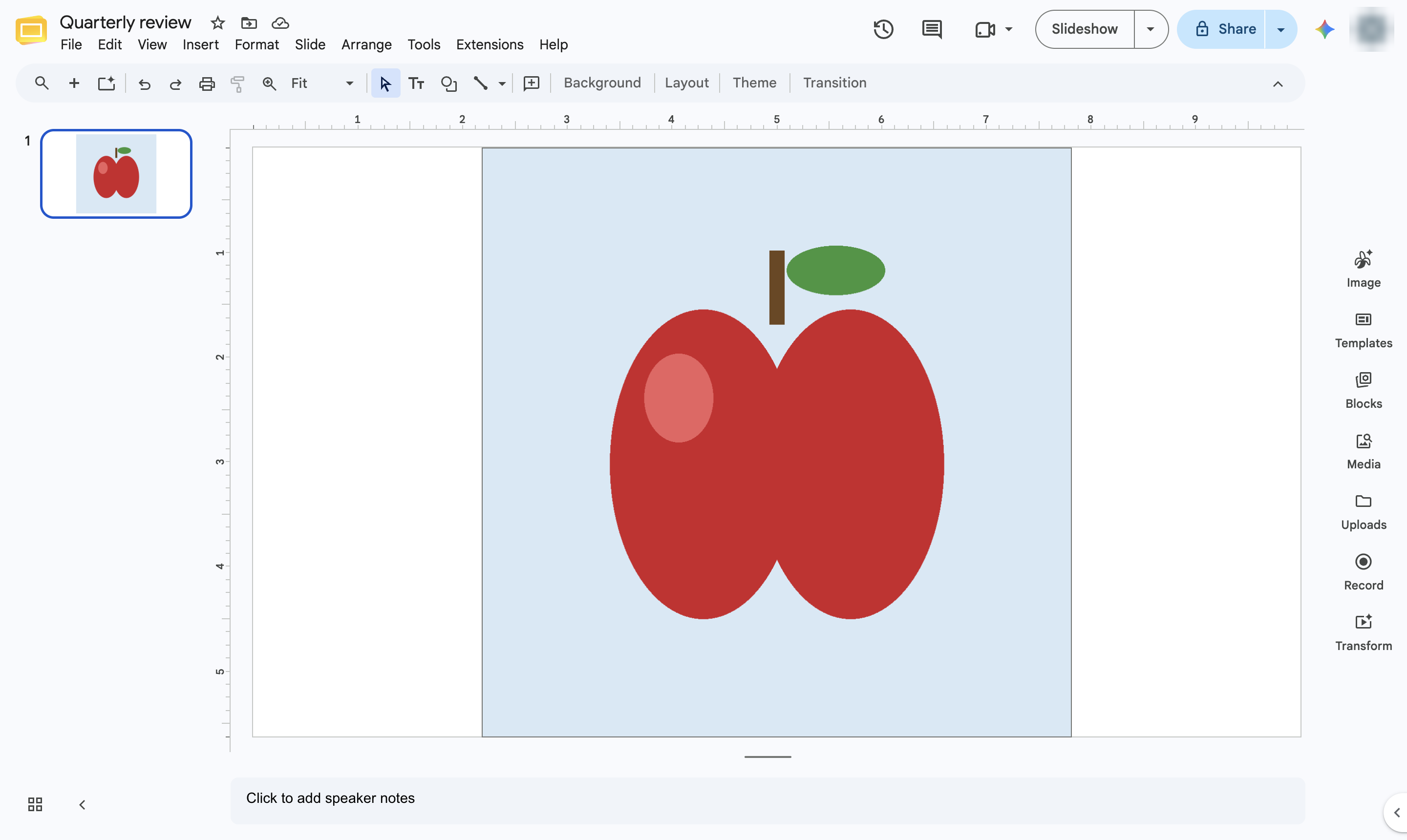

Make a text box or image fly in, fade in or appear when you click during the slideshow.
Click the image or text box to animate.
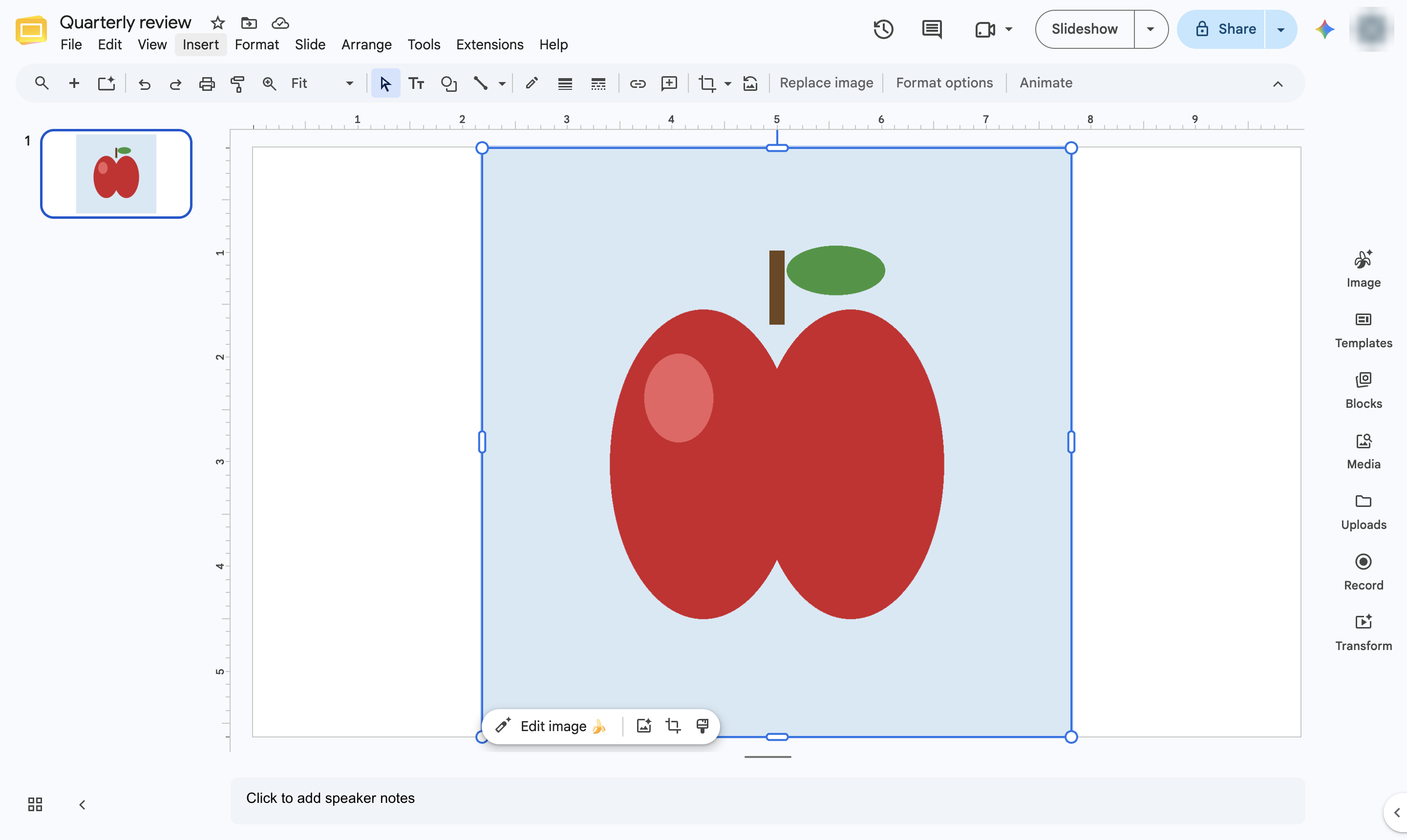
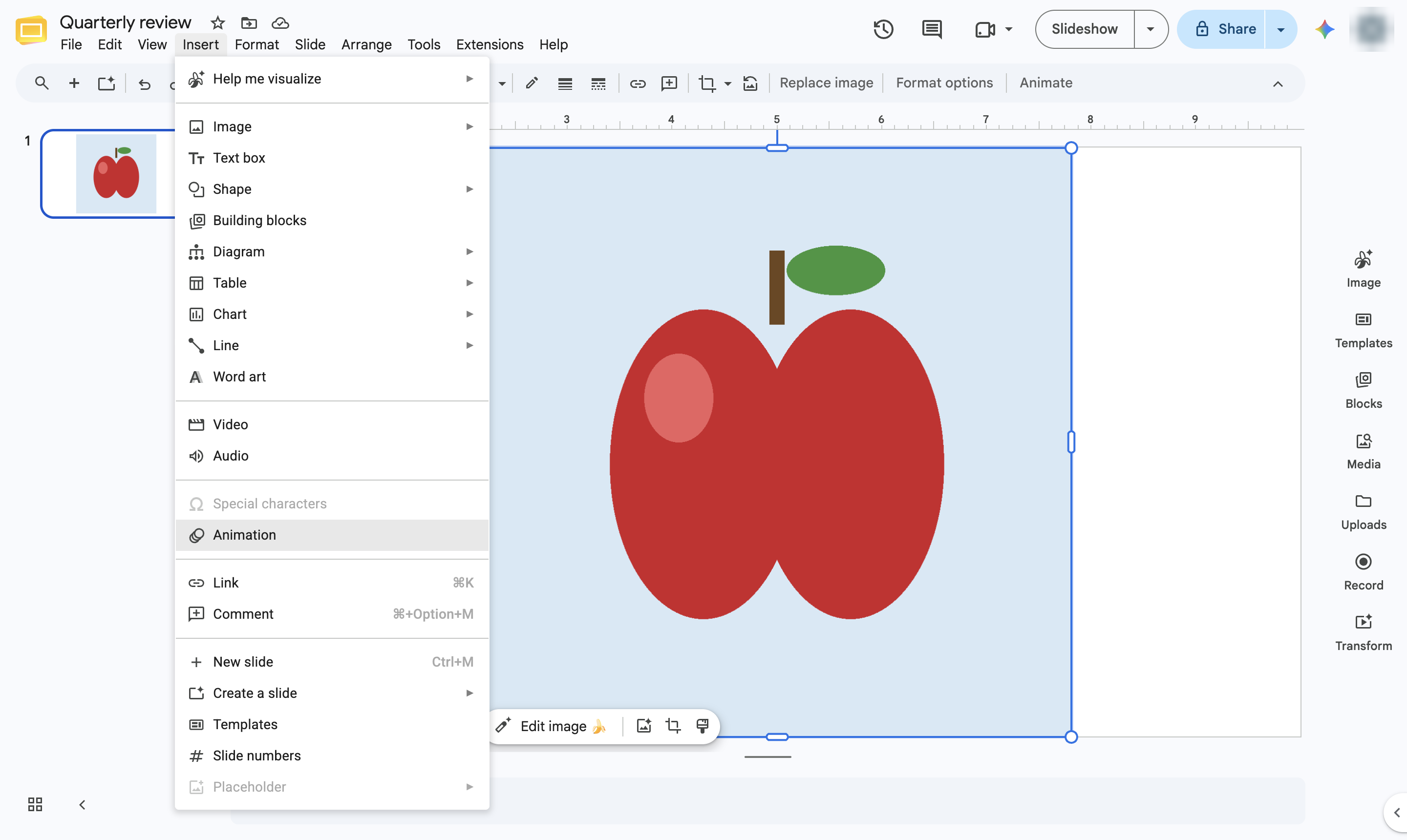
Open the Insert menu.
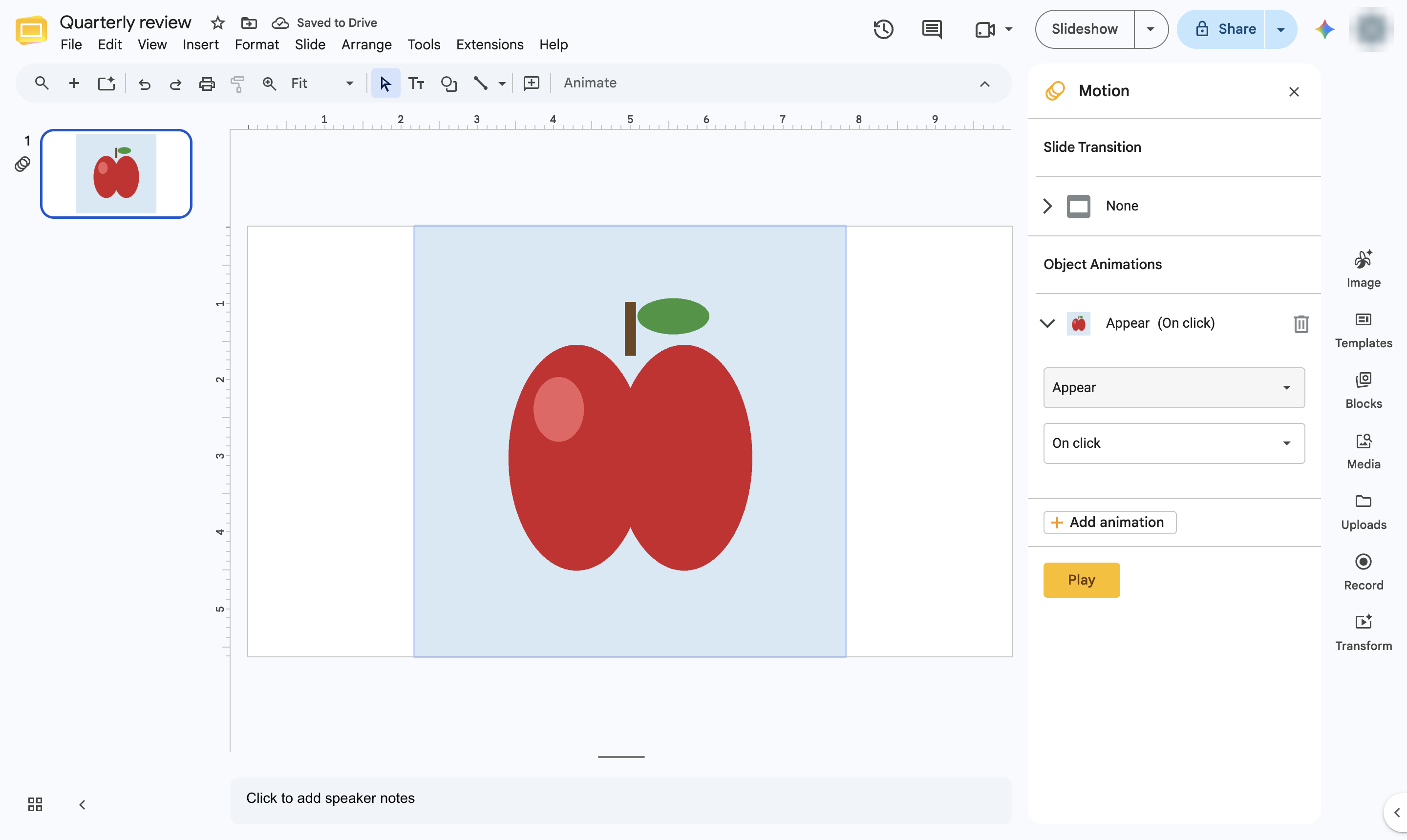
Choose Animation. The Motion panel opens.
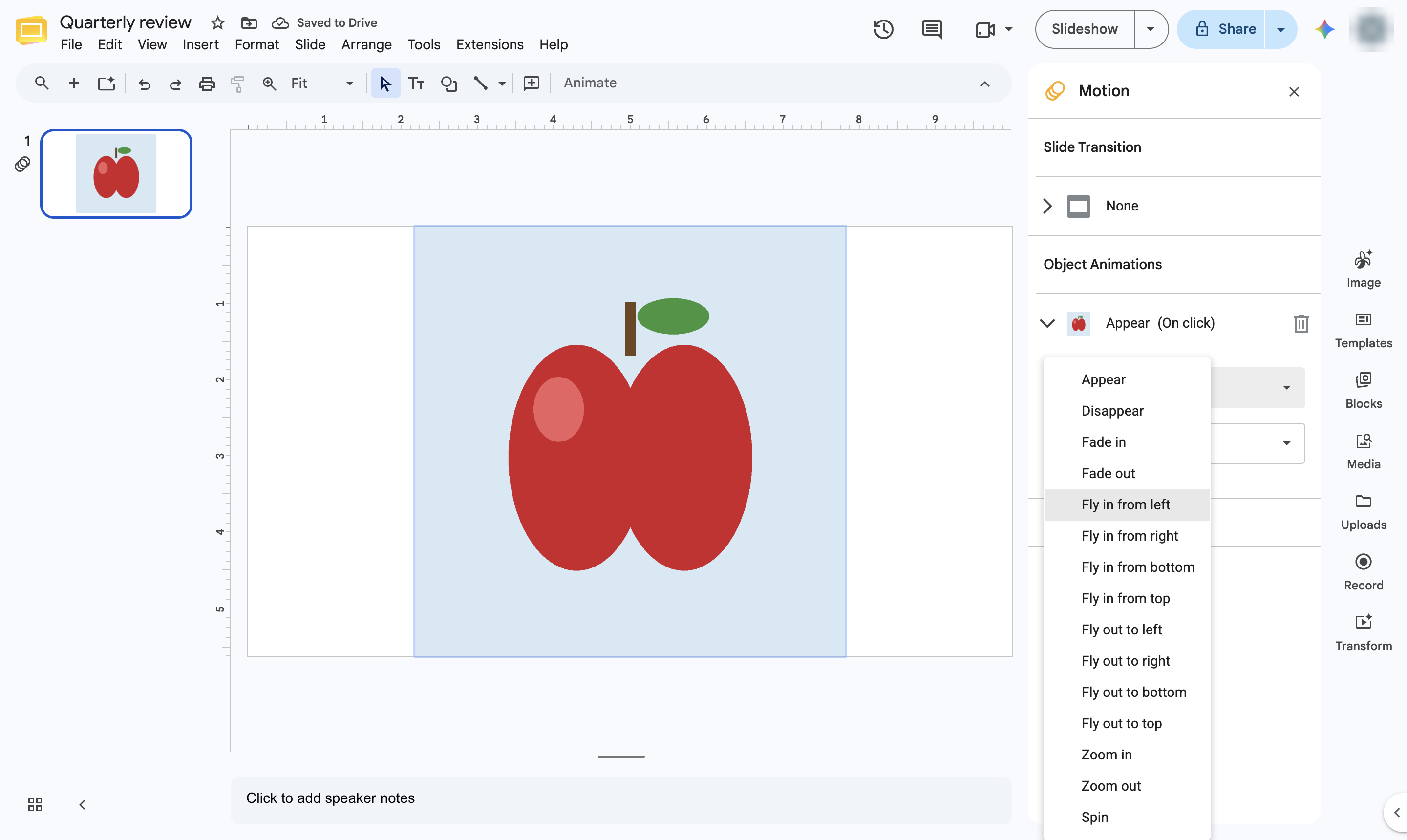
Click the effect drop-down (it starts as Appear or Fade in).
Pick an effect, for example Fly in from left.
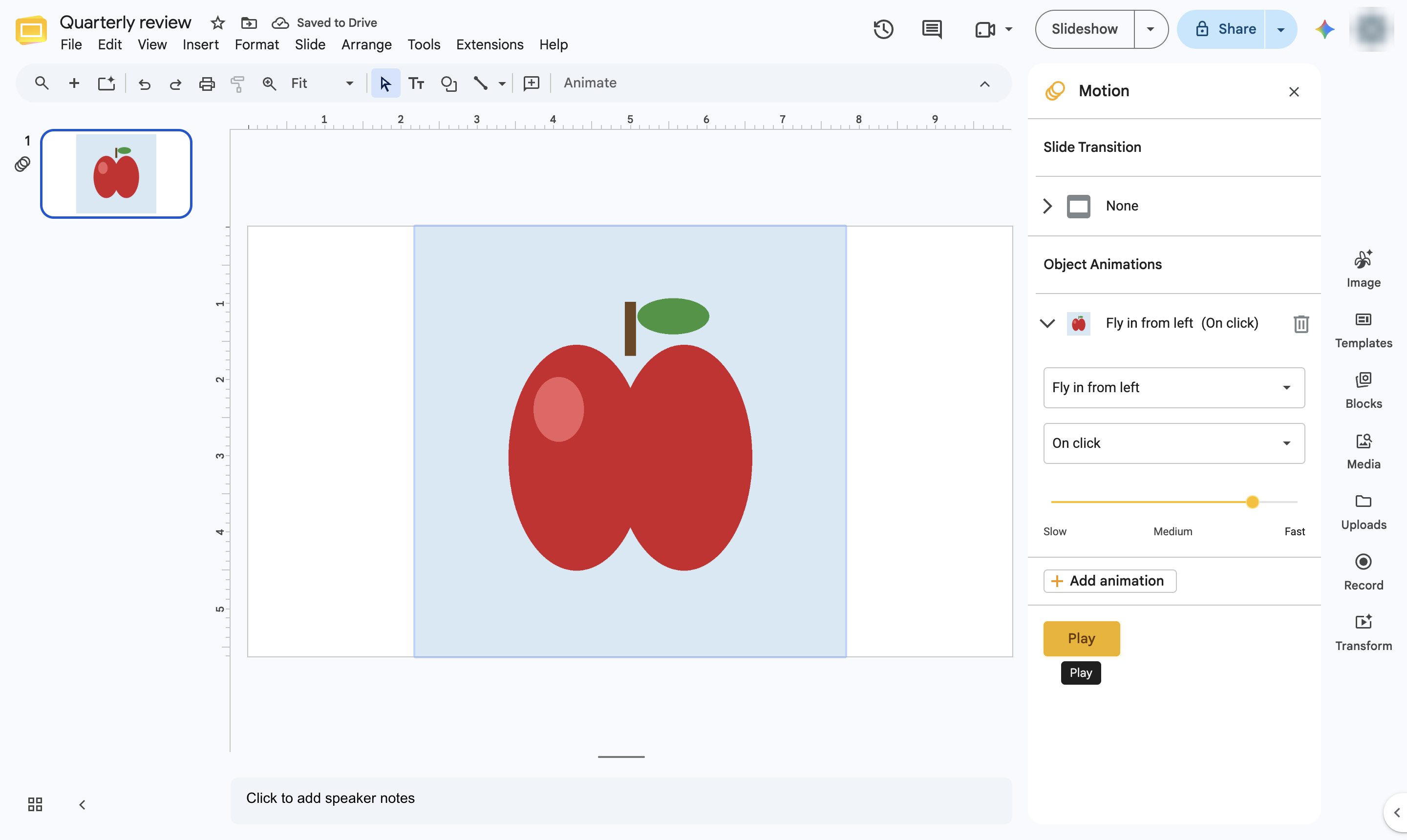
Pick On click, After previous or With previous.
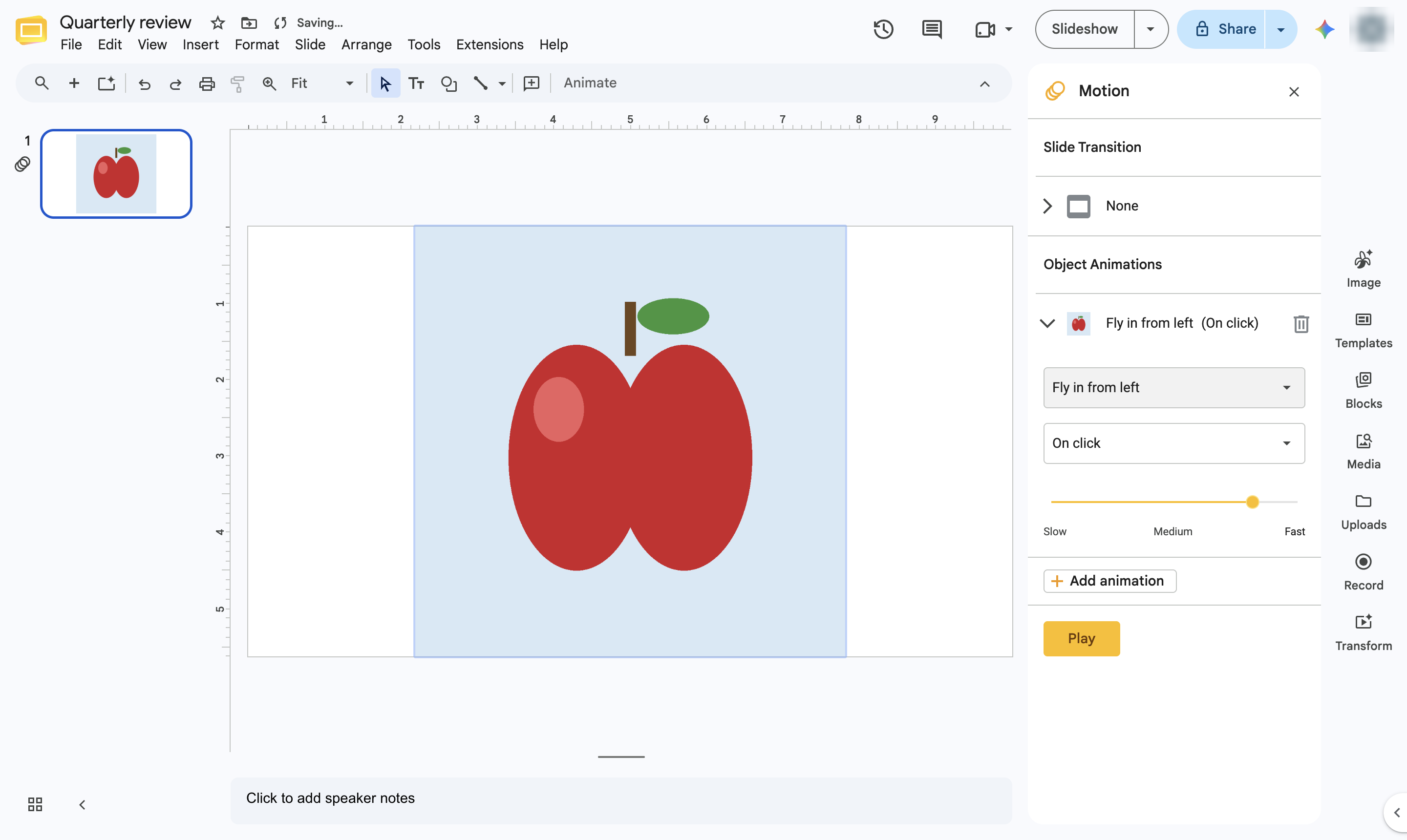
Click Play to preview the animation. The object now animates in the slideshow, and a small motion icon marks the slide in the filmstrip.
Duplicate this template, swap in your own screens, and share it with your team. Free to start — no credit card.
Fill out the form and we'll get back to you as soon as possible.
Tell us about your team and we'll find the right plan together.