1
To get started, login into Salesforce and navigate to setup.
To get started, login into Salesforce and navigate to setup.

A ready-made, step-by-step walkthrough. Preview every step below — then make it your own in seconds.
To get started, login into Salesforce and navigate to setup.
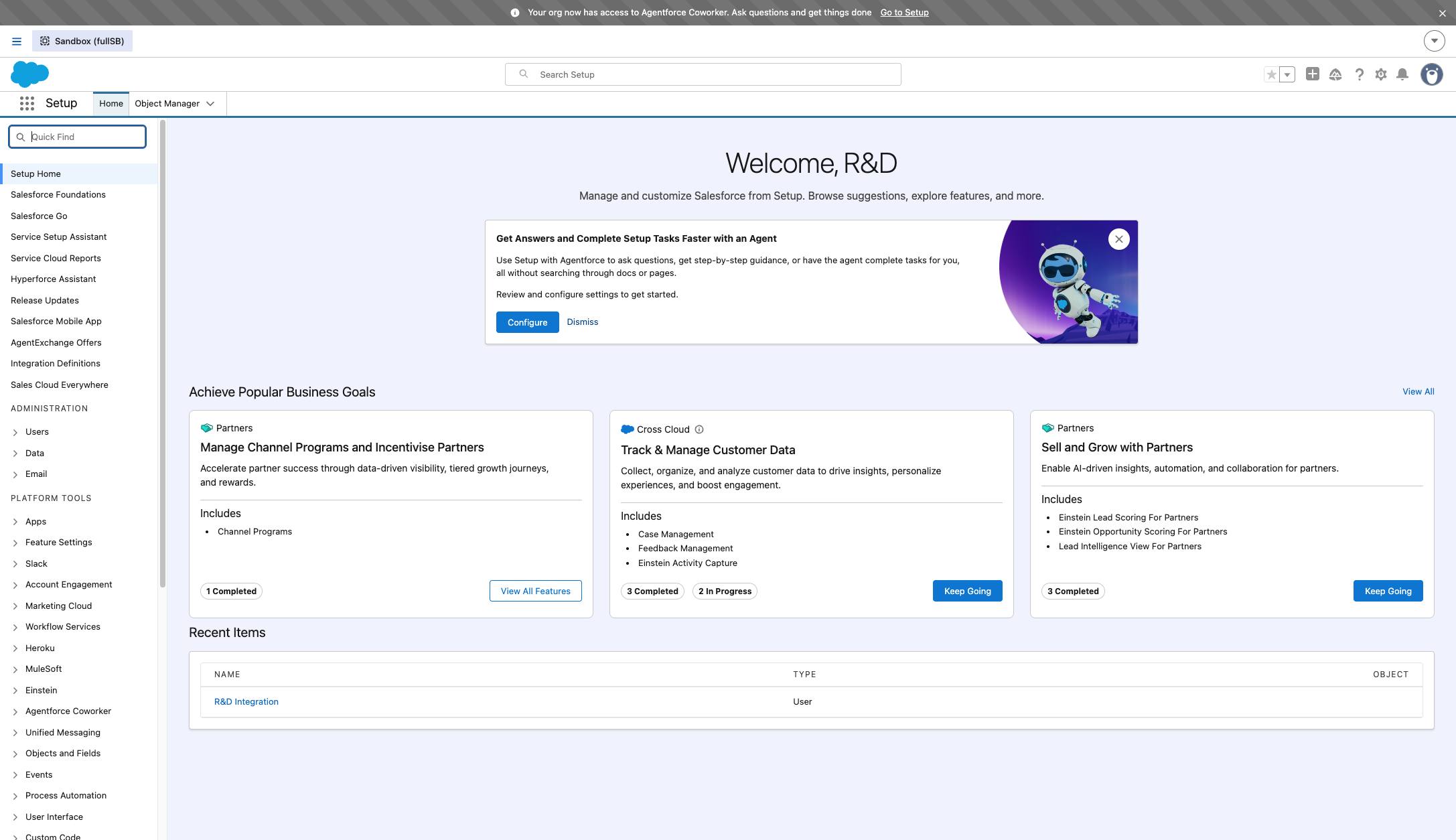
Click in "Quick Find" input field
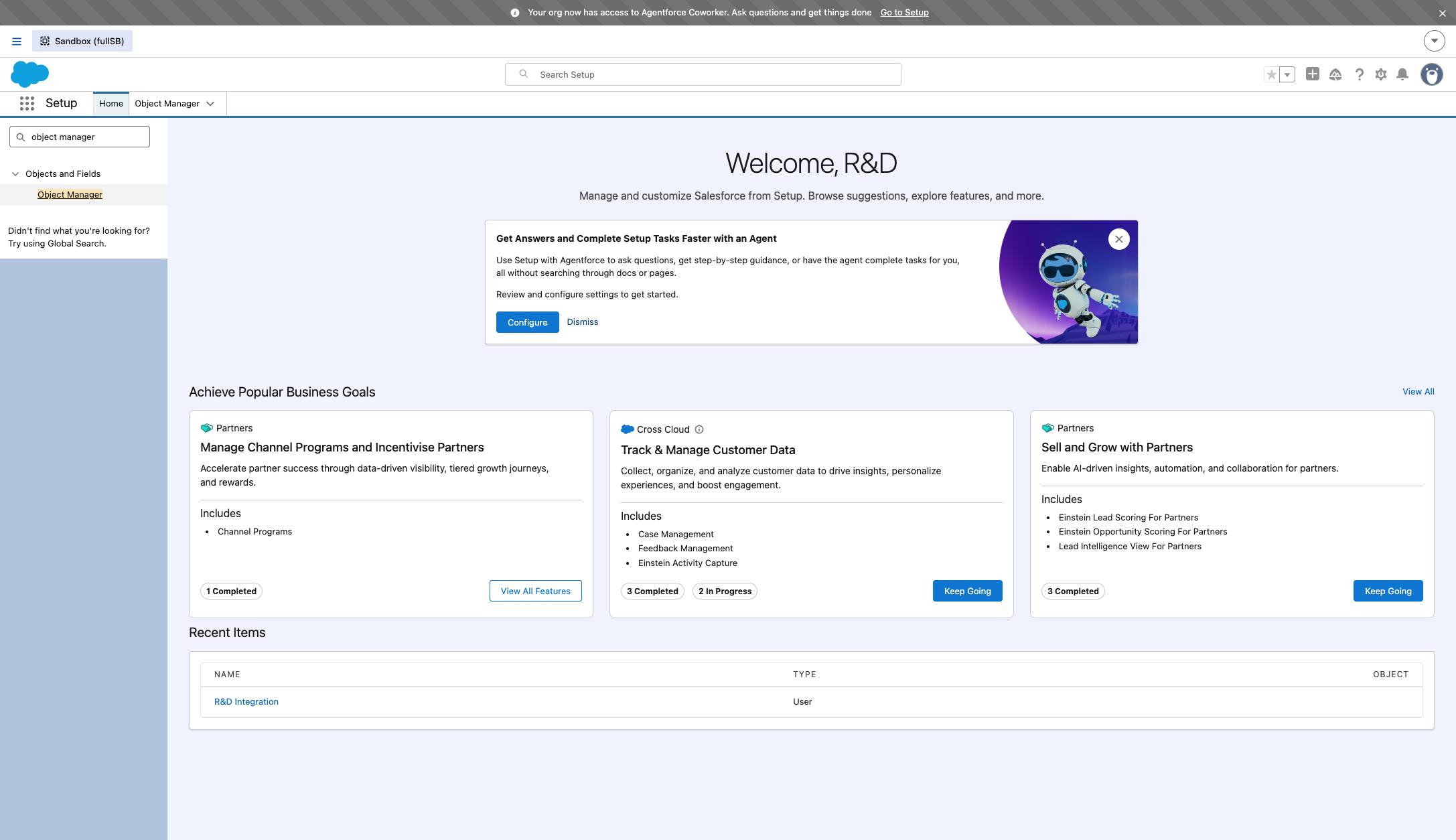
Type "object manager"
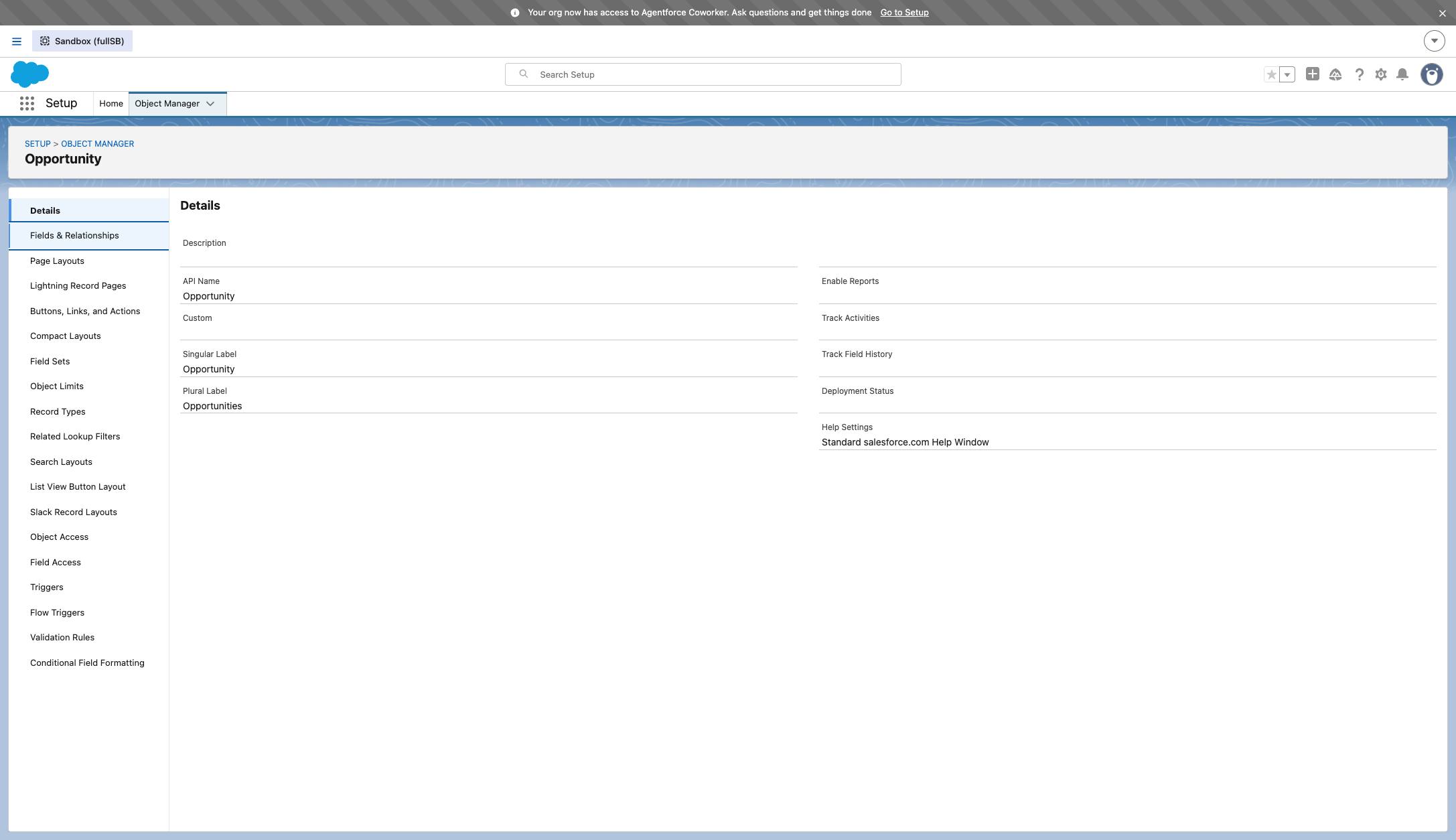
Click "Object Manager" link
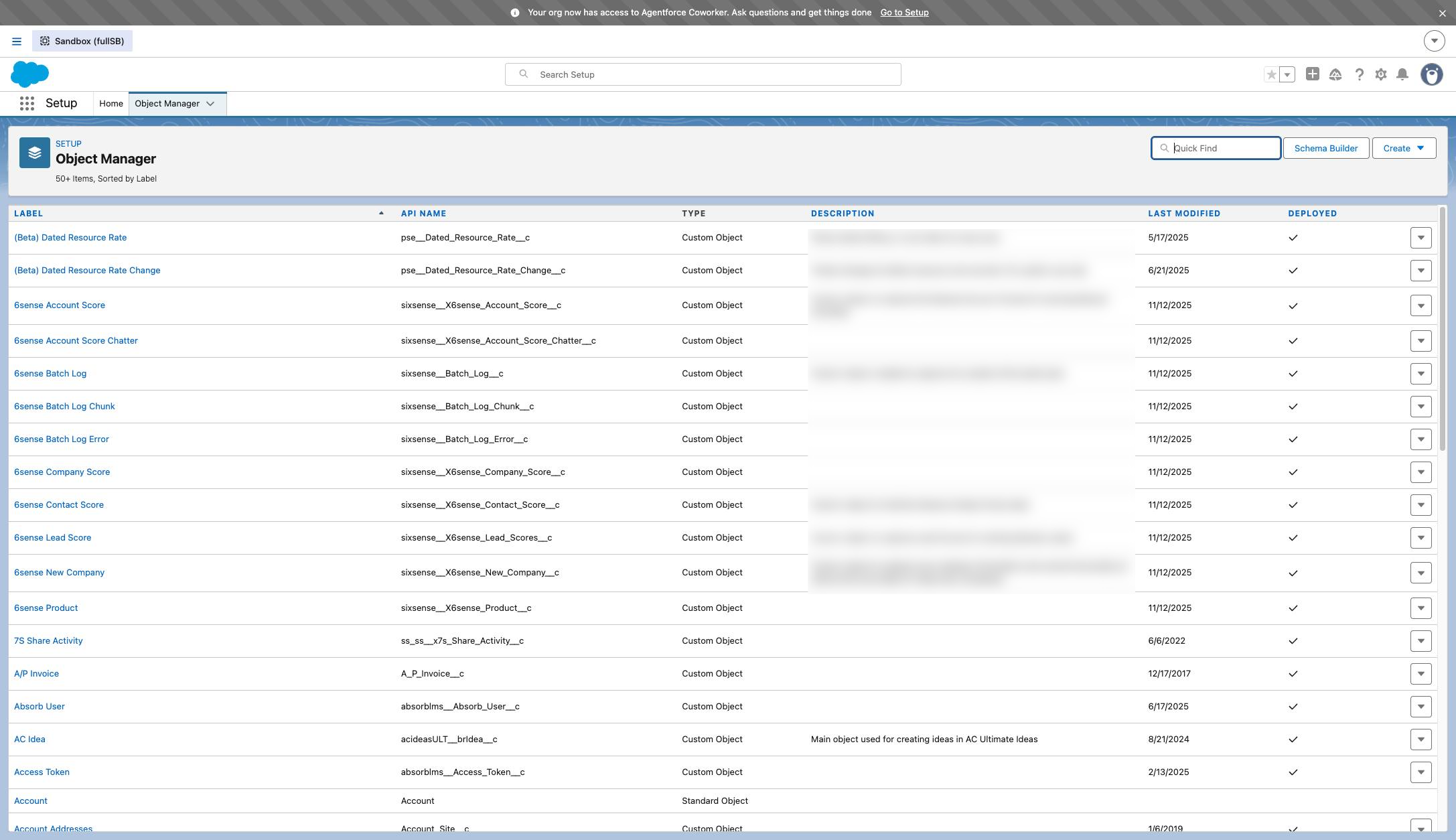
Click in "Quick Find" input field
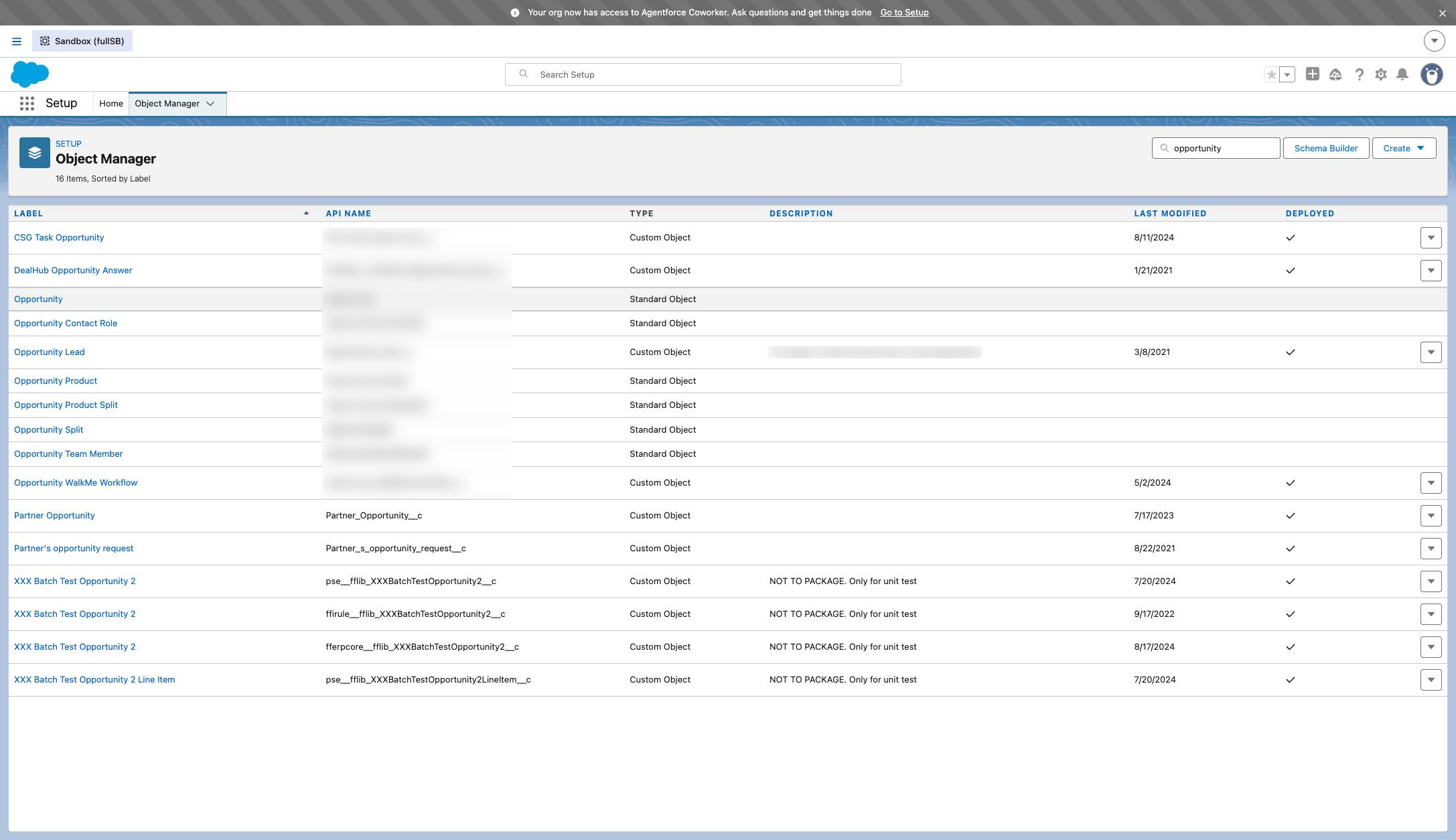
Type the name of the object to which you want to add a field (e.g., "opportunity").
Click the name of the object.
Click "New" button
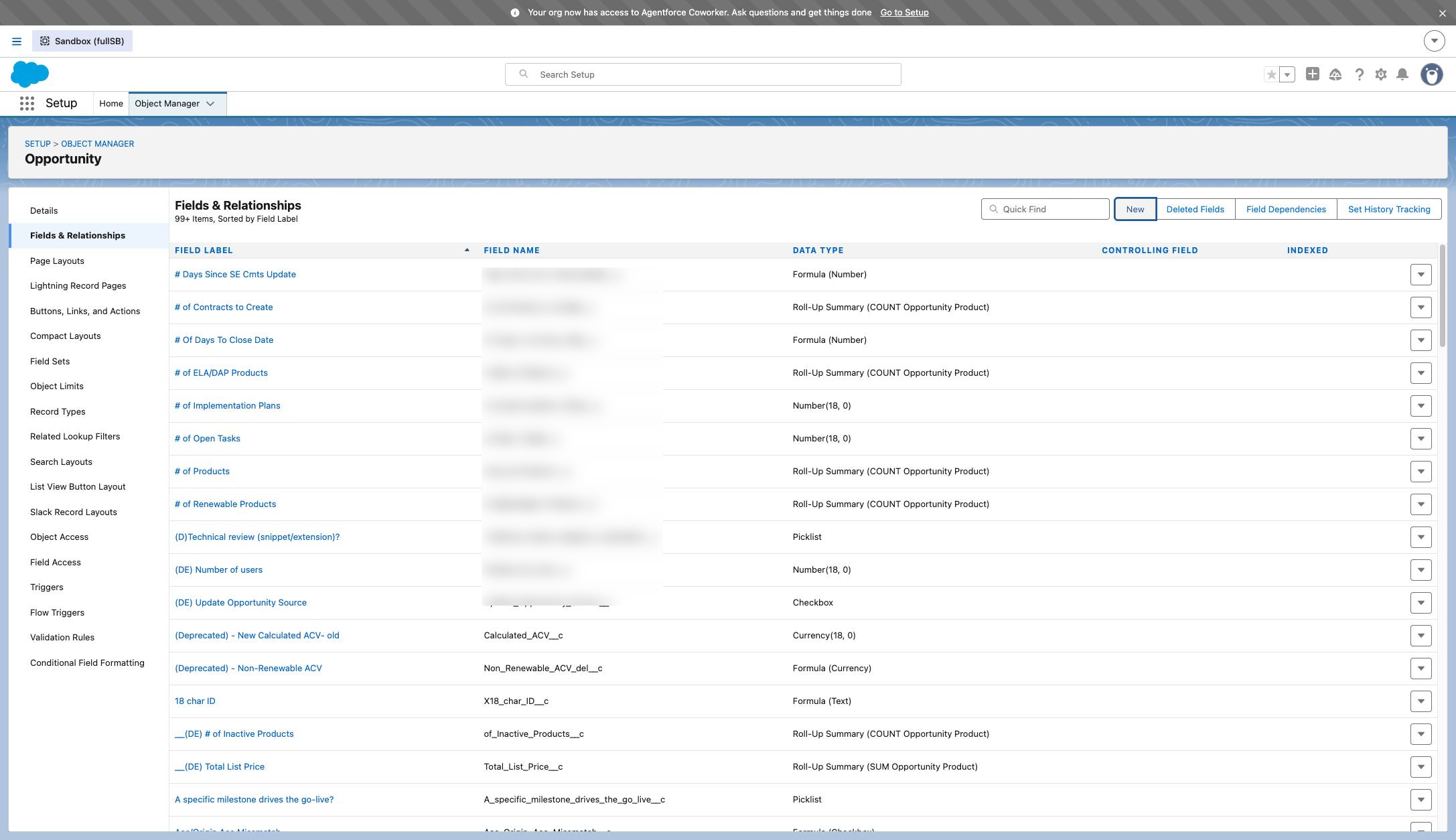
Click here:
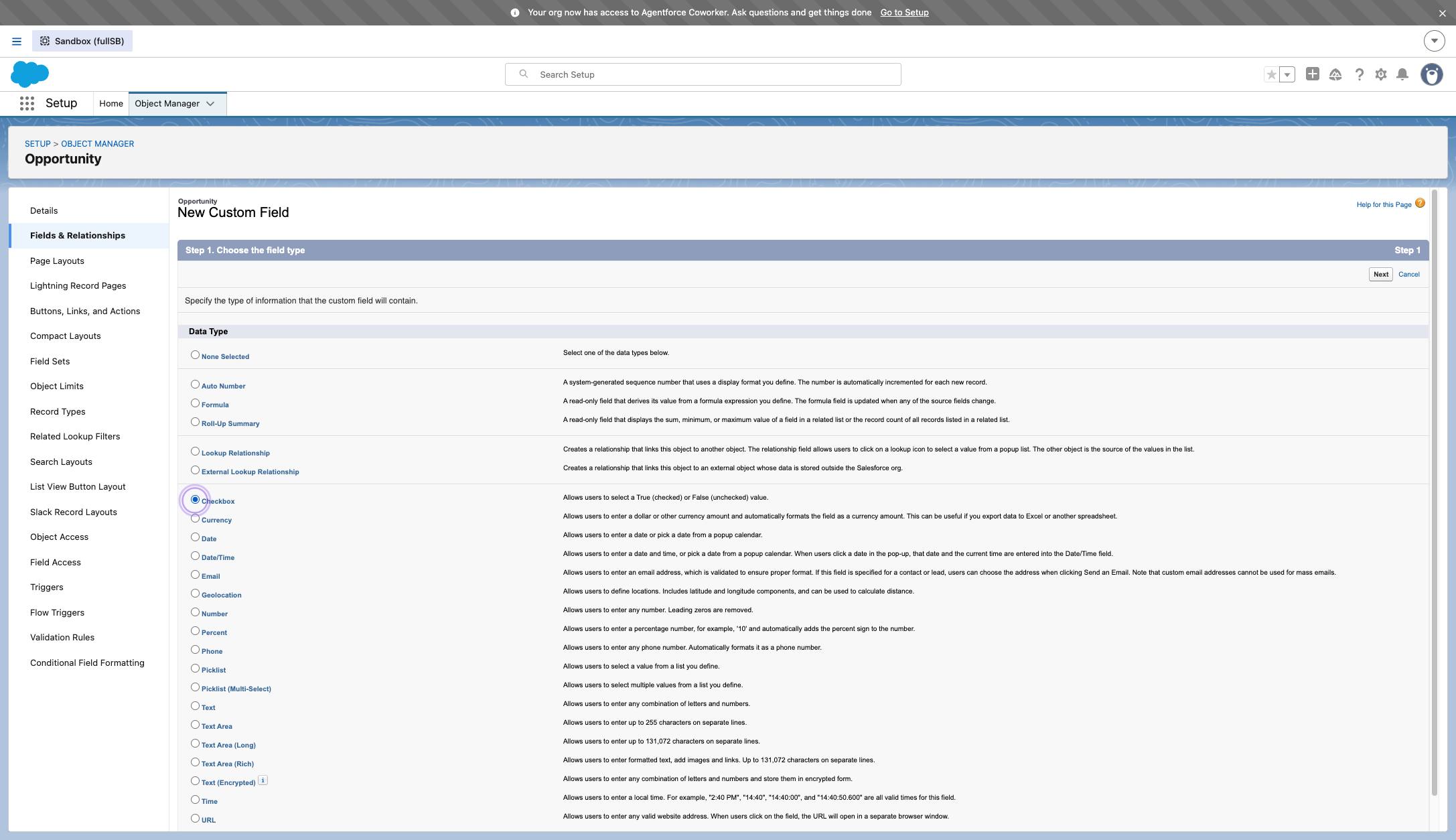
Choose the type of field you'd like to add.
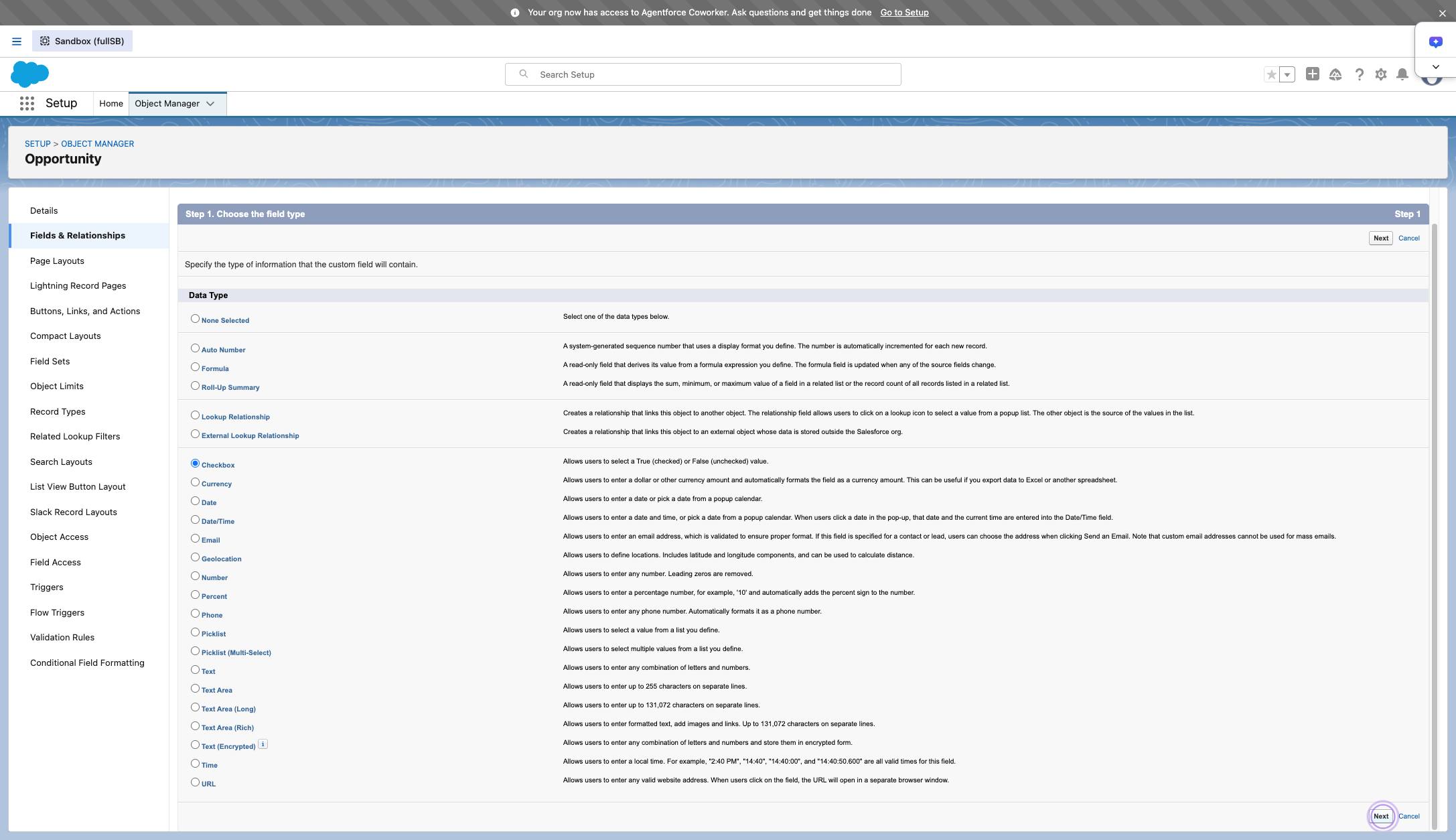
Click " Next " button
Click in "text" input field
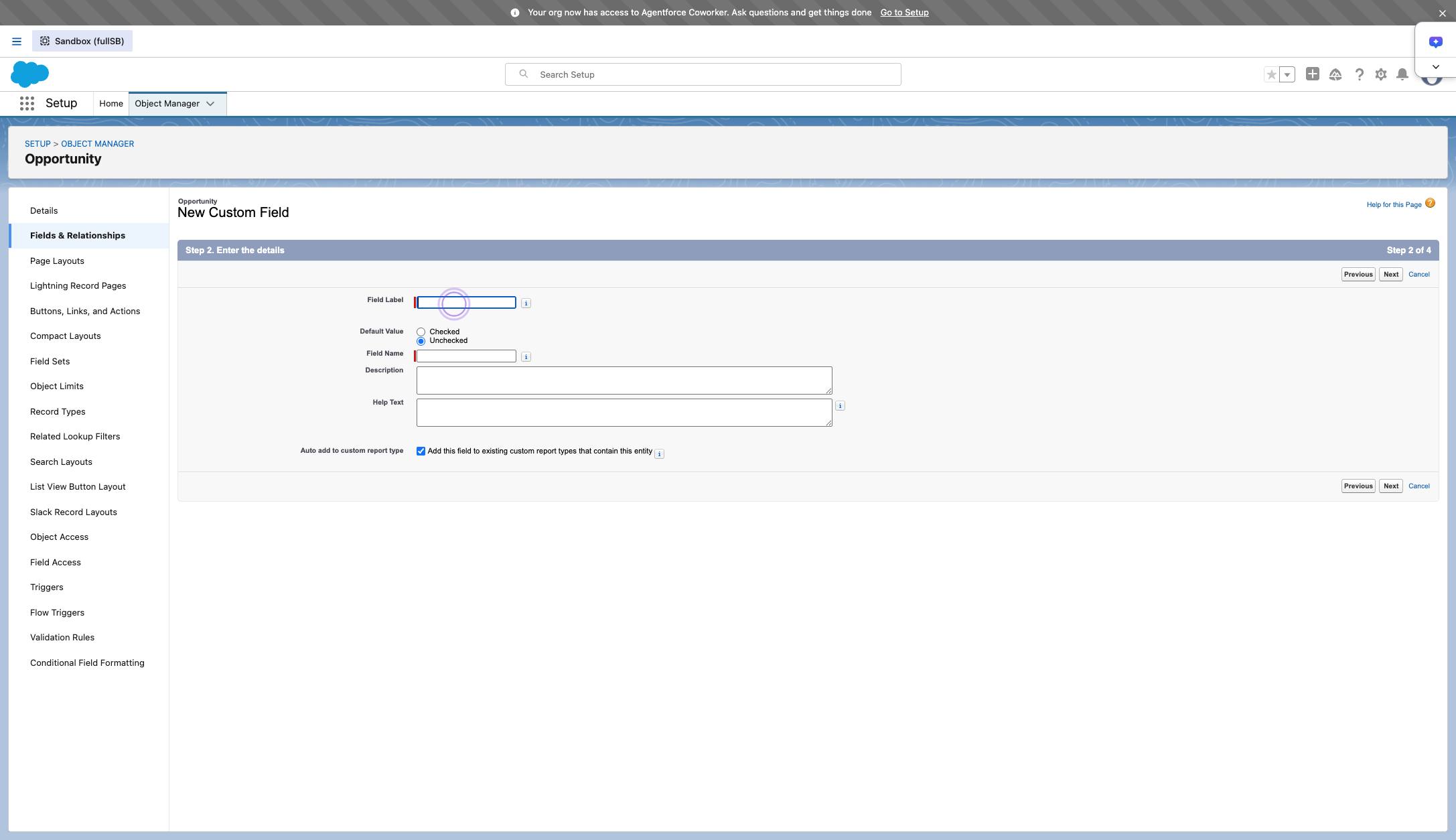
Type the label for the field.
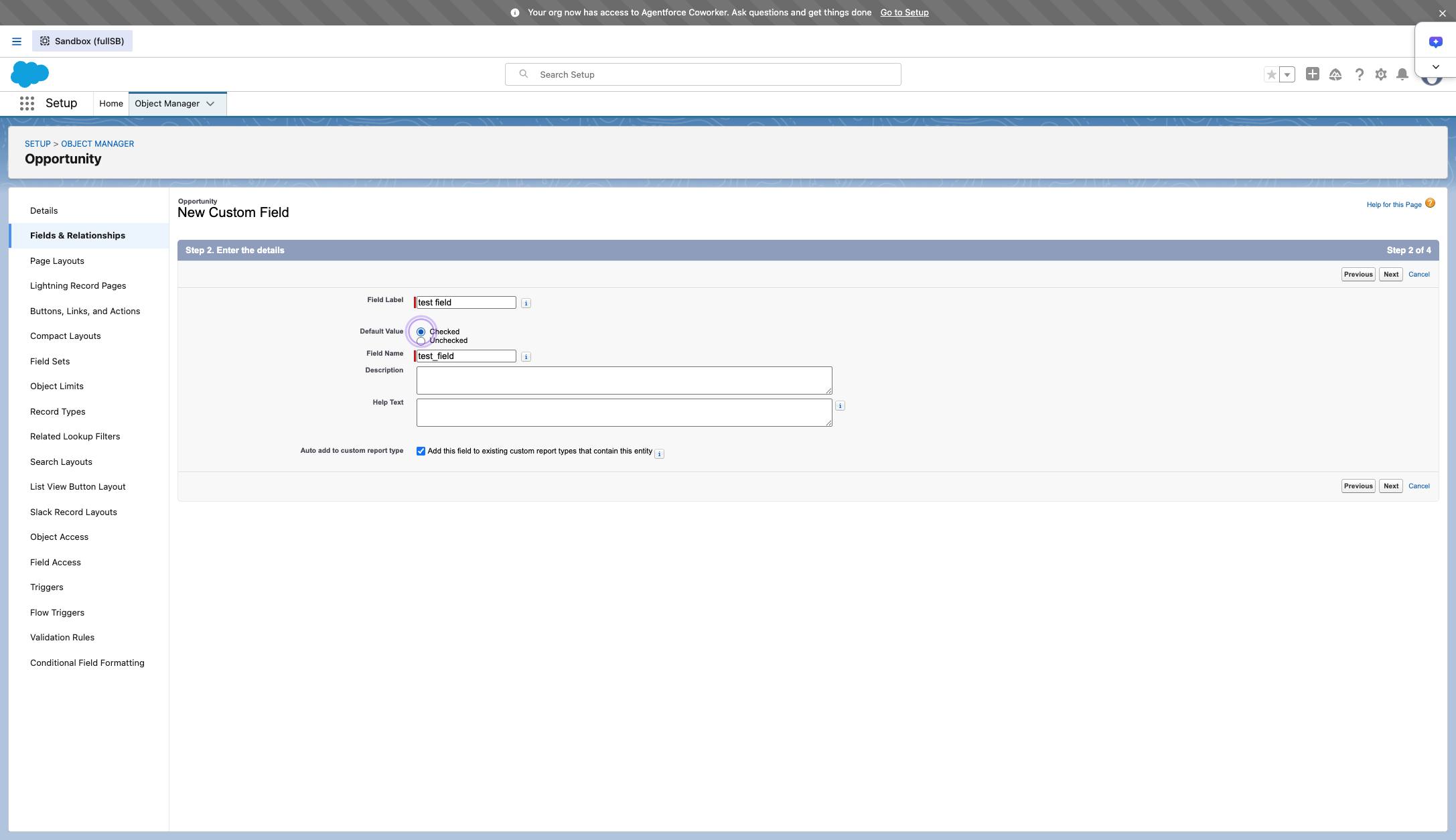
Choose a default value (if applicable).
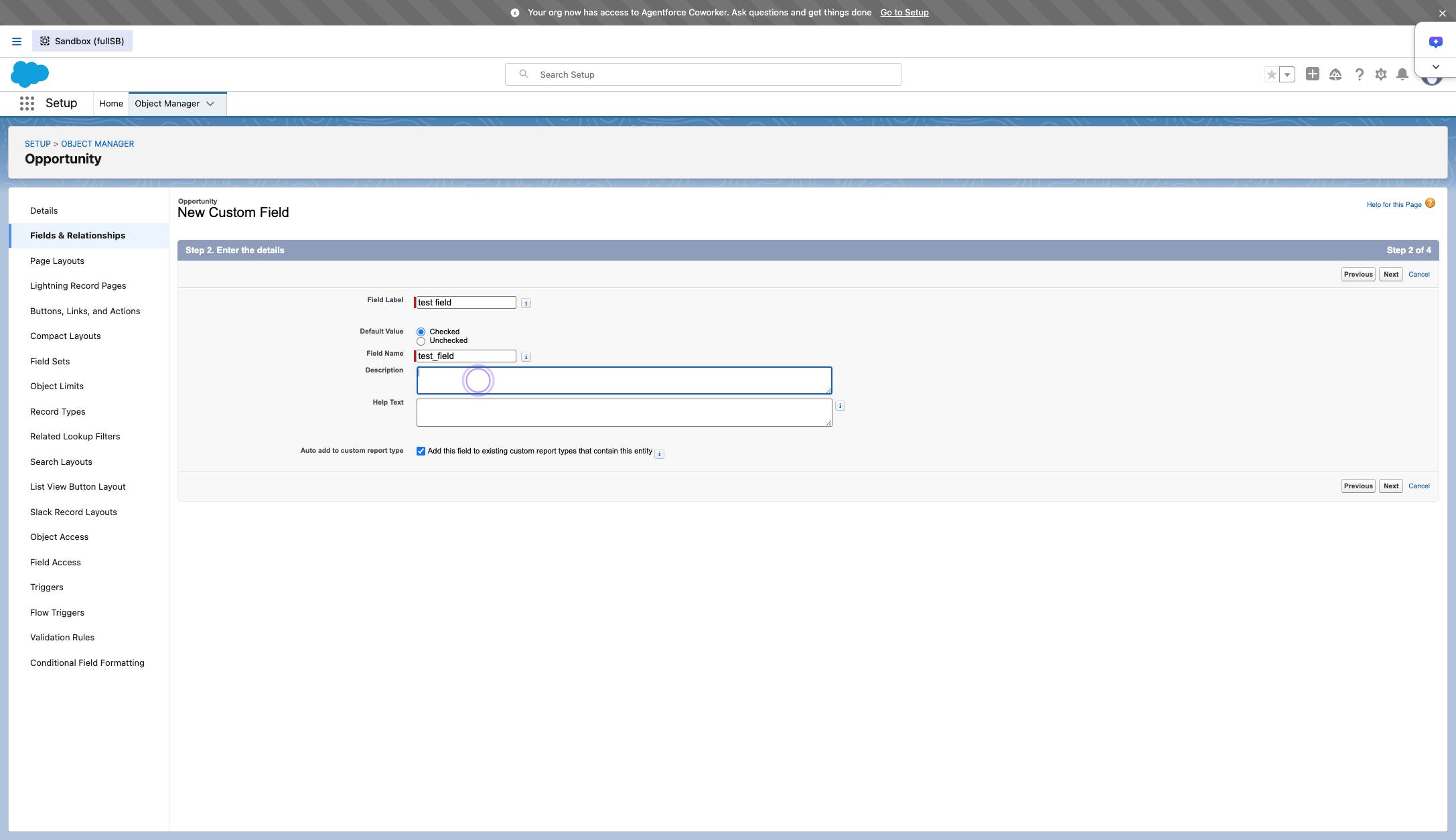
Add a description.
Click " Next " button
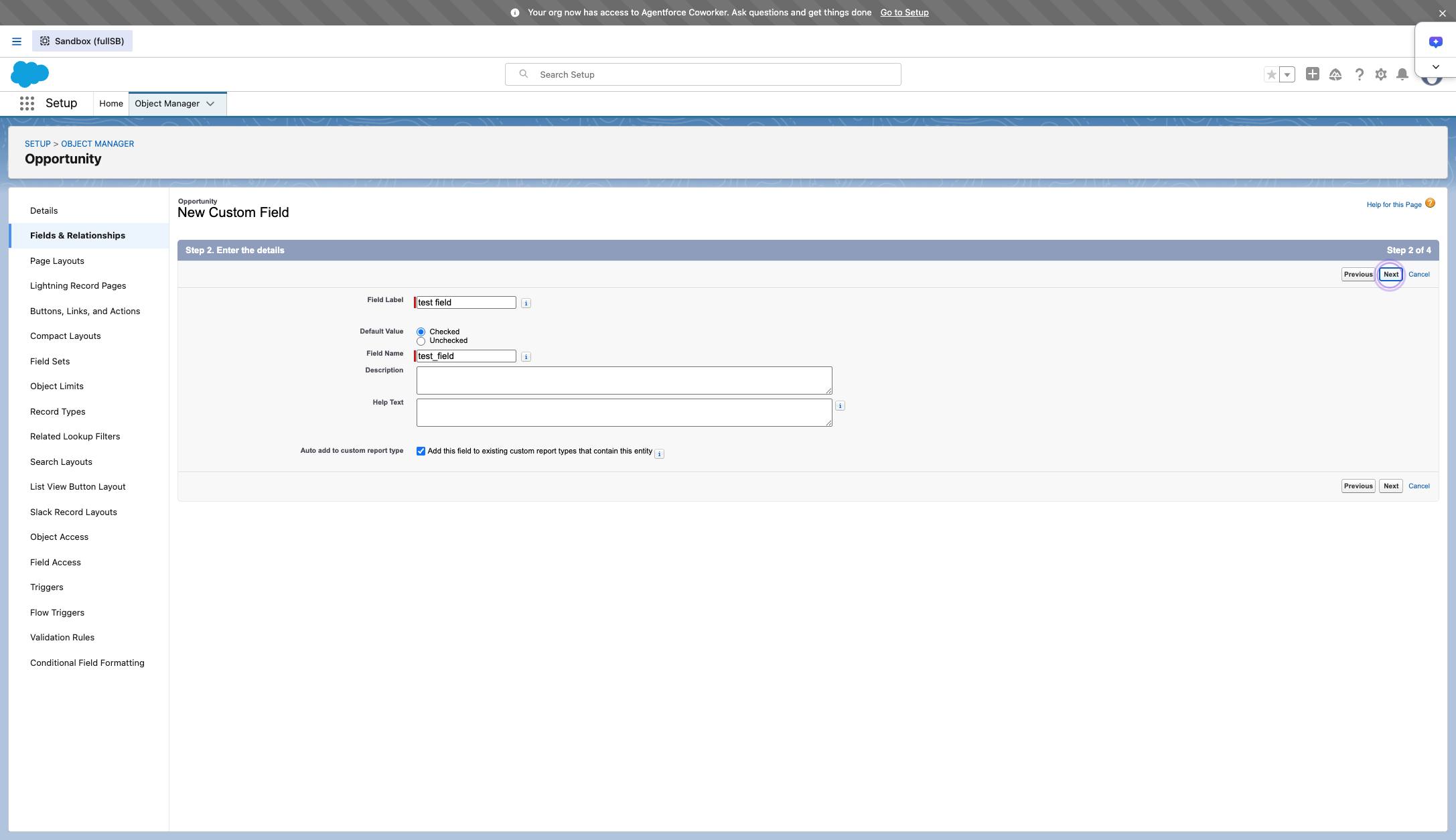
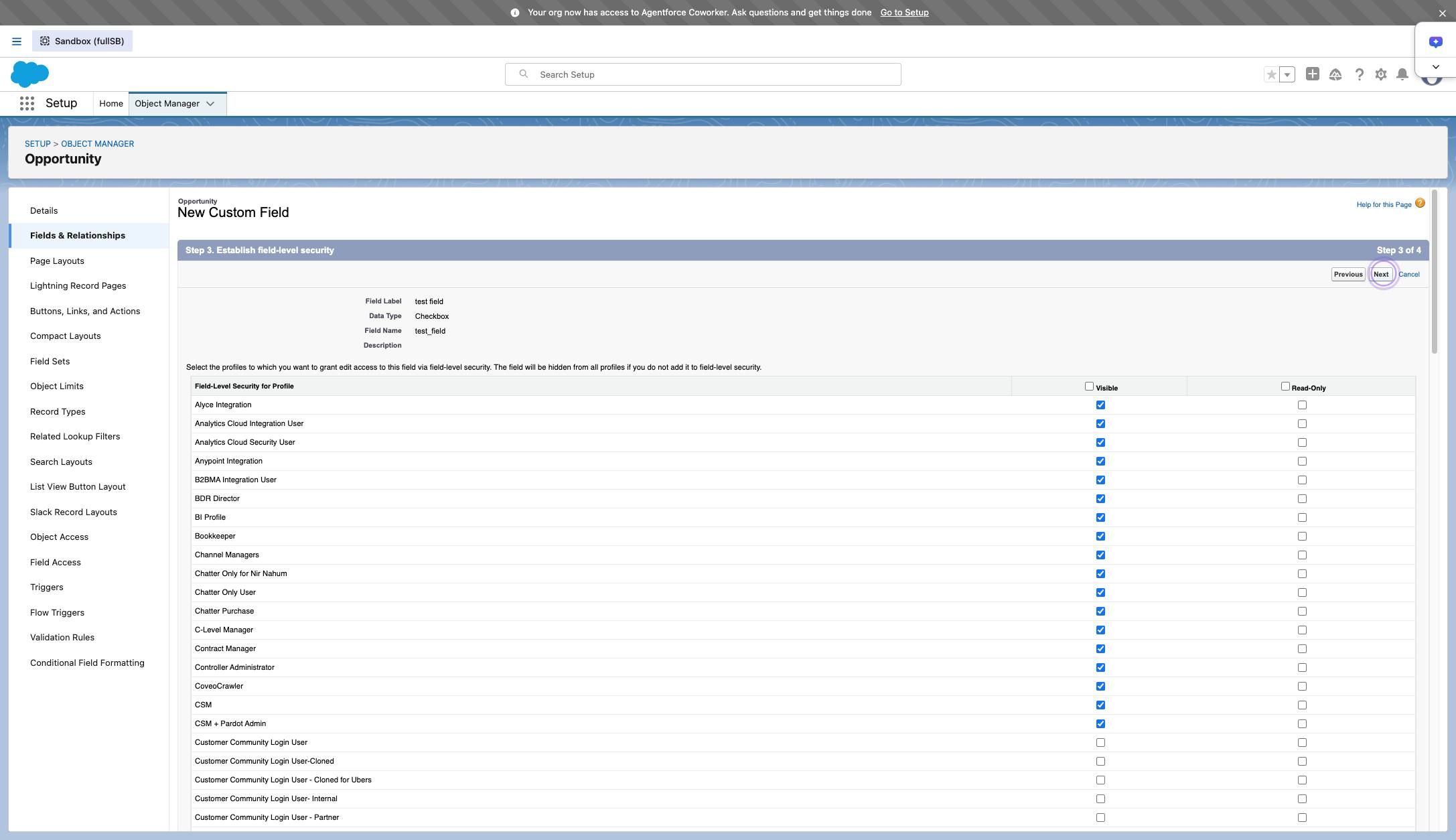
Click " Next " button
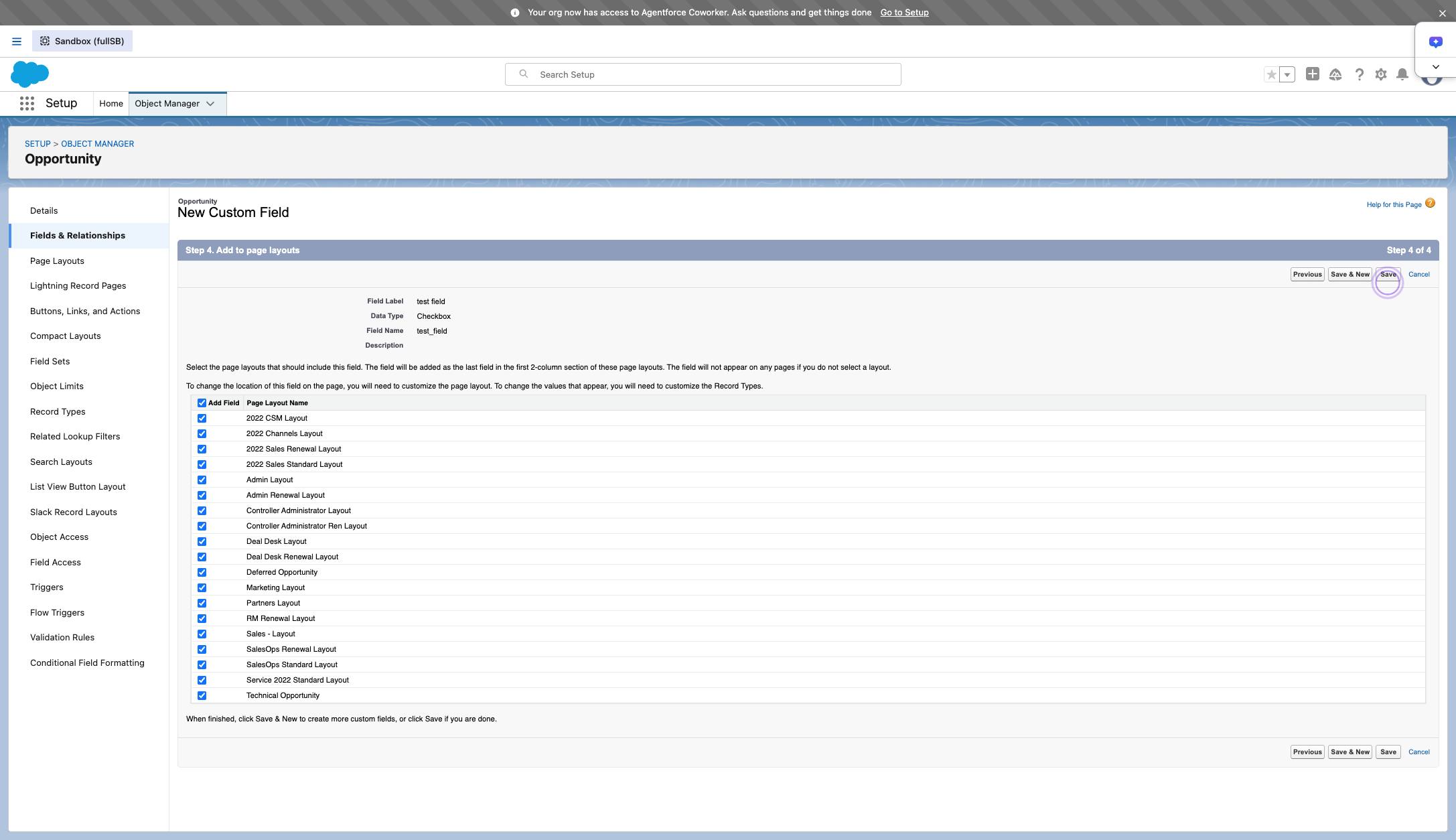
Click "Save"
Duplicate this template, swap in your own screens, and share it with your team. Free to start — no credit card.
Fill out the form and we'll get back to you as soon as possible.
Tell us about your team and we'll find the right plan together.