1
Click Responses
In the form editor, click the Responses tab at the top.
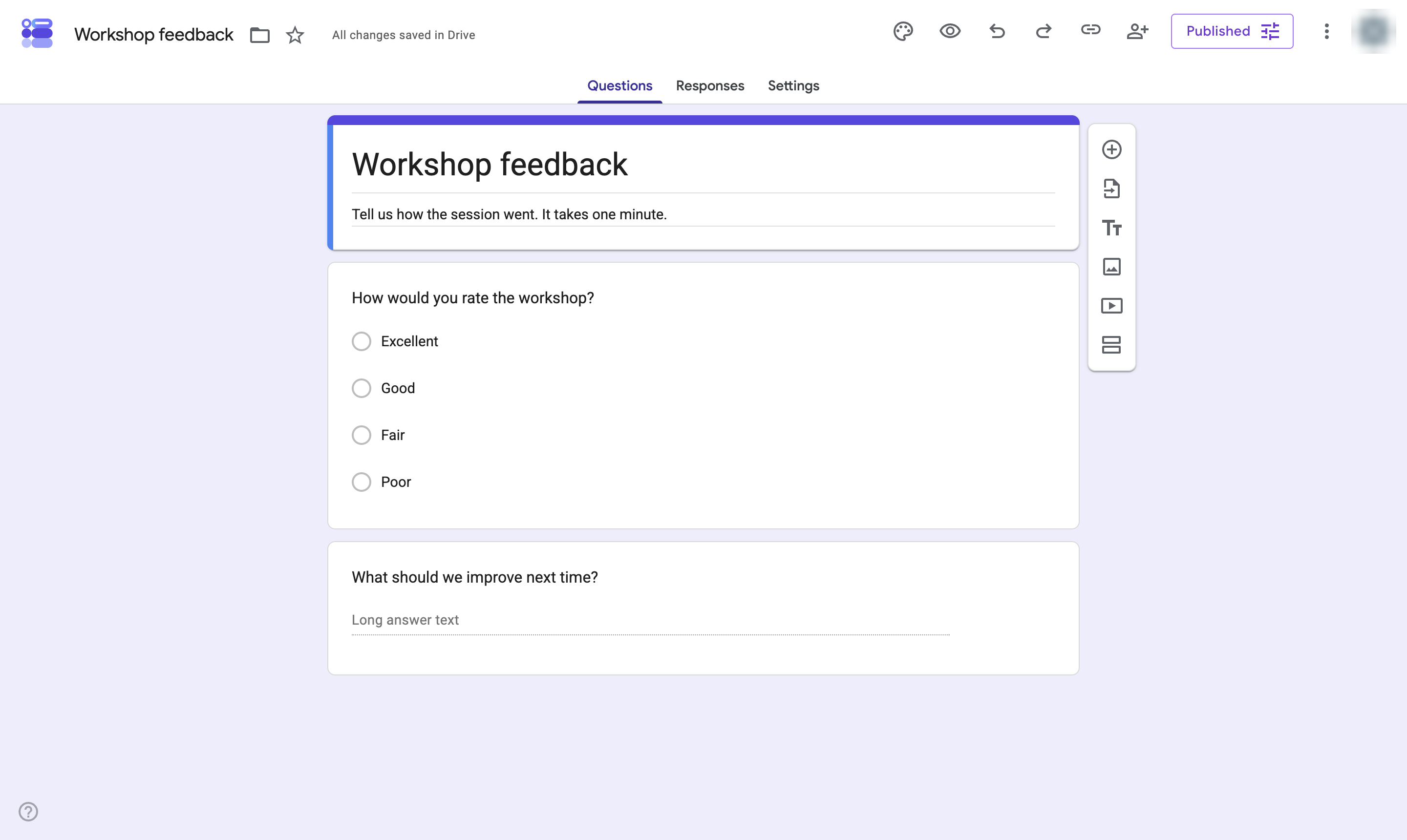

Open the Responses tab of a Google Form to see a summary, each question, or each individual response.
In the form editor, click the Responses tab at the top.
The count shows how many people answered. Once responses arrive, switch between Summary (charts), Question (answers per question) and Individual (one person at a time).
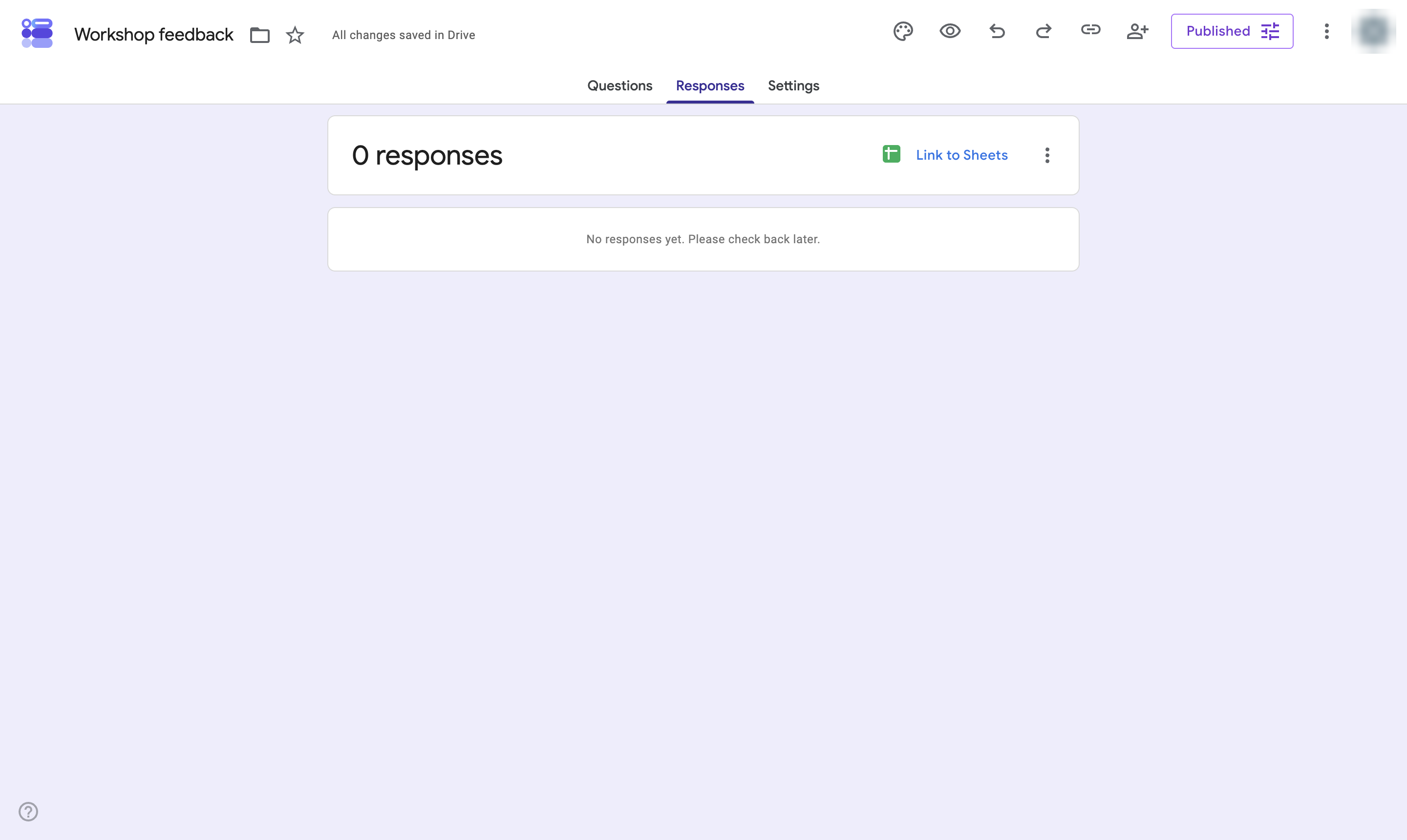
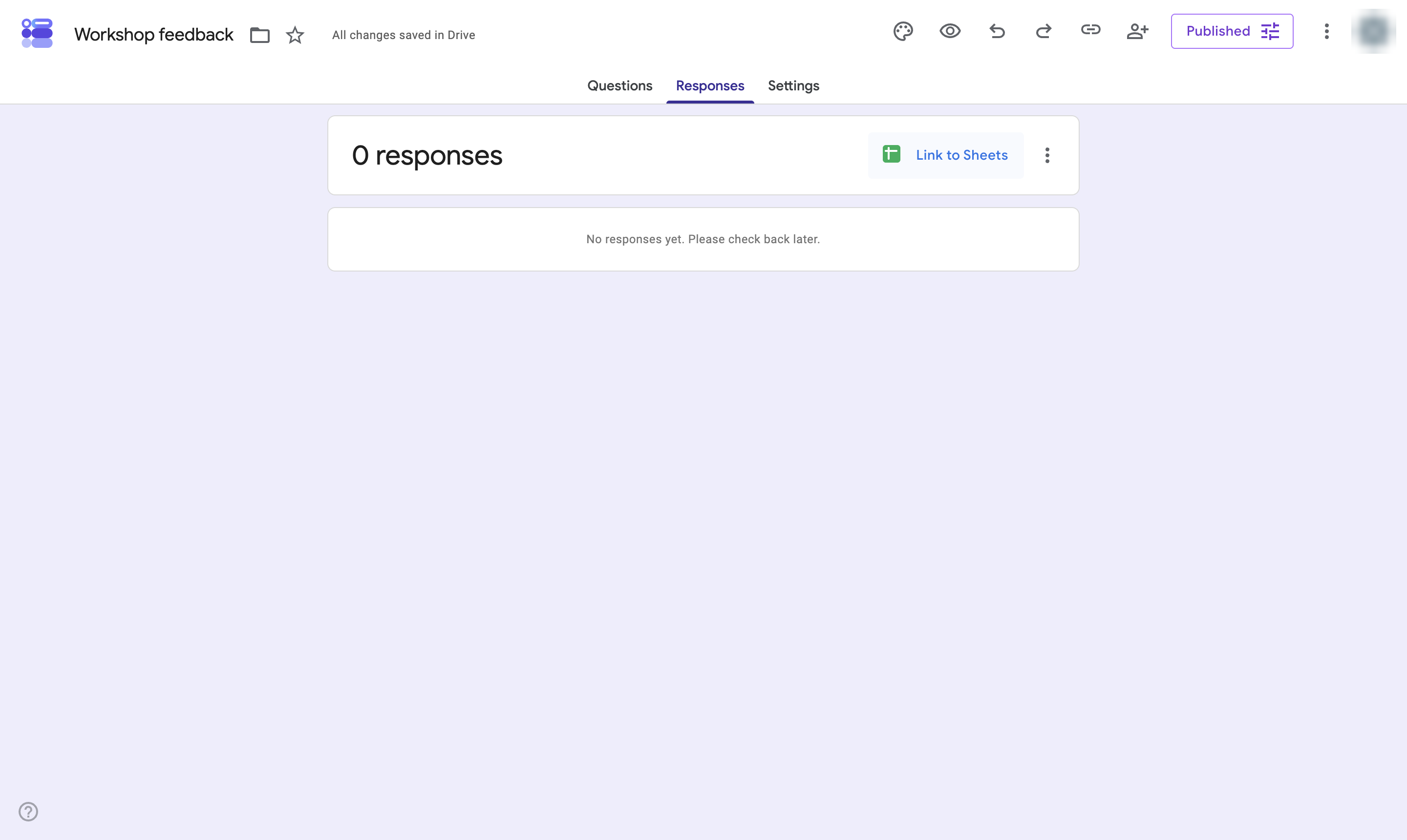
Click Link to Sheets to send every response to a spreadsheet, or the three dots to download them as a CSV.
Duplicate this template, swap in your own screens, and share it with your team. Free to start — no credit card.
Fill out the form and we'll get back to you as soon as possible.
Tell us about your team and we'll find the right plan together.