1
Navigate to the Kahoot login page
Open the Kahoot login page in your web browser to enter your credentials and access your account.
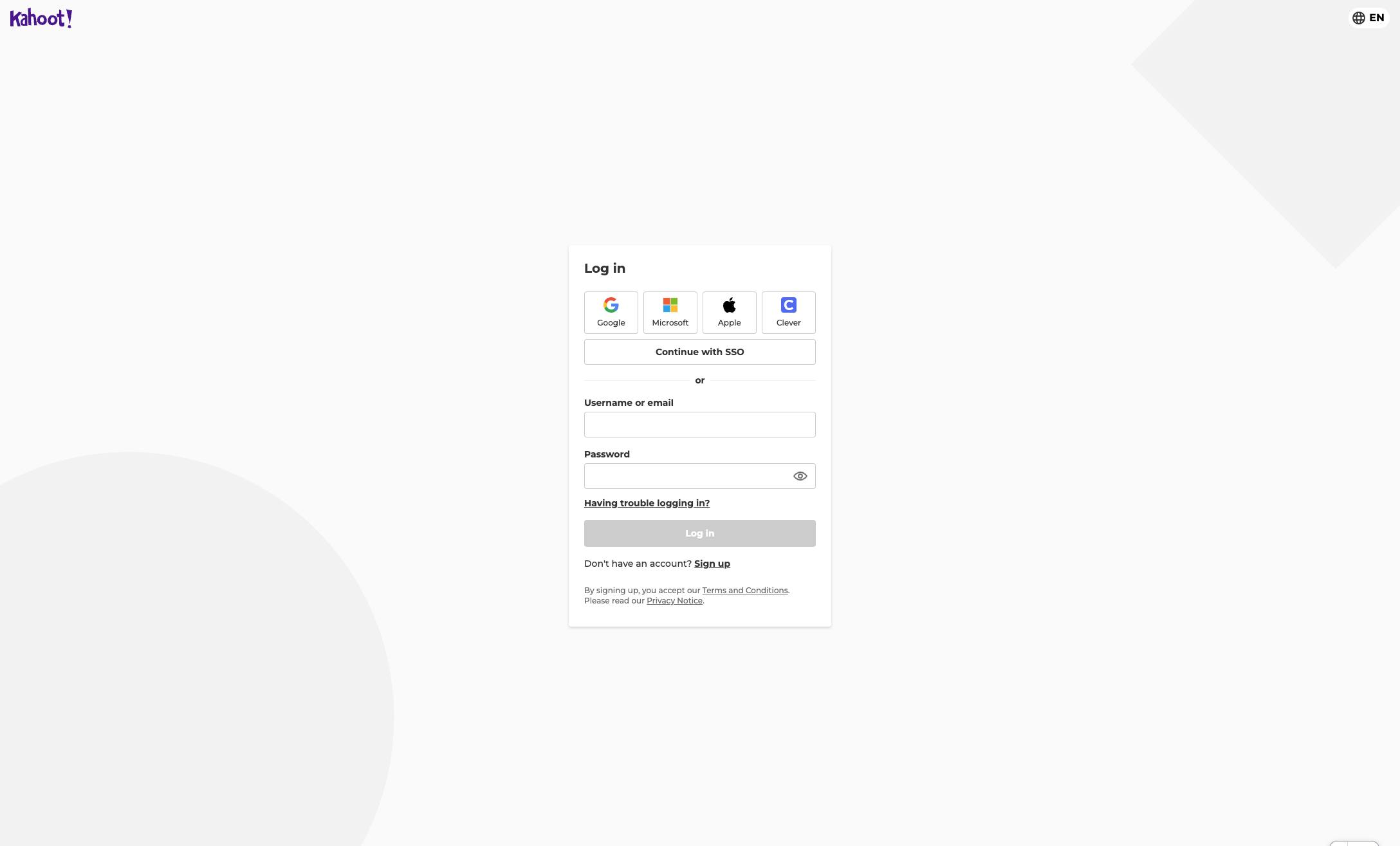

This guide will walk you through the steps to access your Kahoot! account by navigating to the login page and entering your credentials.
Open the Kahoot login page in your web browser to enter your credentials and access your account.
Click the email field.
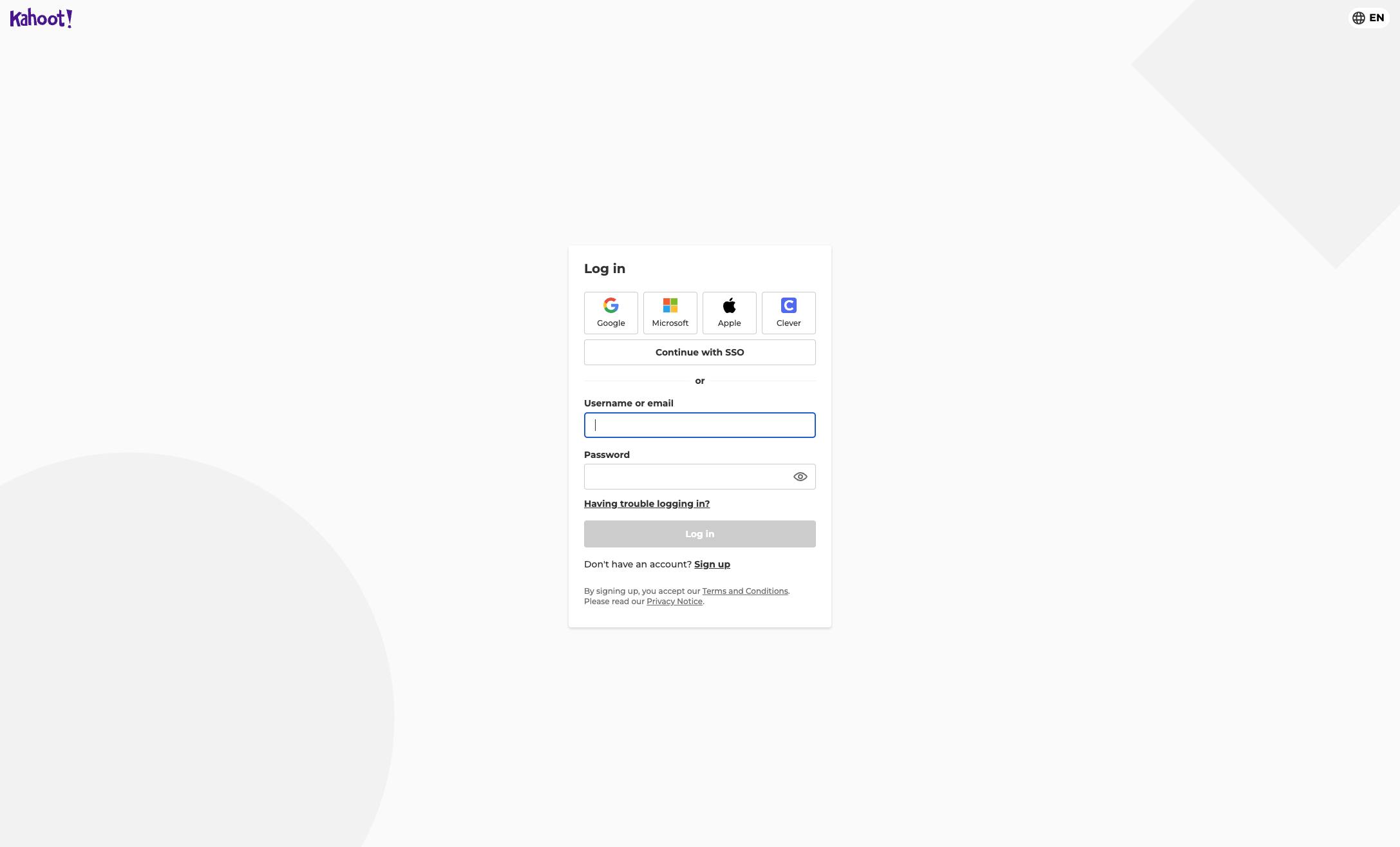
Type your email or username.
Click the Password input field
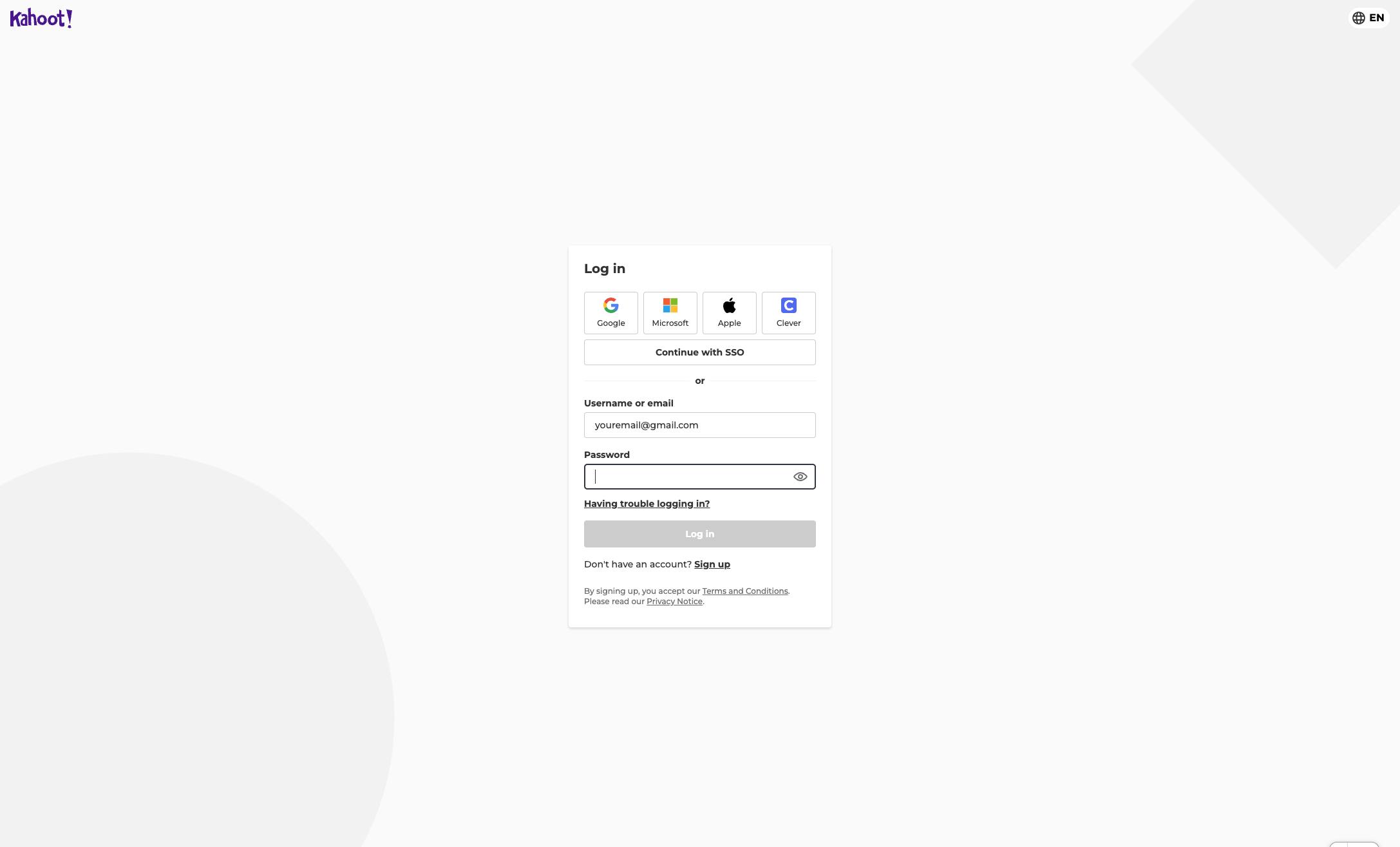
Type your password.
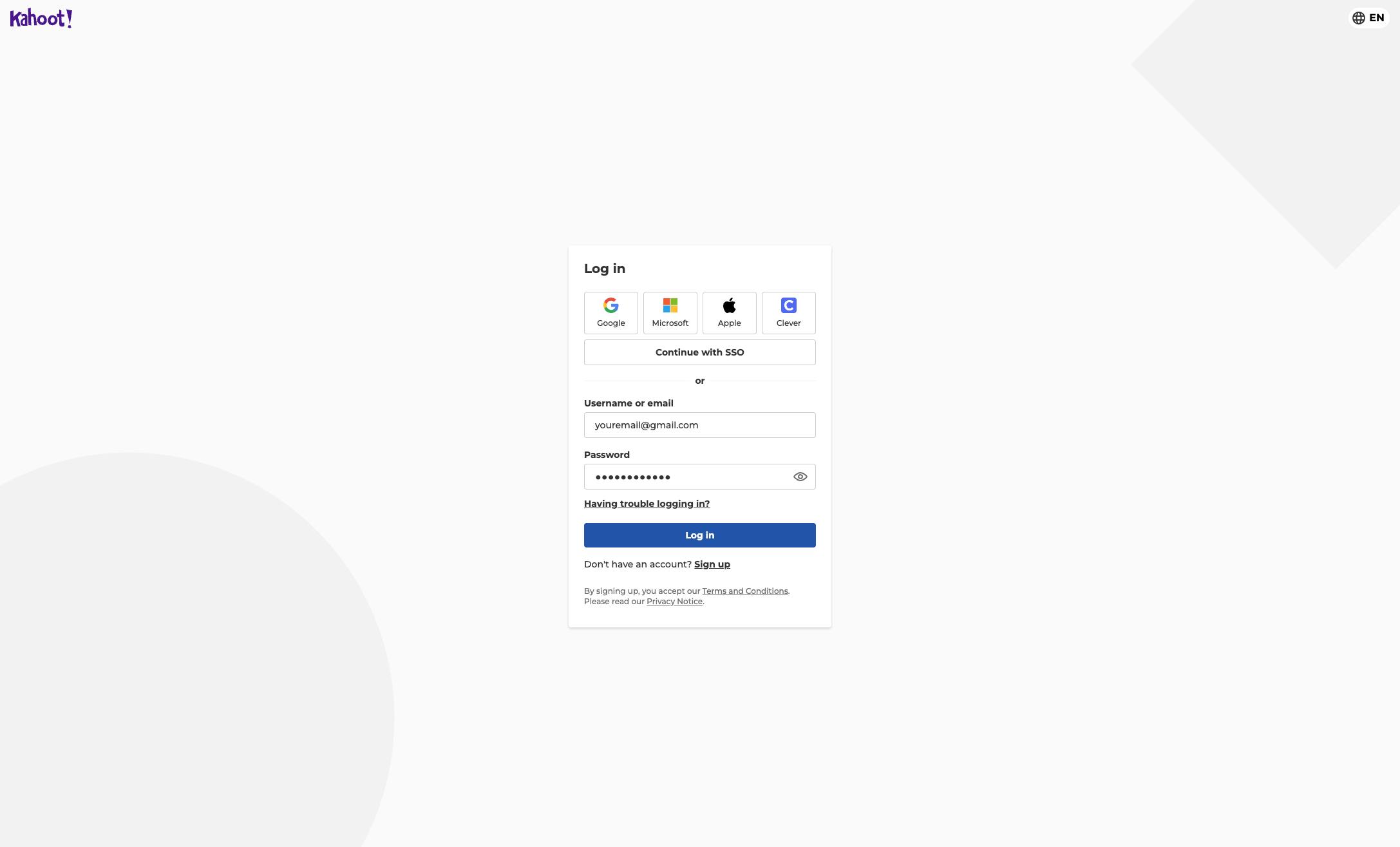
Click the Log in button at the bottom of the form to access your account.
Duplicate this template, swap in your own screens, and share it with your team. Free to start — no credit card.
Fill out the form and we'll get back to you as soon as possible.
Tell us about your team and we'll find the right plan together.