1
Navigate to the LinkedIn feed
Open the LinkedIn feed to access your profile settings and share your public URL.
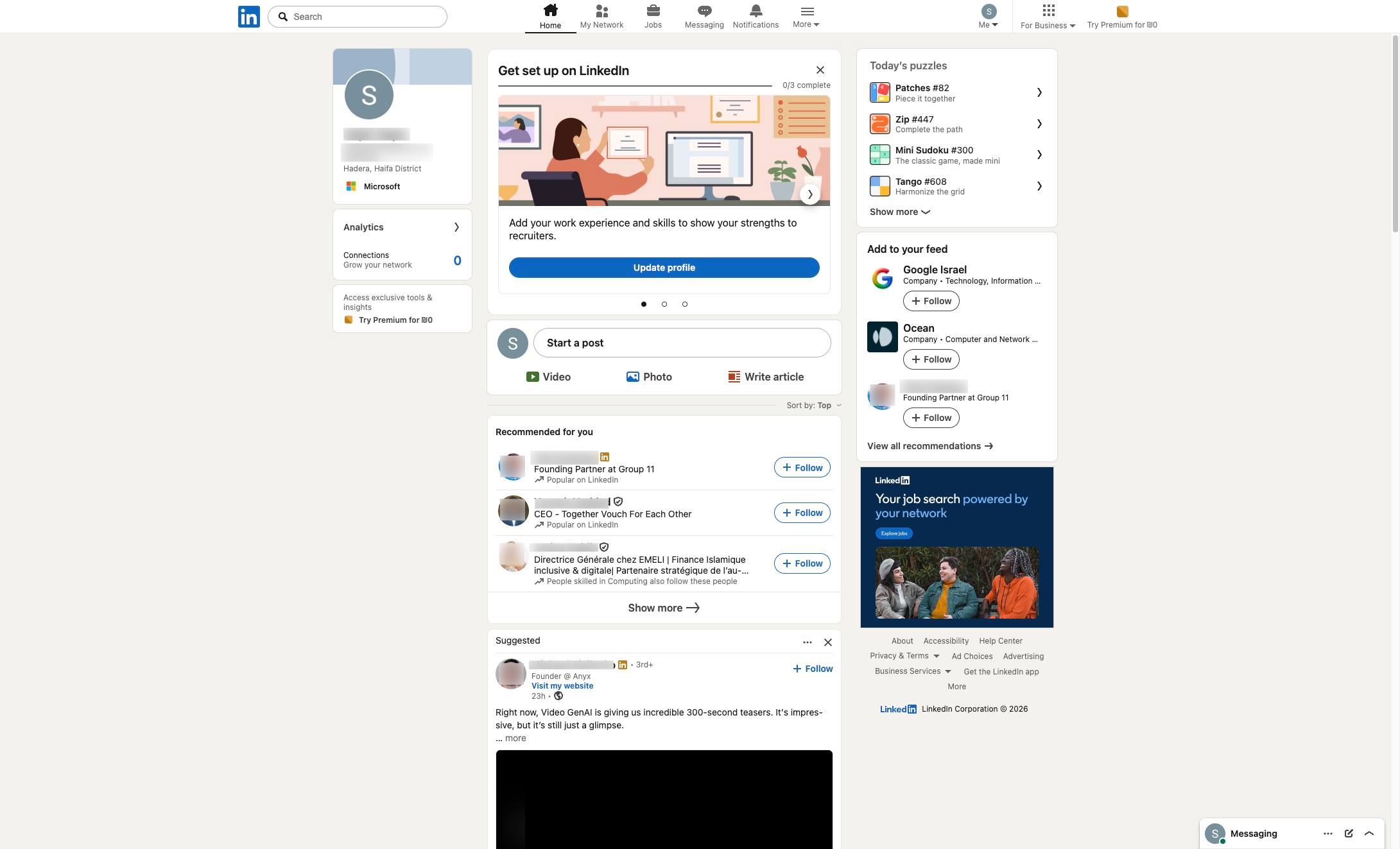

This guide provides a simple step-by-step process for sharing your LinkedIn URL. By following these instructions, you will be able to easily navigate to your profile and copy the URL to share with others, allowing them to easily connect with you on LinkedIn.
Open the LinkedIn feed to access your profile settings and share your public URL.
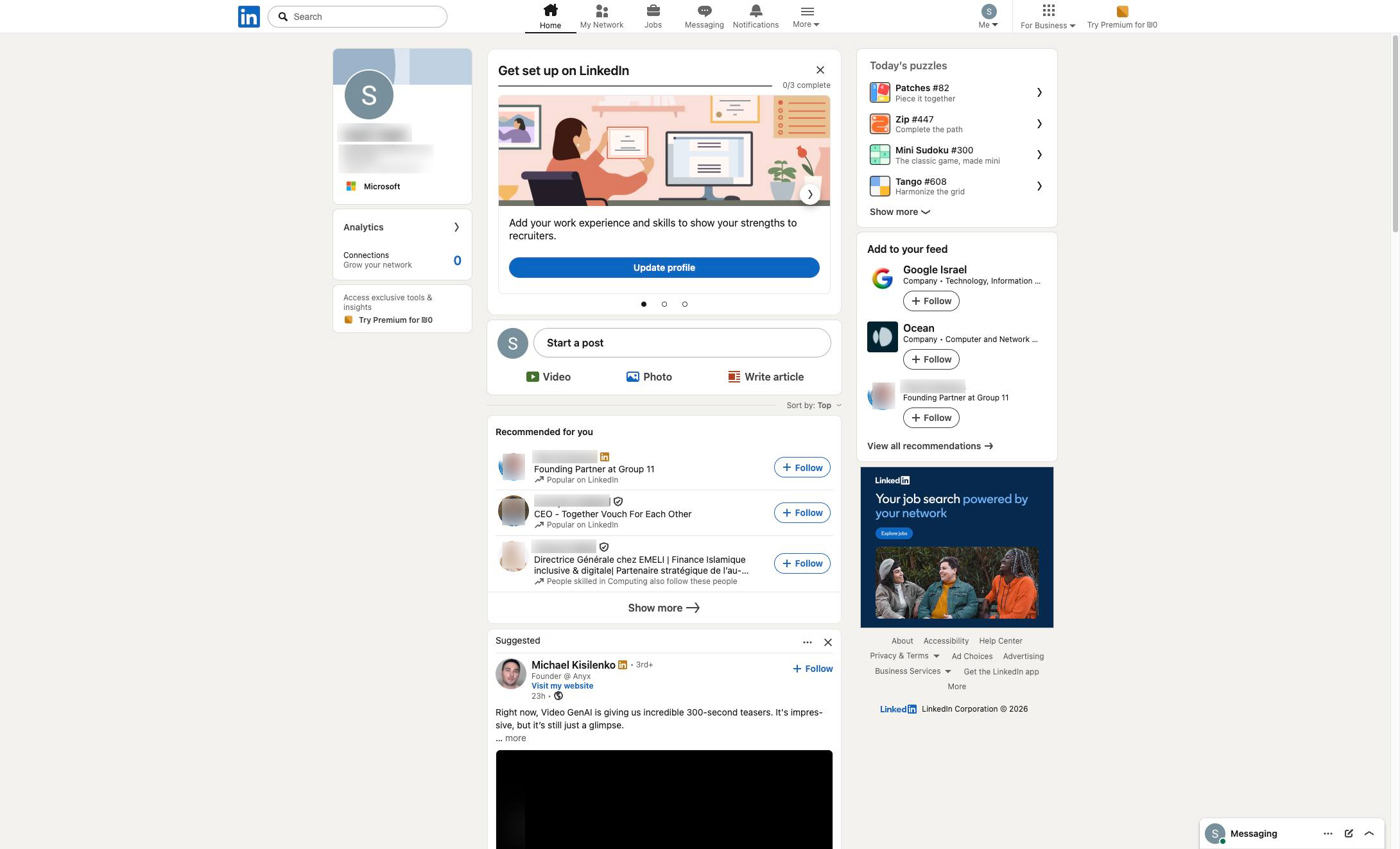
Click the "Me" dropdown menu in the top navigation bar to access your profile options.
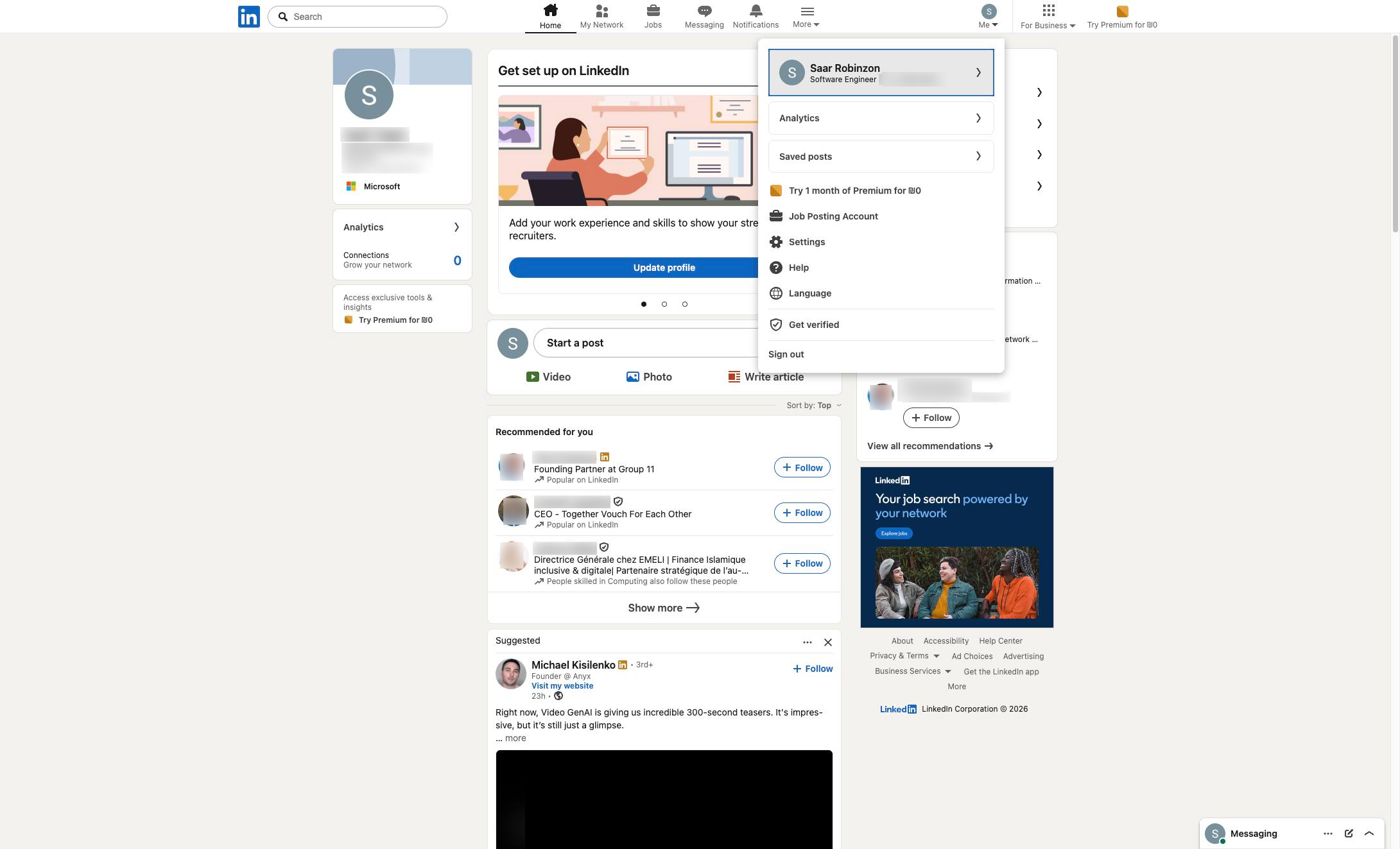
Click your profile block in the dropdown menu to view your profile.
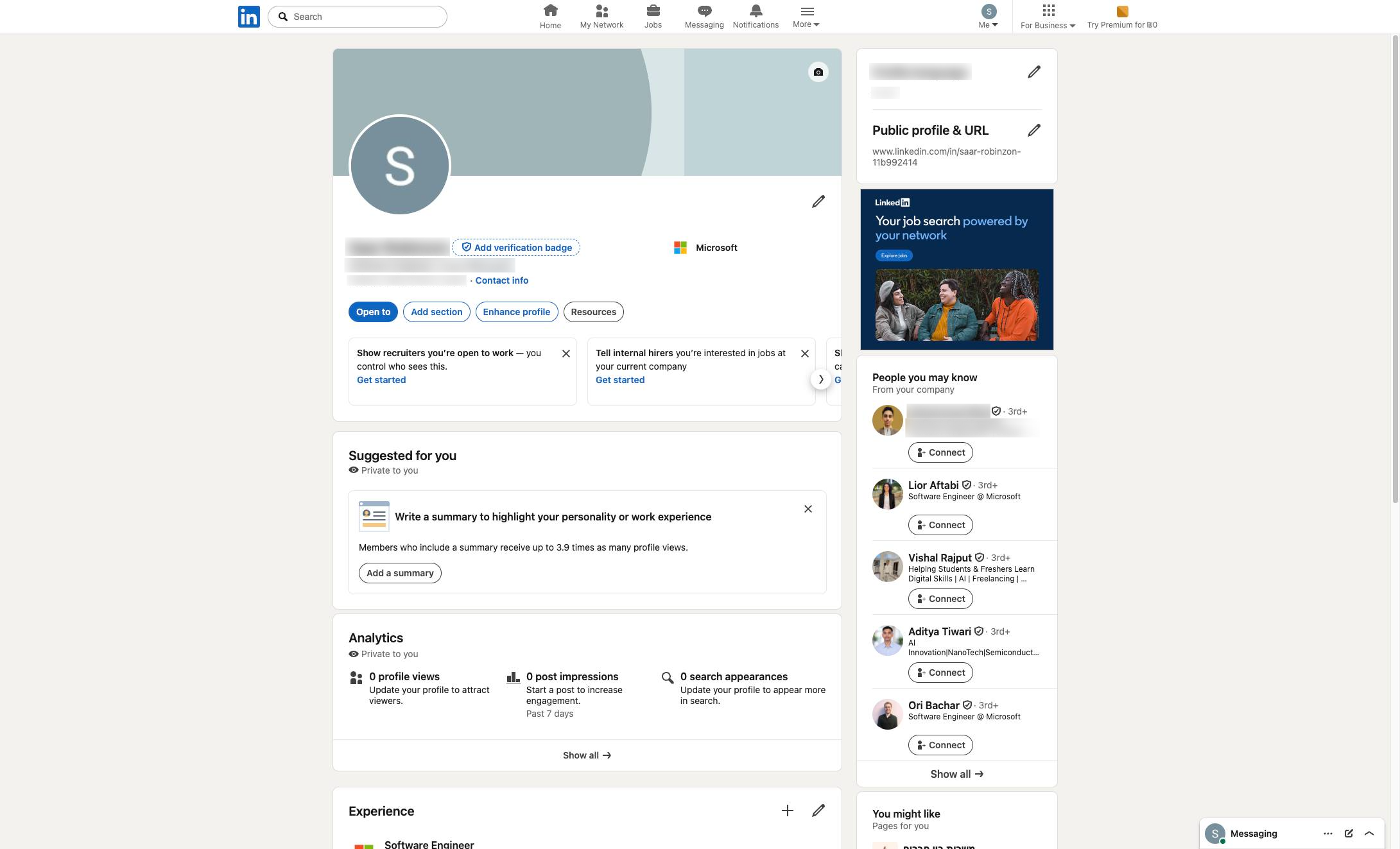
Click the top navigation bar at the top of the page to copy and share the URL.
Duplicate this template, swap in your own screens, and share it with your team. Free to start — no credit card.
Fill out the form and we'll get back to you as soon as possible.
Tell us about your team and we'll find the right plan together.