1
Click Share
Click the Share button at the top right.
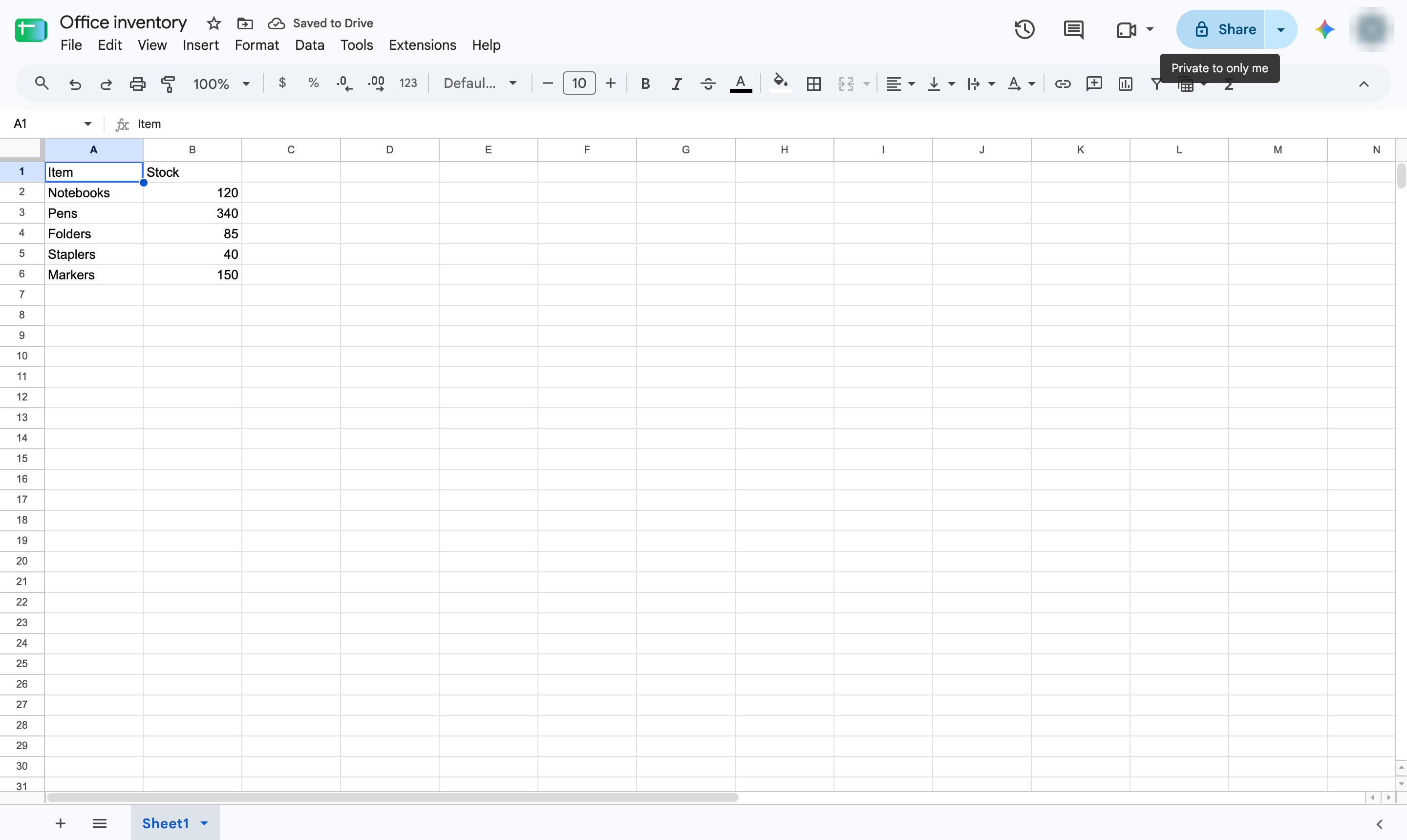

Open the Share window to invite people by email or change who can open the link.
Click the Share button at the top right.
Type the email addresses of the people to share with, choose Viewer, Commenter or Editor, then click Send.
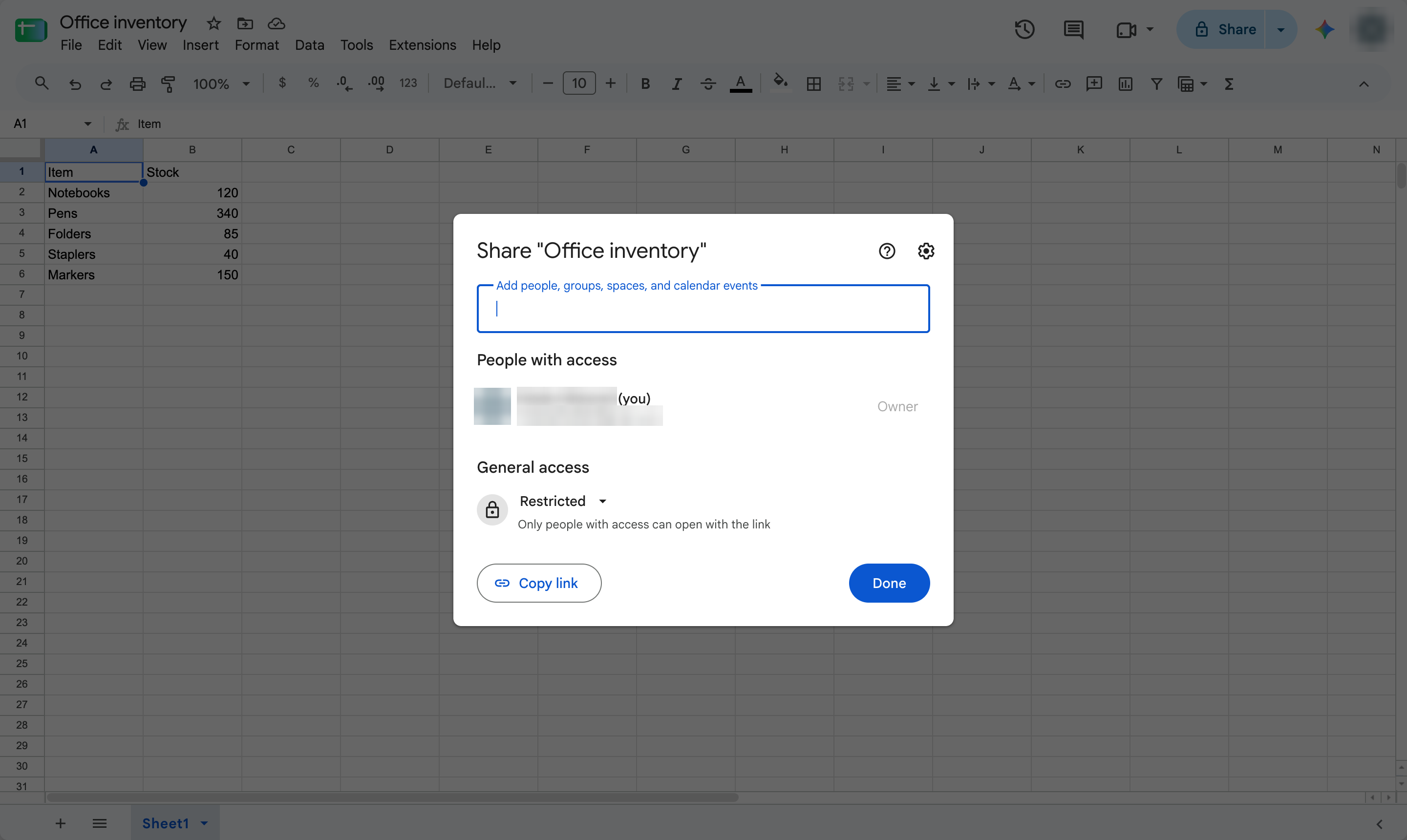
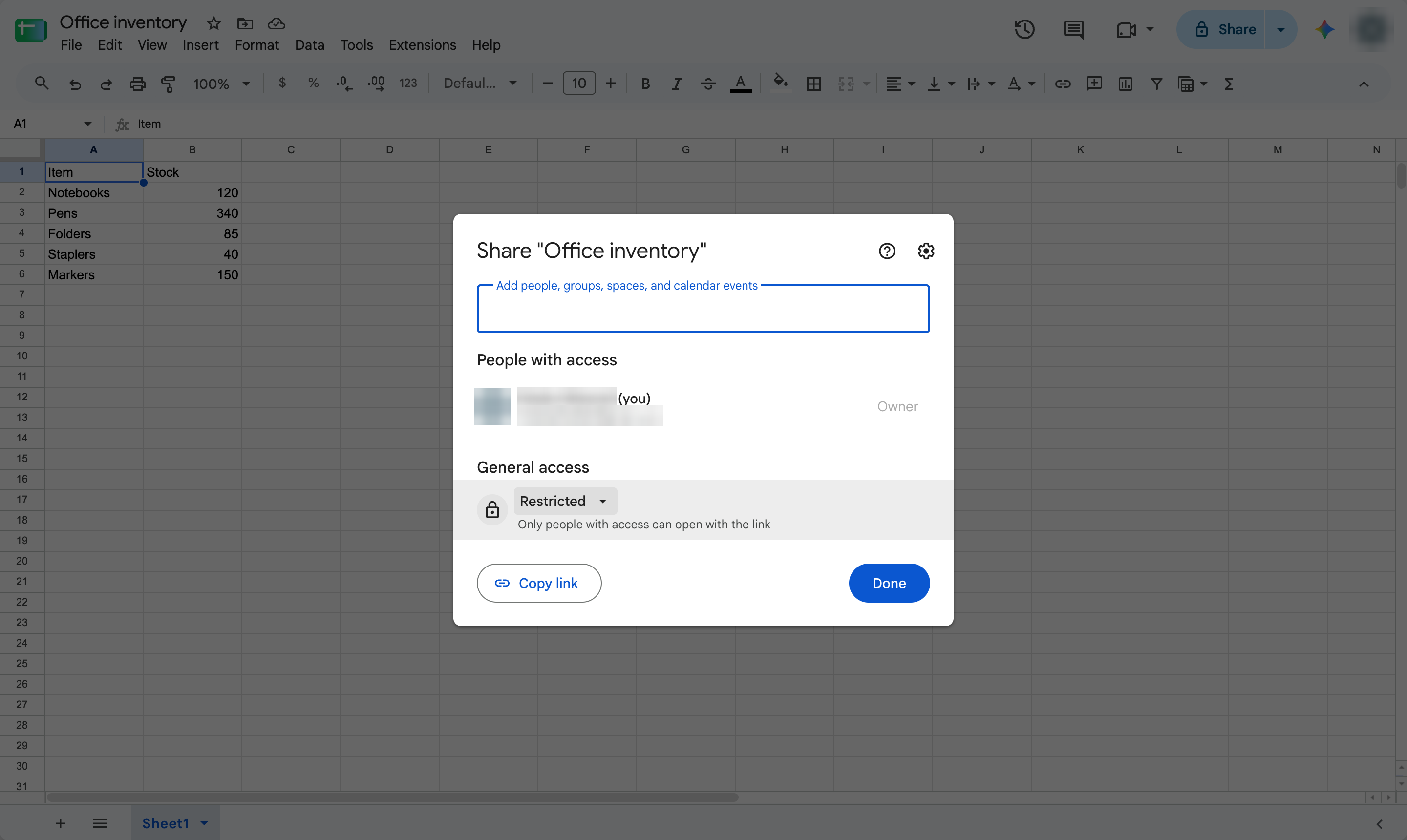
Under General access, change Restricted to Anyone with the link, then click Copy link to paste it anywhere.
Duplicate this template, swap in your own screens, and share it with your team. Free to start — no credit card.
Fill out the form and we'll get back to you as soon as possible.
Tell us about your team and we'll find the right plan together.