1
Navigate to the X Notifications page
Go to the X Notifications page to access your settings and find the list of muted accounts.
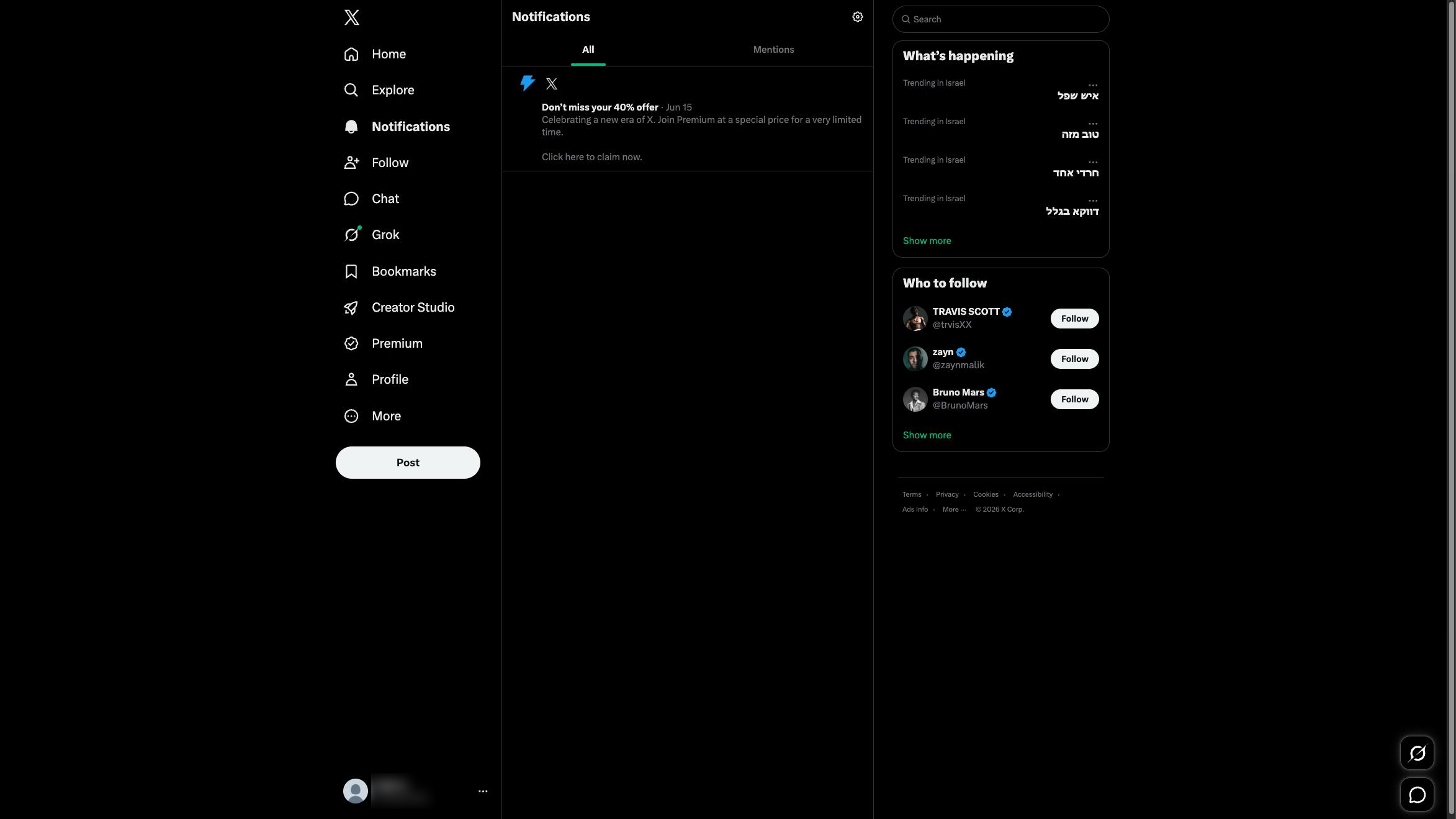

This Haiku will show you how to find the accounts you've muted on Twitter.
Go to the X Notifications page to access your settings and find the list of muted accounts.
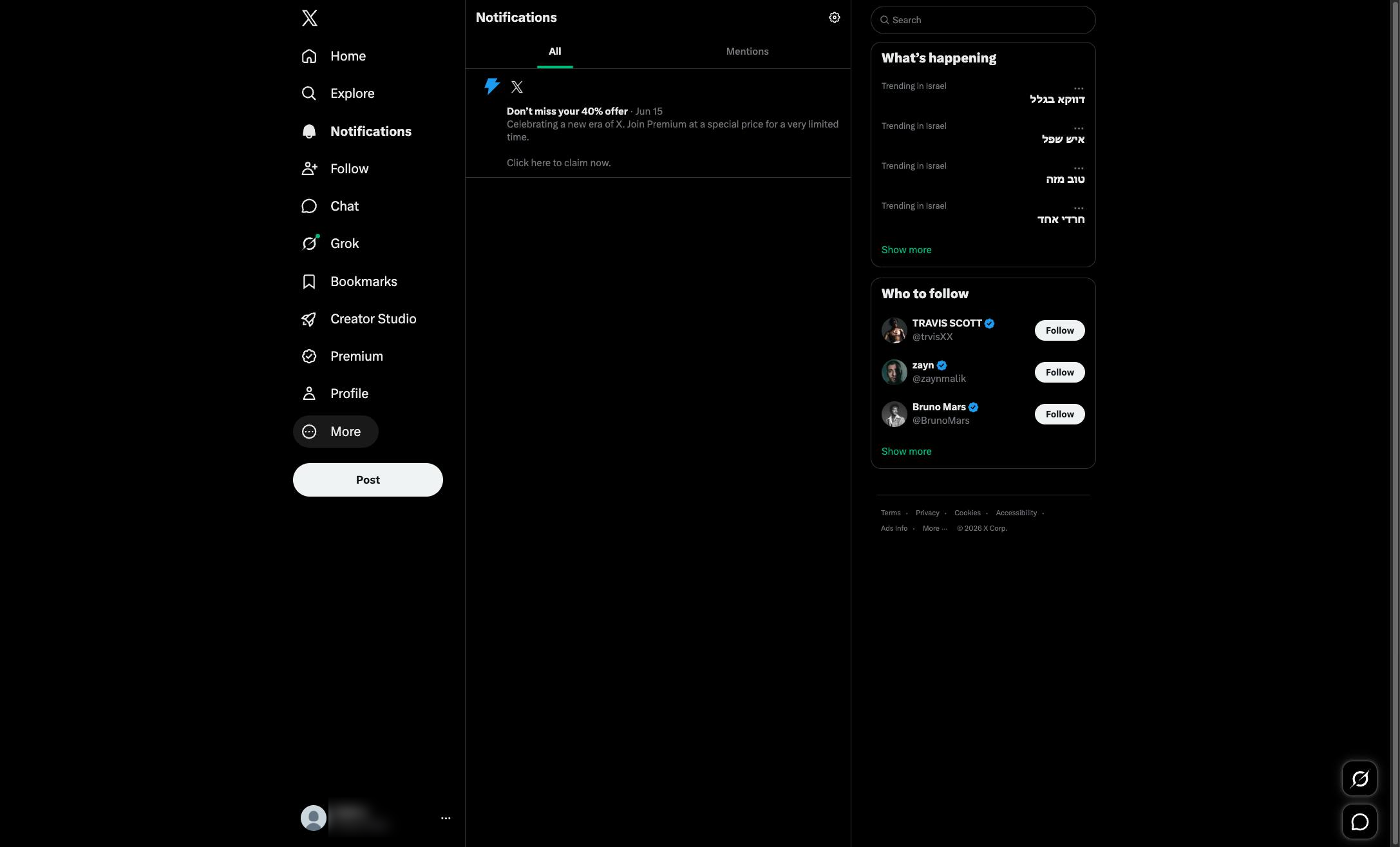
Click the "More" option in the left sidebar to access additional settings and features.
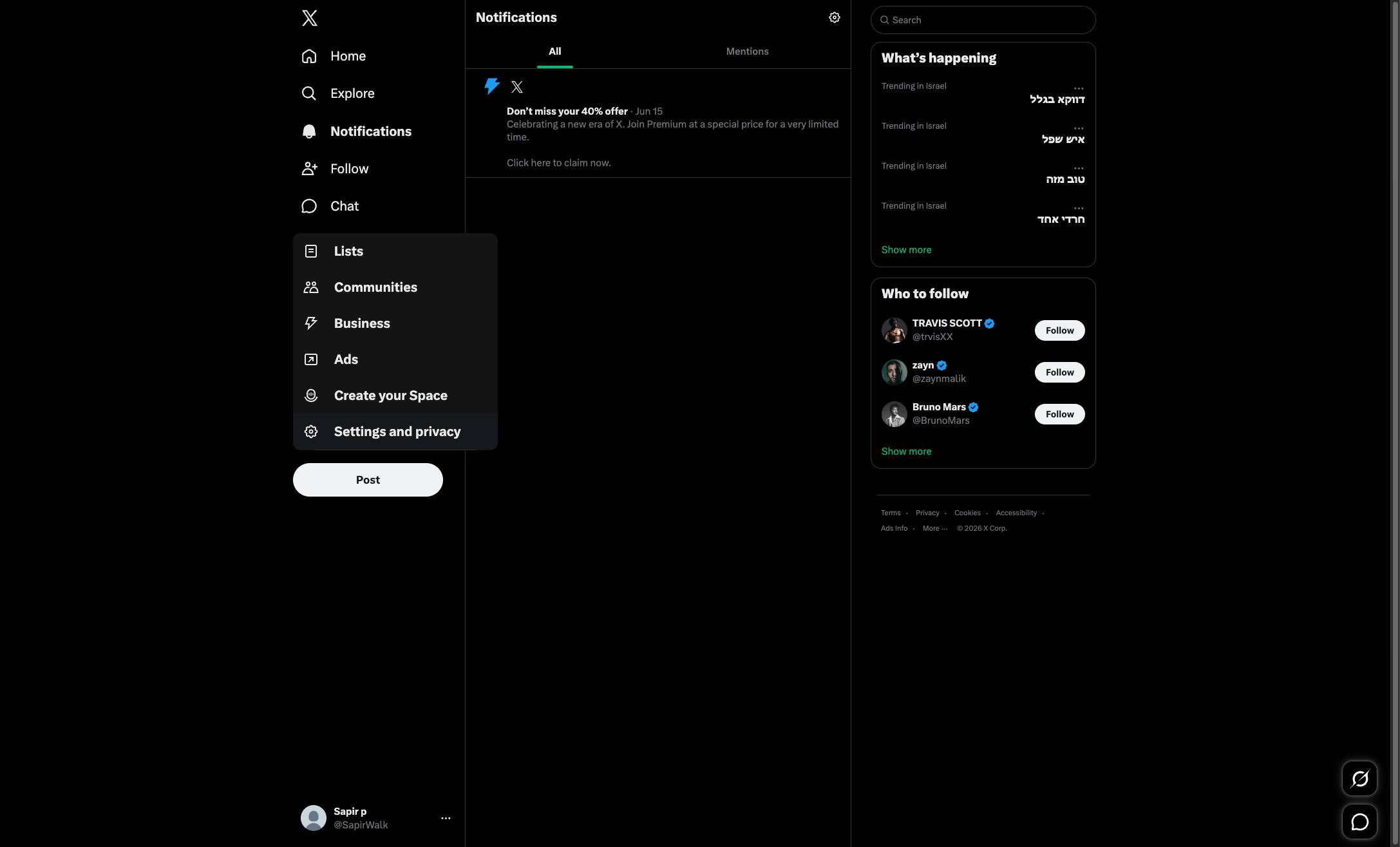
Click the Settings and privacy option in the left sidebar menu to access your account settings.
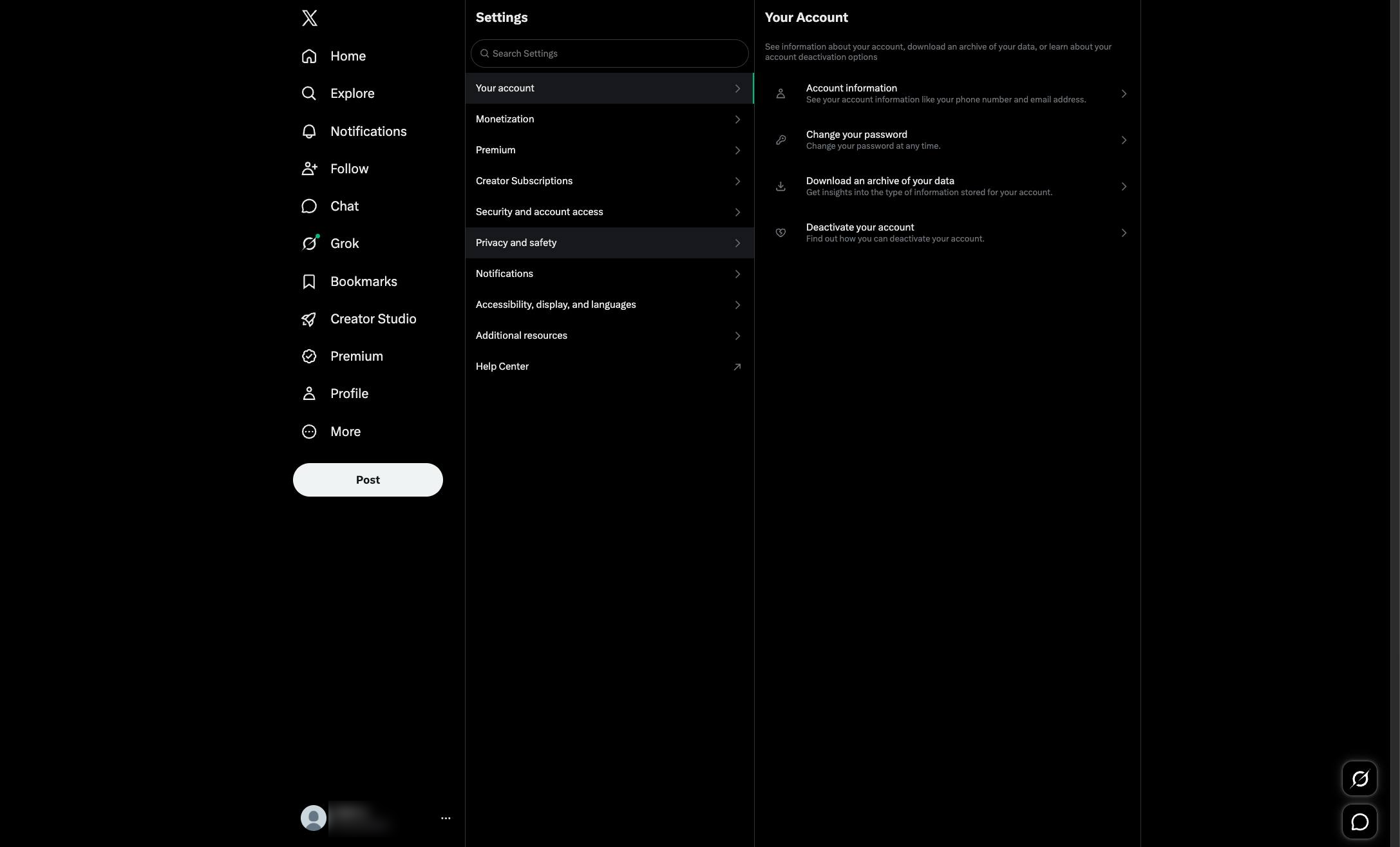
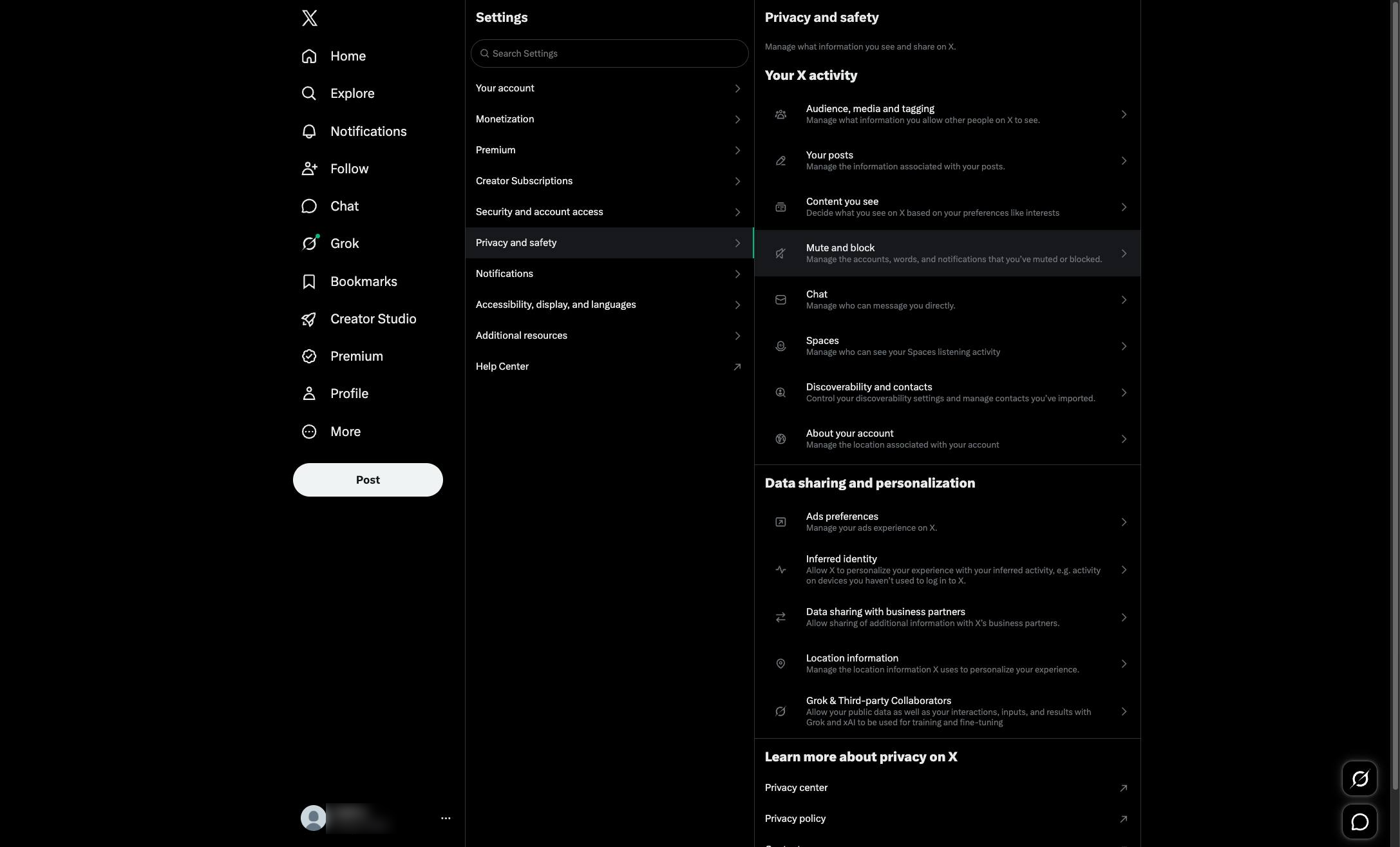
Click the "Privacy and safety" option in the Settings menu to access your privacy controls.
Click the "Mute and block" option in the Privacy and safety settings menu to manage your muted accounts.
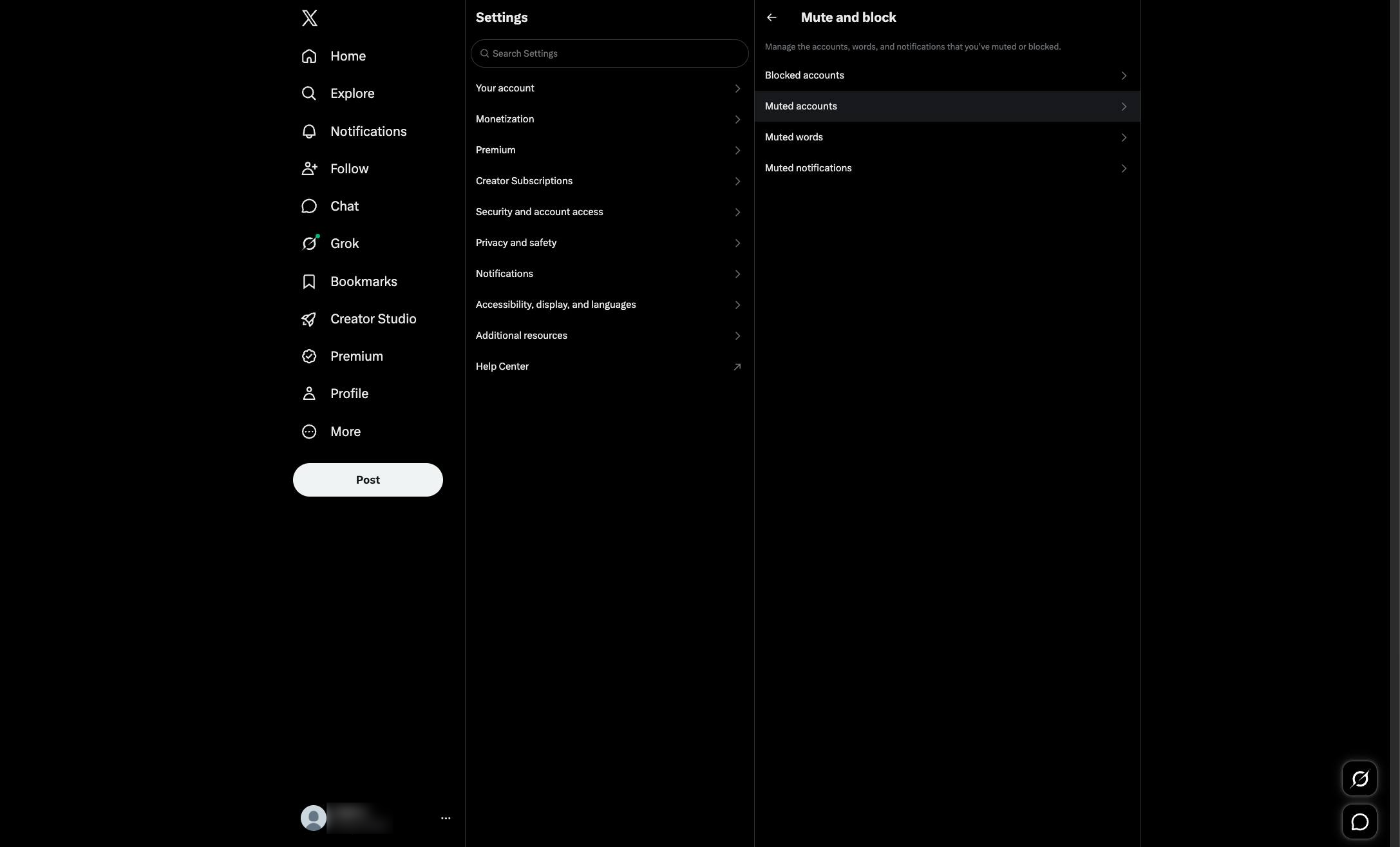
Click the "Muted accounts" option in the Mute and block settings menu to view the accounts you have muted.
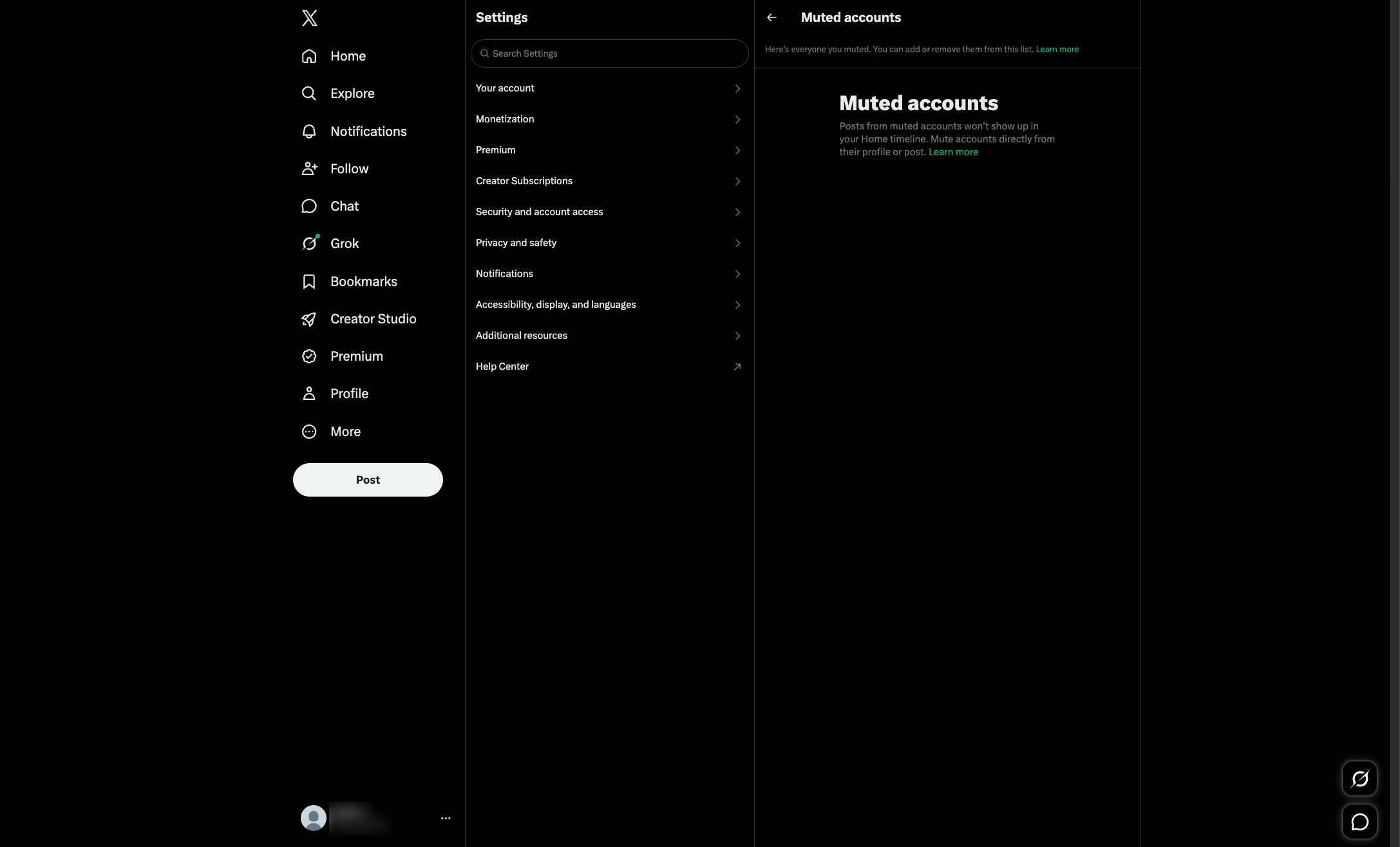
Click anywhere within the Muted accounts section on the right side of the page.
Duplicate this template, swap in your own screens, and share it with your team. Free to start — no credit card.
Fill out the form and we'll get back to you as soon as possible.
Tell us about your team and we'll find the right plan together.