1
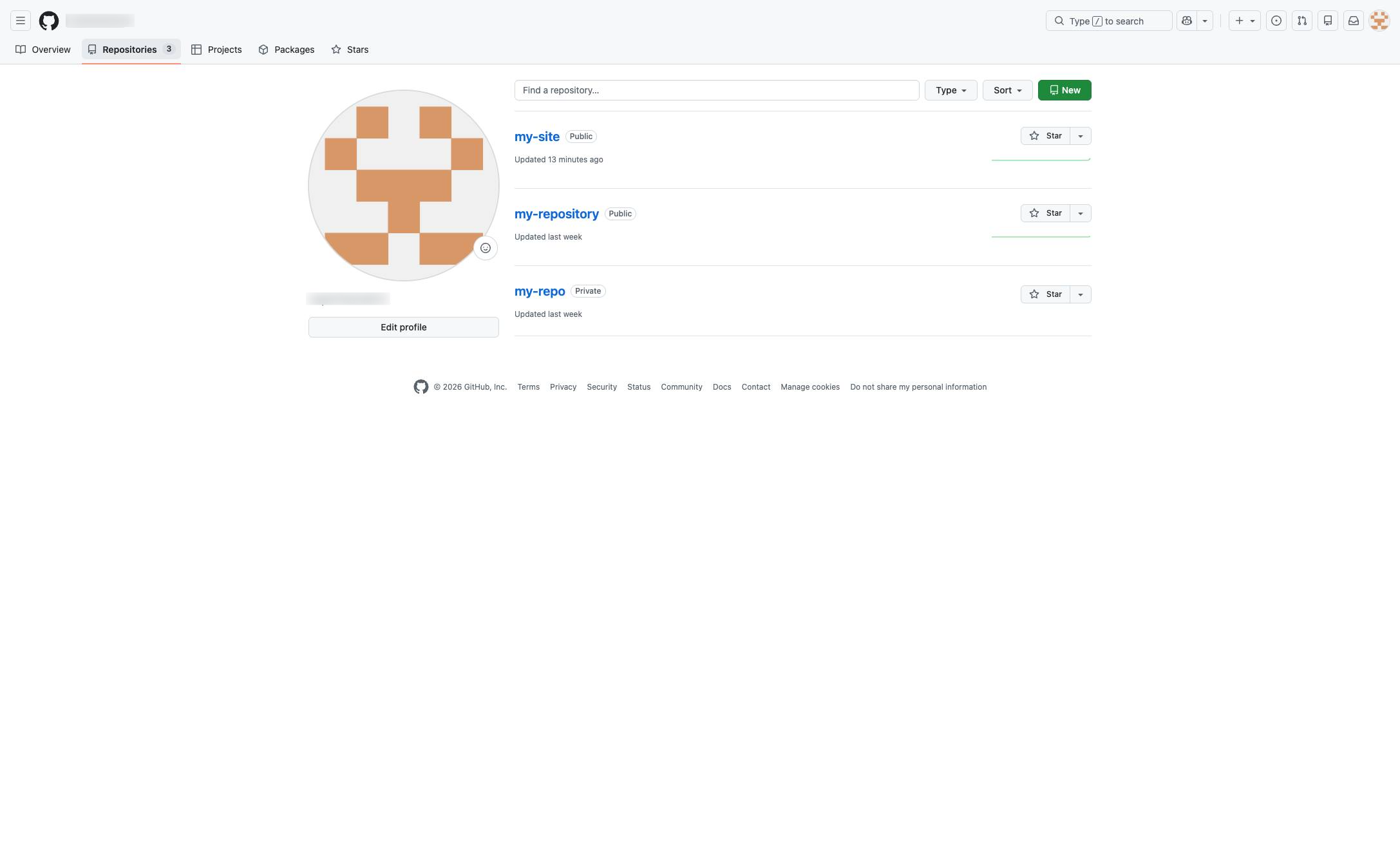
Click the Repositories tab
Click the Repositories tab in the profile navigation menu to view your repositories.

While you can check your commit history with Terminal easily enough using the "git log" command, checking it visually through GitHub is a little different. Let's get to it.
Click the Repositories tab in the profile navigation menu to view your repositories.
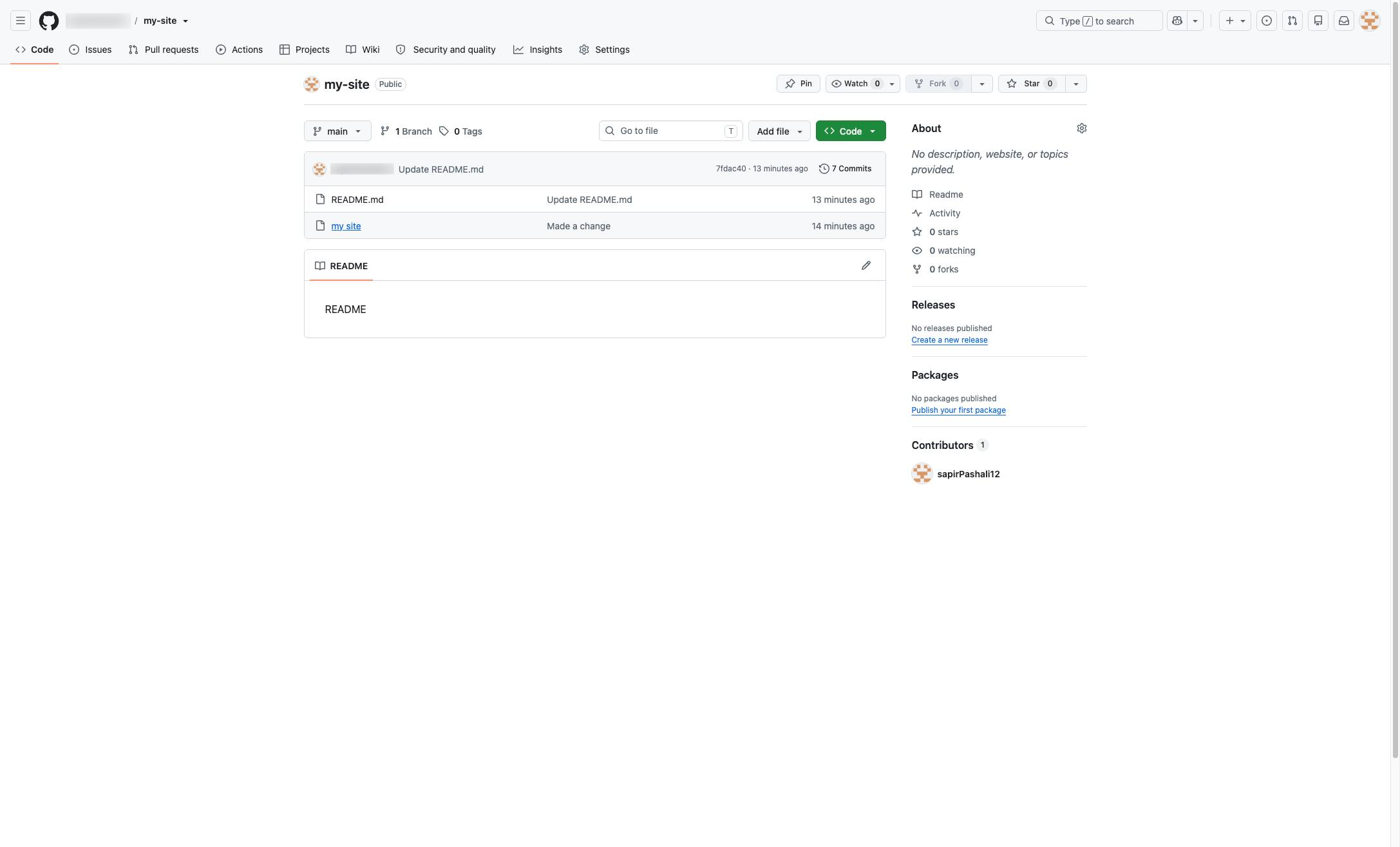
Click the "my-site" link in the repository's file list to view its contents.
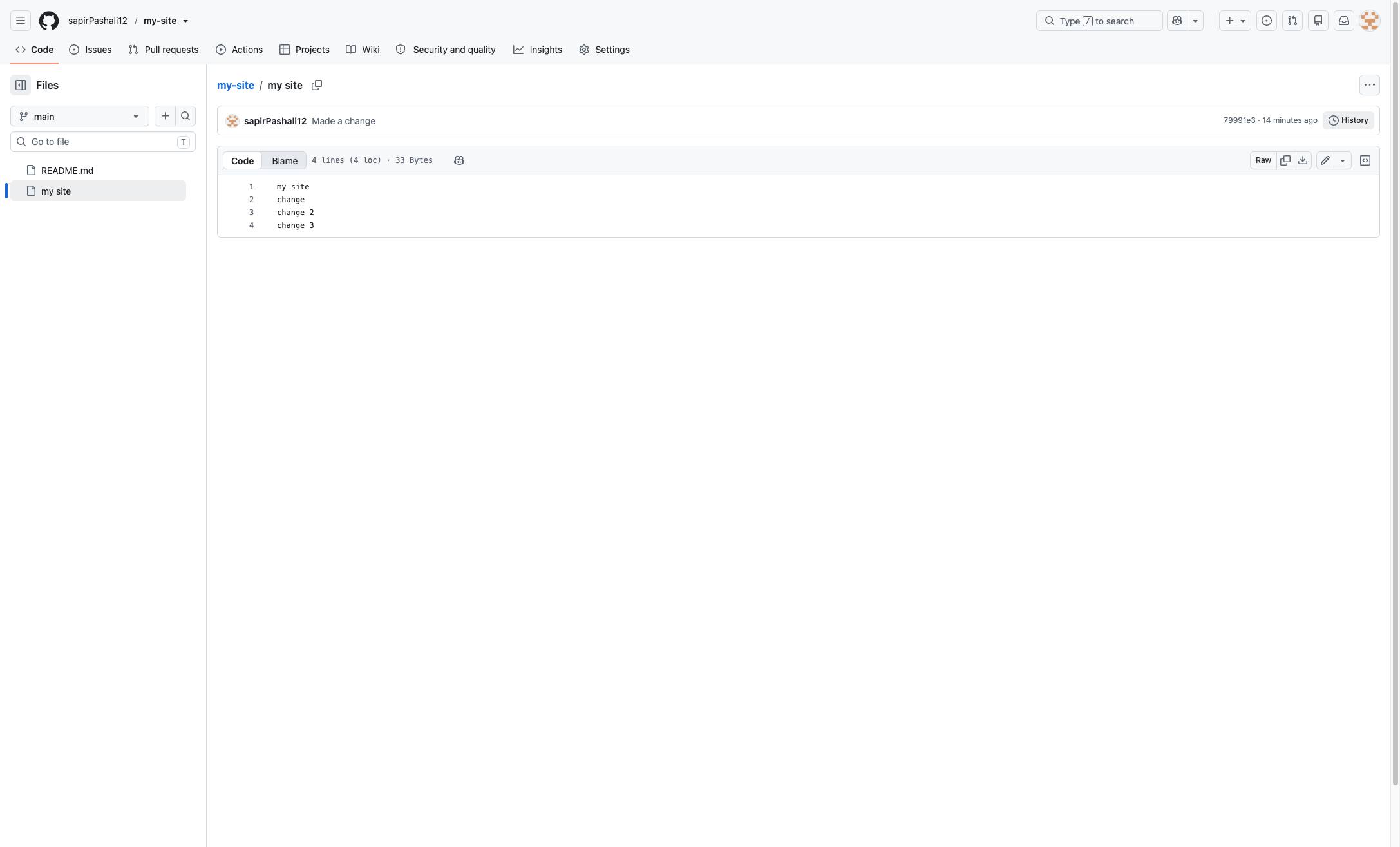
Select History in the upper right corner of the window that appears next.
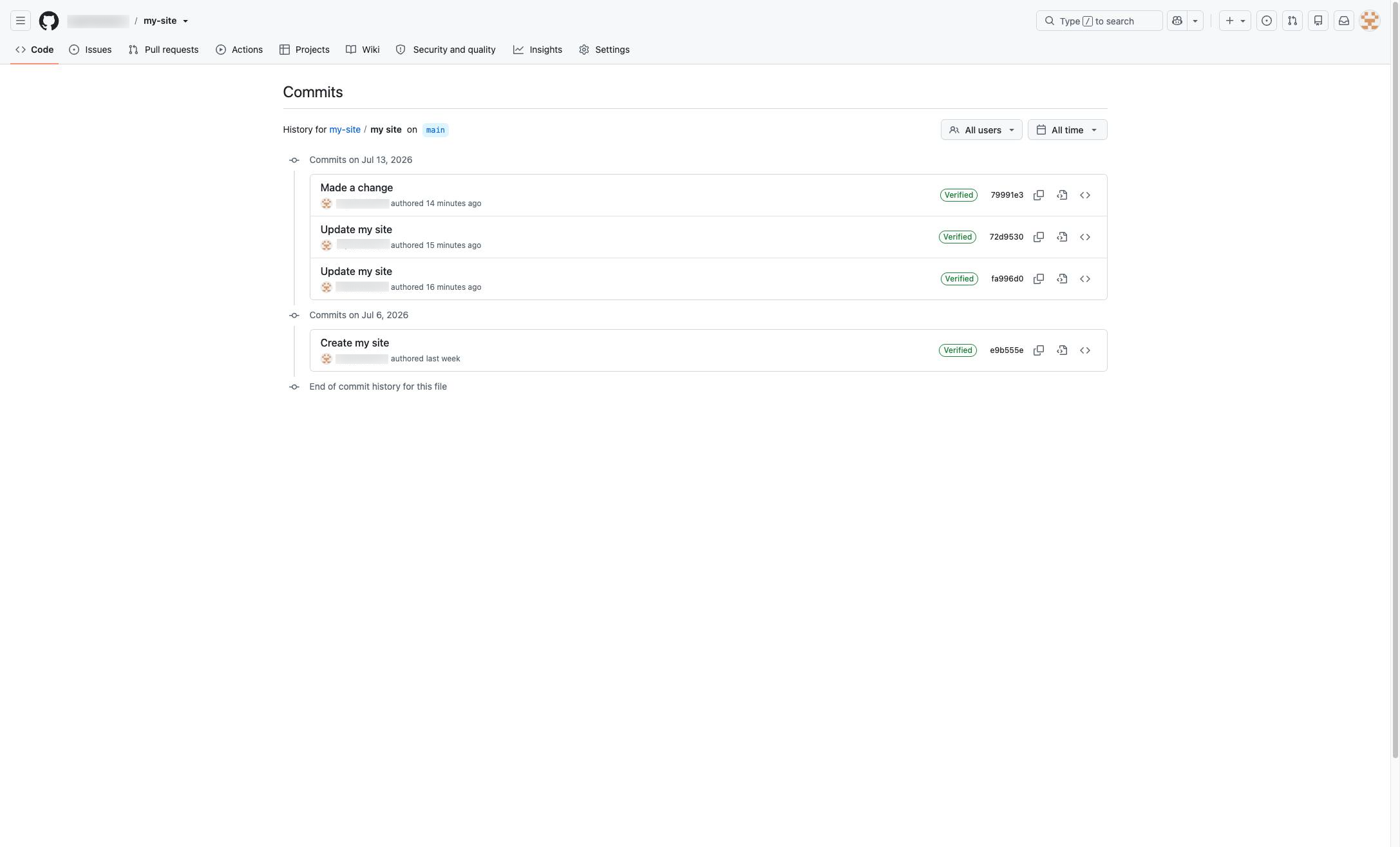
From here, you get a bird's eye view of your commit history on GitHub.
Duplicate this template, swap in your own screens, and share it with your team. Free to start — no credit card.
Fill out the form and we'll get back to you as soon as possible.
Tell us about your team and we'll find the right plan together.