1
Click in your document
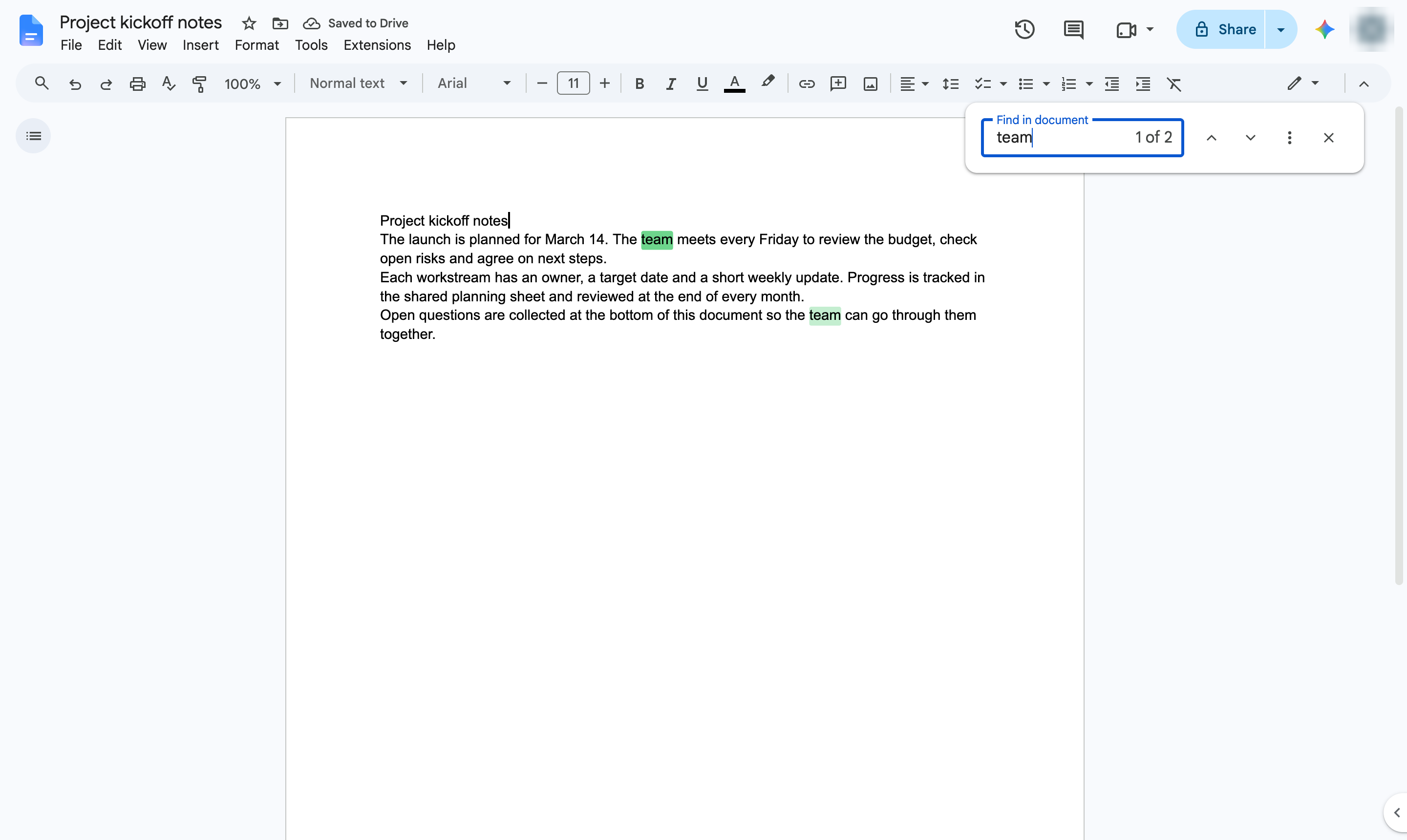
Click anywhere in the text of your document. Press Ctrl + F (Cmd + F on Mac) to open the Find bar. Type the word you are looking for. Every match is highlighted as you type.
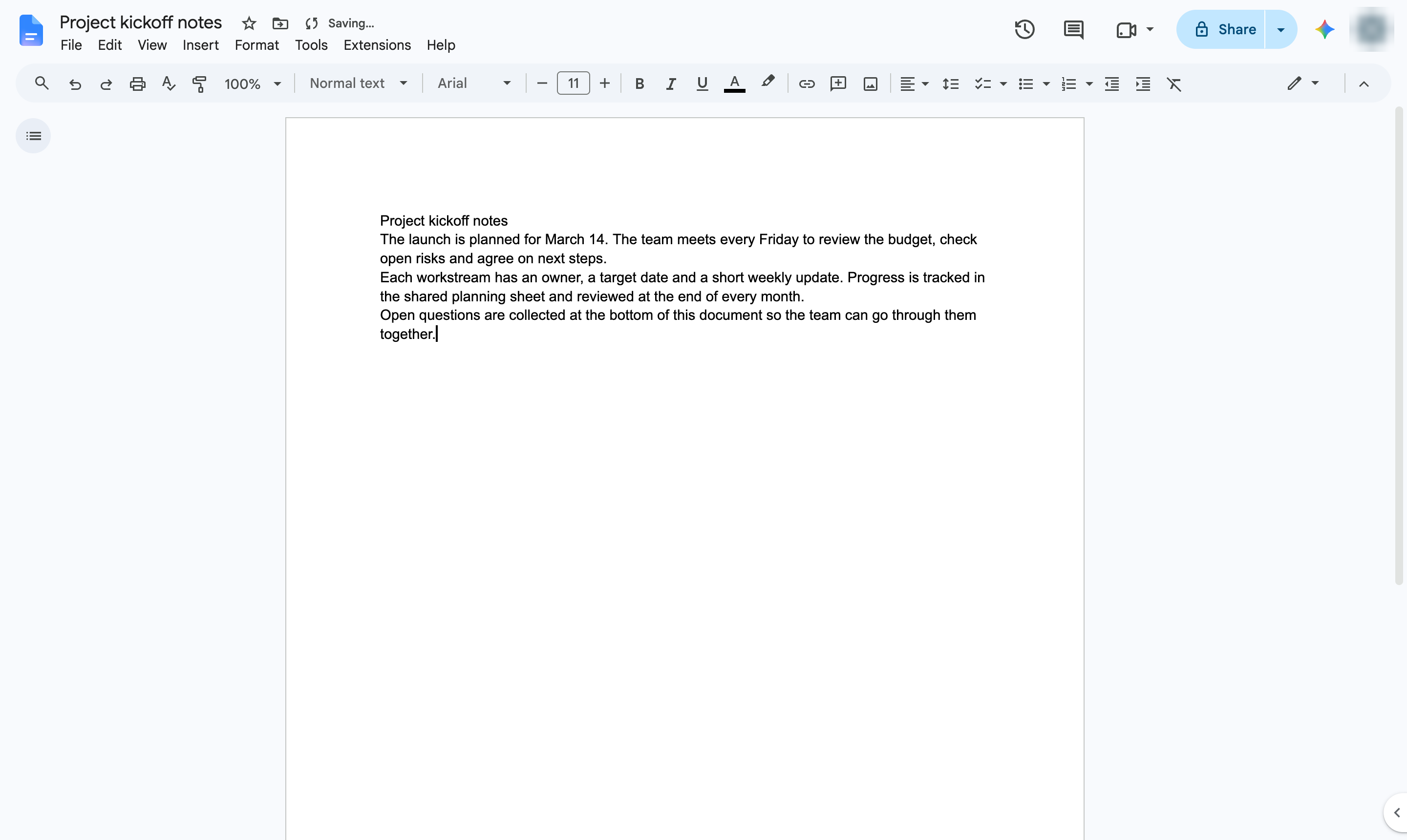

Find every place a word appears in your document with the Find bar.
Click anywhere in the text of your document. Press Ctrl + F (Cmd + F on Mac) to open the Find bar. Type the word you are looking for. Every match is highlighted as you type.
The Find bar shows how many matches there are. Press Enter or the arrows to jump between them.
Duplicate this template, swap in your own screens, and share it with your team. Free to start — no credit card.
Fill out the form and we'll get back to you as soon as possible.
Tell us about your team and we'll find the right plan together.