1
Click Publish
When your questions are ready, click Publish at the top right.
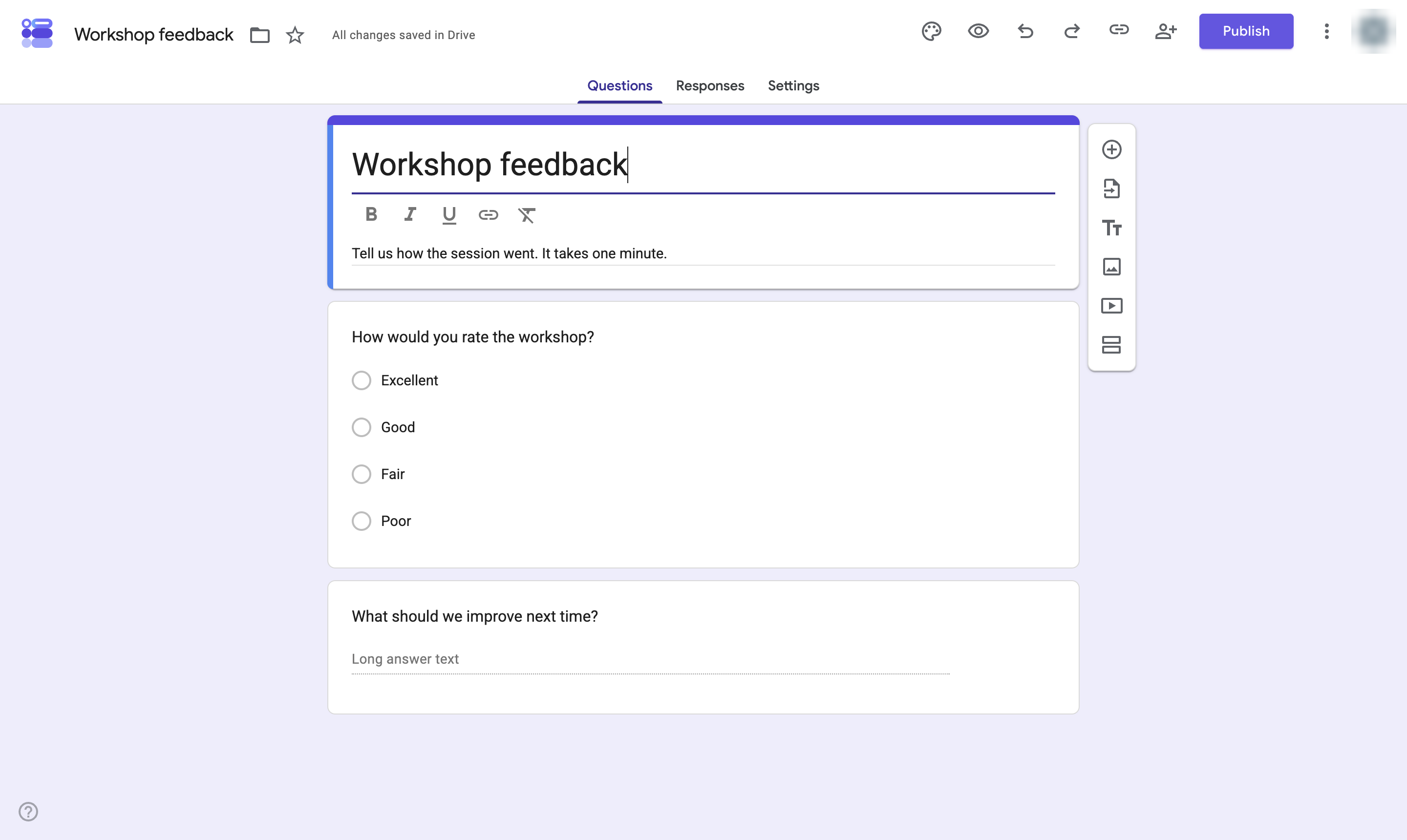

Publish a Google Form so people with the link can start answering it.
When your questions are ready, click Publish at the top right.
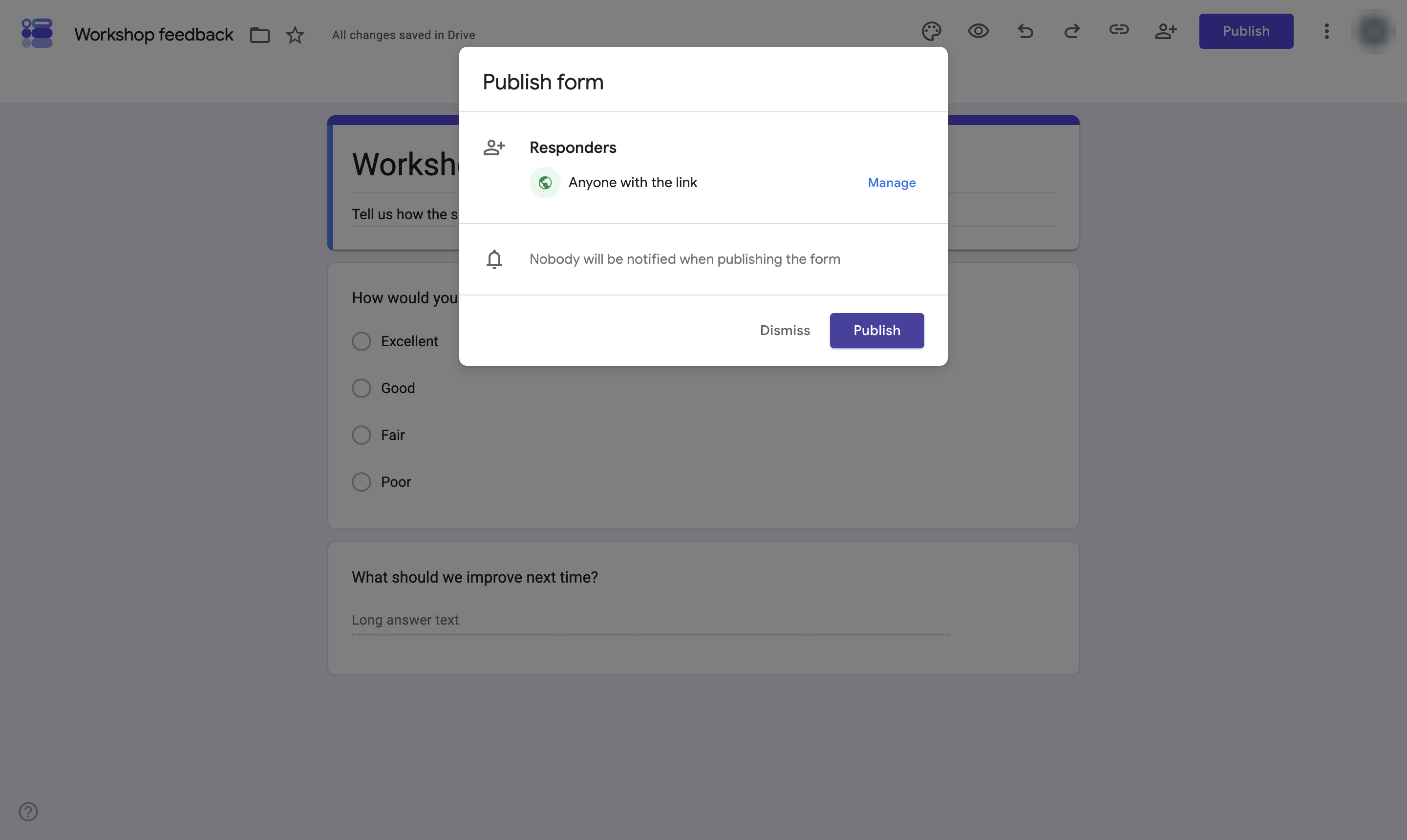
The Responders line shows who can answer. Click Manage to limit it to your organization or to specific people.
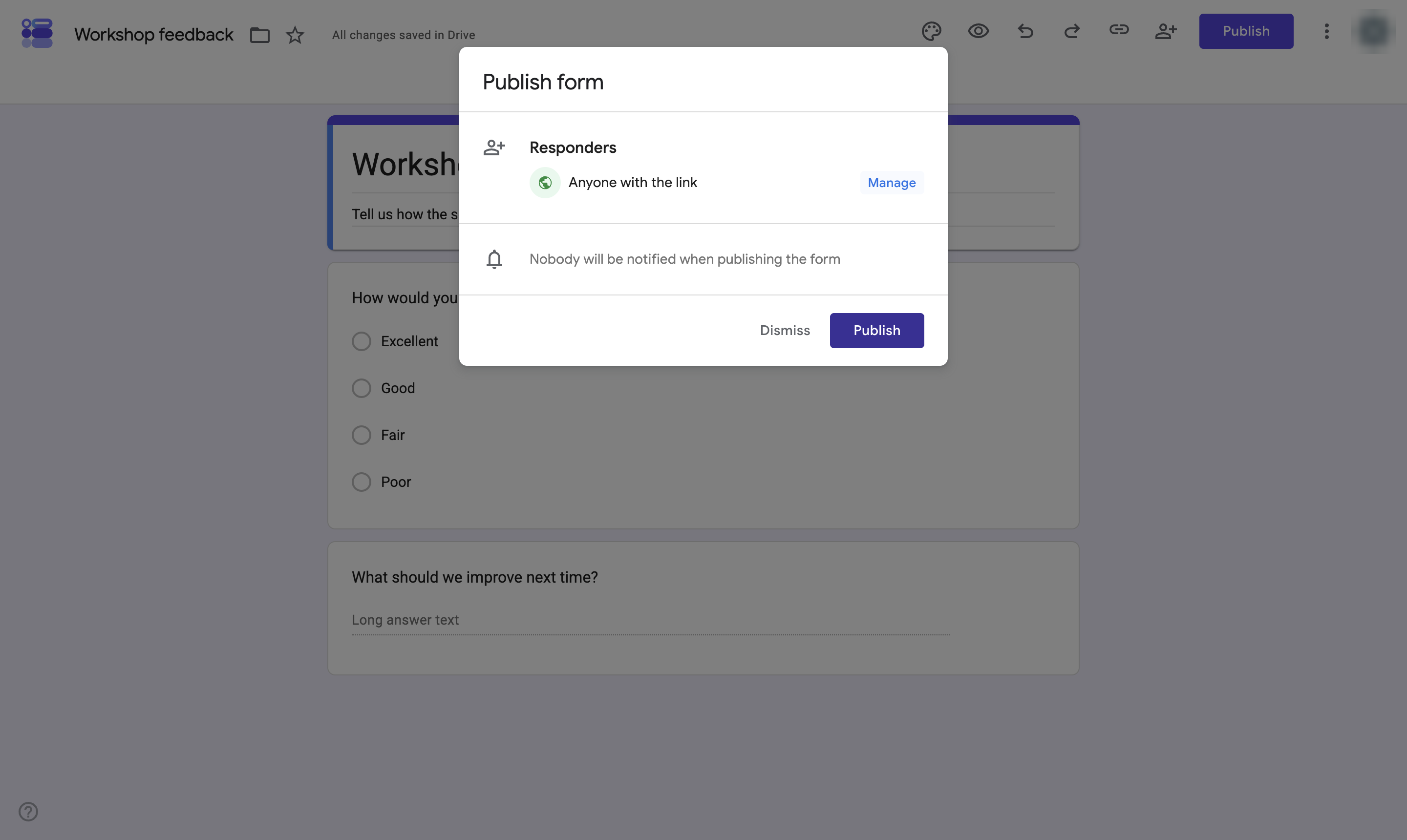
Click Publish. Nobody is notified; share the responder link when you are ready.
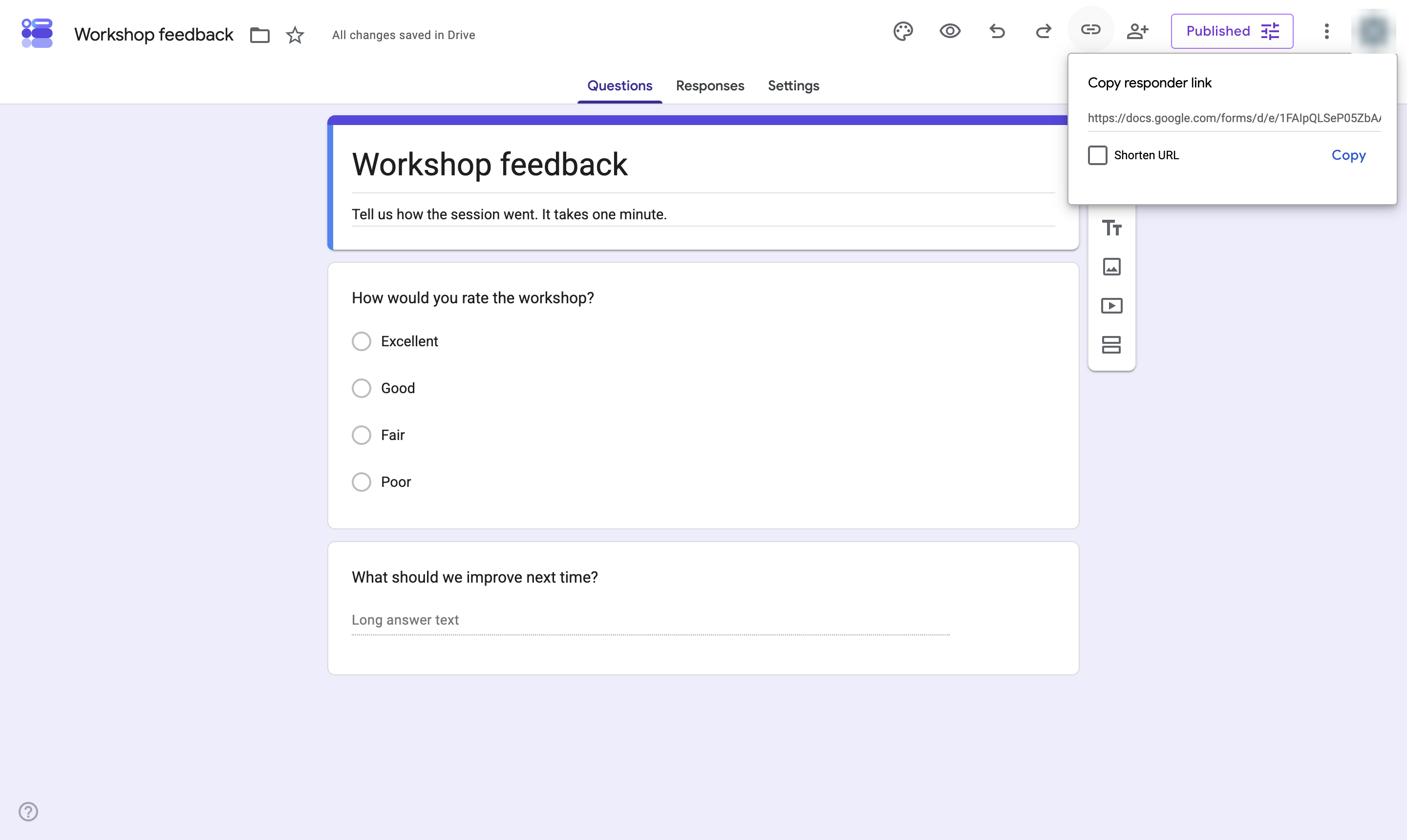
The form is live. Click the link icon to copy the link to send to people. Use More > Unpublish form to stop taking responses.
Duplicate this template, swap in your own screens, and share it with your team. Free to start — no credit card.
Fill out the form and we'll get back to you as soon as possible.
Tell us about your team and we'll find the right plan together.