1
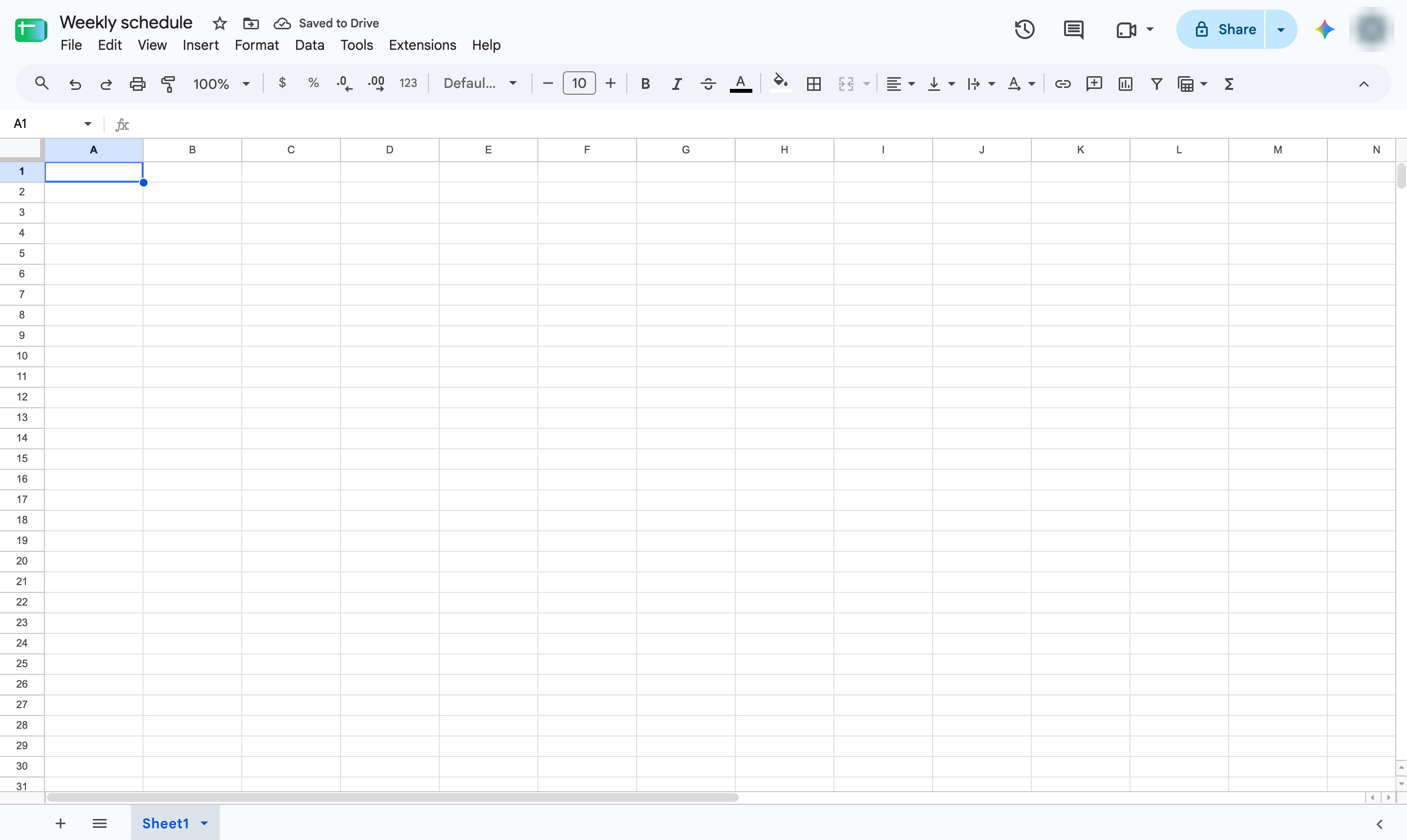
Click cell A1
Click cell A1 in an empty sheet.

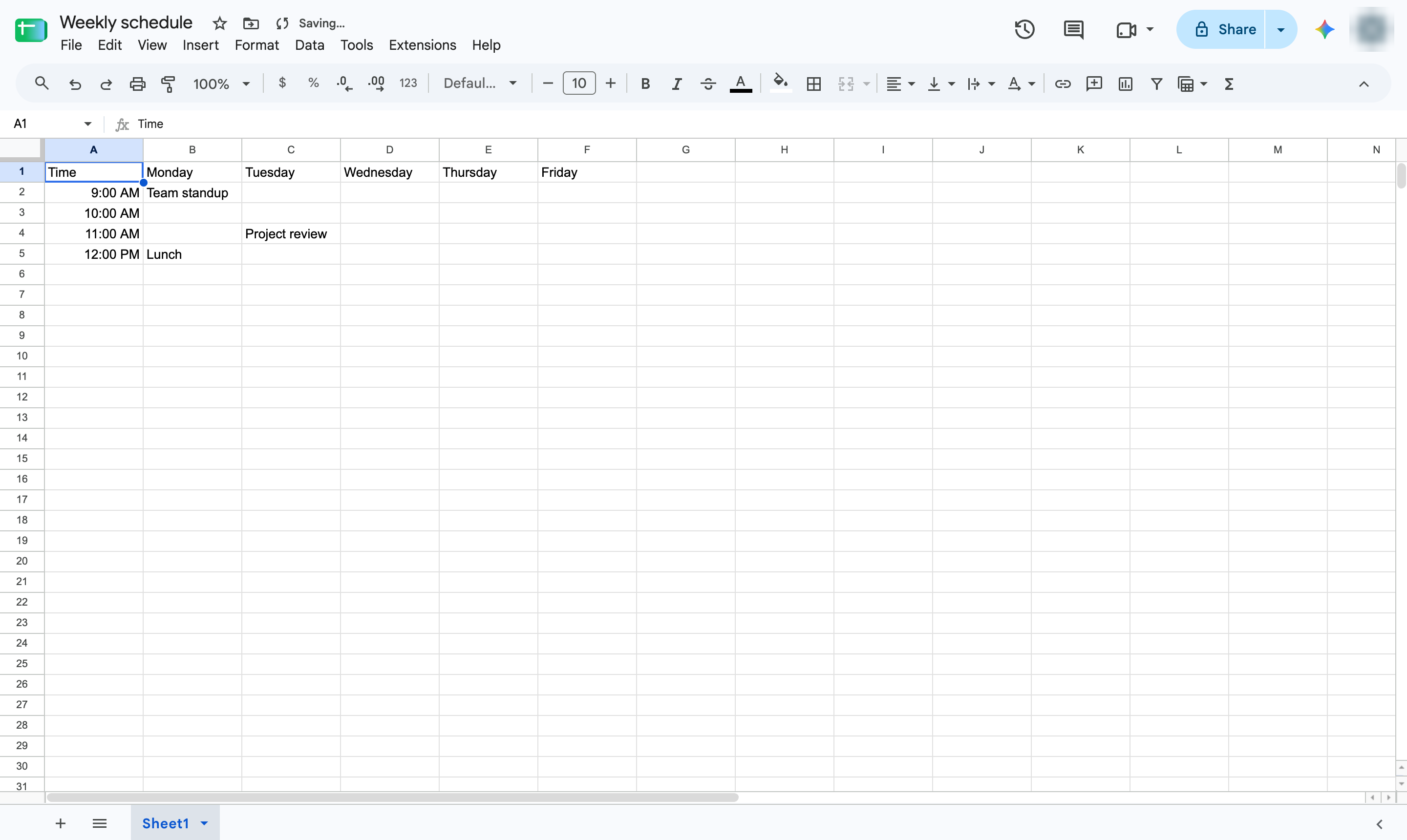
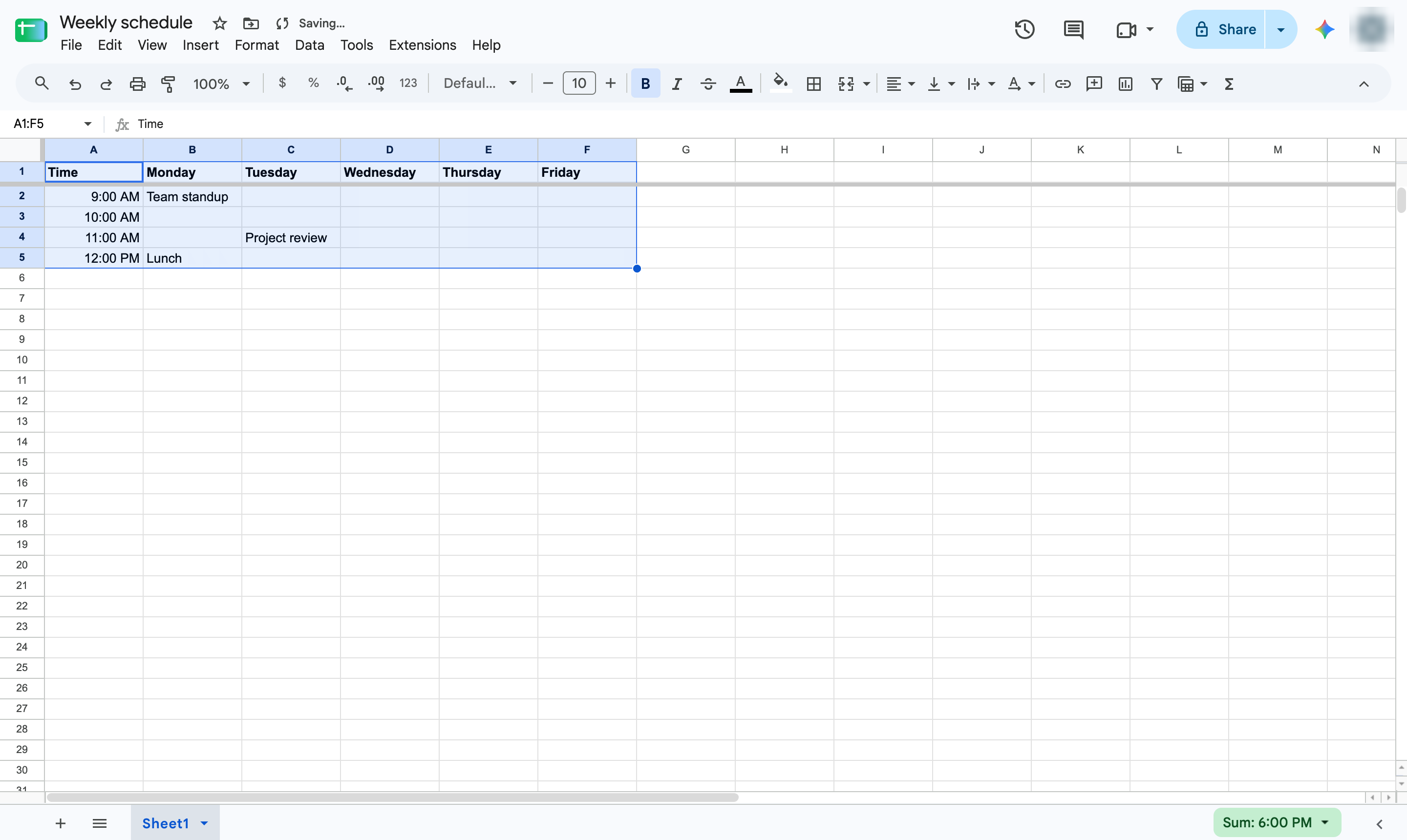
Lay out a weekly schedule with time slots down the side and days across the top.
Click cell A1 in an empty sheet.
Type Time, then the days of the week, pressing Tab between them and Enter at the end.
Type a time in column A of each row, then press Tab to reach the day and type the event.
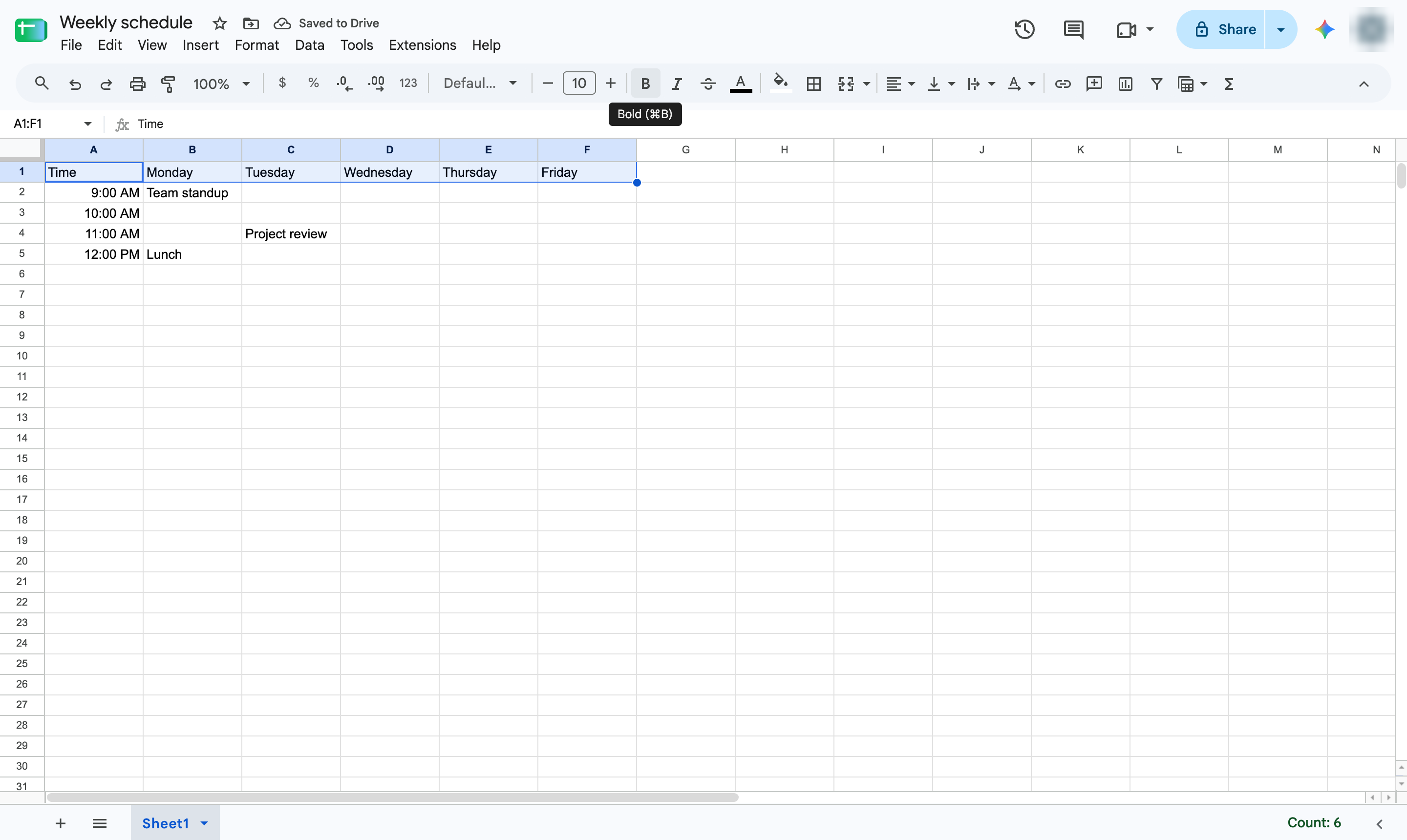
Highlight the row with the days.
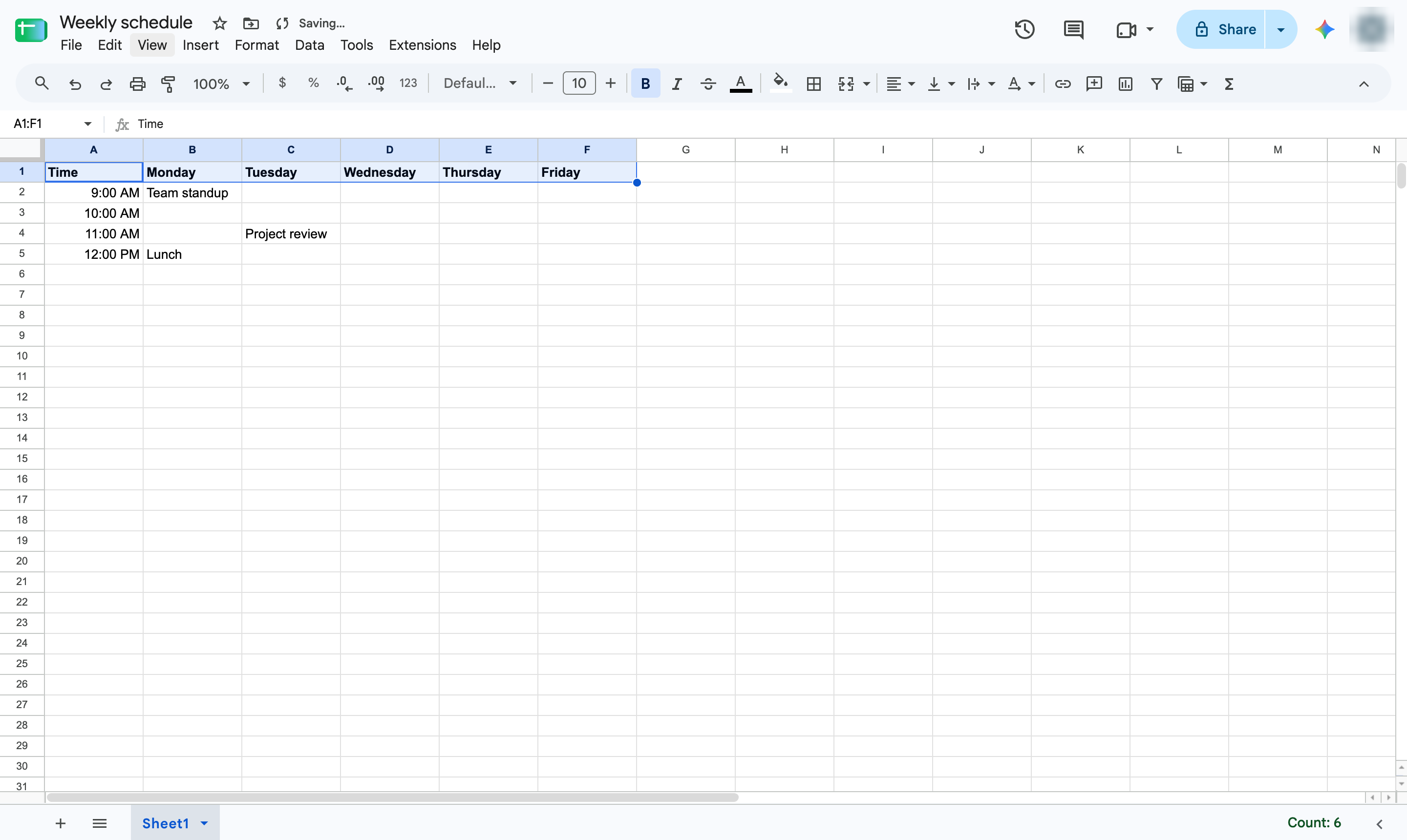
Click B in the toolbar to make the days stand out.
Open the View menu.
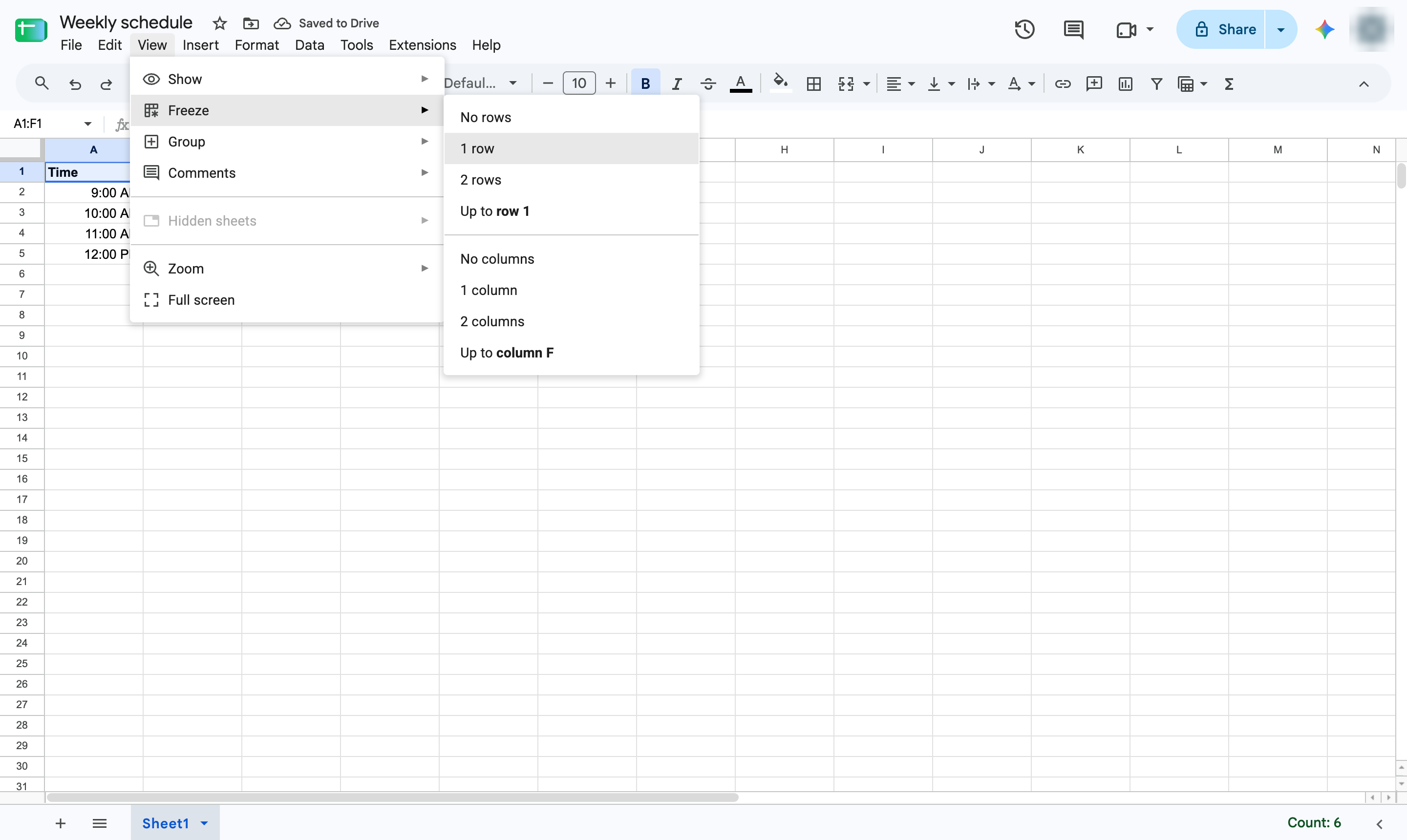
Hover over Freeze.
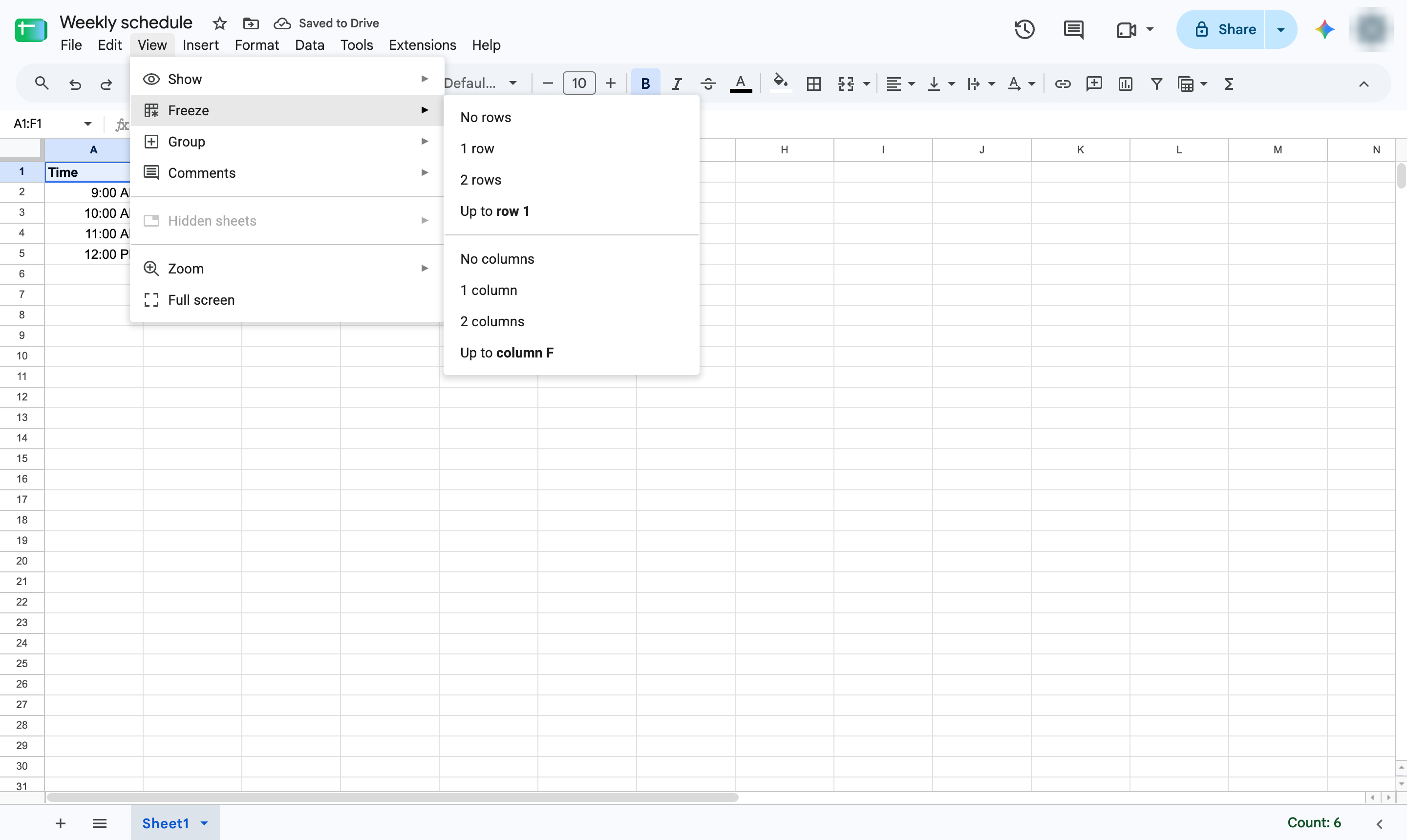
Choose 1 row so the days stay visible as you scroll.
Fill in the rest of the week. Add a fill color to each type of event to read it at a glance.
Duplicate this template, swap in your own screens, and share it with your team. Free to start — no credit card.
Fill out the form and we'll get back to you as soon as possible.
Tell us about your team and we'll find the right plan together.