1
Find the YouTube video you want
Find the YouTube video you want

In this guide, you will learn how to link Youtube videos to start at specific times
Find the YouTube video you want
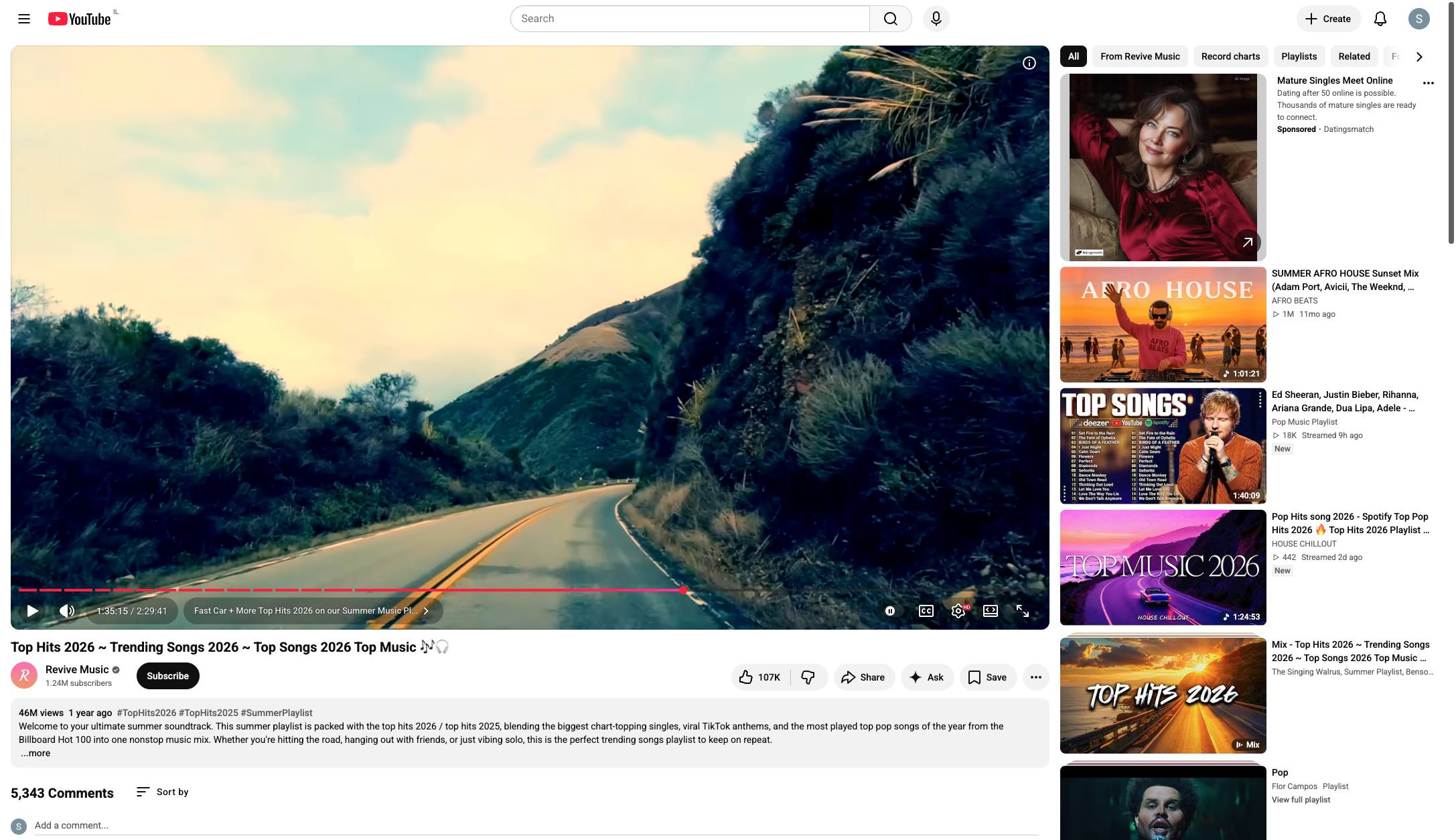
Find the specific time in the video you want to link to
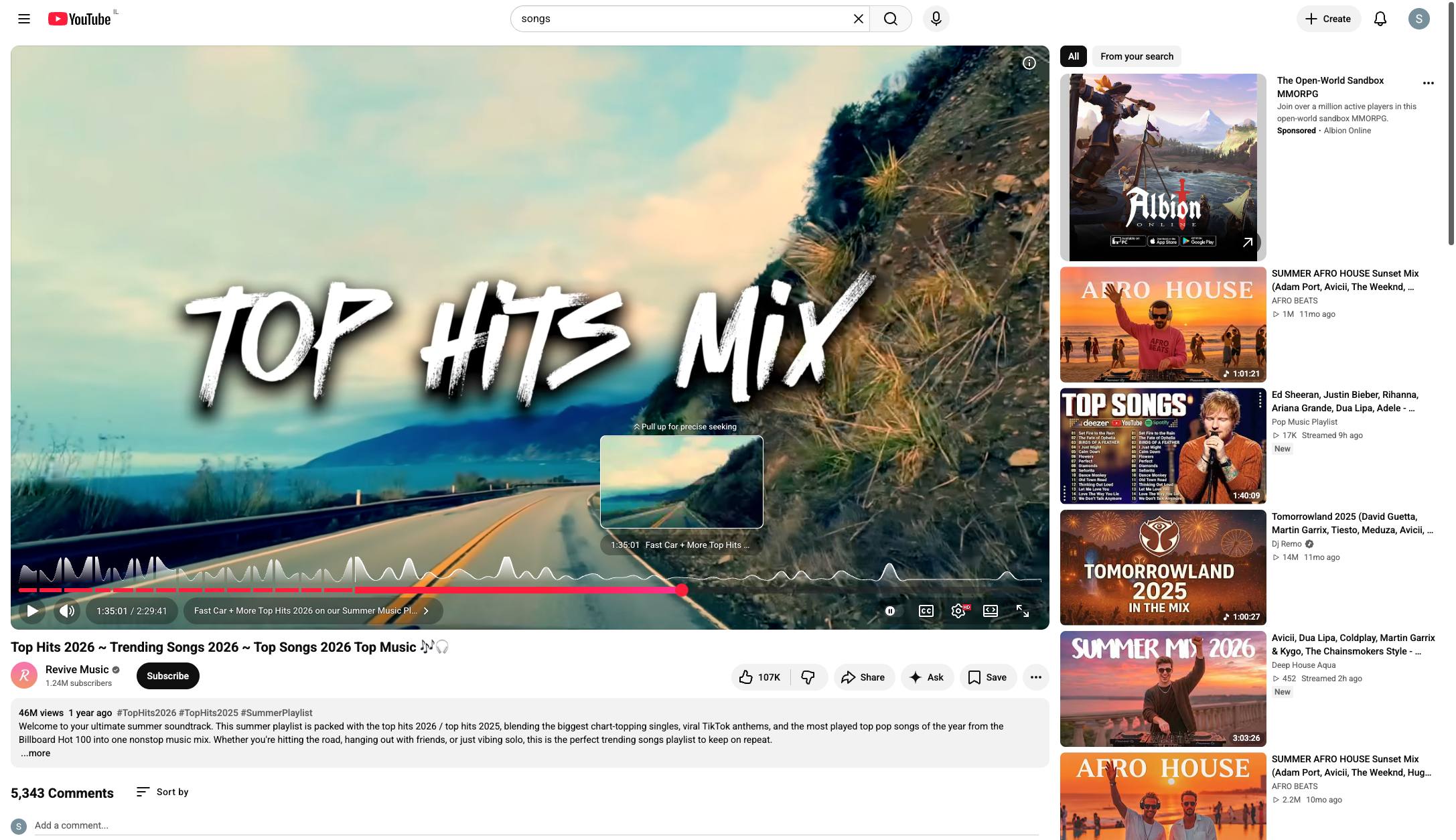
Add &t=(desired time in seconds) to the end of the URL. For example, for this video, the resulting URL will be: https://www.youtube.com/watch?v=fTKqtvXjkvo&t=5707s This will link directly to the part of the video I want people to see.
Click anywhere on the video player to pause the playback.
Duplicate this template, swap in your own screens, and share it with your team. Free to start — no credit card.
Fill out the form and we'll get back to you as soon as possible.
Tell us about your team and we'll find the right plan together.