1
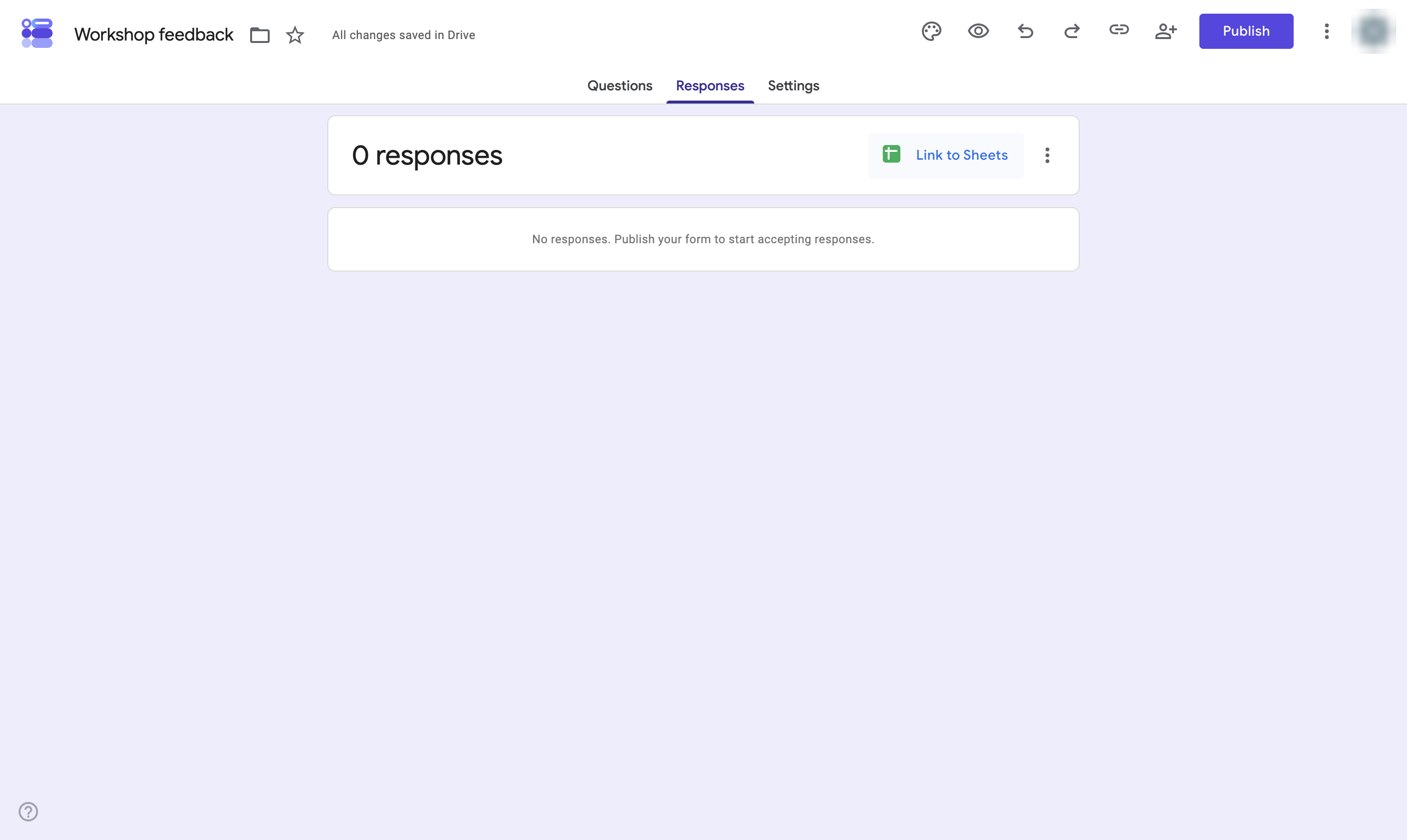
Click Responses
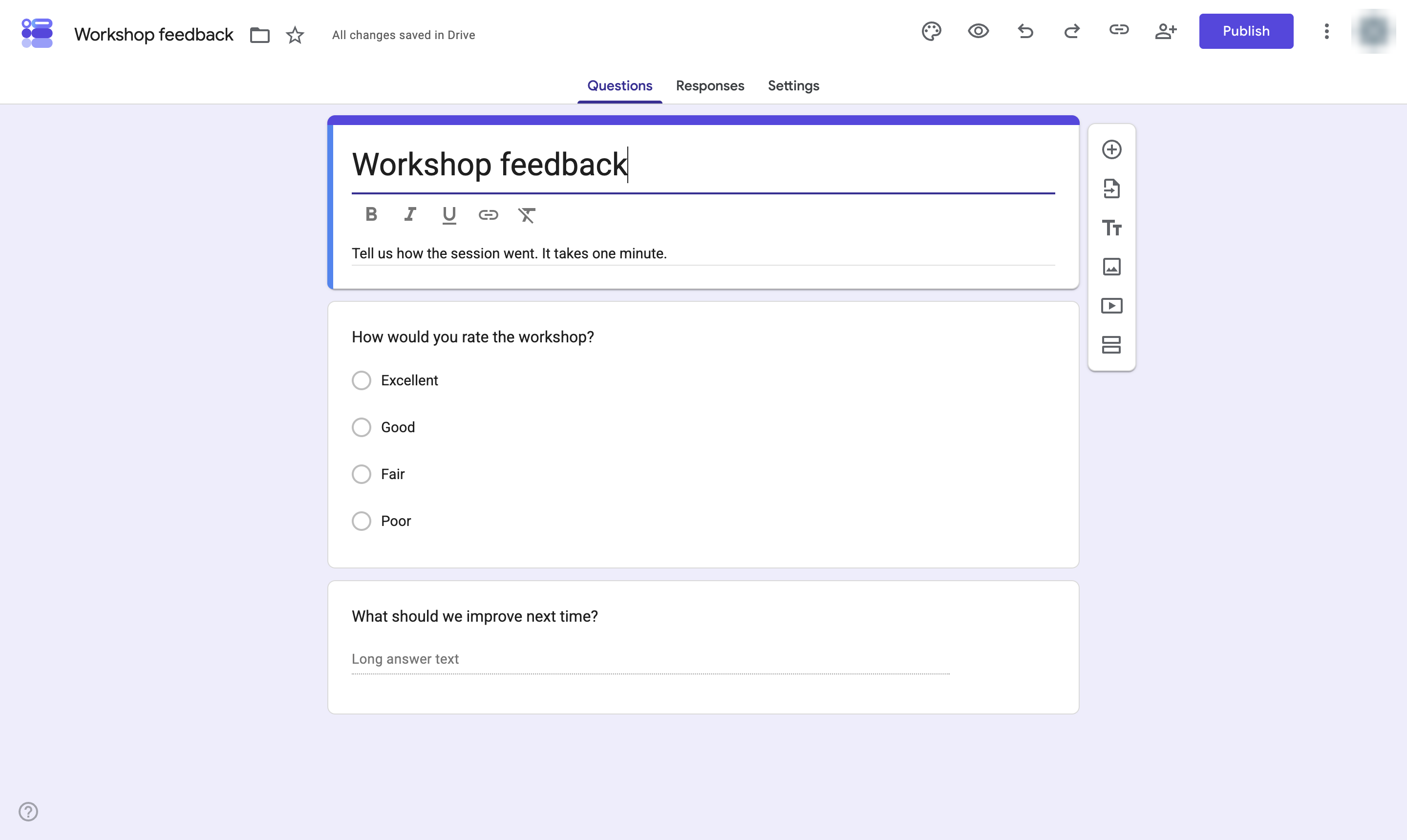
Open the Responses tab of your form.

Send every Google Form response to a Google Sheet automatically.
Open the Responses tab of your form.
Click Link to Sheets.
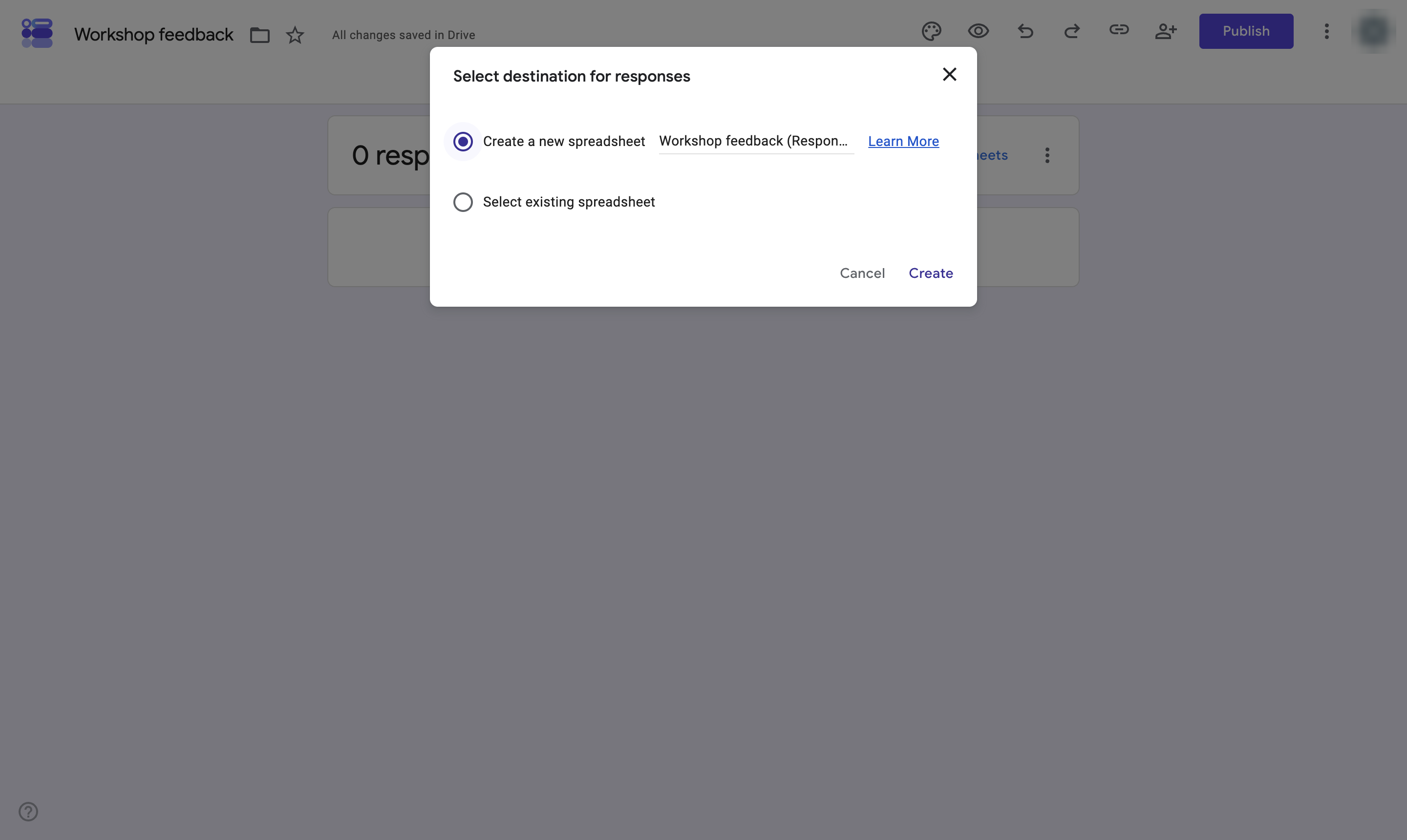
Keep Create a new spreadsheet selected, or pick Select existing spreadsheet to add a tab to one you have.
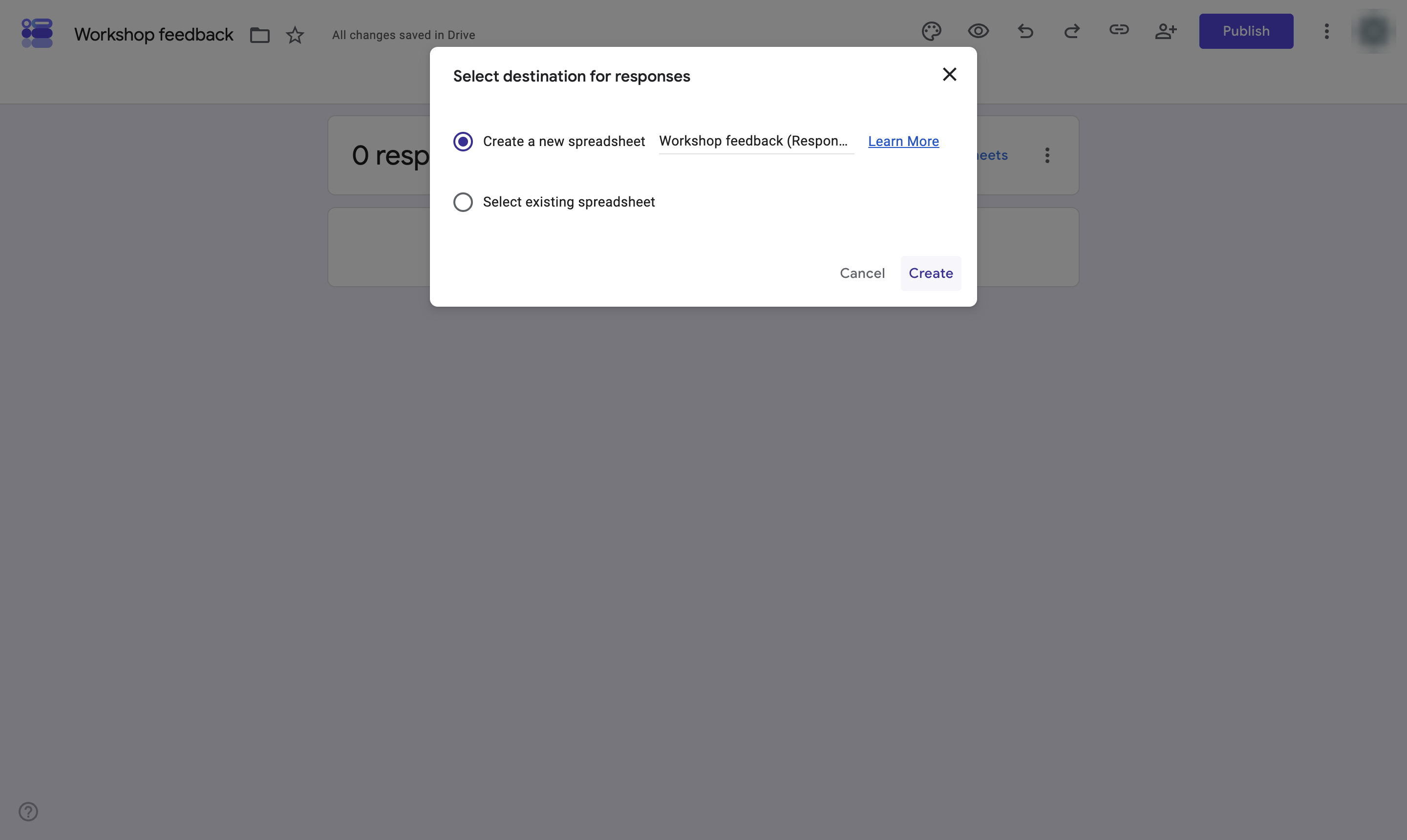
Click Create.
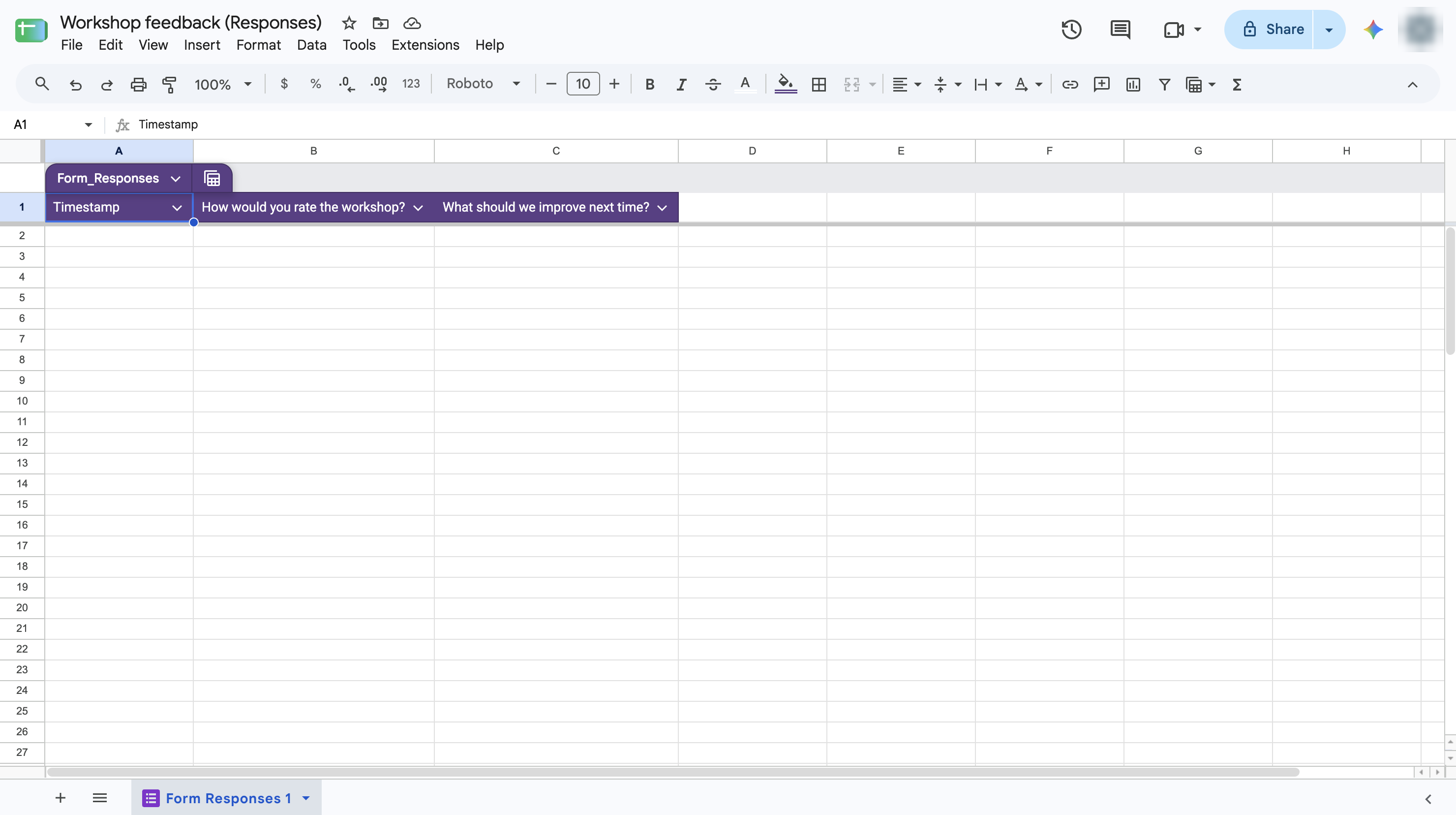
The new spreadsheet opens with a column for each question. Every new response is added as a row.
Duplicate this template, swap in your own screens, and share it with your team. Free to start — no credit card.
Fill out the form and we'll get back to you as soon as possible.
Tell us about your team and we'll find the right plan together.