1
Click the first row number
Click the number of the row where the new rows should go - here, row 3.
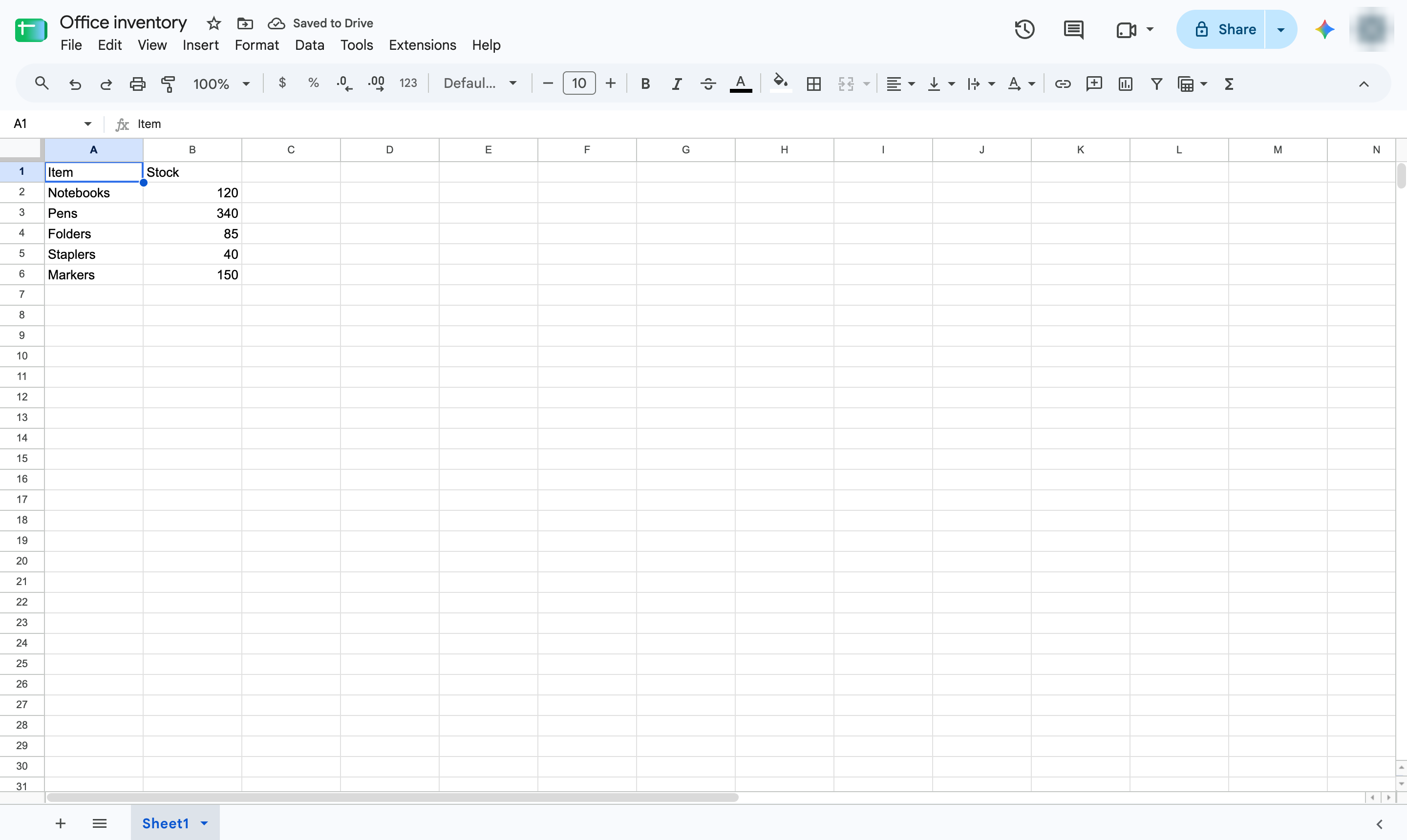

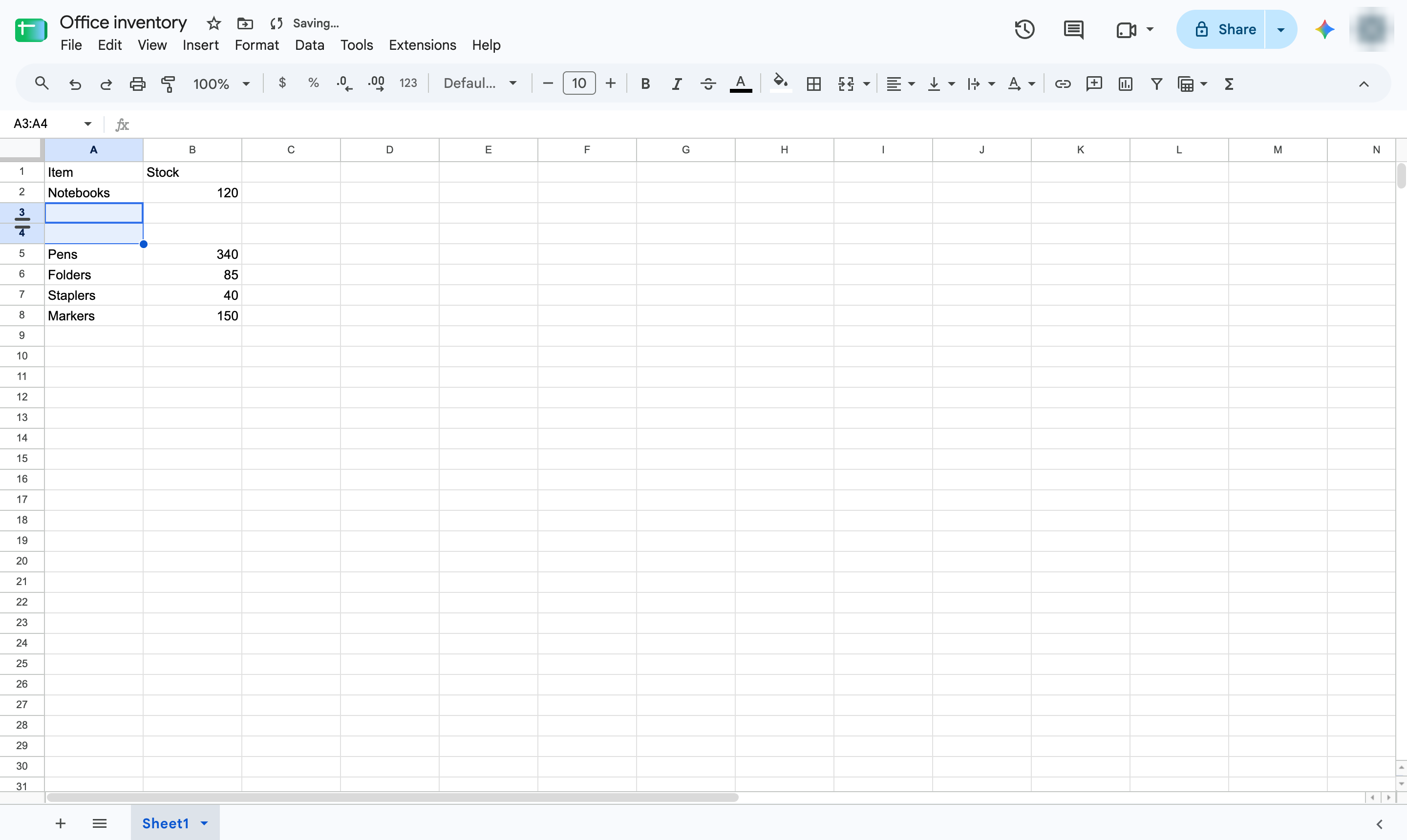
Add several blank rows at once: select as many rows as you need, then insert them from the right-click menu.
Click the number of the row where the new rows should go - here, row 3.
Hold Shift and click another row number. Select as many rows as you want to add - here, 2.
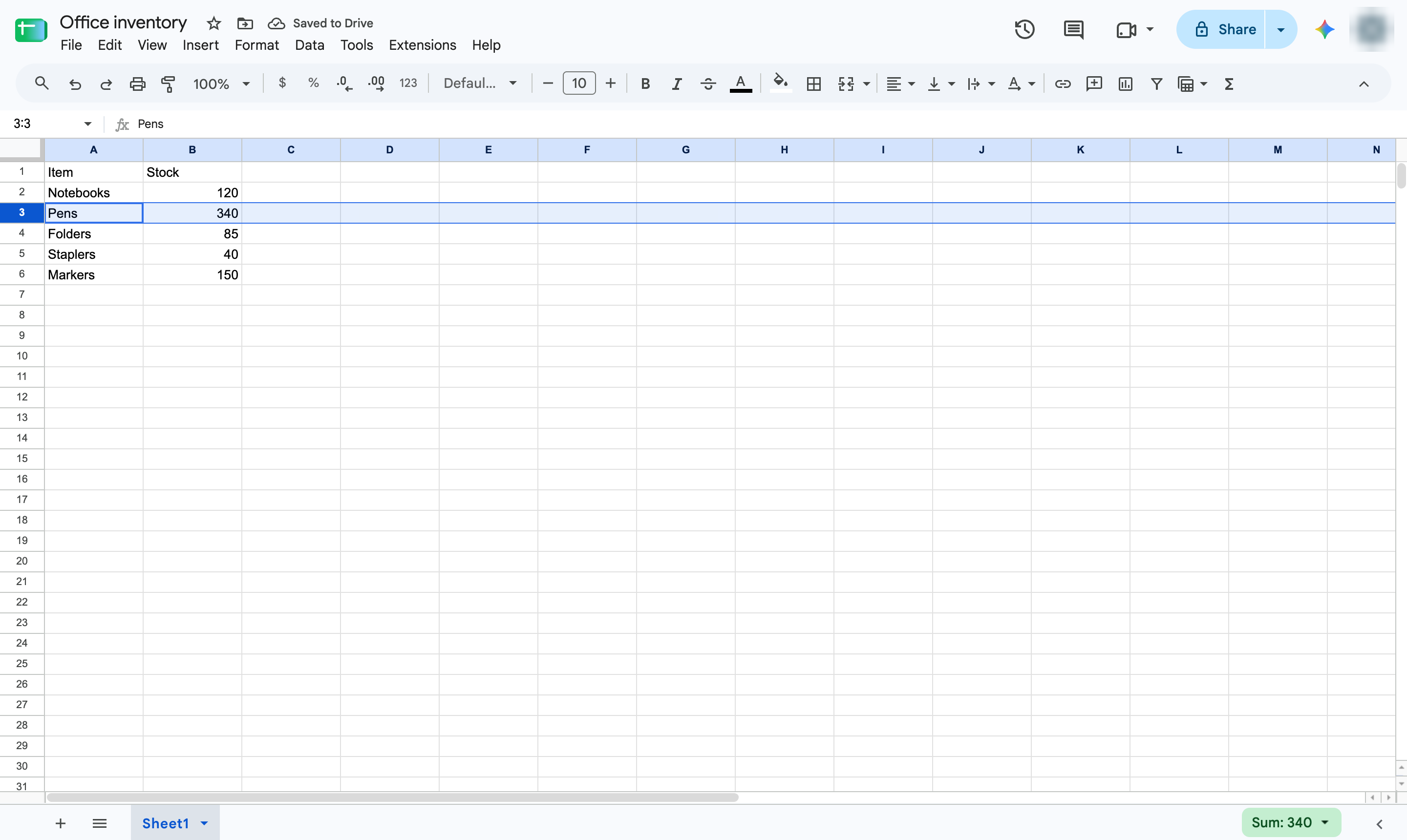
Right-click one of the selected row numbers.
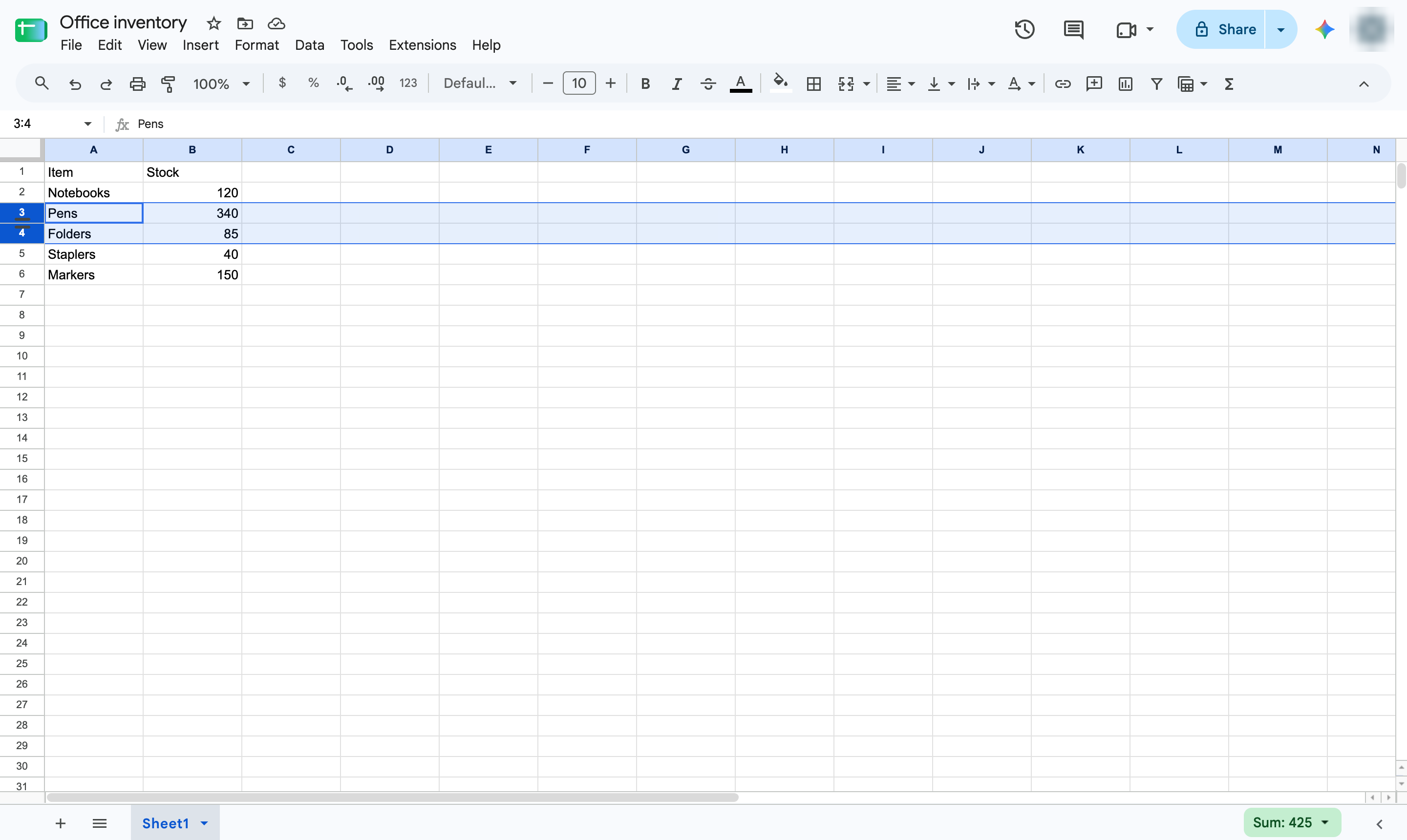
Choose Insert 2 rows above (or below). The count matches the rows you selected.
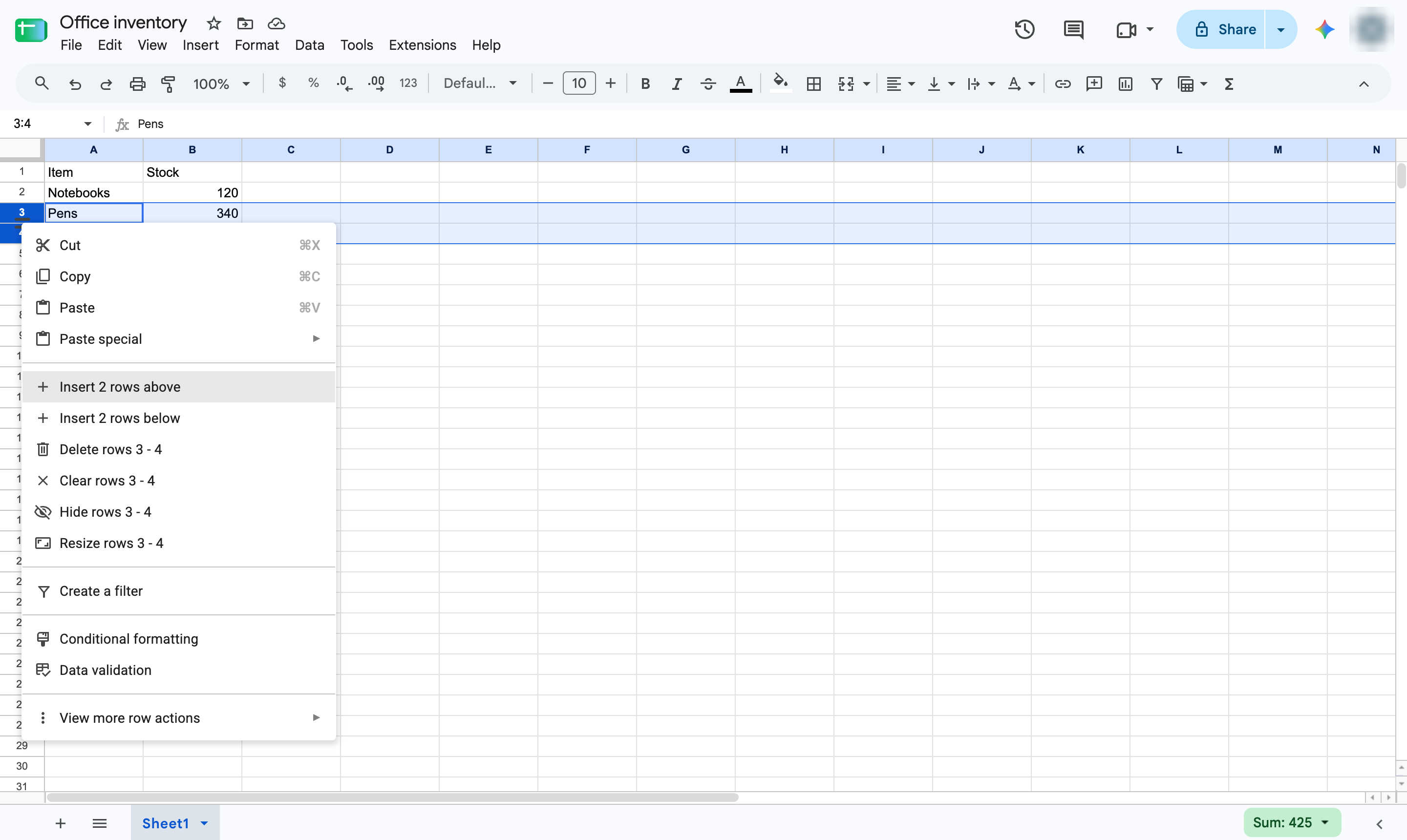
Two blank rows now sit where you selected, ready for new data.
Duplicate this template, swap in your own screens, and share it with your team. Free to start — no credit card.
Fill out the form and we'll get back to you as soon as possible.
Tell us about your team and we'll find the right plan together.