1
Navigate to the X Home page
Go to the X Home page in your browser to start composing your new Twitter thread.
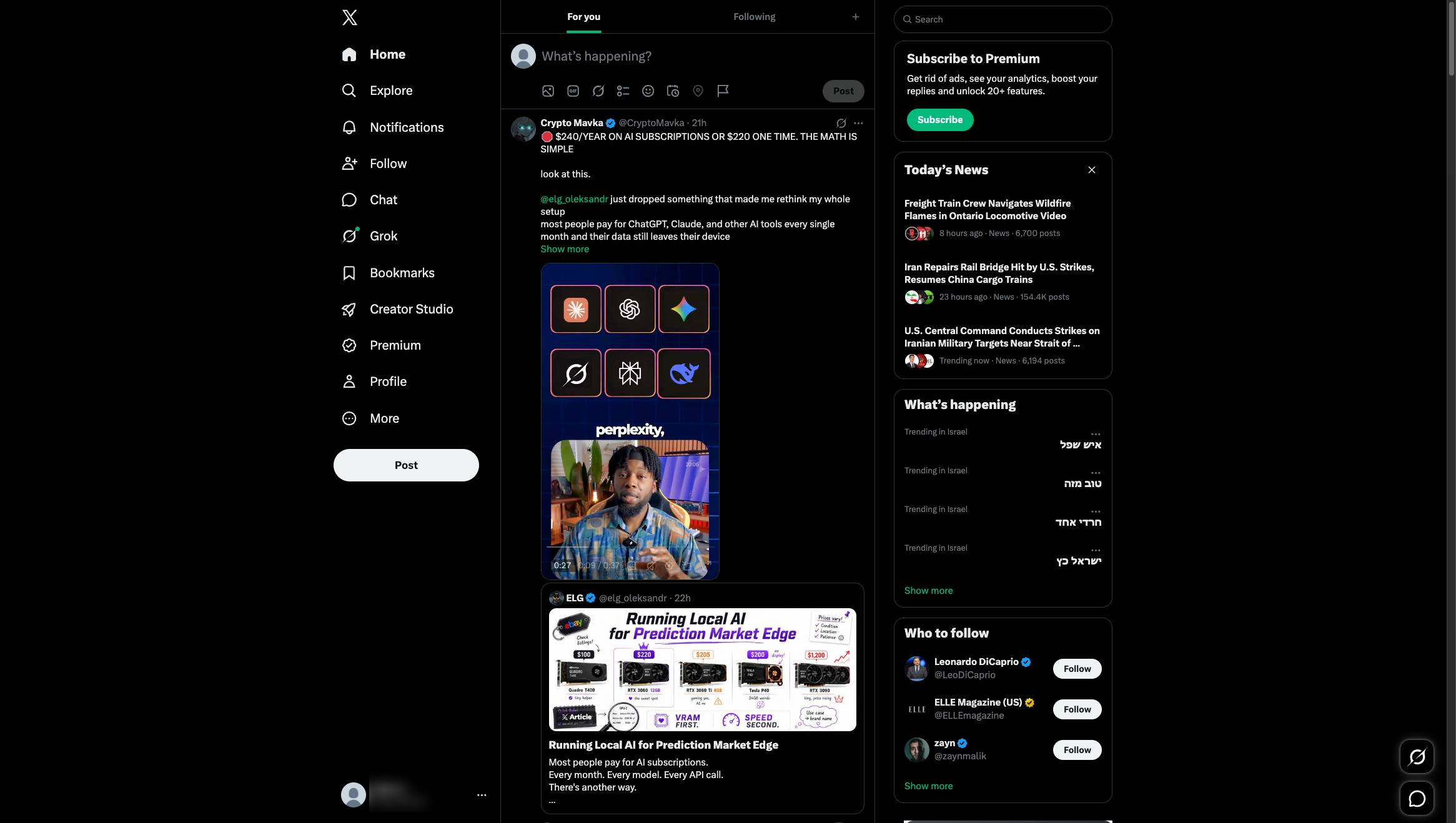

This Haiku will show you how to create a thread on Twitter
Go to the X Home page in your browser to start composing your new Twitter thread.
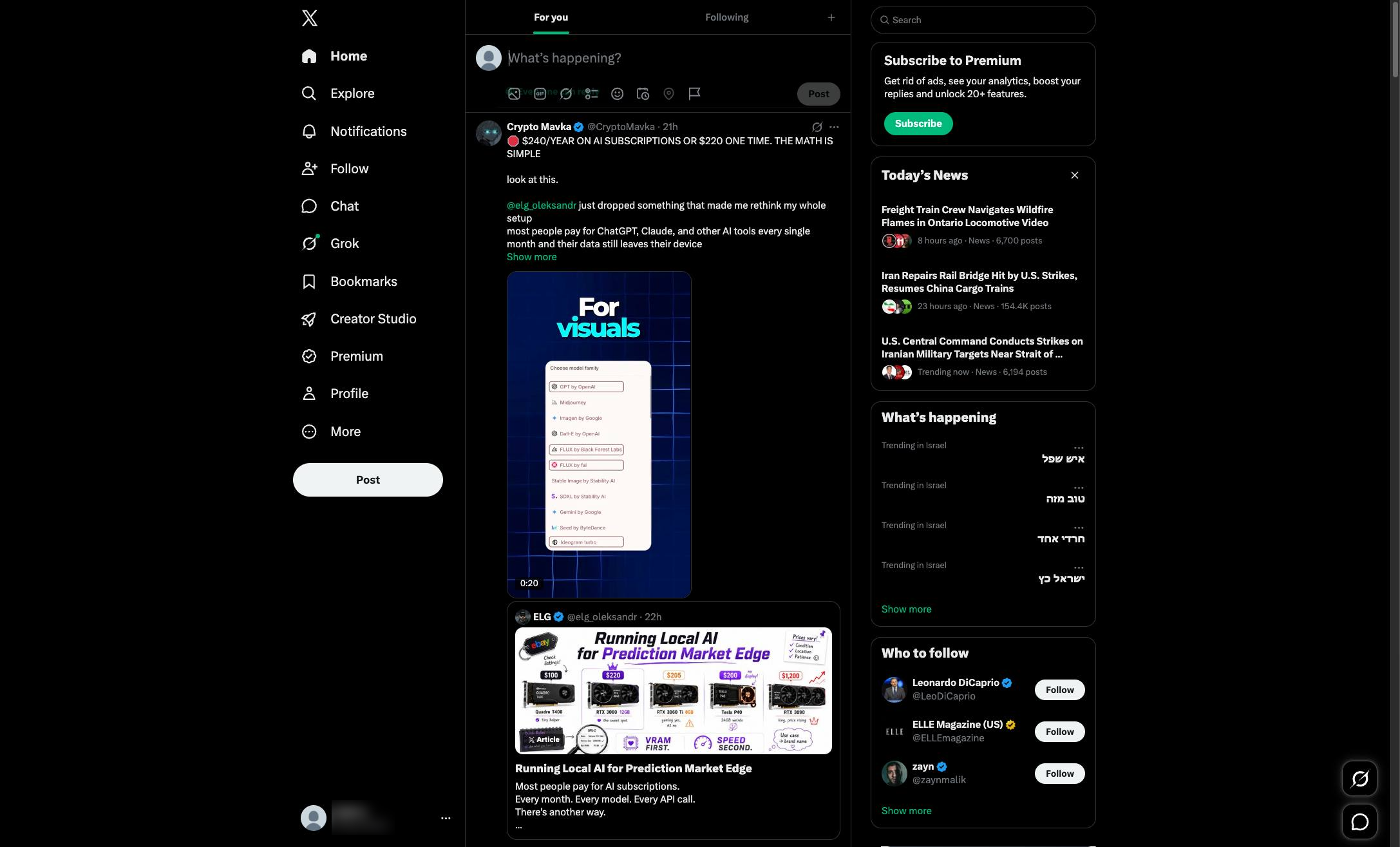
Click the "What's happening?" text area at the top of your feed to begin composing a new post.
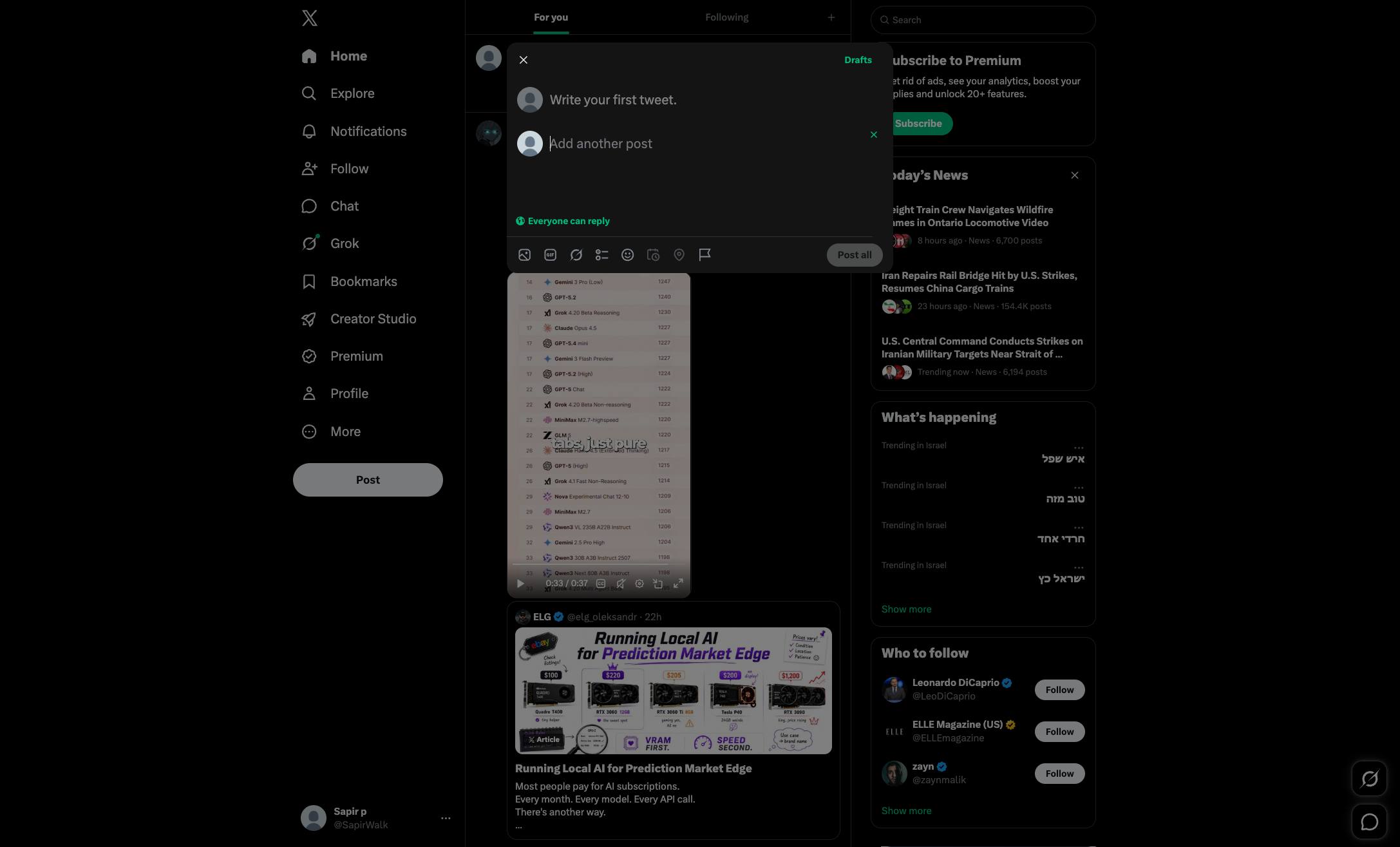
Click the circular plus icon next to the Post button to add another post to your thread.

Click the "Add another post" input field in the compose modal to continue building your thread.
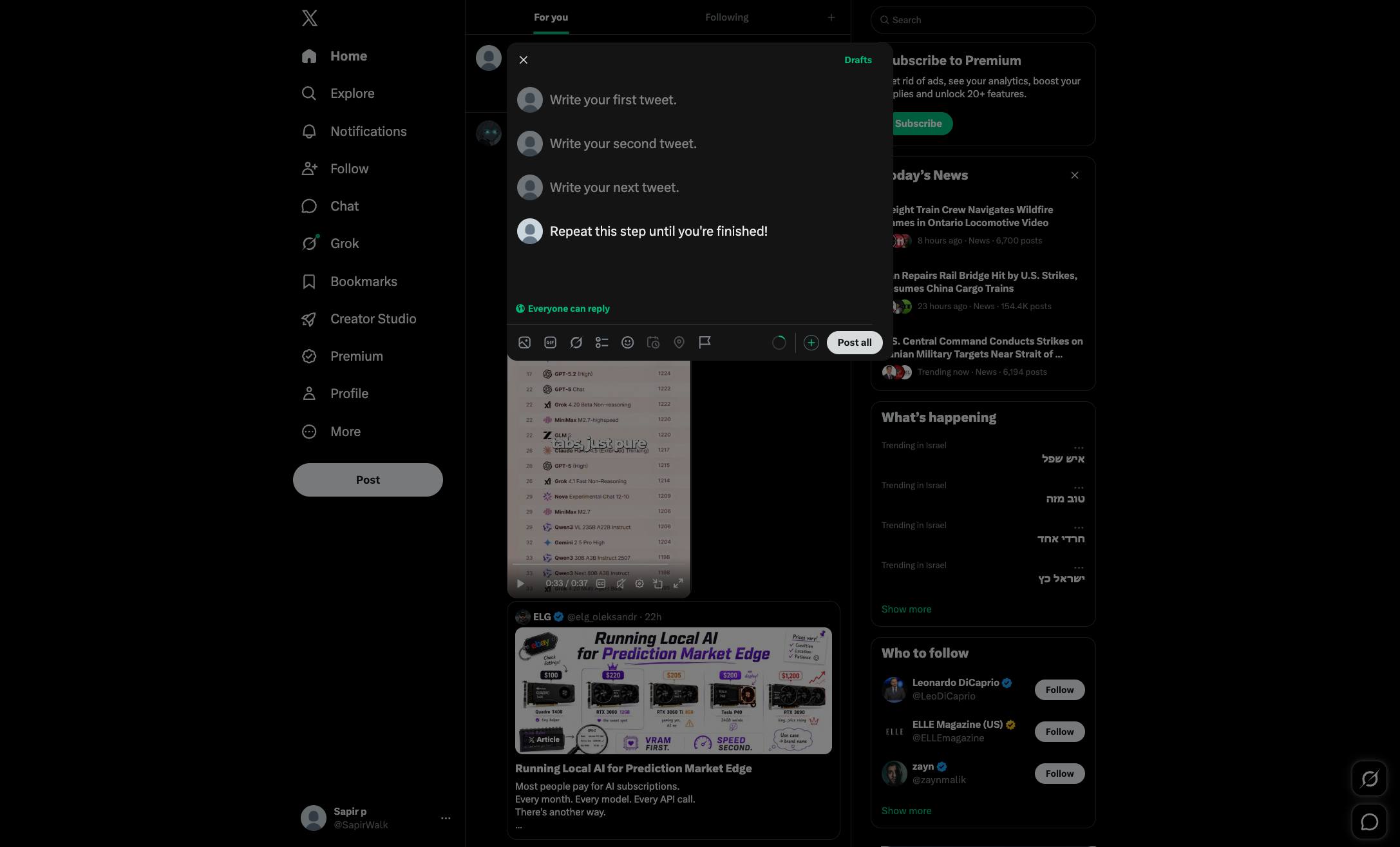
Click the circular plus icon next to the "Post all" button to add another post to your thread.
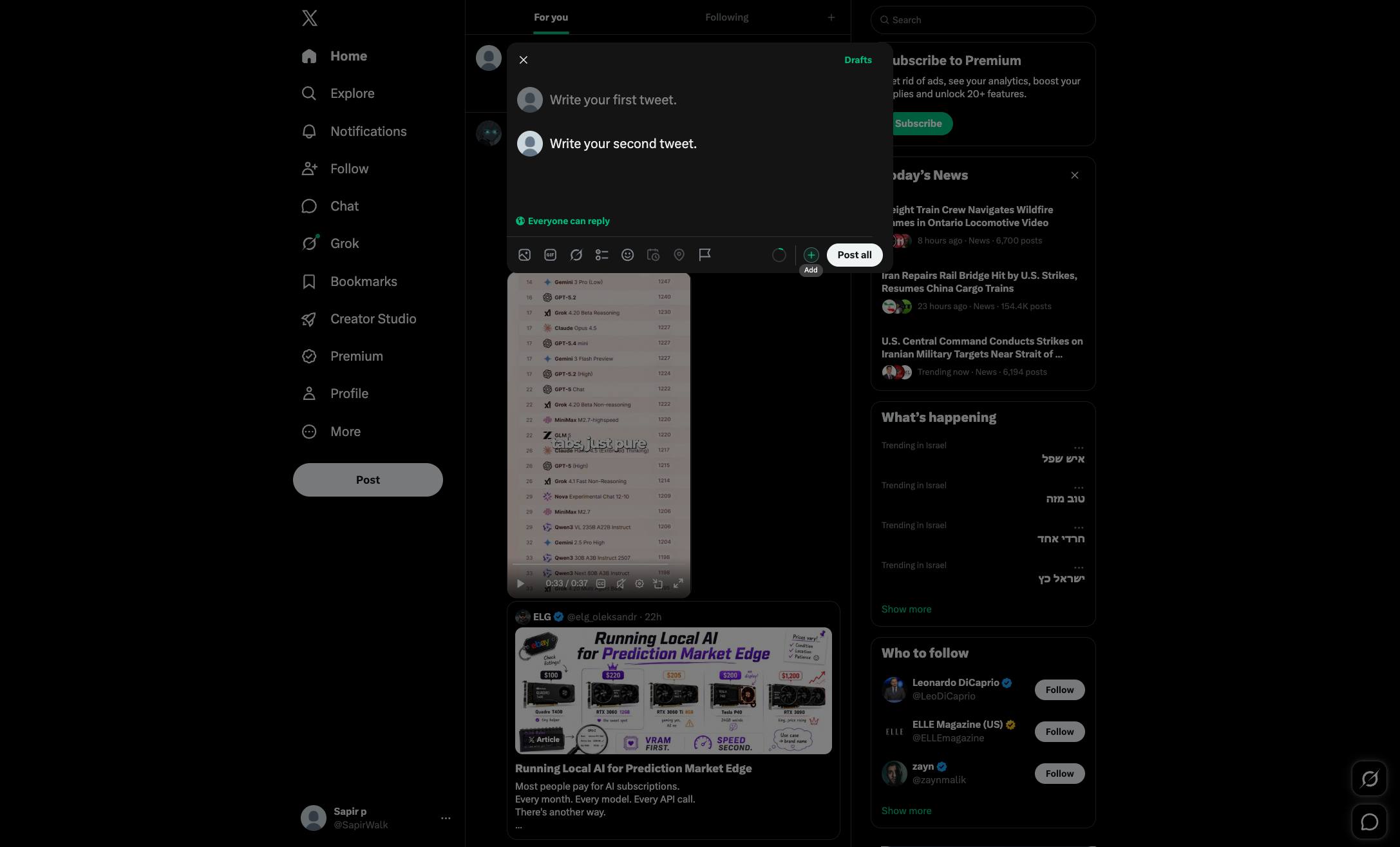
Keep clicking + to add more tweets until your thread is finished.
Once you're ready to publish, click 'Post all'
Duplicate this template, swap in your own screens, and share it with your team. Free to start — no credit card.
Fill out the form and we'll get back to you as soon as possible.
Tell us about your team and we'll find the right plan together.