1
Open Your Document
Open the Word document that contains the page you want to delete.
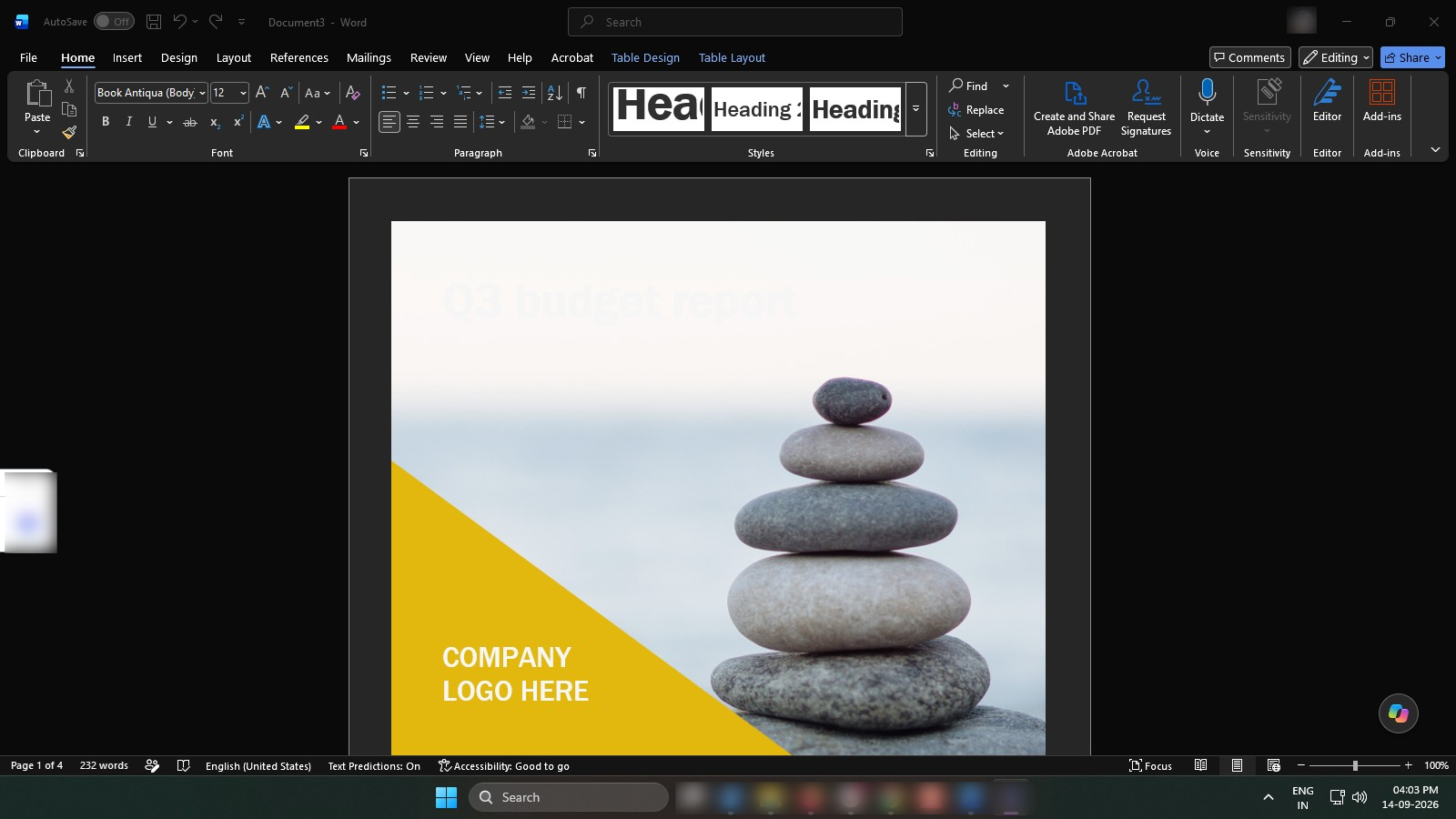

Learn how to quickly remove an unwanted page from your Word document.
Open the Word document that contains the page you want to delete.
Press Ctrl + G to open the Go To dialog box.
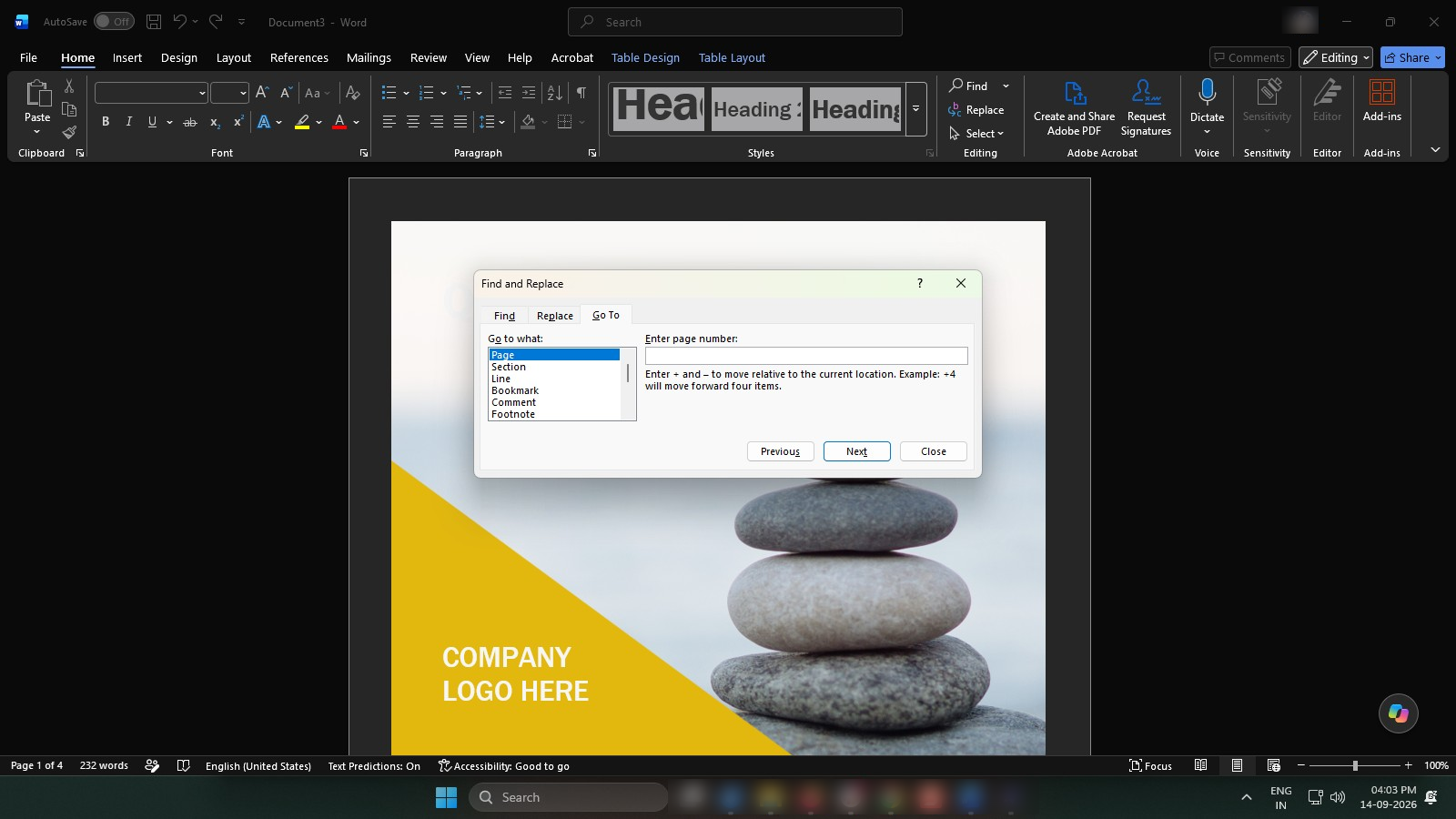
Type the page number you want to delete in the page field.
Press Enter, then close the Go To dialog box.
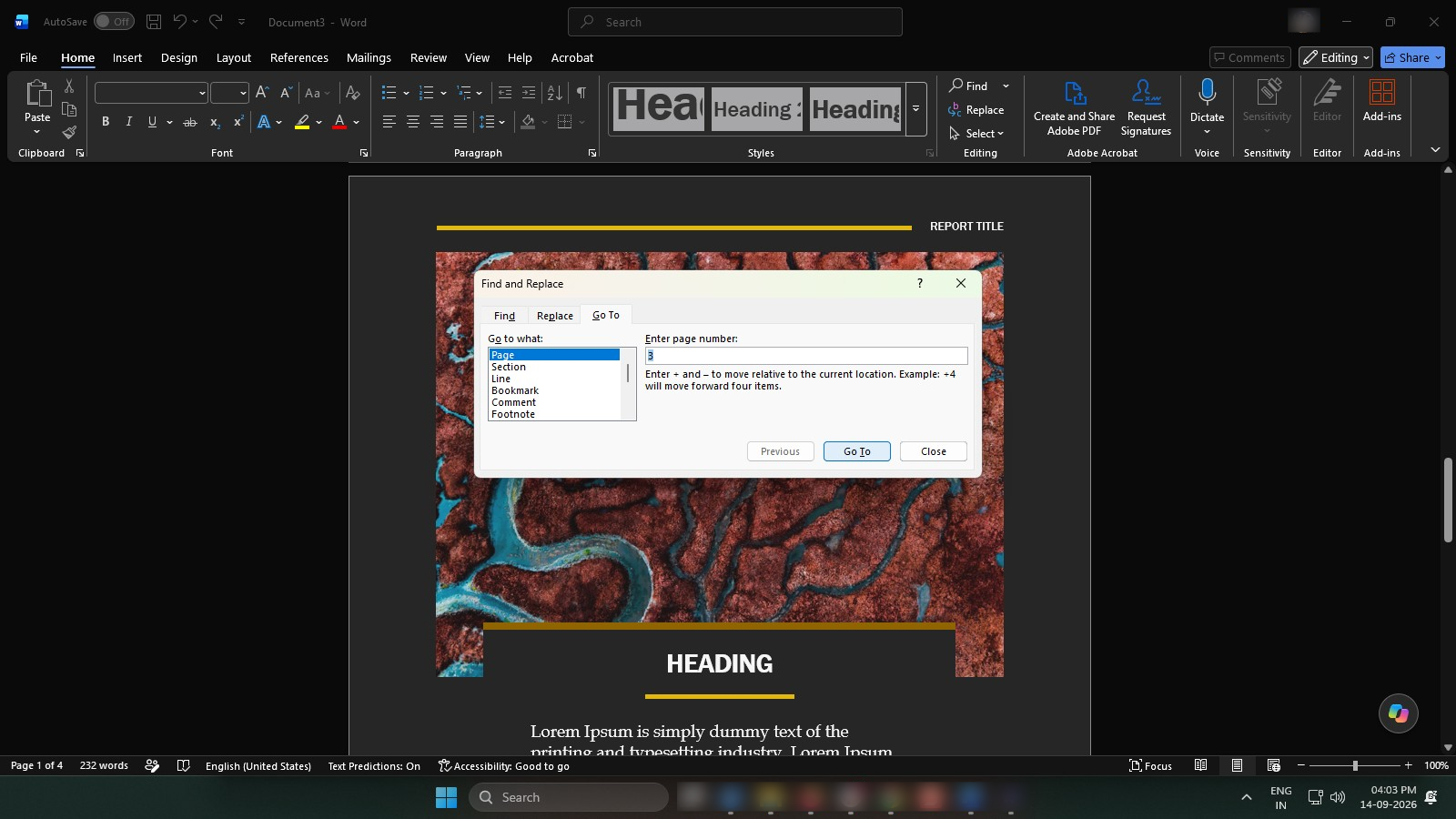
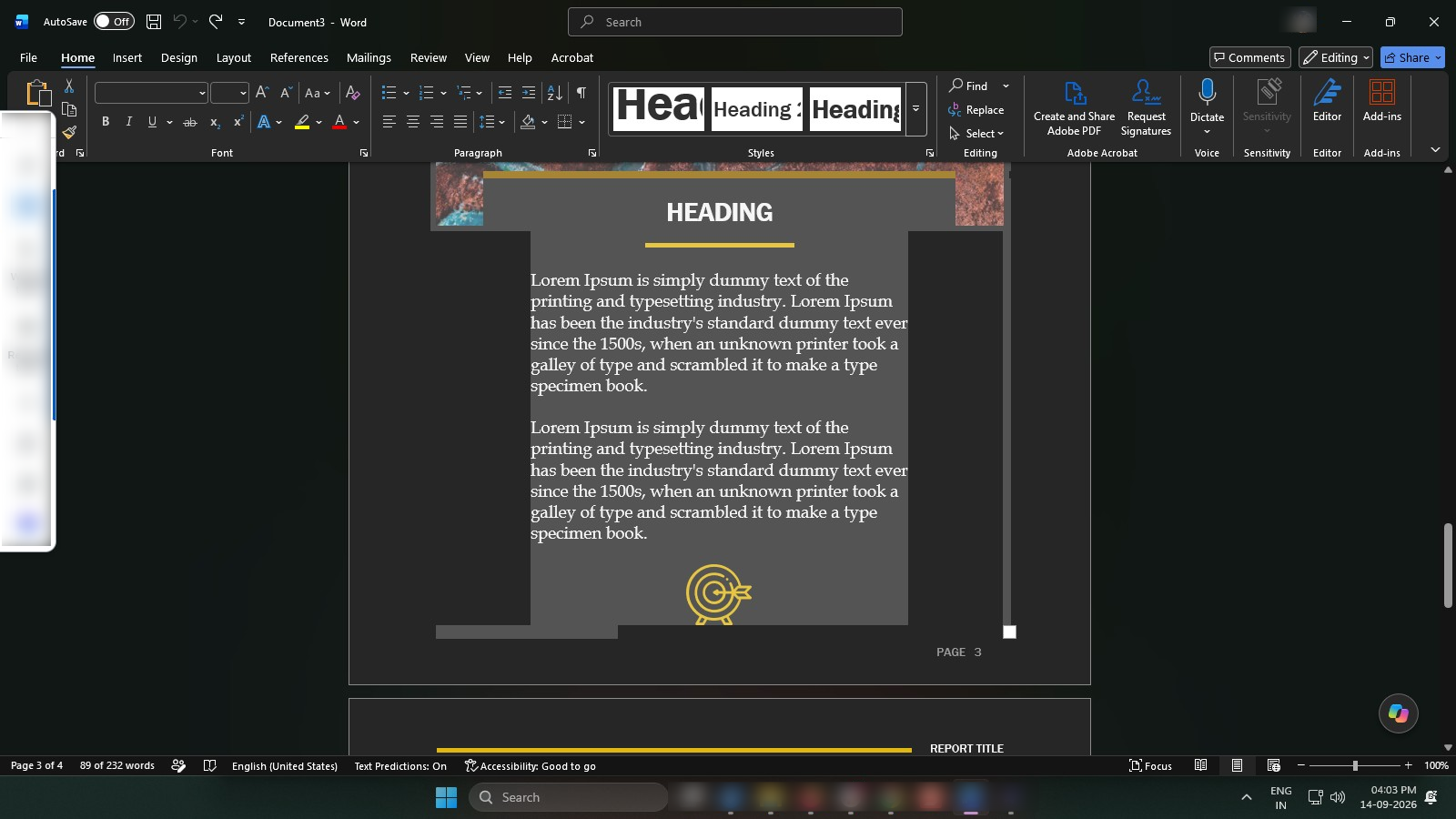
Select the page content using your mouse, or use Shift + Arrow keys, then press Delete.
Duplicate this template, swap in your own screens, and share it with your team. Free to start — no credit card.
Fill out the form and we'll get back to you as soon as possible.
Tell us about your team and we'll find the right plan together.