1
Navigate to Google Gemini
Navigate to the Google Gemini application to access your recent conversations and begin the deletion process.
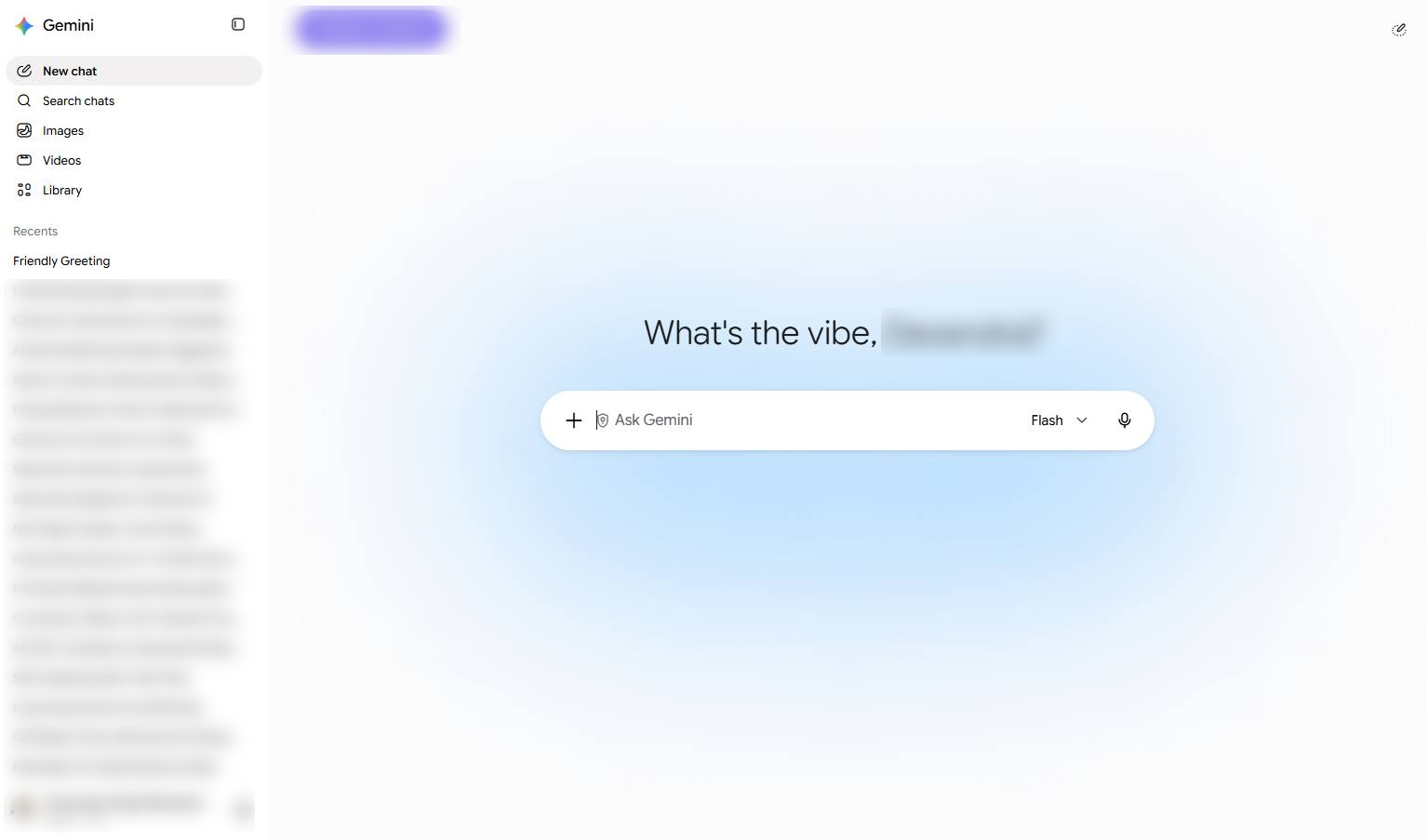

This guide will show you how to delete a chat conversation in Google Gemini to keep your history organized. You will navigate to the Gemini web app and follow the steps to select and permanently delete a chat session.
Navigate to the Google Gemini application to access your recent conversations and begin the deletion process.
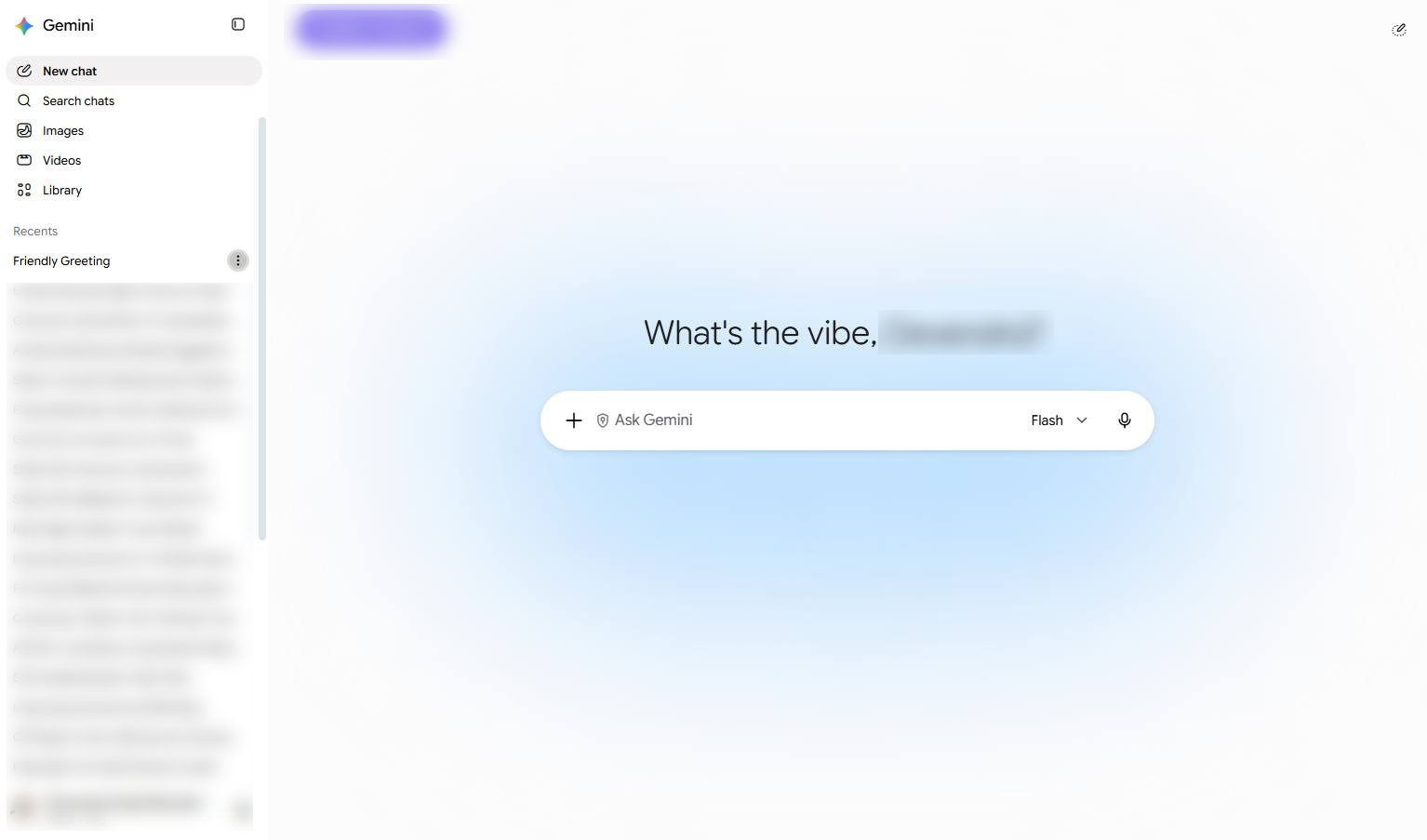
Click the three-dot menu icon next to the chat in the left sidebar to open its options.
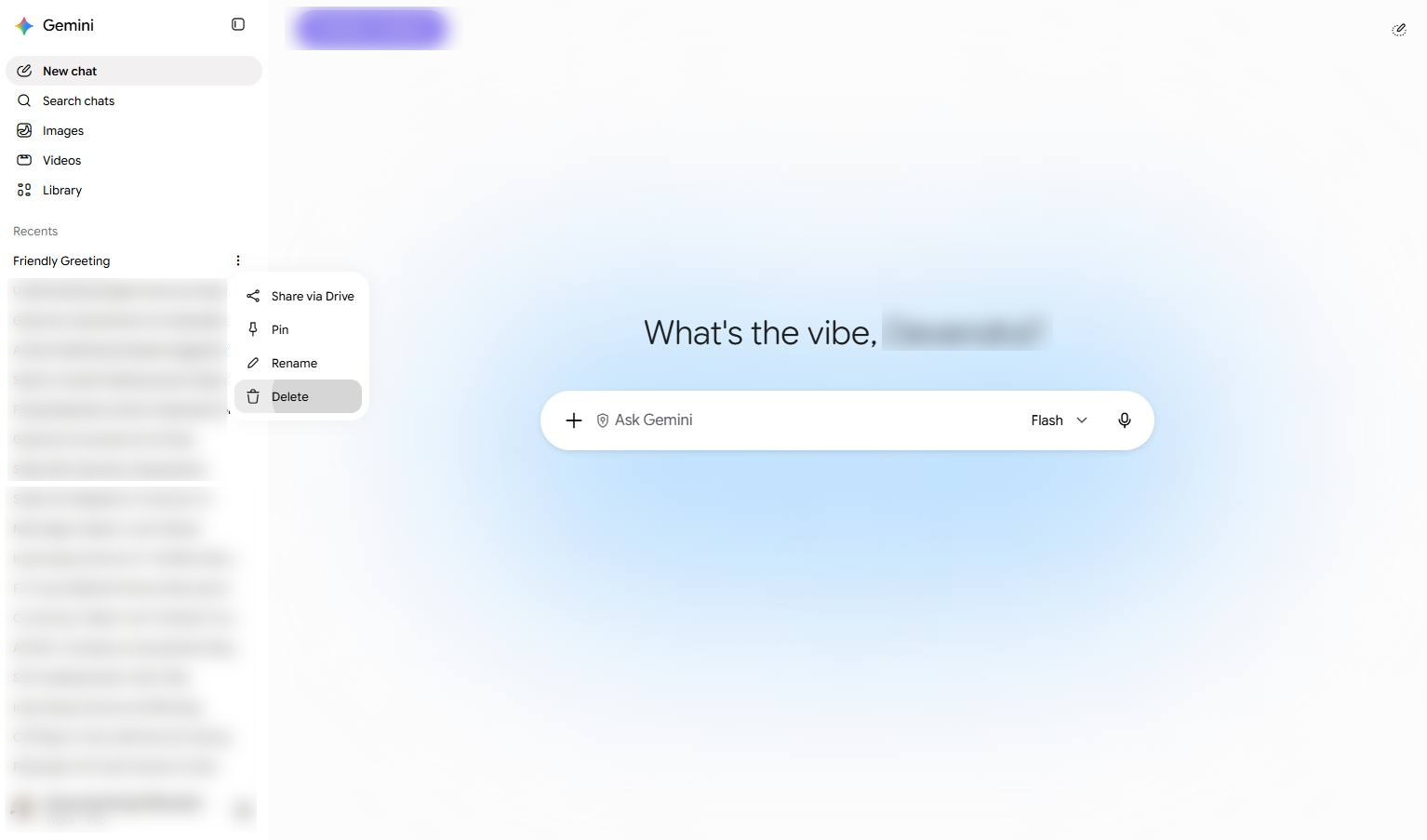
Click the Delete option in the context menu to remove the selected chat.
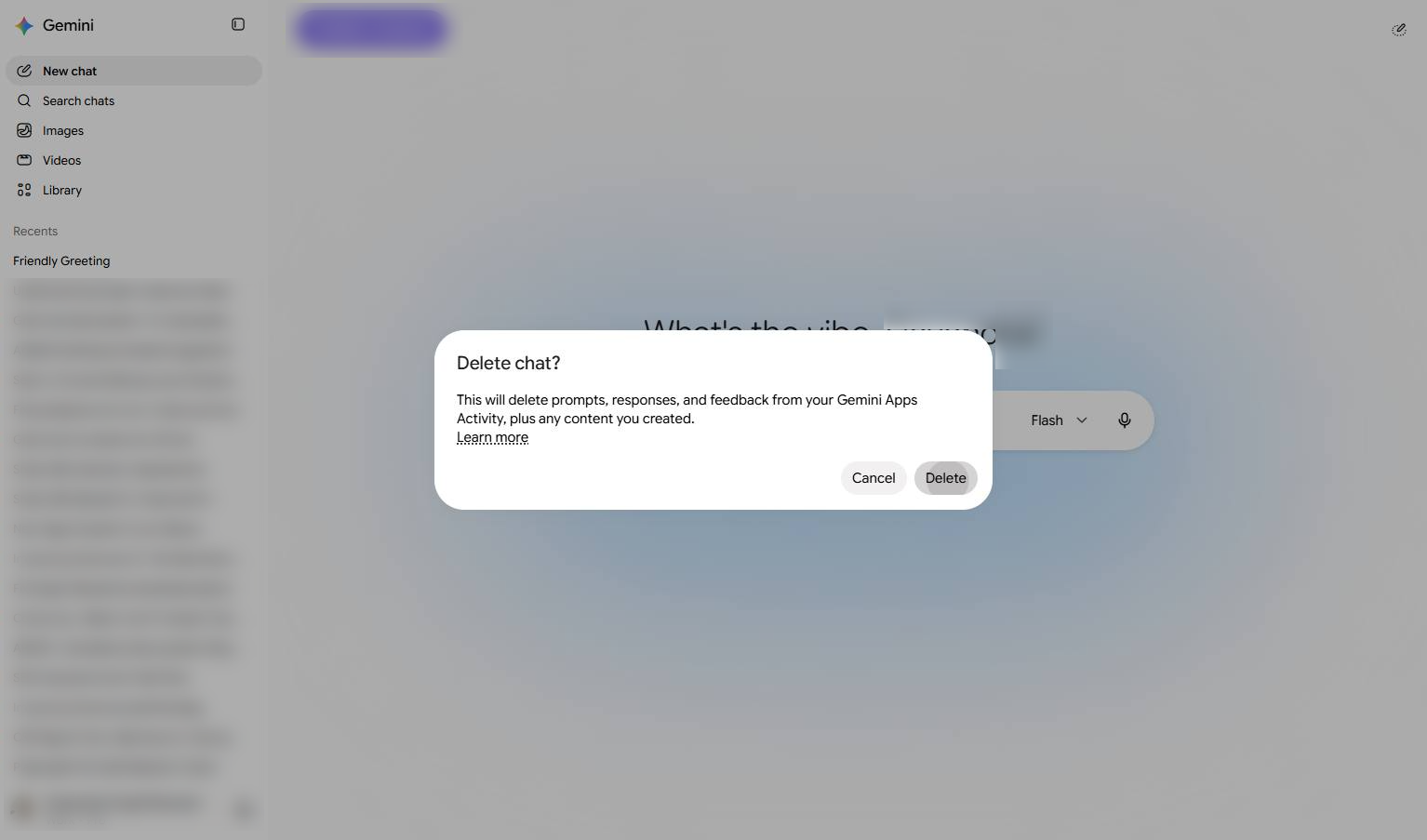
Click the Delete button in the confirmation dialog to permanently remove the chat.
Duplicate this template, swap in your own screens, and share it with your team. Free to start — no credit card.
Fill out the form and we'll get back to you as soon as possible.
Tell us about your team and we'll find the right plan together.