1
Open the repository you want to delete on GitHub.
Open the repository you want to delete on GitHub.
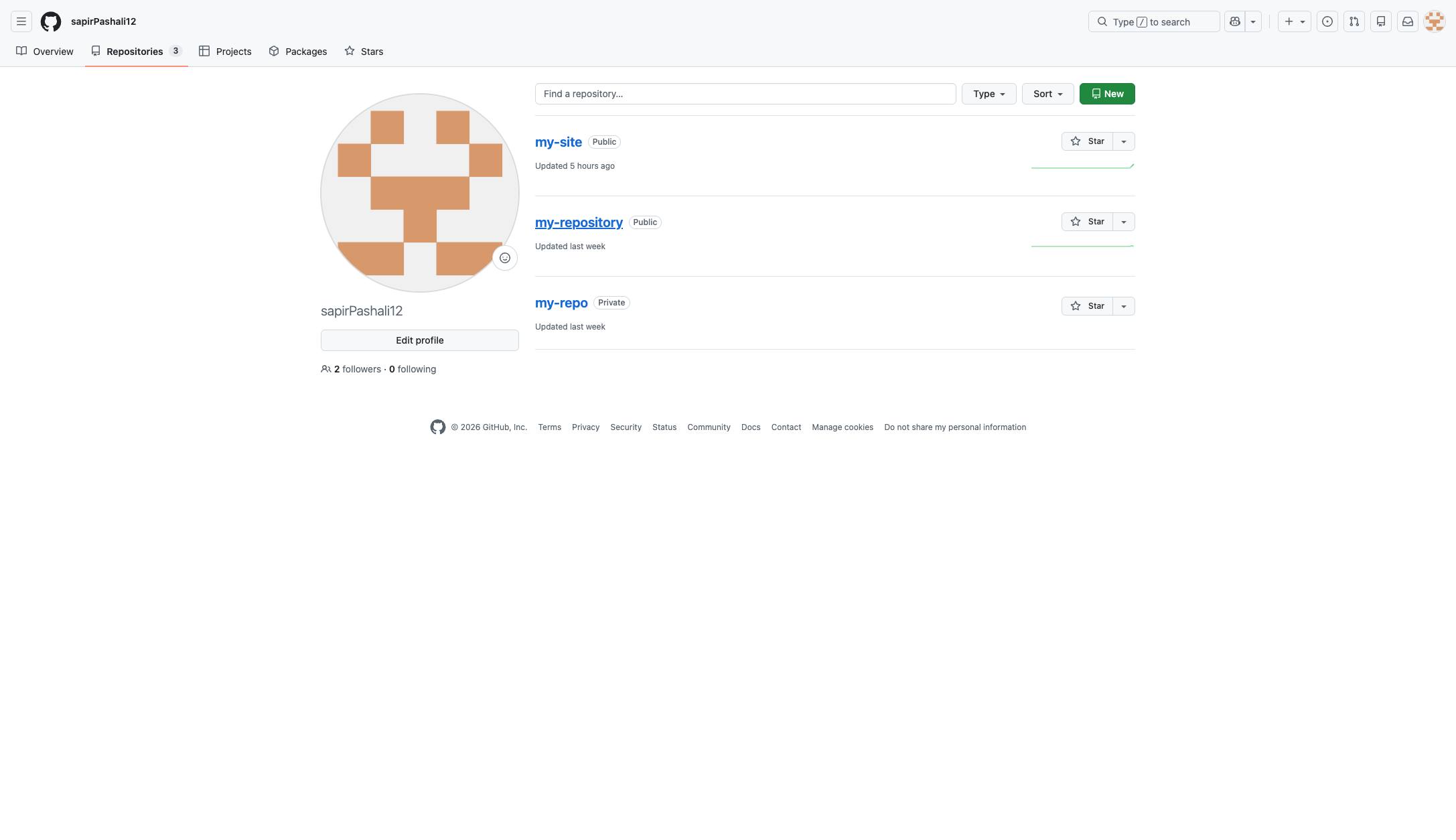

If you don't want to display an old project on GitHub anymore, or you just want to get rid of some unused Repositories, you can easily delete them from GitHub in a few steps
Open the repository you want to delete on GitHub.
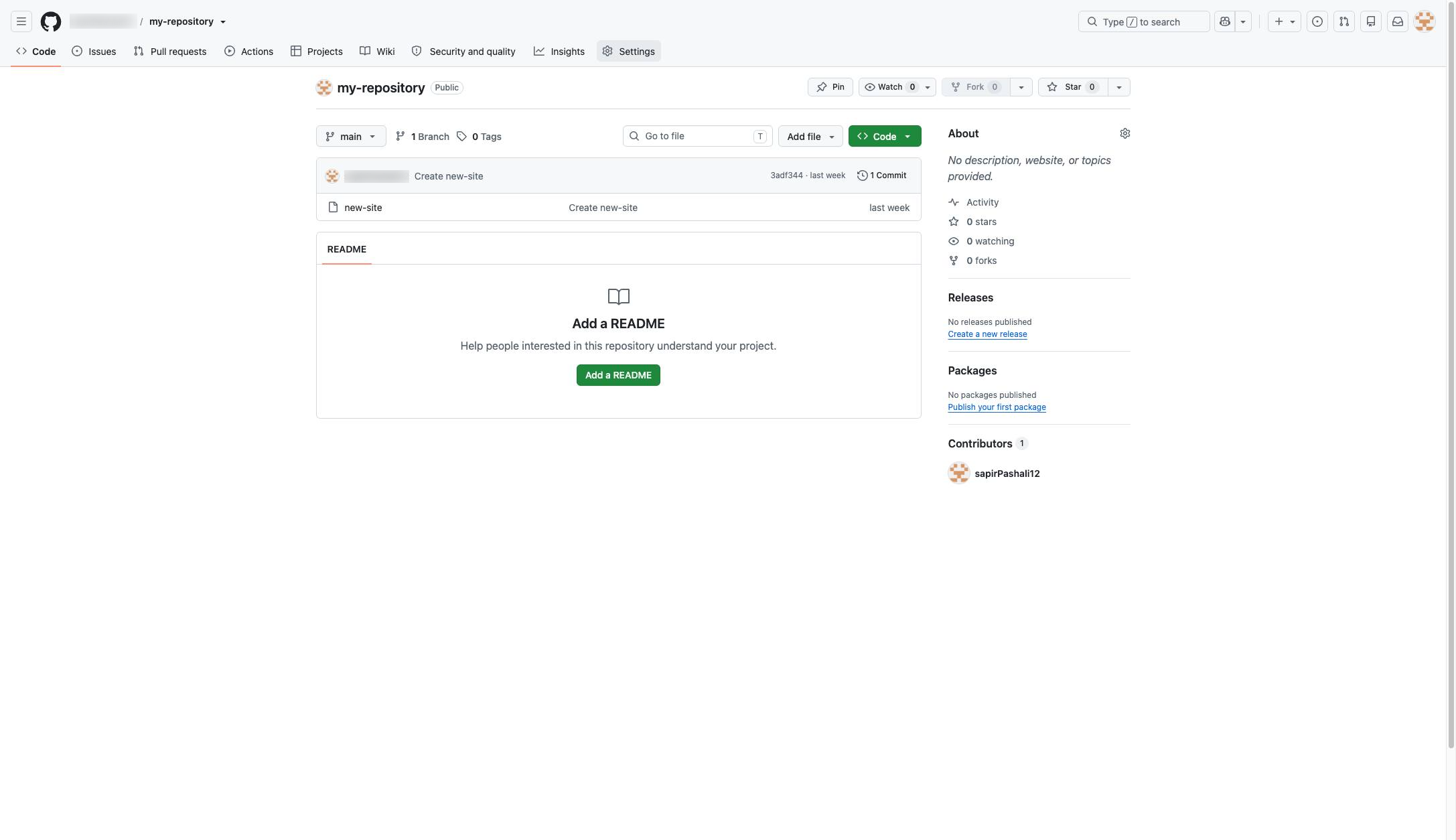
Click the Settings tab in the repository navigation menu to access repository configuration options.
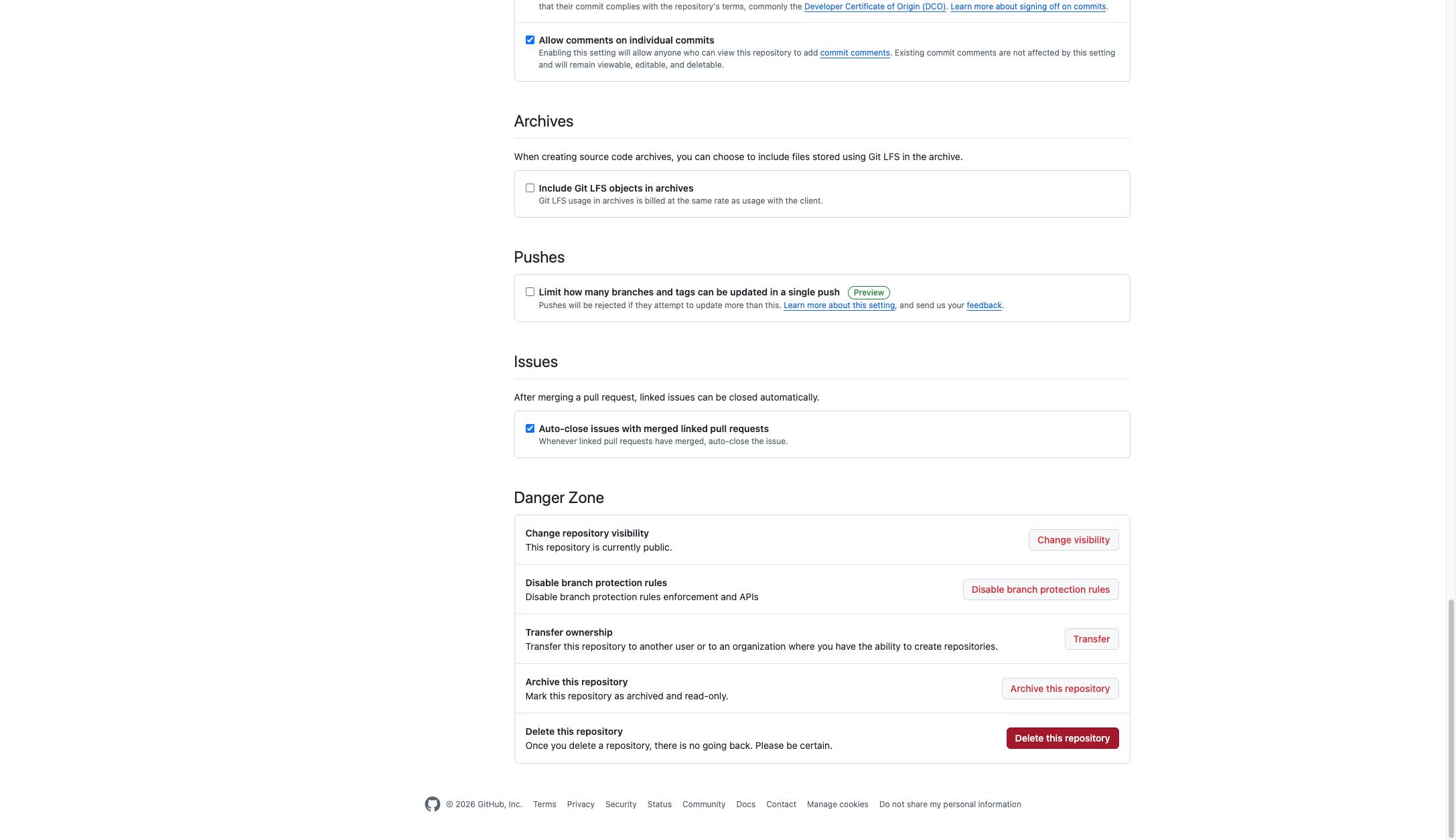
Click the "Delete this repository" button located in the Danger Zone section at the bottom of the page.
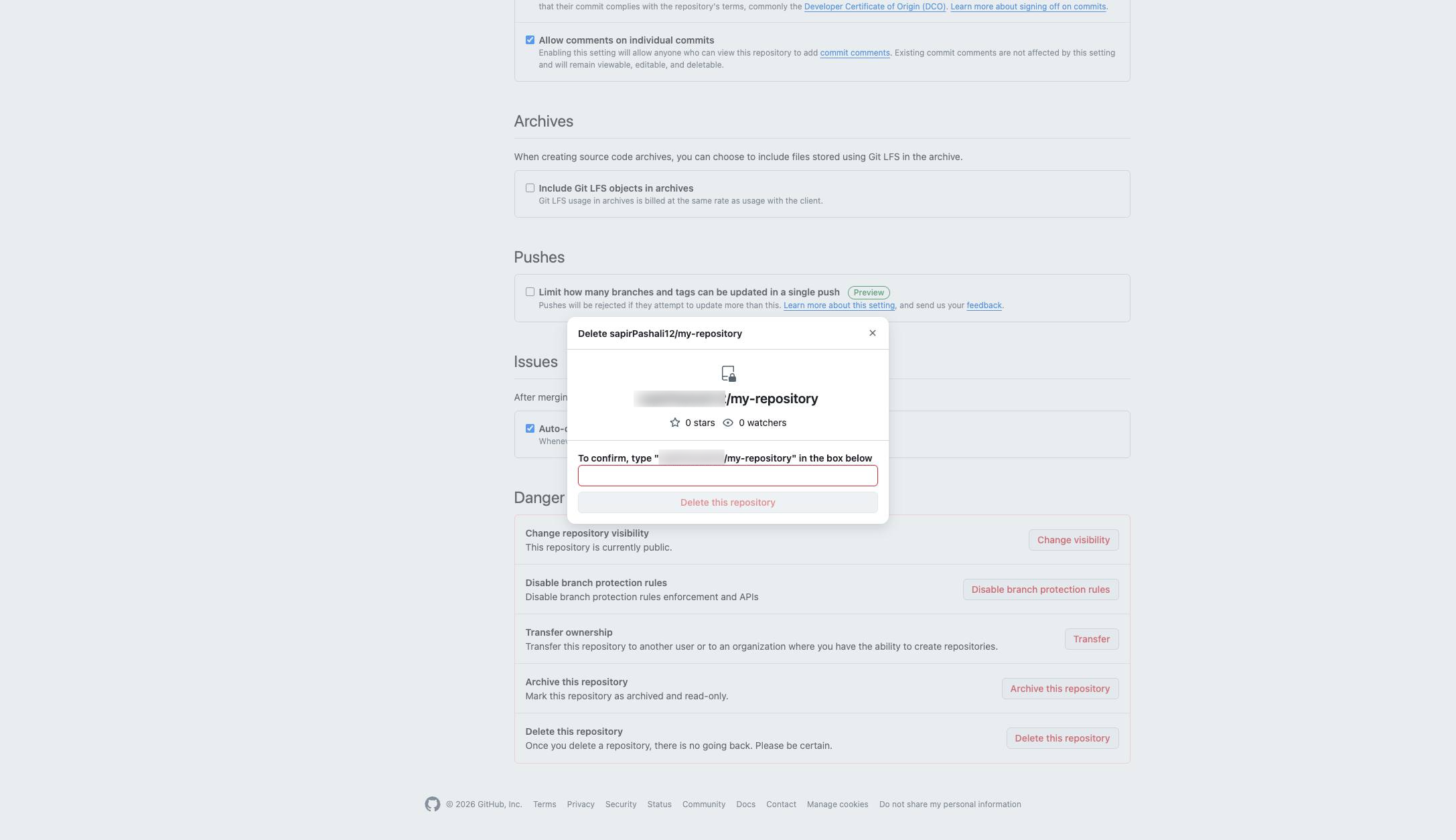
Click the label above the input field in the delete repository modal to focus the text box.
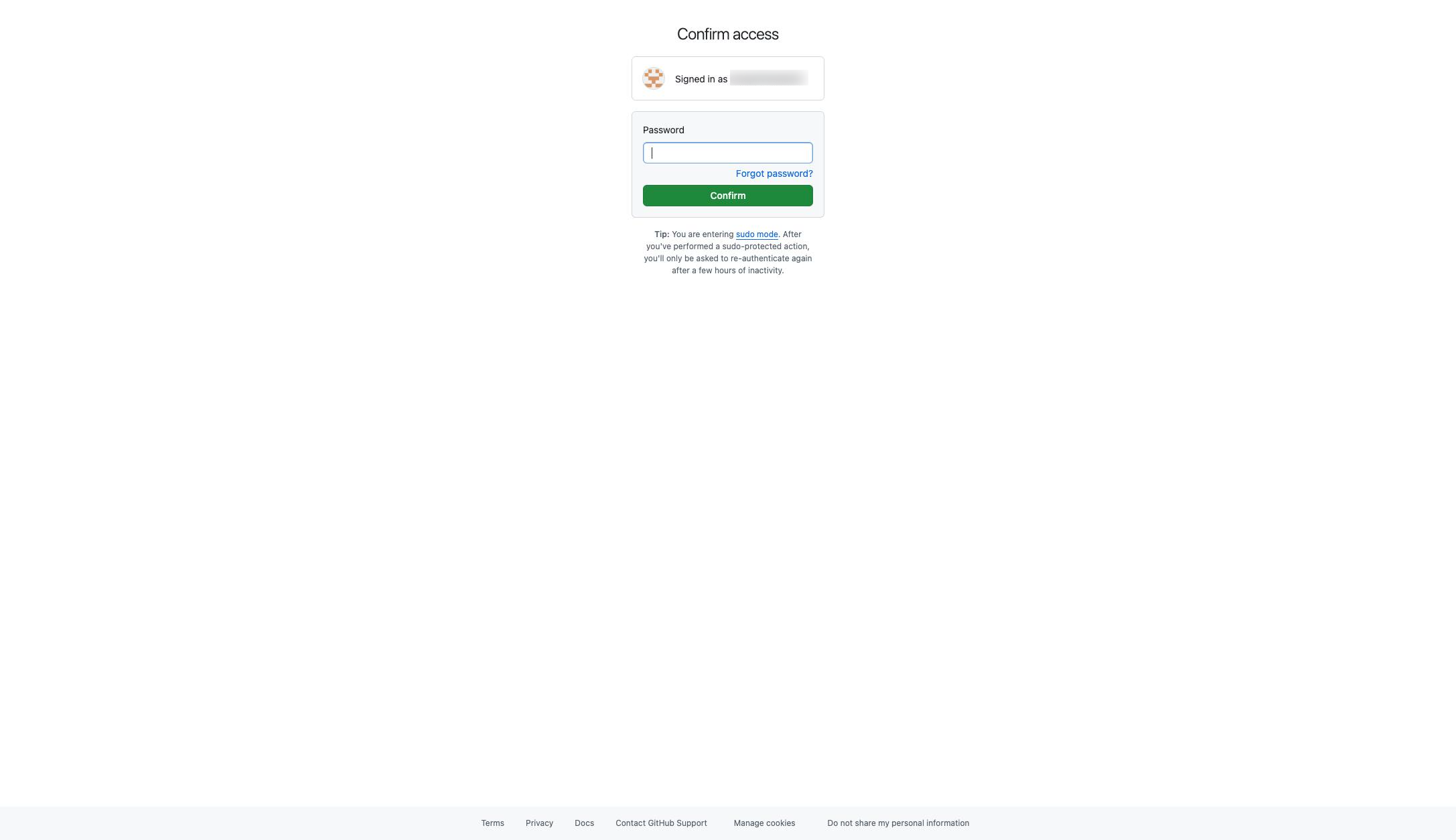
Click the Password input field in the center of the page to enter your credentials.
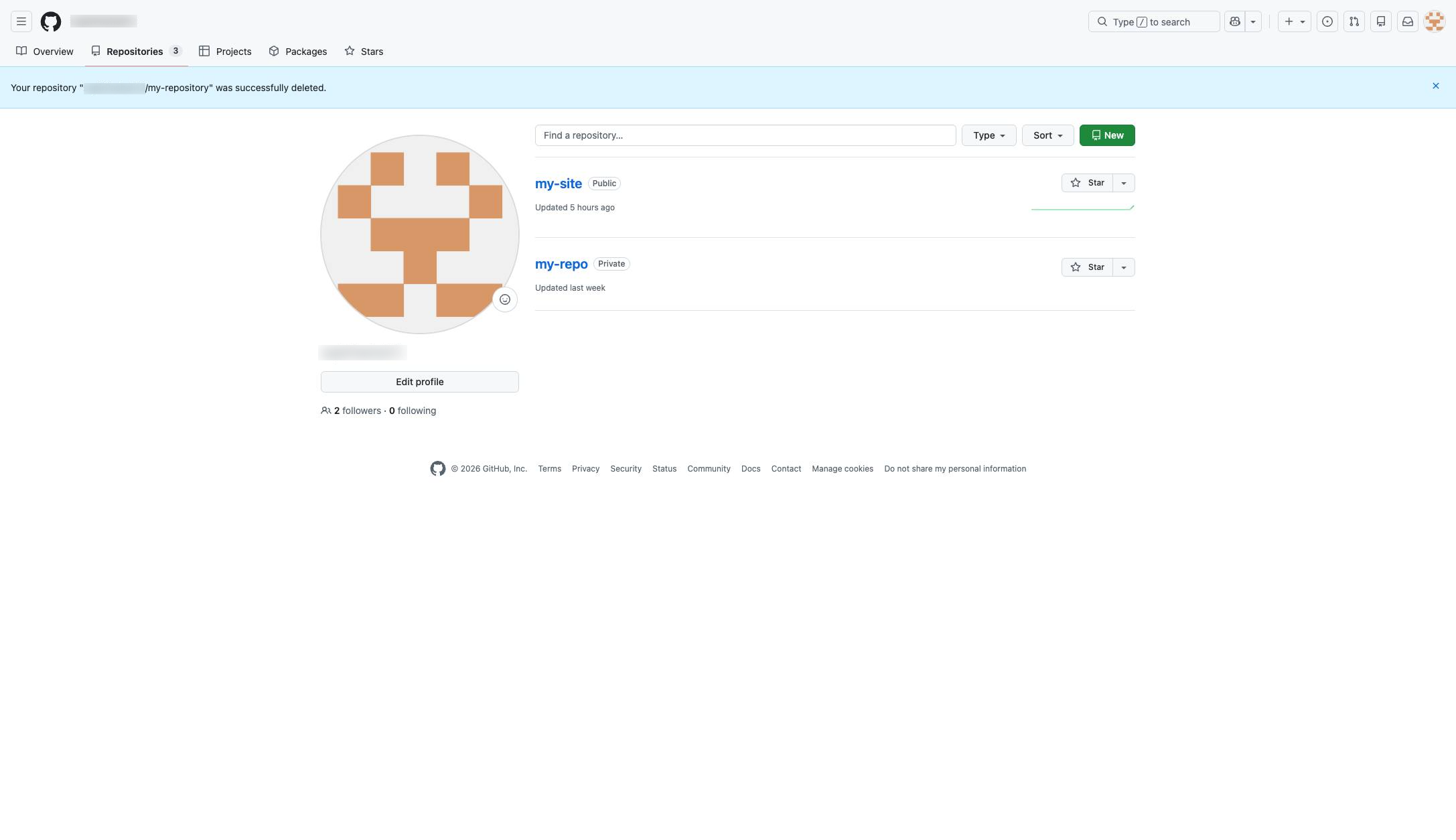
Click the success message banner at the top of the page to dismiss the notification.
Duplicate this template, swap in your own screens, and share it with your team. Free to start — no credit card.
Fill out the form and we'll get back to you as soon as possible.
Tell us about your team and we'll find the right plan together.