1
Click the repository header area
Click the repository header area located below the main navigation tabs.
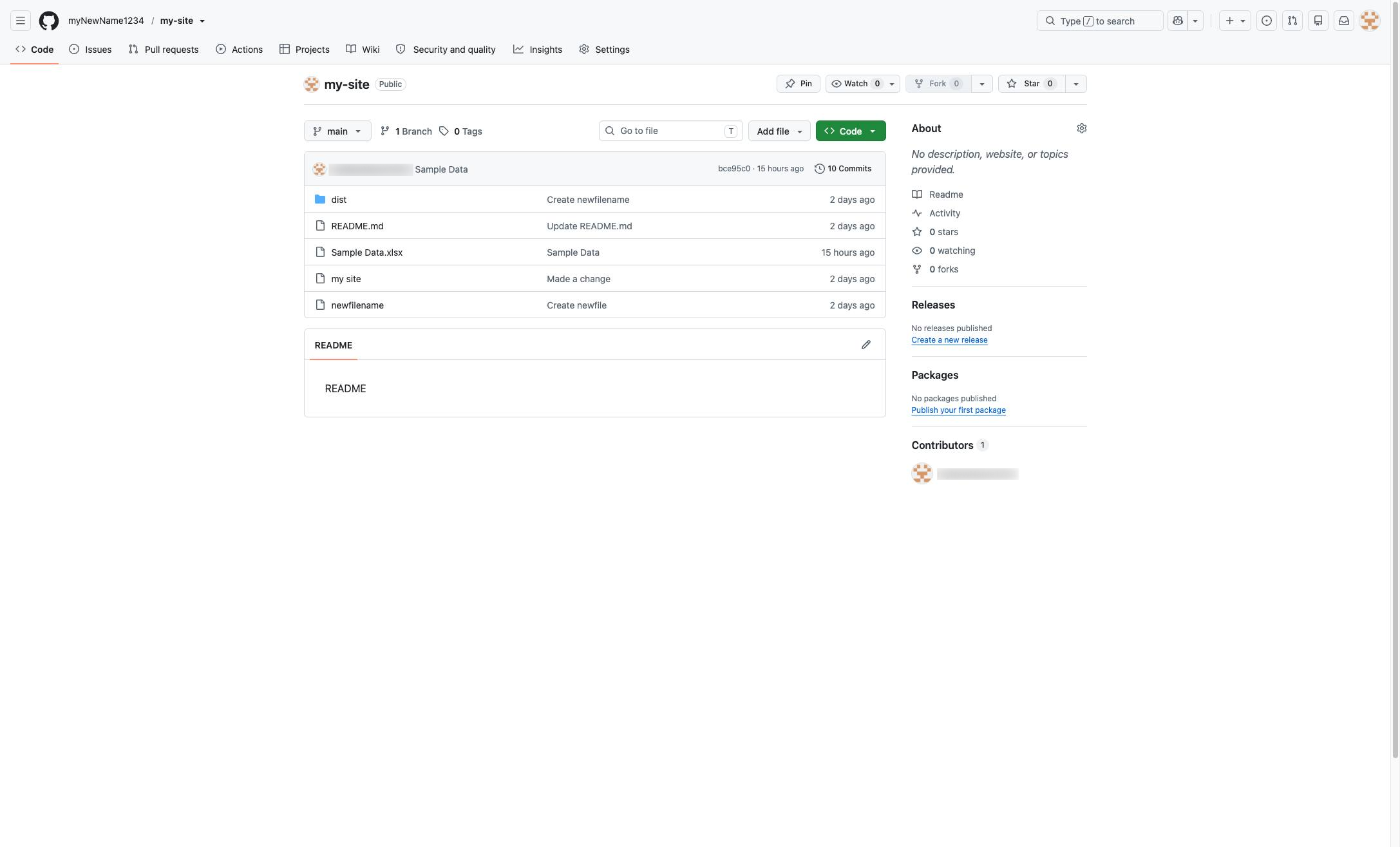

Adding a file to GitHub is simple enough, but how do you delete a file from GitHub? Let's go over it in a few quick steps.
Click the repository header area located below the main navigation tabs.
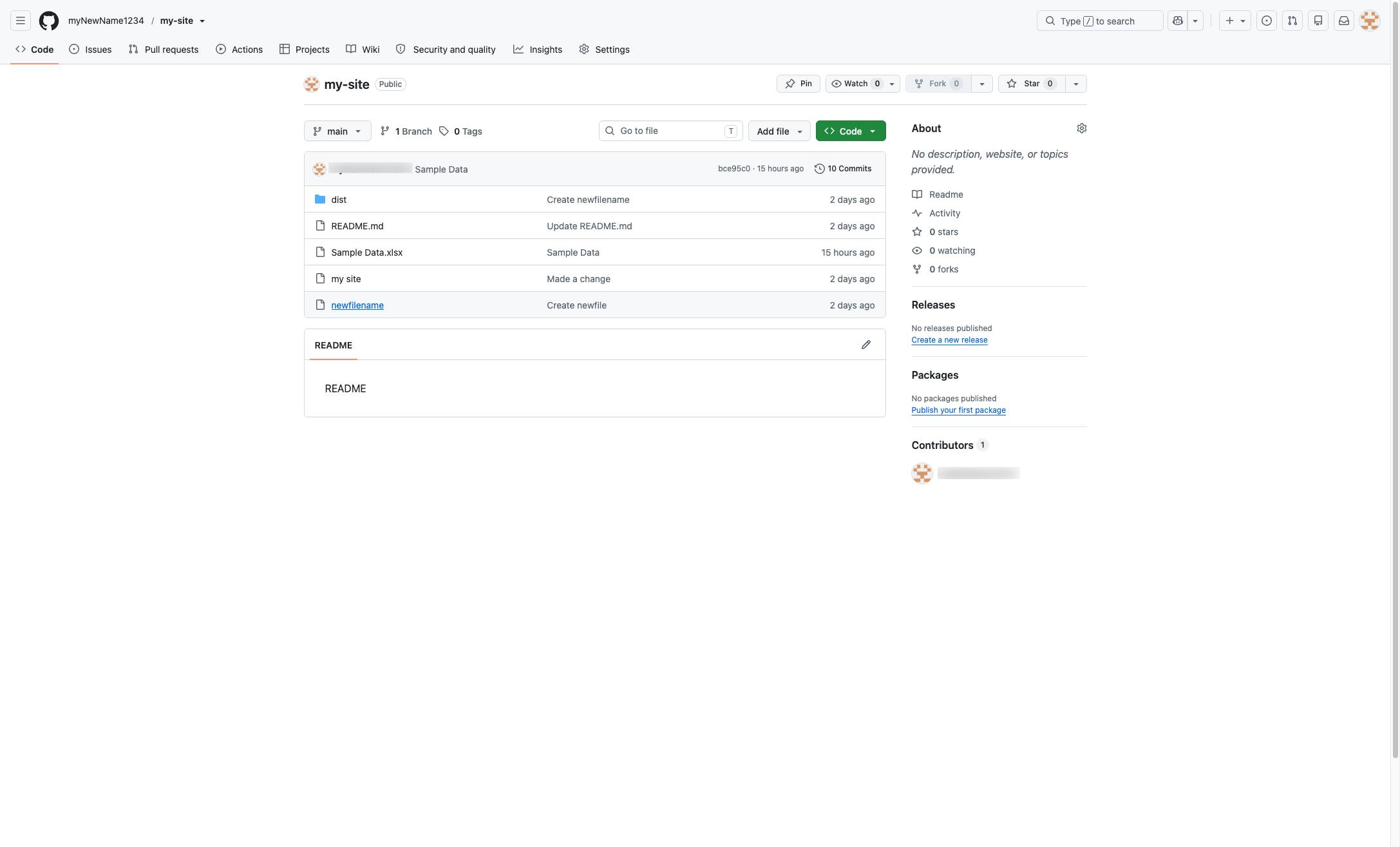
Click the "newfilename" link in the repository file list to view its contents.
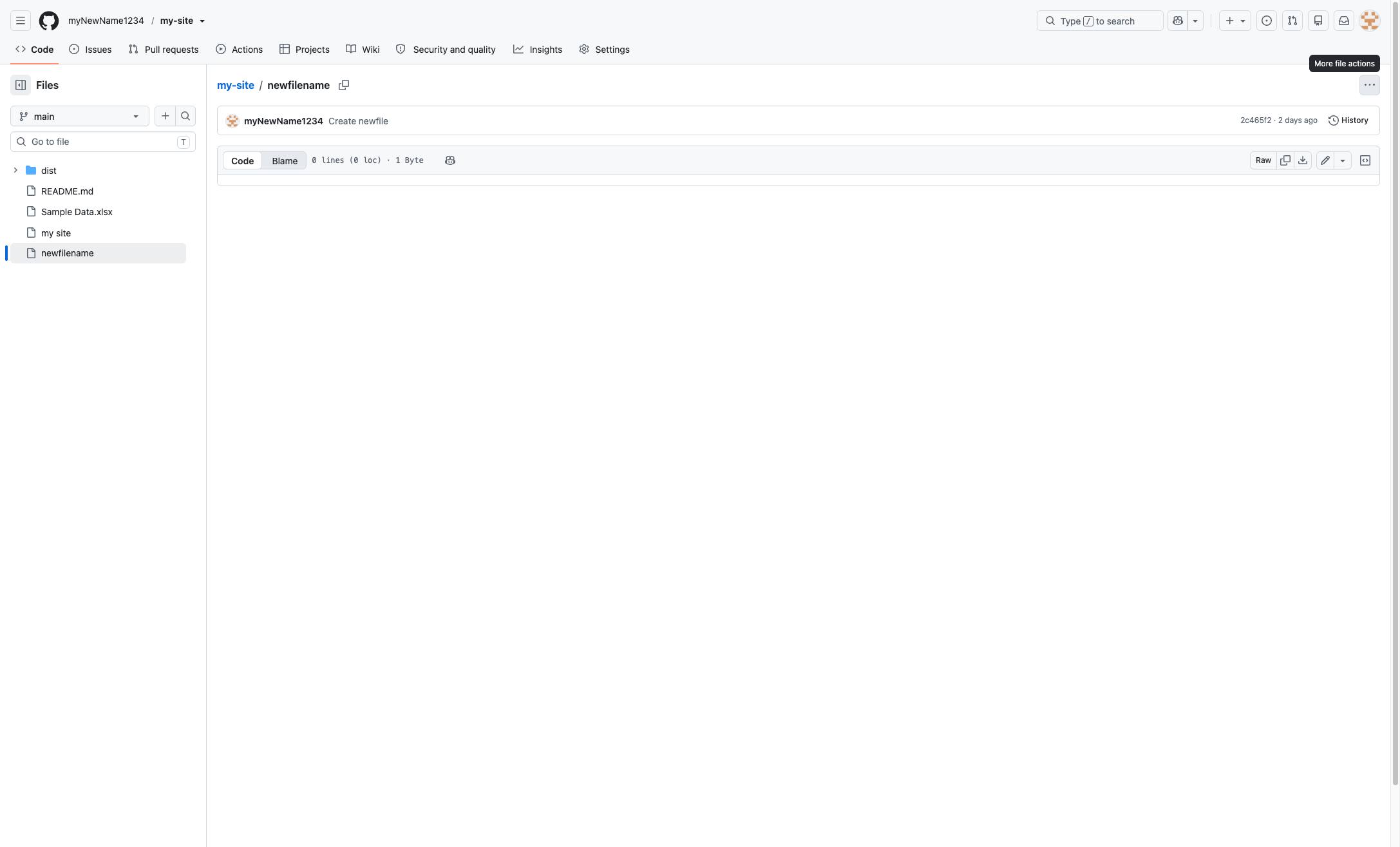
Click the "More file actions" button in the top right corner of the file header to open the dropdown menu.
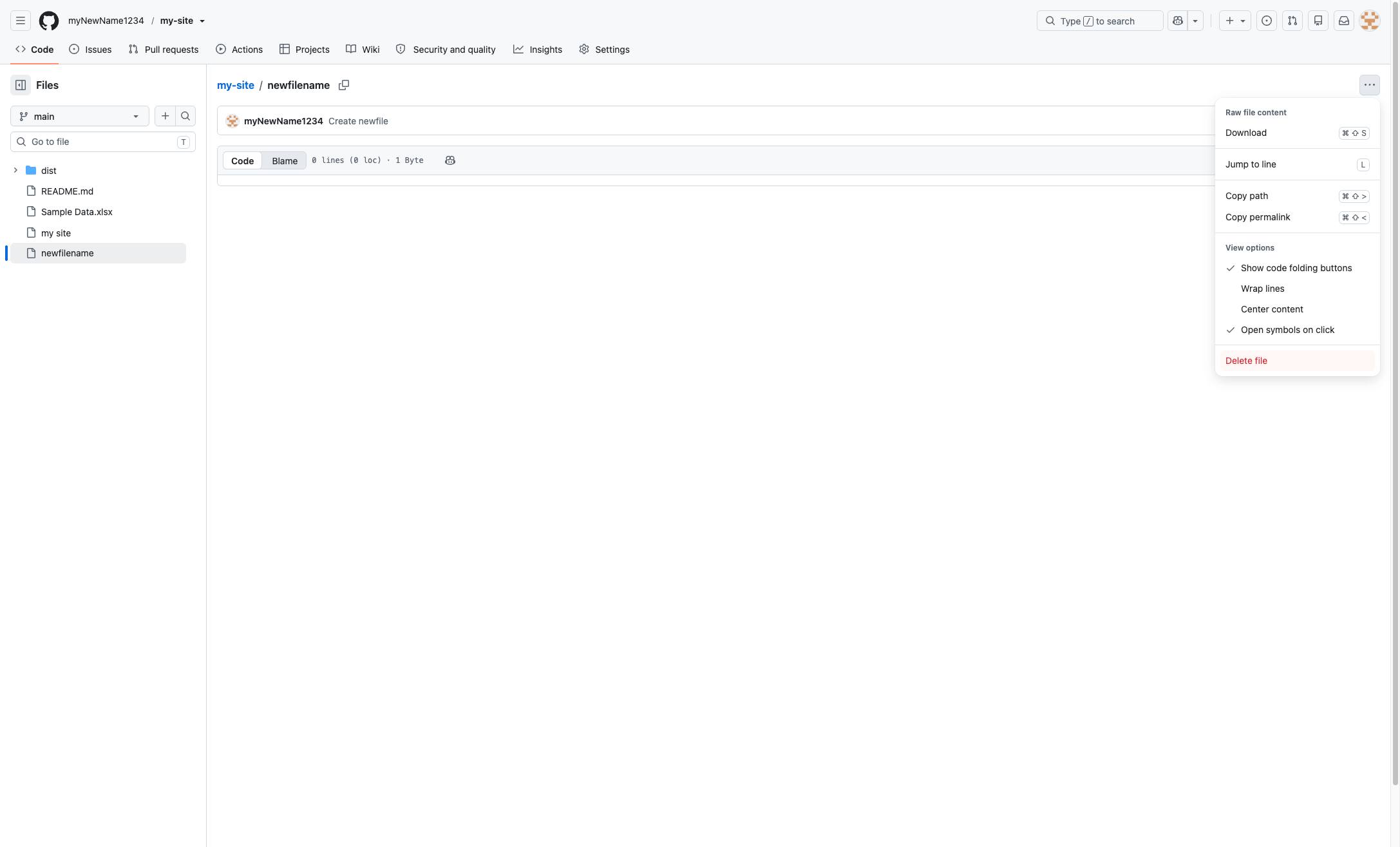
Click the "Delete file" option at the bottom of the dropdown menu to remove the file from the repository.
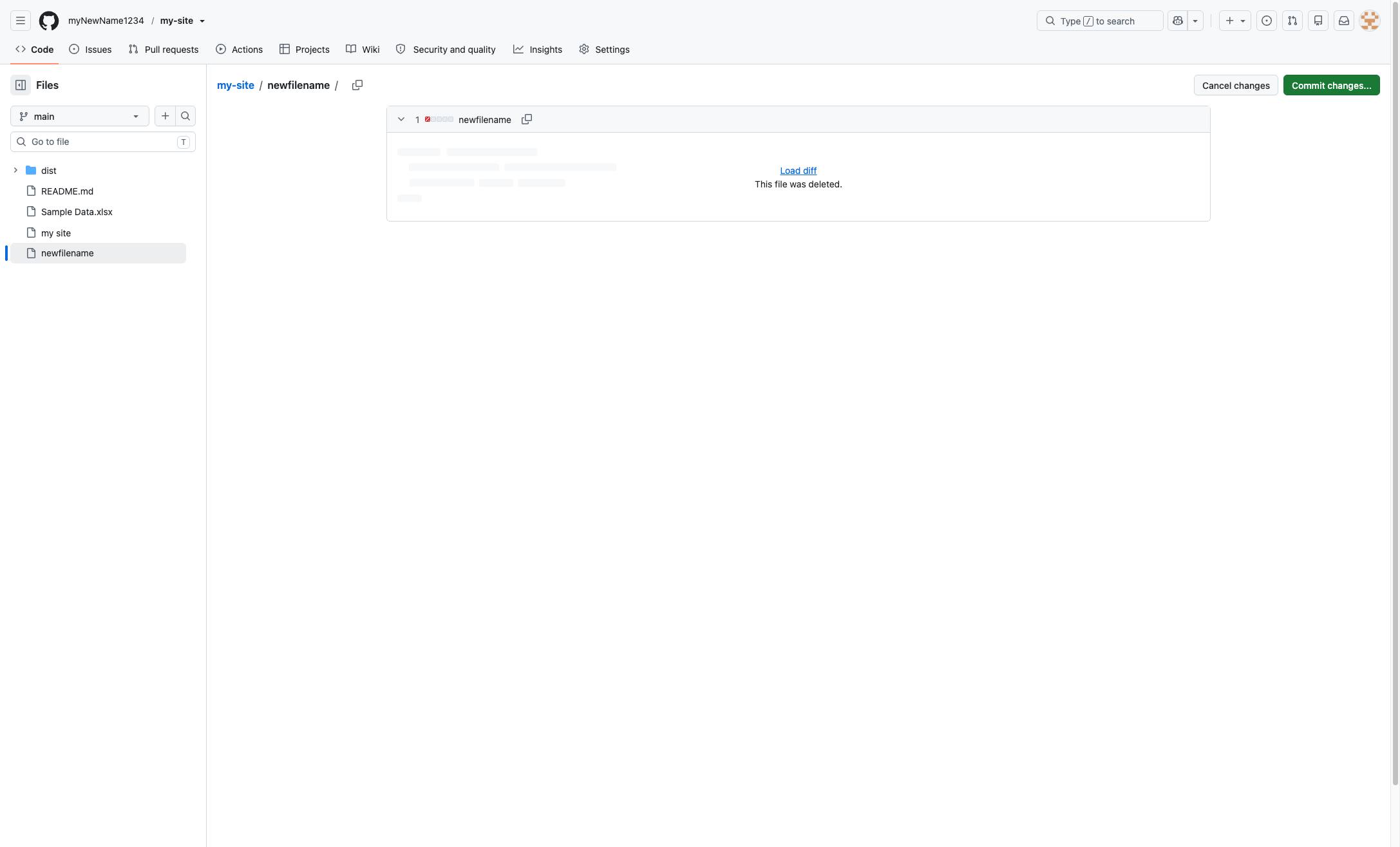
Click the green "Commit changes..." button in the top right corner to proceed with deleting the file.
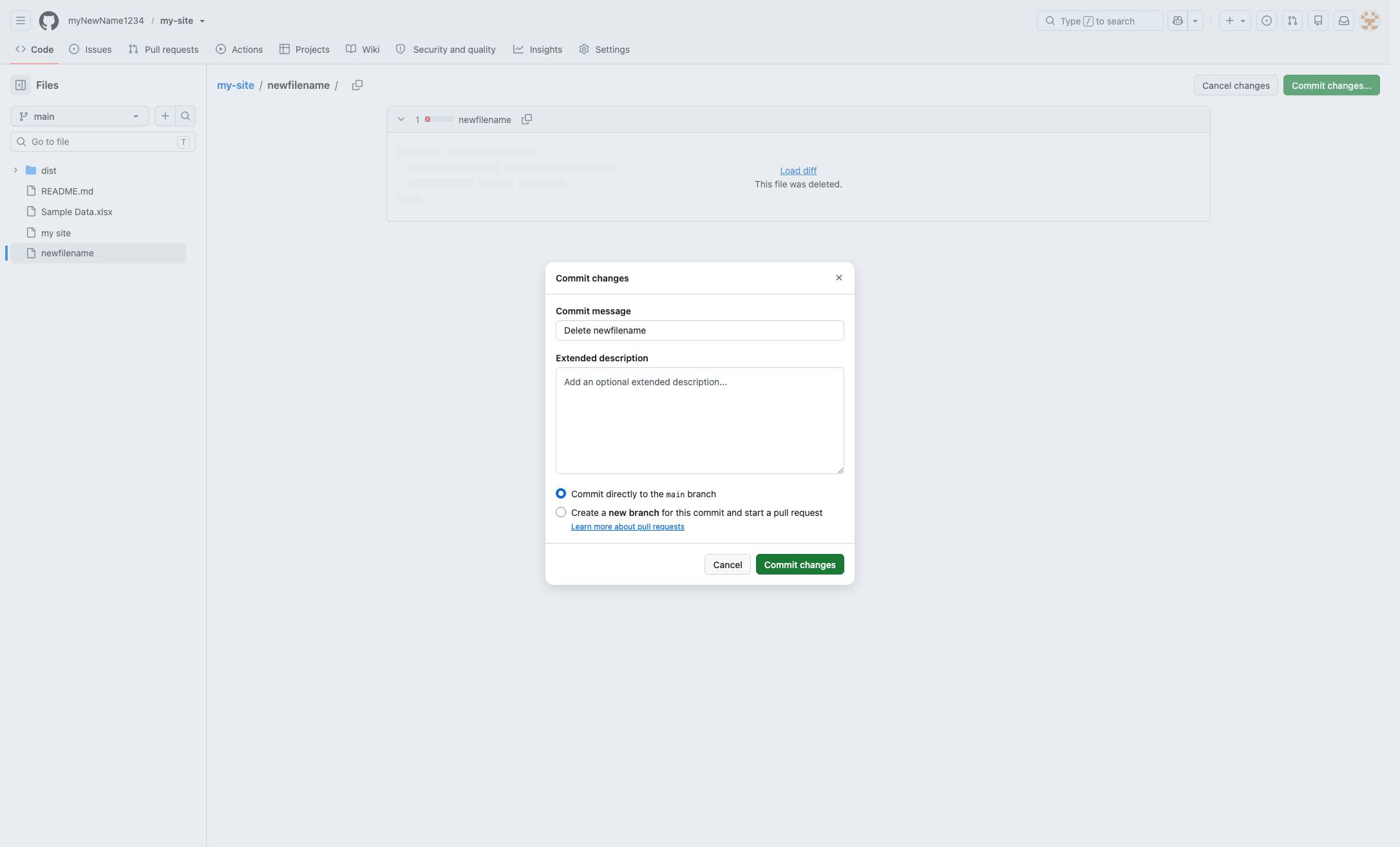
Click the "Commit changes" button at the bottom right of the modal to finalize the deletion.
Duplicate this template, swap in your own screens, and share it with your team. Free to start — no credit card.
Fill out the form and we'll get back to you as soon as possible.
Tell us about your team and we'll find the right plan together.