1
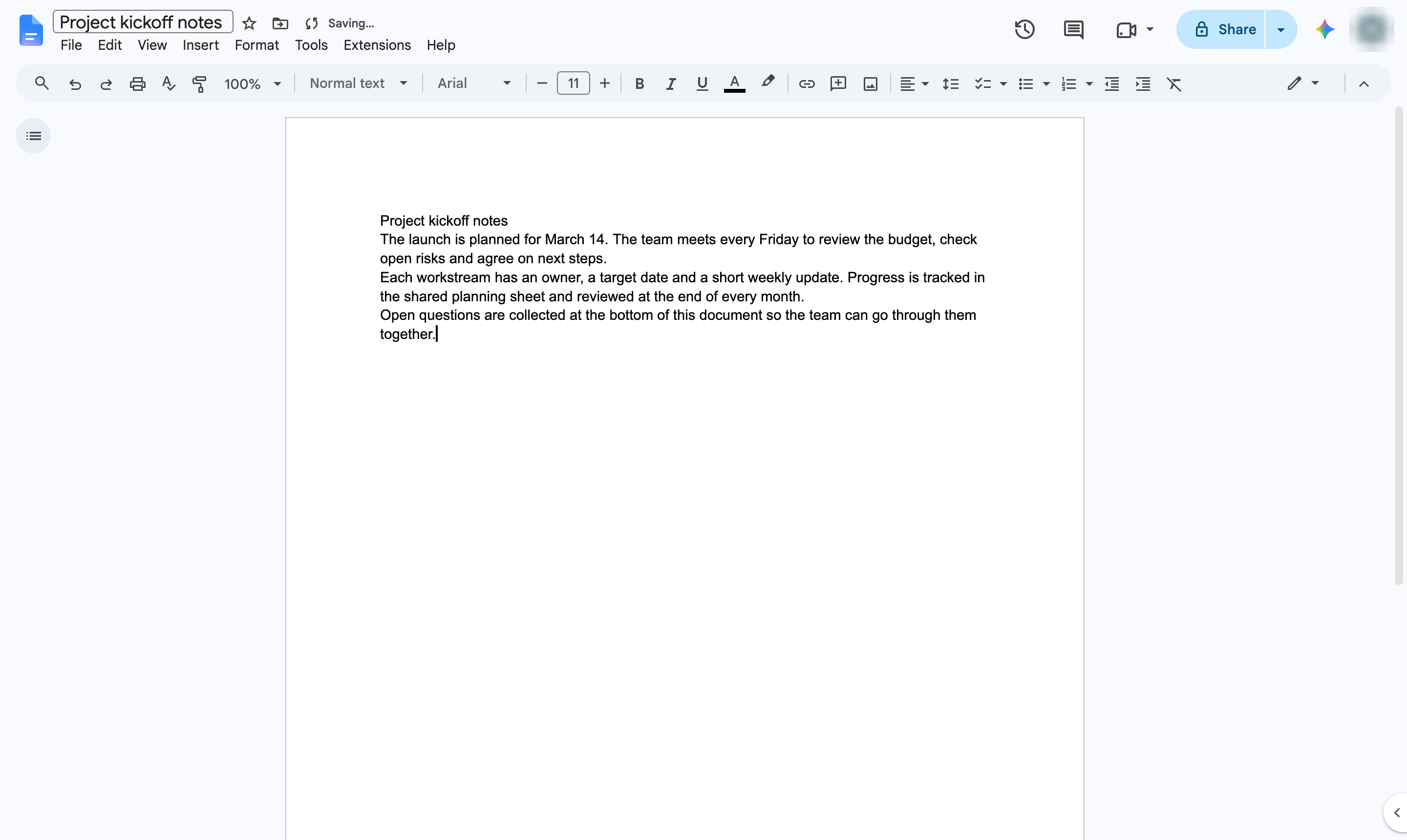
Click Insert
Open the Insert menu.

Stamp text such as DRAFT or CONFIDENTIAL faintly across every page.
Open the Insert menu.
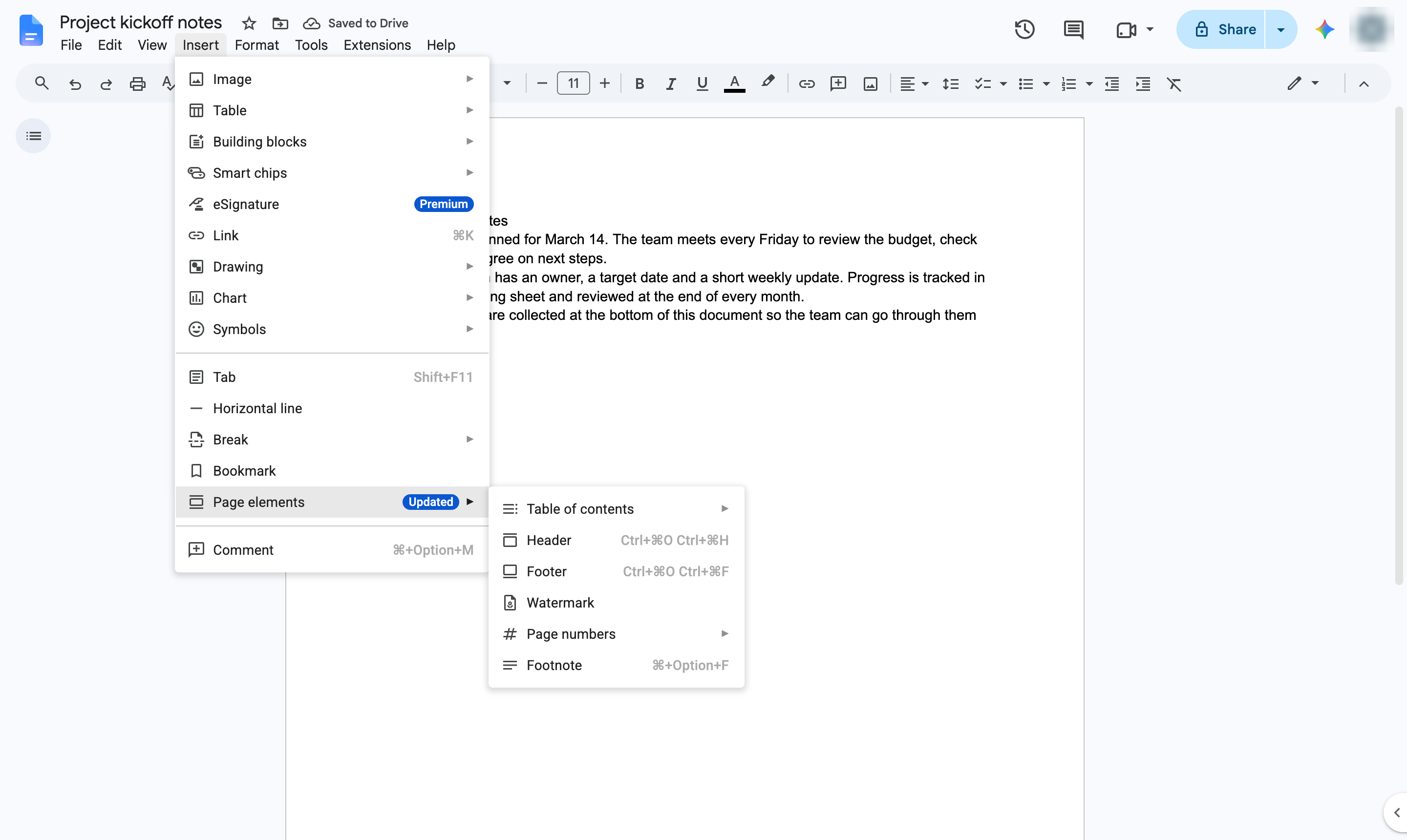
Hover over Page elements.
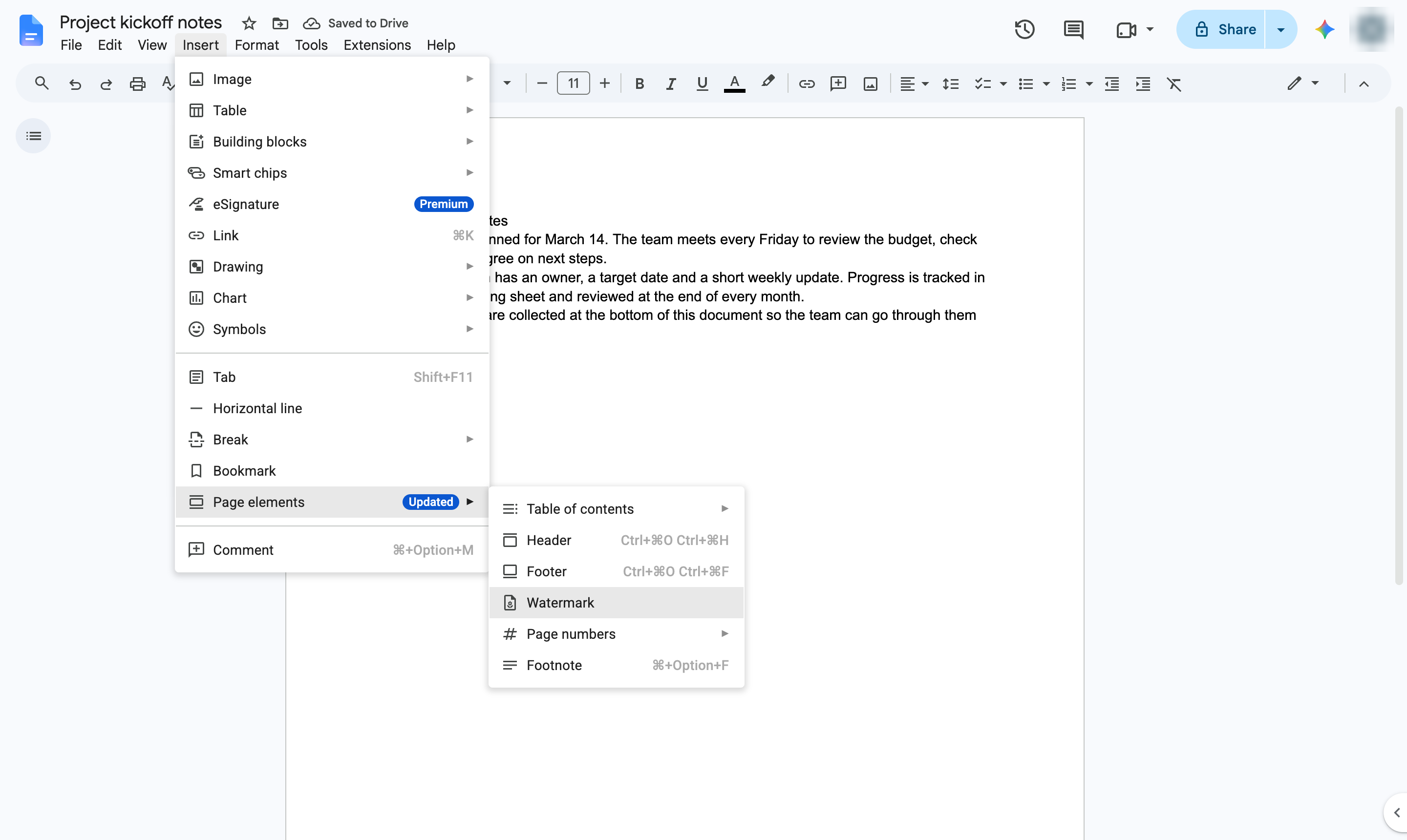
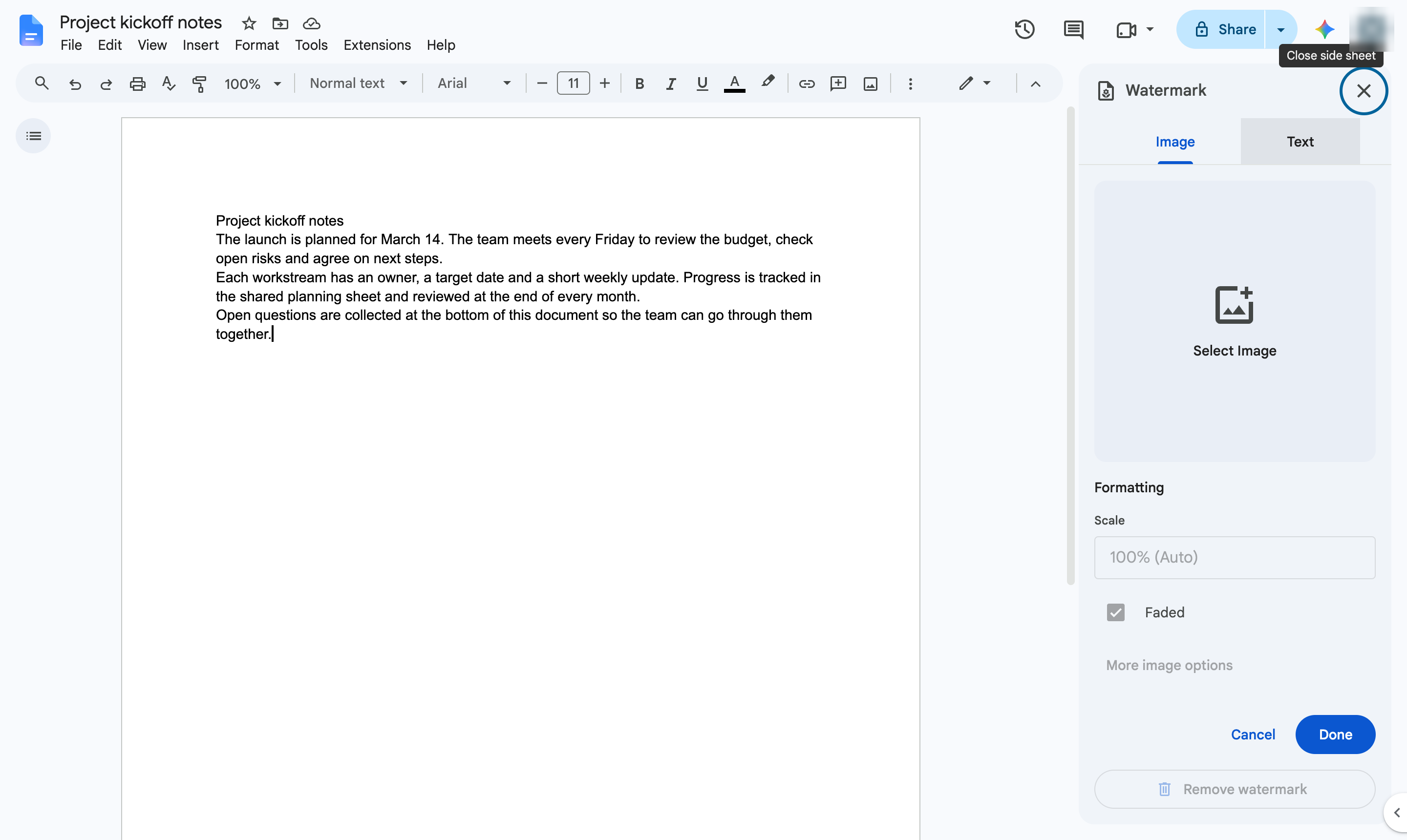
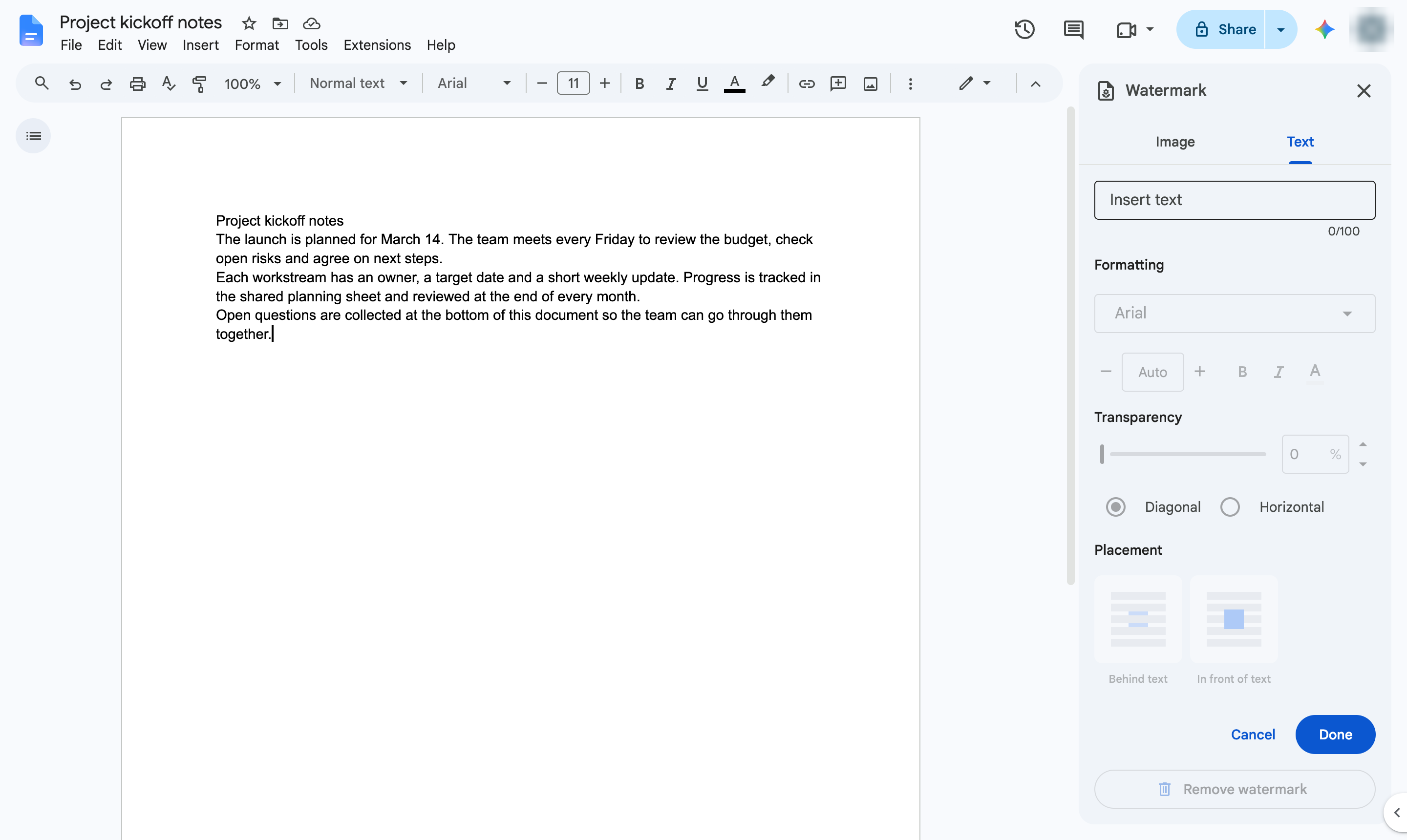
Choose Watermark. A panel opens on the right.
Open the Text tab. Use the Image tab to use a logo instead.
Click Insert text. Type what the watermark should say. You can also change the font, size, transparency and angle.
Apply the watermark.
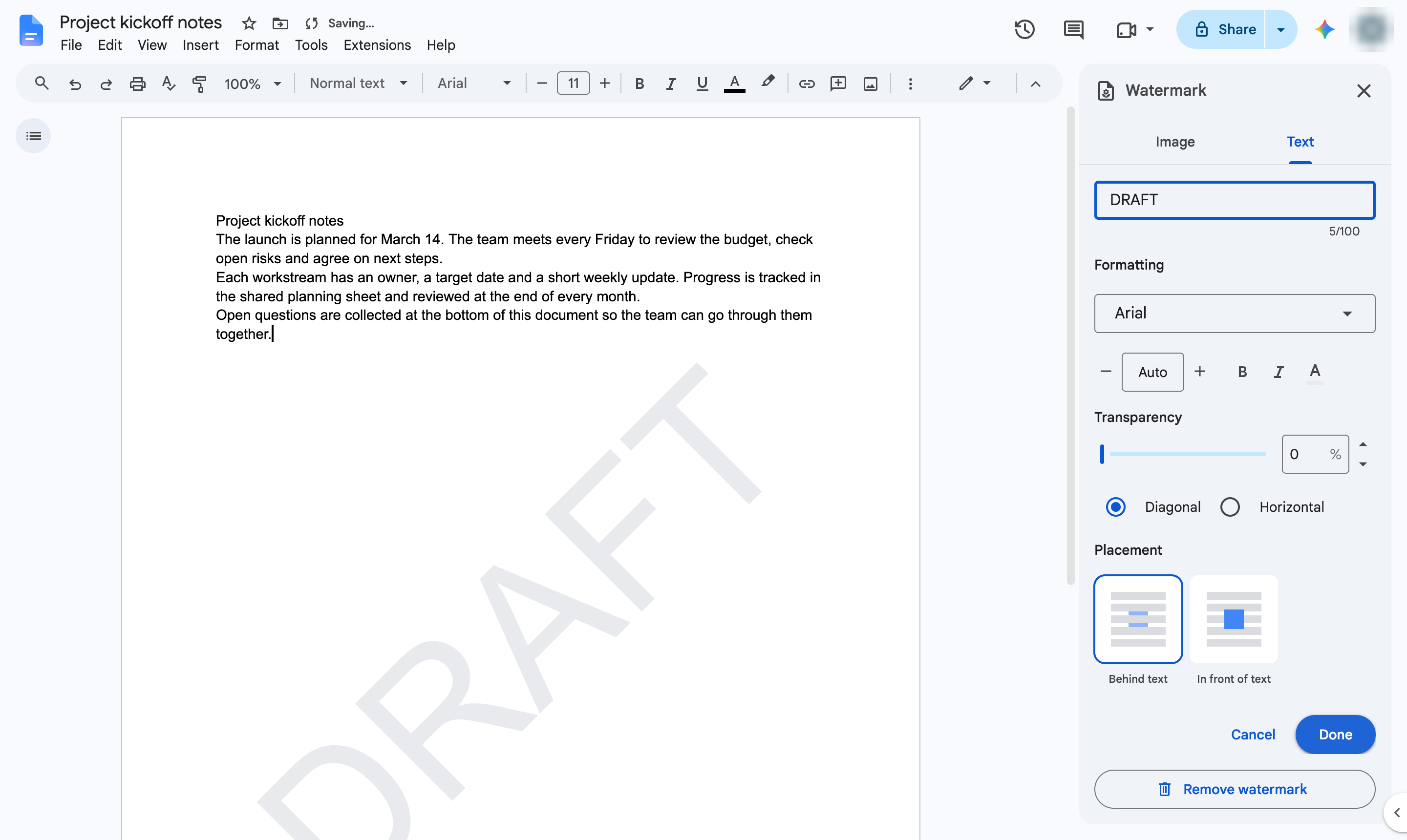
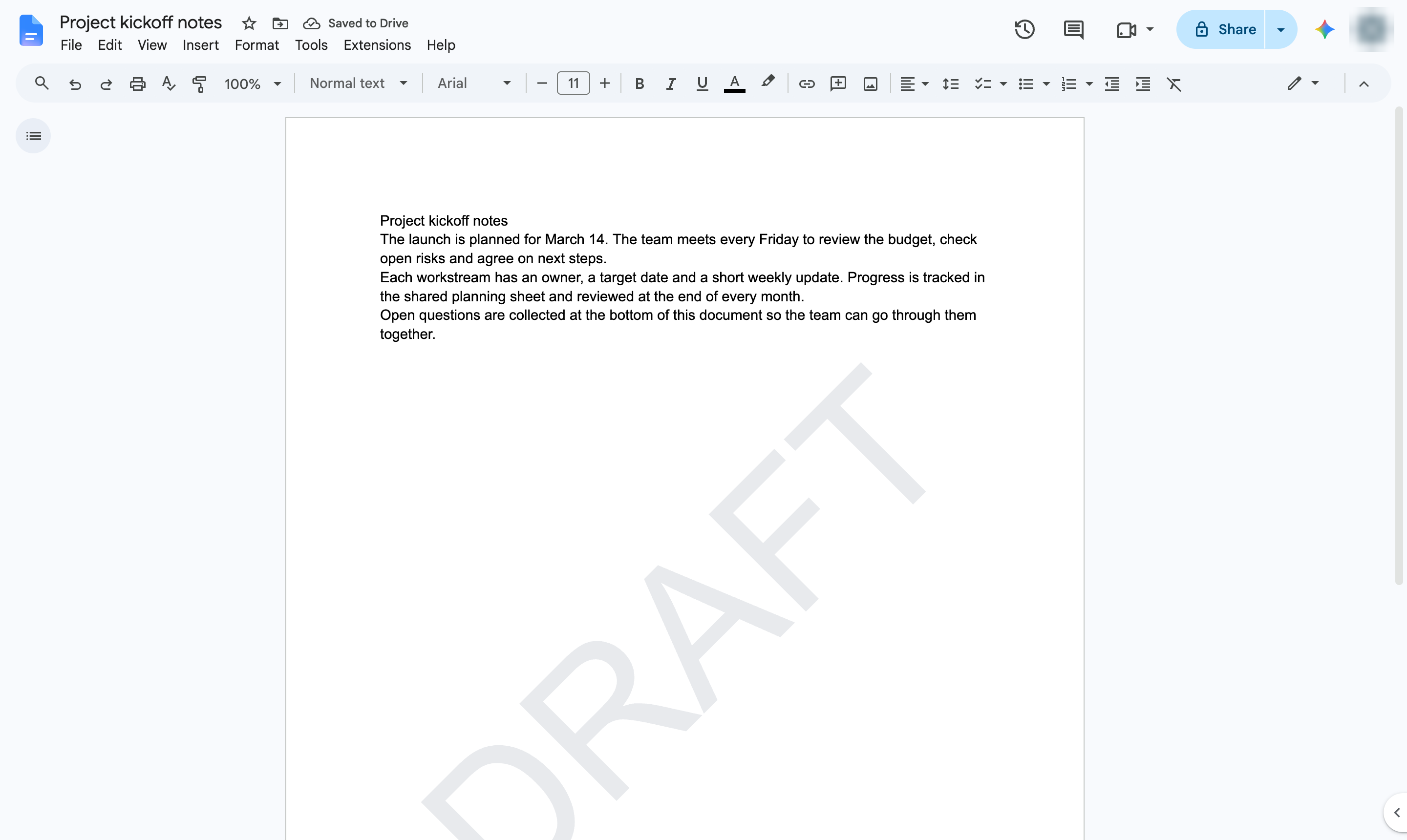
The text now shows faintly behind the content of every page.
Duplicate this template, swap in your own screens, and share it with your team. Free to start — no credit card.
Fill out the form and we'll get back to you as soon as possible.
Tell us about your team and we'll find the right plan together.