1
To get started, navigate to the repository page of the GitHub repo you want to copy
To get started, navigate to the repository page of the GitHub repo you want to copy
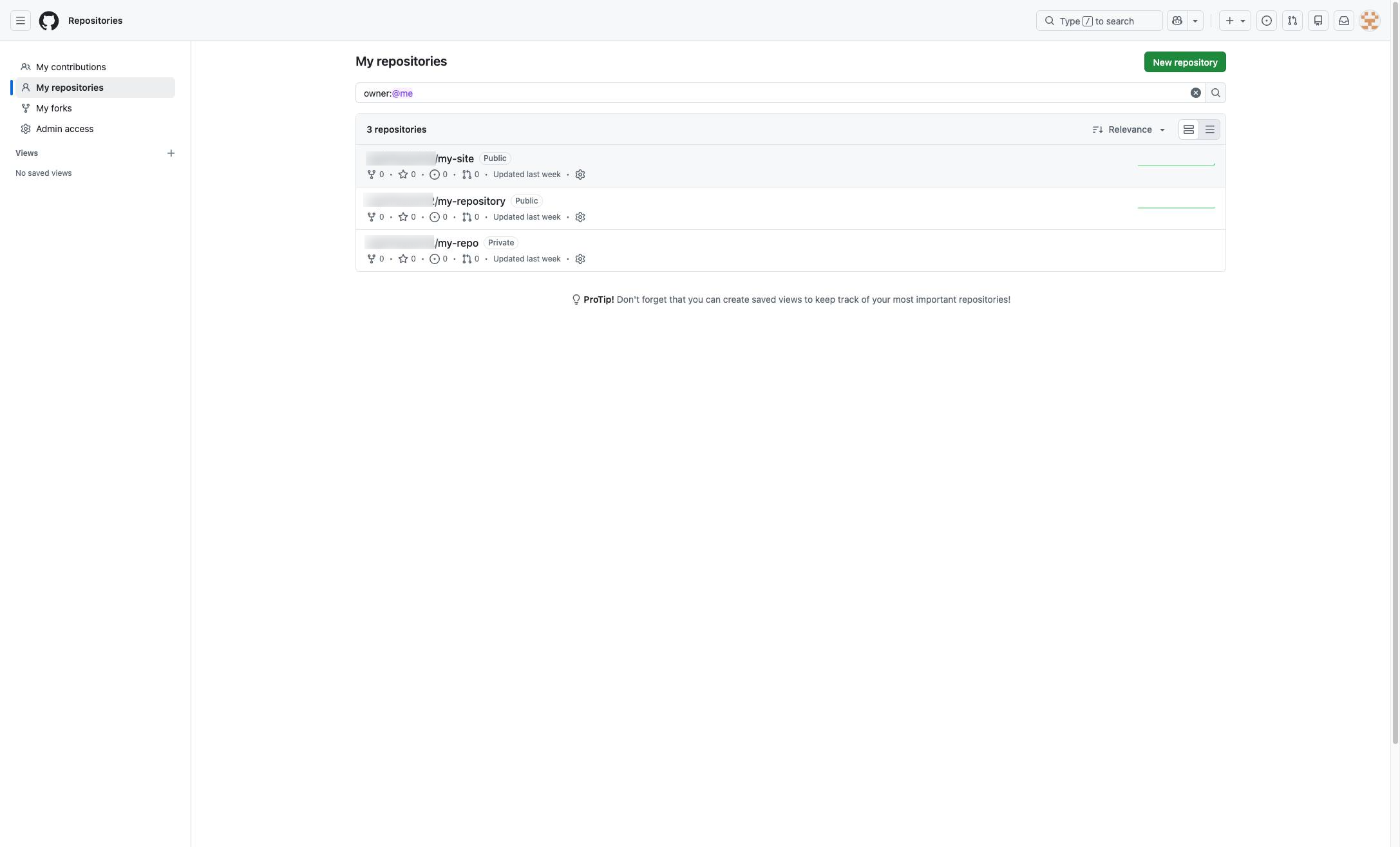

Copying files from GitHub is a simple process. Instead of cloning a repo, you can simply download a ZIP file. Let's explore how to do this in a few steps.
To get started, navigate to the repository page of the GitHub repo you want to copy
Once you land on the repository page, locate the green button marked "code" and click on it to reveal a drop-drown menu.
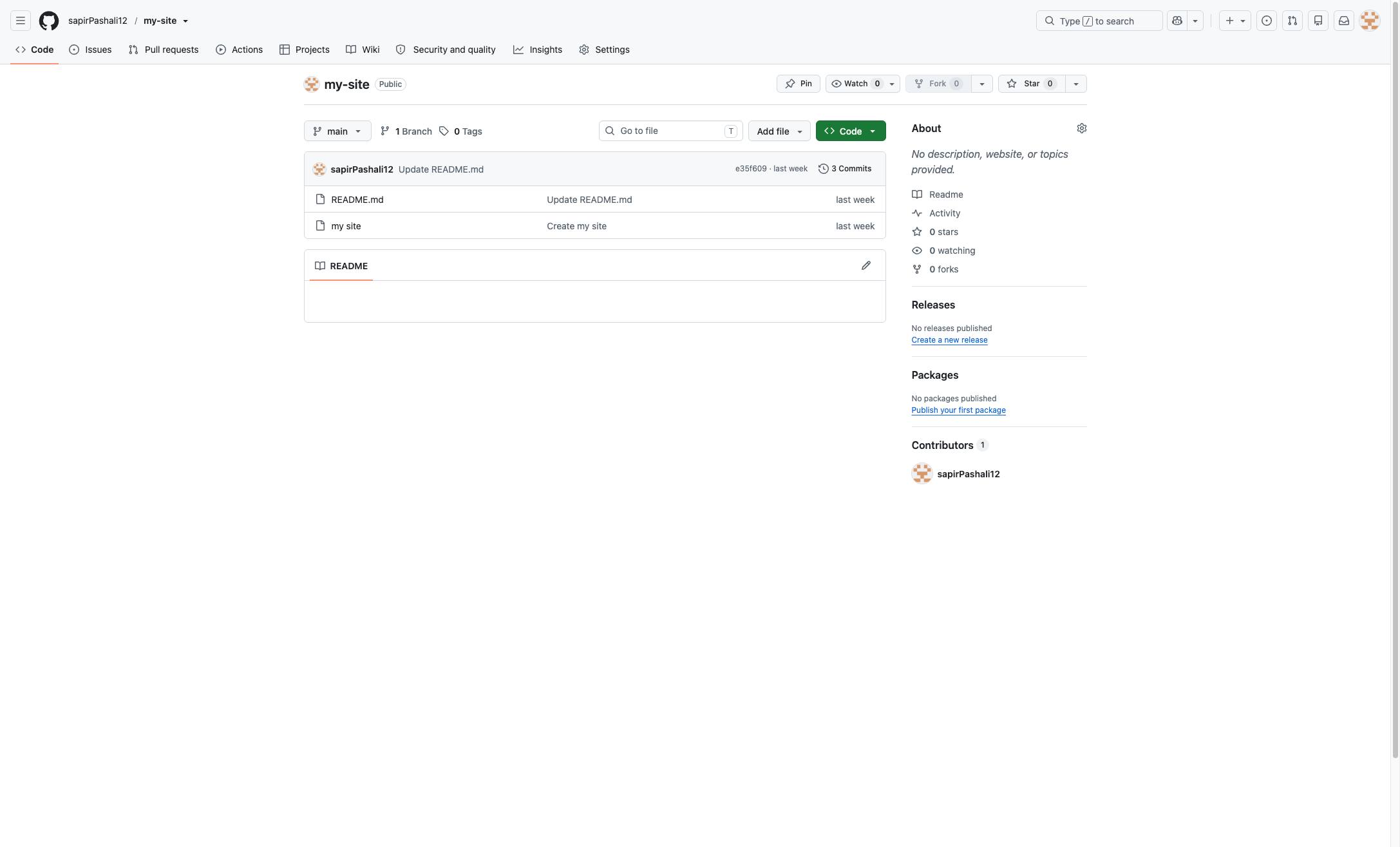
Next, select Download ZIP from the options in the drop-down.
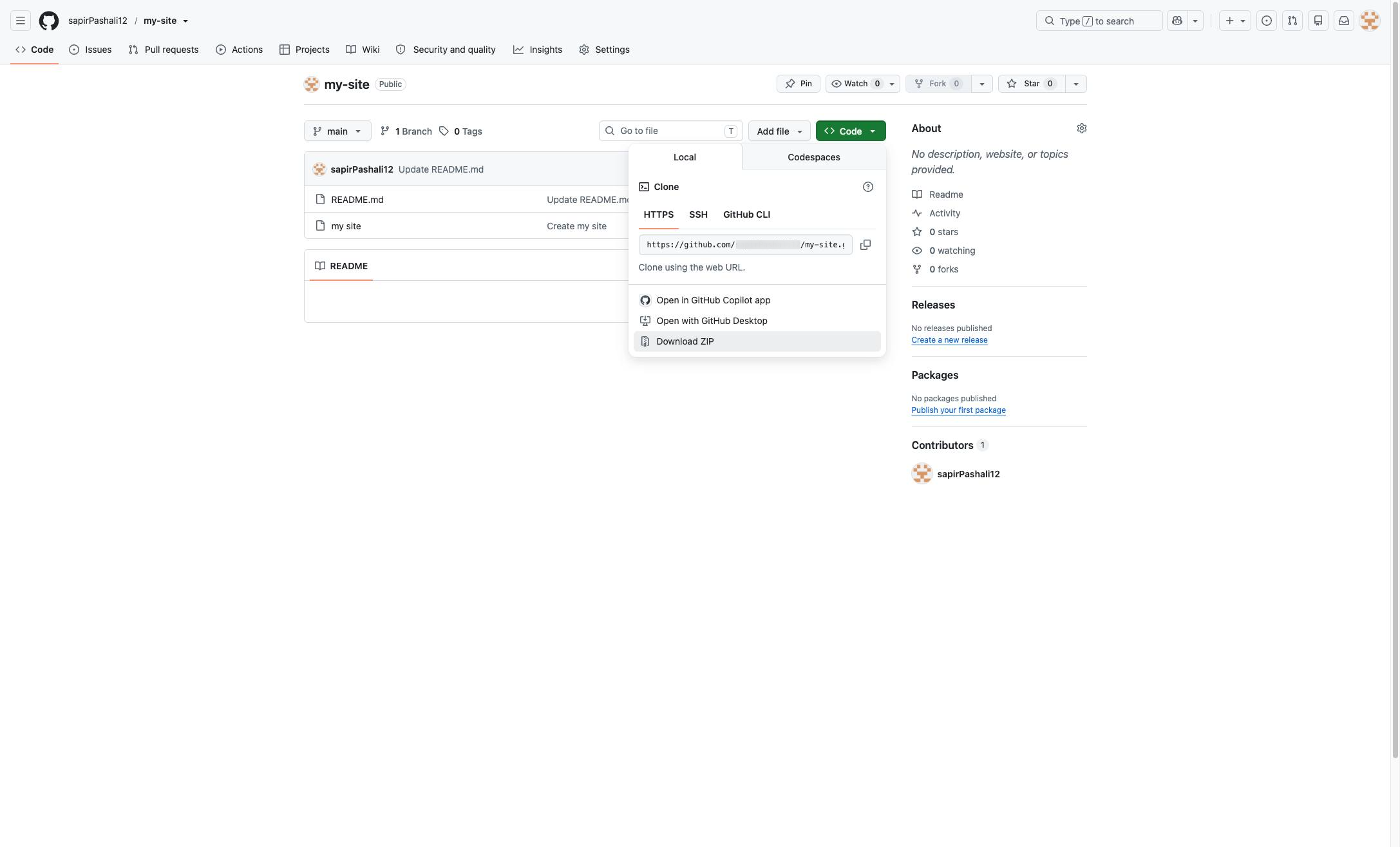
Click here.
Duplicate this template, swap in your own screens, and share it with your team. Free to start — no credit card.
Fill out the form and we'll get back to you as soon as possible.
Tell us about your team and we'll find the right plan together.