1
Click File
Open the File menu.
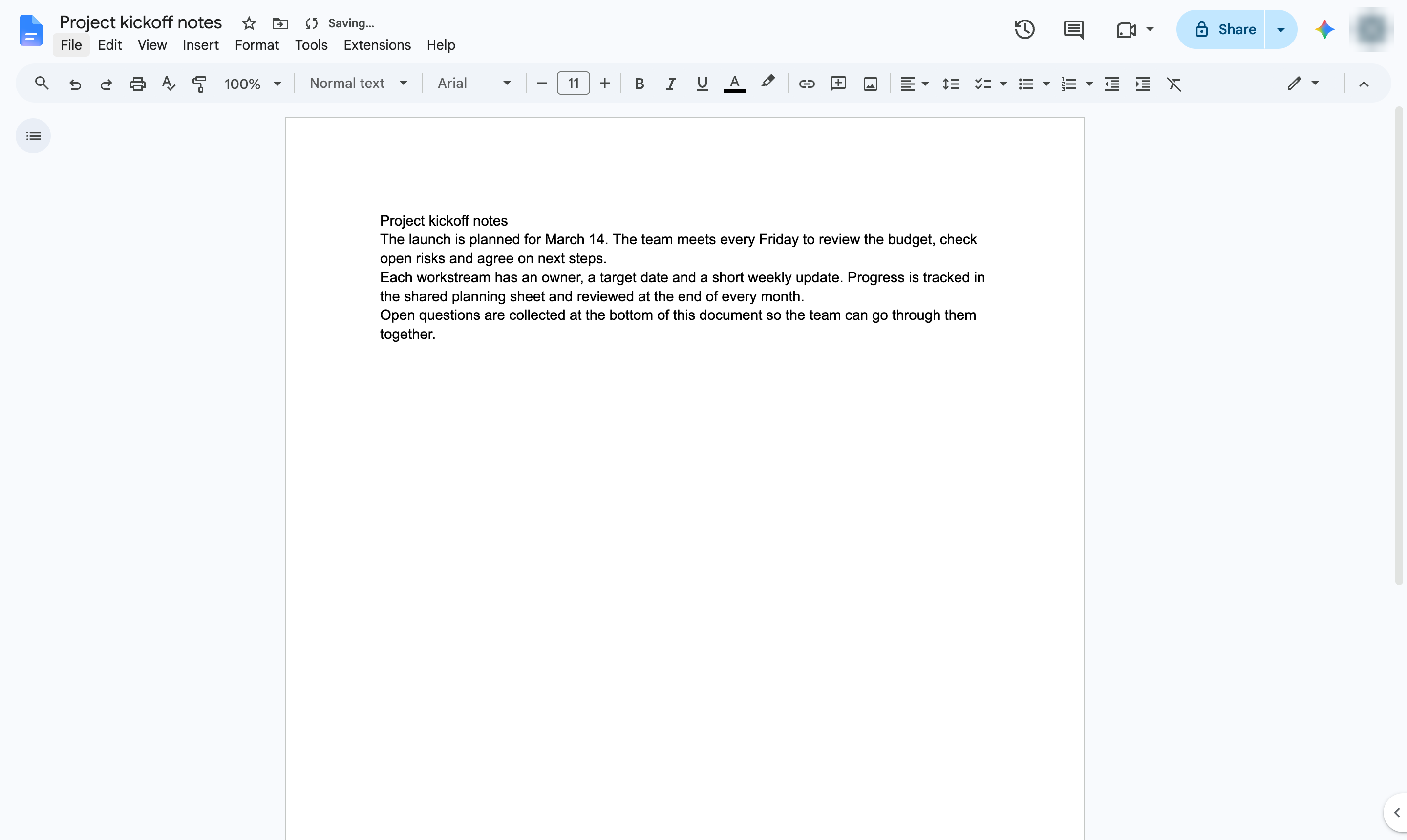

Set the language of your document, so spell check and dictionary work in that language.
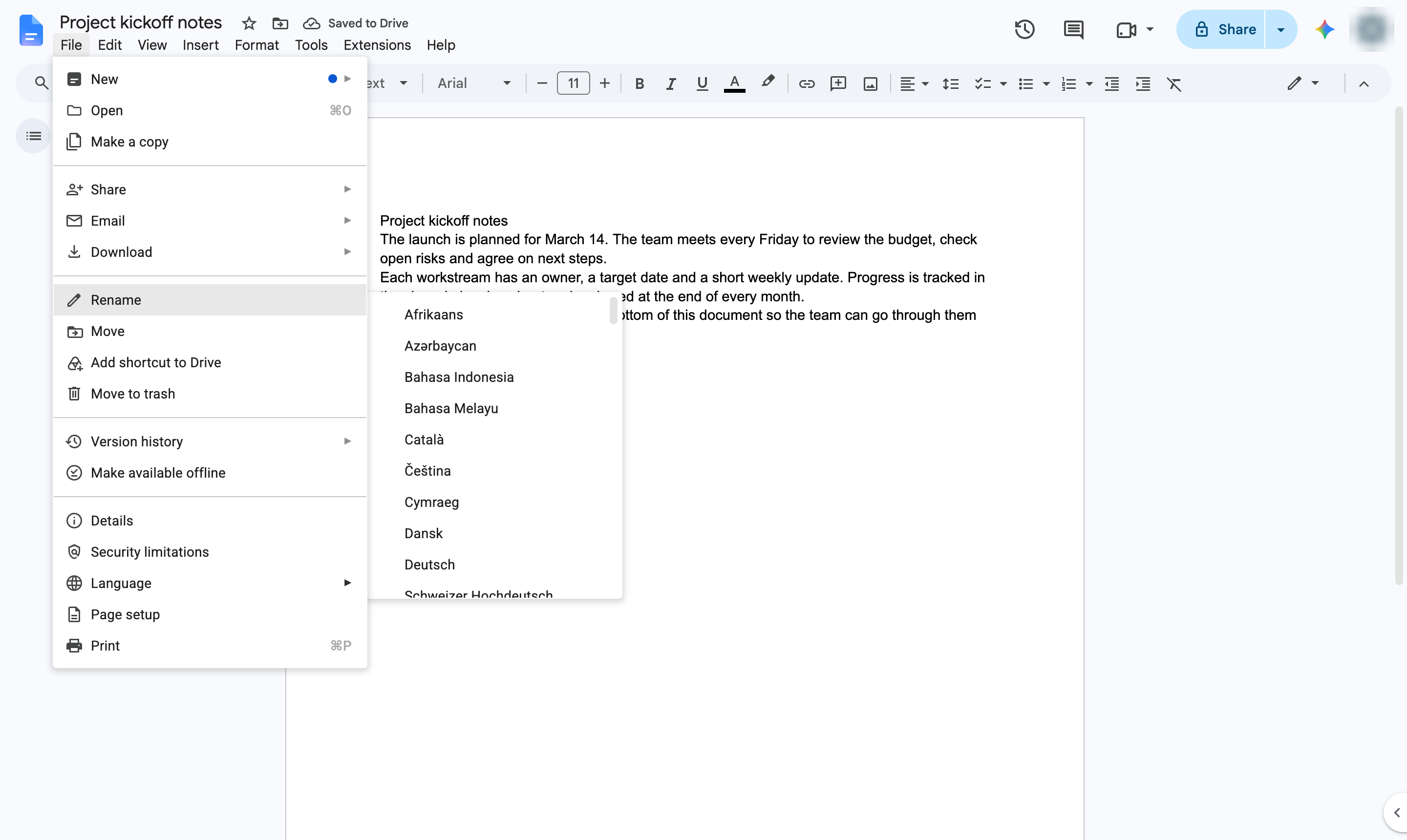
Open the File menu.
Hover over Language to see the list of languages.
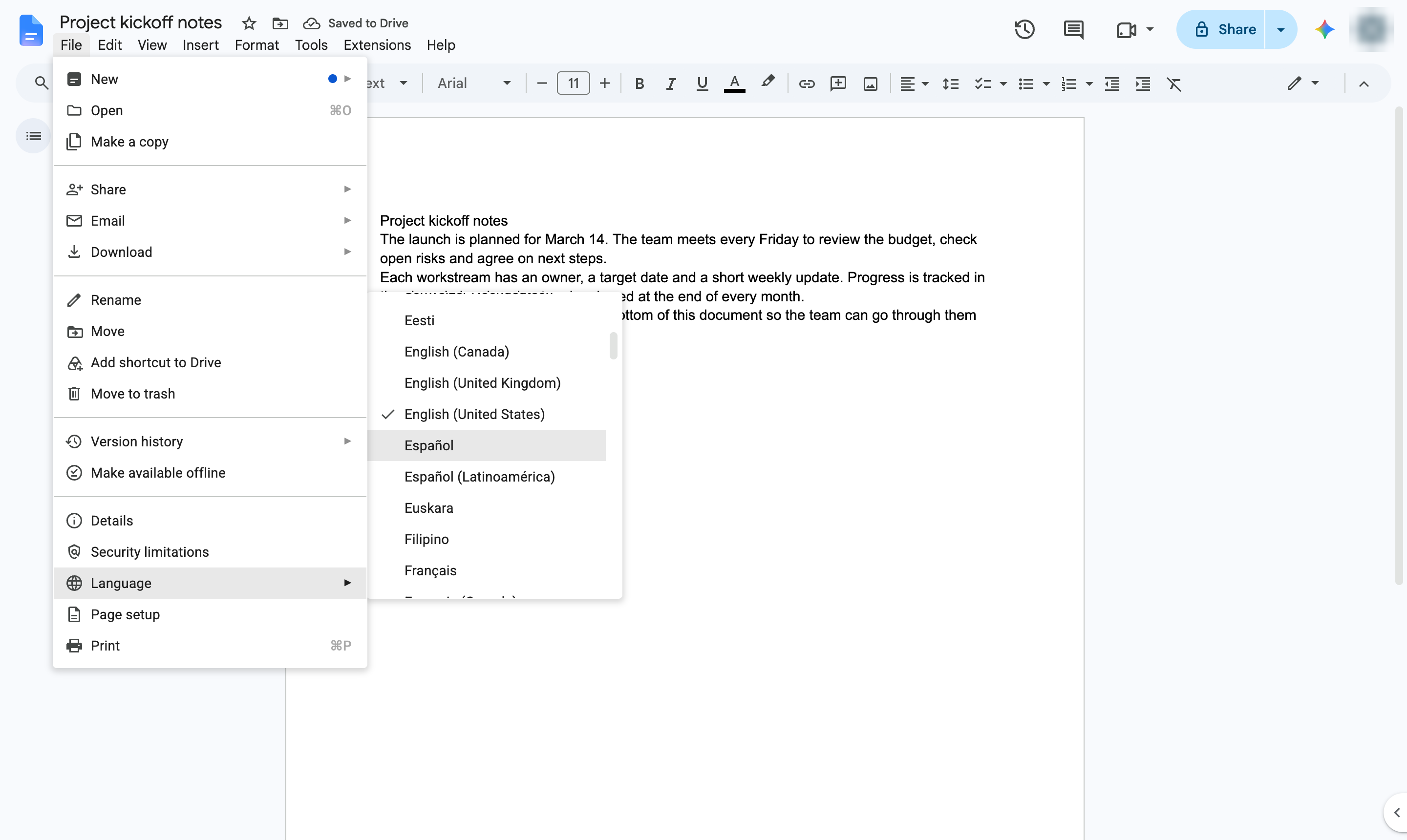
Click the language for this document - here, Spanish (Español).
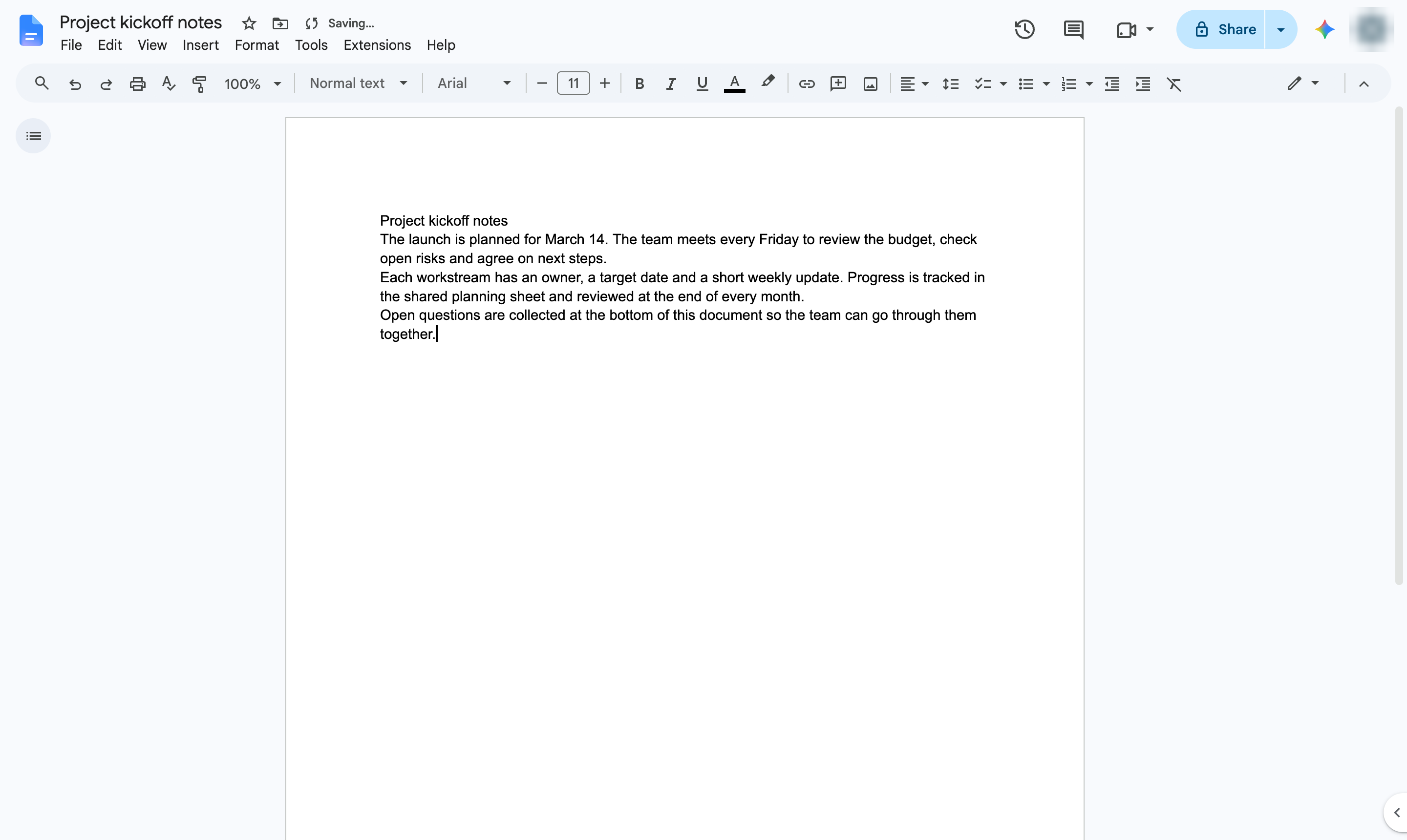
Spell check now uses the language you chose. Change it back the same way.
Duplicate this template, swap in your own screens, and share it with your team. Free to start — no credit card.
Fill out the form and we'll get back to you as soon as possible.
Tell us about your team and we'll find the right plan together.