1
Click the Insert menu
Click the Insert menu in the top menu bar to open the dropdown of insertion options.
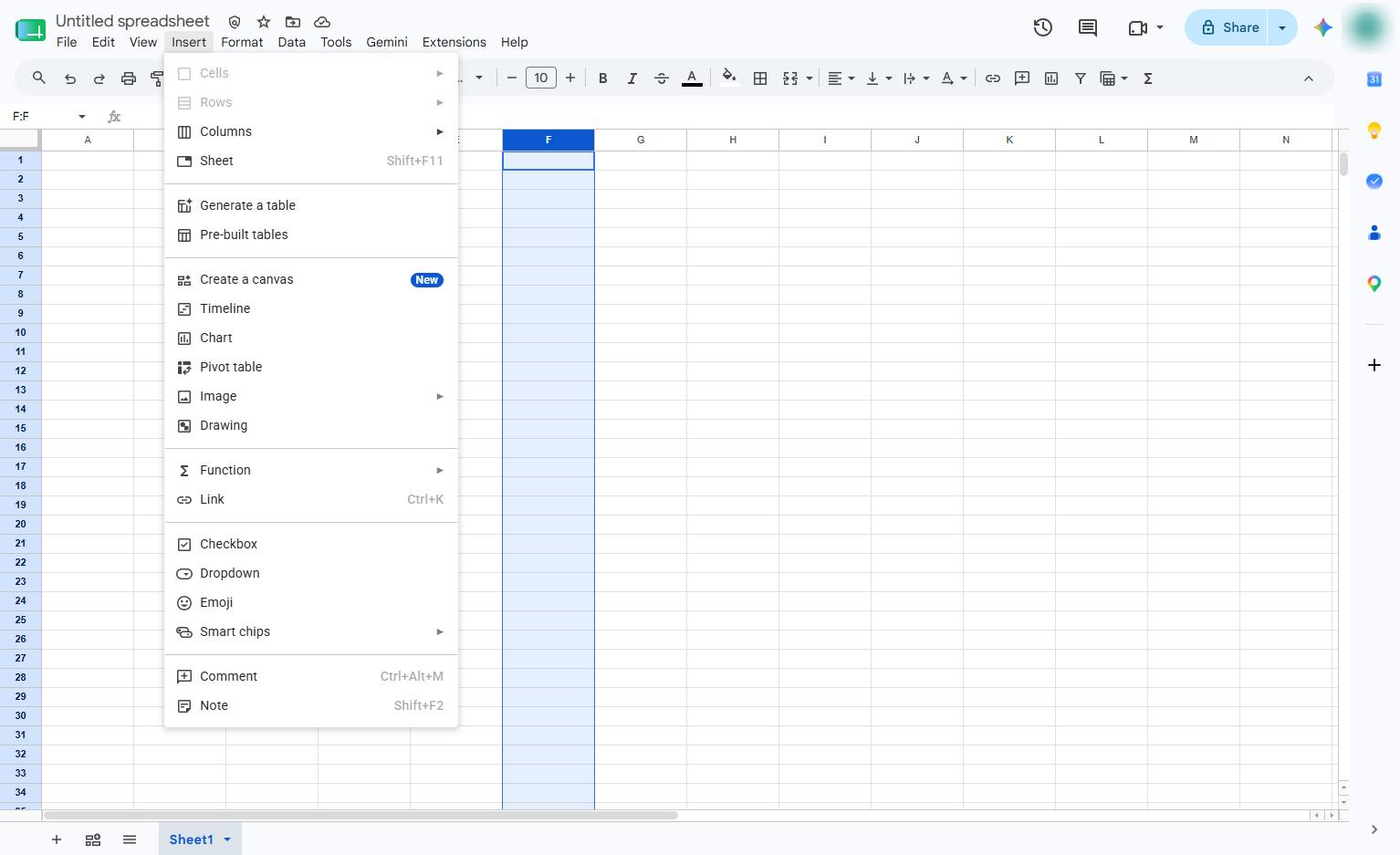

This tour introduces the column insertion feature, demonstrating how to quickly add new columns to the right of your active data. Master this essential layout tool to dynamically expand and organize your spreadsheet structure as your project grows.
Click the Insert menu in the top menu bar to open the dropdown of insertion options.
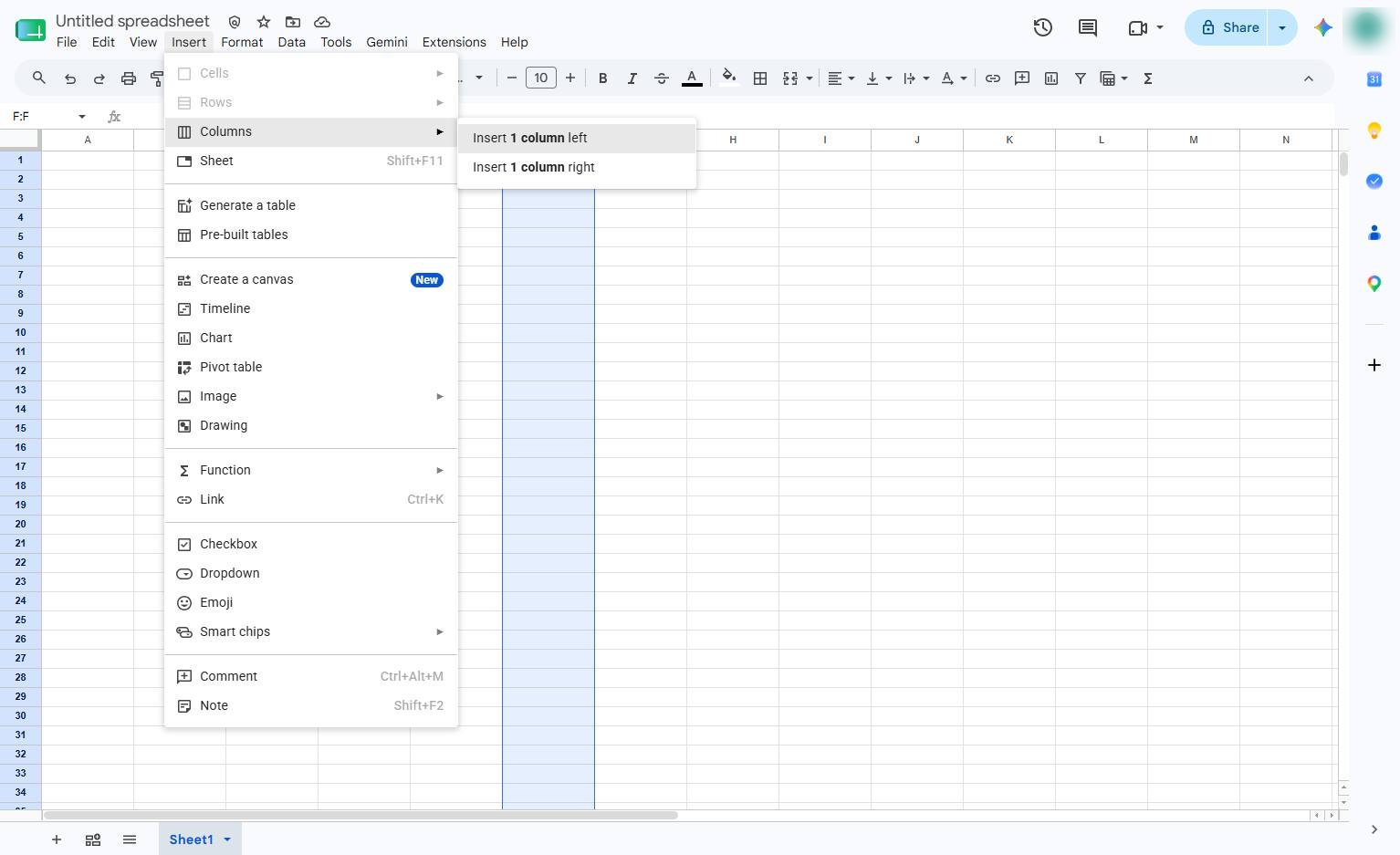
Click "Insert 1 column left" in the sub-menu to add a new column to the left of your current selection.
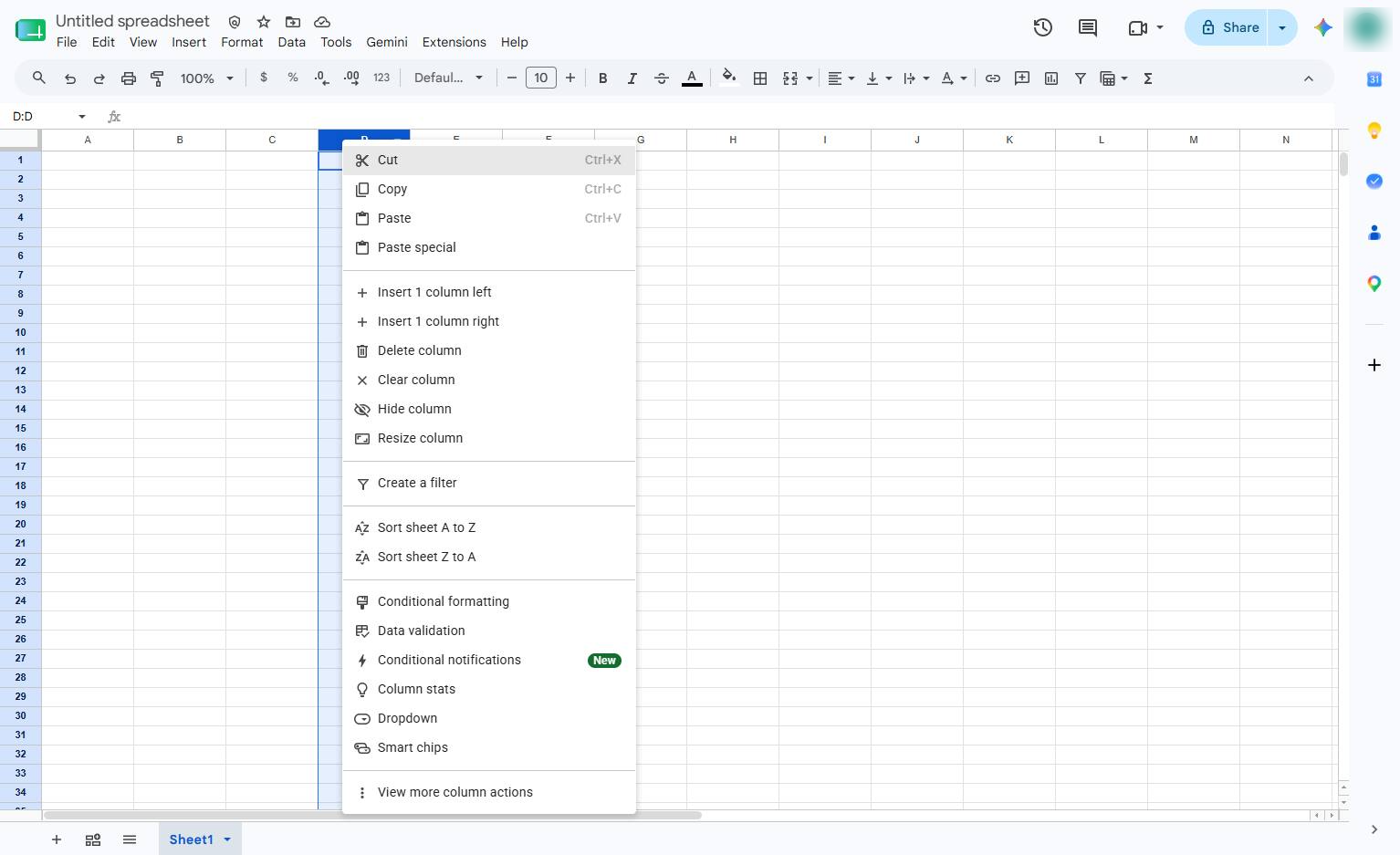
Click the column F header to select the entire column and access its context menu.
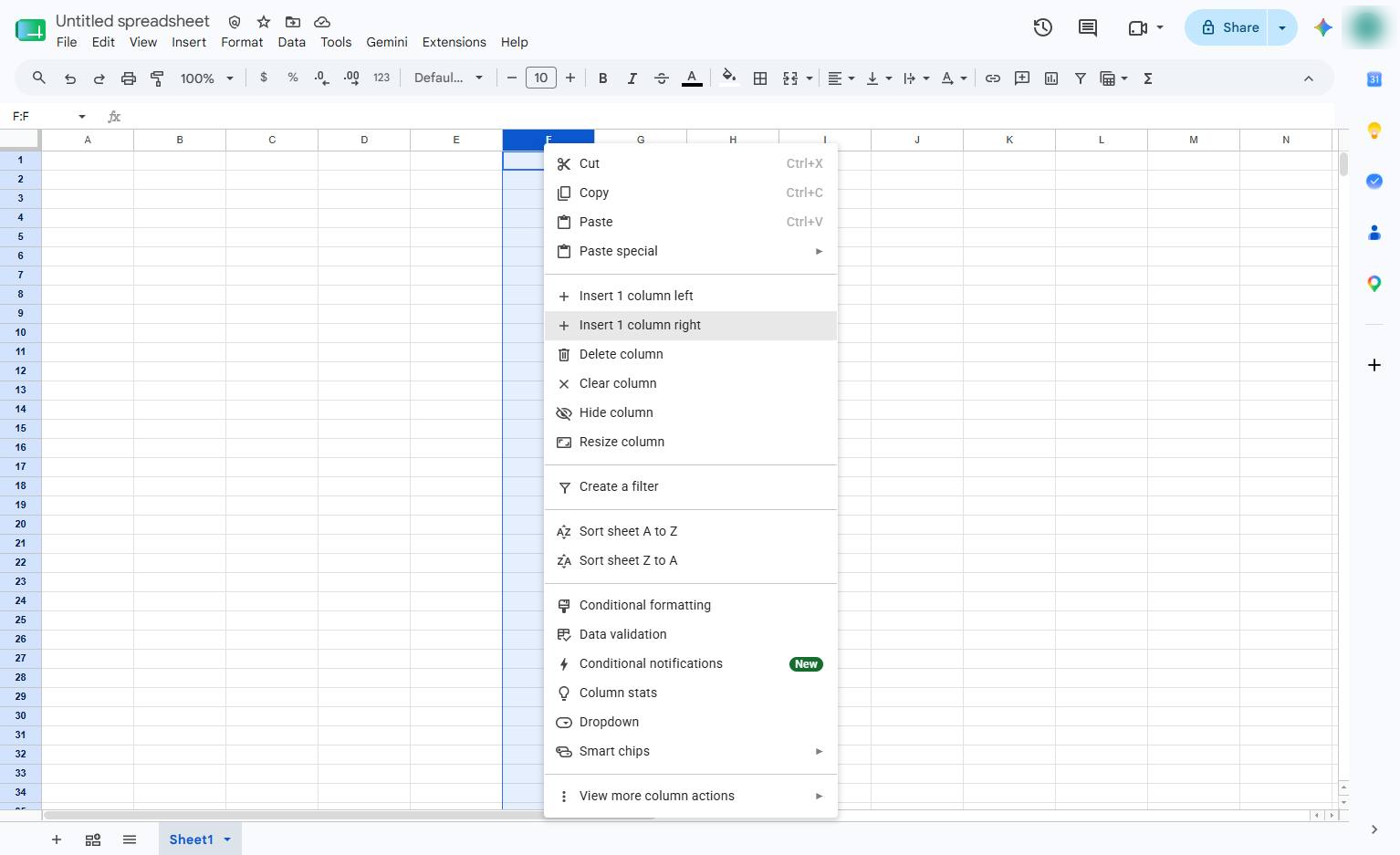
Click the "Insert 1 column right" option in the context menu to add a new column.
Duplicate this template, swap in your own screens, and share it with your team. Free to start — no credit card.
Fill out the form and we'll get back to you as soon as possible.
Tell us about your team and we'll find the right plan together.