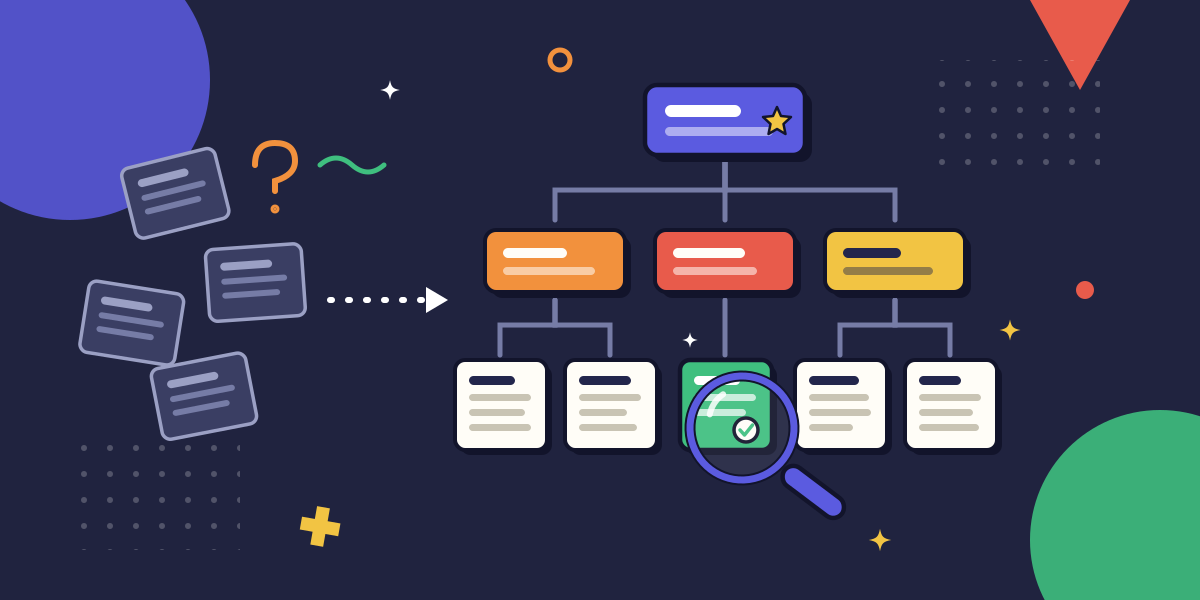
You have seen the shape of it. A SaaS team of twenty keeps everything in one tidy space, and it works. The same team at two hundred has an engineering handbook, an onboarding hub, a policies area, and four half-finished spaces nobody will admit to owning. The content is mostly there. The answer to any given question is somewhere inside. That "somewhere" is the whole problem.
The fix is not another tool or another migration. It is an architecture: a taxonomy people can predict, a format that fits each kind of content, an owner attached to every page, and a refresh loop that runs whether or not anyone remembers to start it. Get those four right and the base scales with your headcount. Skip them and you have built a bigger haystack.
Key takeaways
- A scalable internal knowledge base is an architecture decision, not a tool purchase: taxonomy, format-fit, ownership, and refresh cadence do the work, not the software logo.
- The goal is not to store everything. It is to make the right thing findable in seconds, because findability is the metric a knowledge base is judged on as it grows.
- Design the information hierarchy before you write a single page; a flat structure that works at 50 pages collapses at 500.
- Match the format to the content type. A recorded walkthrough beats a wall of text for a procedure, and a one-line canonical page beats five near-duplicates for a fact.
- Every page needs a named owner and a review date, or the base rots quietly while still looking full.
What is an internal knowledge base?
An internal knowledge base is the single, organized home for the documentation a company's own people rely on to do their work: procedures, policies, onboarding material, reference facts, and the answers to questions that would otherwise be asked in Slack.
It is internal-facing (for employees, not customers) and it is structured, which is what separates it from a shared drive full of loose files.
The word people reach for is "wiki," and a wiki is one way to host a knowledge base. But a wiki is a tool. A knowledge base is the organized body of knowledge inside it. You can run a perfectly good knowledge base in Confluence, Notion, a Word-and-SharePoint setup, or a purpose-built docs tool. The host matters far less than the architecture you impose on it.
Why most knowledge bases stop scaling
Small knowledge bases hide their design flaws. When there are forty pages, a flat list works and search covers the gaps. The flaws only surface at volume, and by then they are expensive to fix.
Here is the cost the mess actually imposes. McKinsey's widely-cited 2012 estimate puts information-gathering near a fifth of the average knowledge worker's week, roughly nine hours spent hunting for things that already exist somewhere in the company.
That number is the case for a knowledge base and the case against a badly built one at the same time. A base that is hard to search does not save those nine hours. It relocates them.
Three failure modes drive it, and none of them is a content problem:
- The structure was built for today's size. A taxonomy designed around a twenty-person org chart cannot absorb three new teams and a product line without becoming a junk drawer.
- The same fact lives in five places. With no canonical page, every copy drifts, and readers stop trusting any of them.
- Nobody owns the pages. Content that no one is responsible for goes stale on a predictable schedule, and stale content teaches people to route around the base entirely.
That last one compounds. Once a team learns the knowledge base is unreliable, they stop searching it and start asking a person instead, which is how a documented company quietly reverts to a tribal-knowledge one.
For the downstream version of this problem, where undocumented answers turn into a support queue, see our guide to how better internal documentation reduces support tickets.
The five-stage framework for building a scalable internal knowledge base
Treat the knowledge base as something with a lifecycle: you plan it, choose how to populate it, fill it, maintain it, and grow it. Most teams skip straight to filling, which is why they end up reorganizing every year or two. Work the stages in order.
Stage 1: Plan the information architecture before you write a page
Start with the taxonomy, not the content. Decide the top-level spaces first (for a SaaS company, that is usually something like Engineering, Product, People and Policies, and Onboarding), then the categories inside each, then the pages. T
hree levels is almost always enough. If you need a fourth, the thing you are trying to file probably belongs in a different space.
Organize by the task a reader is trying to complete, not by your org chart. People do not search for "the thing the Platform team wrote." They search for "how to roll back a deploy."
A taxonomy built around jobs-to-be-done survives reorganizations; one built around reporting lines has to be rebuilt every time the reporting lines change.
Apply one rule above all others: every piece of knowledge has exactly one home. The moment a reader could reasonably look in two places for the same answer, you have a findability problem waiting to grow.
Findability is the design metric here, so design against the question "where would someone look for this first," and put it there.
Stage 2: Match the format to the content type
Not everything in a knowledge base should be a written page. The format that makes a fact findable is different from the one that makes a procedure followable, and forcing everything into prose is a quiet tax on the reader.
Sort your content into a few types and let the type pick the format:
- Reference facts (a config value, an escalation contact, a policy limit): one short canonical page, easy to scan, easy to keep current.
- Procedures (how to run month-end close, how to onboard a vendor): a numbered sequence, and often a recorded walkthrough. Watching someone do the work carries the detail that a written step drops.
- Decisions and context (why we chose this architecture): a short decision log, dated, so future readers understand the "why" behind the procedure.
- Onboarding paths: a sequenced route through the above, not a new copy of it. Onboarding should link to the canonical pages, never duplicate them.
For procedures especially, the write-it-all-out approach is where most bases lose time: a detailed SOP can take an hour or two to draft and goes stale the first time the UI changes. A capture-based approach shortens both.
For teams standardizing on the record-once method, see our work on capturing documentation without typing a word. And for the procedure content itself, do not reinvent the method: lean on our seven-step framework for creating SOPs rather than writing a new one per page.
Stage 3: Populate around a single source of truth
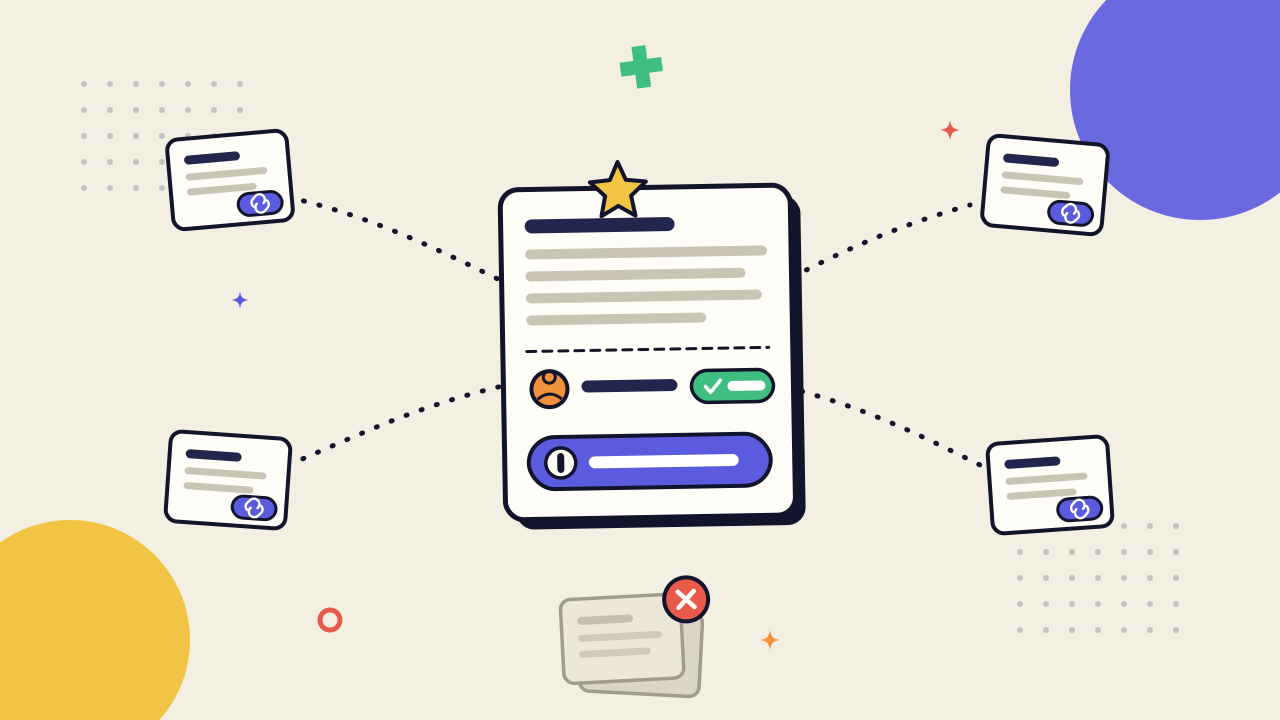
Now fill it, and fill it once. The single-source-of-truth principle is simple to state and hard to hold: each fact is written in exactly one canonical place, and everywhere else that needs it links to that place instead of copying it.
Copying feels faster in the moment and costs you later. Two copies of a runbook become two different runbooks the first time one is edited, and a reader who finds the stale one has no way to know it is stale. Linking keeps the base honest: update the canonical page, and every reference updates with it.
When you migrate existing content in, resist the urge to move all of it. A migration is the best chance you will ever get to delete. If a page has not been opened in a year and no one can say why it matters, it is a candidate for the archive, not the new structure. You are building the base you want, not preserving the one you have.
Stage 4: Assign an owner and a refresh cadence
A page with no owner is a page that will go stale, and you can predict roughly when. Assign every page or every category a named owner and a review date. Not "the team." A person. Ownership that belongs to everyone belongs to no one.
The refresh cadence does not need to be elaborate. A lightweight loop works: reference facts get reviewed quarterly, procedures get reviewed when the underlying tool changes or twice a year, whichever comes first. Bake the review into a recurring calendar item so it runs without anyone deciding to start it.
The maintenance is the part everyone skips, and it is the part that determines whether the base is alive in two years.
This is a maintenance mechanic, not a governance program. If your problem is deeper, adoption resistance, competing sources of authority, a wiki that has already been abandoned, that is a governance question, and we cover it separately in why most company wikis fail and how governance fixes them.
Stage 5: Scale by measuring findability and pruning
A base that grows without pruning does not scale. It bloats. The final stage is the one that never ends: measure whether people can still find things, and cut what they cannot.
Use time-to-find as your health metric, because it is the metric that maps directly to scale. The larger the base, the more it is judged on how fast the right page surfaces, not on how many pages it holds. Watch what people search for and fail to find, watch which pages never get opened, and treat both as signals. A page nobody opens is either mis-filed or unnecessary, and both are fixable.
Then prune. Archiving is not deletion and it is not failure; it is how you keep the signal-to-noise ratio high enough that search stays useful. The knowledge base that stays findable at ten times its original size is not the one with the most content. It is the one someone kept editing down.
Common mistakes that break a knowledge base as it grows
Most of these are the inverse of a skipped stage. They rarely hurt at small scale, which is exactly why they survive long enough to do damage.
- A flat hierarchy. Everything in one space with no categories. Fine at fifty pages, unusable at five hundred, and painful to restructure once links point everywhere.
- No canonical source. The same answer is duplicated across spaces, drifting out of sync, until readers trust none of the copies.
- Organizing by team instead of by task. The taxonomy mirrors the org chart, so every reorganization forces a migration and every reader has to know who wrote a thing before they can find it.
- Unowned pages and no review date. Content that looks complete but is quietly out of date, which is worse than a gap because a gap at least announces itself.
- Building the structure for the current headcount. A taxonomy with no room for the next three teams becomes a junk drawer the moment you add them.
Notice what is not on this list: low adoption, no self-service habit, unclear return on the investment. Those are real, and they are owned elsewhere.
For the behavior layer, building the culture where people reach for docs first, see building a self-service culture around your docs. For the financial case, see the hidden cost of poor process documentation. This section stays on the structural faults, because those are the ones an architecture can fix.
How AI is changing internal knowledge bases in 2026
AI is changing how people query a knowledge base and how it gets built, and it is worth being precise about which parts it actually helps.
On retrieval, semantic search and AI answers now sit on top of the base, so a reader can ask a question in plain language and get a synthesized answer with the source pages cited. That is a genuine shift.
It also raises the stakes on architecture, because an AI layer surfaces whatever you have organized, and it will answer just as fluently from a stale duplicate as from the canonical page. AI makes a good knowledge base faster to search. It makes a bad one confidently wrong.
On authoring, the capture-and-generate pattern is maturing: record a workflow once, and an AI drafts the procedure and regenerates it when the interface changes, which attacks the exact staleness problem that Stage 4 exists to manage.
Some tools now flag pages that look out of date or contradict a newer one, turning maintenance from a calendar chore into a prompted one. For the broader tooling decision, when you are choosing what to run the base on, see how to choose workflow documentation software.
What has not changed is the judgment layer. AI can retrieve, draft, and flag. It cannot decide what your top-level spaces should be, which fact is canonical, or what to archive. The taxonomy and the ownership stay human, because they are decisions about what your company means, not just what it stored.