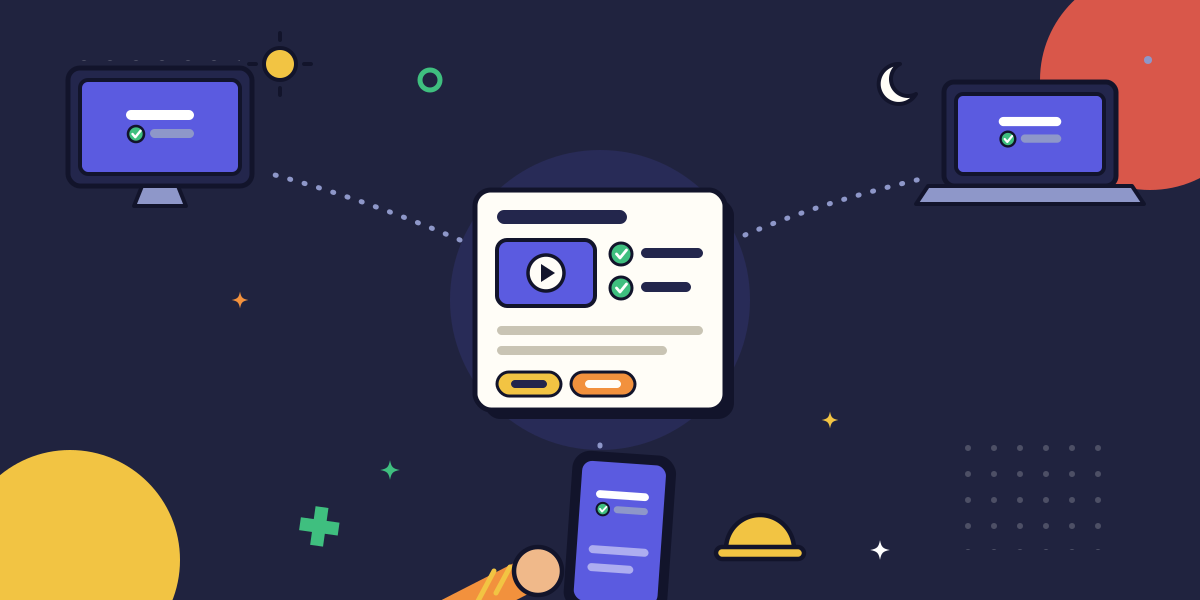
This piece is about producing the materials, not running the onboarding sequence around them. For the sequence itself, see our guide to onboarding new employees faster with process documentation. Here the job is narrower and harder: make the materials work for a store associate on a phone, a field technician between jobs, a support agent three time zones away, and someone at HQ, all from the same source.
That is where in-person training stops scaling. The workshop runs, the room nods along, and the recording gets posted to a folder nobody opens. The half of your team who watch it later get a version with the questions cut, the whiteboard off-screen, and no way to ask what they missed. Hybrid training is not recording the room. It is designed for the person who wasn't in it.
Key takeaways
- Hybrid training is a materials-design problem, not a scheduling one: the fix is choosing the right format per use case, building for async and low-bandwidth access, and keeping the set current, not recording more meetings.
- Design async-first. If a material only works when someone explains it live, it does not work for the half of your team who were not there.
- Match format to the task, not to fashion. Use a short captured walkthrough for a procedure, a quick-reference card for a mid-task lookup, and a recording only when watching someone matters.
- Capture materials as the work is performed instead of writing them from memory: a workflow captured while you do it costs 8 to 15 minutes, while the same guide written from scratch costs 90 to 120.
- A training library nobody can find or open on their device is not a library. Findability and accessibility are part of the material, not extras.
What hybrid team training materials actually are
Hybrid team training materials are the reusable assets that teach a distributed workforce to do the work, built so that location, device, and time zone do not change what someone learns.
The key word is reusable. A live session teaches the people present once. A material teaches everyone, repeatedly, on their own schedule, whether or not the person who knows the answer is awake. In a co-located team the difference is small, because you can always lean over and ask. In a hybrid team the difference is everything, because leaning over is not an option for most of the org
So the goal is not to produce more training content. It is to produce fewer materials that hold up without you standing next to them. A hybrid material has to survive three things a co-located one never gets tested against: a reader who cannot ask a follow-up, a device that might be a phone on a shop floor, and a clock that says it is 2 a.m. where the expert lives. Build for those constraints and the material works everywhere. Ignore them and you have a workshop recording with extra steps.
Why in-person training breaks the moment a team goes hybrid
In-person training assumes everyone shares a room and a clock. Take away either and the model starts to break.
A team spread across New York, London, and Manila rarely has time for everyone to train together. So one group attends live and everyone else gets the recording. The problem is that the recording is rarely the same experience. The live audience gets the discussion, the questions, and the clarifications. Everyone else gets ninety minutes of someone talking to a room they were never in.
Many teams respond by maintaining separate versions for remote, office, and frontline employees. That creates more work without solving the problem. The better approach is to design materials that stand on their own, regardless of where or when someone consumes them. That is cheaper to maintain than a growing pile of workshop recordings. For the broader shift from manuals to captured video, see our piece on why video documentation is replacing traditional manuals.
Most teams are already putting in the effort. They're just spending it on delivering the same training again and again instead of creating materials people can use long after the session ends.
The training materials a hybrid team actually needs
A hybrid training library is not one artifact. It is a small set of material types, each doing a job the others cannot, all living in one findable place. Build these five and you cover the range from a five-second lookup to a full role ramp.
1. Quick-reference guides for the mid-task lookup
The most common training need on a hybrid team is not a course. It is someone halfway through a task who forgot one step and has thirty seconds to find it. A quick-reference guide answers a single question at a glance: the return-refund limits, the escalation path, the closing checklist.
Keep it to one screen, lead with the answer, and assume the reader is standing up, on a phone, with a customer waiting. This is the material your frontline uses most and your training program usually forgets to make.
2. Captured step-by-step walkthroughs for repeatable procedures
For anything with a fixed sequence of clicks or actions, the right material is a captured walkthrough: a recording of the real workflow, turned into followable steps. The rule here is capture, not recall. Record the flow while someone performs it for real, including the actual screens, rather than writing it from memory afterward.
Capturing a workflow as you do it takes 8 to 15 minutes; reconstructing the same guide from screenshots and memory takes 90 to 120, and it is wrong by the next interface change. Capture the happy path first and leave the edge cases for a second pass, so a new hire's first run is not buried in exceptions.
3. Role-specific learning paths for the full ramp
A new field technician and a new remote support agent should not walk the same onboarding. Build the shared basics once, then branch into role-specific paths that reuse those common assets. The security-and-tools module is written a single time and appears in every path; the role work differs.
Because you are assembling from guides you have already captured, a new role's path costs a fraction of what writing one from scratch used to, and you can stand up five to ten of them in the time the old way took to build one.
4. Recorded sessions with a written index, not just a video dump
Some training genuinely benefits from watching a person: a nuanced customer conversation, a judgment call, a demo of feel rather than steps. Record those. But a raw ninety-minute video is not training material, it is an archive.
Add a written index with timestamps and a two-line summary of each segment, so the async viewer can jump to the part they need instead of scrubbing blindly. The recording serves the person who wasn't in the room only if they can navigate it without having been there.
5. One searchable home for all of it
The last material type is not a document. It is the place the other four live. A guide the closing-shift associate cannot find on their phone is a guide that does not exist for them.
Put everything in one searchable location, name things the way your team searches for them rather than the way the org chart names them, and make search the front door. For the underlying method of building any of these as followable procedures, reference our seven-step framework for creating SOPs rather than reinventing it here.
Video or text: choosing a format for each material
The video-versus-text debate is usually framed as if one format is better than the other. It isn't. The task should decide the format.
Use video when people need to see the work. A captured walkthrough or short recording works best when someone needs to see where a control lives, what a correct result looks like, or how a conversation should feel.
Use text when people need to find an answer quickly. A quick-reference guide is better when someone is mid-task, needs to scan for one detail, or is working somewhere video or audio is impractical.
Most procedures benefit from both. Use a recording the first time someone learns the process, then provide written steps for every time after they just need to check one detail. The first-time learner and the hundredth-time user have different needs, and good training materials serve both.
Designing for access, not just delivery
Accessibility on a hybrid team is not a compliance checkbox at the end. It is whether the material works for the person with the worst connection, the smallest screen, and the least quiet. Design for them and everyone above them is covered for free.
A few decisions carry most of the weight:
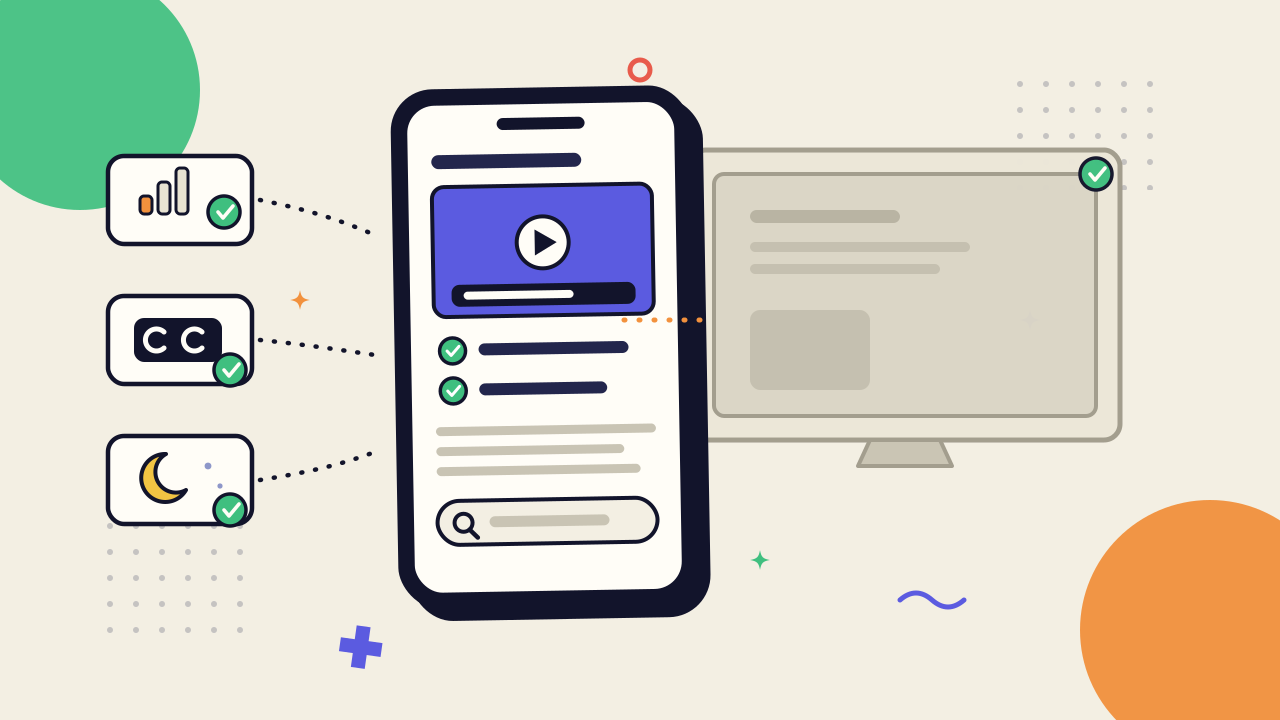
Make it work on a phone. Your deskless and frontline staff may never open a laptop for training. If a material is unusable on a small screen, it is unusable for them, full stop.
Do not require bandwidth you cannot guarantee. Keep reference material light, let heavy video be optional rather than the only path, and make sure the core answer survives a bad connection.
Caption and transcribe every video. Captions serve the person in a loud warehouse, the person whose second language is English, and the person who simply reads faster than they watch. A transcript also makes the video searchable, which is the difference between a findable material and a buried one.
Design async as the default, not the fallback. If a material only makes sense with someone narrating it live, it does not work for most of your team. Async is not the second-class version of training on a hybrid team. For most of your people, it is the only class.
None of this is complicated. It is the ordinary discipline of assuming the reader is not sitting where you are, on the machine you use, with the connection you have. That assumption, applied early, is what separates a material that travels from one that only works in the room it was made in.
Keeping hybrid training materials from going stale
Training materials only rot if nobody owns them. Capture-first documentation and clear ownership make keeping them current much cheaper than most teams expect.
Capture close to the work. When a screen changes, you should be able to re-capture that step in minutes instead of rewriting an entire guide. That is the advantage of capture-first workflow documentation without typing: the material reflects what actually happened, so updating it is a recording task rather than a writing project.
Update on events, not on a schedule. Give every material an owner and refresh it when the tool changes, a policy shifts, or a frontline employee flags an outdated step. A quarterly review often misses the change that broke the guide in week two. The person who found the problem usually won't.
The goal is simple: shorten the time between a change in the work and a change in the material. Do that, and keeping training current becomes routine instead of a recurring documentation project.
Common mistakes when training a hybrid team
Most hybrid training programs fail in a handful of predictable ways. Each one maps back to a material-design decision skipped earlier.
Recording the room and calling it training. A live-session video with the questions cut and the whiteboard off-screen is an archive, not a material. Give recordings a written index, or capture the workflow directly instead of filming the meeting about it.
Building everything for the laptop. Training designed only for a quiet desk and a big screen silently excludes every frontline and deskless worker you have. Design for the phone first, and the desk is covered.
One generic track for a mixed workforce. Marching a field technician and a remote analyst through the same onboarding wastes both of their time and teaches neither their actual job. Share the basics once, then branch by role.
Treating async as the leftovers. When the live session is the real training and the recording is an afterthought, the async half of your team learns from your worst artifact. Flip it: build the async material first, and let the live session be the optional extra.
Shipping the library and walking away. No owner, no review trigger, and the guide that was accurate in January describes a screen that changed in March. Fix the material and thank the person who flagged it; do not blame the worker who followed a stale step.
How AI is changing hybrid team training in 2026
AI is lowering the cost of the hardest part of hybrid training: creating and maintaining materials for a workforce that is never all in one place. It is not changing what makes the training effective.
Three changes matter most in 2026. Captured workflows now become editable written guides automatically, so recording no longer has to be followed by manual drafting. When an interface changes, materials can be regenerated from a fresh capture instead of hand-edited. And automatic transcripts and translations make captions and multilingual training much cheaper to produce. For the broader picture, see our overview of how AI is changing employee training and knowledge sharing.
AI handles production. People still own the judgment. AI can draft and refresh materials, but it cannot decide which exceptions matter, which policies deserve extra emphasis, or what a new technician needs in week one versus week six. It speeds up the mechanical work. Deciding what a distributed team should learn, and in what order, still belongs to the people who do the work.
AI makes a well-designed hybrid training library much cheaper to build and maintain. It does not rescue one that was never designed well in the first place.
FAQ
What are training materials for a hybrid team?
They are reusable assets that teach a distributed workforce to do the work, regardless of location, device, or time zone. In practice, that means quick-reference guides, captured walkthroughs, role-specific learning paths, indexed recordings, and one searchable place to find them, all designed to work without a live explainer.
How do you train employees who are remote, in-office, and frontline at the same time?
Design async-first and choose the format based on the task. Build each material so it works for someone on a phone with nobody to ask, then treat live sessions as an optional layer instead of the main event. Branch onboarding by role and keep everything in one searchable place people can access from any device.
Is video or text better for hybrid training?
Neither is better in general. Use video or a captured walkthrough when people need to see the work, and text or a quick-reference guide when they need to scan for an answer quickly. Most procedures benefit from both: a recording for first-time learning and written steps for later reference.
How do you make training materials accessible for a distributed workforce?
Make them work on a phone, keep them light enough for weak connections, caption and transcribe every video, and design async-first so nobody depends on a live session. Accessibility is about designing for the teammate with the smallest screen and the weakest connection, which improves the experience for everyone else too.
How often should hybrid training materials be updated?
Update them when the work changes, not on a calendar. Refresh a material when a tool changes, a policy shifts, or a frontline worker flags an outdated step. Materials captured close to the work are quick to re-record, provided someone owns the library.
Can you run hybrid team training without buying a new tool?
Yes. Hybrid training is a materials-design problem before it is a tooling problem. The principles in this guide work with whatever your team already uses, whether that's a shared drive, wiki, or knowledge base. Better tools make capturing and updating materials easier, but the real leverage comes from designing materials that are async-first, task-based, findable, and accessible.
What is the difference between training a hybrid team and onboarding one?
Onboarding is the process of getting a new hire to productivity. Hybrid training materials are the reusable assets that process relies on. This guide focuses on creating those materials so they work across locations and devices. For the onboarding sequence itself, see our guide to shortening onboarding with a documented process.