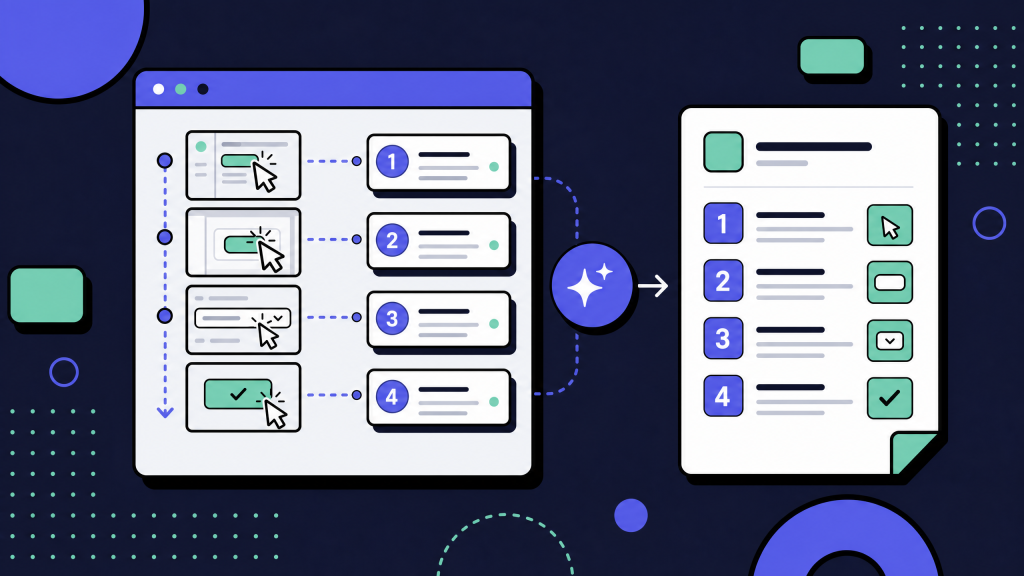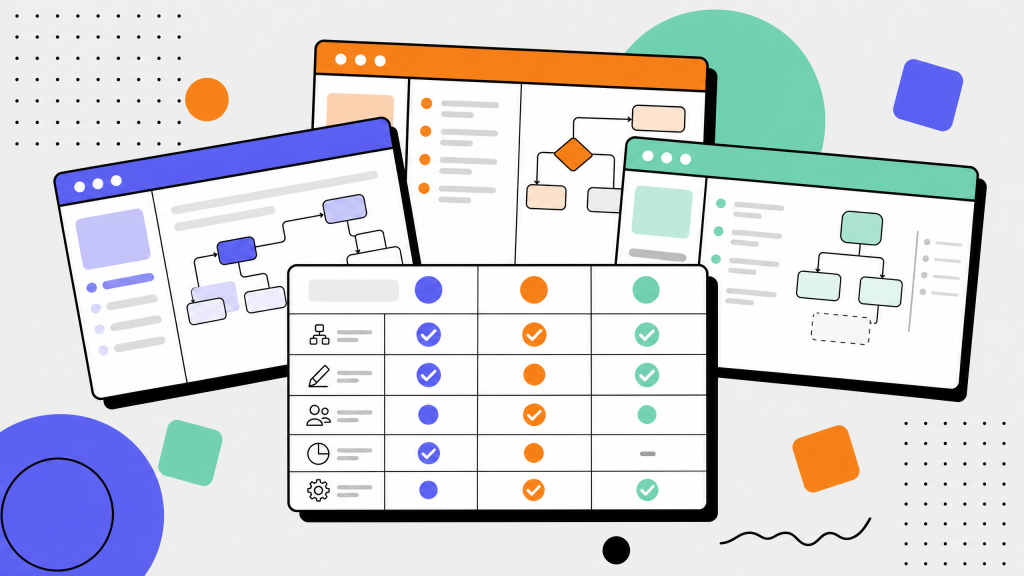
Most teams looking for Tango alternatives are not necessarily unhappy with Tango.
They have usually hit one of three limits: the free tier no longer fits, the team needs more governance, or they need integrations that support a larger SOP library.
That is common in capture-first documentation. A tool that works well for one person creating quick guides may not fit a team managing hundreds of SOPs across departments.
The question is no longer: “Which tool can record my screen and turn it into steps?”
Most tools in this category can do that.
The better question is: “Which tool fits how our team handles AI quality, governance, pricing, and scale?”
This guide compares six Tango alternatives across the same three axes: AI capabilities, governance, and pricing model. It also covers the Tango vs. Scribe comparison directly, because that is usually the shortlist most teams start with.
Key takeaways
- Capture-first SOP tools are converging on AI features. Auto-step generation, rewrite, and summaries are increasingly common.
- The bigger differences are governance, integrations, pricing model, and how well each tool fits your audience.
- The six alternatives split into three groups: lightweight capture, AI-video-led tools, and SOP/training suites.
- Pricing model matters more than headline price. Per-user, per-creator, and per-employee pricing behave very differently as teams grow.
- Scribe is usually the closer Tango substitute for teams. Tango is often simpler for individuals and small teams.
What is a Tango alternative?
A Tango alternative is any capture-first or capture-adjacent tool used to create step-by-step documentation from a screen workflow.
That category includes:
- Lightweight capture tools
- AI-video tools
- Interactive guide tools
- SOP and training platforms
- The shared job is simple: record a workflow and turn it into something someone else can follow.
- The difference is in the output. Some tools produce clean screenshot-based guides. Some produce video. Some create interactive simulations. Some wrap SOPs inside training programs.
- That is why the best alternative depends less on “features” and more on how your team actually uses documentation.
What Tango does (and where it falls short)
Tango (tango.us) is a capture-first SOP tool that records a workflow on screen and auto-generates a numbered, screenshot-illustrated guide. The free tier is generous, the editor is fast, and the output looks clean. For an individual or a small team writing ad-hoc one-page SOPs, it is hard to beat on the first 90 days of use.
Three ceilings push teams to look for Tango alternatives. First, governance: SSO, granular RBAC, and audit logging are limited compared with the SOP-suite tier. Second, AI depth: auto-step generation works, but AI-driven content rewrites, multi-language translation, and AI search across the whole library are thinner than the AI-video-led category.
Third, pricing model: as the team grows past 20 creators, the per-user economics start to compete unfavorably with per-creator pricing models elsewhere. None of those ceilings are blockers at small scale. They become blockers between team size 20 and 100.
For deeper coverage of how the broader category is evolving, see our work on how teams document workflows without writing a single word. For the wider buyer's framework, see process documentation software and the underlying process documentation best practices post.
The 6 capture-first Tango alternatives
These six tools are the realistic alternatives we see teams evaluate when they leave Tango. Each entry covers brand fit, AI capabilities, governance depth, pricing model, and the team profile it fits best.
1. Scribe (scribehow.com)
Scribe is the most direct Tango alternative.
It captures a screen workflow and turns it into a step-by-step guide with screenshots. It is often considered when teams want a similar capture experience with more team-oriented workflows.
Scribe is a strong fit for:
- Shared SOP libraries
- Customer support documentation
- IT support guides
- Sales enablement
- Internal process guides
- Its strengths are team workflows, shared libraries, embeds, Chrome and desktop capture, and redaction features.
- AI features typically focus on titling, rewriting, summaries, and making captured guides easier to polish.
- Governance depends on plan level, but Scribe is generally better suited than lightweight tools for teams that need permissions, version history, and audit visibility.
- Best fit: teams that like Tango's capture model but need stronger collaboration and governance.
2. Guidde (guidde.com)
Guidde is more video-led than Tango.
It creates AI-assisted video documentation with voiceover, subtitles, and transcript-based outputs. It can also support step-by-step documentation, but video is the primary strength.
Guidde is a strong fit for:
- Product training
- Customer onboarding
- Sales enablement
- Multilingual video guides
- Teams whose audience prefers watching over reading
- Its AI strengths are usually around voiceover, subtitles, summaries, and translation.
- The tradeoff is format. Video can be engaging, but it is often harder to scan and maintain than screenshot-and-text SOPs.
- Best fit: teams that need polished video-led documentation, especially for multilingual training.
3. iorad (iorad.com)
iorad is one of the more established tools in the capture-first space.
It captures workflows and can turn them into interactive tutorials or simulations. That makes it different from simple screenshot-based SOP tools.
iorad is a strong fit for:
- Training programs
- Employee onboarding
- Customer education
- Certification workflows
- Interactive practice environments
- Its value is strongest when the viewer needs to practice the workflow, not just read about it.
- This makes iorad more training-oriented than Tango.
- Best fit: teams that need interactive walkthroughs or simulations, not just static guides.
4. Stonly (stonly.com)
Stonly is strongest when workflows branch.
Instead of producing only linear guides, Stonly supports interactive decision trees where the viewer answers questions and gets routed to the right path.
Stonly is a strong fit for:
- Help centers
- Customer self-service
- Support troubleshooting
- Complex product flows
- Branched internal procedures
- This matters when one guide needs to handle different user types, plans, products, or issue states.
- The tradeoff is setup time. Branching guides usually require more structure than a simple captured SOP.
- Best fit: support and self-service teams that need decision-tree documentation.
5. Loom (loom.com)
Loom is video-first.
It is not a direct SOP tool in the same way Tango is, but it belongs on the shortlist when a team's documentation culture is already built around async video.
Loom is a strong fit when:
- The workflow is easier to explain verbally
- The audience prefers watching
- Speed matters more than structured documentation
- The team already uses Loom heavily
- Loom's AI features can help with summaries, titles, transcripts, and document-style outputs.
- The weakness is maintainability. Video is harder to update, search, and scan than a structured SOP.
- Best fit: teams that already rely on async video and only need lightweight documentation from it.
6. Trainual (trainual.com)
Trainual is broader than a capture-first SOP tool.
It is an SOP and training platform, usually used for onboarding, role-based training, and employee development.
Trainual is a strong fit for:
- HR-led onboarding
- Role-based training
- Compliance training
- Internal enablement
- Teams that need progress tracking
- Its strength is not just creating SOPs. It is assigning them, tracking completion, and organizing them into structured training programs.
- The tradeoff is that it may be heavier than needed if your team only wants quick process guides.
- Best fit: teams where SOPs are part of formal training and onboarding.
- For wider context on how AI is reshaping authoring across all six tools above, see our work on AI process documentation.
- Tool-selection takeaways
- Scribe is the closest direct Tango substitute for teams.
- Guidde and Loom are the video-led options.
- iorad is strongest for interactive training.
- Stonly is strongest for branching and self-service.
- Trainual is strongest when SOPs are part of role-based training.
- The real decision is not “which tool has AI?” Most have AI. The decision is which format, governance model, and pricing structure fit your team.
Tango vs Scribe: the most-searched comparison in this cluster
Tango vs. Scribe is the comparison most teams start with because the tools are the most directly substitutable.
The simple version:
- Tango is often better for individuals and small teams. Scribe is often better for teams managing shared SOP libraries.
- Scribe tends to win when the team needs:
- Shared libraries
- Version history
- More governance
- Stronger team workflows
- Broader documentation distribution
- Tango tends to win when the team needs:
- Fast guide creation
- A simple editor
- Lightweight use
- A generous free or low-friction starting point
- The decision rule:
- If one person creates quick guides for a small audience, Tango may be enough.
- If a team owns SOPs that need to survive handoffs, reviews, and scale, Scribe is usually the stronger shortlist candidate.
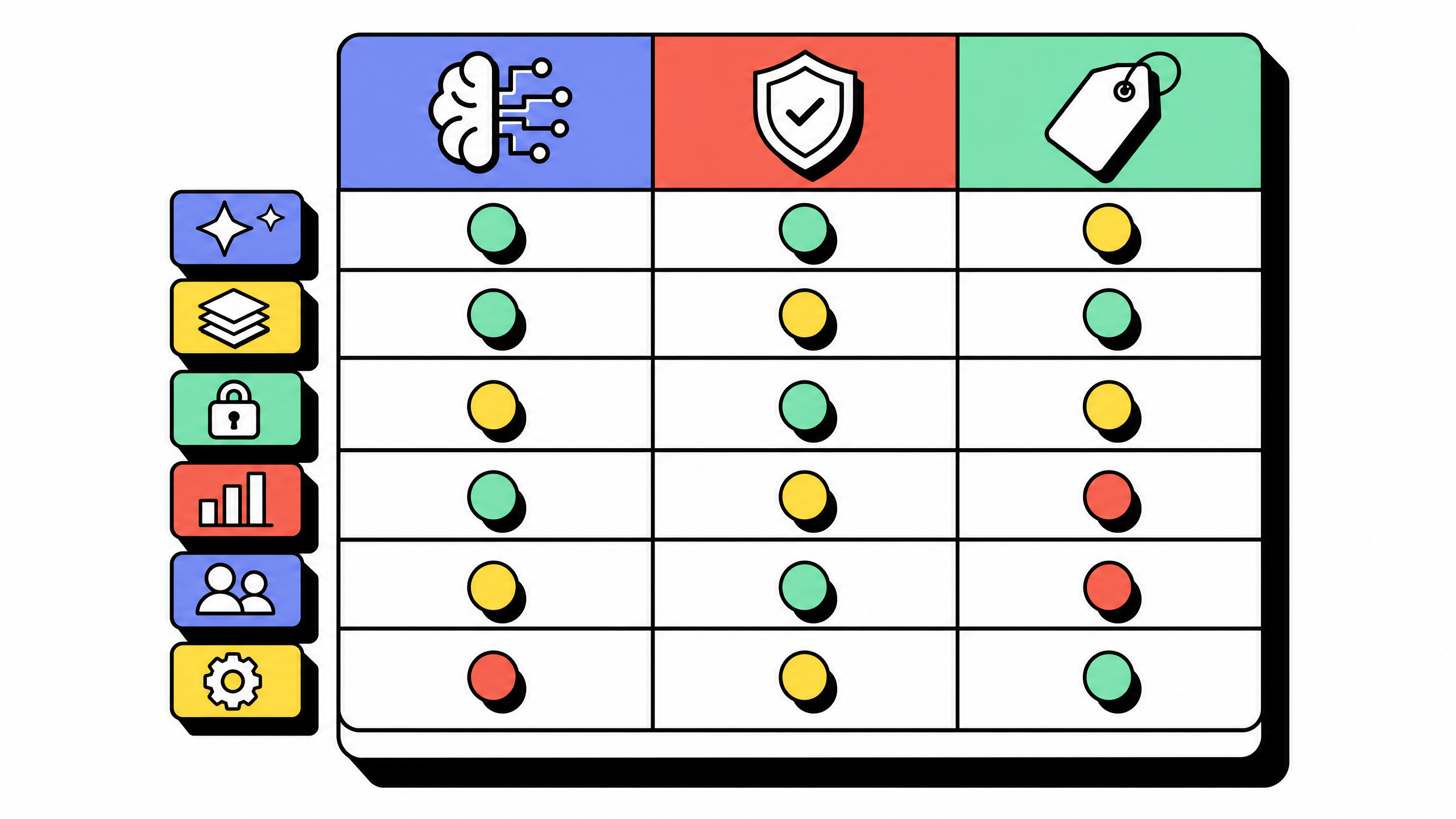
Comparison table: AI, governance, and pricing across the 6 alternatives
Pricing approaches change quarterly. Verify each vendor's current tier names and seat-count limits at the vendor's pricing page before signing a contract.
The table is honest about where the tools converge. AI capabilities are the smallest source of differentiation today, because every vendor has shipped auto-step plus rewrite. Governance and pricing model are where the real decision happens.
How to choose between Tango alternatives in 4 steps
Run this 4-step decision flow on a shortlist of 2 to 3 from the table above. Skip it if you already know which group fits.
Step 1: pick the group, not the tool
The 6 alternatives split into three groups:
- Lightweight capture: Scribe (and Tango itself).
- AI-video-led: Guidde, Loom.
- SOP-suite or training: Stonly, iorad, Trainual.
- The group is determined by the dominant output format your audience needs and the wider workflow the SOPs live inside. Get the group right and the tool short list is 2 to 3, not 6.
Step 2: stress-test governance against your largest 2-year scenario
Imagine the team in 24 months: 5x today's creator count, 3x today's viewer count, and a regulated workflow that requires audit. Does the tool support SSO at that scale, granular RBAC at that depth, and an audit log per-document or per-field? Tools that lose at this step are not necessarily wrong now. They are wrong for the migration cost in year 2.
Step 3: model pricing on your authors-to-viewers ratio
Per-user pricing rewards teams where authors and viewers are mostly the same people (engineers reading their own runbooks). Per-creator pricing rewards teams with many viewers per author (customer-support agents reading SOPs written by 3 lead writers). Run the math on your real ratio, not on a vendor-provided sample.
Step 4: trial against a real captured workflow, not the demo
Demo data is sanitized. Real environments have weird URLs, sensitive customer data in screenshots, and 7-step workflows that turn into 23-step ones once you actually capture them.
Run a 5-capture trial on real flows. Score the output on legibility, redaction, edit speed, and how the captures search inside the team library. The best tool at 5 captures is rarely the best at 500.
Common mistakes when picking a Tango alternative
Five mistakes show up in every comparison cycle that ends in a re-migration.
Mistake 1: choosing on AI features that are already converging
Every vendor in this list now ships auto-step, rewrite, and summarization. Picking on AI demos rewards the vendor that demos best, not the tool that fits your team's workflows. Use governance and pricing as the deciding axes.
Mistake 2: ignoring the authors-to-viewers ratio
Per-user pricing looks cheap on a small team and expensive at 200 viewers. Per-creator pricing looks expensive on a small team and cheap at 200 viewers. Teams that pick on the headline number, not the model, end up paying twice the expected total cost of ownership.
Mistake 3: skipping the governance stress test
A tool that fits today and not in 18 months is a tool you will replace. The replacement migration is the highest-cost moment of the entire SOP program. Pick on the 24-month scenario, not the today scenario.
Mistake 4: trialing on vendor demo data
Demo workflows are sanitized, short, and curated to make the tool look good. Real workflows are messier and reveal the limits faster. Trial on 5 real captures from the team's actual systems.
Mistake 5: not validating data portability
Capture-first SOP libraries become decade-long investments. Confirm export format (Markdown plus images is safest), API access, and contract terms on data return before signing a multi-year contract. The tool you cannot leave is the tool you have over-paid for.
Mistake-avoidance takeaways
Do not choose on AI demos alone.
Pricing model matters more than headline price.
Trial with real workflows.
Check governance and export terms before signing.
How long should the Tango-replacement evaluation actually take?
Two to four weeks for a small team. Four to eight weeks for an organization with procurement.
A small-team flow looks like this:
- Week 1: pick the group from the three above.
- Week 2: run the 5-capture trial against 2 to 3 tools.
- Week 3: score against governance and pricing model.
- Week 4: migrate a small library as a pilot before rolling out everywhere.
Larger organizations add a procurement loop, a security review, and integration testing. That adds 4 to 6 weeks. Anything faster than 2 weeks is usually a feature-demo decision rather than a fit decision.
For more on how to build the rest of the SOP program around the chosen tool, see our 7-step framework for creating SOPs. The companion piece on 12 SOP patterns that survive UI changes covers the format choices that protect your library through vendor changes.
FAQ
What is the best alternative to Tango?
There is no single best alternative. Scribe is the closest direct substitute. Guidde and Loom fit video-led teams. Stonly fits branched self-service guides. iorad fits interactive training. Trainual fits onboarding and training programs.
Is Scribe better than Tango?
Scribe is often better for teams that need shared libraries, governance, and version history. Tango is often better for individuals or small teams that need fast, simple guide creation.
What is similar to Tango for screen recording?
Tools similar to Tango include Scribe, Guidde, iorad, Stonly, and Trainual. Loom is similar if your main need is screen-recorded video, though its primary output is video rather than step-by-step SOPs.
How does Tango compare to Loom?
Tango creates screenshot-and-text guides. Loom creates screen-recorded videos, with AI-generated summaries and document-style outputs. Choose Tango when readers need to scan steps quickly. Choose Loom when verbal explanation and async video matter more.
Are there free alternatives to Tango?
Yes, several tools offer free tiers. Free tiers are useful for evaluation and light usage, but check limits carefully before building a full SOP library on one.
What is Tango used for?
Tango is used to capture screen workflows and turn them into step-by-step guides with screenshots. Common use cases include internal SOPs, support guides, IT runbooks, and onboarding walkthroughs.
Can I migrate my Tango docs to another tool?
Usually yes, but the quality of the migration depends on export formats and the target tool's import support. Confirm PDF, HTML, image export, API access, and import options before committing.