Someone explains how to set up MFA. Someone else walks through the HR portal. A manager records a quick video for expenses. A teammate answers the same Slack question three times in one week.
The problem is not that onboarding teams lack care. It is that too much of the process still depends on people repeating the same software steps live.
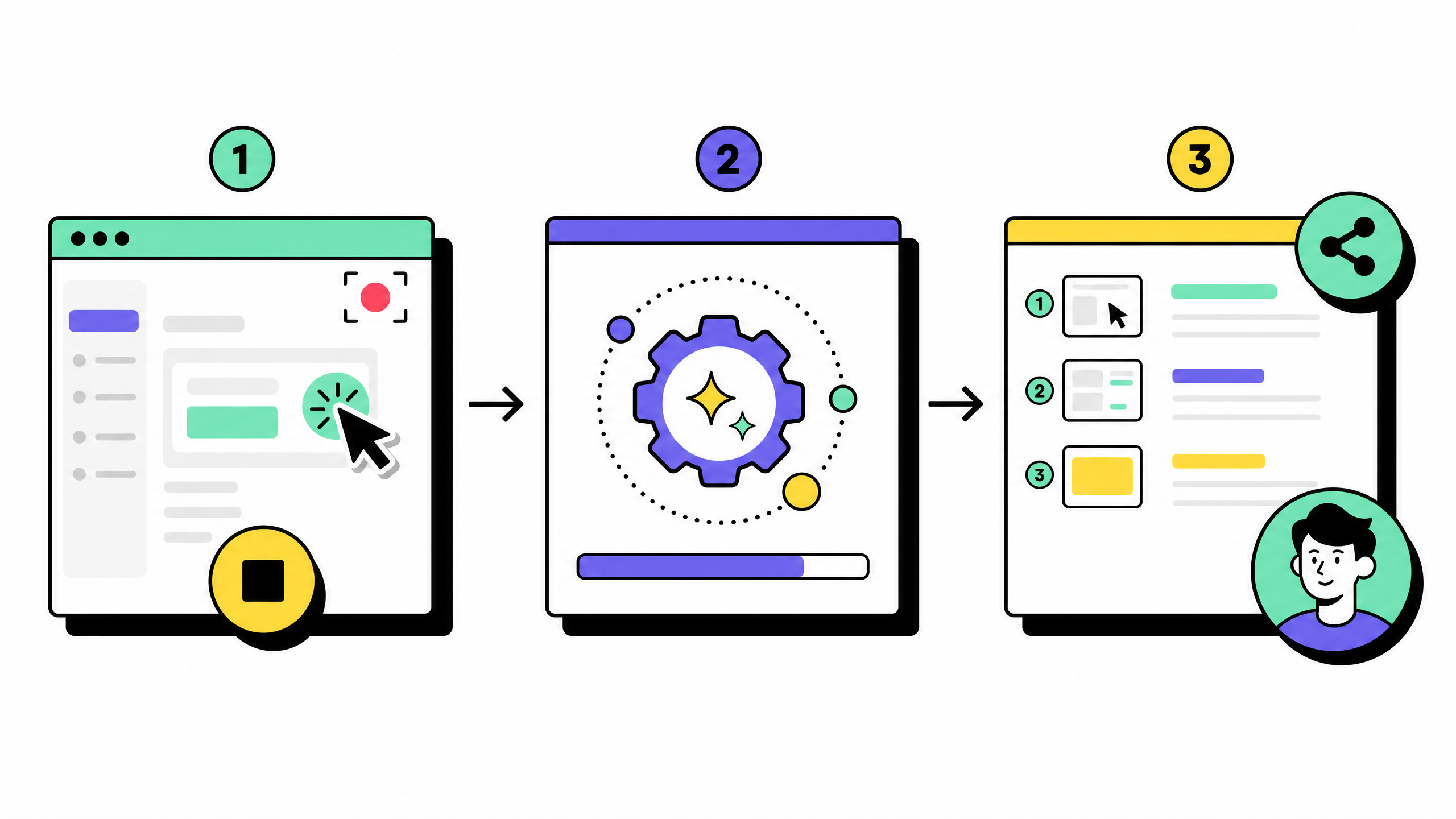
AI-generated, step-by-step guides solve one specific part of that problem: they turn real software workflows into clear, visual instructions new hires can follow on their own.
They do not replace HRIS, payroll, LMS, or managers. They make the browser-heavy parts of onboarding easier to repeat, share, and update.
Key takeaways
- Employee onboarding is the path from offer accepted to productive work. The usual failure is not a missing welcome message. It is repeating the same software walkthroughs without a durable guide.
- Digital onboarding works when new hires can follow clear steps on their own time.
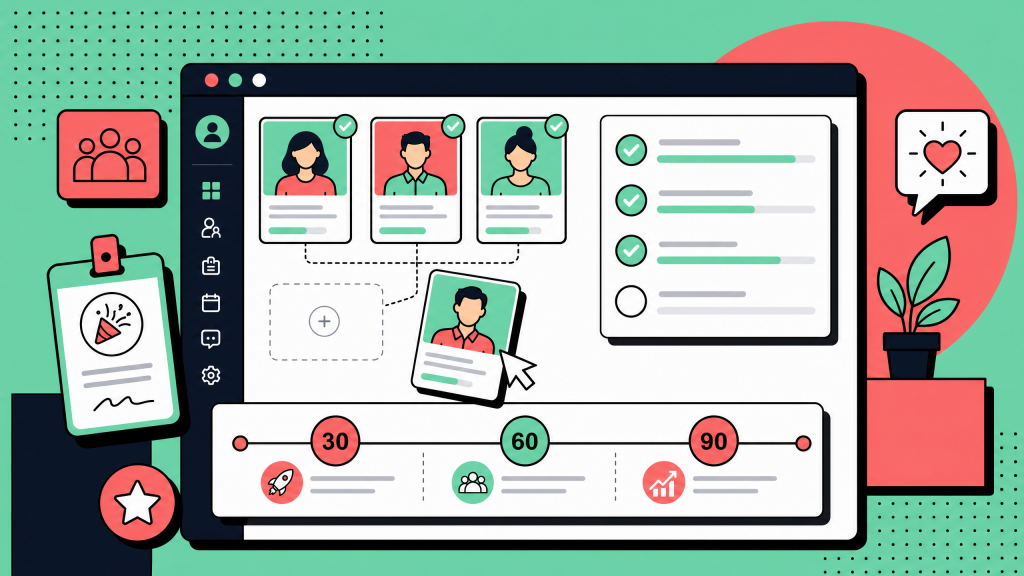
- AI-generated guides tied to real screens reduce calendar load and keep onboarding steps more consistent across managers.
- Workflow capture usually sits beside your HRIS, LMS, IT ticketing system, and wiki. It rarely replaces the system of record.
- Before rolling out any tool, check data handling, redaction, export options, embeds, and what happens when a vendor changes its UI.
Why employee onboarding feels slower than it should
People teams rarely lack empathy. They lack bandwidth. Every cohort still needs email, identity, chat, the HR portal, expenses, and internal tools. Experts know the clicks; new hires do not.
Static PDFs and slide decks drift the moment a button moves. Long videos help with culture and storytelling, but they are a poor match when someone only needs the next few clicks during week one.
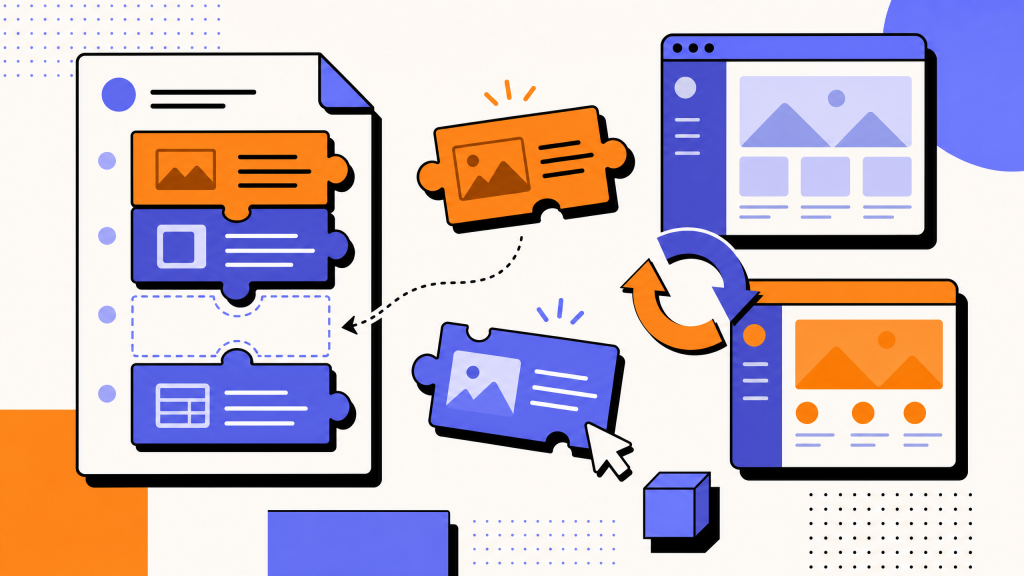
AI-generated, step-by-step guides address a narrow problem well: they turn a real session in software into a structured, skimmable path. New hire onboarding improves when those paths live next to your onboarding checklist, not only in someone's calendar.
What “AI-generated guides” are (and are not)
In this category, “AI” usually means draft text for each step plus screenshots from a recorded flow. The human still owns accuracy, tone, and policy fit. The tool should not invent your rules or sign contracts for you.
These guides are not a full LMS, not a compliance course by themselves, and not automatic self-healing documentation. When a vendor redesigns a screen, owners re-record or edit. Plan for light maintenance the same way you would for any living SOP library.
How visual guides fit your onboarding software stack
Most organizations already run onboarding software in the broad sense: HRIS, payroll, learning platforms, IT service management, and a knowledge base. Visual workflow guides complement that picture. They answer “show me exactly where to click” inside web apps.
Typical publishing patterns include a link beside a checklist row, a PDF in a welcome packet, or an embed in Notion, Confluence, or a help center. Pick destinations your security team already approves.
A practical playbook: from onboarding checklist to live guides
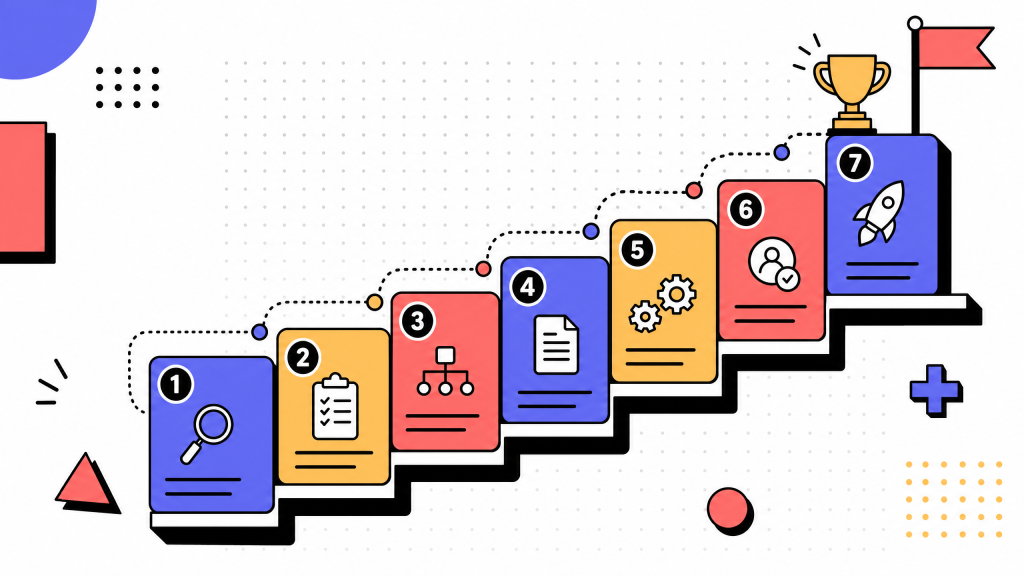
Inventory your onboarding checklist for week one only at first. Common items include MFA, VPN or SSO portals, email signatures, chat channels, PTO and expenses, and a short list of core internal tools.
Record the happy path while performing the flow for real. Capture the common case first; add branches later as separate paths or extra steps.
Edit titles and descriptions so names match your environment: real product names, correct URLs, and internal vocabulary new hires will actually see on screen.
Redact sensitive values before wide sharing. Manual blur is the minimum bar for IDs, tokens, and health or payroll fields. Automated detection is useful at scale if your vendor offers it on a controlled tier.
Publish next to the place hires look: the checklist, the wiki, or the ticket deflection article. Confirm creator versus viewer licensing before you promise org-wide passive access.
Assign an owner to refresh guides after material UI changes. Fast refresh beats perfect automation that never ships.
Security, privacy, and trust
Read each vendor's FAQ and Trust materials literally before you cite them in contracts or audits. Common topics include SOC 2 Type II, GDPR, encryption in transit and at rest, and whether customer content is used to train public models. If a sentence matters legally, quote the official page or run it past counsel.
Treat homepage testimonials as marketing until your comms team confirms named customers.
Limits to plan for with browser-first capture
Many products record the browser tab, not the whole operating system. If critical steps live only in a desktop client, you may need a second approach for those apps until a vendor ships desktop capture broadly.
If you need proactive in-app overlays across many products, that is a different class of solution than short capture-to-guide workflows. Match the purchase to the job.
Where Get Haiku fits (if you are comparing vendors)
Get Haiku is a Chrome extension–led workflow capture product from WalkMe. It records browser work, builds numbered steps with screenshots and editable AI-generated descriptions, and supports pause and resume. Outputs include link sharing and PDF on the free tier; embeds, Markdown, Word exports, smart redaction, Brand Kit, and analytics follow the paid matrix on pricing. Desktop capture is listed as coming soon on that same matrix, so plan digital onboarding around browser workflows today.
The public use cases page describes HR scenarios including self-serve guides for new hires. The compare page explains how positioning differs from full in-app digital adoption platforms. For implementation detail, see how it works and integrations.
FAQs
What is employee onboarding?
Employee onboarding is how you move someone from offer accepted to useful work in your systems and culture. It blends policy, provisioning, training, and role-specific tasks. Visual guides help most when the bottleneck is repeating the same software walkthrough for every hire.
What is the onboarding process for a new employee?
Programs vary, but most combine policy acknowledgements, account and device setup, security training, and app-specific tasks such as email, chat, HR portals, and expenses. Visual guides support the browser-heavy slice: record once, publish steps with screenshots, and attach them to your onboarding checklist or wiki.
Why is employee onboarding important?
Slow or unclear onboarding delays time to value, frustrates new hires, and burns subject matter expert time on duplicate screen shares. Self-serve guides do not replace managers; they reduce repeated explanations and keep sequences consistent.
Do step-by-step guides replace our HRIS or LMS?
No. Guides document how to use software. Your HRIS or LMS remains the system of record for people data, courses, and attestations where applicable.
How do browser capture tools record a workflow?
In general you install a browser extension, open the target app, start recording, and perform the flow. The tool maps interactions to steps with screenshots. Recording should start only when the user chooses it, not silently in the background. Product specifics differ by vendor; for Get Haiku, see how it works and the pricing FAQ for creator and viewer behavior.