IT documentation rots faster than almost any other internal documentation.
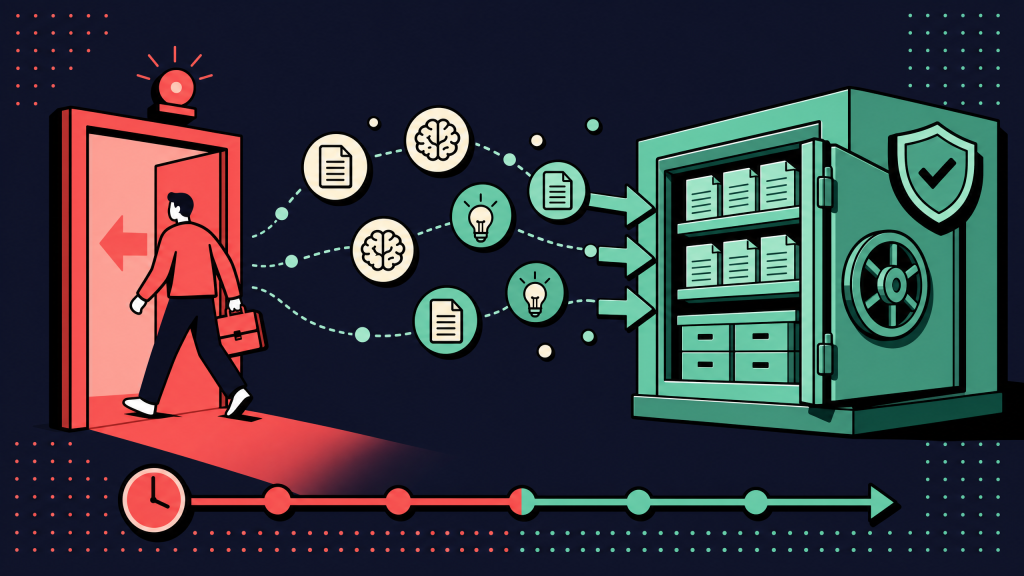
Not because IT teams are careless. Because the environment changes constantly. Passwords rotate. IPs get reassigned. Vendors ship patches. Admin consoles change. Last quarter's urgent firewall rule becomes irrelevant by the next review cycle.
By the time someone needs the doc, half of it may be wrong. The on-call engineer ends up rebuilding context from logs, tickets, and command-line output instead of trusting the runbook.
Most teams try to fix this by switching IT documentation software. Sometimes that helps. Sometimes it just moves the same problem into a new tool. The category is wider than it looks. A wiki, an IT-specific documentation suite, an MSP platform, and an end-user knowledge base can all be sold as “IT documentation software.”
Choosing the wrong type is more expensive than choosing the wrong vendor inside the right type. This guide covers the nine features IT teams should evaluate before buying, and how to test those features against your own environment.
Key takeaways
- IT documentation software helps teams capture, store, search, and update knowledge about systems, networks, accounts, vendors, and runbooks.
- It is stricter than general technical documentation software because the data is sensitive and the environment changes constantly.
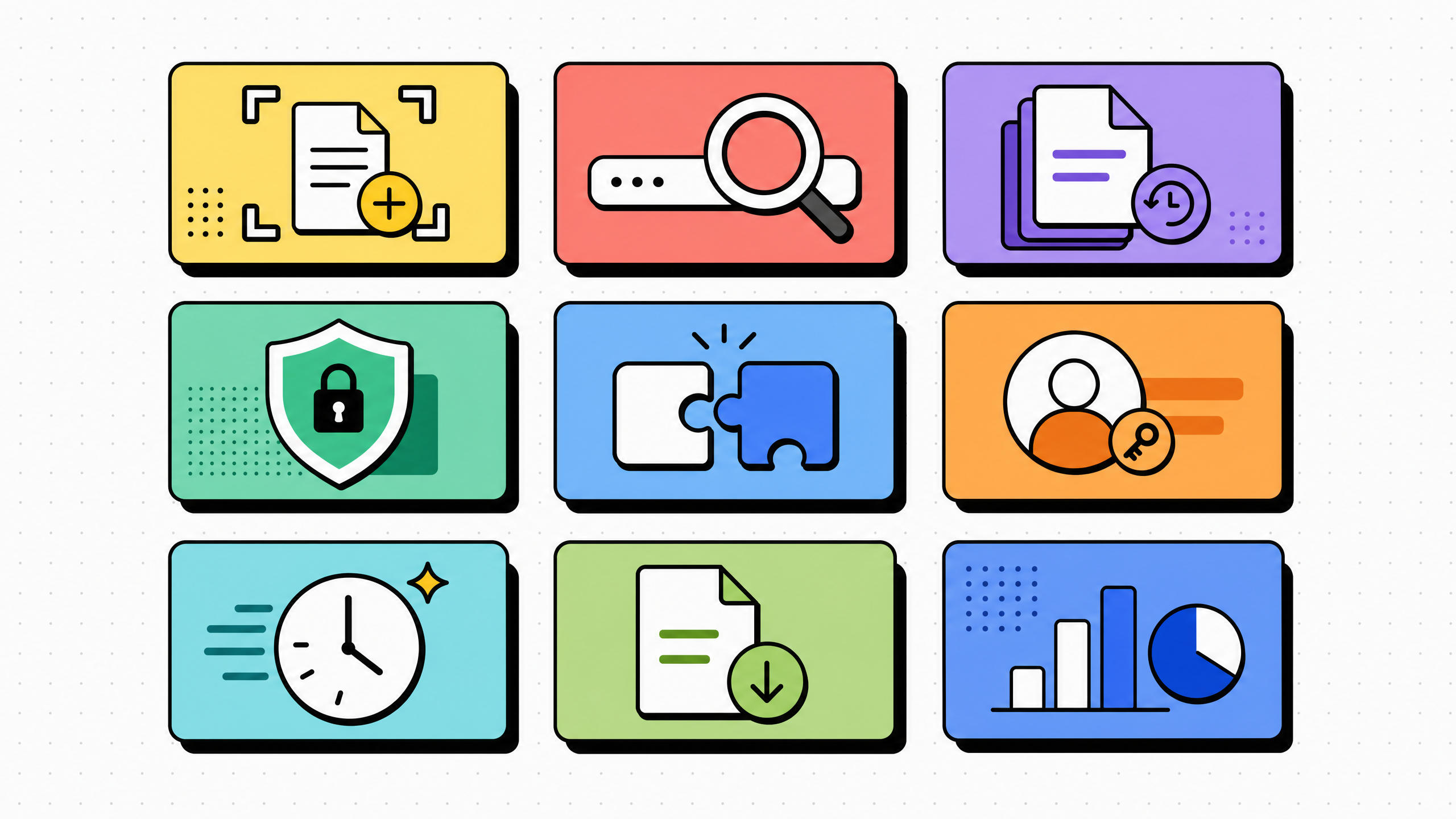
- The nine features split into three groups: environment modeling, authoring and maintenance, and governance/integration/exit.
- The most expensive mistake is buying a generic wiki and treating it like an IT documentation solution.
- Test tools against real parts of your environment, not vendor demo data.
What is IT documentation software?
IT documentation software is any tool used to capture and maintain operational knowledge about an organization's IT environment.
That can include:
- Assets
- Configurations
- Accounts
- Network topology
- Runbooks
- Vendor contracts
- Known errors
- Standard change procedures
It differs from a general wiki because the data is structured. A server is not just a page. It has an owner, IP address, model number, contract date, application dependencies, and maybe credentials tied to it.
It also differs from an end-user knowledge base. The audience is internal IT staff, help desk teams, system administrators, MSP technicians, and on-call engineers — not customers trying to reset a password.
A working IT documentation solution does three jobs:
- Models the environment clearly enough for the next engineer to understand it.
- Captures procedures so incidents do not start from zero.
- Tracks freshness so the team knows which docs to trust.
- Most products do one or two of these well. Few do all three without careful setup. That is why evaluation matters so much in this category.
How IT documentation differs from general technical documentation
Technical documentation software is the broader category. It can cover product docs, developer guides, internal wikis, policy libraries, and customer-facing help centers.
IT documentation is more specific.
It has to model relationships, such as:
- This server runs this application.
- This application supports this customer.
- This firewall rule protects this environment.
- This vendor contract applies to this location.
- It also has to handle secrets responsibly, version changes, restrict access, and remain searchable when many entries are stale or overlapping.
- A team that uses a generic wiki for IT documentation usually runs into the same problems:
- Search returns too many irrelevant results.
- Passwords or sensitive details end up in page bodies.
- Asset relationships are buried in prose.
- Nobody can quickly answer “which docs reference this server?”
- Permissions are too broad or too hard to maintain.
- These are not writing problems. They are data-model problems.
- A plain wiki can support IT documentation, but it usually cannot replace a real IT documentation system when the environment becomes complex.
- For deeper coverage of the broader documentation category, see our guide to process documentation best practices and the buyer's framework on process documentation software.
The 9 features every IT team should evaluate
These features are listed in the order most teams should evaluate them.
The first three answers: Can the tool model our environment?
The next three answers: Can we keep the documentation current and safe?
The last three answers: Will we regret this contract later?
1. Asset and relationship modeling
The tool should model assets as structured records, not just pages.
That includes:
- Servers
- Network devices
- Accounts
- Applications
- Contracts
- Locations
- Customers or business units
Each asset should be linkable to other assets. A reader should be able to move from a customer to their domain controller, from the domain controller to a related ISP contract, or from an application to the infrastructure it depends on.
A simple test: pick one real asset and ask, “What depends on this?”
If the answer requires full-text searching through page bodies, the tool is behaving like a wiki, not an IT documentation platform.
2. Capture-based runbook and procedure authoring
Most IT runbooks are click-by-click procedures: log into the firewall, navigate to a rule set, edit a value, save, verify. Typing those by hand is slow and produces docs that go stale on the next vendor UI change. Capture-first authoring (record once, generate a numbered guide with screenshots) collapses the authoring time and gives the team a "last captured" timestamp on every step.
For the wider authoring shift behind this feature, see how teams are documenting workflows without writing a single word. The same pattern that works for SOPs in customer-support tools applies to IT runbooks in admin consoles.
3. Search that spans both content and structured metadata
A 5,000-asset library is only useful if the on-call engineer can find the right entry in 20 seconds. Search has to span free text (page body, runbook steps), structured fields (asset type, IP address, owner, contract end date), and tags. A search that only covers page text returns 40 hits for "VPN" and forces the reader to scan every one. A search that filters by asset type and owner returns the three entries that matter.
Test this with the search the team actually runs at 2 a.m.: an IP address, a hostname, a customer name plus a service name. If those three tests do not return the right hit on the first page of results, the tool fails the search test.
4. Granular RBAC, SSO, and least-privilege defaults
IT documentation contains the most sensitive data the company stores. Admin credentials, vendor contracts, network diagrams, and customer environment details all live in this library. Role-based access control, SSO, and group-level permissions are not optional.
Defaults matter as much as the features themselves. A tool that ships with "all employees can view everything" turns least-privilege into a project the IT team will deprioritize for two years.
Confirm that RBAC works at three layers: per-folder (or per-customer for MSPs), per-document, and per-field. Field-level RBAC means the password field on an asset record can be restricted while the asset itself is visible. All three layers are needed for any environment with auditors or external IT contractors.
5. Versioning, audit log, and last-verified dates
IT docs decay because the environment changes.
The tool should show:
- Who changed what
- When they changed it
- What changed between versions
- When the entry was last verified
- The last-verified date is one of the most useful fields in an IT documentation library.
- An engineer can trust a runbook reviewed six weeks ago. They will be more cautious with one reviewed six quarters ago.
- Audit logs also matter during incidents. If an outage starts after a configuration change, the team needs to know what changed without relying on memory.
- Field-level history is stronger than page-level history because many outages come from small changes inside a record.
6. Auto-redaction and secrets handling
Screenshots in IT runbooks routinely capture sensitive data: tokens in URLs, customer names in account records, API keys in admin consoles. Auto-redaction of common patterns (email addresses, IPs, common token formats) should be on by default.
Manual redaction is a feature that gets used once a quarter. The once-a-quarter it gets skipped is the time a customer's data ends up in a screenshot inside a runbook shared with a vendor.
Secrets storage is a separate question. IT documentation tools that bundle a password vault have to meet the same bar as a dedicated vault. That bar covers encryption at rest with team-key management, time-limited reveal, audit on every read, and integration with the rest of the IT stack.
A good IT documentation solution does not require the team to maintain two separate sources of truth for asset metadata and asset credentials.
7. PSA, RMM, and ITSM integrations
For MSPs, the difference between a doc that gets opened and a doc that does not is integration. The integrations that matter are PSA platforms (ConnectWise, Autotask, HaloPSA), RMM platforms (NinjaOne, Datto, N-able), and ticketing systems. The doc has to surface inside the ticket, not in a separate browser tab.
For internal IT teams, the equivalent integrations are with Jira Service Management, ServiceNow, Freshservice, or whichever ITSM tool runs the helpdesk. A documentation tool that lives outside the ticket workflow will see most entries opened twice in their lifetime, then forgotten. Confirm the integration exists, then confirm it surfaces the right doc in the ticket UI, not just a search box.
8. Multi-tenant or multi-environment scoping
MSPs need true multi-tenancy. Every customer's documentation is fully isolated, every report is per-customer, every audit log is per-customer. A tool that handles this with folder permissions instead of native tenancy will leak customer data the first time a permission gets inherited wrong.
Internal IT teams have a related but smaller version of the same problem: production, staging, dev, and per-business-unit environments. The tool should support tagging or scoping every asset to an environment. A search for "database server" should not return ten production entries mixed with twenty staging entries. The technical term varies (workspaces, spaces, tenants), but the requirement is the same.
9. Data portability and exit terms
IT documentation libraries are decade-long investments. The data outlives the vendor relationship in most cases. Before signing, confirm three things:
- The export format. Markdown plus image bundle is safest. JSON with images is acceptable. Proprietary HTML-only export is a hard no.
- API access, so a future migration can be automated.
- Contract terms on data return after cancellation.
This is the one feature the sales demo will never bring up. It is also the feature you will care most about in year three. That is when the vendor changes pricing or gets acquired and the new owner deprecates the export. Read the data-portability clause in the contract before you sign, not after.
Section takeaways
- Features 1 to 3 decide whether the tool can model your environment.
- Features 4 to 6 decide whether the team can keep documentation current and safe.
- Features 7 to 9 decide whether the tool still works for you in year three.
- Score the boring rows carefully. They are usually where bad purchases hide.
How to score IT documentation software during a trial
Run the shortlist against three to five real scenarios from your own environment. The trial should cover the same flows the team runs every week, not vendor demo data.
Score each scenario from 1 to 5. Anything below 18 across the six rows is a no. Anything between 18 and 24 is workable if the cluster of weak rows does not include data portability. Anything above 24 is a real candidate.
The reason the scoring is harsh: replacing an IT documentation tool in year two costs more than the wasted contract. The team has to re-migrate every doc written in the meantime. Migrations between IT documentation suites are slower than between general wikis, because the asset relationships rarely map cleanly across tools.
Common mistakes when buying IT documentation software
The same five buying mistakes show up across IT documentation rollouts that get replaced inside two years.
Buying a wiki and calling it IT documentation
A wiki is a writing surface. An IT documentation tool models your environment. They look similar in a demo and behave very differently at 50,000 records. If the requirements include asset relationships, structured search, or per-field RBAC, do not buy a wiki, even if the wiki is already in the stack.
Skipping the secrets question
Some teams treat secrets storage as a separate procurement decision. That is reasonable when the team has a dedicated password manager that the documentation tool integrates with. It is unreasonable when the result is a documentation library full of plain-text credentials in page bodies. Decide on the secrets layer before you buy the documentation layer.
Not testing against a real environment
Vendor demo data is built to make the product look good. Real environments are dirtier, larger, and harder to search. Run the trial against an actual subset (one customer for an MSP, one business unit for internal IT). The product that wins in your environment is rarely the one that wins in the demo.
Underestimating MSP multi-tenancy
For MSPs, true tenancy is a hard requirement. Folder permissions are not equivalent. We have seen MSPs migrate twice in three years because of inherited folder permissions. The first tool leaked customer data the first time a junior tech inherited the wrong group.
Ignoring exit terms
The export format is the single most important contract clause in IT documentation procurement and the one teams most often skip. A tool you cannot leave is a tool you have over-paid for. Confirm Markdown or JSON export with images, plus API access, before you sign a multi-year contract.
Mistake-avoidance takeaways
Wikis fail at structured environments. Buy IT documentation software, not a writing surface relabeled.
Secrets handling and asset modeling are joint decisions, not sequential ones.
Demos hide the boring rows. Trials reveal them. Always trial against your own environment.
Multi-tenancy and data portability are contract questions, not feature questions.
How long should the buying process actually take?
For a small internal IT team, two to four weeks is usually enough.
For an MSP or enterprise procurement, four to eight weeks is more realistic.
A practical flow:
- Week 1: Decide which subtype you need: wiki, IT-specific suite, MSP platform, or ITSM-bundled knowledge base.
- Week 2: Shortlist three tools and run the trial scenarios.
- Week 3: Score the tools and pick the strongest candidate.
- Week 4: Migrate one customer, department, or business unit as a pilot.
- Anything faster than two weeks is usually vendor-led.
- Anything longer than eight weeks often means the team has not aligned on the product type. That problem needs to be solved before the rubric can help.
- That is a Step Zero problem the rubric cannot fix. For more on how authoring is shifting in adjacent documentation categories, see our work on AI process documentation.
FAQ
What is IT documentation software?
IT documentation software is used to capture, store, search, and update knowledge about an organization's IT environment. That includes assets, network diagrams, runbooks, credentials, vendor contracts, known errors, and standard change procedures.
What software is used for IT documentation?
Common options include IT-specific documentation suites, general wikis, ITSM-bundled knowledge bases, and capture-first runbook tools. The right choice depends on whether you are an MSP, internal IT team, or hybrid environment.
What is the difference between IT documentation and technical documentation?
IT documentation is internal operational knowledge about systems, networks, accounts, and infrastructure. Technical documentation is usually product or developer-facing content for customers, users, or integration teams.
Is Confluence good for IT documentation?
Confluence can work for narrative IT documentation such as policies, post-incident writeups, and internal handbooks. It is weaker for structured asset modeling, per-field permissions, secrets handling, and capture-first runbook authoring.
How do MSPs document their clients?
MSPs usually use IT-specific documentation tools with multi-tenancy, asset modeling, PSA integration, and credential management. Each client's environment should be isolated.
What should be included in IT documentation?
A strong IT documentation library includes asset inventory, network topology, credentials, runbooks, known errors, vendor contracts, disaster recovery plans, and compliance evidence.
How often should IT documentation be reviewed?
Review cadence depends on document type. Fast-changing runbooks may need quarterly review. Policy documents can often be annual. Credentials should be verified whenever passwords rotate. A visible “last verified” date on each entry is one of the best lightweight trust signals.